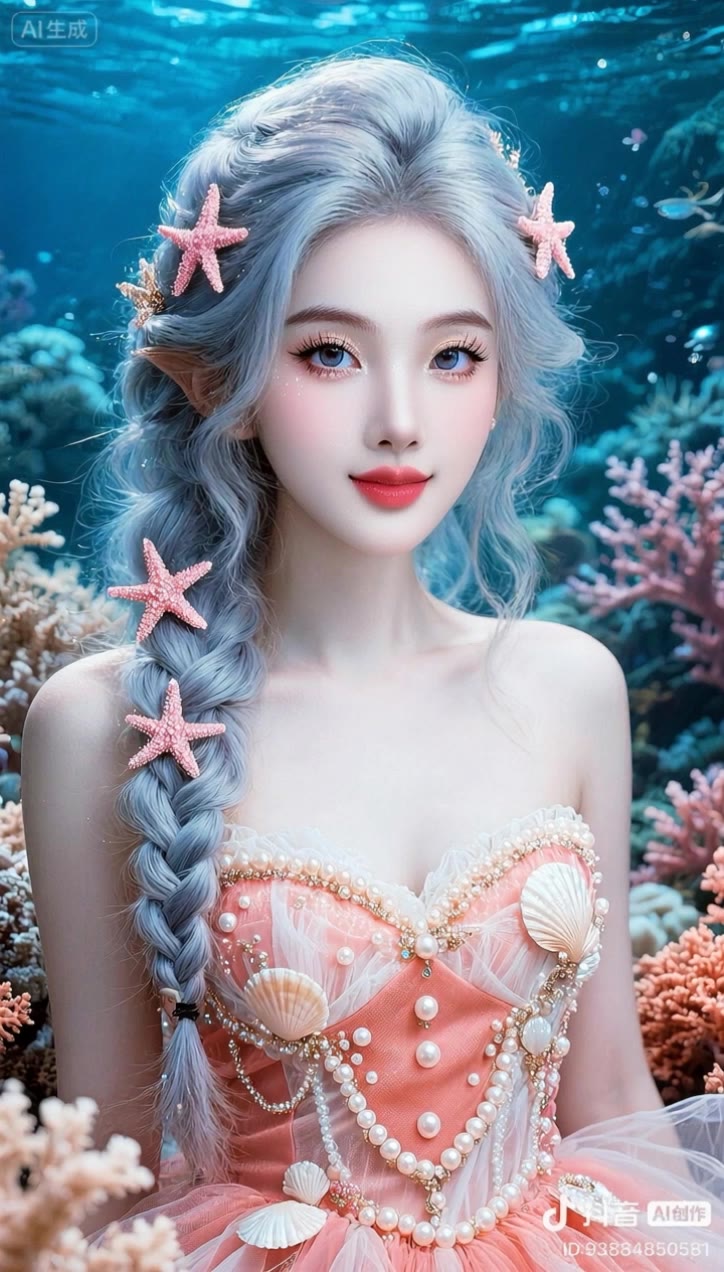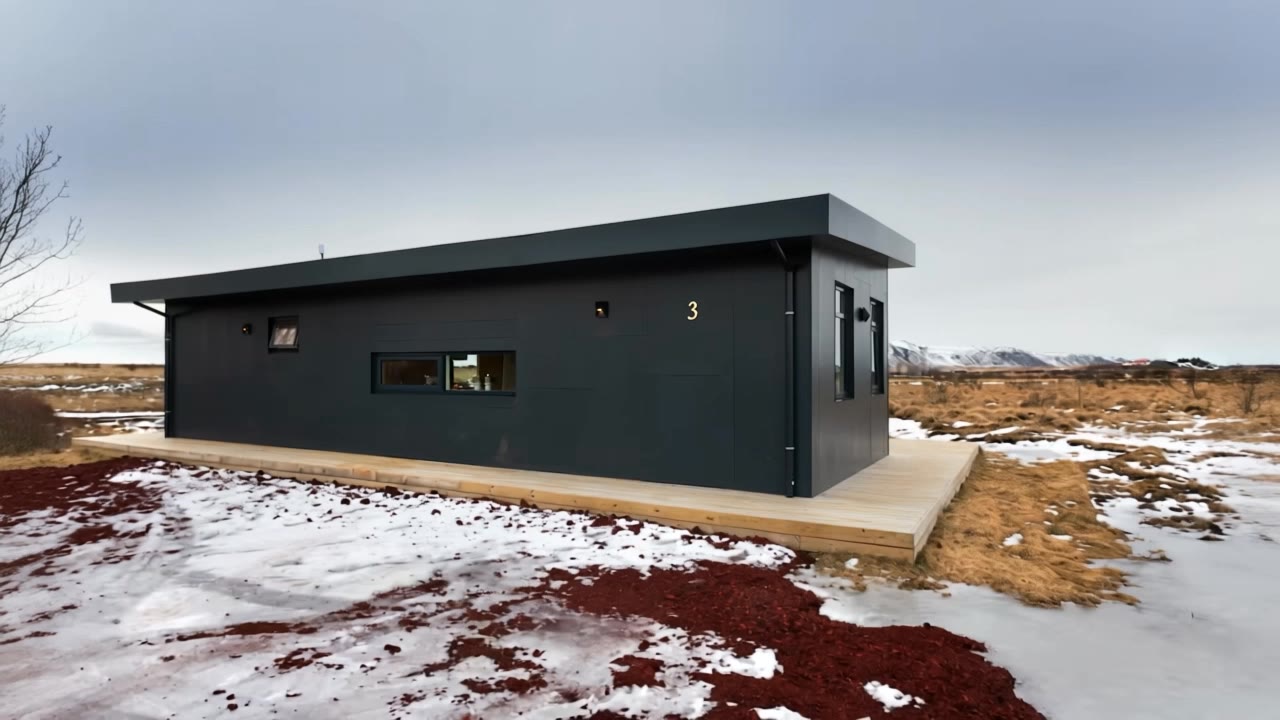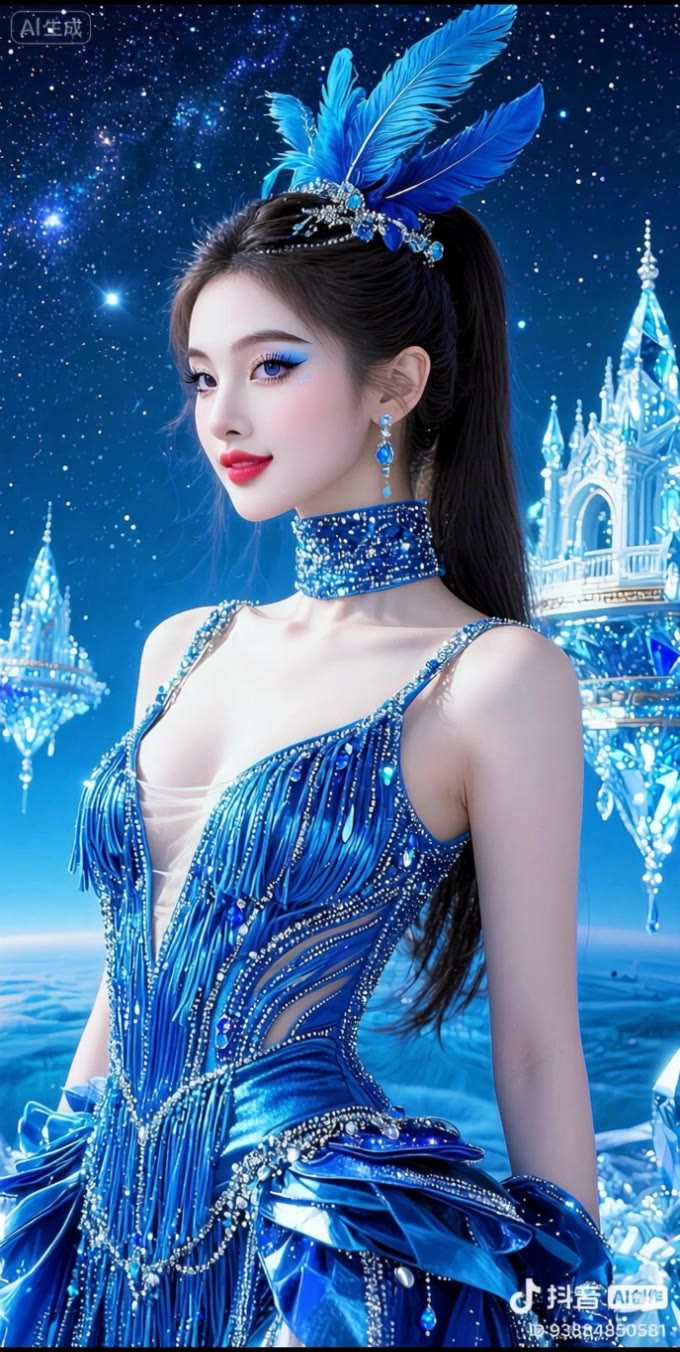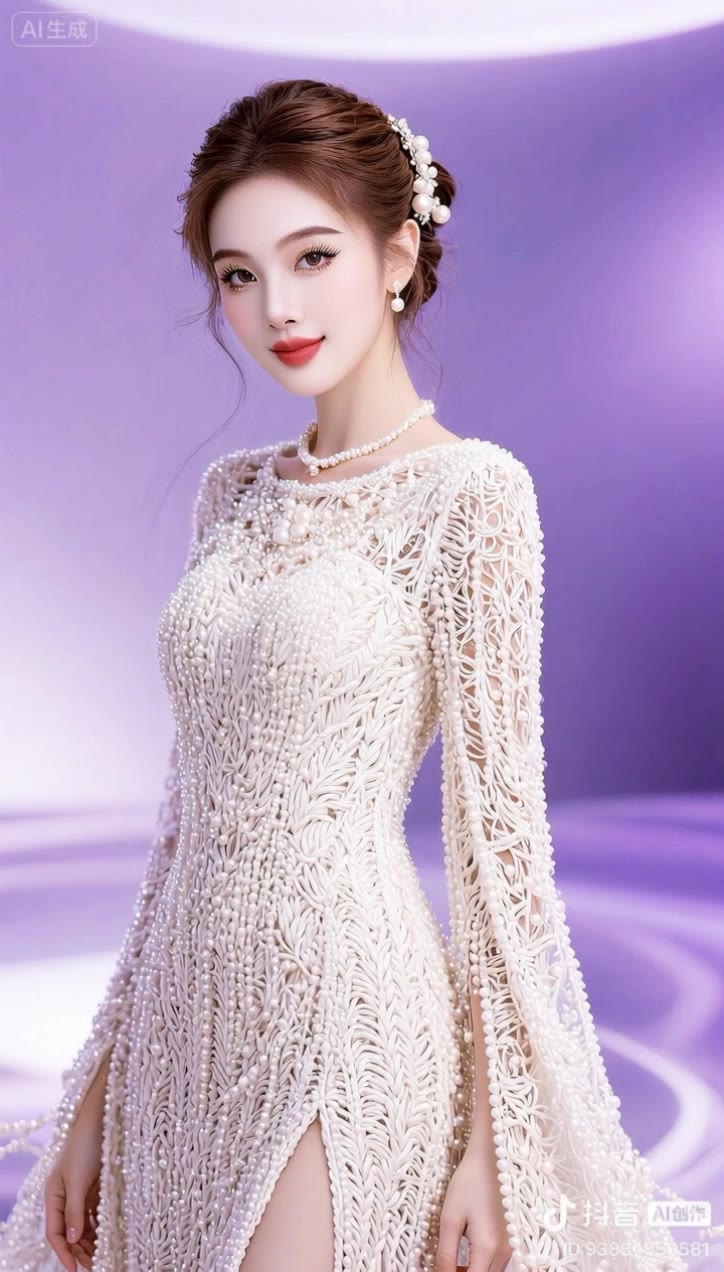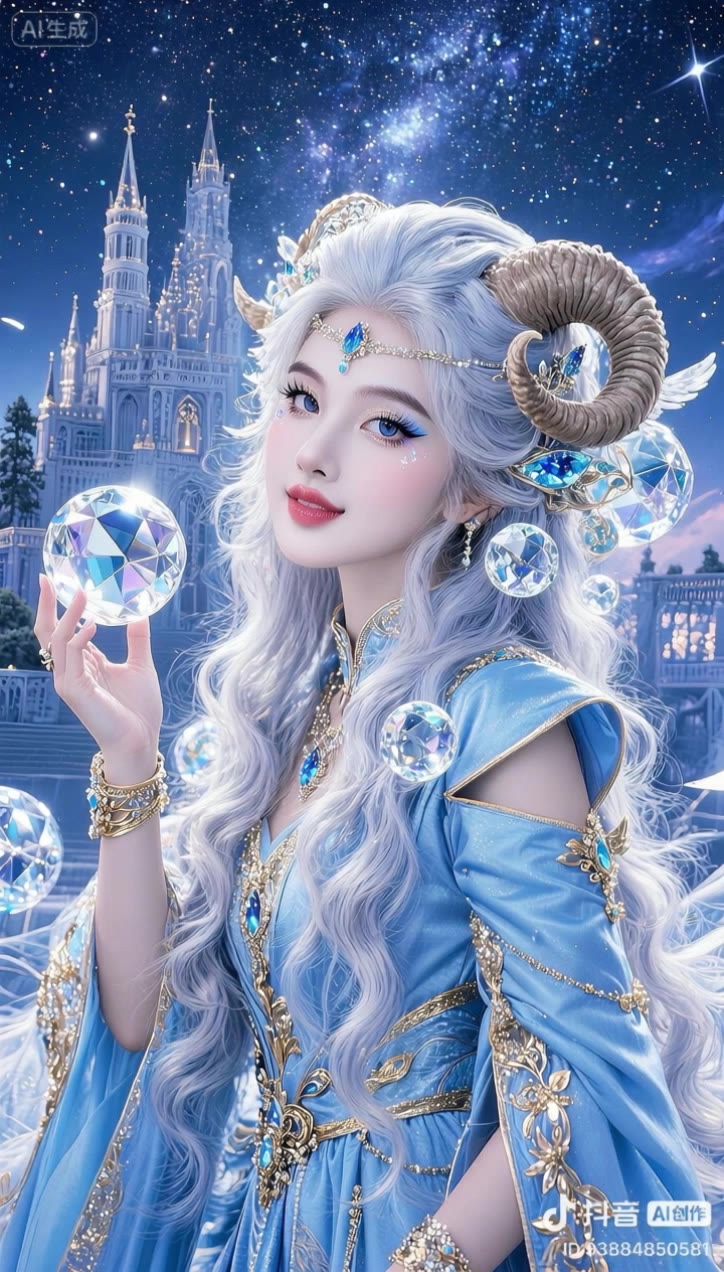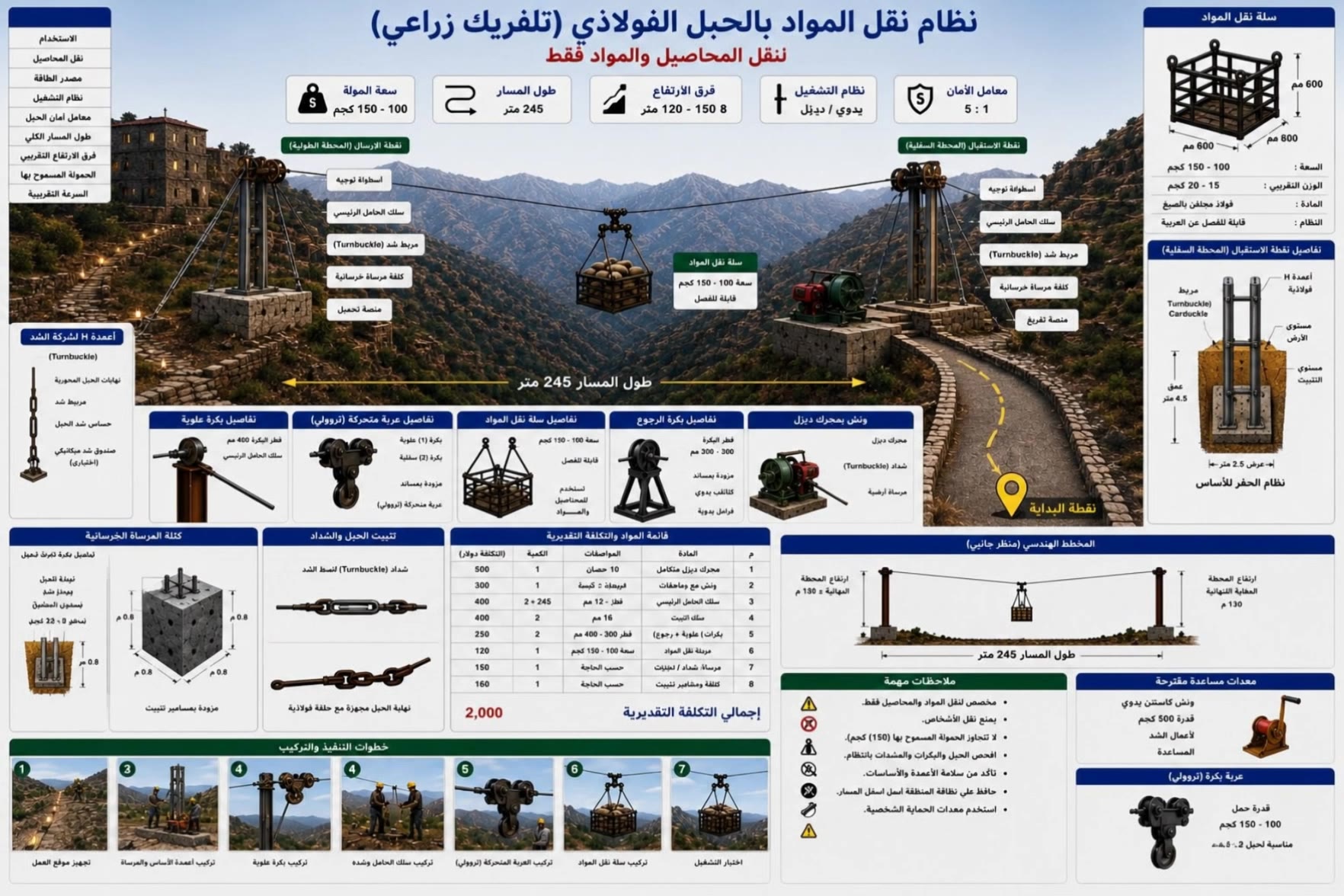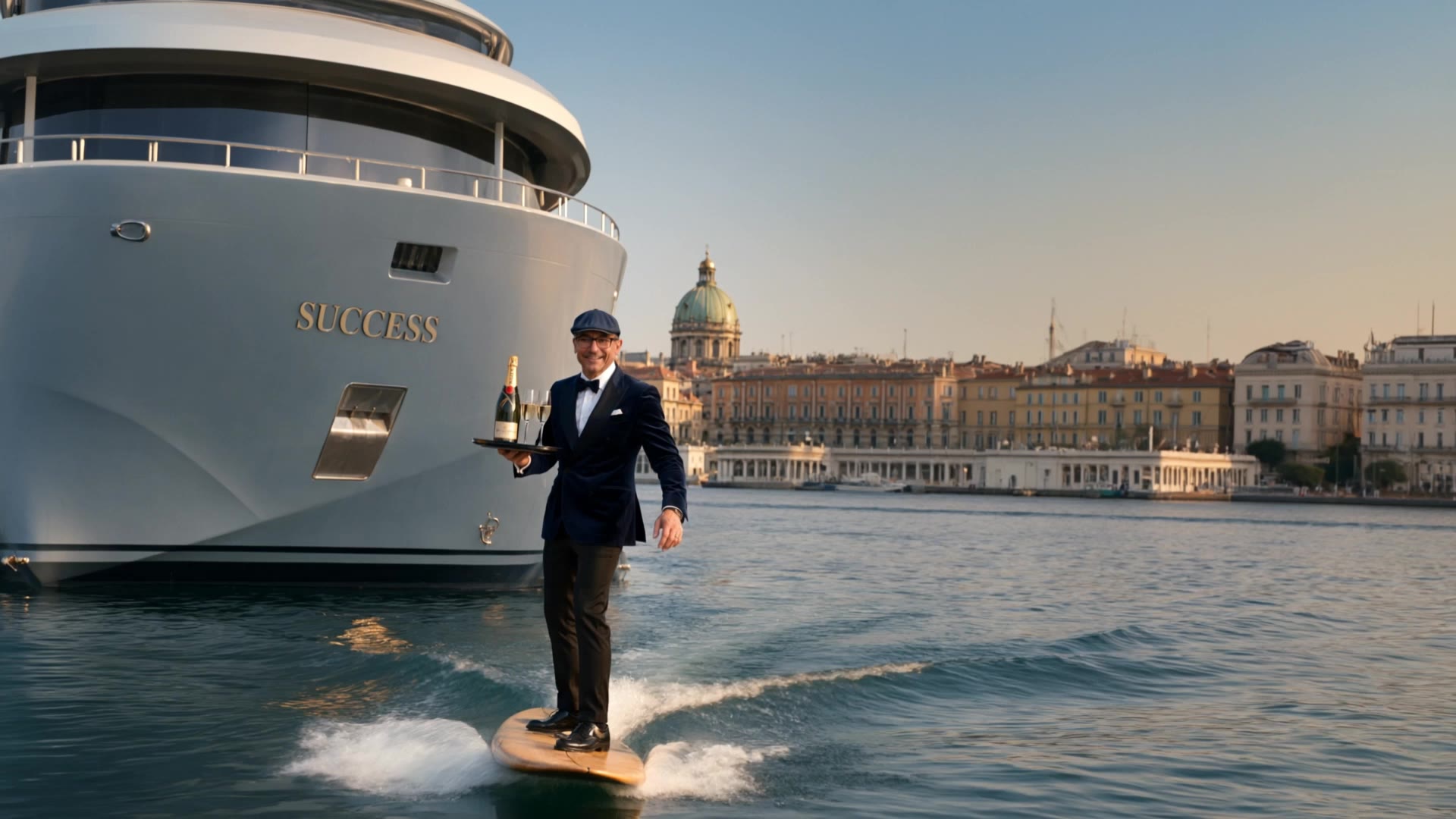

kling 2.1 master - Kolors 2.1 Visuals & Scandinavian Modern Design

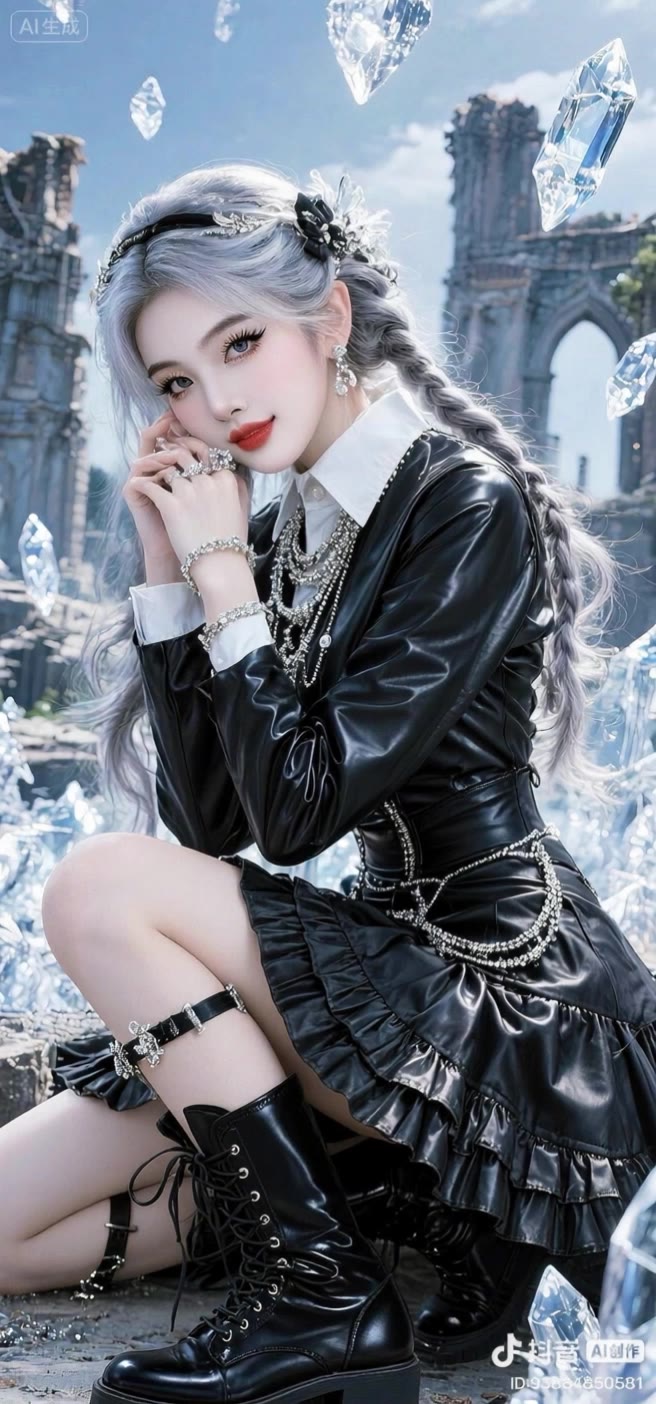
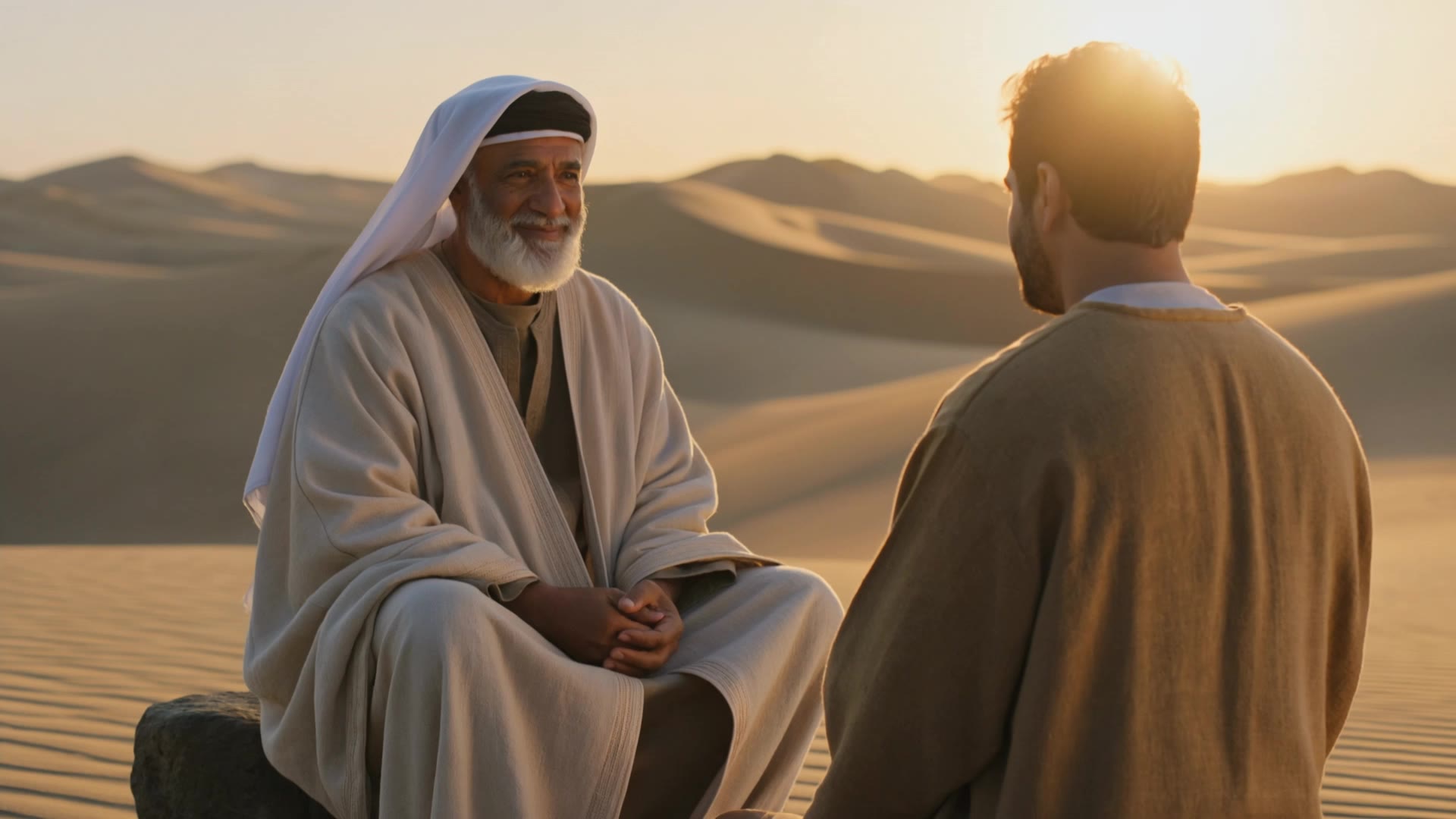
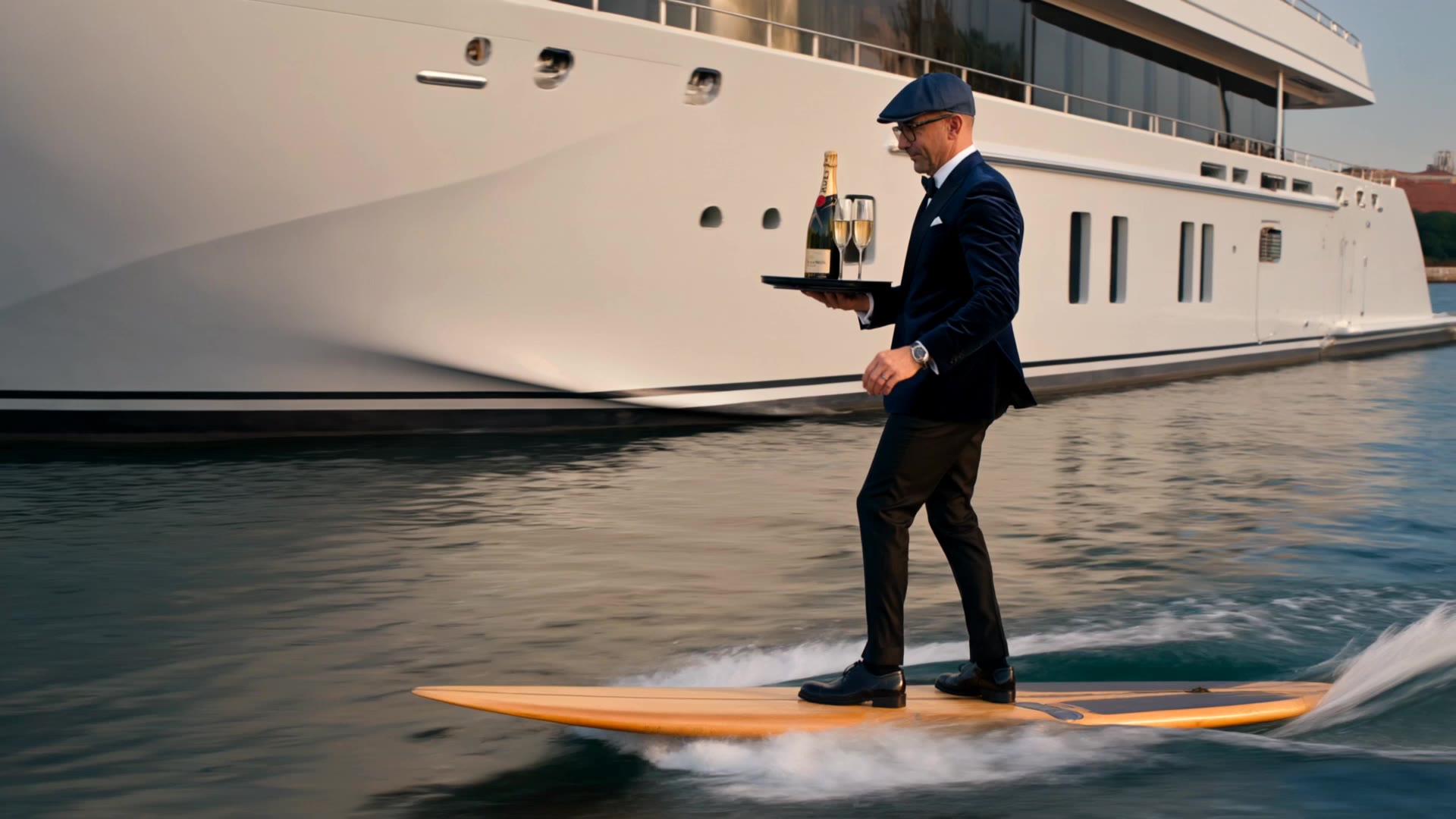
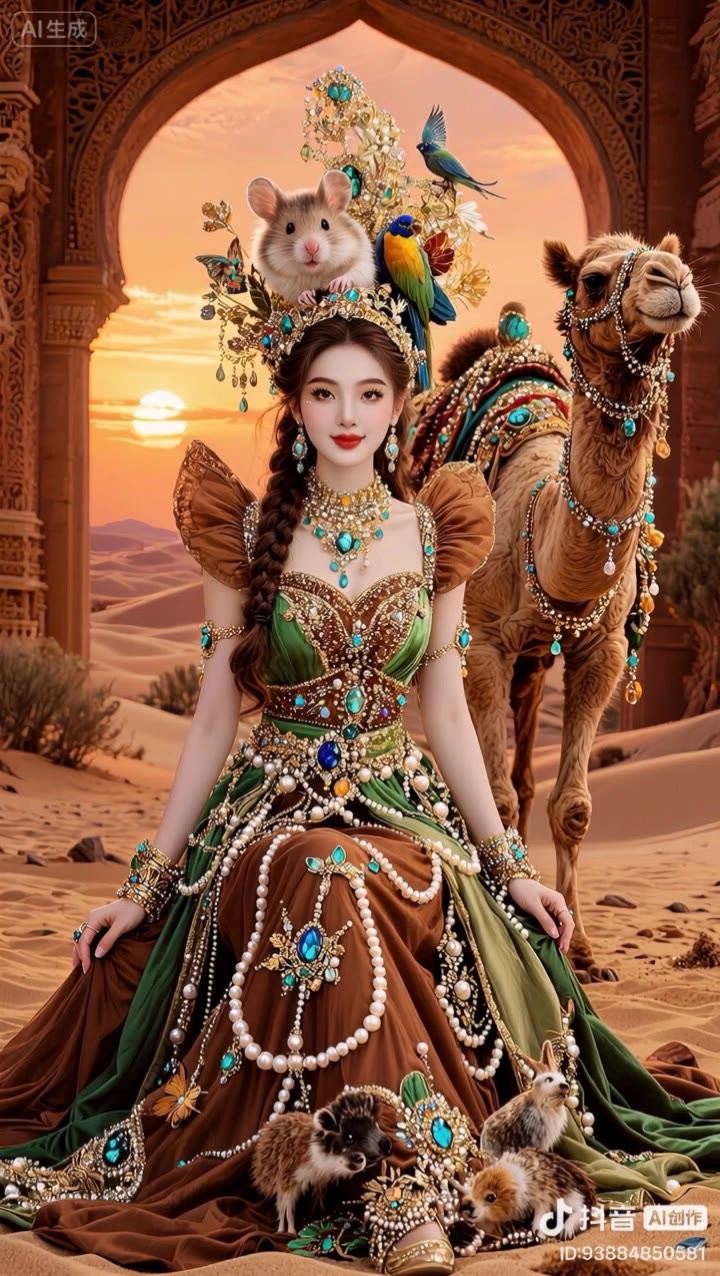
Dive into the evolution of Kling AI with captivating Kolors 2.1 visuals and advanced Kling 2.1 Master animations. Witness the transformation from KLING MODEL 1.6 to the superior Kling 2.1. Start exploring kling 2.1 master ideas and generate your own content with AI.

kling 2.1 master - Kolors 2.1 Visuals & Scandinavian Modern Design

Recommended

Kling AI work 316894286301592 - kling 2.1 master AI video
yCYJlaAp avatar
yCYJlaAp
Kling AI work 316744469528821 - kling 2.1 master AI video
🎀librakoreaa♎️ avatar
🎀librakoreaa♎️
Kling AI work 316819596613117 - kling 2.1 master AI video
🎀librakoreaa♎️ avatar
🎀librakoreaa♎️
Kling AI work 309332947616450 - kling 2.1 master AI video
KLING5595 avatar
KLING5595
Kling AI work 316894330503134 - kling 2.1 master AI video
yCYJlaAp avatar
yCYJlaAp
Kling AI work 316822270505853 - kling 2.1 master AI video
🎀librakoreaa♎️ avatar
🎀librakoreaa♎️
Kling AI work 316491753501902 - kling 2.1 master AI video
🎀librakoreaa♎️ avatar
🎀librakoreaa♎️
Kling  - kling 2.1 master AI video
KLING1408 avatar
KLING1408
Kling AI work 316745851528037 - kling 2.1 master AI video
🎀librakoreaa♎️ avatar
🎀librakoreaa♎️
Kling AI work 320157162327750 - kling 2.1 master AI video
NoTagMe avatar
NoTagMe
Kling AI work 314548538663816 - kling 2.1 master AI video
JTcOhtkD avatar
JTcOhtkD
Kling AI work 316827466525297 - kling 2.1 master AI video
🎀librakoreaa♎️ avatar
🎀librakoreaa♎️
Kling AI work 316828742614666 - kling 2.1 master AI video
🎀librakoreaa♎️ avatar
🎀librakoreaa♎️
Kling AI work 316744722507523 - kling 2.1 master AI video
🎀librakoreaa♎️ avatar
🎀librakoreaa♎️
Kling IMAGE 3.0 Model User Guide - kling 2.1 master AI image
YxIAgcaB avatar
YxIAgcaB
Kling AI work 316745172321119 - kling 2.1 master AI video
🎀librakoreaa♎️ avatar
🎀librakoreaa♎️
Kling AI work 316828800664898 - kling 2.1 master AI video
🎀librakoreaa♎️ avatar
🎀librakoreaa♎️
Kling AI work 317028726616673 - kling 2.1 master AI video
IouAkJph avatar
IouAkJph
Kling AI work 317101745323504 - kling 2.1 master AI video
aDpyFoSm avatar
aDpyFoSm

A Complete AI Video Editing Workflow

Upload Your Footage

Upload Your Footage

Start with a video you've filmed or generated. Add reference images, characters, or other supported assets if you want to guide how the edited scene should look.

Describe What You Want to Change

Describe What You Want to Change

Tell Kling what to replace, remove, or adjust. You can change the subject, background, action, camera angle, or visual style. Include details you want to keep from the original footage.

Preview and Download Your Video

Preview and Download Your Video

Generate your edited video and review the changes. Refine your prompt or references if needed, then download the version you're happy with.

Edit the Parts That Matter

Change Subjects, Backgrounds, and Style

Change Subjects, Backgrounds, and Style

A different character, a new product, or a completely different location can change the purpose of a video. Keep the footage you already have and update the elements that need another take. No green screen needed. Kling 4.0 supports adding, removing, and replacing subjects and scene elements using prompts and visual references. Change a product, replace a character, or move the action into a new setting. Reference images help guide the appearance of new elements while keeping the rest of the scene closer to the original.

Recreate Videos with Your Own References

Recreate Videos with Your Own References

Found a camera move, transition, or video concept that would work with your own character or product? You can use the original clip as a creative reference rather than recreating the entire shoot. Kling 4.0 draws on reference footage for pacing, shot composition, and movement while introducing your own subjects and visual style. Omni Reference supports up to 15 combined assets, subject to individual input limits. Combine character images, product photos, and video references to explore new versions while helping recognizable details stay consistent.

Extend Your Video Up to 2 Minutes

Extend Your Video Up to 2 Minutes

Continue an existing video forward or backward, adding footage before the opening or after the ending. Extend actions, camera movements, and storylines while keeping the new footage connected to the original scene. Kling 4.0's Video Extension supports multiple extension passes, reaching a total video length of up to 2 minutes. Build longer sequences with continuity in characters, settings, and movement, without recreating the entire video.

Apps

Image to Video
Image to Video

Image to Video

Text to Video
Text to Video

Text to Video

Omni
Omni

Omni

Digital Human
Digital Human

Digital Human

Restyle
Restyle

Restyle

Text to Image
Text to Image

Text to Image

60M+
60M+
Users
600M+
600M+
AI Videos Generated
4.7 ★
4.7 ★
App Store
Industry-Leading
Industry-Leading
Cinematic 4K

Reviews

Vincent Smadja

Vincent Smadja

★★★★★

Kling AI seamlessly integrates into my creative workflow, playing a key role in transforming my images. After generating and upscaling an image, Kling becomes a crucial element, bringing my creations to life with movement and depth.

Déborah

Déborah

★★★★★

I use Kling AI every day. It's amazing to see the almost daily progress it makes. I used AI for fun at first, and I now find that Kling AI's animations allow me to gain professional visibility, with three times more views on my animated posts than on my static posts.

KakuDrop

KakuDrop

★★★★★

I have successfully collaborated with world-renowned artists and well-known companies that are recognized globally

FAQ

Q1Can I use AI-generated videos for commercial purposes?
Q2How do I generate an AI video?
Q3How long can AI-generated videos be?

Start Creating AI Videos with Kling

Start with text or images and see what's possible with Kling AI. Create the footage, guide the movement, and keep working until the scene feels right. No complicated setup.

Text to Video | Image to Video | Omni Reference | Free tier includes watermark