
KlingAI Free Operations: AI-Powered Solutions

Get AI-powered operations and solutions with KlingAI. Easily adapt AI-generated concepts to your specific needs.

KlingAI Free Operations: AI-Powered Solutions

Recommended

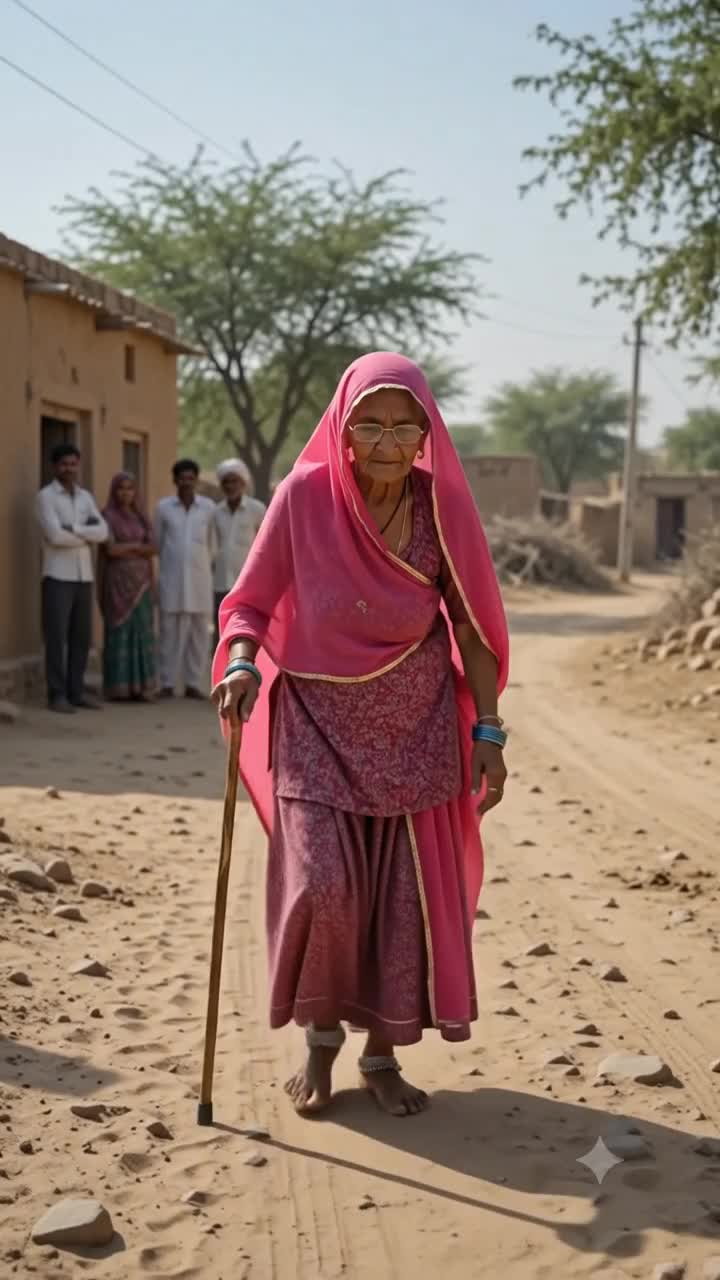
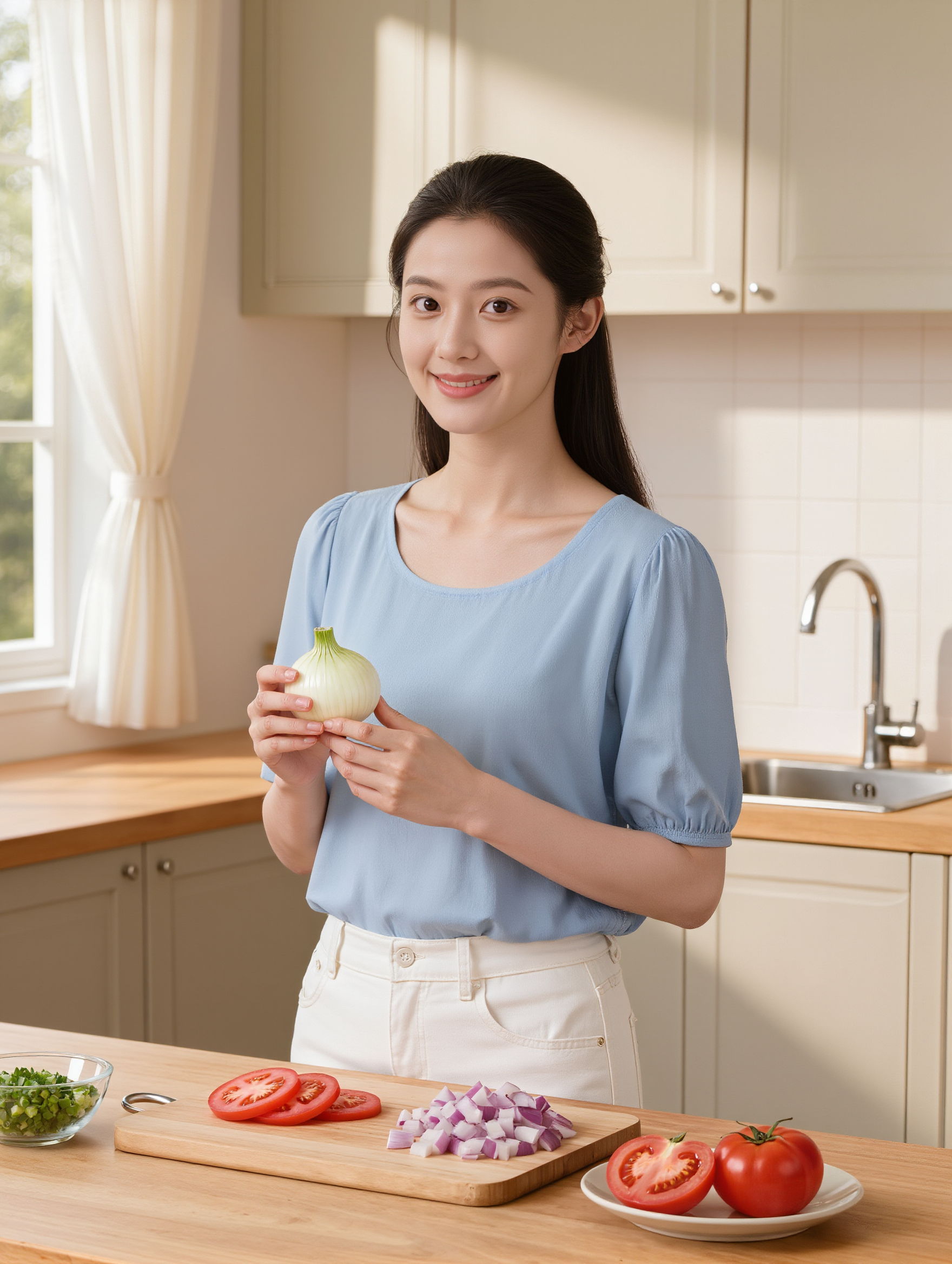
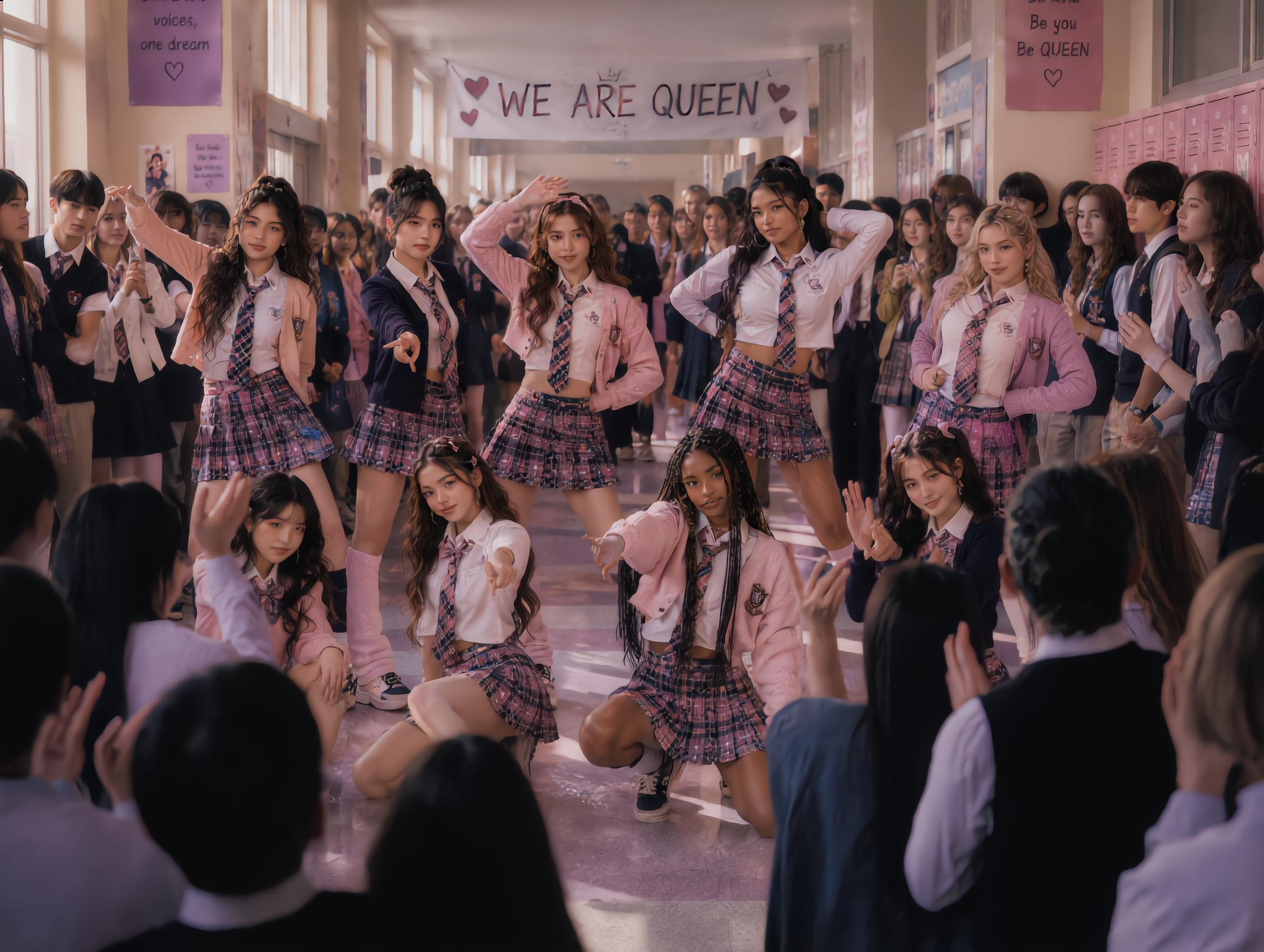
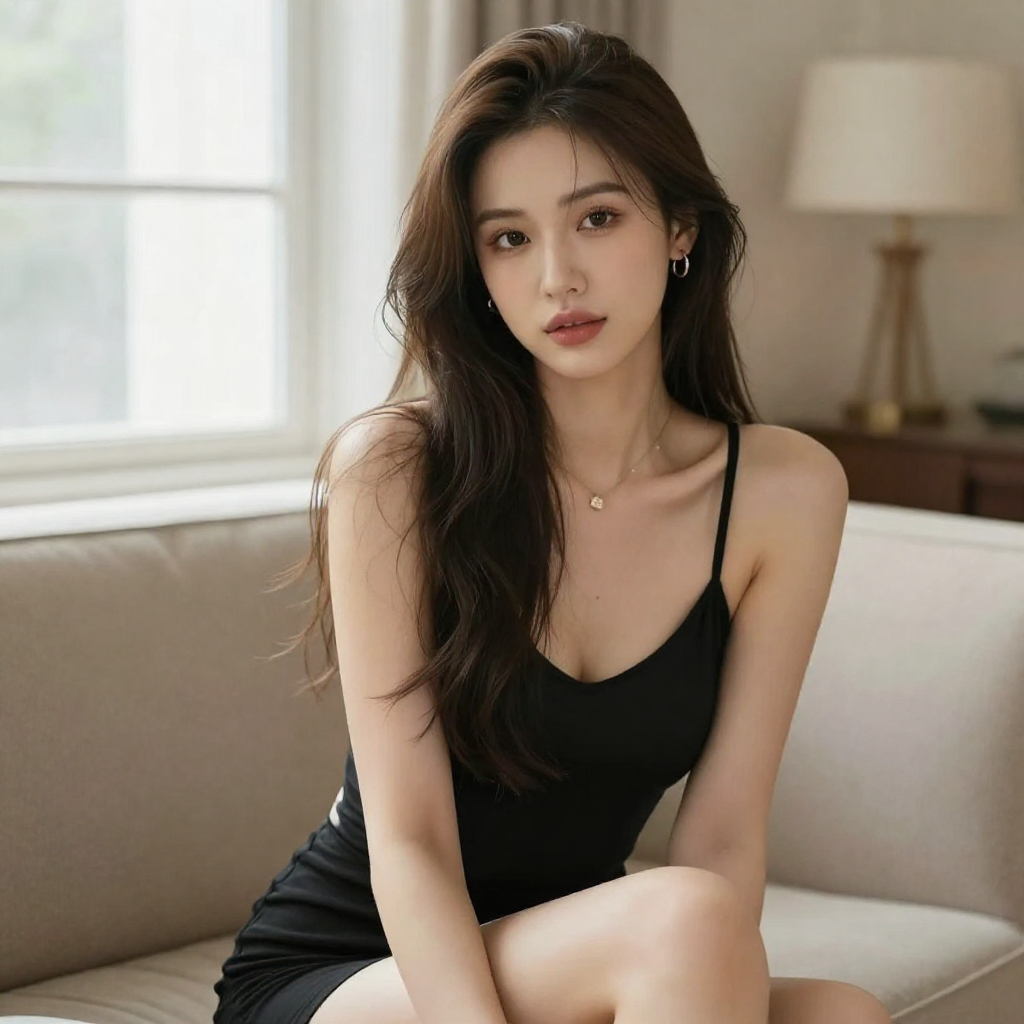
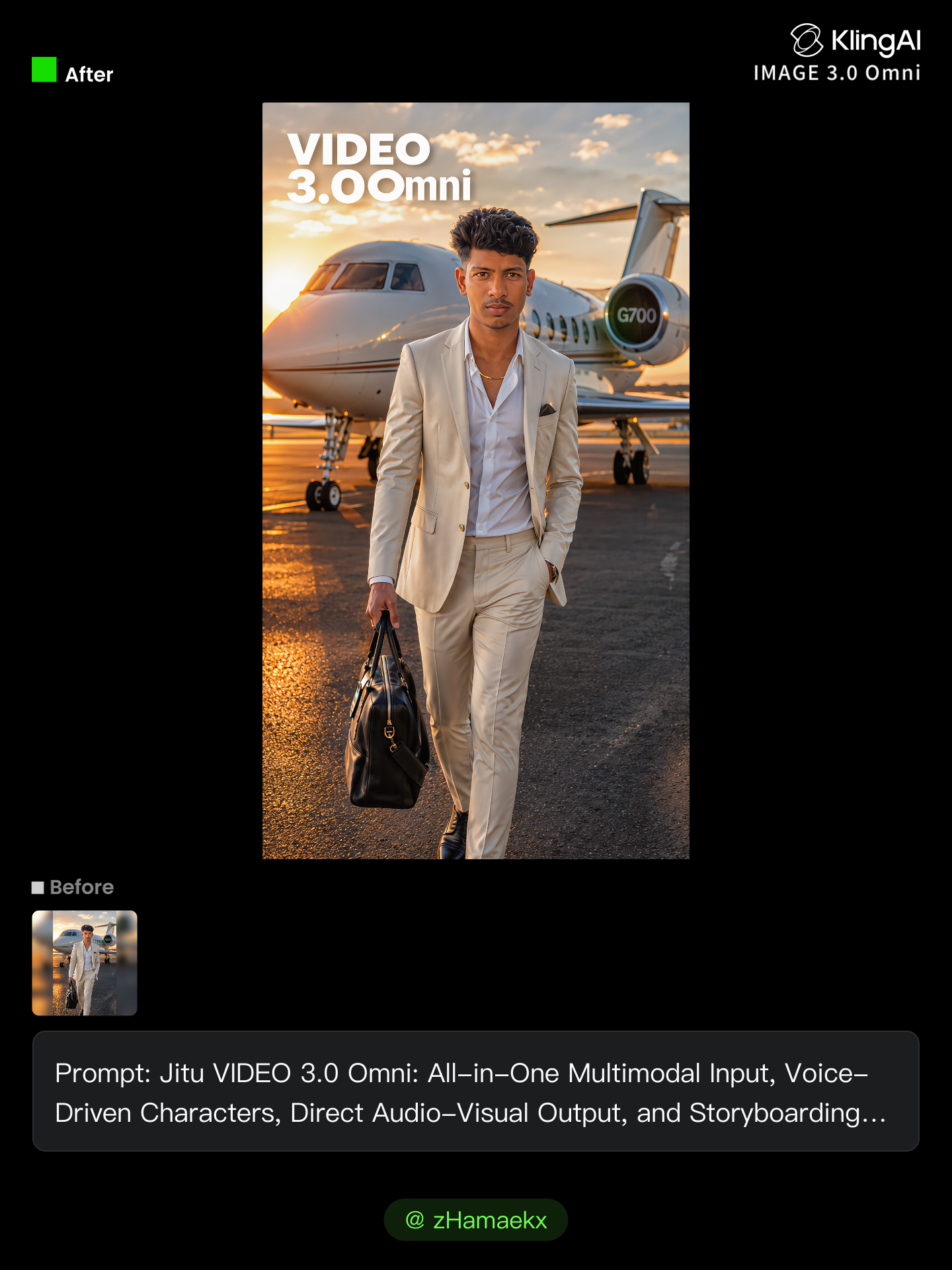
Kling AI work 310808086506519 - kling ai free operations AI image
zHamaekx avatar
zHamaekx
Kling best ai - kling ai free operations AI video
ydpYOXJU avatar
ydpYOXJU
Kling AI work 316351342526140 - kling ai free operations AI image
JeanGSvM avatar
JeanGSvM
Kling MCP - kling ai free operations AI image
KIGOLD89 avatar
KIGOLD89
kling ai  - kling ai free operations AI video
sumu avatar
sumu
Kling AI work 311506071611971 - kling ai free operations AI image
tEOvgyua avatar
tEOvgyua
kling ai - kling ai free operations AI video
DSLRZtTB avatar
DSLRZtTB
a little example of kling ai - kling ai free operations AI video
00:03
LrqBLiBw avatar
LrqBLiBw
kling ai  - kling ai free operations AI video
qOSCzkWK avatar
qOSCzkWK
Best video with kling ai - kling ai free operations AI video
azPvtaFF avatar
azPvtaFF
Kling AI work 310790191528816 - kling ai free operations AI video
G-Yang avatar
G-Yang
kling ai  - kling ai free operations AI video
00:10
dTZLcdZw avatar
dTZLcdZw
made with kling - kling ai free operations AI image
sgOTeUTR avatar
sgOTeUTR
kling  - kling ai free operations AI image
QiplNeHH avatar
QiplNeHH
Kling AI work 310642245503324 - kling ai free operations AI image
Al PICTURE avatar
Al PICTURE
Kling AI - kling ai free operations AI video
00:07
yXbwTWYR avatar
yXbwTWYR
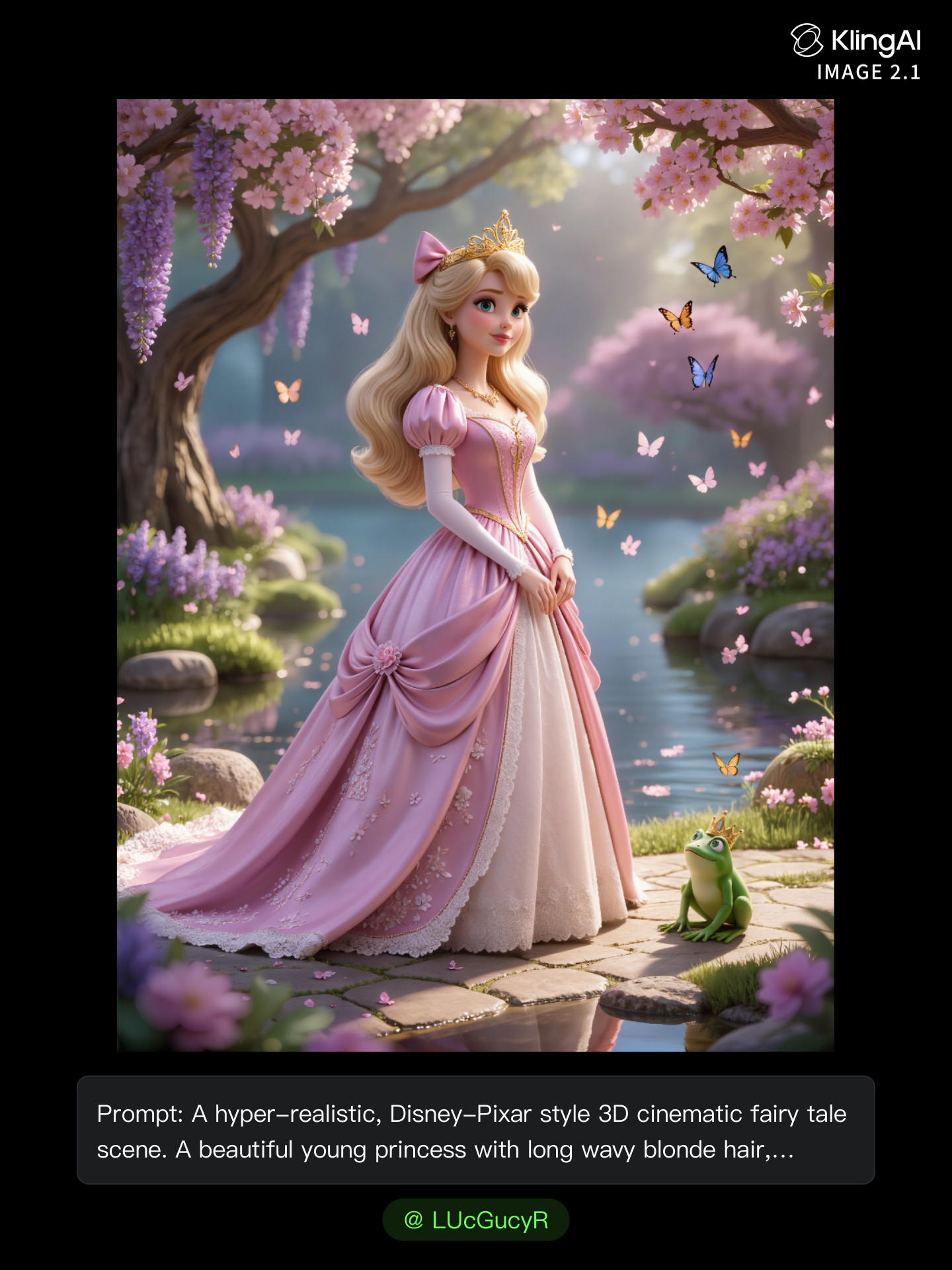
kling ai use - kling ai free operations AI image
LUcGucyR avatar
LUcGucyR
Kling AI Prompt:
Realistic hair  - kling ai free operations AI image
pssEICto avatar
pssEICto
first work in Kling Ai  - kling ai free operations AI video
KKKgJPWB avatar
KKKgJPWB

How to Make Cinematic AI Videos with Kling AI

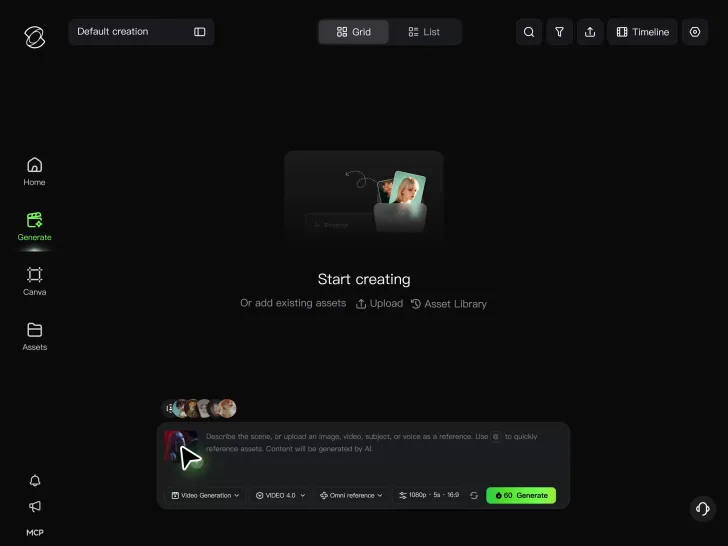
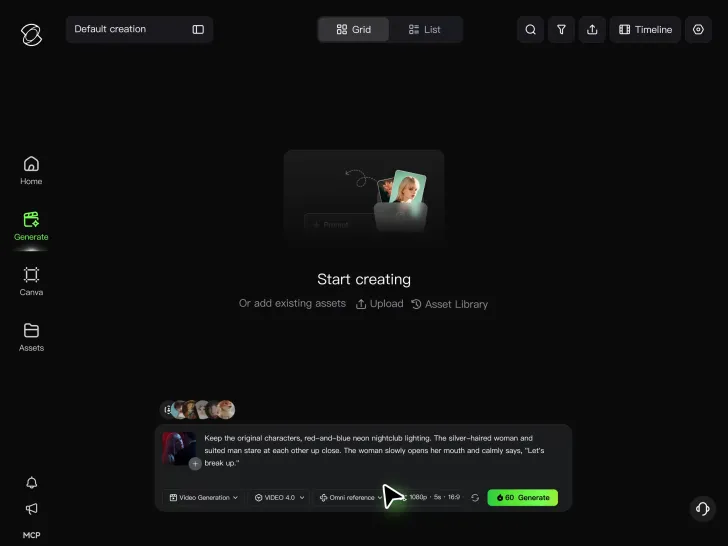
Upload or Describe Your Vision

Upload or Describe Your Vision

With Kling 4.0's Omni Reference, you can write a prompt and add up to 15 combined reference assets to guide your video creation, including images, videos and subject references.

Describe the Action and Sound

Describe the Action and Sound

Set the scene, camera movement, and any dialogue or sound you want. Kling 4.0 supports dialogue in 9 languages.

Generate and Download

Generate and Download

Choose your aspect ratio and video duration, up to 30 seconds per generation with the Kling 4.0. Click Generate, preview your video, and download the result.

How Kling AI Sets the Standard for AI Video Creation

Realistic Motion from a Still Image

Realistic Motion from a Still Image

Animate portraits, artwork, and action images with natural character movement and physical interactions. Kling 4.0's dynamic motions improves stability during large movements, fast action, and complex scenes. From subtle facial expressions to sports and fight choreography, create motion that develops naturally from your image while keeping the subject and surrounding scene visually coherent.

Direct the Camera and Every Key Moment

Direct the Camera and Every Key Moment

A single image can lead to a tracking shot, camera orbit, close-up, or wider scene. Kling 4.0 offers stronger camera control, with native video generation up to 30 seconds for longer movements and connected action. Start and end frames help guide a transition, while up to 10 flexible keyframes let you define additional compositions, character poses, and scene changes as the video develops.

Combine References, Keep the Look

Combine References, Keep the Look

Keep recognizable characters, products, and visual styles as your images begin to move. Kling 4.0's Omni Reference supports up to 15 combined assets, including images, videos, and subjects, to guide appearance, actions, camera work, and settings. Use multiple views of a character or product alongside style and motion references. Stronger visual consistency helps preserve familiar details across new shots, with realistic textures.

Apps

Video Generation
Video Generation

Video Generation

Image Generation
Image Generation

Image Generation

Motion Control
Motion Control

Motion Control

Avatar
Avatar

Avatar

AI Portraits
AI Portraits

AI Portraits

Lip Sync
Lip Sync

Lip Sync

60M+
60M+
Users
600M+
600M+
AI Videos Generated
4.7 ★
4.7 ★
App Store
Industry-Leading
Industry-Leading
Cinematic 4K

Reviews

Déborah

Déborah

★★★★★

I use Kling AI every day. It's amazing to see the almost daily progress it makes. I used AI for fun at first, and I now find that Kling AI's animations allow me to gain professional visibility, with three times more views on my animated posts than on my static posts.

James Phillips

James Phillips

★★★★★

Kling AI has transformed my workflow by collapsing timelines and democratizing production. It’s shifted my mindset from resource-dependent filmmaking to a boundless creative sandbox, where experimentation yields unexpected beauty.

Vincent Smadja

Vincent Smadja

★★★★★

Kling AI seamlessly integrates into my creative workflow, playing a key role in transforming my images. After generating and upscaling an image, Kling becomes a crucial element, bringing my creations to life with movement and depth.

FAQ

Q1How long can videos be when editing with Kling 4.0?
Q2Can I edit a video with AI using text?
Q3Do I need professional video editing experience when using AI video editor?

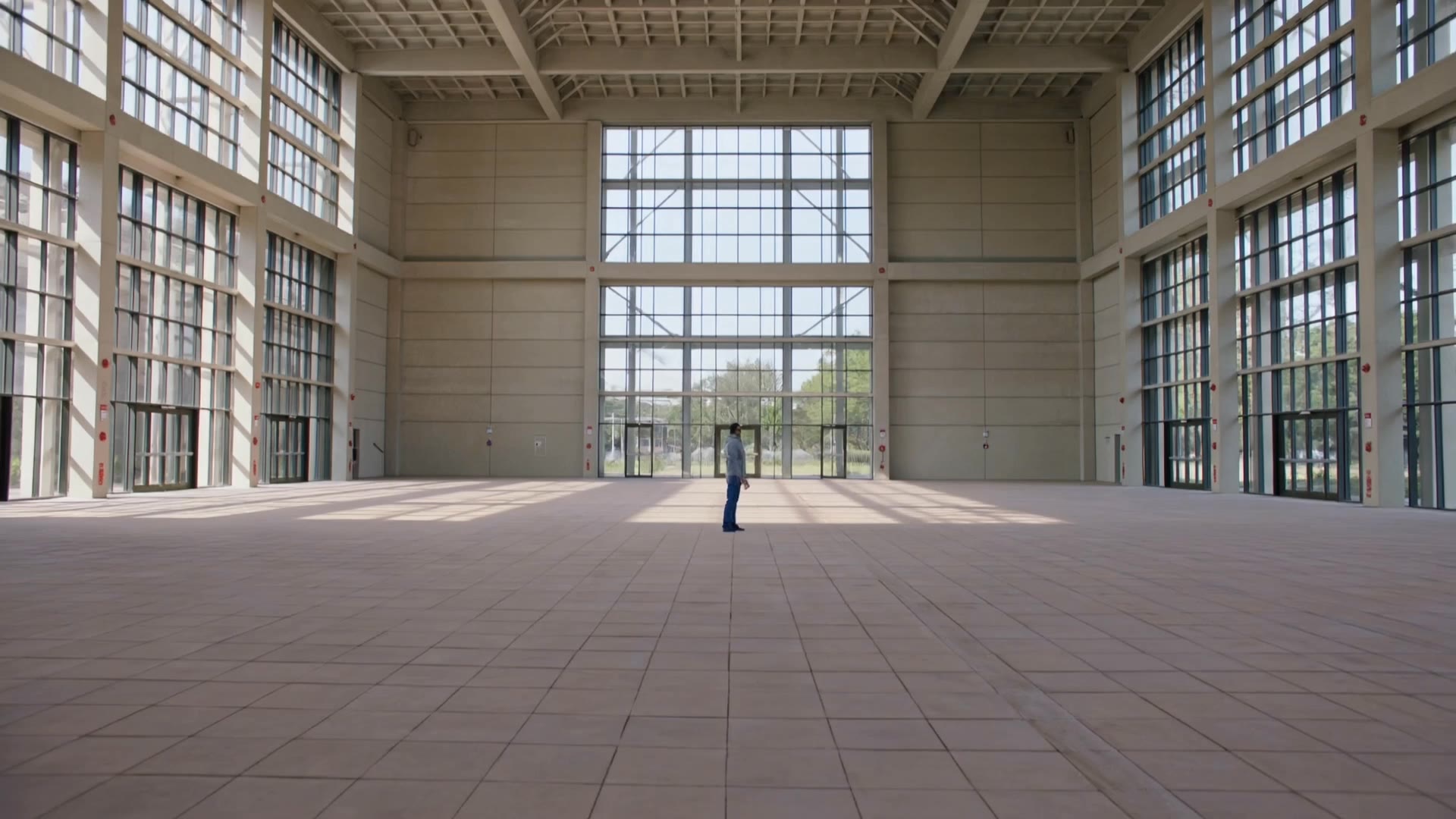
Change the Shot Without Reshooting It

Upload your footage, describe the result, and let Kling rebuild the scene around your direction.

Free tier available | Prompt-Based Editing | Subject Replacement | Creative Recreation