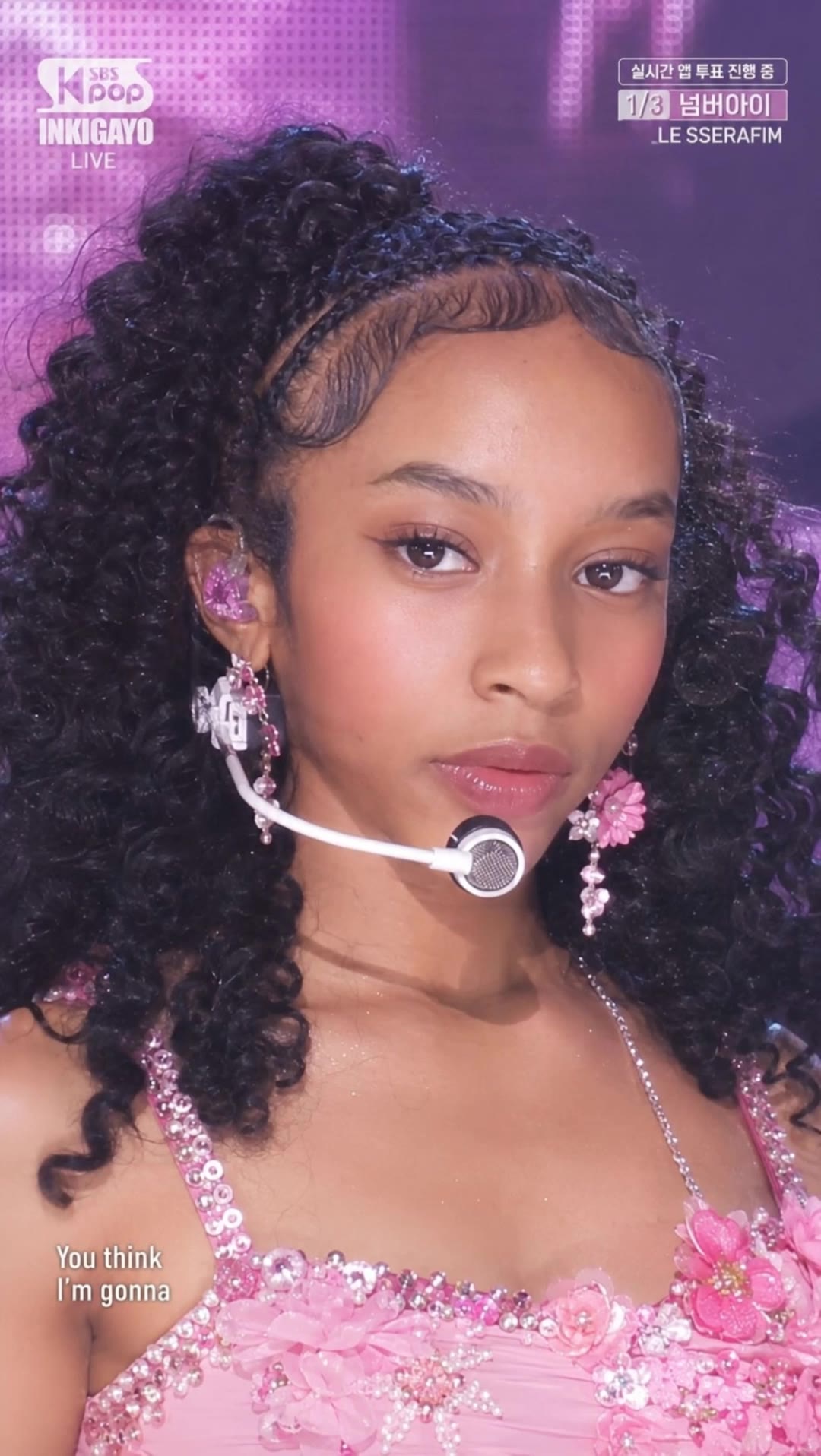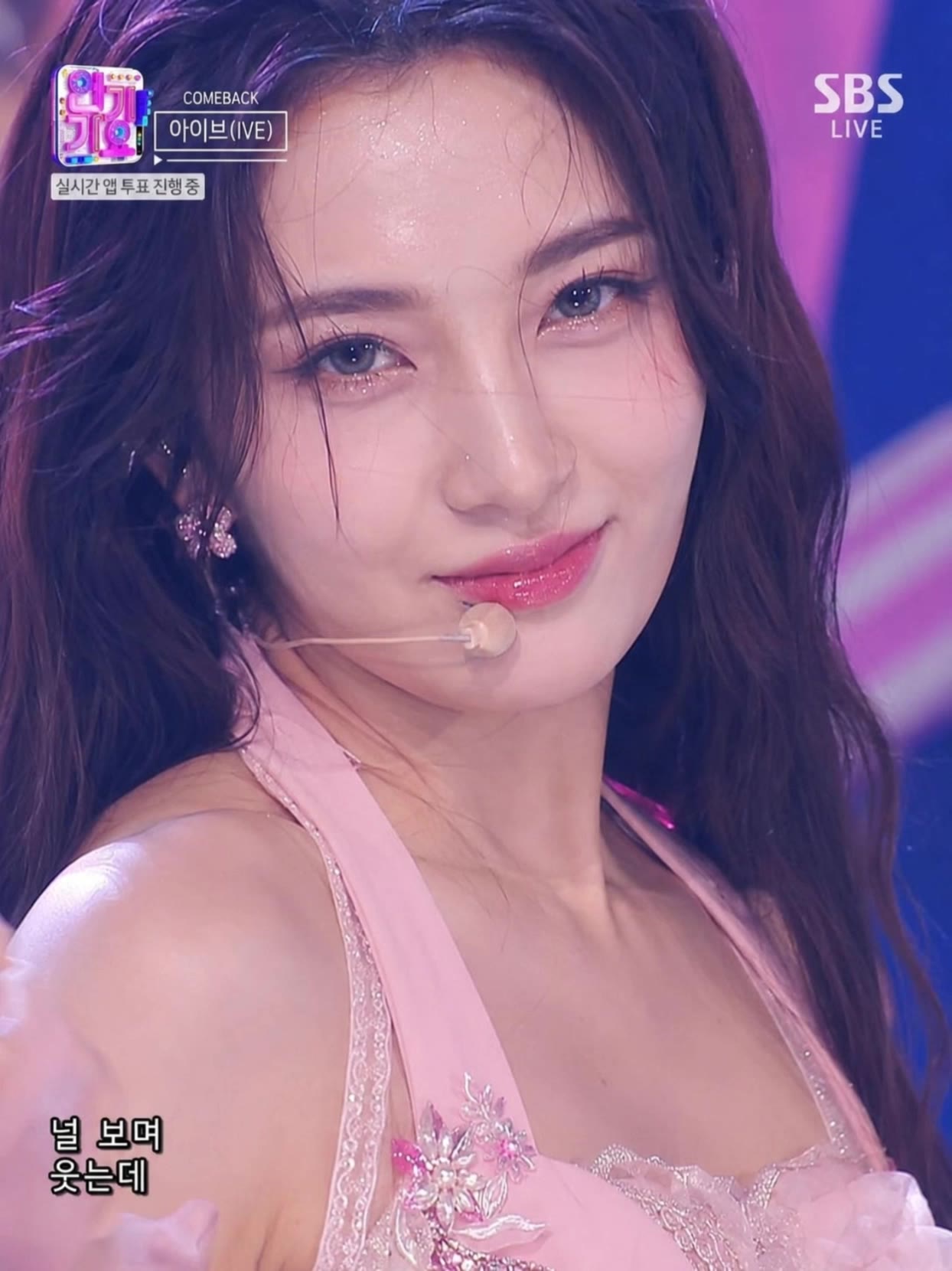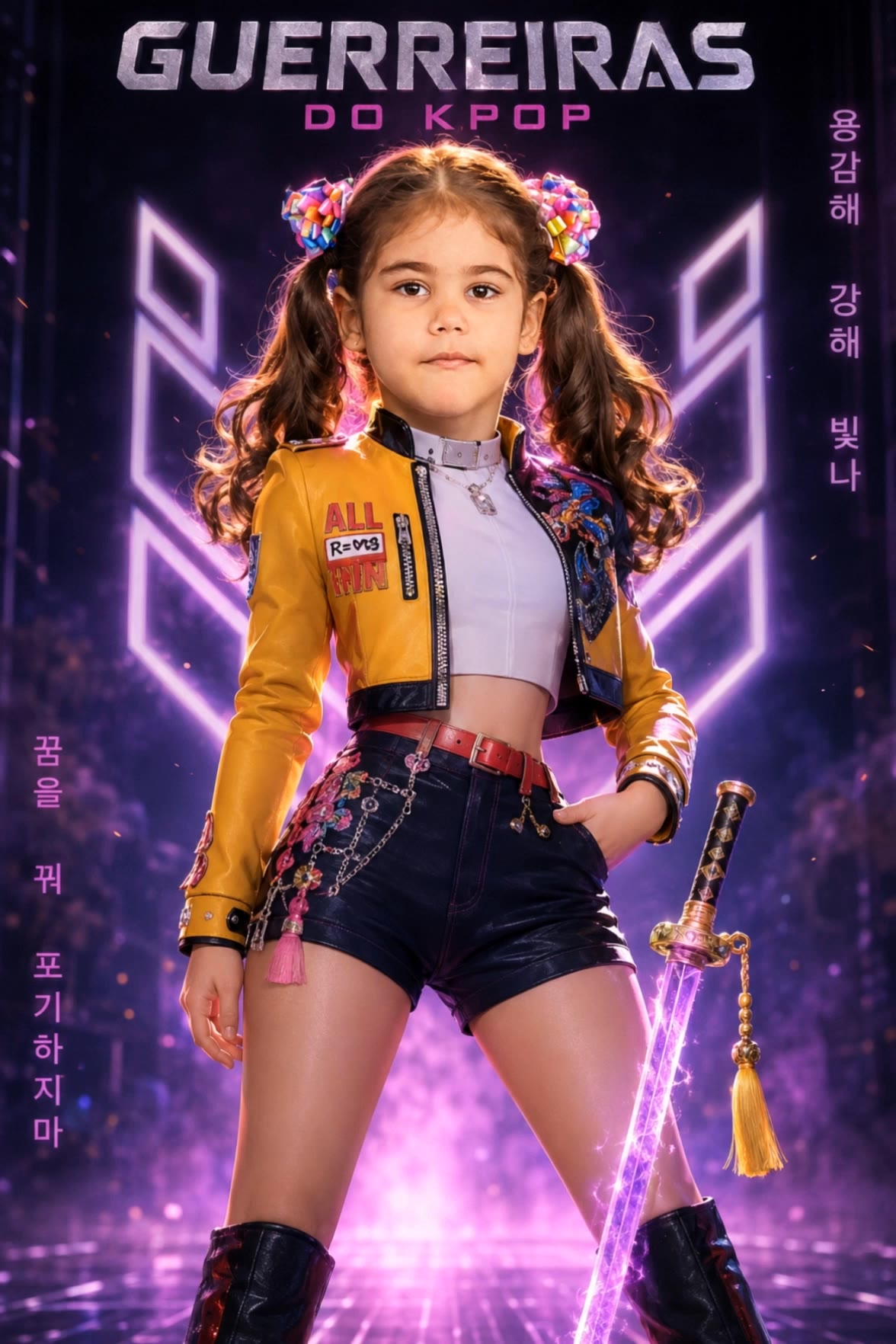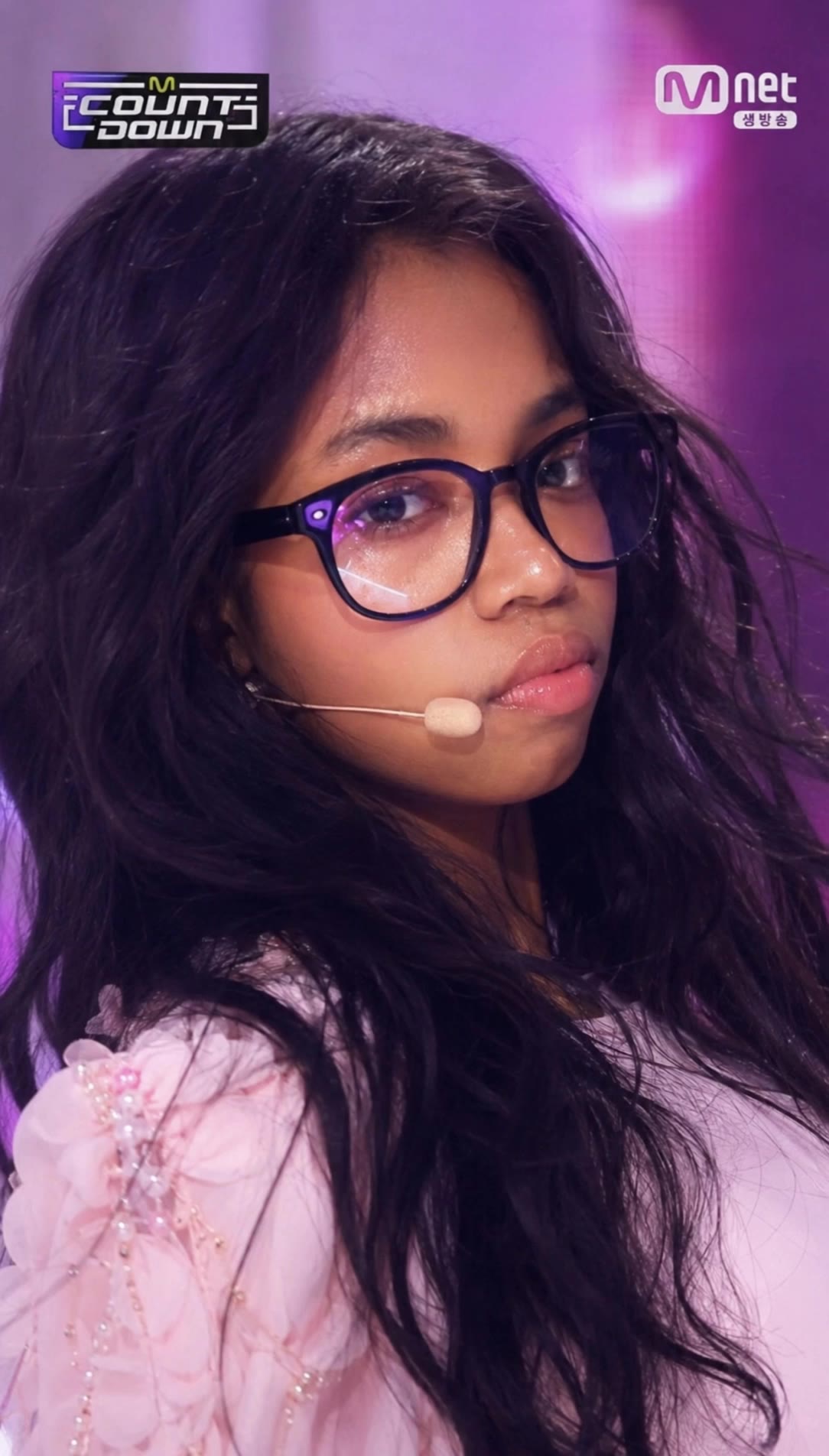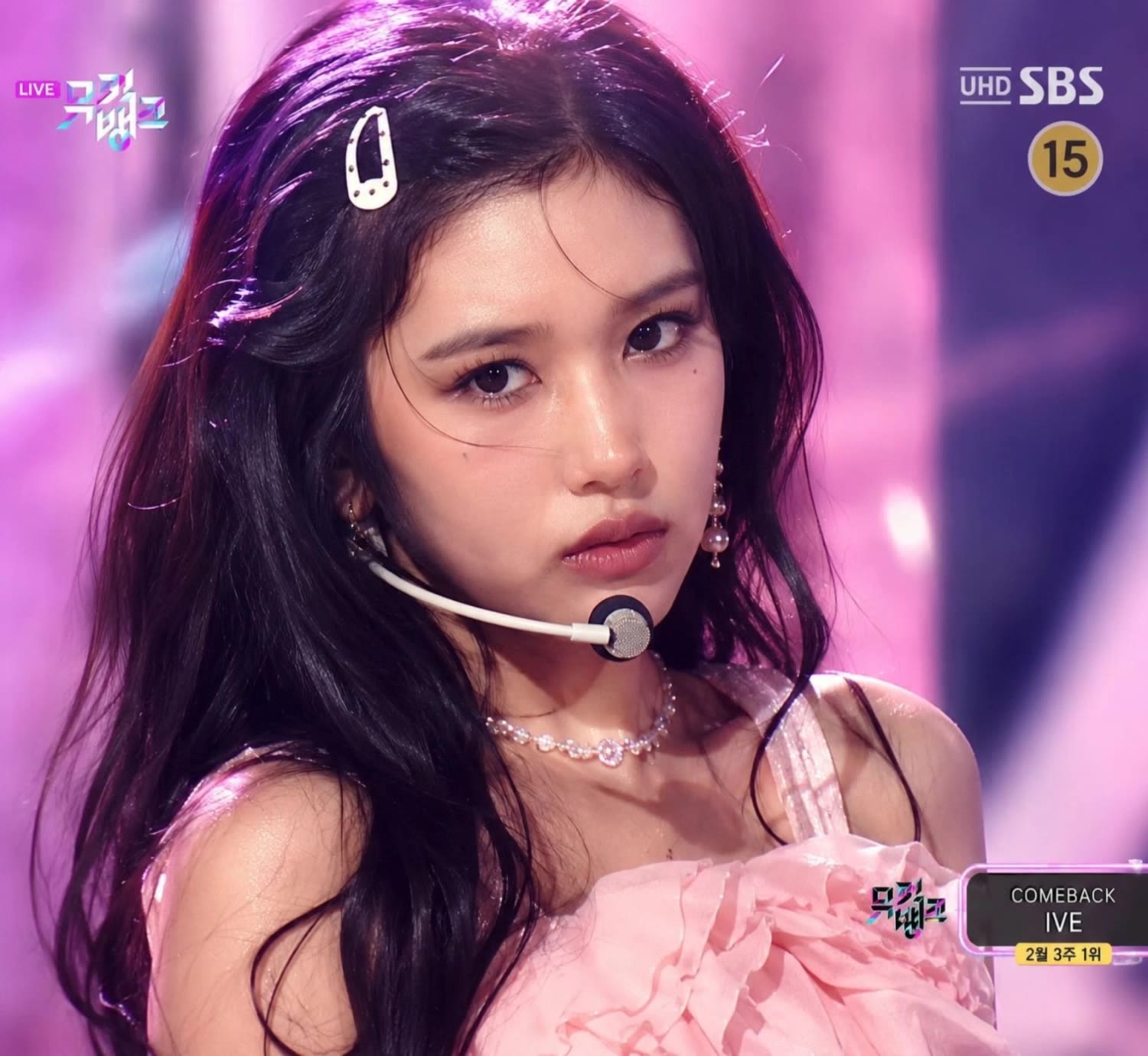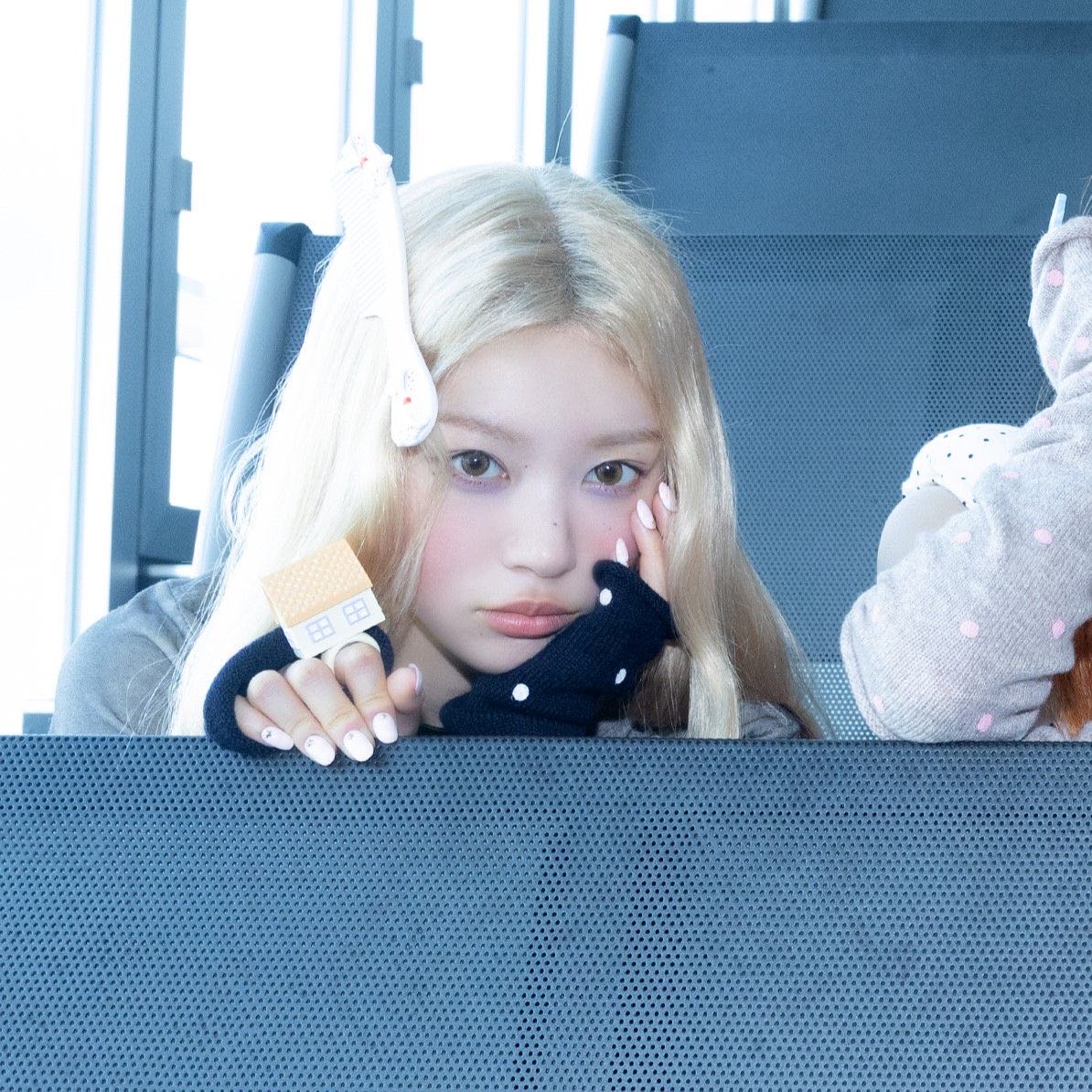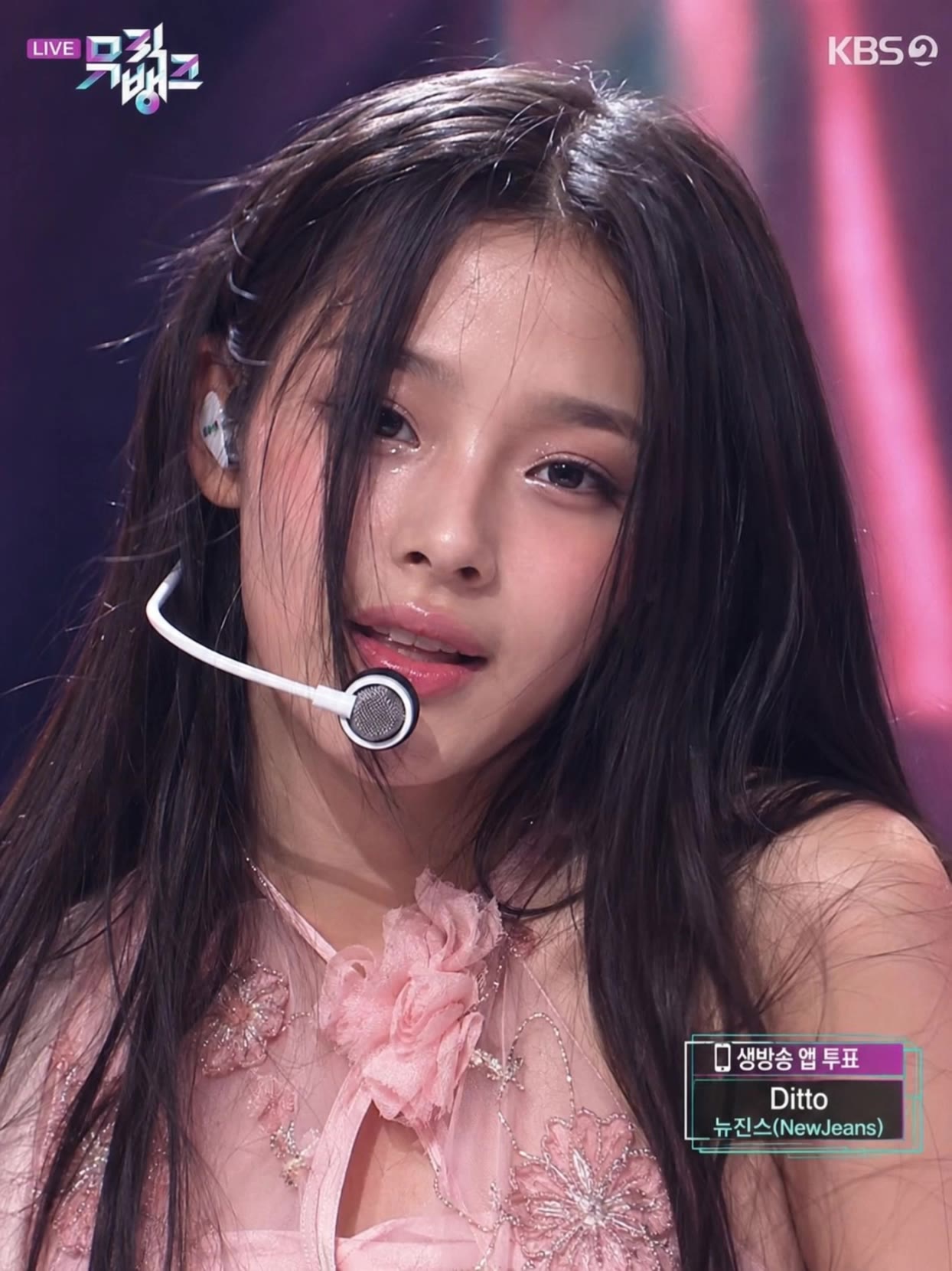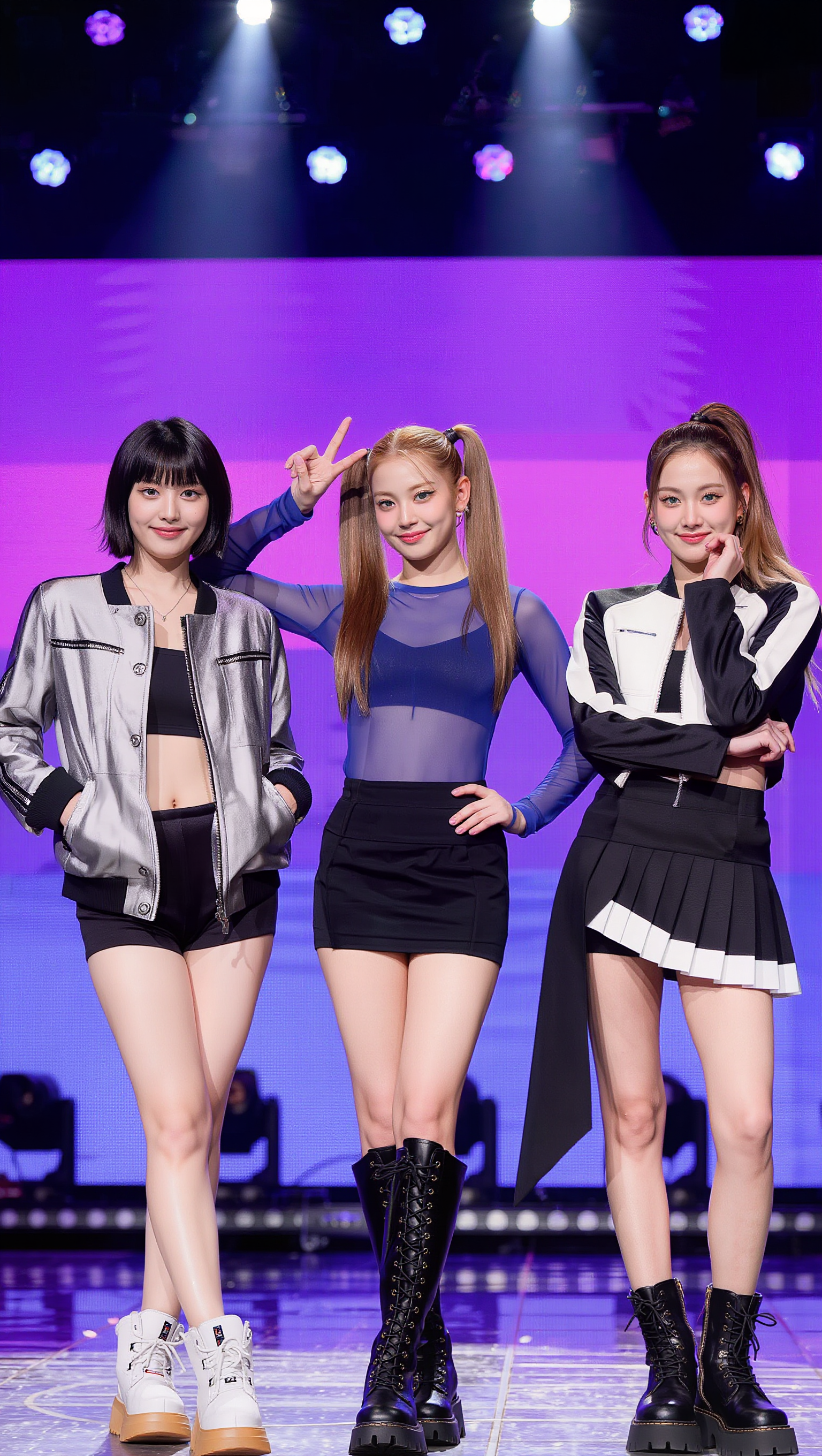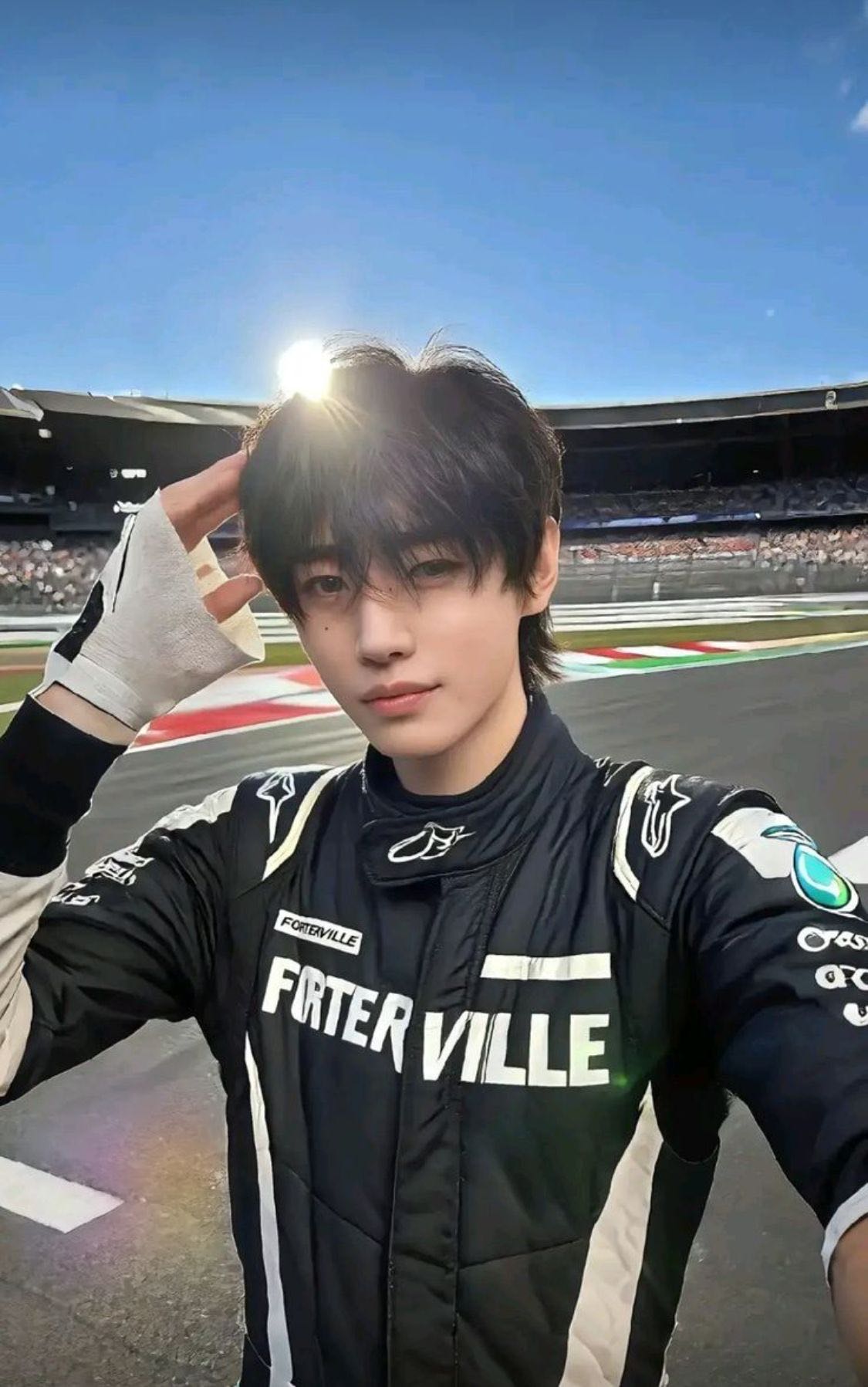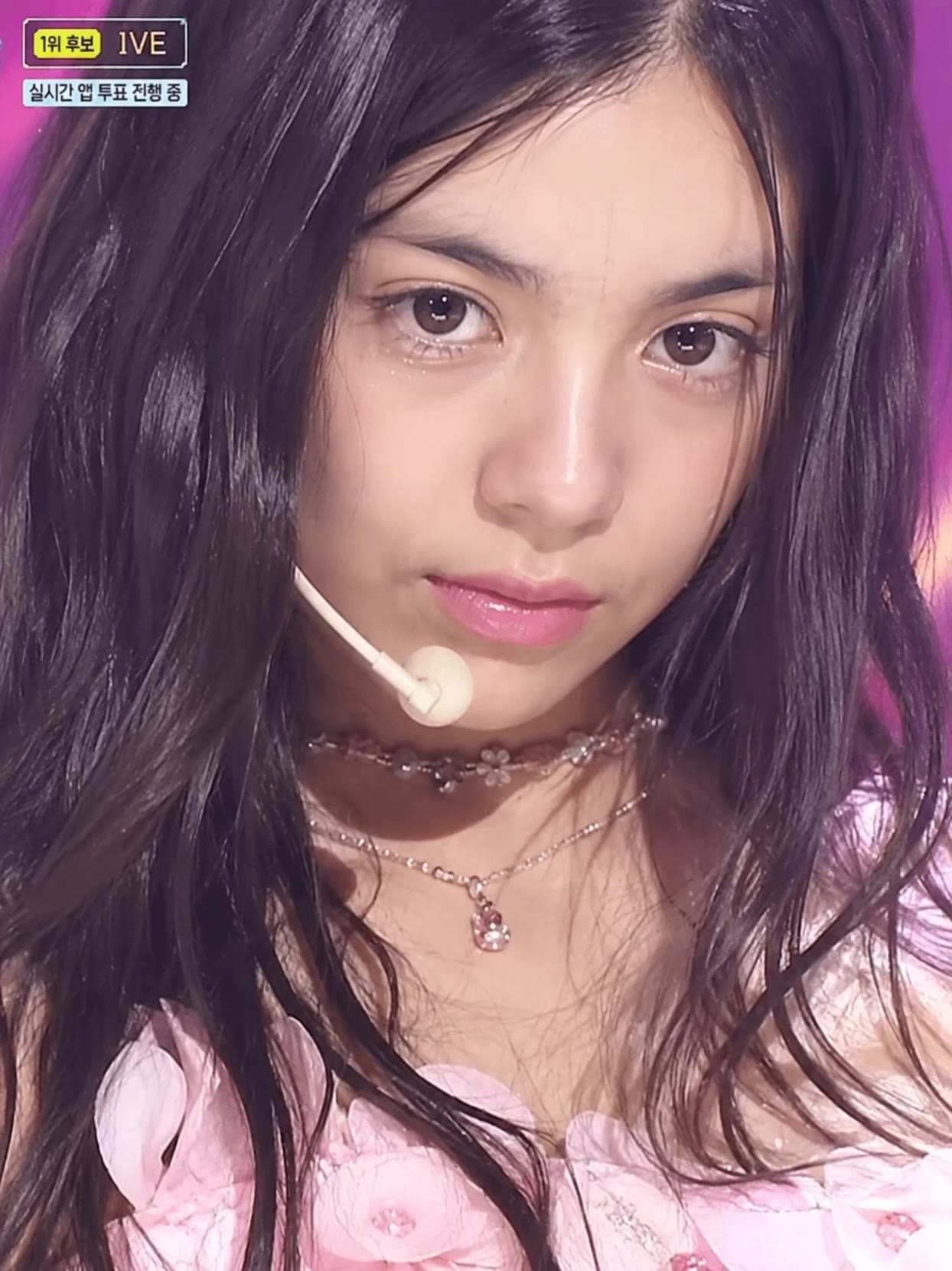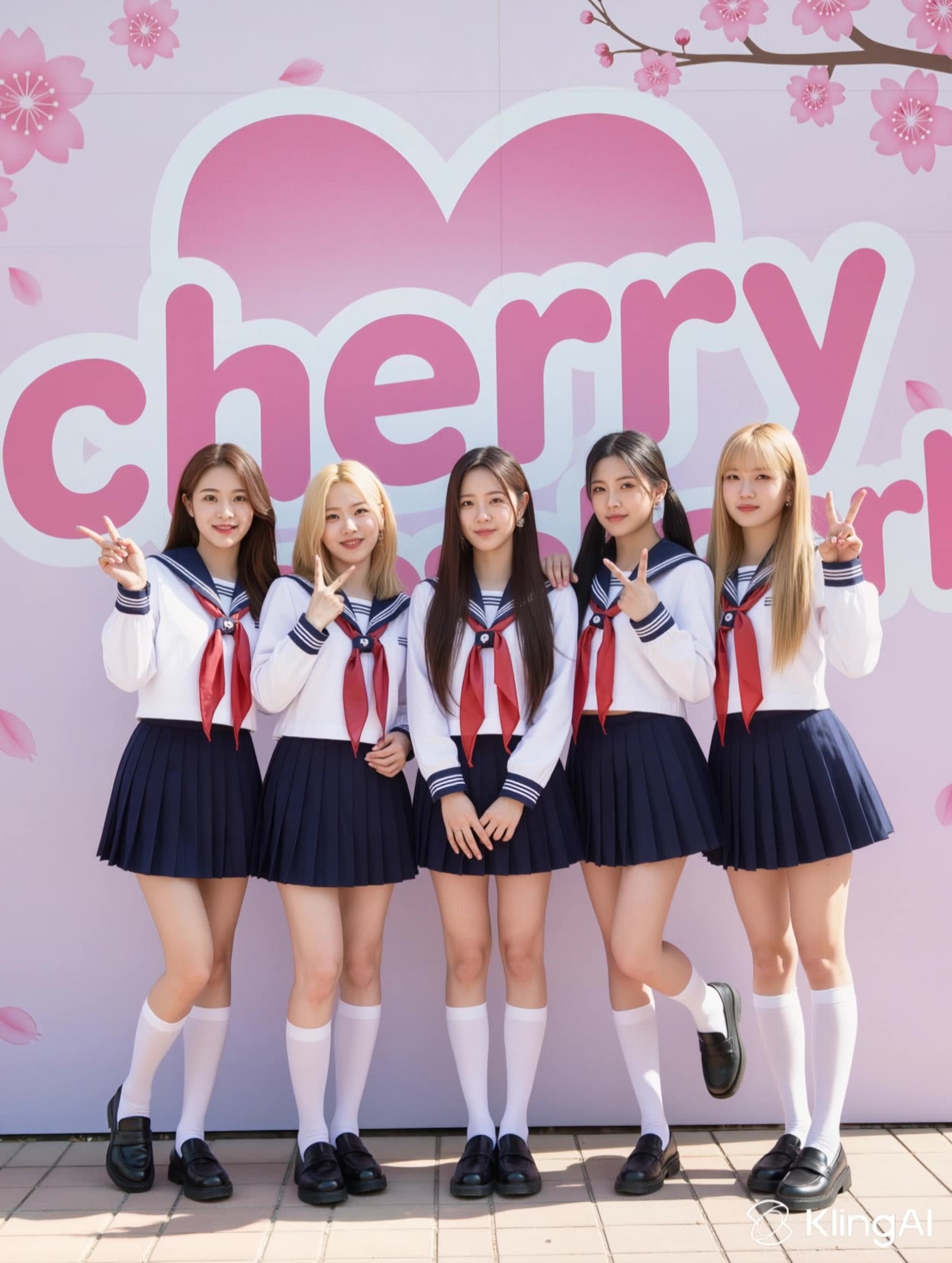
kpop ai - synchronized choreography & bioluminescent urban scenes

Immerse in dynamic K-pop choreography blended with AI-generated art and vivid bioluminescent visuals. Witness the fusion of traditional K-pop precision and modern AI creativity. Start exploring kpop ai ideas and generate your own content with AI.

kpop ai - synchronized choreography & bioluminescent urban scenes

Recommended

Churro's K-POP AI Dance - kpop ai AI video
れいちゃん avatar
れいちゃん
Kling AI work 314029387616477 - kpop ai AI video
jSOxDIwh avatar
jSOxDIwh
Kling AI work 312653857523717 - kpop ai AI video
bizsxEtp avatar
bizsxEtp
Kling AI work 312770371500106 - kpop ai AI video
tWHmSnjR avatar
tWHmSnjR
guerreira do KPop  - kpop ai AI video
AyUrffPs avatar
AyUrffPs
Kling AI work 313475645503925 - kpop ai AI video
vaDlECjV avatar
vaDlECjV
Kling AI work 310988938617896 - kpop ai AI video
fjdEdHjf avatar
fjdEdHjf
Kling AI work 316113331611856 - kpop ai AI video
mGQgQrvr avatar
mGQgQrvr
kpopアイドル - kpop ai AI image
ジョニー avatar
ジョニー
Kling AI work 310460192612968 - kpop ai AI video
sdIXVFvp avatar
sdIXVFvp
Kling AI work 312665887660916 - kpop ai AI video
MYKsQVWK avatar
MYKsQVWK
Kling AI work 314183643611311 - kpop ai AI video
WrrKnkQD avatar
WrrKnkQD
KPOP 아이돌 신인 - kpop ai AI video
minimini avatar
minimini
Kling AI work 318325830527690 - kpop ai AI video
sunghoon avatar
sunghoon
Kling AI work 310941466668345 - kpop ai AI video
ERwyRZPR avatar
ERwyRZPR
Kling AI work 312629595665024 - kpop ai AI video
voqbxUFX avatar
voqbxUFX
Kling AI work 316944016306862 - kpop ai AI video
EAzPQVtG avatar
EAzPQVtG
Kling AI work 310929842667370 - kpop ai AI video
jsuKVcvc avatar
jsuKVcvc
Kling AI work 312770986502739 - kpop ai AI video
RfoArOco avatar
RfoArOco

A Complete AI Video Editing Workflow

Upload Your Footage

Upload Your Footage

Start with a video you've filmed or generated. Add reference images, characters, or other supported assets if you want to guide how the edited scene should look.

Describe What You Want to Change

Describe What You Want to Change

Tell Kling what to replace, remove, or adjust. You can change the subject, background, action, camera angle, or visual style. Include details you want to keep from the original footage.

Preview and Download Your Video

Preview and Download Your Video

Generate your edited video and review the changes. Refine your prompt or references if needed, then download the version you're happy with.

Edit Any Part with Kling AI

Add, Remove, or Replace Image Content

Add, Remove, or Replace Image Content

Tell Kling what you want to change in text prompts. Replace a person, remove an object, or fine-tune details such as color, material, pose, and expression. Even detailed edits take fewer and easier steps because you can change the photo with AI instead of with traditional photo editing tools. IMAGE 3.0 follows your instruction while keeping the photo’s original style, lighting, and texture in place, so the edited area still belongs in the same shot.

Change the Color, Lighting, or Style

Change the Color, Lighting, or Style

Give an existing photo a different mood effortlessly. Lift a dim scene, soften harsh light, warm or cool the colors, or bring color to a black-and-white photo or line drawing. A short prompt replaces the usual round of manual adjustments. Looking for a bigger shift? Add a style reference or spell out the visual direction. IMAGE 3.0 carries the palette, texture, and atmosphere across the whole image, so the new look feels cohesive rather than pasted on. Use it for studio-style professional headshots, distinctive portrait treatments, cinematic scene design, or a visual style that feels entirely your own.

Rework the Shot or Camera Angle

Rework the Shot or Camera Angle

Tell Kling how you want the shot to look in a text prompt. Turn a front-facing photo into a side view, move the camera higher or lower, or change a wide shot into a close-up. You can explore a new composition around the same subject without setting up another shoot. IMAGE 3.0 rebuilds the scene from the angle you request, adjusting the perspective, camera height, shot size, focal length, and depth of field along with it. The result is a newly generated view based on the source photo, rather than hidden details recovered from outside the original frame.

Apps

Video Generation
Video Generation

Video Generation

Image Generation
Image Generation

Image Generation

Motion Control
Motion Control

Motion Control

Avatar
Avatar

Avatar

AI Portraits
AI Portraits

AI Portraits

Lip Sync
Lip Sync

Lip Sync

60M+
60M+
Users
600M+
600M+
AI Videos Generated
4.7 ★
4.7 ★
App Store
Industry-Leading
Industry-Leading
Cinematic 4K

Reviews

Samuele Poggi (@visualsk2)

Samuele Poggi (@visualsk2)

★★★★★

I use Kling AI daily to push the limits of AI filmmaking. It allows me to create highly cinematic content, blending AI and VFX to develop innovative projects. It has significantly impacted my creative process, enabling me to achieve complex animations that would otherwise require high production budgets.

Ozan Sihay

Ozan Sihay

★★★★★

Kling AI allows me to rapidly prototype ideas, refine storytelling elements, and produce visually compelling content efficiently. It has not only accelerated my creative processes, but also deepened my understanding of how AI can enrich visual storytelling.

Vincent Smadja

Vincent Smadja

★★★★★

Kling AI seamlessly integrates into my creative workflow, playing a key role in transforming my images. After generating and upscaling an image, Kling becomes a crucial element, bringing my creations to life with movement and depth.

FAQ

Q1Does Video 3.0 support multiple characters speaking?
Q2Can I use this for global AI video marketing?
Q3What is Kling Video 3.0?

Experience Video 3.0 on Kling

Create cinematic, multi-shot videos with native audio and precise control—all in one generation.

Native audio | Multi-shot control | Up to 15s continuous output