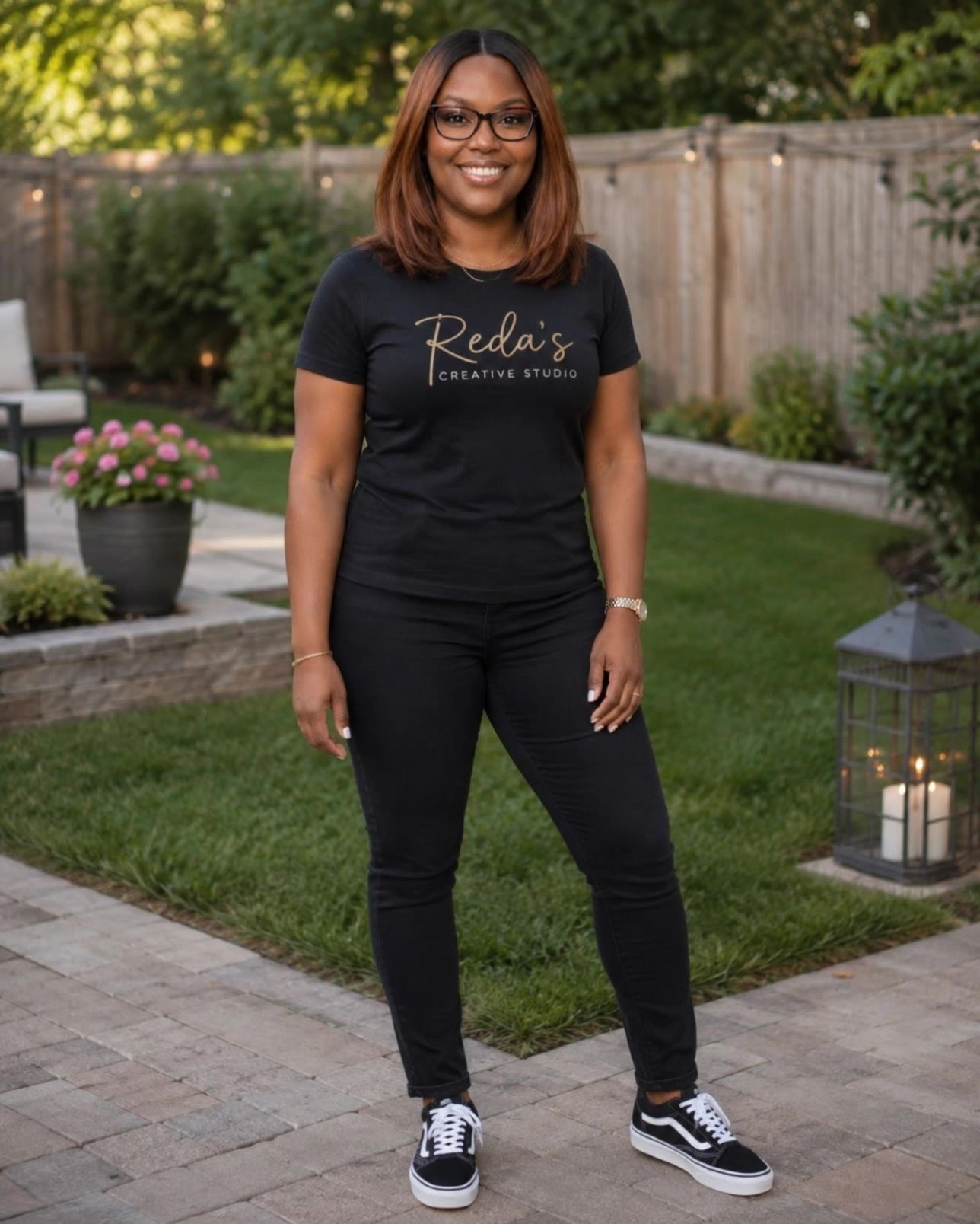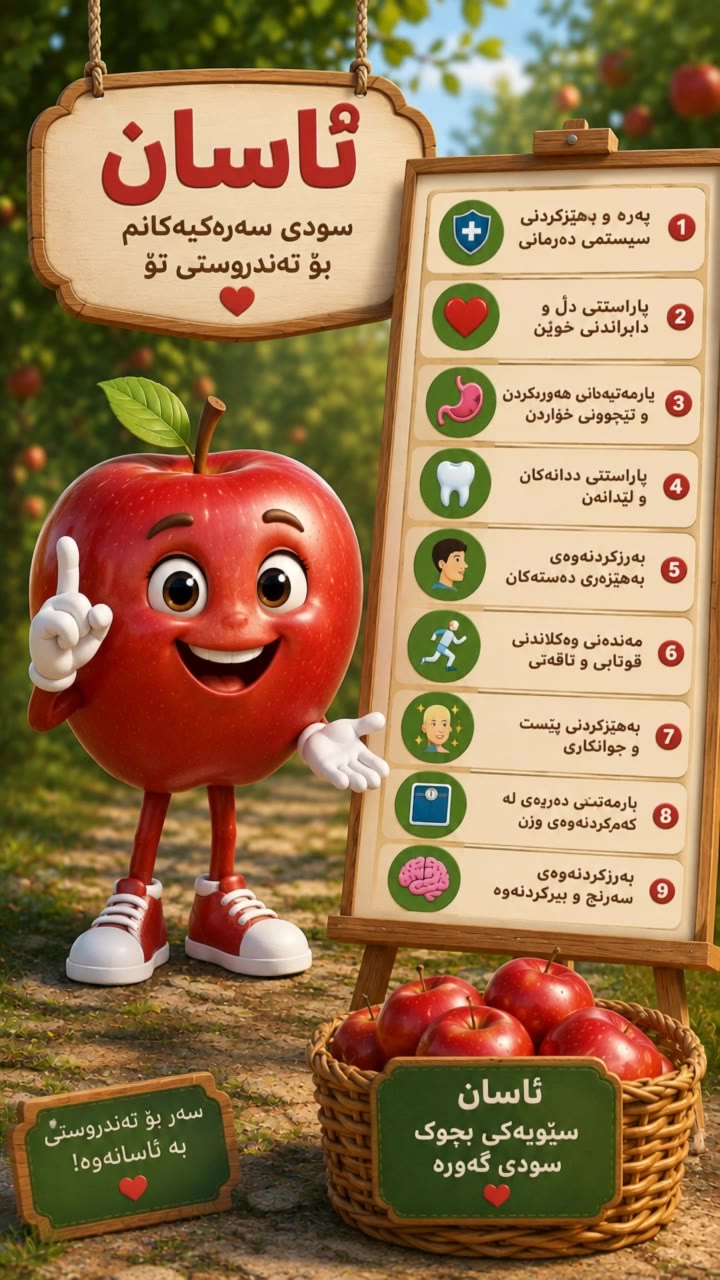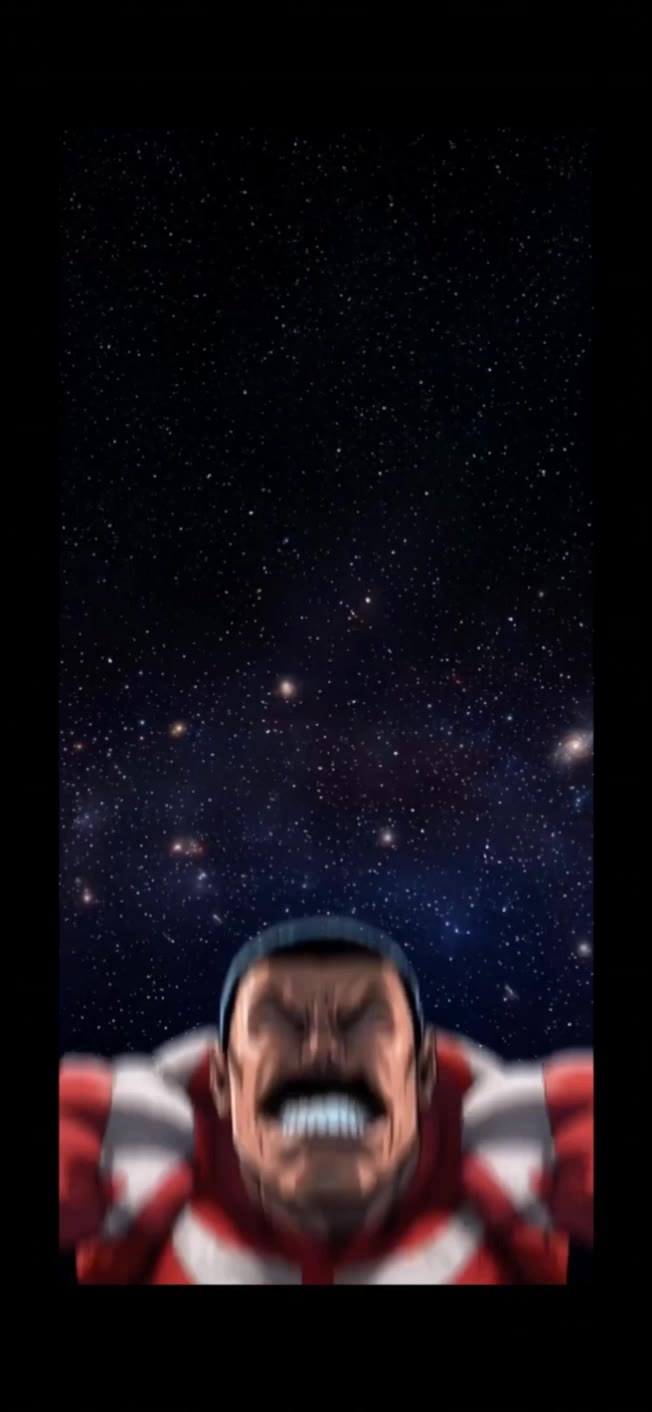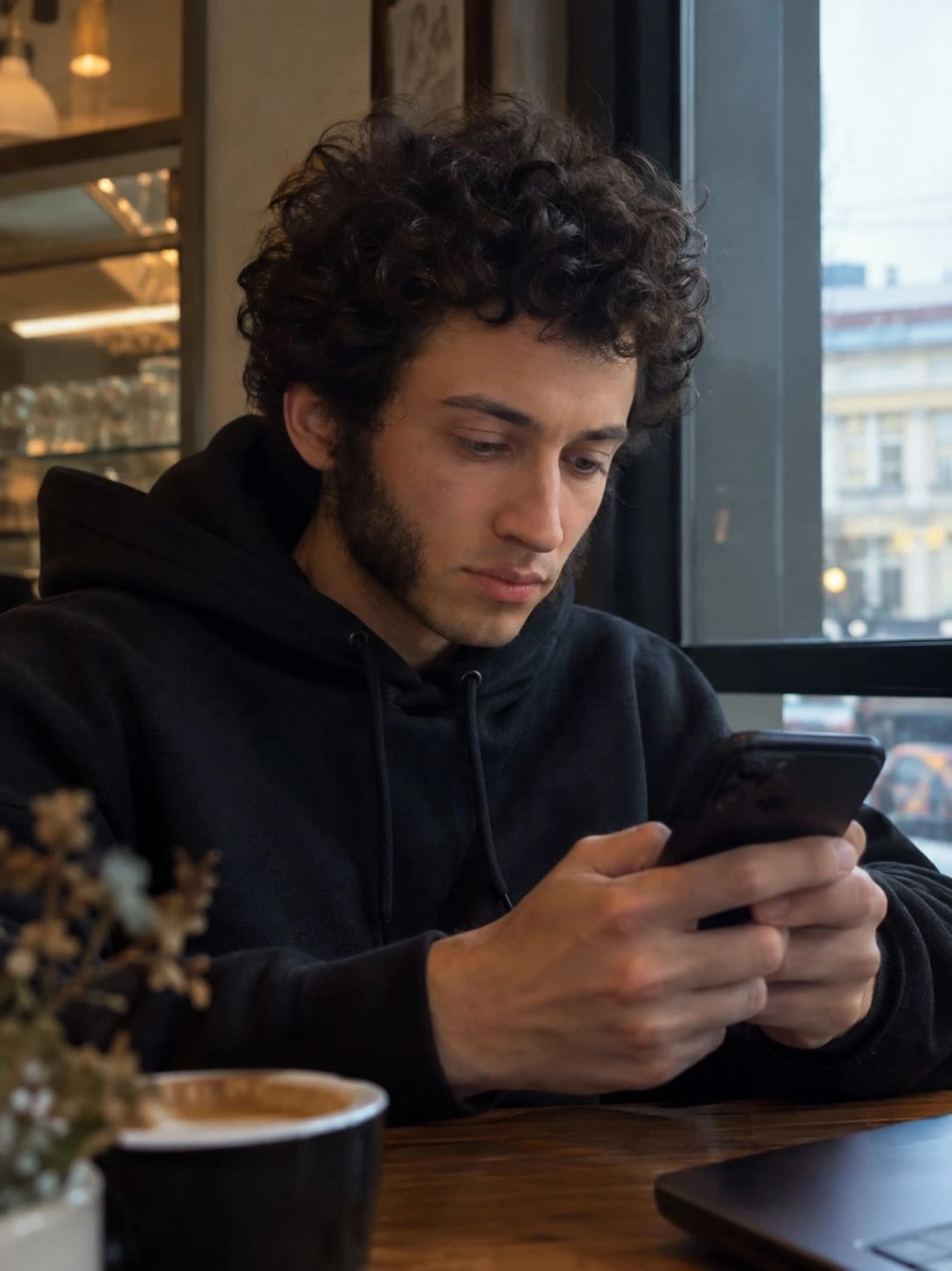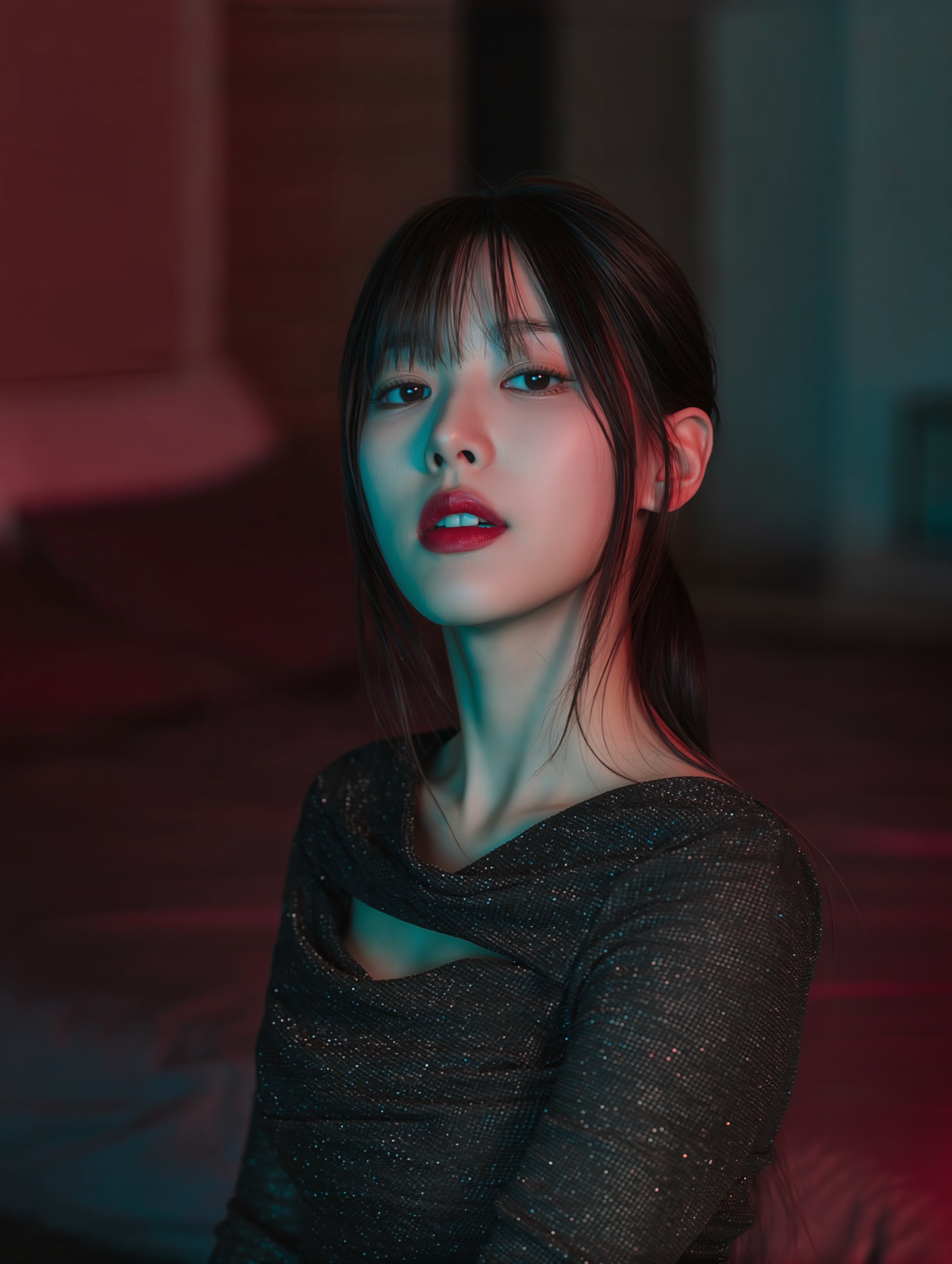

Lipsync Desktop Wallpaper Ideas – AI-Generated Visuals

Browse AI-generated lipsync desktop wallpapers. Find the perfect background that matches your lipsyncing style.
Lipsync Desktop Wallpaper Ideas – AI-Generated Visuals

Recommended

hdudrh - lipsync desktop wallpaper AI video
dJosLgoT avatar
dJosLgoT
Kling AI work 310352978662084 - lipsync desktop wallpaper AI video
RnaUXIVz avatar
RnaUXIVz
Kling AI work 310243172616213 - lipsync desktop wallpaper AI video
zDYluqSq avatar
zDYluqSq
Kling AI work 317857004663084 - lipsync desktop wallpaper AI video
RadiantKreations avatar
RadiantKreations
Kling AI work 316794494526534 - lipsync desktop wallpaper AI video
hzhCYCii avatar
hzhCYCii
Kling AI work 309929725666071 - lipsync desktop wallpaper AI video
fHxjgNws avatar
fHxjgNws
Kling AI work 321535354504624 - lipsync desktop wallpaper AI video
NmXVaLIR avatar
NmXVaLIR
Dance video and lipsync - lipsync desktop wallpaper AI video
VJZxNcoa avatar
VJZxNcoa
Kling AI work 312250240660598 - lipsync desktop wallpaper AI video
KLING4006 avatar
KLING4006
Kling AI work 321019855664753 - lipsync desktop wallpaper AI video
NmXVaLIR avatar
NmXVaLIR
Kling AI work 317779261528891 - lipsync desktop wallpaper AI video
gMMmlRUG avatar
gMMmlRUG
Kling AI work 319627754610001 - lipsync desktop wallpaper AI video
RmlsRekl avatar
RmlsRekl
Kling AI work 312567170507158 - lipsync desktop wallpaper AI video
GQTmwMqM avatar
GQTmwMqM
Kling AI work 317884375501667 - lipsync desktop wallpaper AI video
VOBkakLA avatar
VOBkakLA
Kling AI work 314710846610269 - lipsync desktop wallpaper AI video
KyoiWkQK avatar
KyoiWkQK
Kling AI work 312313480662194 - lipsync desktop wallpaper AI video
WcjzDihP avatar
WcjzDihP
Kling AI work 314020133506298 - lipsync desktop wallpaper AI image
fLZfKSXy avatar
fLZfKSXy
Kling AI work 317303612526820 - lipsync desktop wallpaper AI video
HZPRtGxB avatar
HZPRtGxB
live wallpaper  - lipsync desktop wallpaper AI video
gHyFjCgx avatar
gHyFjCgx

How to Animate an Image with AI

Upload Your Image

Upload Your Image

Upload a portrait, product photo, illustration, or other image. For additional control, Kling 4.0's Omni Reference supports up to 15 combined reference assets, subject to individual input limits.

Describe the Motion

Describe the Motion

Specify how your subject moves and what the camera does. You can also add start and end frames or use up to 10 flexible keyframes to guide important changes with supported Kling 4.0 settings.

Generate and Download

Generate and Download

Choose your video settings and generate a clip up to 30 seconds long with Kling 4.0. Preview the result, make adjustments if needed, and download your video.

Edit the Parts That Matter

Change Subjects, Backgrounds, and Style

Change Subjects, Backgrounds, and Style

A different character, a new product, or a completely different location can change the purpose of a video. Keep the footage you already have and update the elements that need another take. No green screen needed. Kling 4.0 supports adding, removing, and replacing subjects and scene elements using prompts and visual references. Change a product, replace a character, or move the action into a new setting. Reference images help guide the appearance of new elements while keeping the rest of the scene closer to the original.
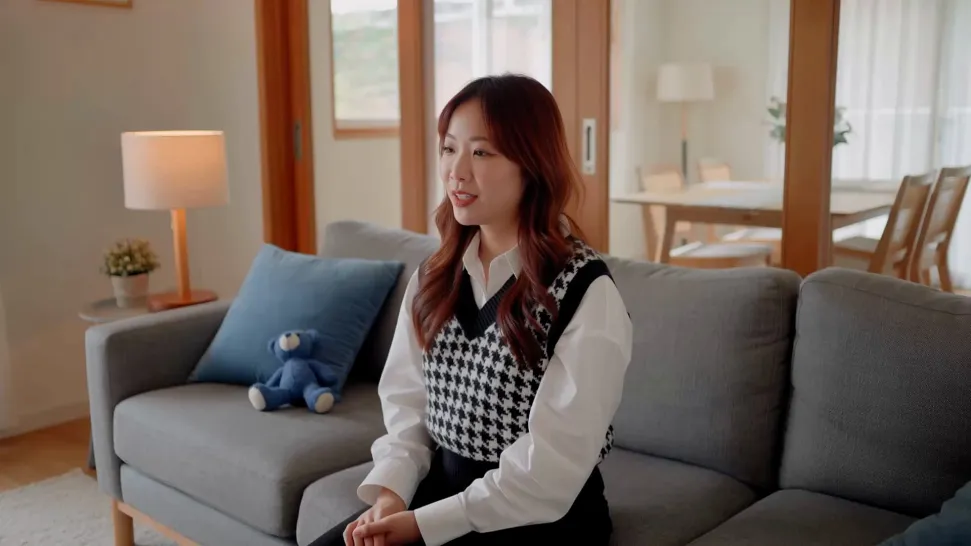
Recreate Videos with Your Own References

Recreate Videos with Your Own References

Found a camera move, transition, or video concept that would work with your own character or product? You can use the original clip as a creative reference rather than recreating the entire shoot. Kling 4.0 draws on reference footage for pacing, shot composition, and movement while introducing your own subjects and visual style. Omni Reference supports up to 15 combined assets, subject to individual input limits. Combine character images, product photos, and video references to explore new versions while helping recognizable details stay consistent.
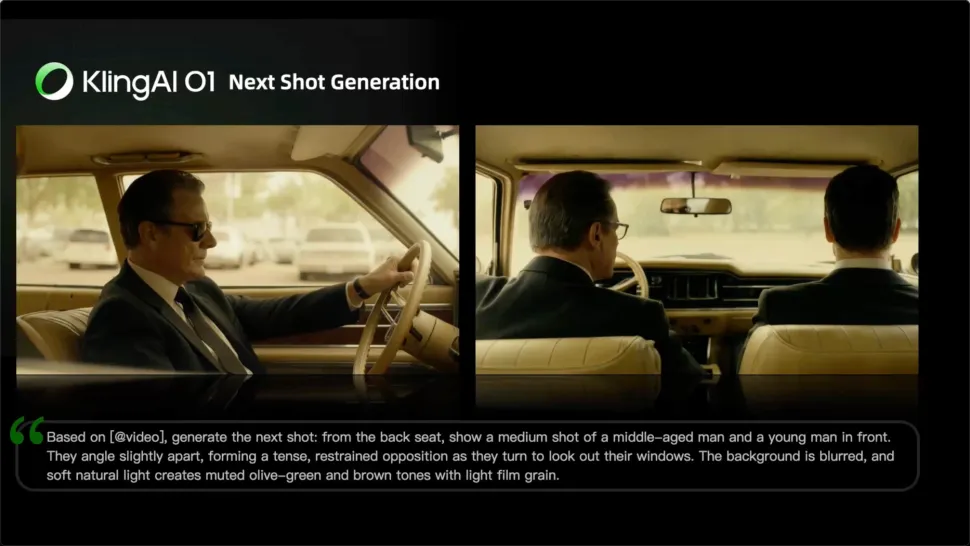
Extend Your Video Up to 2 Minutes

Extend Your Video Up to 2 Minutes

Continue an existing video forward or backward, adding footage before the opening or after the ending. Extend actions, camera movements, and storylines while keeping the new footage connected to the original scene. Kling 4.0's Video Extension supports multiple extension passes, reaching a total video length of up to 2 minutes. Build longer sequences with continuity in characters, settings, and movement, without recreating the entire video.

Apps

Video Generation
Video Generation

Video Generation

Image Generation
Image Generation

Image Generation

Motion Control
Motion Control

Motion Control

Avatar
Avatar

Avatar

AI Portraits
AI Portraits

AI Portraits

Lip Sync
Lip Sync

Lip Sync

60M+
60M+
Users
600M+
600M+
AI Videos Generated
4.7 ★
4.7 ★
App Store
Industry-Leading
Industry-Leading
Cinematic 4K

Reviews

Huang Lu (Elson)

Huang Lu (Elson)

★★★★★

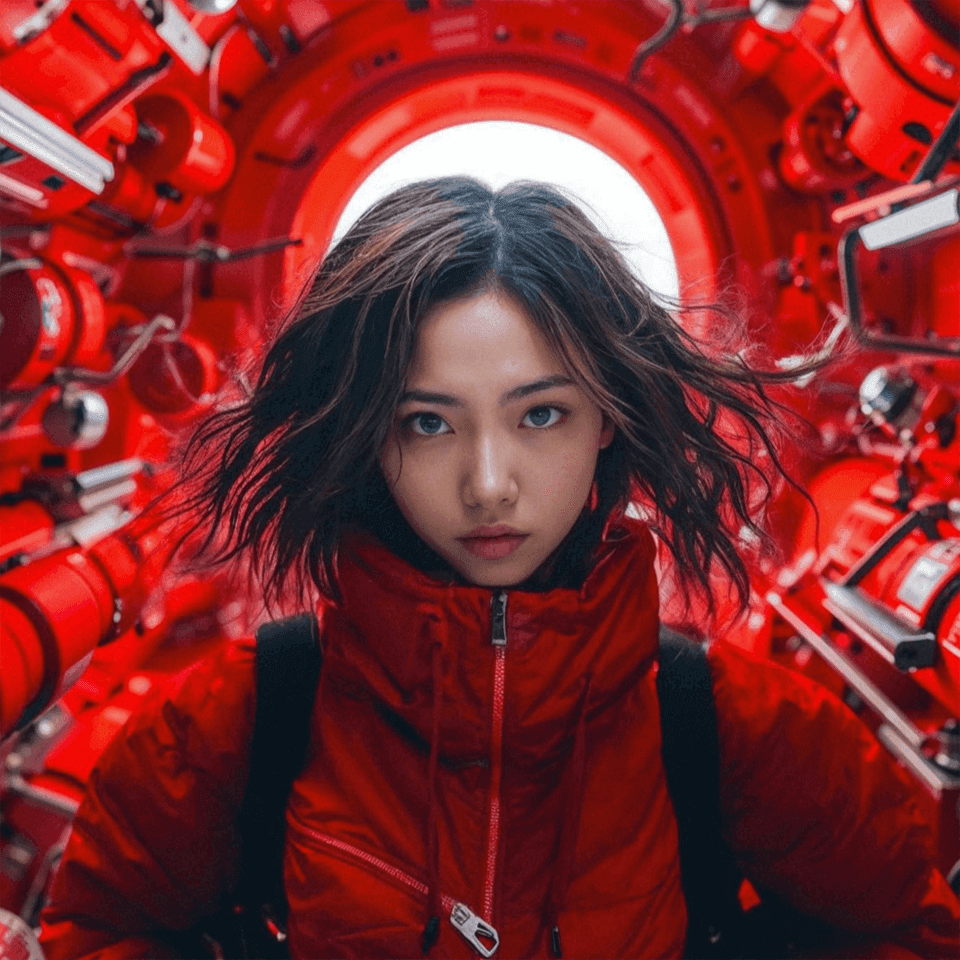
I’ve been using Kling AI since its initial release, and it’s remained one of the leading AI media generators ever since. With Kling AI, I’ve created hundreds of videos, collectively amassing millions of views.
KakuDrop

KakuDrop

★★★★★

I have successfully collaborated with world-renowned artists and well-known companies that are recognized globally

Halim Alrasihi

Halim Alrasihi

★★★★★

I use AI daily and Kling AI is a crucial part of my workflow, whether for client work or personal projects. What I love most about using Kling AI is that it provides all the tools I need in one place, from keyframes to character references, elements and special effects.

FAQ

Q1Can Kling AI generate videos with sound and talking characters?
Q2Can I generate AI videos from text prompts?
Q3How do I generate an AI video?

Start Creating AI Videos with Kling

Start with text or images and see what's possible with Kling AI. Create the footage, guide the movement, and keep working until the scene feels right. No complicated setup.

Text to Video | Image to Video | Omni Reference | Free tier includes watermark