
Creative Studio
API
Resources
Features
About Us
Download

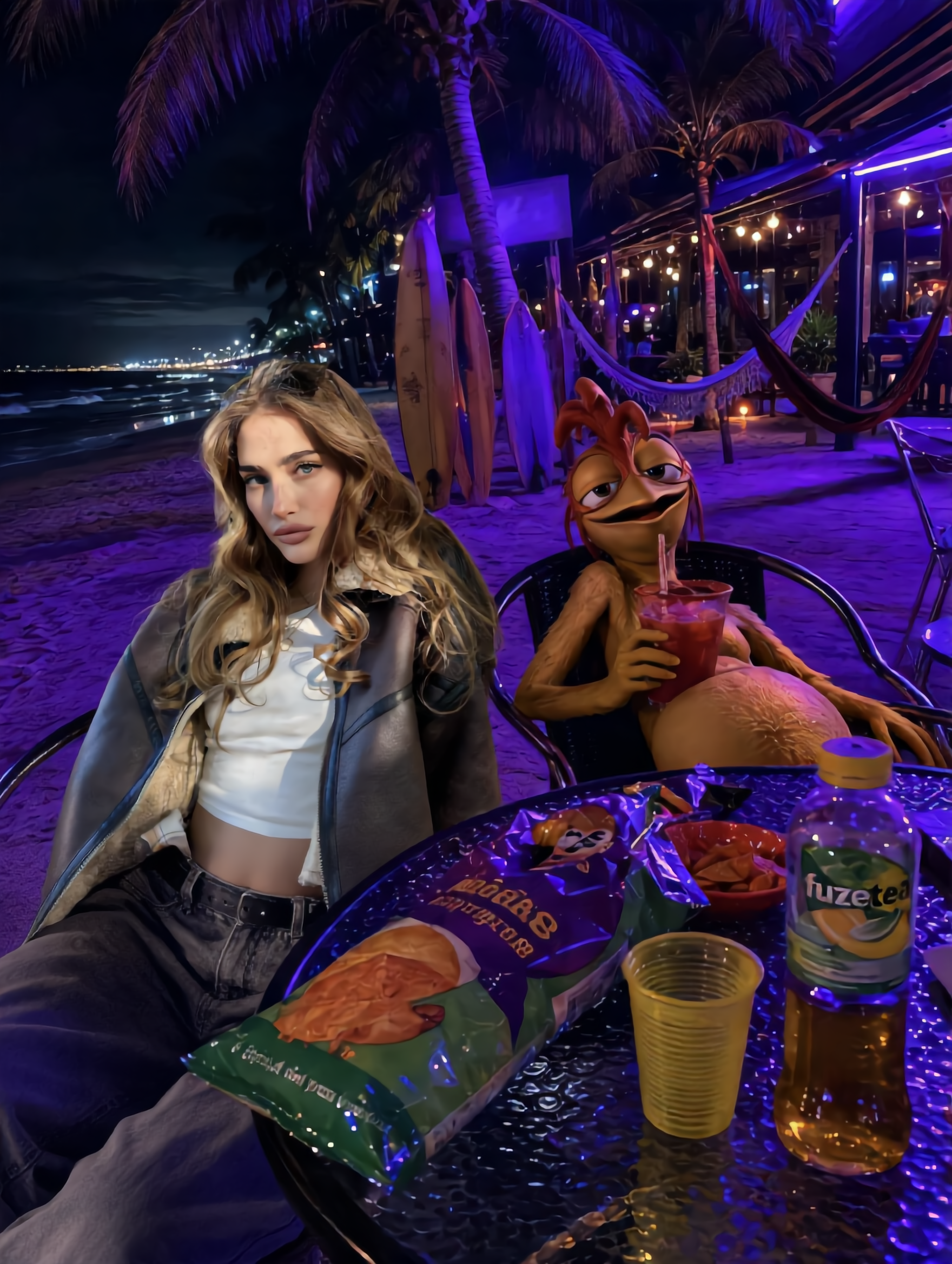
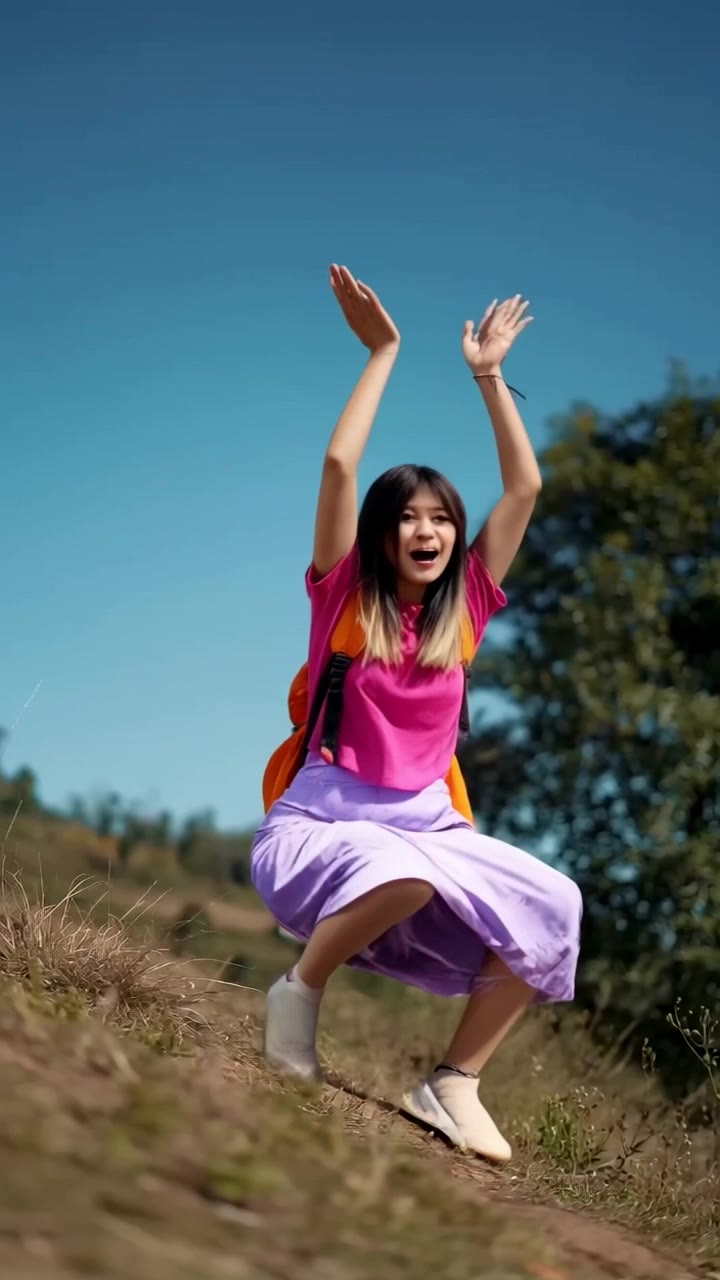
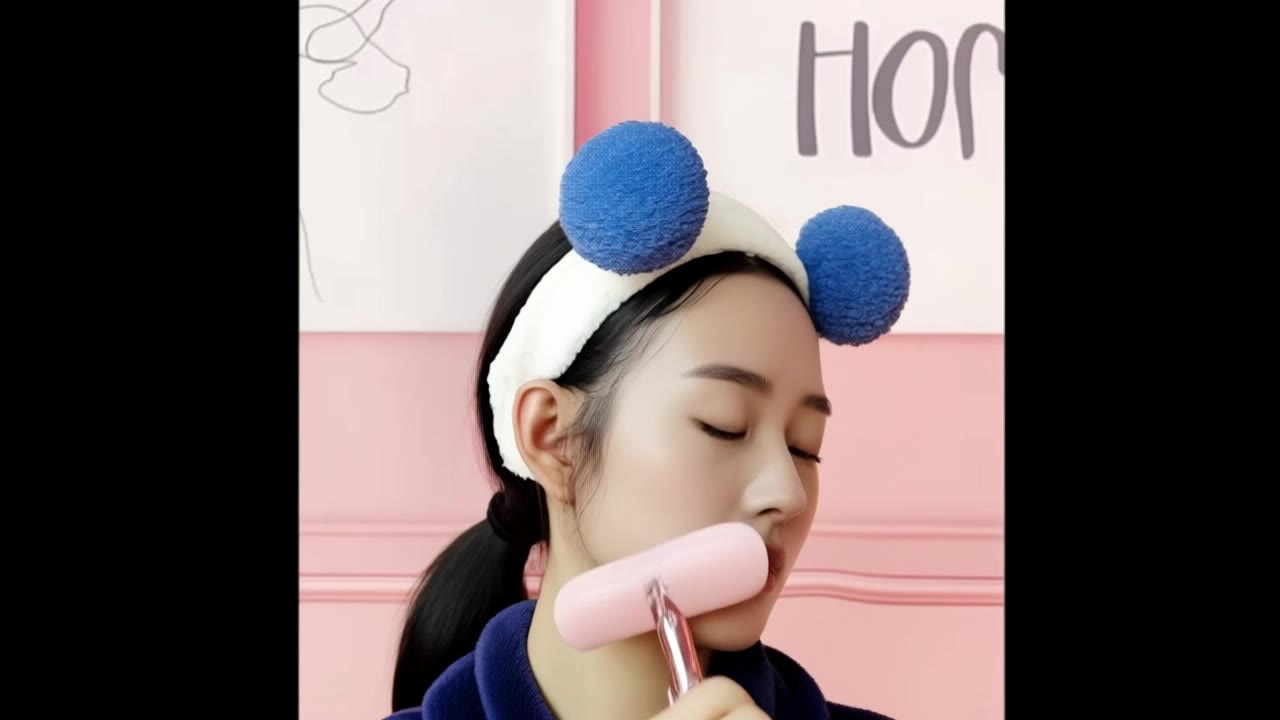
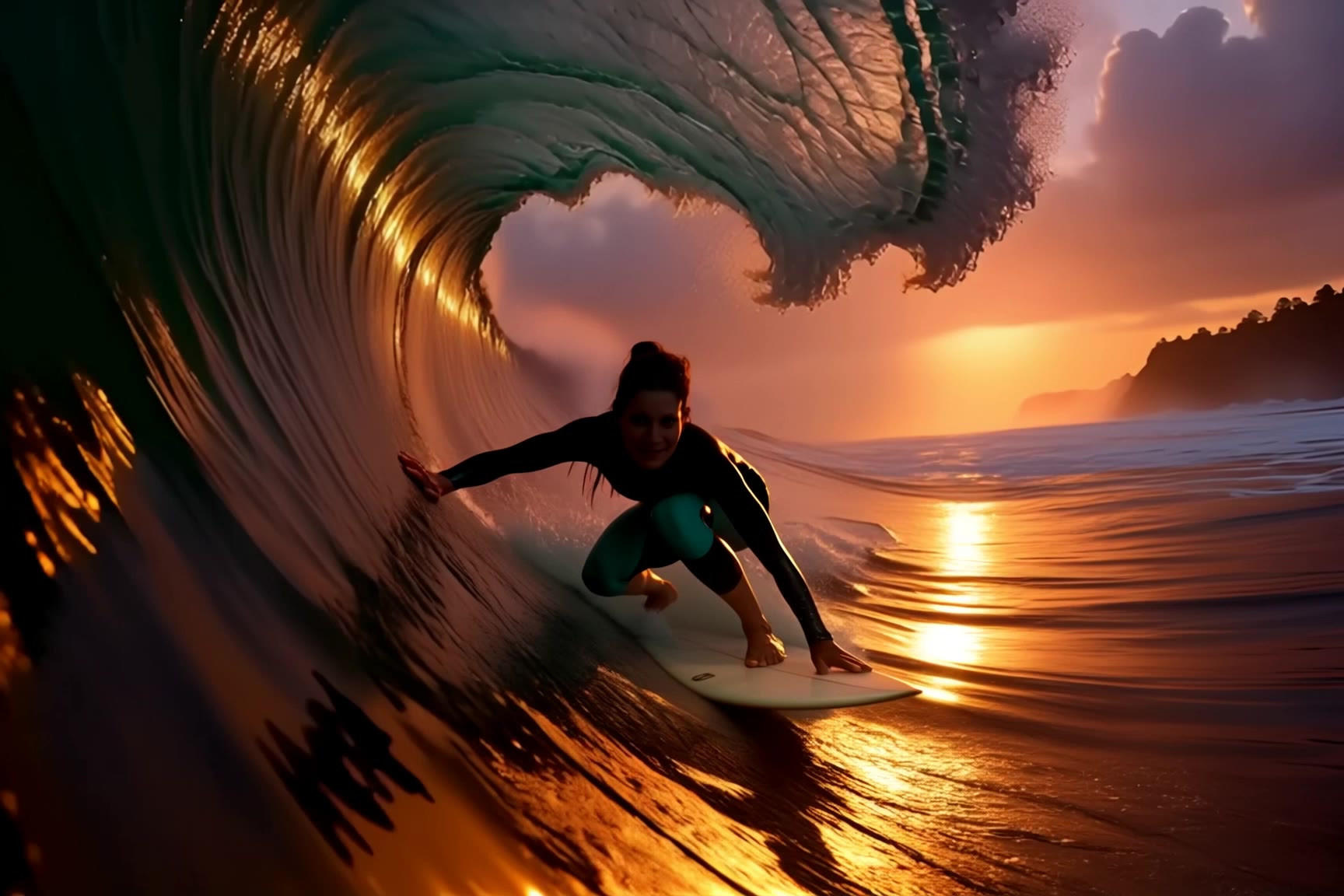
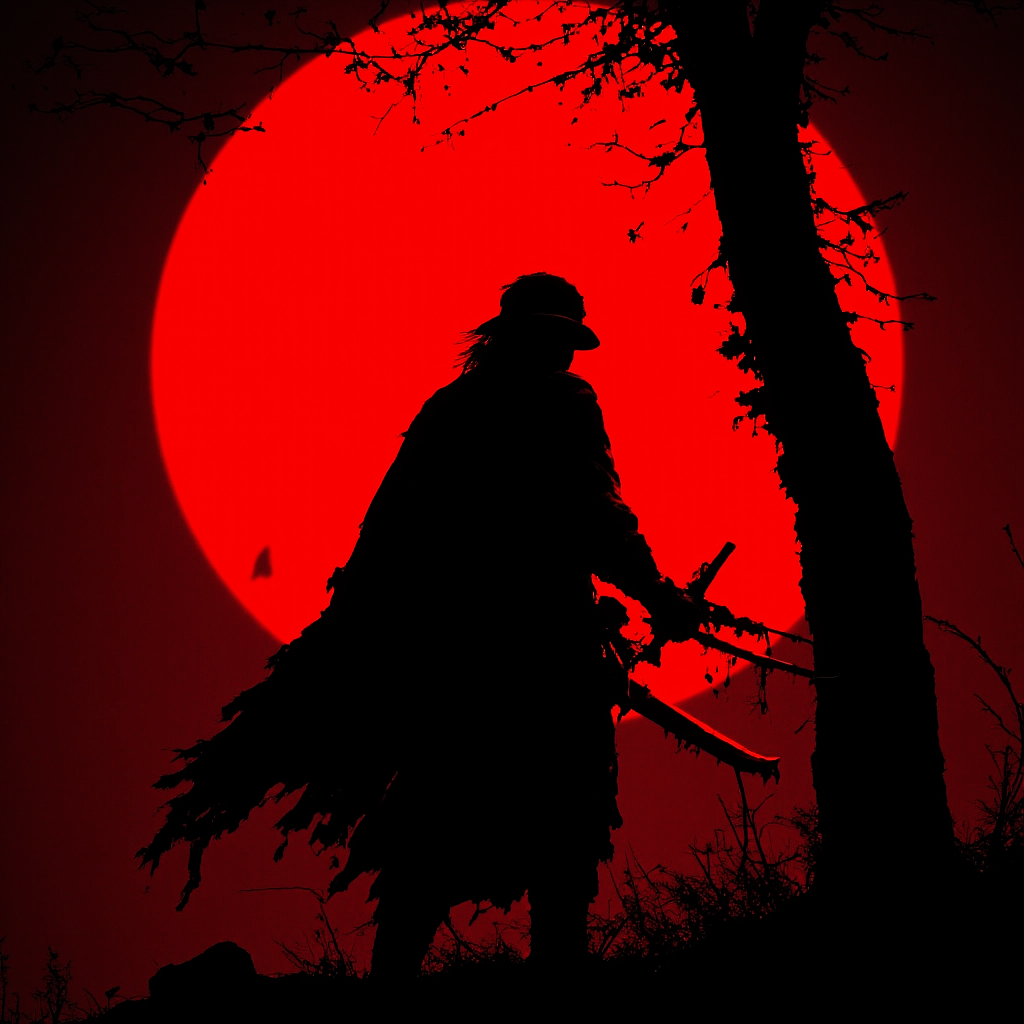
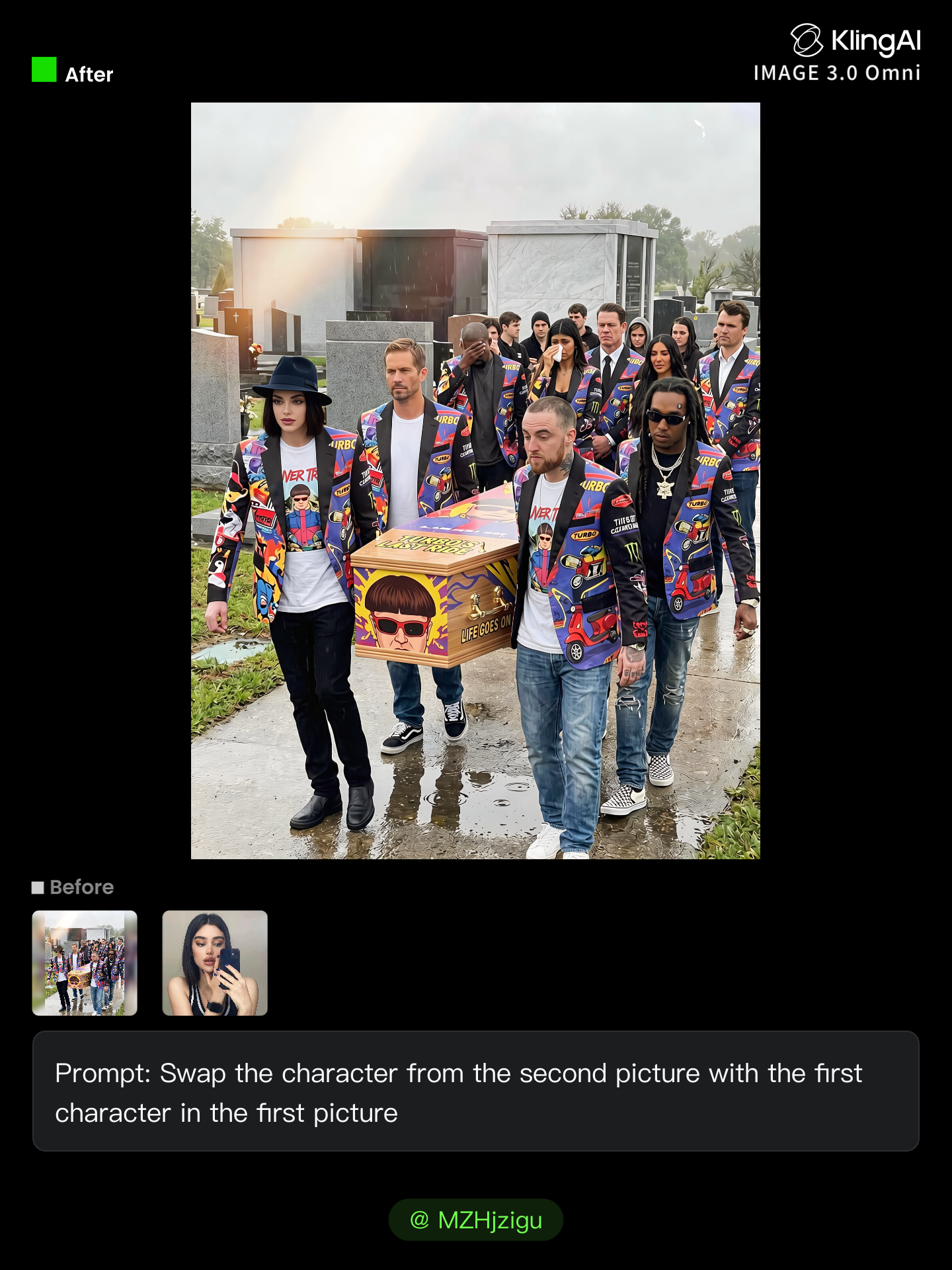
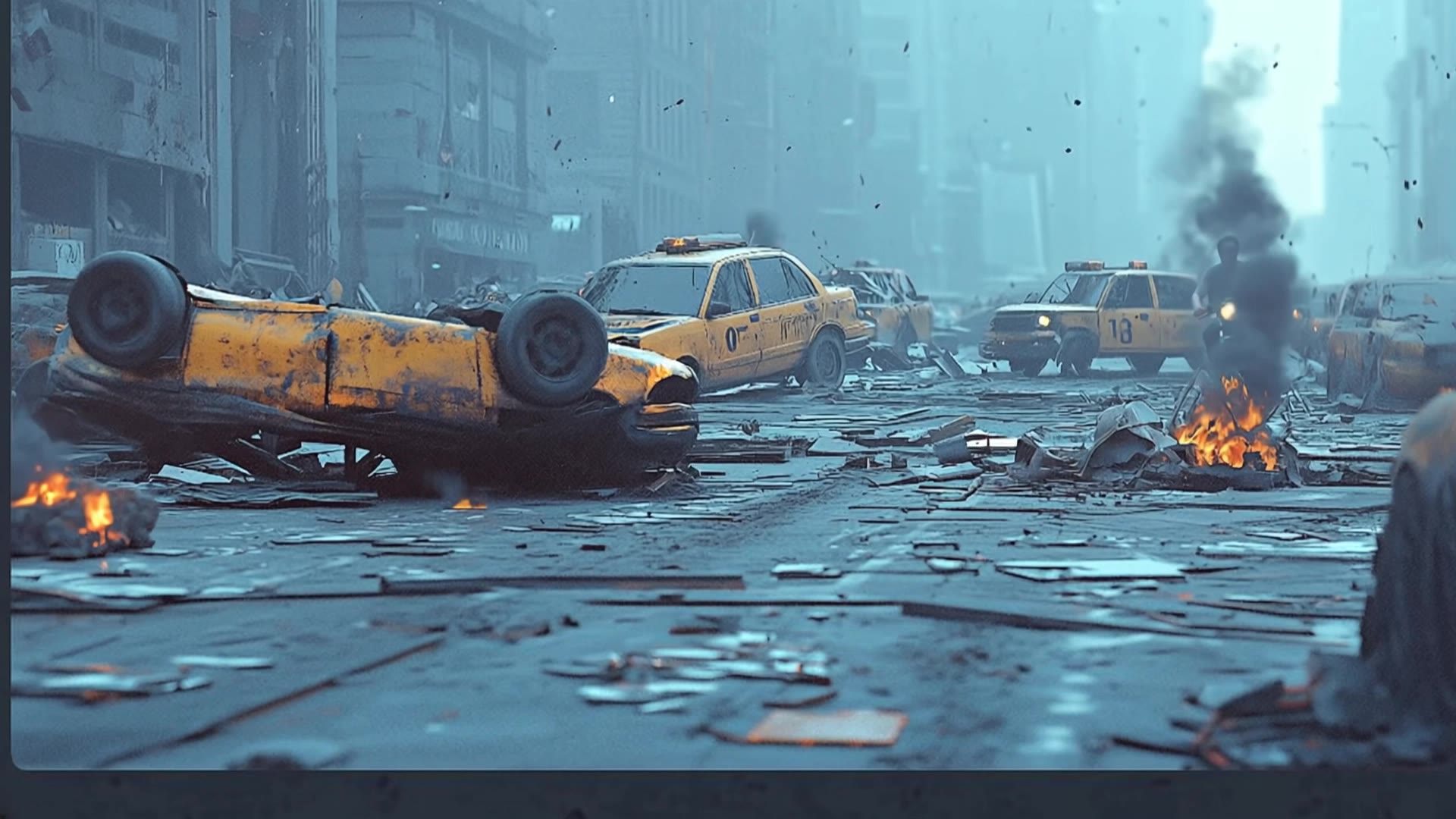
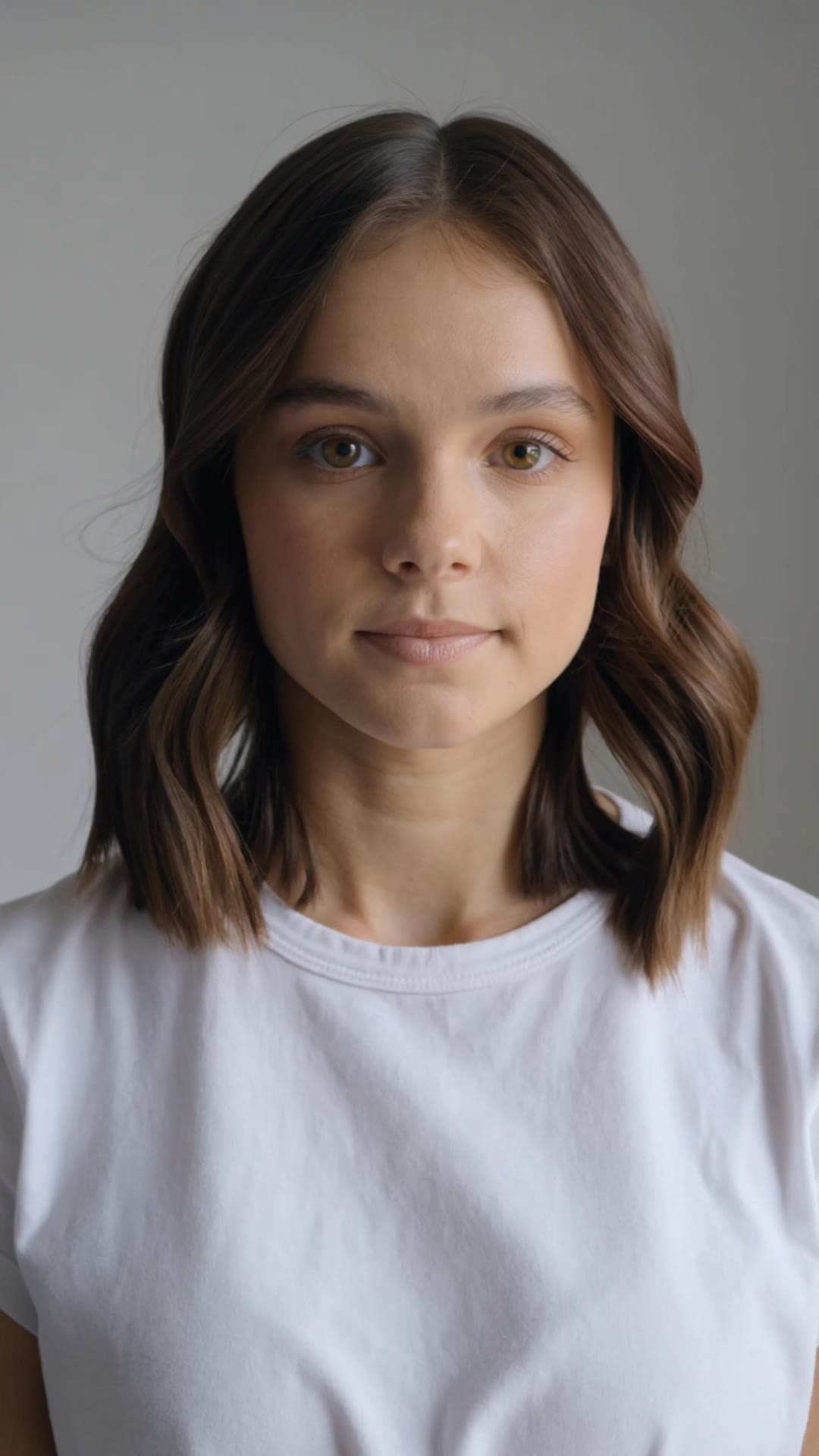
magic ai face swap - garden walking & identity crisis masks

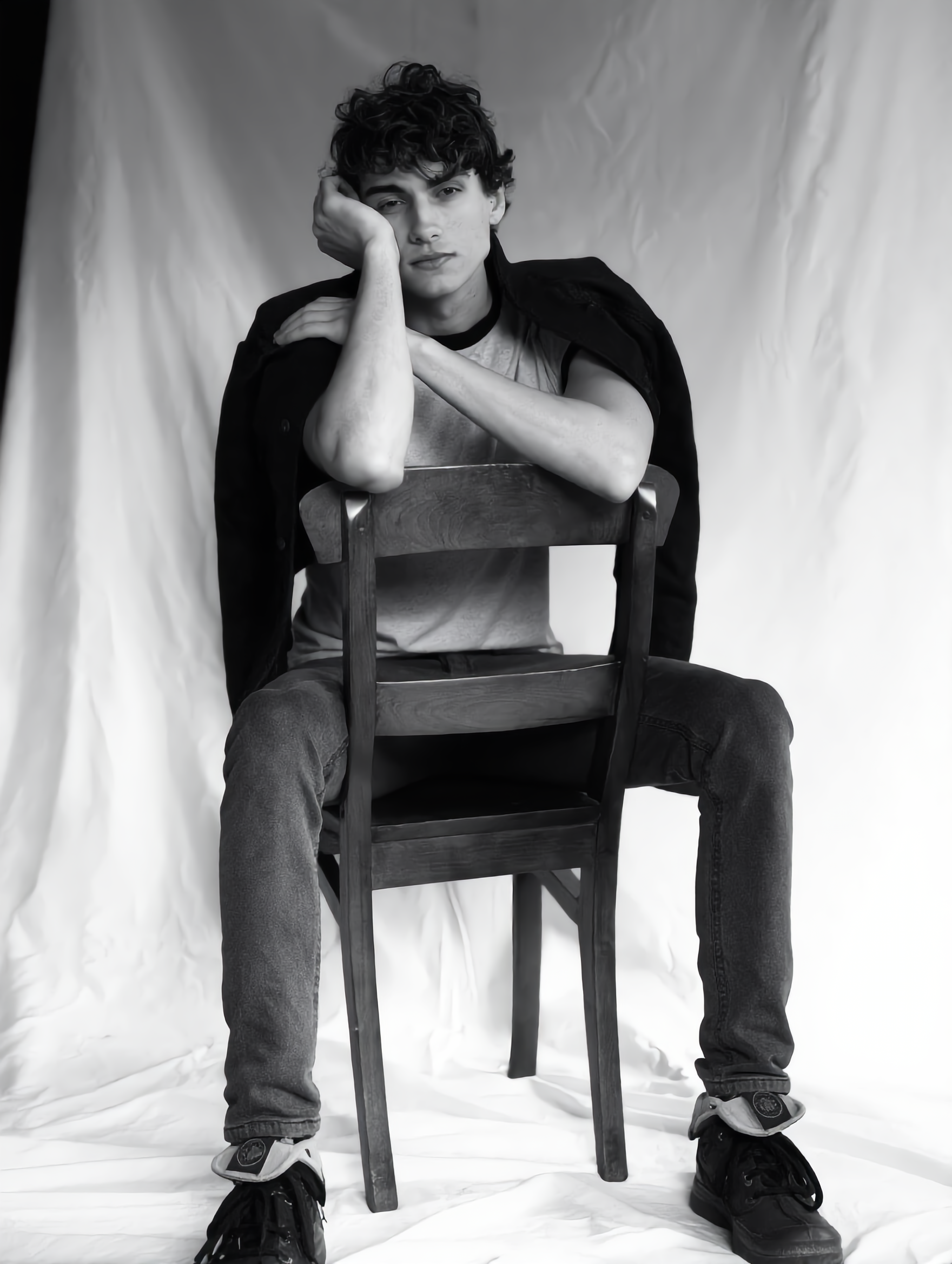
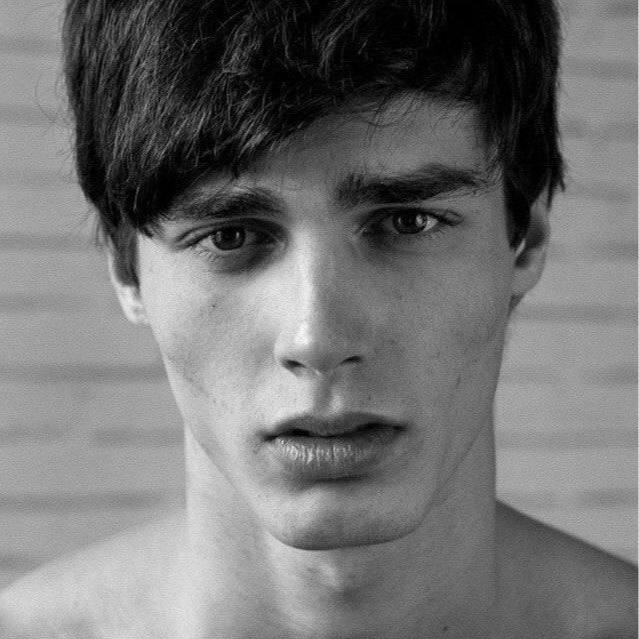
Unleash creativity with magic AI face swap, blending heartfelt moments like surfing memories and serene garden walks into surreal, cinematic experiences. Transform everyday scenes and identity explorations into captivating visual narratives. Start exploring magic ai face swap ideas and generate your own content with AI.


magic ai face swap - garden walking & identity crisis masks

Recommended

Kling AI work 314939795661289 - magic ai face swap AI image
nlEWboUk avatar
nlEWboUk
Kling AI work 306899786615661 - magic ai face swap AI video
fmJZFvKo avatar
fmJZFvKo
Kling AI work 297638918500908 - magic ai face swap AI video
vjBGTAPq avatar
vjBGTAPq
Kling AI work 297891129503801 - magic ai face swap AI video
lzoedtWs avatar
lzoedtWs
Kling AI work 312105694612224 - magic ai face swap AI image
Future avatar
Future
Kling AI work 296283181527466 - magic ai face swap AI video
HYSutIeq avatar
HYSutIeq
Kling AI work 306902196667796 - magic ai face swap AI video
OYSwZhKC avatar
OYSwZhKC
Kling AI work 288259247322699 - magic ai face swap AI video
lEvEcJbp avatar
lEvEcJbp
surfing - magic ai face swap AI video
jingle6913 avatar
jingle6913
Kling AI work 314466234661245 - magic ai face swap AI image
MZHjzigu avatar
MZHjzigu
different face, face swap, face  - magic ai face swap AI video
00:14
ujSwUVGQ avatar
ujSwUVGQ
Kling AI work 278329001317074 - magic ai face swap AI video
twinsant avatar
twinsant
ಕನ್ನಡ ವಿಡಿಯೋ ಮಾಡಿ ಹಾಕು  - magic ai face swap AI video
mRGRMOXr avatar
mRGRMOXr
Character Swap AI - magic ai face swap AI image
BHzmNhKN avatar
BHzmNhKN
Kling AI work 313566036502957 - magic ai face swap AI image
Future avatar
Future
Kling AI work 298903460316819 - magic ai face swap AI video
jude avatar
jude
walking in garden - magic ai face swap AI video
lorsSnHH avatar
lorsSnHH
Kling AI work 297830201528018 - magic ai face swap AI video
rYKCYEHb avatar
rYKCYEHb
Kling AI work 298317007523097 - magic ai face swap AI video
gFAlNLcu avatar
gFAlNLcu

How to Create AI Characters with Kling AI

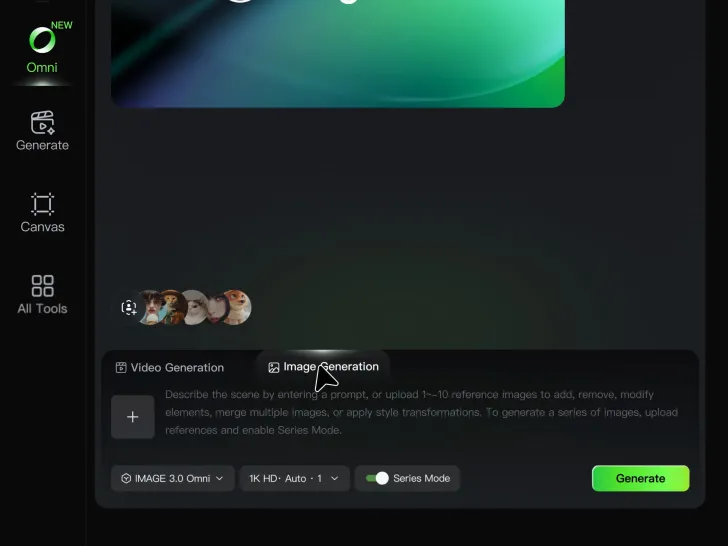
Step 1: Describe Your Character

Step 1: Describe Your Character

Start with a text prompt describing the character you want to create. Define key details such as appearance, hairstyle, clothing, visual style, expression, pose, or setting to help Kling AI generate a character that matches your description.

Step 2: Add Reference Images if Available

Step 2: Add Reference Images if Available

Already have a character design or visual direction in mind? Add one or more reference images to guide the character's appearance and key visual traits. Multiple views can help Kling AI maintain consistency across different angles.

Step 3: Generate and Develop Your Character

Step 3: Generate and Develop Your Character

Generate your character, review the result, and continue refining the design. Explore new poses, scenes, styles, and related images, or reuse the character in later creative workflows.

Create Voices That Match Your Characters

Generate Character Voices Directly with the Video

Generate Character Voices Directly with the Video

Write the dialogue into your video prompt and let Kling generate the spoken performance together with the scene. Because voice, facial performance, mouth movement, visuals, ambience, and supporting sound are created in the same workflow, the dialogue feels connected to what the character is doing on screen rather than added as a separate layer afterward.

Create Dialogue Across Languages and Accents

Create Dialogue Across Languages and Accents

Create character voices in multiple languages, including English, Chinese, Japanese, Korean, and Spanish. You can also customize accents, dialects, and speaking styles to make characters sound more authentic for different regions, cultures, and story settings.
Keep a Character's Voice Consistent Across Scenes

Keep a Character's Voice Consistent Across Scenes

For recurring characters, Kling VIDEO 3.0 Omni lets you add voice to reusable Character Elements. A character can carry both recognizable visual traits and a connected voice into supported future generations. This makes it easier to build recurring presenters, fictional characters, or story leads that not only look familiar across scenes, but also keep a more consistent vocal identity.

Apps

Image to Video
Image to Video

Image to Video

Text to Video
Text to Video

Text to Video

Omni
Omni

Omni

Digital Human
Digital Human

Digital Human

Restyle
Restyle

Restyle

Text to Image
Text to Image

Text to Image

60M+
60M+
Users
600M+
600M+
AI Videos Generated
4.7 ★
4.7 ★
App Store
Industry-Leading
Industry-Leading
Cinematic 4K

Reviews

Jyo John Mulloor

Jyo John Mulloor

★★★★★

Kling AI has been instrumental in transforming my creative workflow, unlocking new dimensions of artistic expression that were once unimaginable. I use Kling AI extensively to develop high-concept visuals, animate surreal dreamscapes, and create AI-assisted films that blur the line between reality and fantasy. Kling AI’s deep learning capabilities have not only enhanced my creative efficiency but also inspired me to explore storytelling in ways I never thought possible.

PJ Ace

PJ Ace

★★★★★

Kling AI has made it easy for us to generate world class visuals for Fortune 500 companies, TV shows and music for big artists. We love the easy of use of the platform and the quality of the generations. My first time using Kling AI, I got 22 million views on just one video. It's that good.

Déborah

Déborah

★★★★★

I use Kling AI every day. It's amazing to see the almost daily progress it makes. I used AI for fun at first, and I now find that Kling AI's animations allow me to gain professional visibility, with three times more views on my animated posts than on my static posts.

FAQ

Q1How can I enhance video quality online?
Q2What is an AI video enhancer?
Q3Can an AI video quality enhancer improve blurry or low-resolution footage?

Bring Your Old Photos Back to Life

Use the photo you already have as the starting point. Repair visible damage, improve faded areas, guide familiar faces with references, and create a higher-resolution version when you need it.