
Creative Studio
API
Resources
Features
About Us
Download

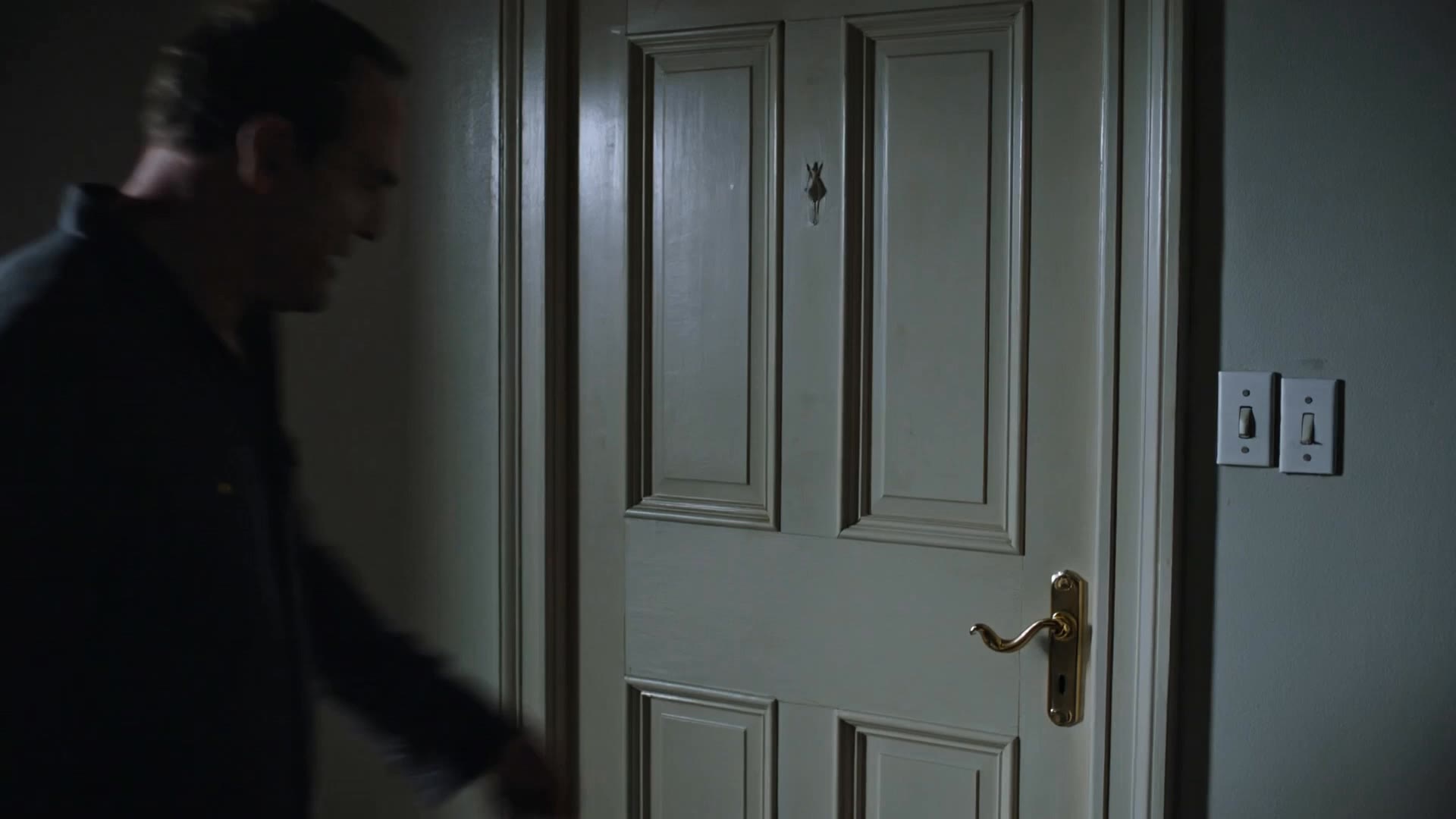
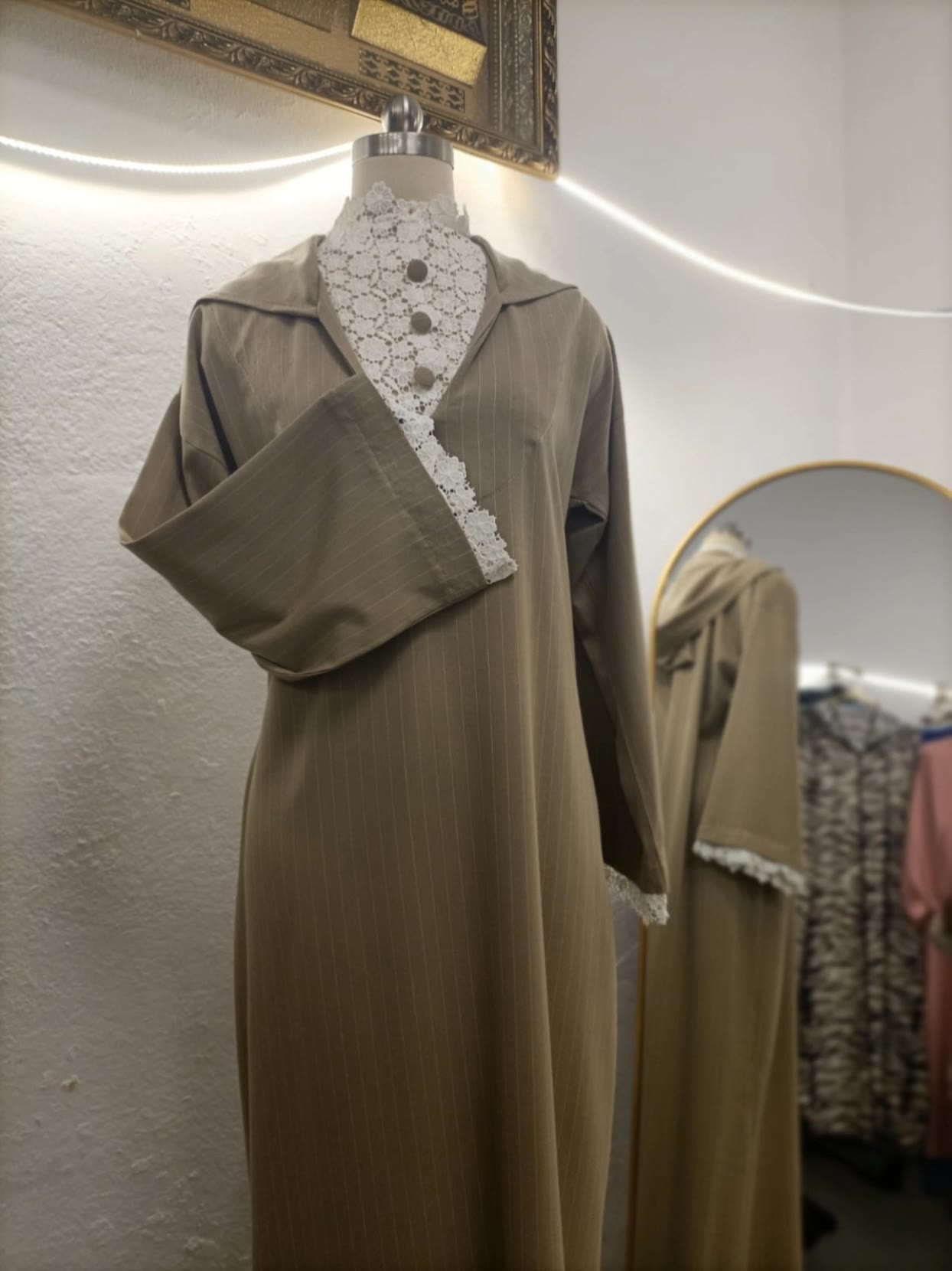
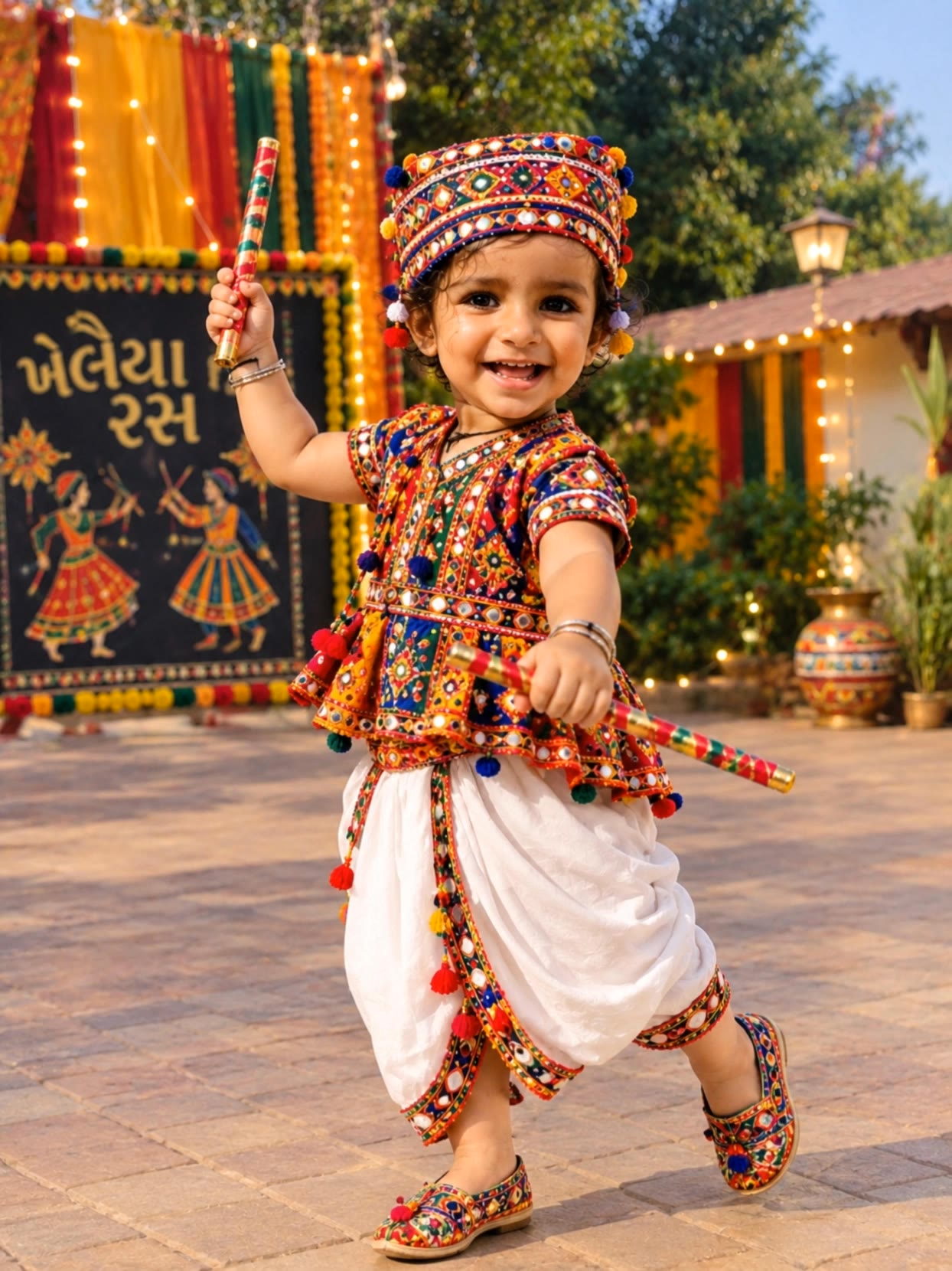
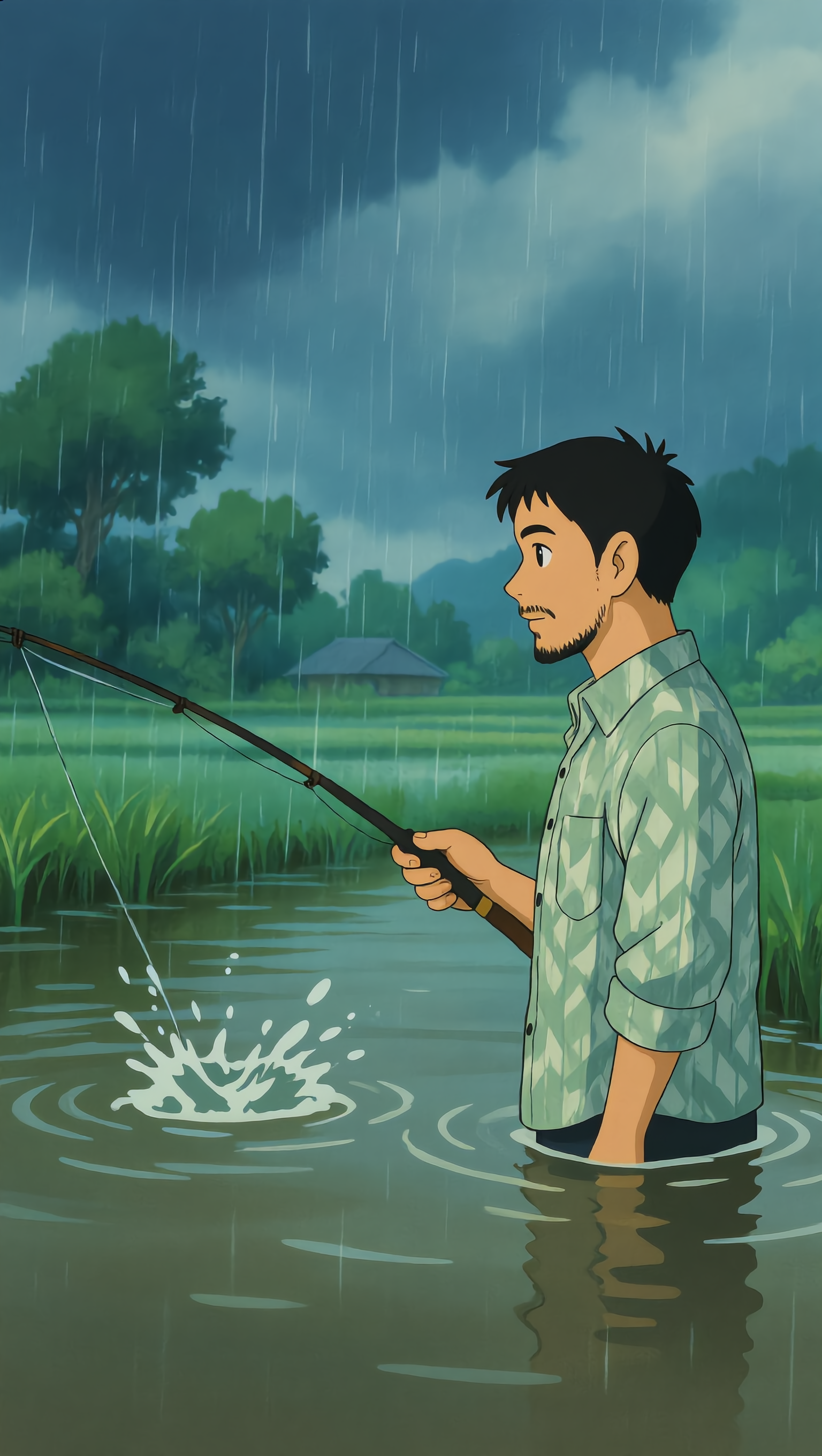
make it realistic - dance animation & storm visuals

Unleash creativity with highly realistic animations and lifelike visual effects across diverse themes. Start exploring make it realistic ideas and generate your own content with AI.

make it realistic - dance animation & storm visuals

Recommended

ultra realistic  - make it realistic AI image
nkAAcpIA avatar
nkAAcpIA
Create a smooth, realistic 360°  - make it realistic AI image
RbPnbdTe avatar
RbPnbdTe
“Create a realistic, high-qualit - make it realistic AI image
budKjRFN avatar
budKjRFN
Create a funny realistic 3D anim - make it realistic AI image
mbYAmHEn avatar
mbYAmHEn
my Realistic AI Video - make it realistic AI image
MltLYQCP avatar
MltLYQCP
“Create a realistic professional - make it realistic AI image
HzhGpcce avatar
HzhGpcce
Create a realistic cinematic his - make it realistic AI image
EYeMNioi avatar
EYeMNioi
“Create a realistic 10-second vi - make it realistic AI image
PTxPxYZw avatar
PTxPxYZw
The Most Realistic Viking Shield - make it realistic AI video
Unreal Intelligence avatar
Unreal Intelligence
ultra realistic  - make it realistic AI image
nkAAcpIA avatar
nkAAcpIA
Kling AI Prompt:
Realistic hair  - make it realistic AI image
pssEICto avatar
pssEICto
Turn the image into a realistic  - make it realistic AI video
XUPrtVID avatar
XUPrtVID
making realistic videos  - make it realistic AI image
baScXtKV avatar
baScXtKV
Create a realistic cinema - make it realistic AI image
vvfElJAC avatar
vvfElJAC
Create a realistic cinematic 198 - make it realistic AI image
xyYFoAmA avatar
xyYFoAmA
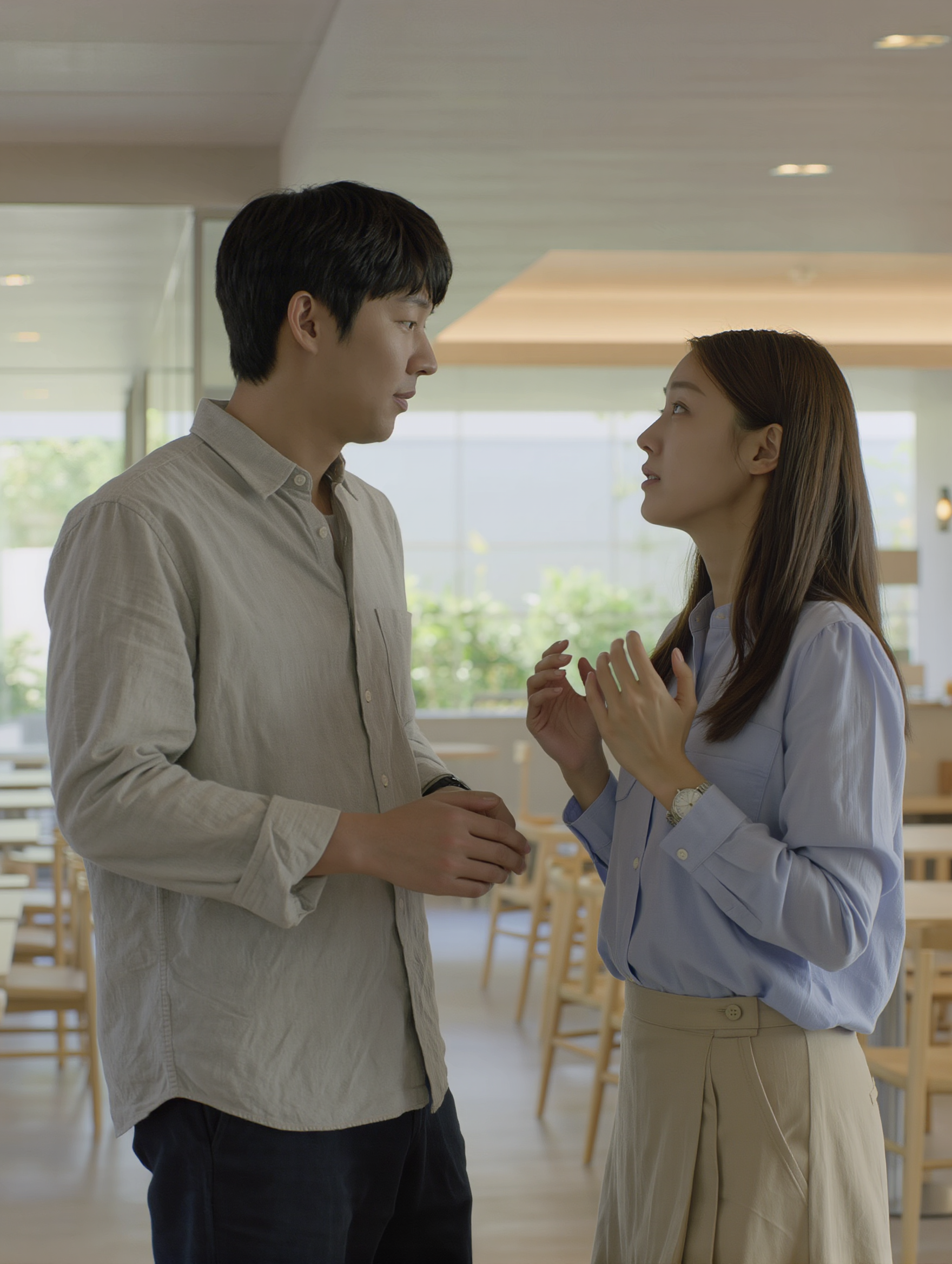
Two realistic people standing to - make it realistic AI image
pqRTXwaI avatar
pqRTXwaI
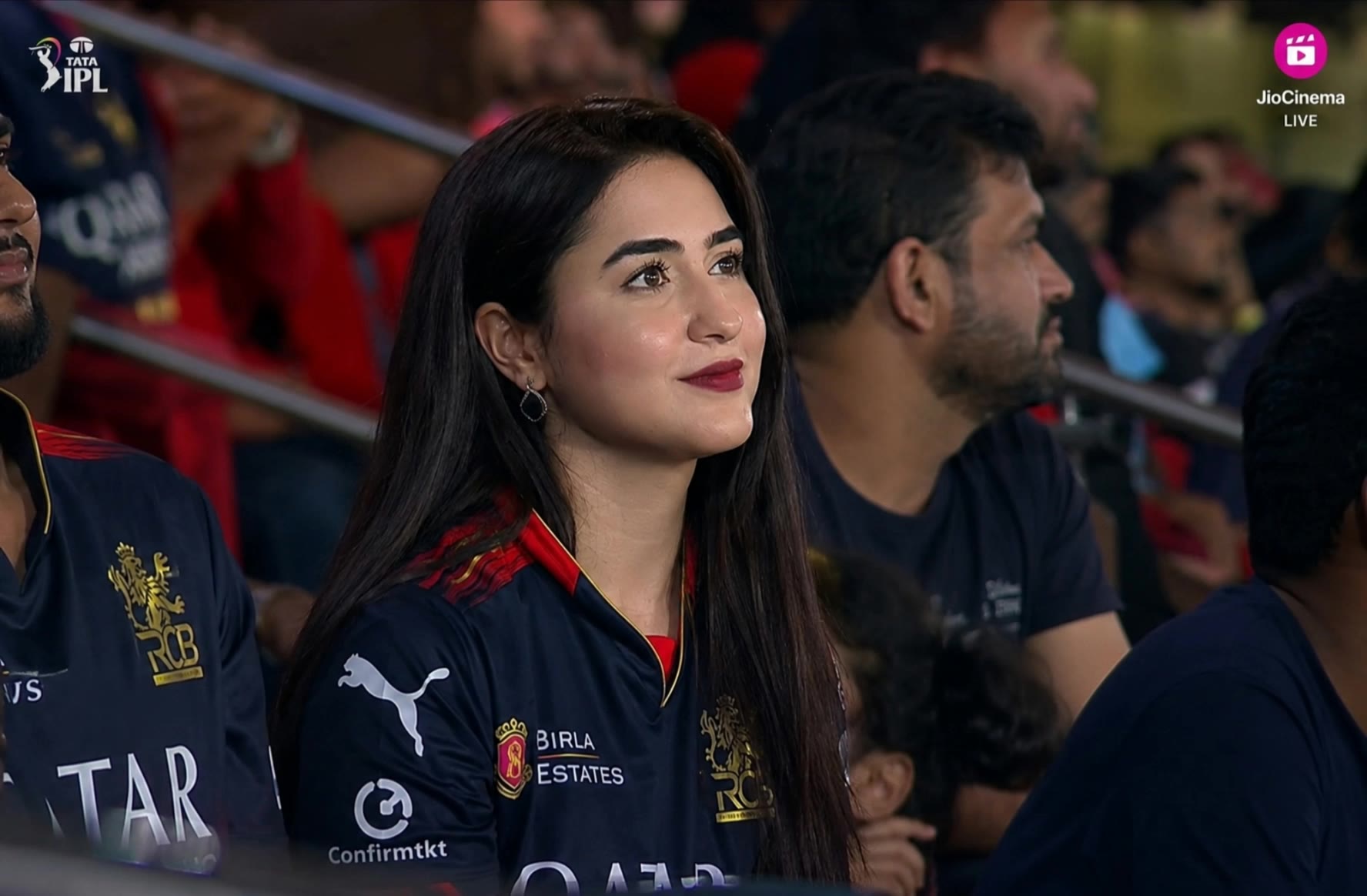
Realistic sports stadium video - make it realistic AI video
zCdPxjKl avatar
zCdPxjKl
Create a realistic AI fashion vi - make it realistic AI image
PtBNadta avatar
PtBNadta

How to Create Images with Kling AI

Write Down You Ideas

Write Down You Ideas

Open the AI Image Generator and choose the model that fits your project. Describe the subject and scene, then add details such as lighting, color, and visual style to shape the result.

Add References Or Not

Add References Or Not

Upload reference images for a character, product, composition, or style. References are optional, but they give Kling AI a clearer visual foundation when specific features, colors, or design details need to carry into the final image.

Generate Your Image

Generate Your Image

Choose your preferred format and output settings, then hit Generate. Once the result is ready, download it directly or open it in the image-to-video workflow to bring it to life with motion.

Why Kling Sets the Standard for Video Creation

Flawless Character Consistency for High-Quality Videos

Flawless Character Consistency for High-Quality Videos

Unlike standard tools that distort faces when moving, Kling Video 3.0 lets you strictly lock a character’s appearance. Upload a single photo, or use a short video/multiple angles as a reference to completely eliminate the “AI morphing” effect.

All-in-One Native Audio & Lip-Sync

All-in-One Native Audio & Lip-Sync

Your video isn’t just silent footage; it speaks. Generate perfectly matched voices and realistic lip movements in multiple languages or regional accents. Even in multi-character scenes, you can precisely assign who speaks—no third-party tools required.

Up to 15s Multi-Shot Cinematic Output

Up to 15s Multi-Shot Cinematic Output

Go beyond a basic 3-second clip. Kling 3.0 extends generation to 15 seconds of smooth, uninterrupted narrative. You can even use native storyboard controls to direct multi-shot sequences in a single click—outputting in crystal-clear 4K for professional use.

Apps

Image to Video
Image to Video

Image to Video

Text to Video
Text to Video

Text to Video

Omni
Omni

Omni

Digital Human
Digital Human

Digital Human

Restyle
Restyle

Restyle

Text to Image
Text to Image

Text to Image

60M+
60M+
Users
600M+
600M+
AI Videos Generated
4.7 ★
4.7 ★
App Store
Industry-Leading
Industry-Leading
Cinematic 4K

Reviews

KakuDrop

KakuDrop

★★★★★

I have successfully collaborated with world-renowned artists and well-known companies that are recognized globally

Déborah

Déborah

★★★★★

I use Kling AI every day. It's amazing to see the almost daily progress it makes. I used AI for fun at first, and I now find that Kling AI's animations allow me to gain professional visibility, with three times more views on my animated posts than on my static posts.

Maria Rubtsova

Maria Rubtsova

★★★★★

I’m Maria Rubtsova, an AIGC digital artist passionate about creating stunning visuals in the worlds of fashion, aesthetics, and fantasy. I use KlingAi to bring imagination to life through video. My work is all about exploring beauty, emotion, and the limitless possibilities of digital art.

FAQ

Q1How do I edit a photo with Kling AI?
Q2Can I change the background of a photo?
Q3Can Kling AI edit text inside an image?

Take Your Photo in a New Direction

Start with the image you have and rework it for the look, message, or moment you have in mind.

Object removal | Background changes | Portrait retouching | Photo restyling