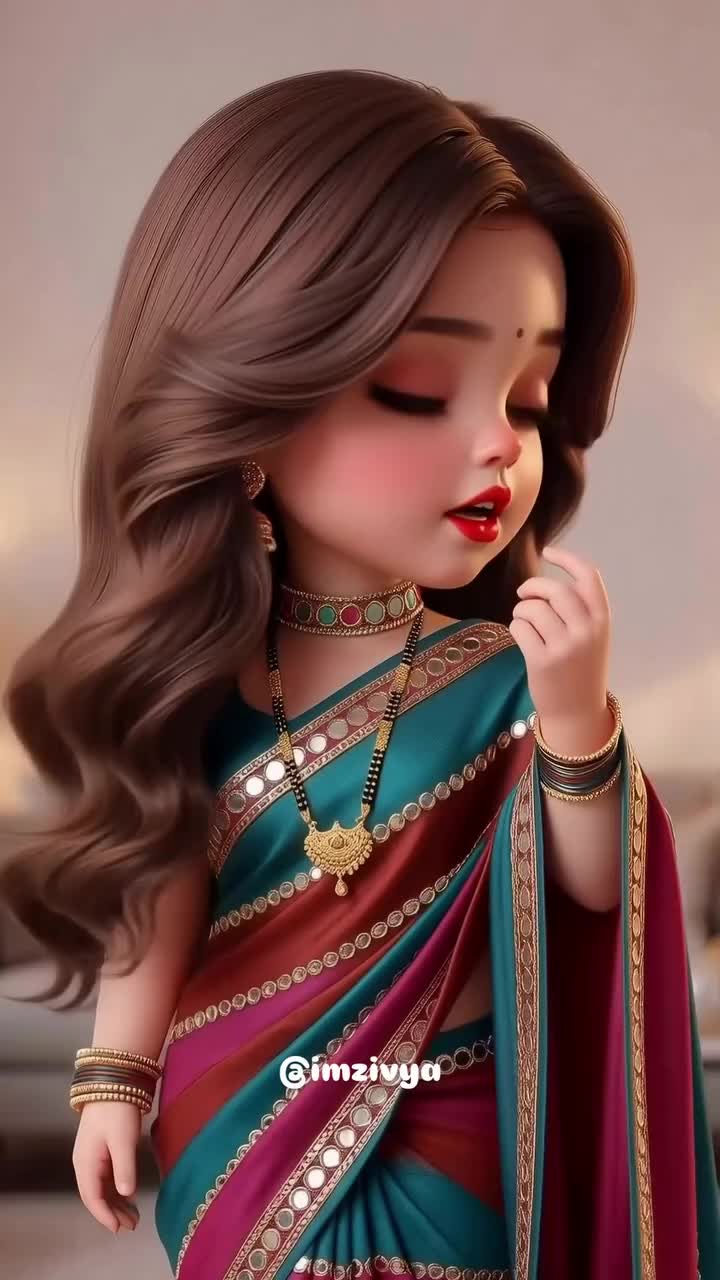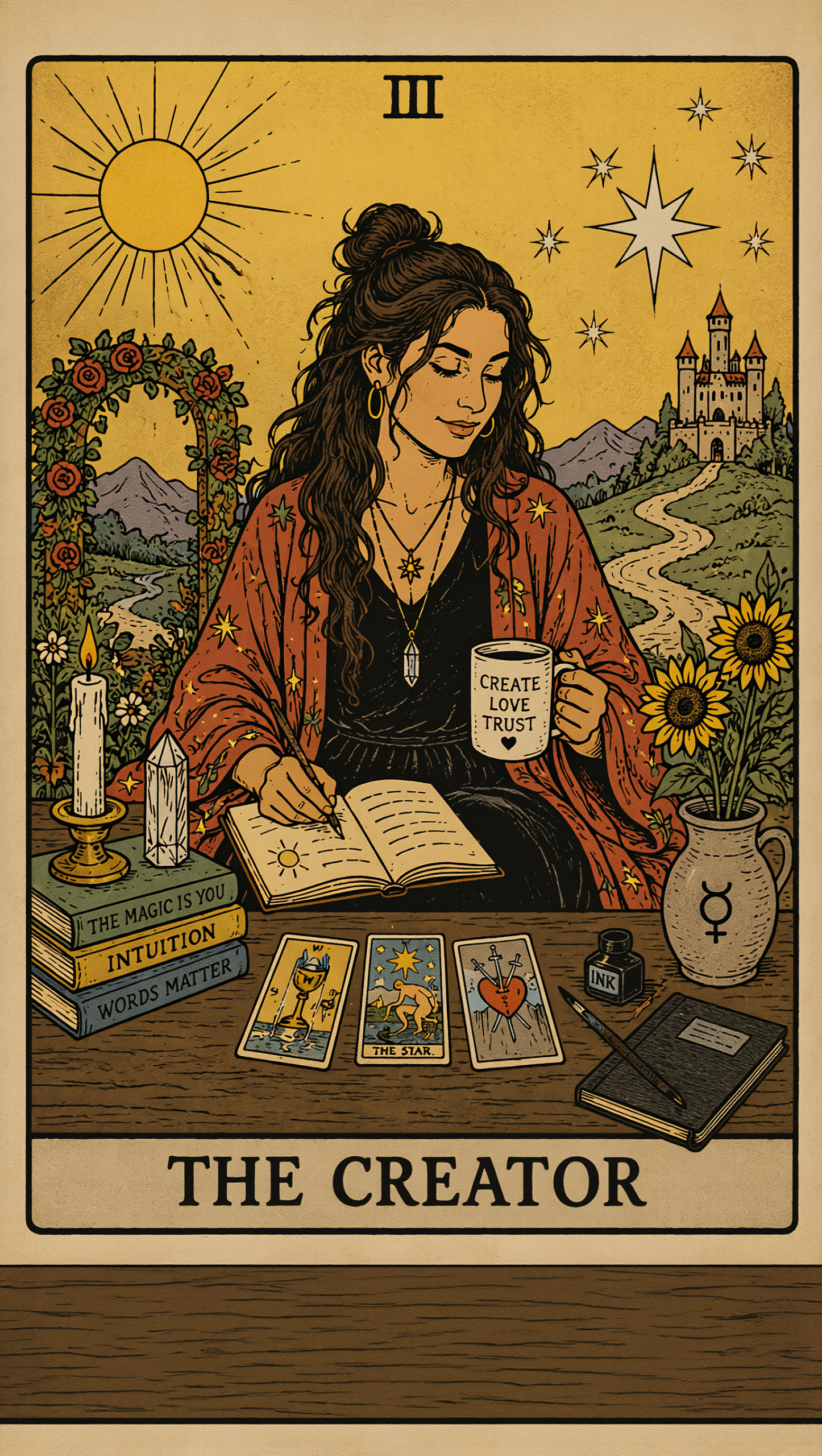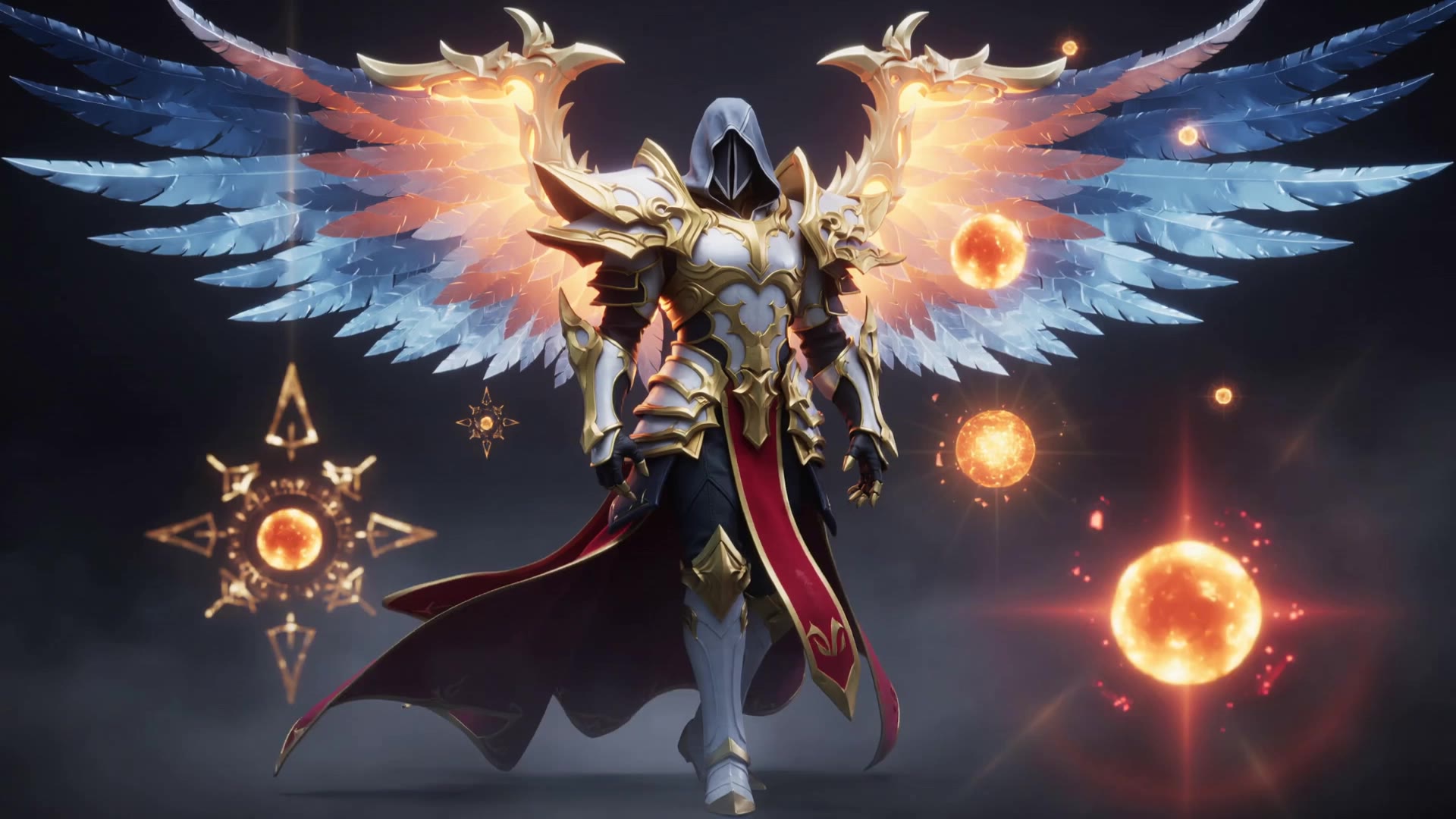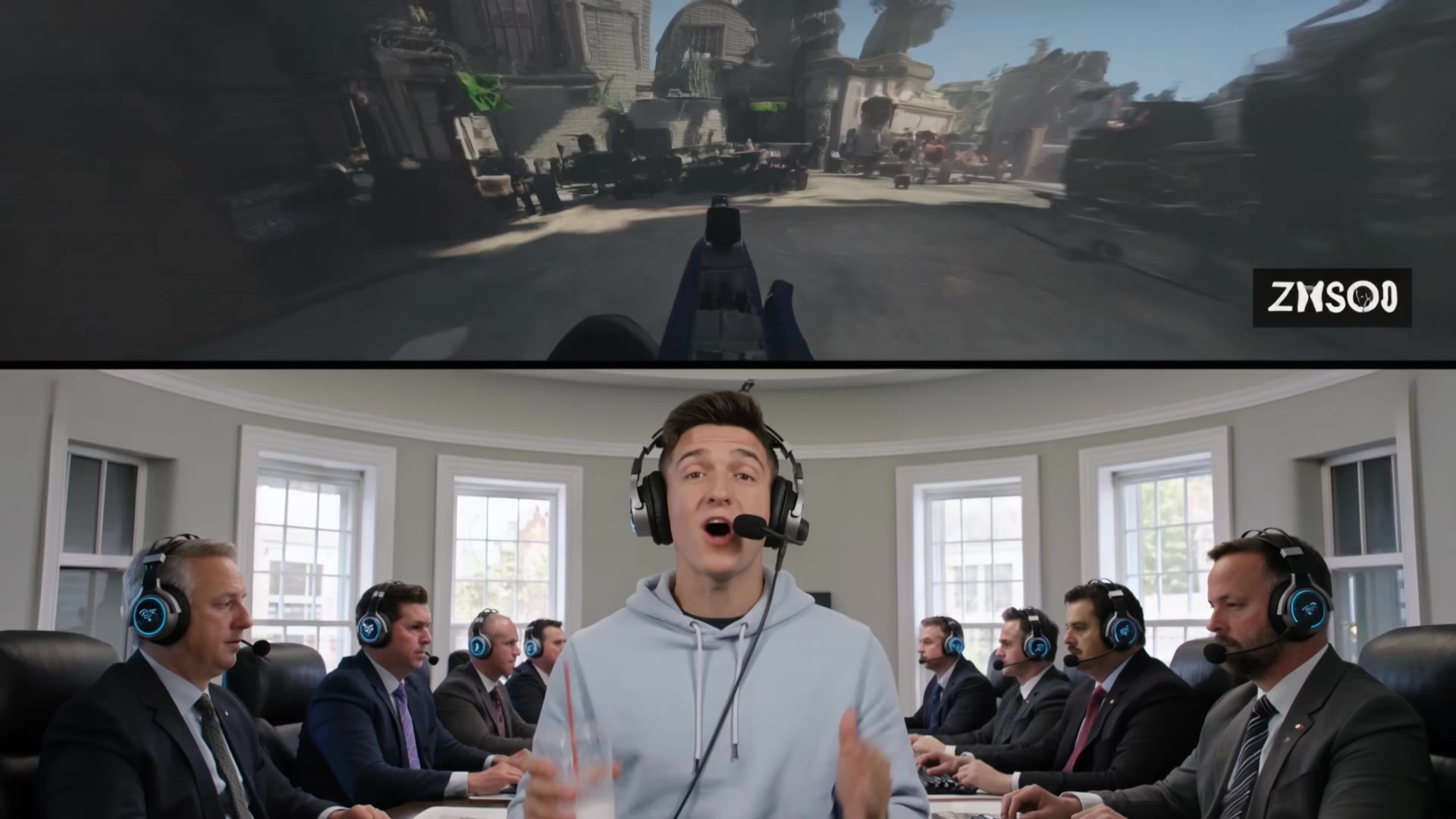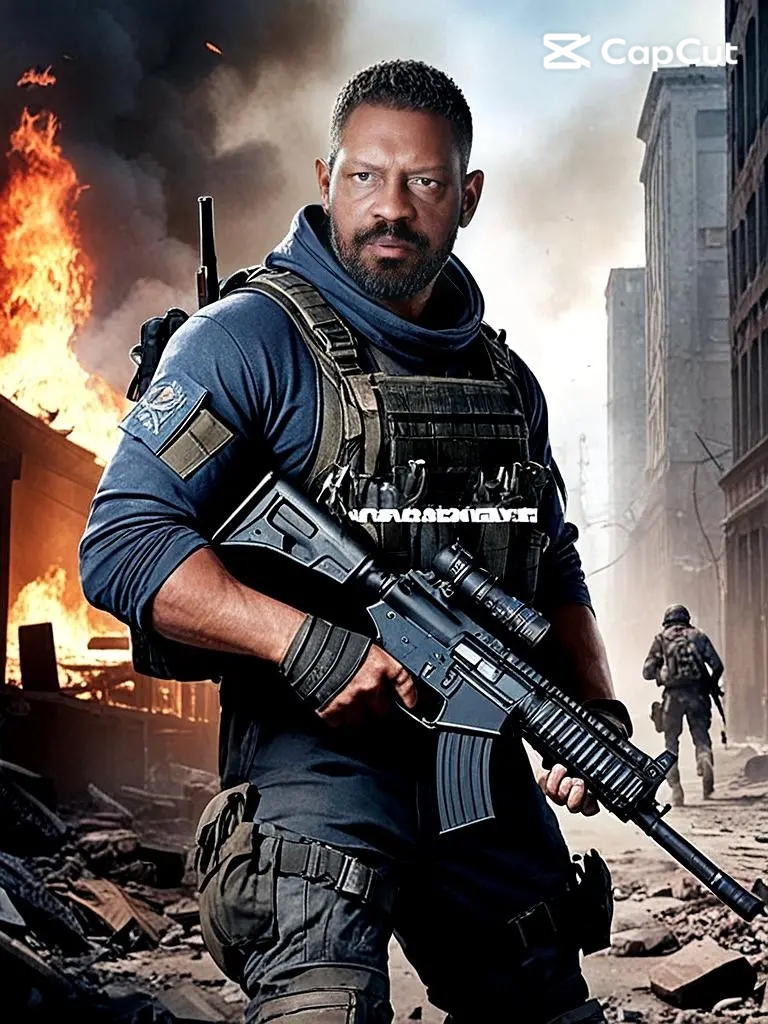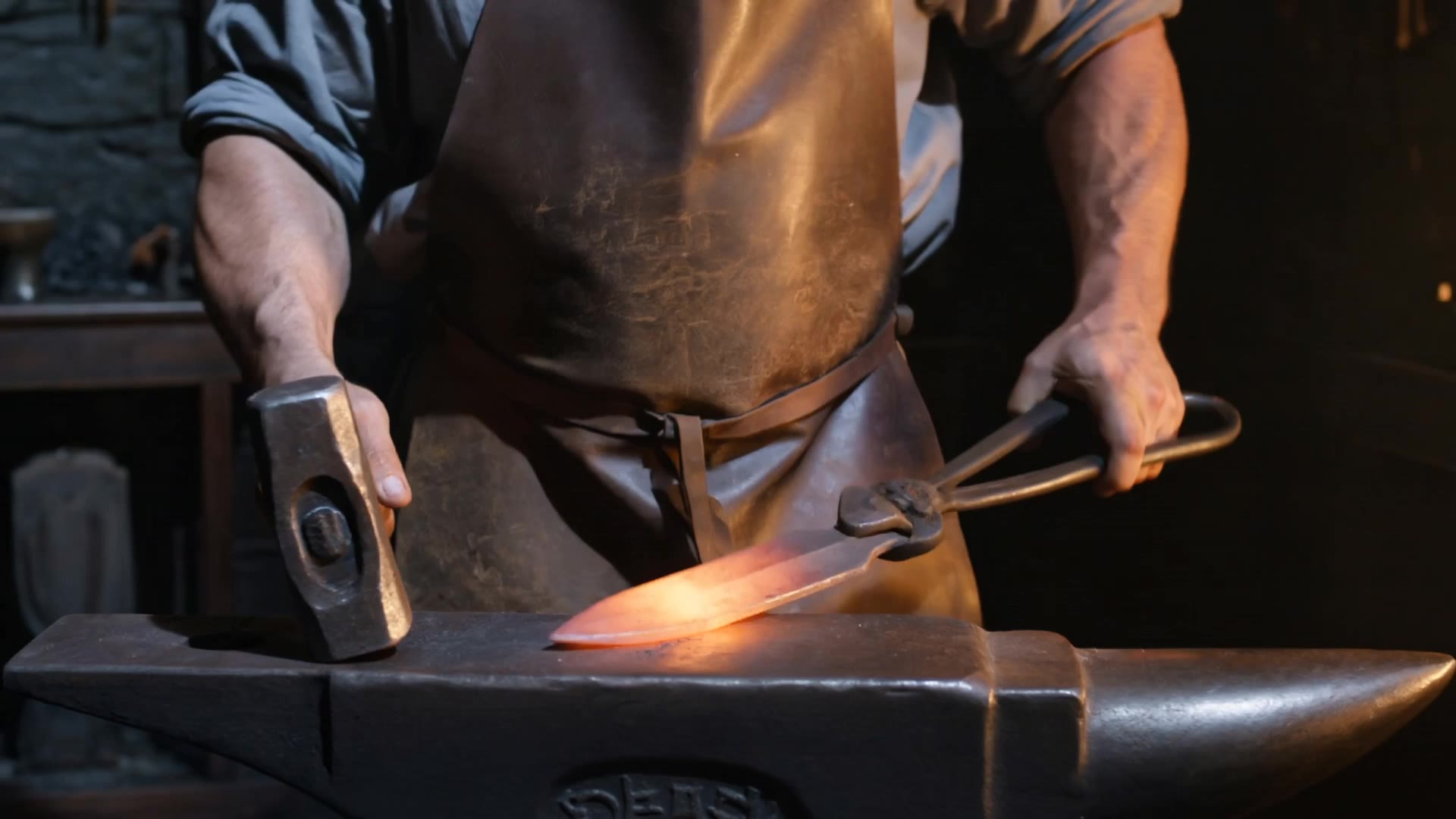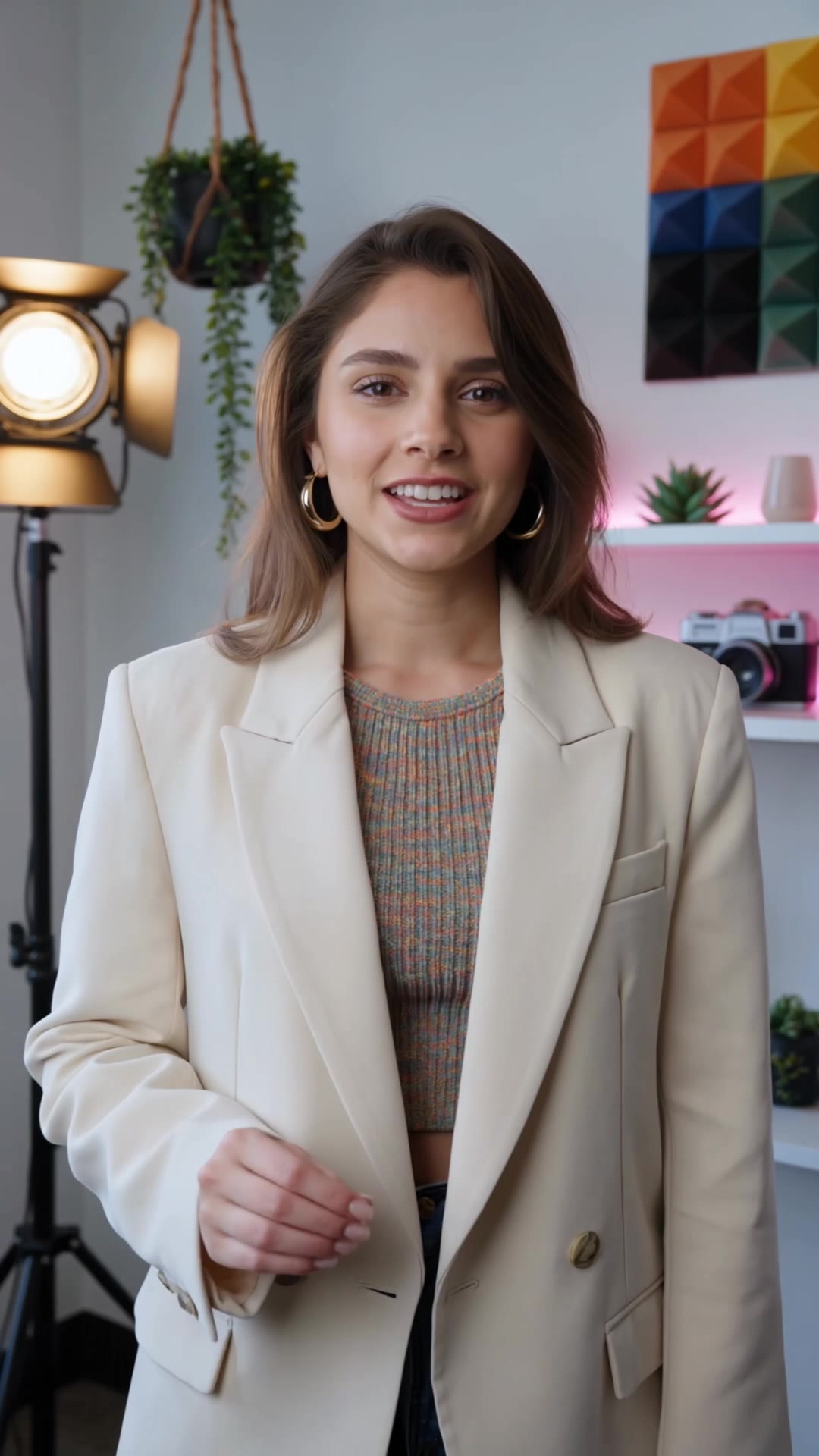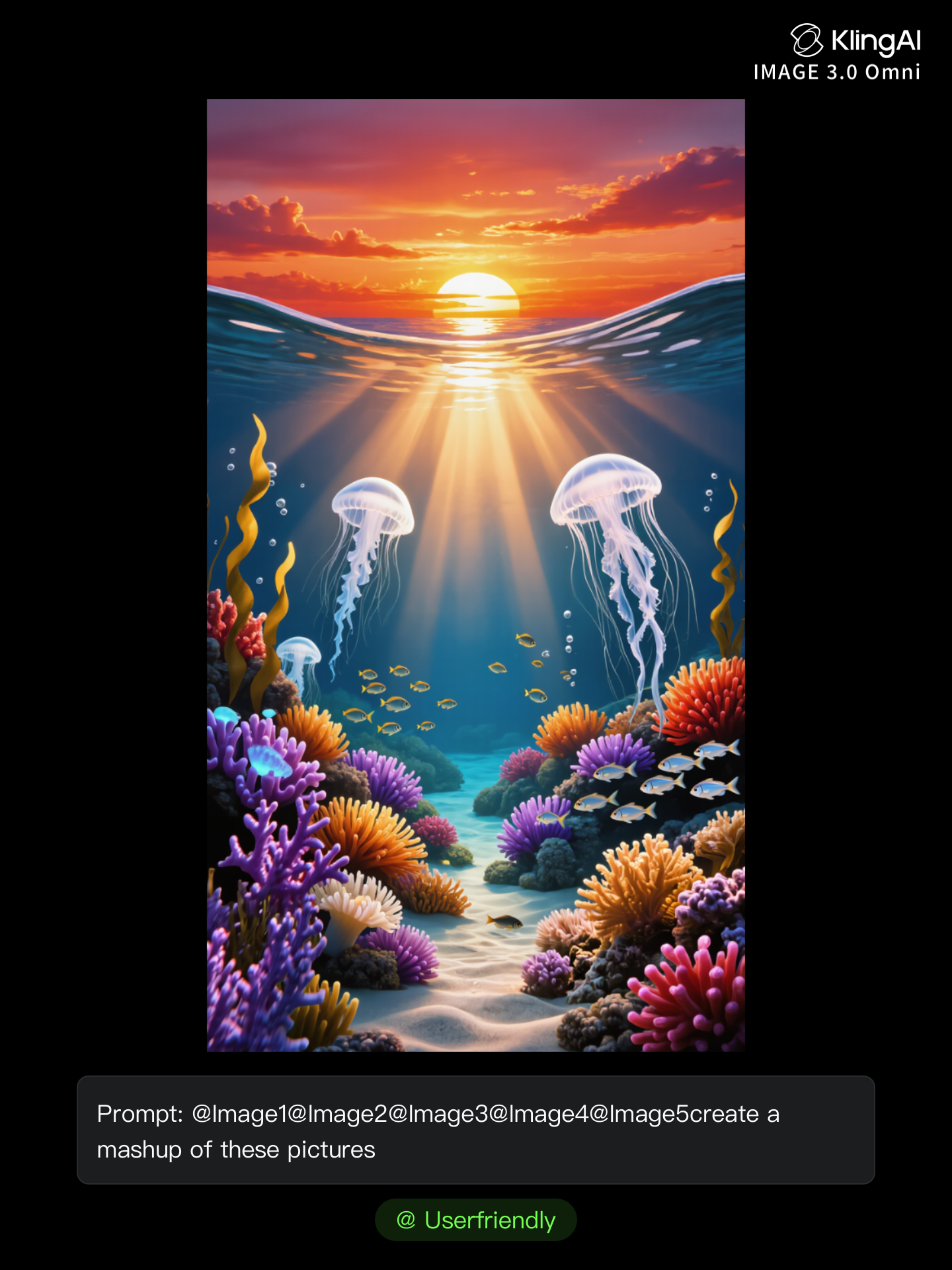
mashup creator - Anime Transformations & AI Art Fusions

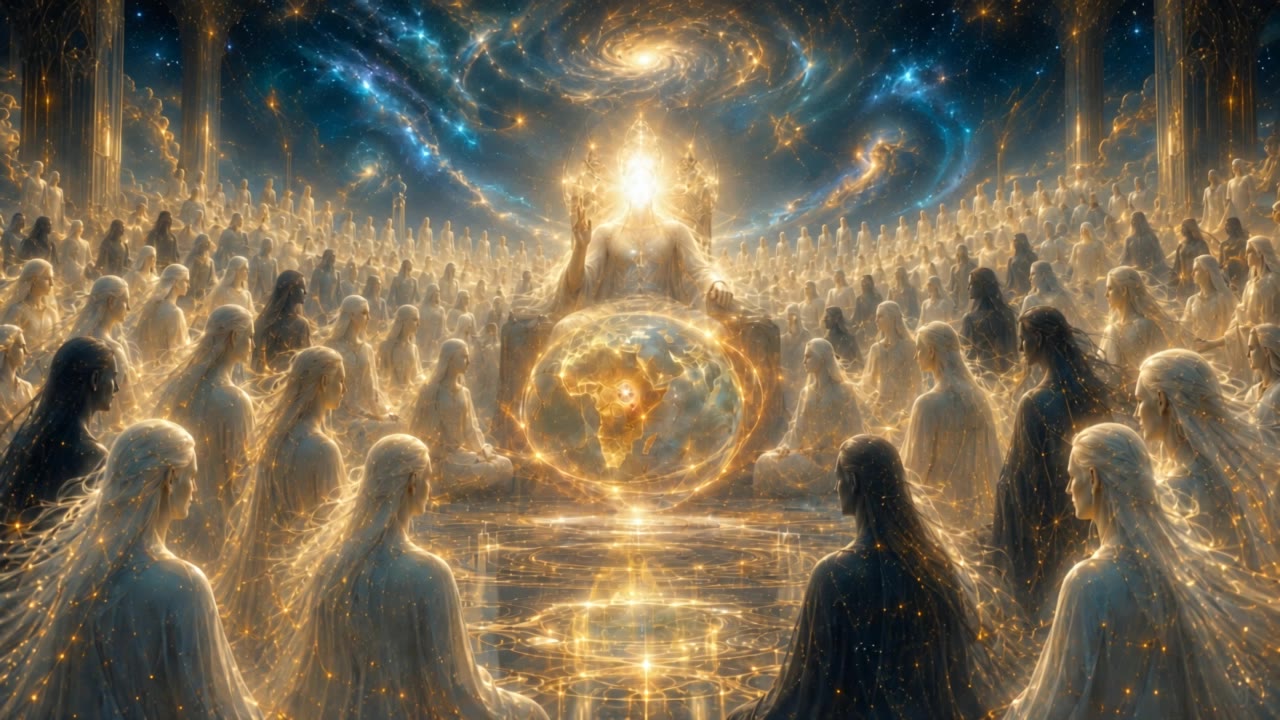
Unleash your creativity with anime transformations and AI art fusions, merging technology and divinity in unique mashups. Start exploring mashup creator ideas and generate your own content with AI.

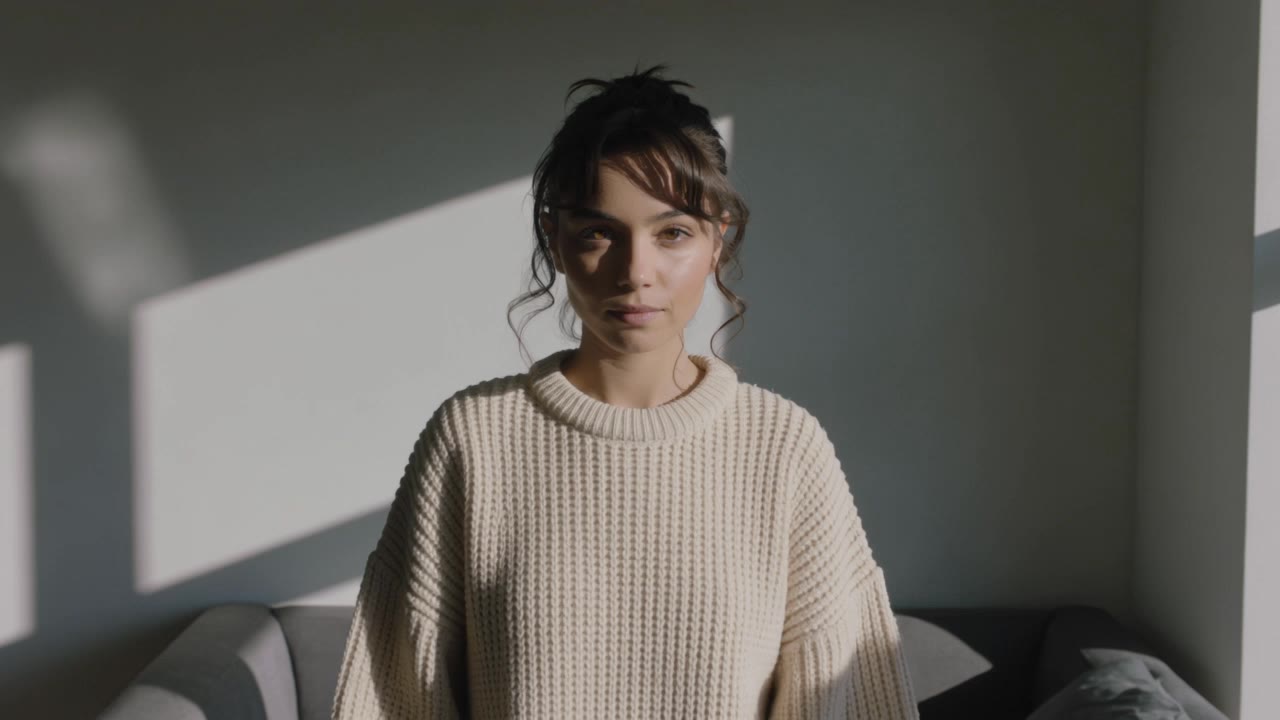
mashup creator - Anime Transformations & AI Art Fusions

Recommended

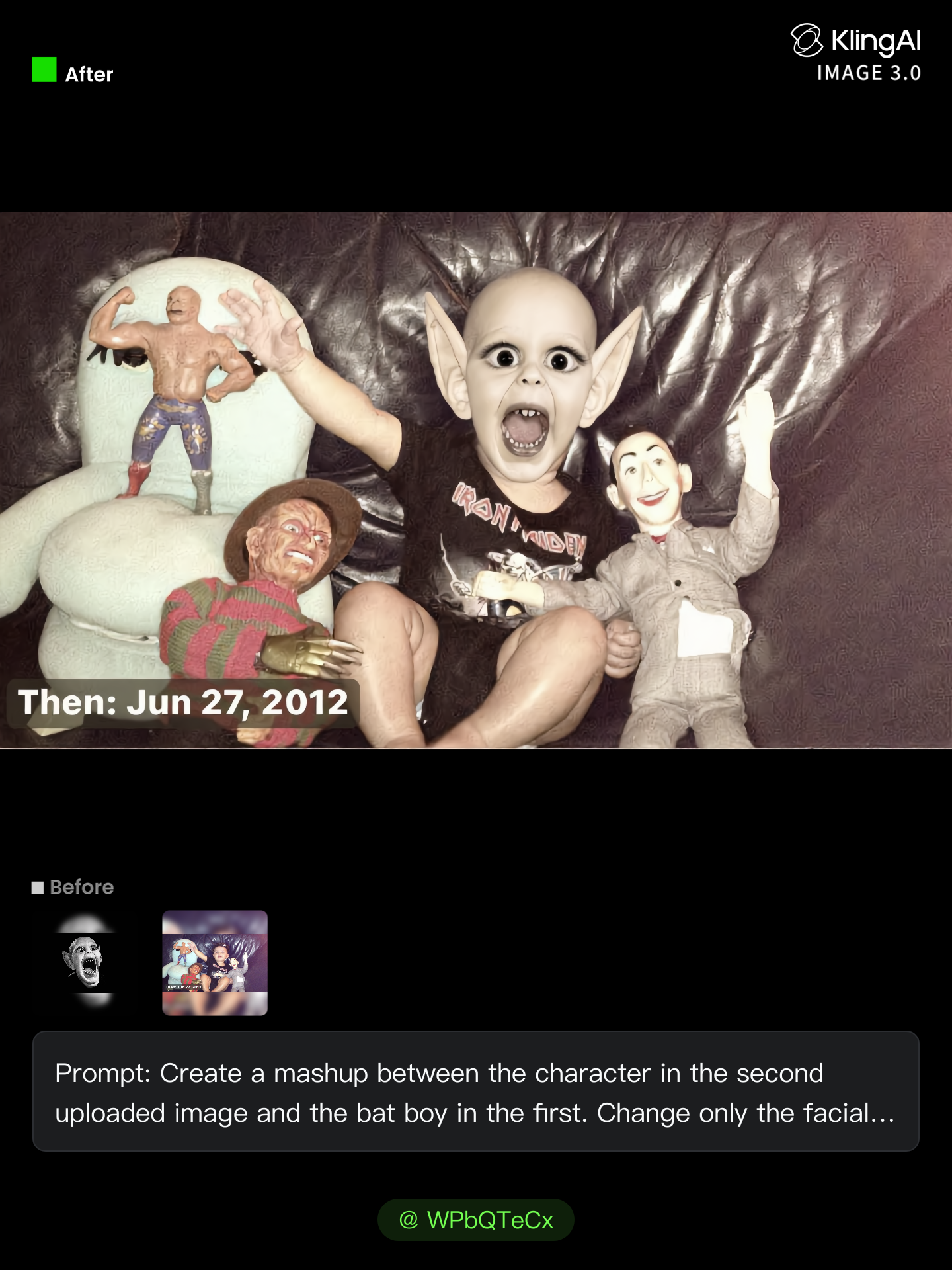
Kling AI work 314550566506593 - mashup creator AI image
WPbQTeCx avatar
WPbQTeCx
Kling AI work 308971159610406 - mashup creator AI video
HeaVIbhe avatar
HeaVIbhe
Digital Creator - mashup creator AI video
mtbYoyQs avatar
mtbYoyQs
tech - mashup creator AI video
PXDQkCHy avatar
PXDQkCHy
Kling AI work 299460625655774 - mashup creator AI video
KLING9872 avatar
KLING9872
Motion creator - mashup creator AI video
ugTmEckZ avatar
ugTmEckZ
Kling AI work 300480098503219 - mashup creator AI image
UBldbjWI avatar
UBldbjWI
content creator - mashup creator AI video
00:12
qwkHloAO avatar
qwkHloAO
Kling AI work 317095748505740 - mashup creator AI image
Userfriendly avatar
Userfriendly
Kling AI work 314663318320253 - mashup creator AI video
NovaFable avatar
NovaFable
content creator - mashup creator AI image
casey avatar
casey
Kling AI work 300682349618453 - mashup creator AI video
NdcgbibY avatar
NdcgbibY
Kling AI work 311034683505071 - mashup creator AI video
Blessed avatar
Blessed
Kling AI work 313135623616066 - mashup creator AI video
YWWZPXTJ avatar
YWWZPXTJ
Kling AI work 298873087616475 - mashup creator AI image
TurbM3L0s3/AlohaKaim avatar
TurbM3L0s3/AlohaKaim
Creator - mashup creator AI video
bHayYneU avatar
bHayYneU
Santa’s Dance Mashup - mashup creator AI video
01:00
Kling AI Creators avatar
Kling AI Creators
Kling AI work 312488241661953 - mashup creator AI video
ACWtWXen avatar
ACWtWXen
Kling AI work 298873087653463 - mashup creator AI image
TurbM3L0s3/AlohaKaim avatar
TurbM3L0s3/AlohaKaim

How to Edit a Photo with Kling AI

Upload Your Photo

Upload Your Photo

Start with a clear photo. Add a reference image when you have a particular replacement, background, or style in mind.

Tell Kling What to Change

Tell Kling What to Change

Enter a clear text prompt, explaining what should change and what should stay the same. Kling applies the edit to the photo with AI directly, without layers or complex manual steps.

Review and Fine-Tune

Review and Fine-Tune

Check the result and the areas that matter most. When one detail needs more work, update the prompt for that area instead of starting over. Download the finished image and share it.

Edit Any Part with Kling AI

Add, Remove, or Replace Image Content

Add, Remove, or Replace Image Content

Tell Kling what you want to change in text prompts. Replace a person, remove an object, or fine-tune details such as color, material, pose, and expression. Even detailed edits take fewer and easier steps because you can change the photo with AI instead of with traditional photo editing tools. IMAGE 3.0 follows your instruction while keeping the photo’s original style, lighting, and texture in place, so the edited area still belongs in the same shot.

Change the Color, Lighting, or Style

Change the Color, Lighting, or Style

Give an existing photo a different mood effortlessly. Lift a dim scene, soften harsh light, warm or cool the colors, or bring color to a black-and-white photo or line drawing. A short prompt replaces the usual round of manual adjustments. Looking for a bigger shift? Add a style reference or spell out the visual direction. IMAGE 3.0 carries the palette, texture, and atmosphere across the whole image, so the new look feels cohesive rather than pasted on. Use it for studio-style professional headshots, distinctive portrait treatments, cinematic scene design, or a visual style that feels entirely your own.

Rework the Shot or Camera Angle

Rework the Shot or Camera Angle

Tell Kling how you want the shot to look in a text prompt. Turn a front-facing photo into a side view, move the camera higher or lower, or change a wide shot into a close-up. You can explore a new composition around the same subject without setting up another shoot. IMAGE 3.0 rebuilds the scene from the angle you request, adjusting the perspective, camera height, shot size, focal length, and depth of field along with it. The result is a newly generated view based on the source photo, rather than hidden details recovered from outside the original frame.

Apps

Image to Video
Image to Video

Image to Video

Text to Video
Text to Video

Text to Video

Omni
Omni

Omni

Digital Human
Digital Human

Digital Human

Restyle
Restyle

Restyle

Text to Image
Text to Image

Text to Image

60M+
60M+
Users
600M+
600M+
AI Videos Generated
4.7 ★
4.7 ★
App Store
Industry-Leading
Industry-Leading
Cinematic 4K

Reviews

Déborah

Déborah

★★★★★

I use Kling AI every day. It's amazing to see the almost daily progress it makes. I used AI for fun at first, and I now find that Kling AI's animations allow me to gain professional visibility, with three times more views on my animated posts than on my static posts.

Maria Rubtsova

Maria Rubtsova

★★★★★

I’m Maria Rubtsova, an AIGC digital artist passionate about creating stunning visuals in the worlds of fashion, aesthetics, and fantasy. I use KlingAi to bring imagination to life through video. My work is all about exploring beauty, emotion, and the limitless possibilities of digital art.

Vincent Smadja

Vincent Smadja

★★★★★

Kling AI seamlessly integrates into my creative workflow, playing a key role in transforming my images. After generating and upscaling an image, Kling becomes a crucial element, bringing my creations to life with movement and depth.

FAQ

Q1Can I create AI videos from images?
Q2Can I use AI-generated videos for commercial use?
Q3Can I generate AI videos from text prompts?

Start Creating AI Videos with Kling

Turn your text or images into a stunning, high-quality video in seconds. No watermarks, No complicated setup.

Free tier includes watermark (Memberships are watermark-free) | 1080p export (Pro unlocks 4K) | Instant results