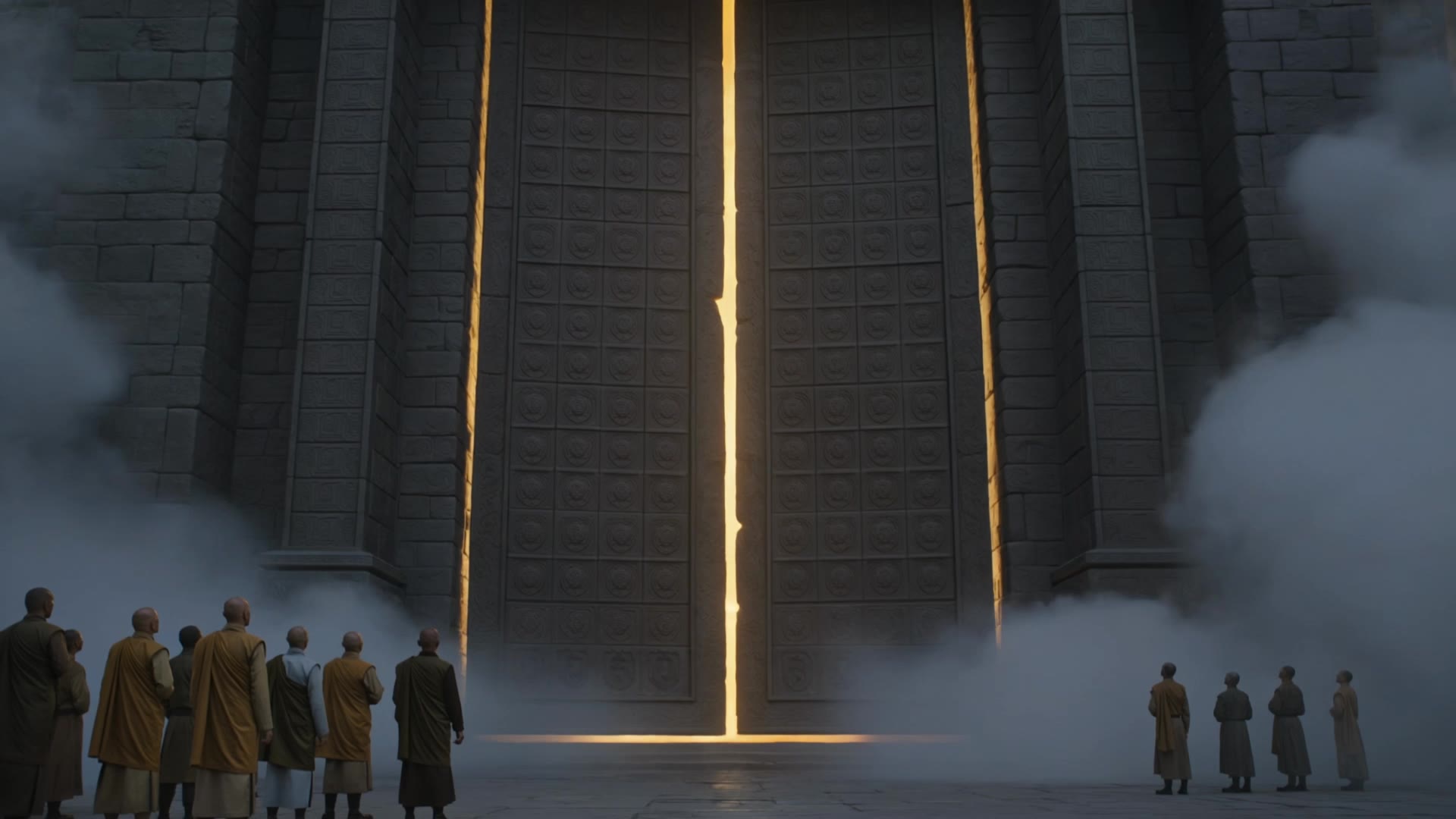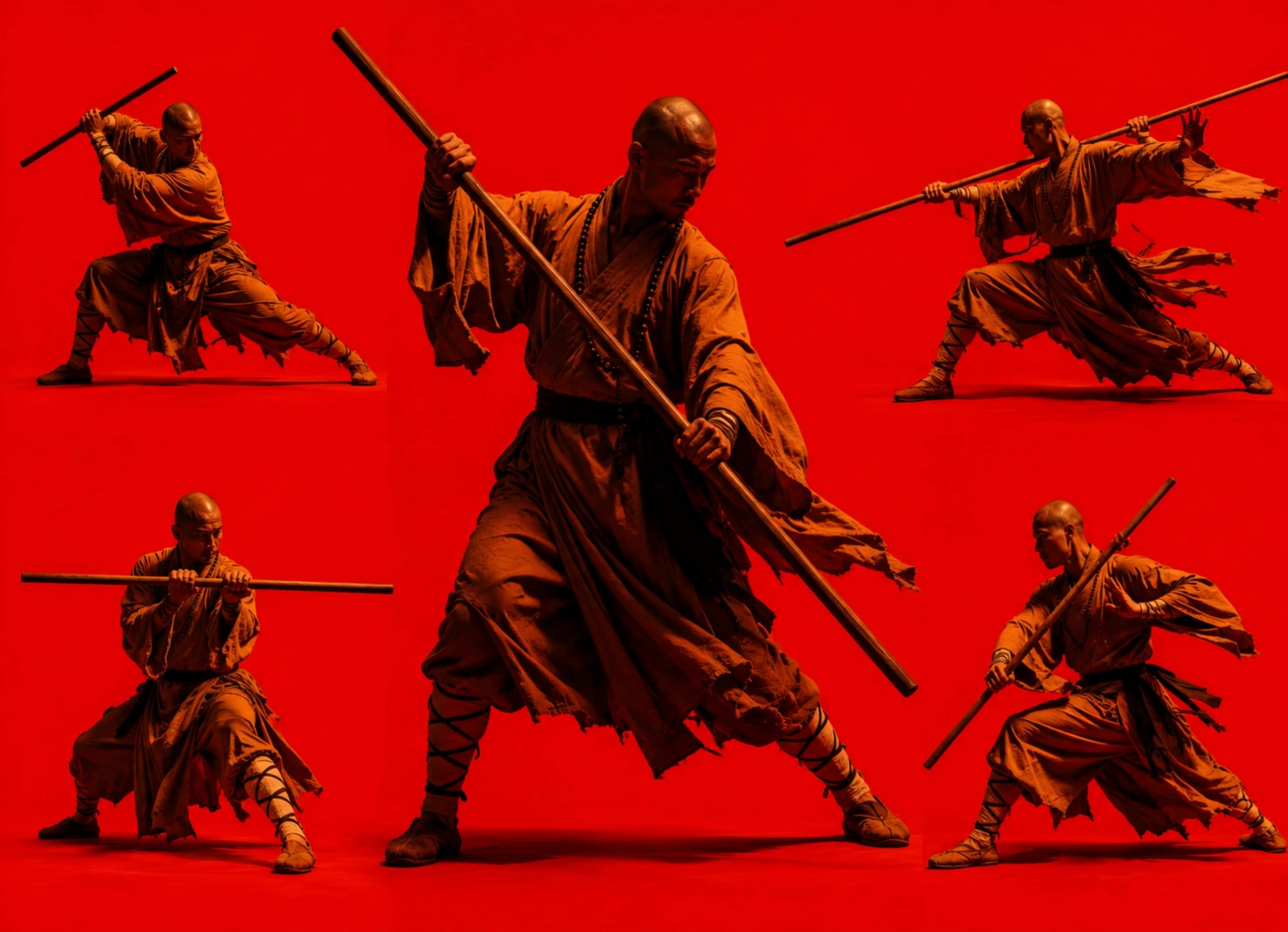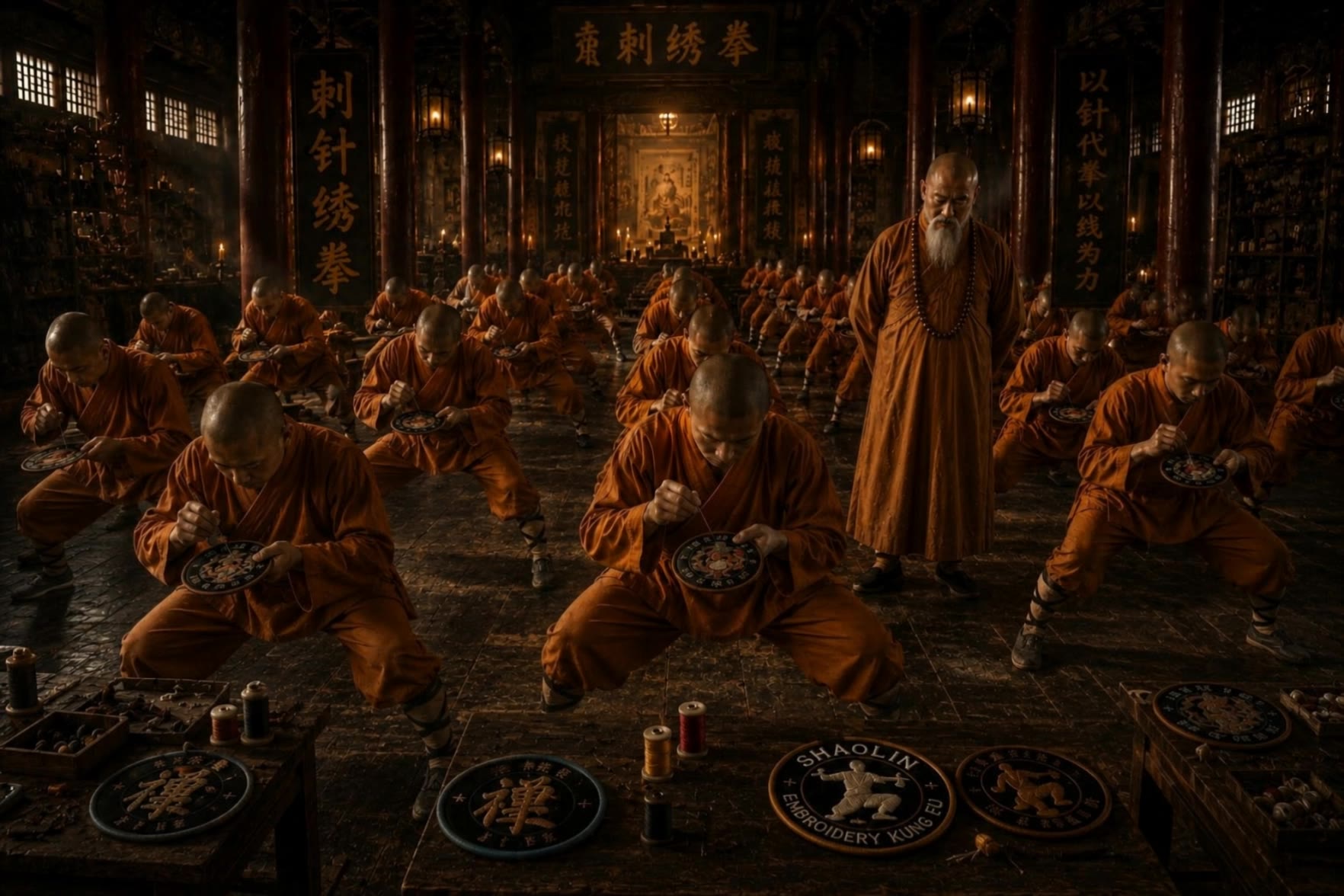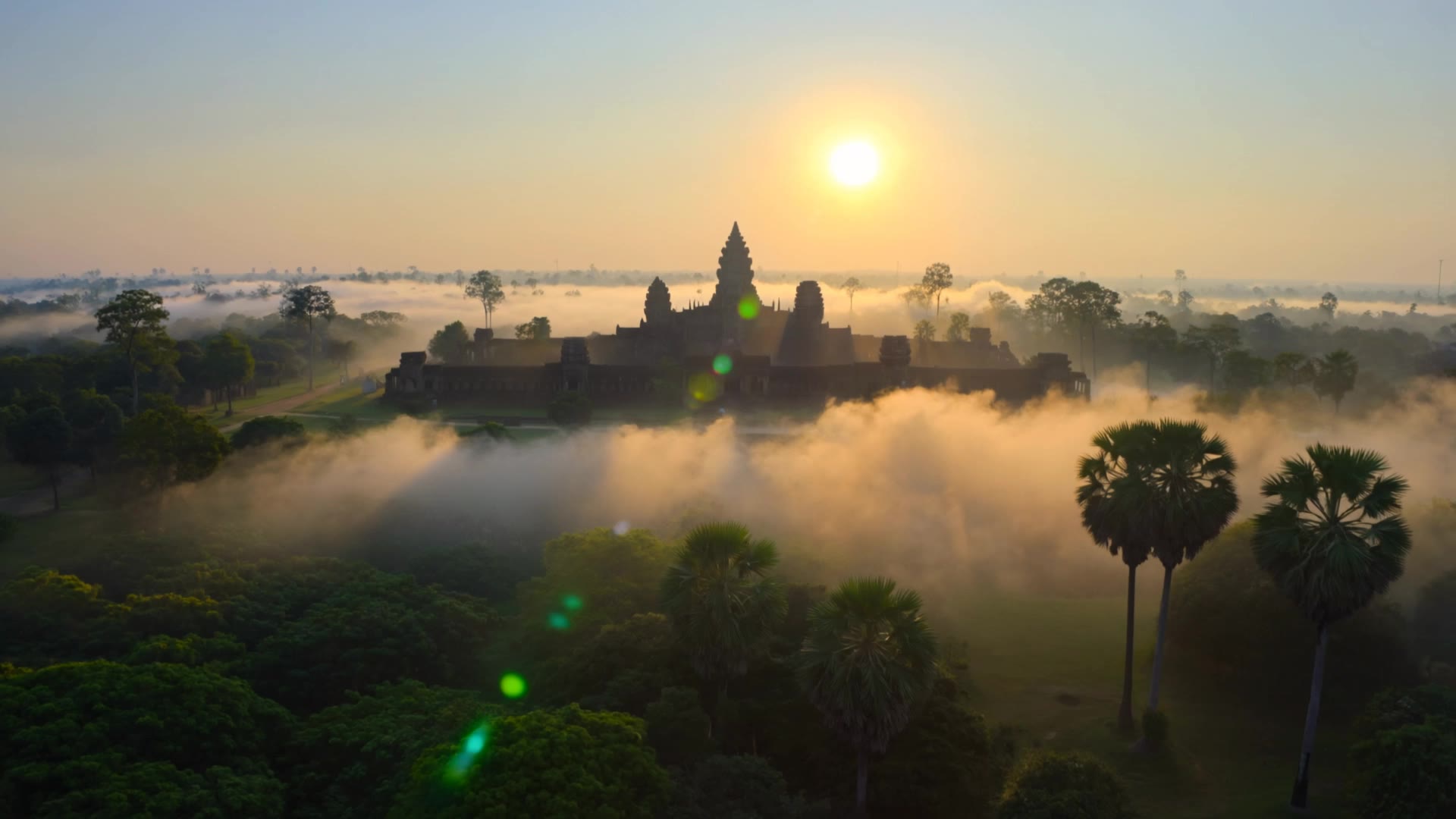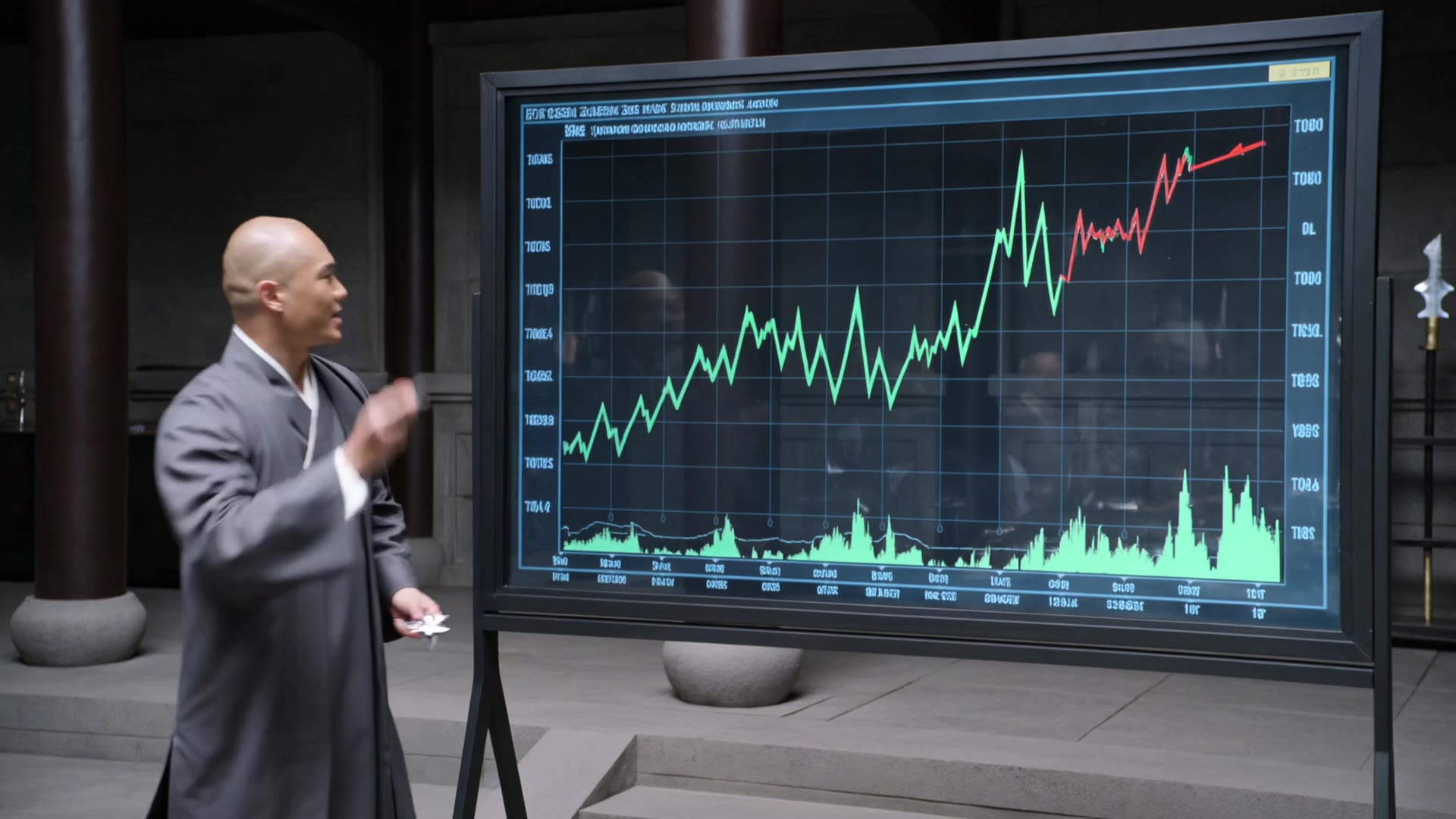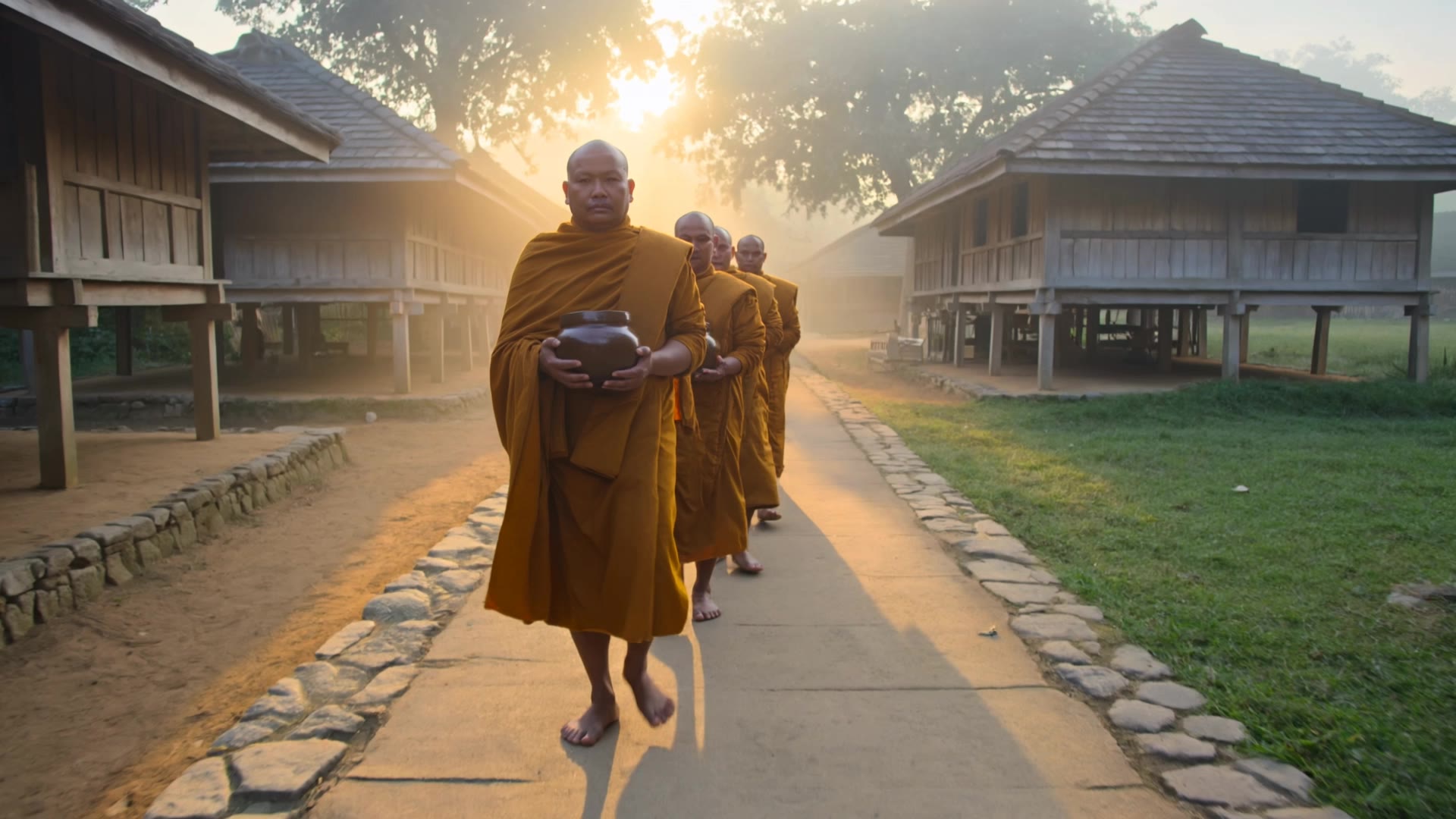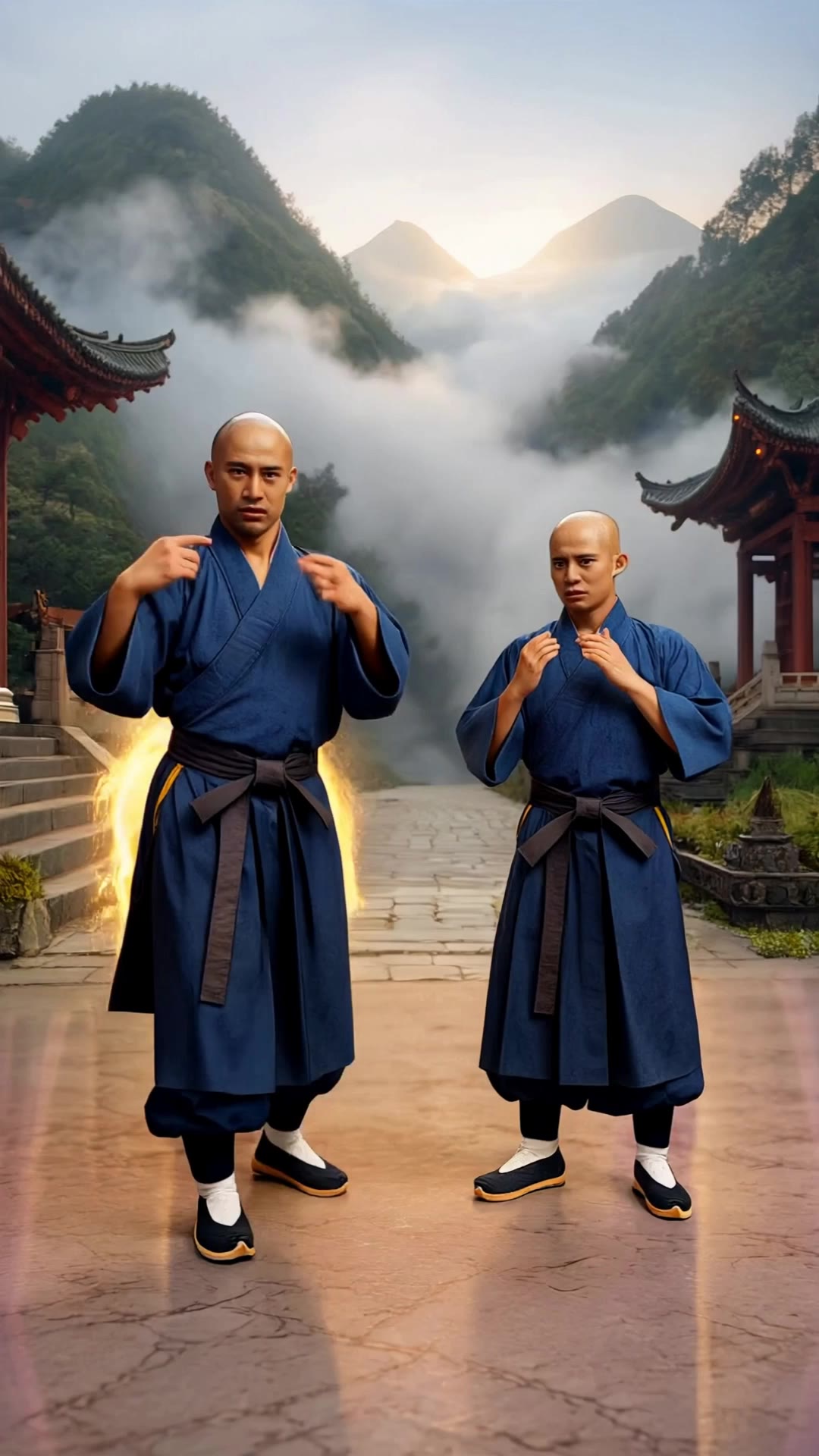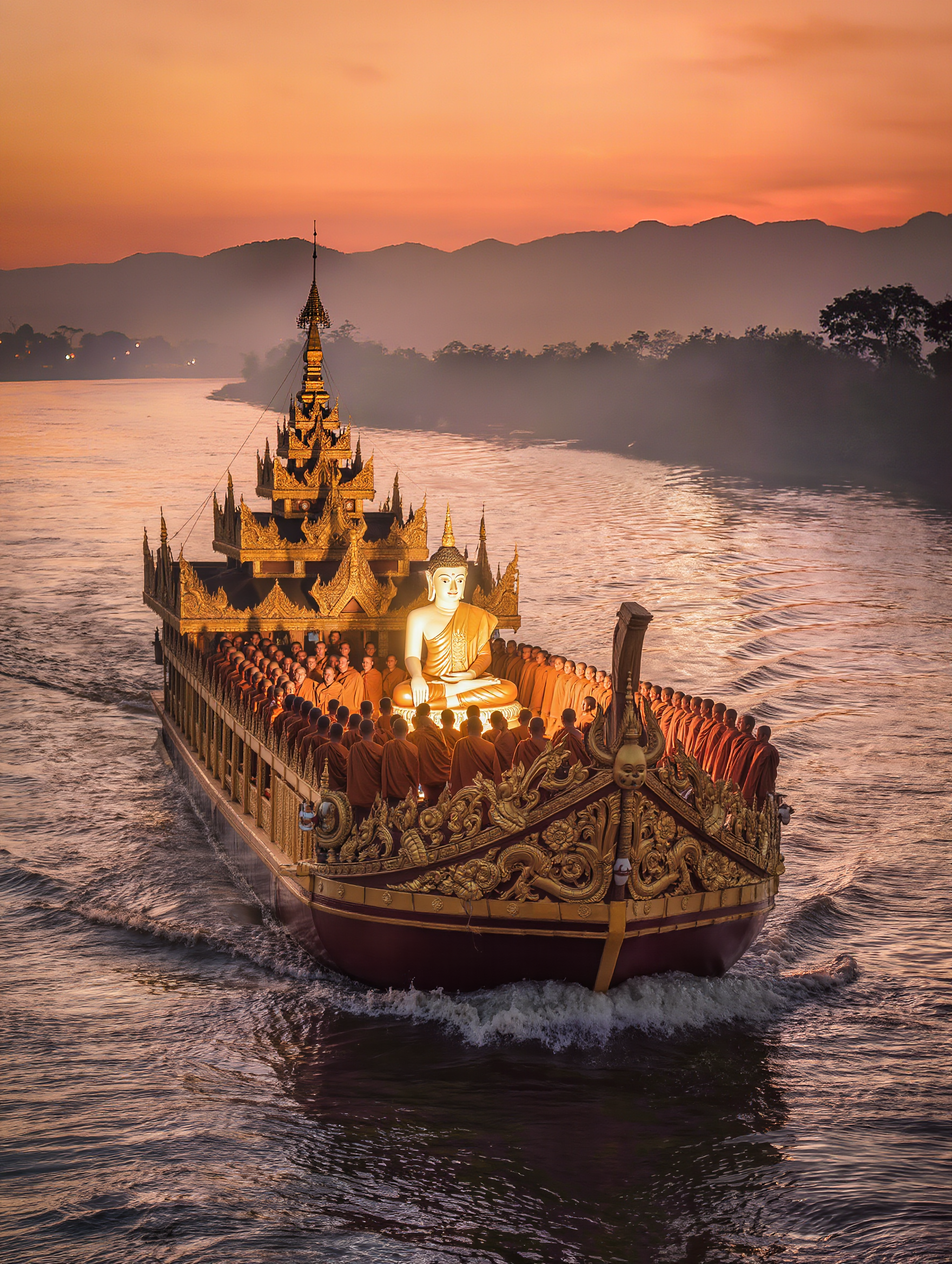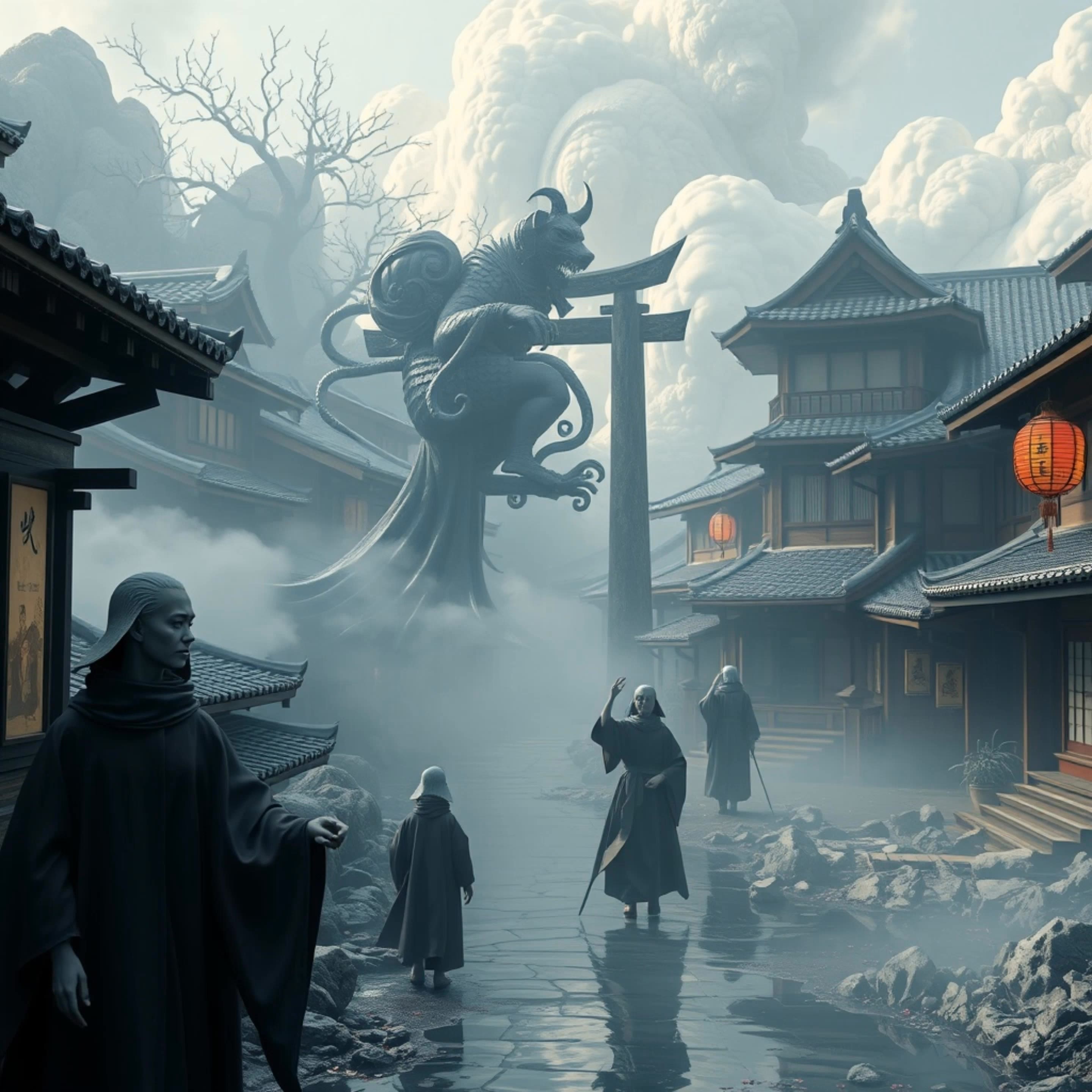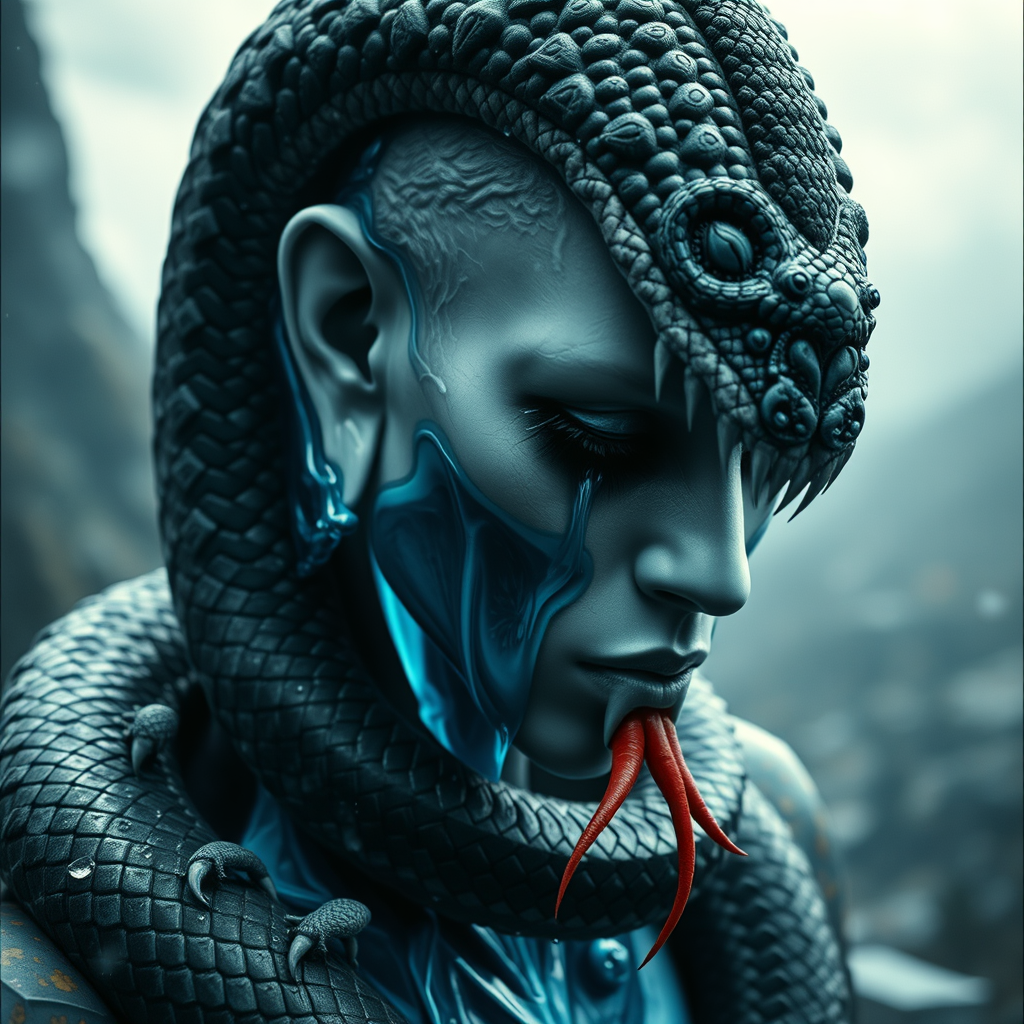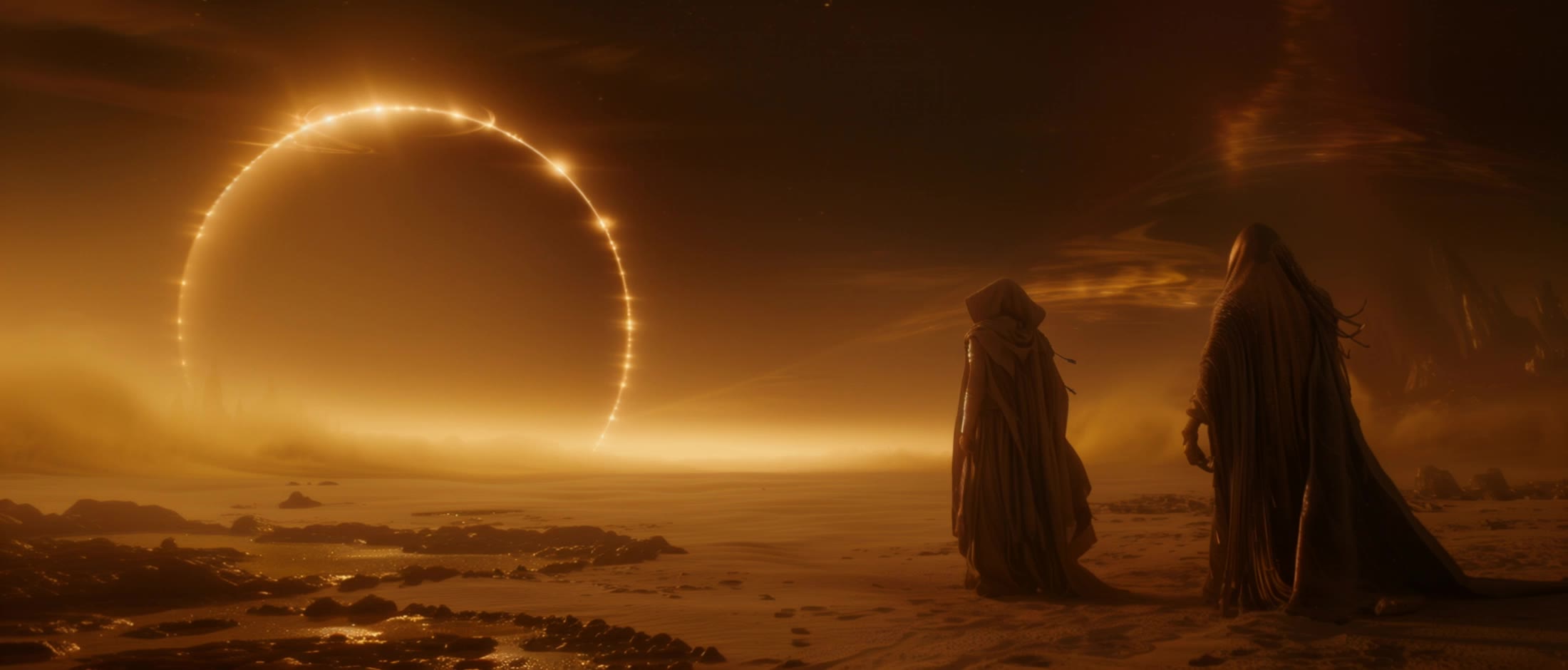

media monks - Medieval Manuscripts & Spiritual Reverence

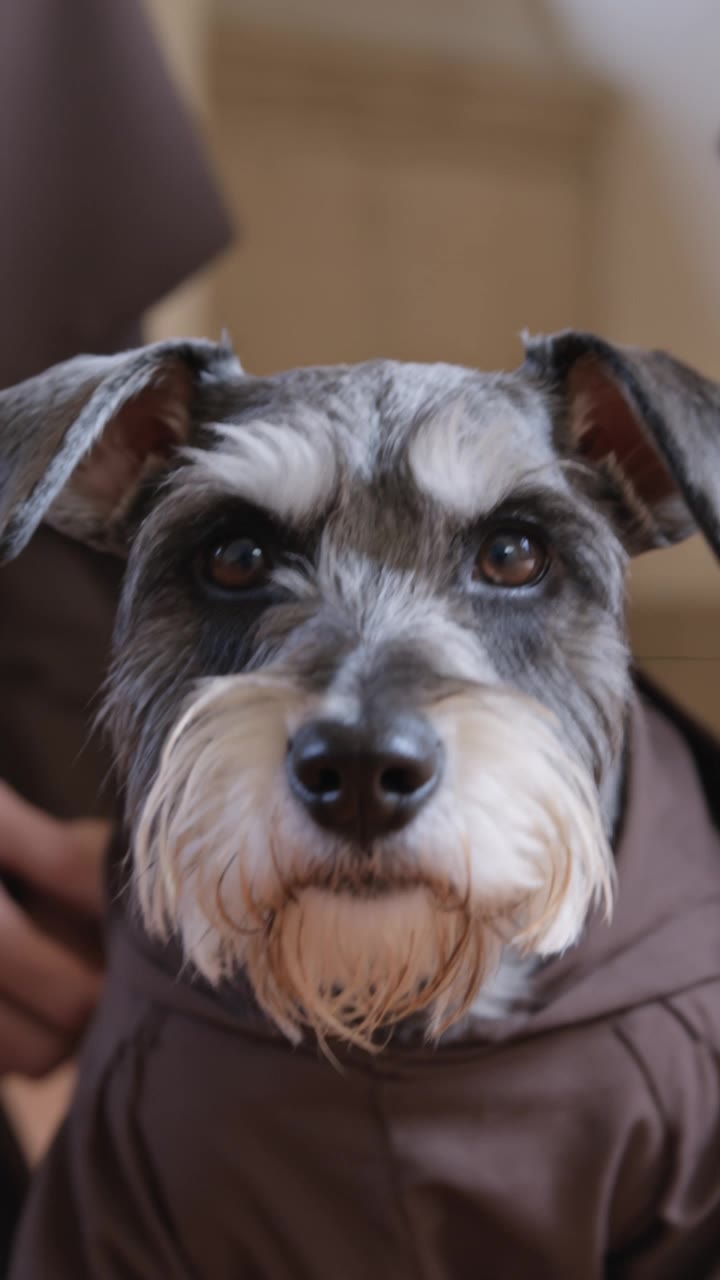
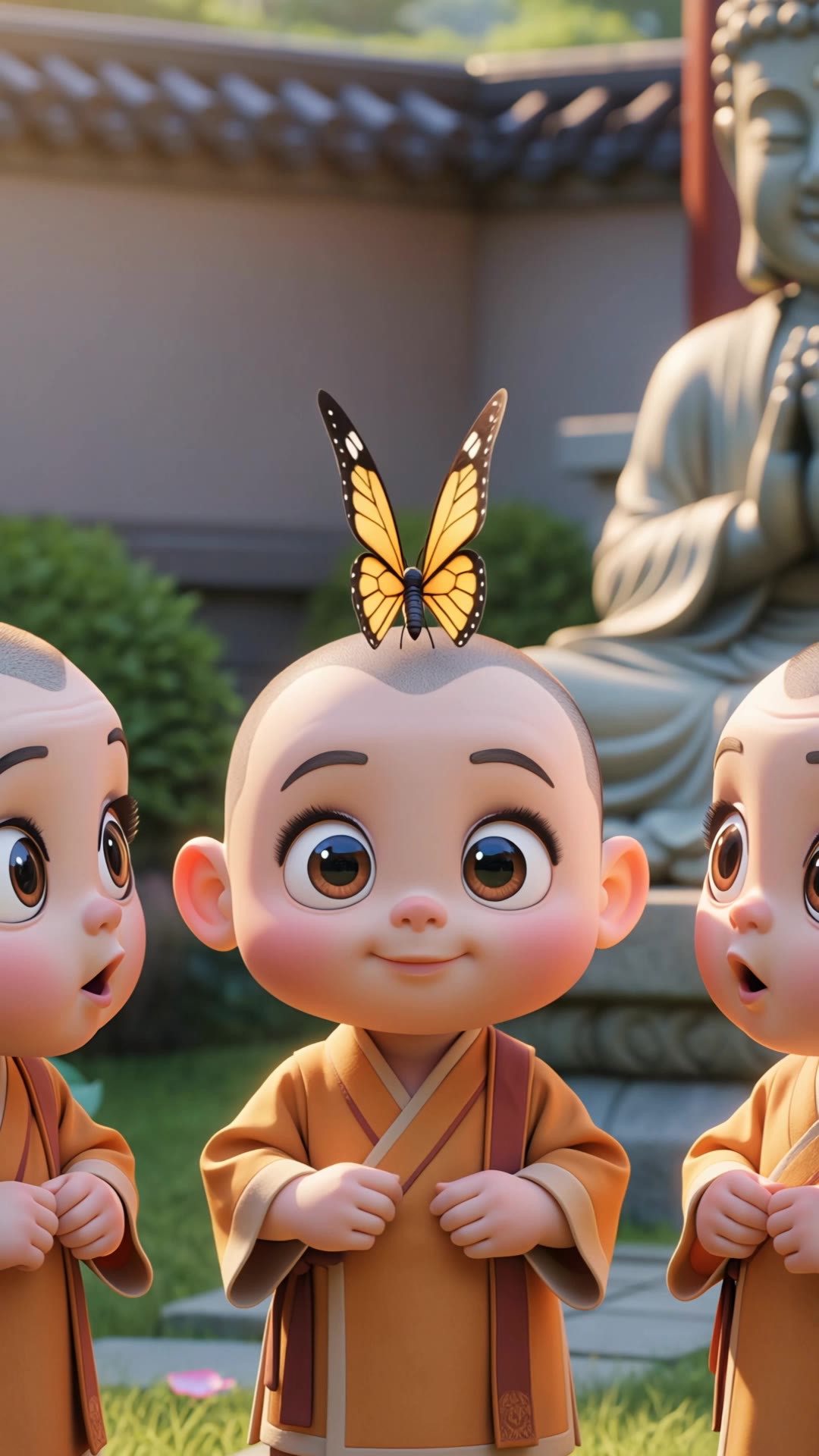
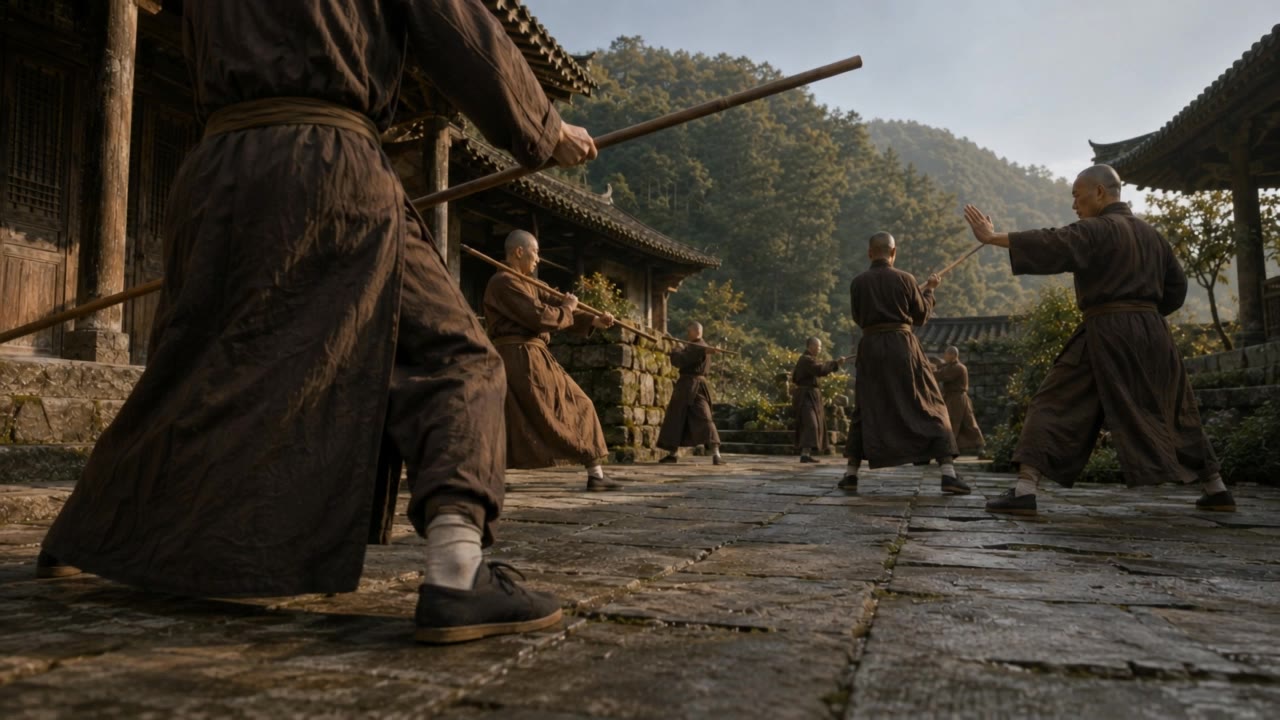
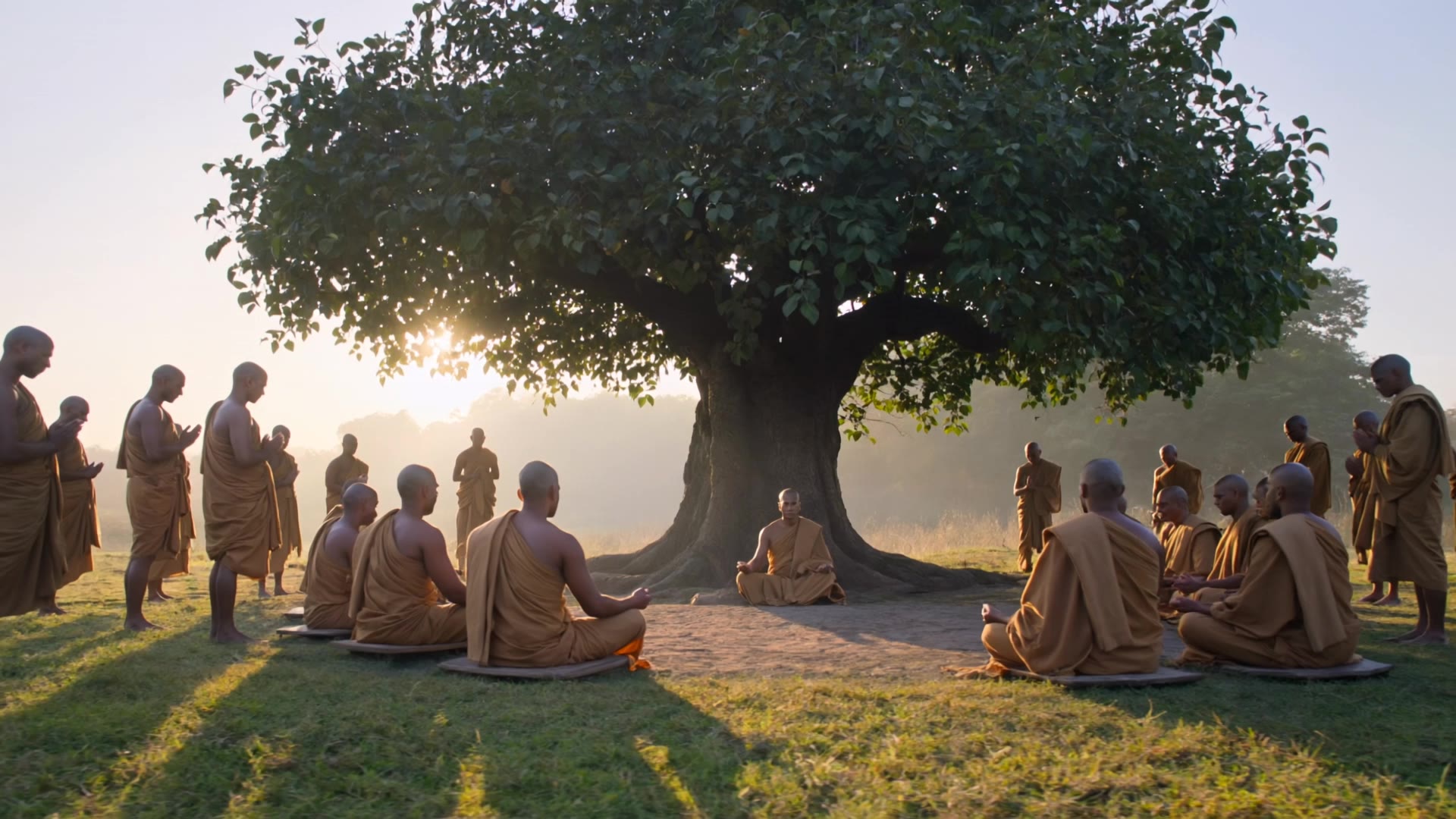
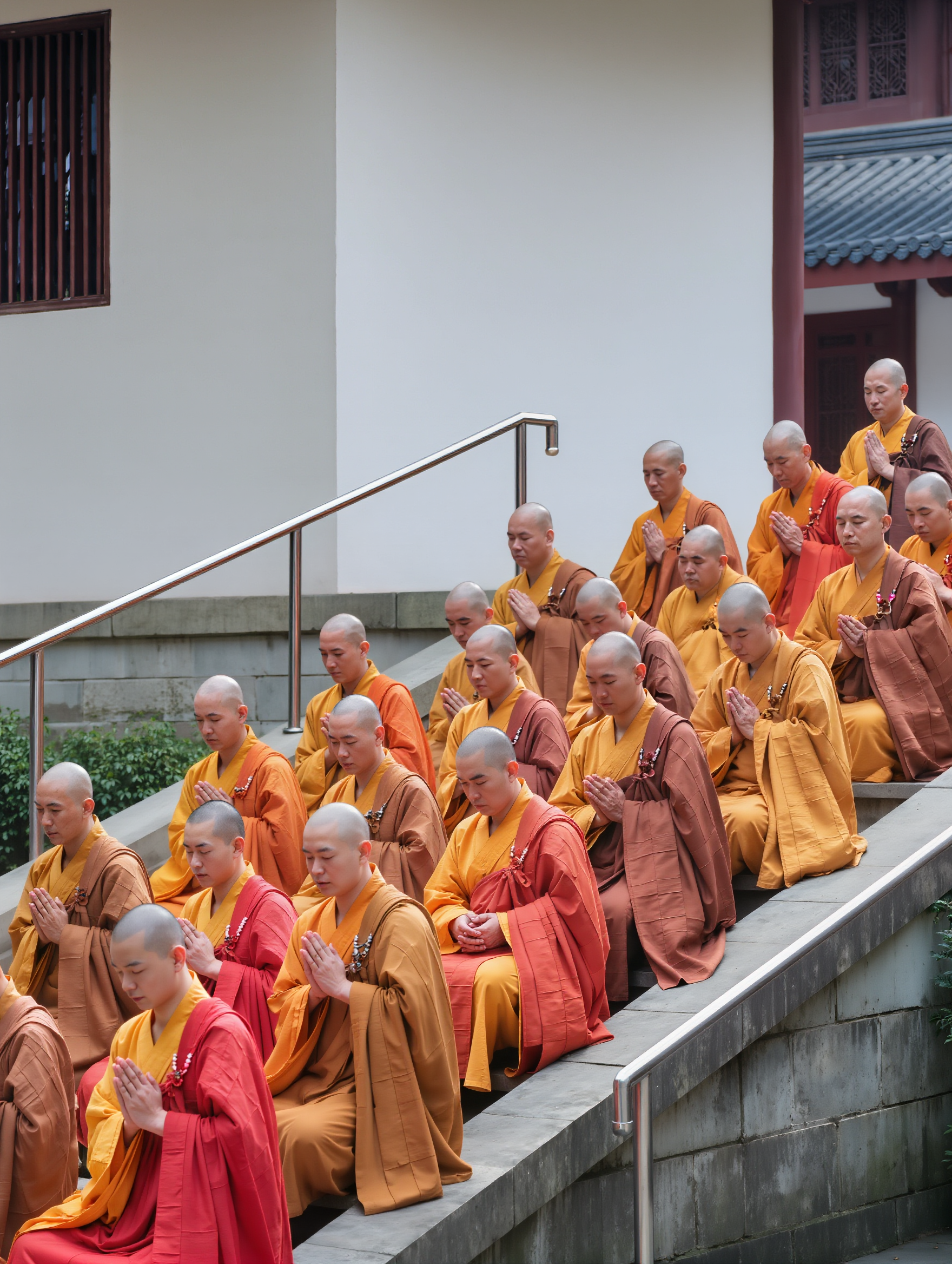
Immerse in the blend of ancient calligraphy and modern digital marketing visuals showcasing media monks' versatile creativity. Witness the serene contrast of monks in meditation and the dynamic world of social media illusions. Start exploring media monks ideas and generate your own content with AI.

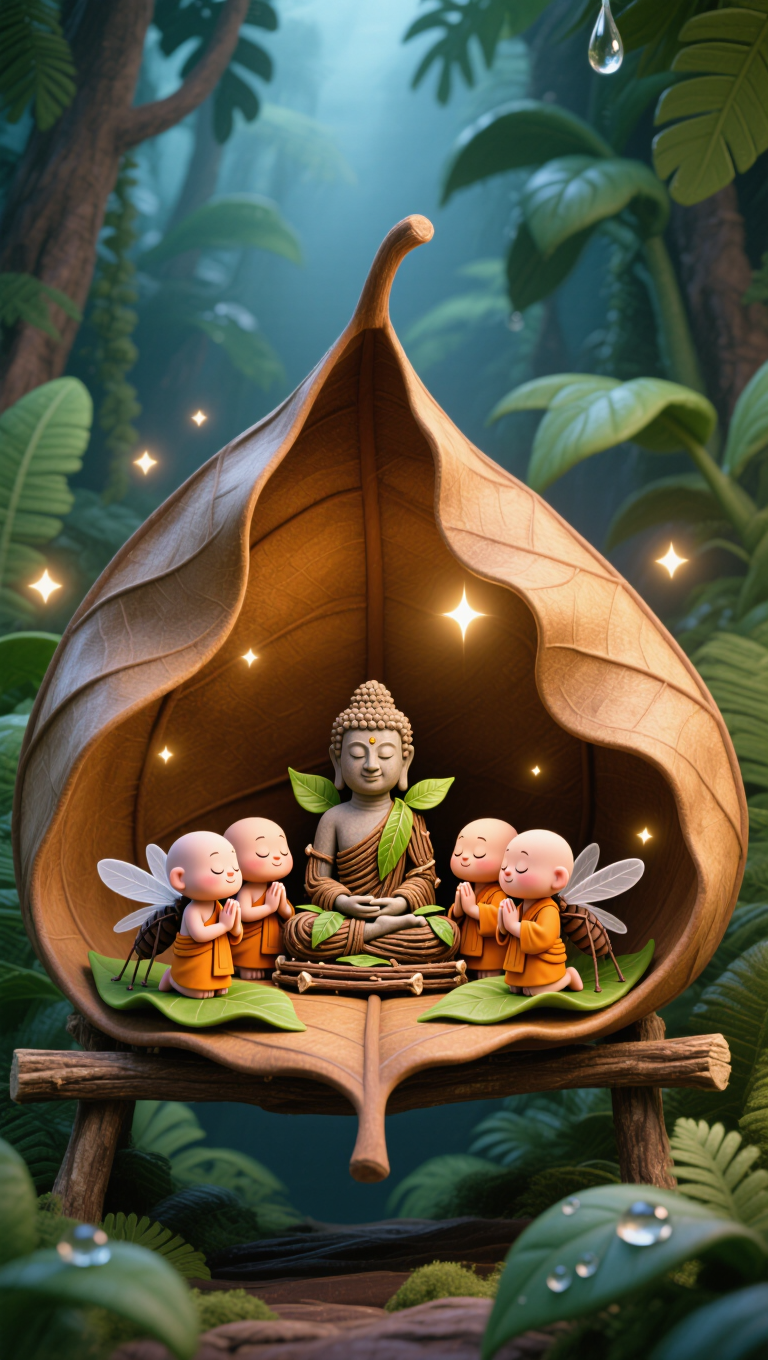
media monks - Medieval Manuscripts & Spiritual Reverence

Recommended

Kling AI work 318940325614863 - media monks AI image
mnxYiUGx avatar
mnxYiUGx
Kling AI work 311816983667416 - media monks AI image
yCAzIlTP avatar
yCAzIlTP
Kling AI work 311503422313796 - media monks AI video
UukyxFTO avatar
UukyxFTO
Kling AI work 314442197523837 - media monks AI video
HUORvgZR avatar
HUORvgZR
Dynamic Cam Movement -Monastery - media monks AI video
Vynix.Creative avatar
Vynix.Creative
Elite Creator
Kling AI work 314689417522325 - media monks AI video
lLWxDzGP avatar
lLWxDzGP
Kling AI work 318302667502904 - media monks AI video
eXLNHmIe avatar
eXLNHmIe
Way of the Shaolin Staff - media monks AI video
AiBite Studio avatar
AiBite Studio
Elite Creator
Kling AI work 317695390613921 - media monks AI video
ODD PATCH  CLUB avatar
ODD PATCH CLUB
Kling AI work 317099713320038 - media monks AI video
Osamaa avatar
Osamaa
Kling AI work 309521456502389 - media monks AI video
PushyMonk avatar
PushyMonk
Kling AI work 315593340615574 - media monks AI video
sSWekVzM avatar
sSWekVzM
Kling AI work 312348302526874 - media monks AI video
HKPiIdXy avatar
HKPiIdXy
Kling AI work 312008933523800 - media monks AI video
Mimi and Popo avatar
Mimi and Popo
Elite Creator
Kling AI work 304871235310073 - media monks AI image
VhgQwXaQ avatar
VhgQwXaQ
Kling AI work 320067285665074 - media monks AI video
Roar72 avatar
Roar72
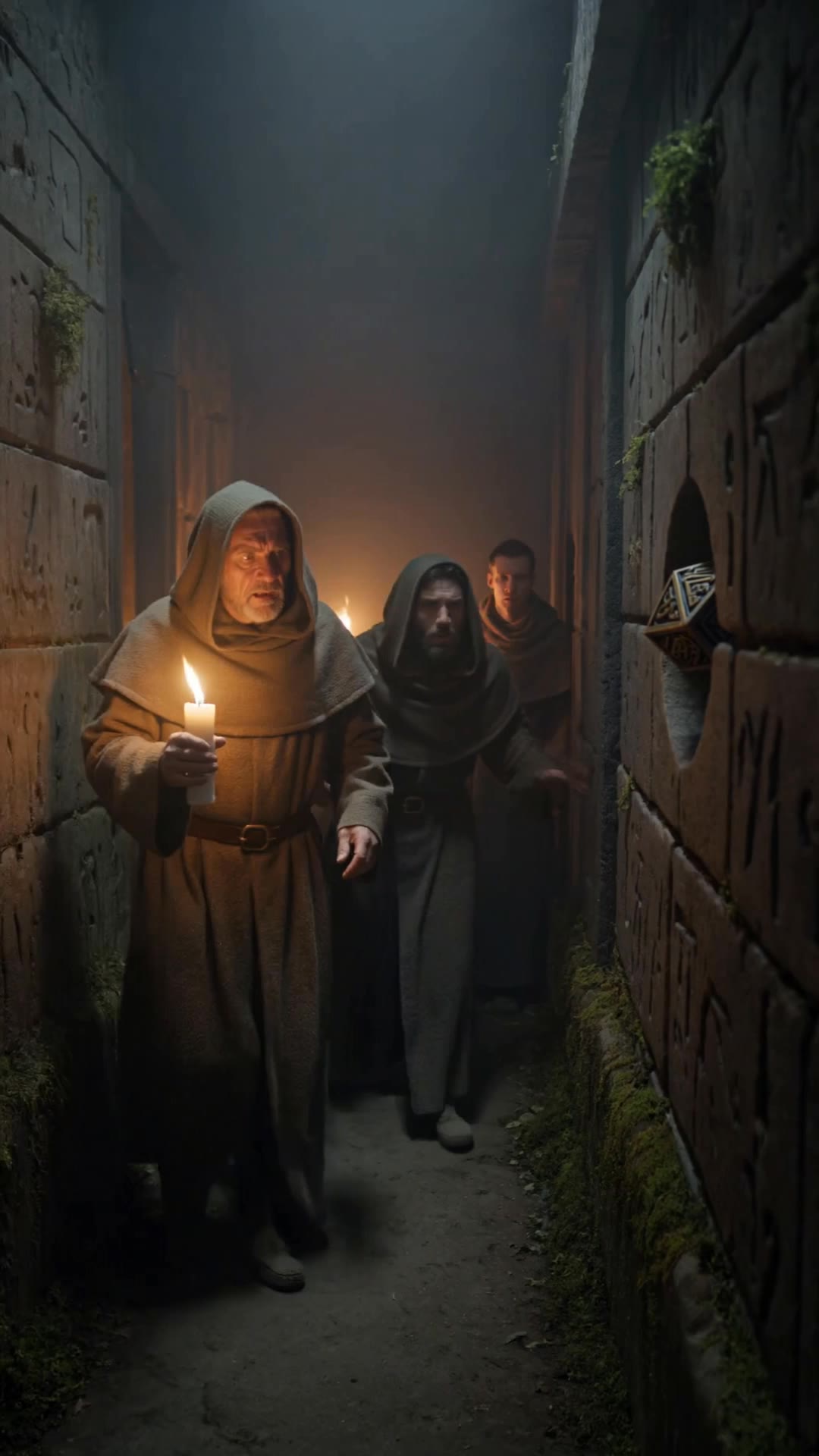
Ancient alien monks walking - media monks AI video
JPfwuJQS avatar
JPfwuJQS
Ancient monks find something out - media monks AI video
Imaginarium avatar
Imaginarium
Kling AI work 314113674615960 - media monks AI video
LRfqKQma avatar
LRfqKQma

How to Animate an Image with AI

Upload Your Image

Upload Your Image

Upload a portrait, product photo, illustration, or other image. For additional control, Kling 4.0's Omni Reference supports up to 15 combined reference assets, subject to individual input limits.

Describe the Motion

Describe the Motion

Specify how your subject moves and what the camera does. You can also add start and end frames or use up to 10 flexible keyframes to guide important changes with supported Kling 4.0 settings.

Generate and Download

Generate and Download

Choose your video settings and generate a clip up to 30 seconds long with Kling 4.0. Preview the result, make adjustments if needed, and download your video.

Edit the Parts That Matter

Change Subjects, Backgrounds, and Style

Change Subjects, Backgrounds, and Style

A different character, a new product, or a completely different location can change the purpose of a video. Keep the footage you already have and update the elements that need another take. No green screen needed. Kling 4.0 supports adding, removing, and replacing subjects and scene elements using prompts and visual references. Change a product, replace a character, or move the action into a new setting. Reference images help guide the appearance of new elements while keeping the rest of the scene closer to the original.

Recreate Videos with Your Own References

Recreate Videos with Your Own References

Found a camera move, transition, or video concept that would work with your own character or product? You can use the original clip as a creative reference rather than recreating the entire shoot. Kling 4.0 draws on reference footage for pacing, shot composition, and movement while introducing your own subjects and visual style. Omni Reference supports up to 15 combined assets, subject to individual input limits. Combine character images, product photos, and video references to explore new versions while helping recognizable details stay consistent.

Extend Your Video Up to 2 Minutes

Extend Your Video Up to 2 Minutes

Continue an existing video forward or backward, adding footage before the opening or after the ending. Extend actions, camera movements, and storylines while keeping the new footage connected to the original scene. Kling 4.0's Video Extension supports multiple extension passes, reaching a total video length of up to 2 minutes. Build longer sequences with continuity in characters, settings, and movement, without recreating the entire video.

Apps

Video Generation
Video Generation

Video Generation

Image Generation
Image Generation

Image Generation

Motion Control
Motion Control

Motion Control

Avatar
Avatar

Avatar

AI Portraits
AI Portraits

AI Portraits

Lip Sync
Lip Sync

Lip Sync

60M+
60M+
Users
600M+
600M+
AI Videos Generated
4.7 ★
4.7 ★
App Store
Industry-Leading
Industry-Leading
Cinematic 4K

Reviews

Halim Alrasihi

Halim Alrasihi

★★★★★

I use AI daily and Kling AI is a crucial part of my workflow, whether for client work or personal projects. What I love most about using Kling AI is that it provides all the tools I need in one place, from keyframes to character references, elements and special effects.

Jyo John Mulloor

Jyo John Mulloor

★★★★★

Kling AI has been instrumental in transforming my creative workflow, unlocking new dimensions of artistic expression that were once unimaginable. I use Kling AI extensively to develop high-concept visuals, animate surreal dreamscapes, and create AI-assisted films that blur the line between reality and fantasy. Kling AI’s deep learning capabilities have not only enhanced my creative efficiency but also inspired me to explore storytelling in ways I never thought possible.

Ozan Sihay

Ozan Sihay

★★★★★

Kling AI allows me to rapidly prototype ideas, refine storytelling elements, and produce visually compelling content efficiently. It has not only accelerated my creative processes, but also deepened my understanding of how AI can enrich visual storytelling.

FAQ

Q1Is Kling AI image generator free to use?
Q2Can I turn an image created with Kling AI into a video?
Q3How do I write a good AI image prompt?

Your Next Visual Starts Here

Start with a sentence, a sketch, or a reference photo. Shape the composition, dial in the details, and keep iterating in Kling AI.

Free tier available | Text-to-image | Image-to-image | Fast generation