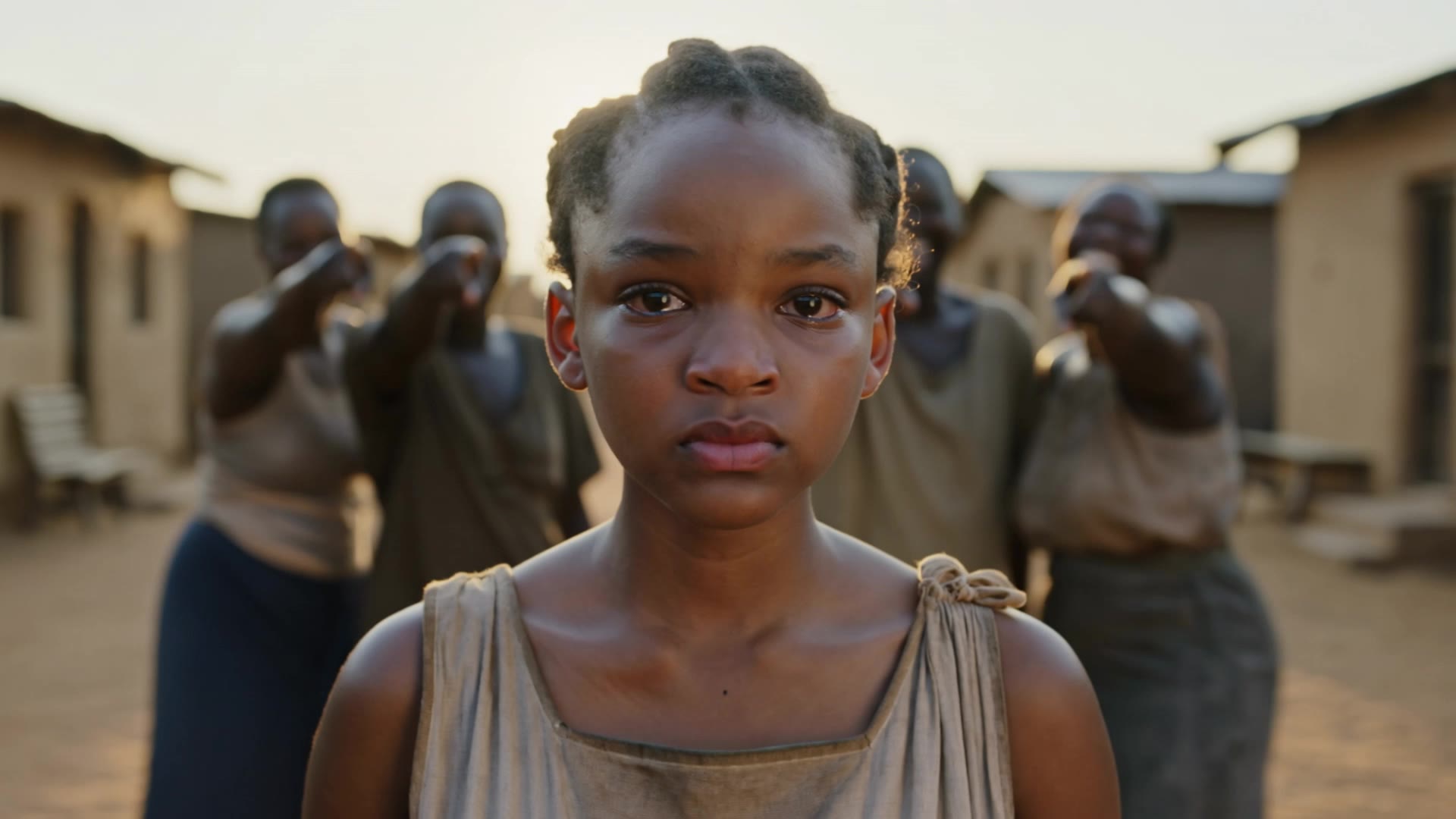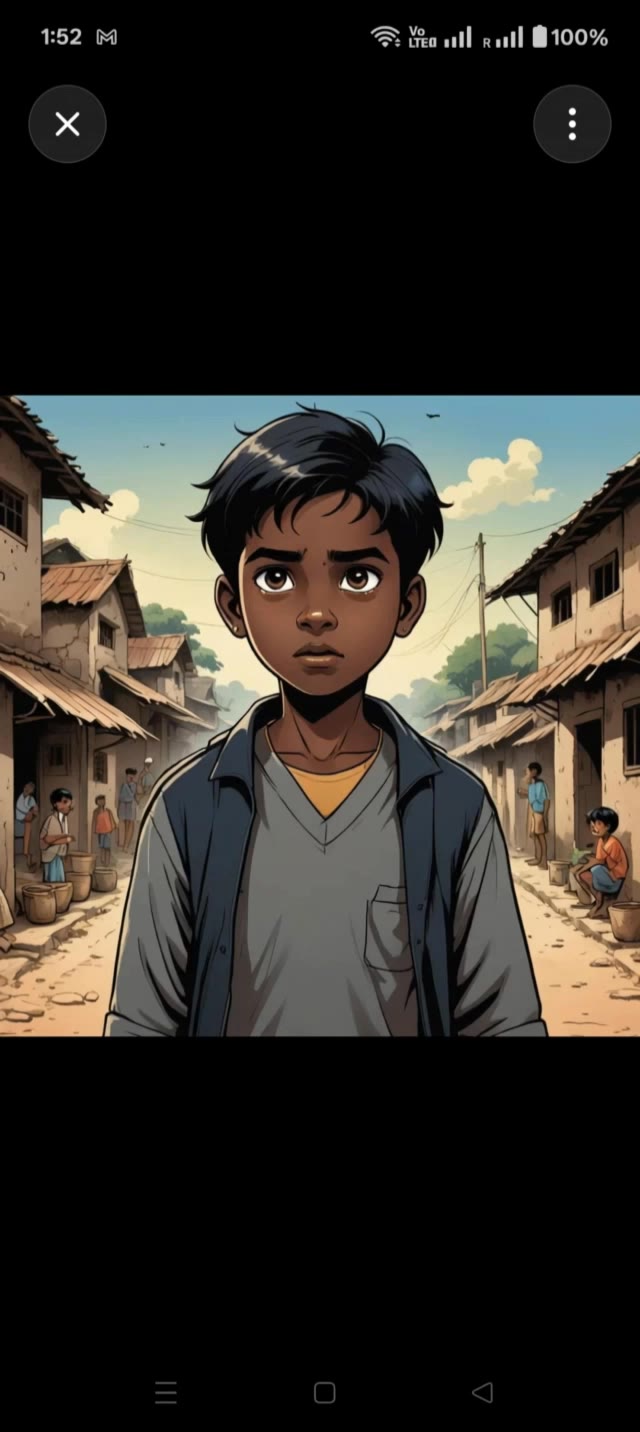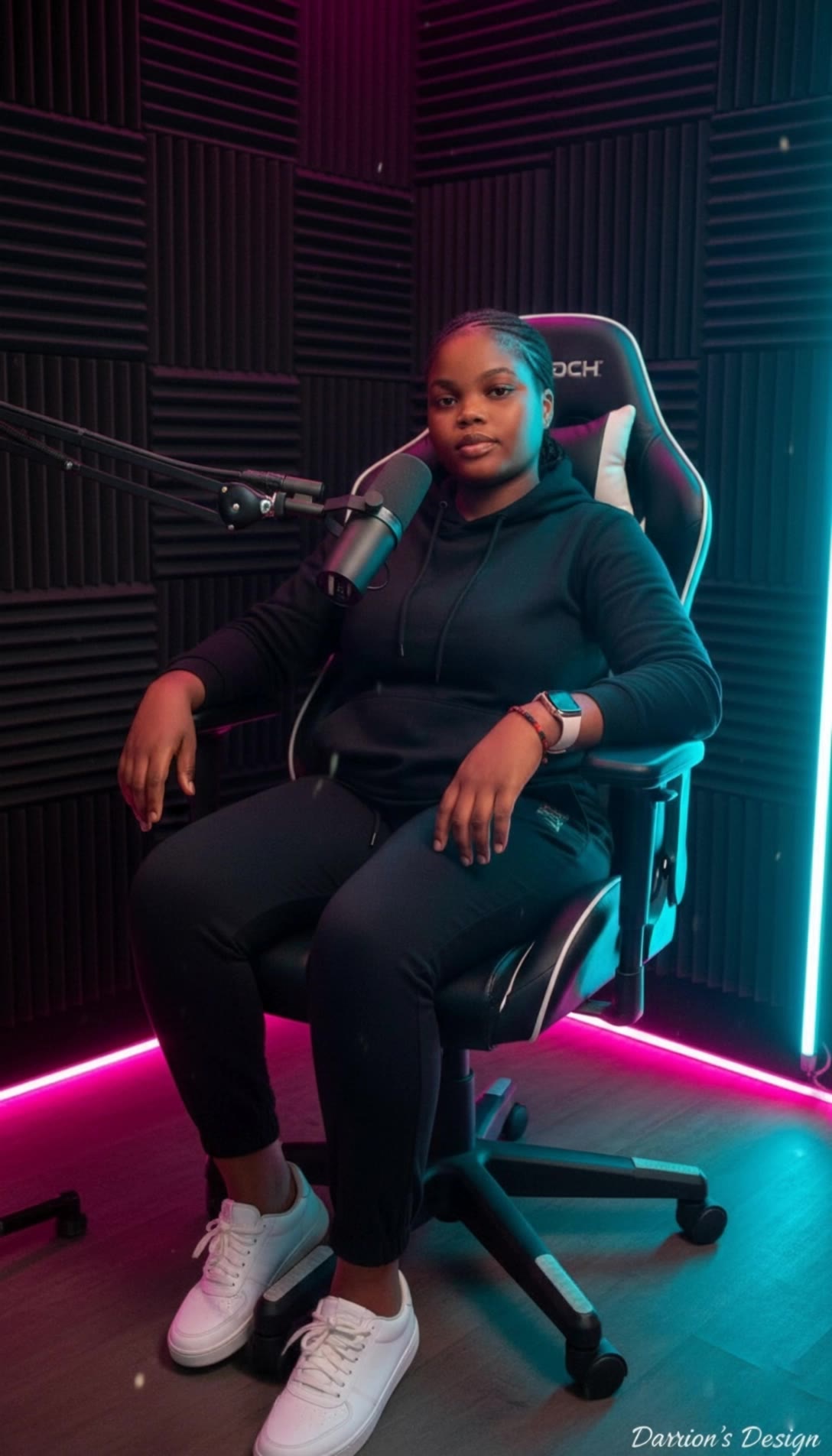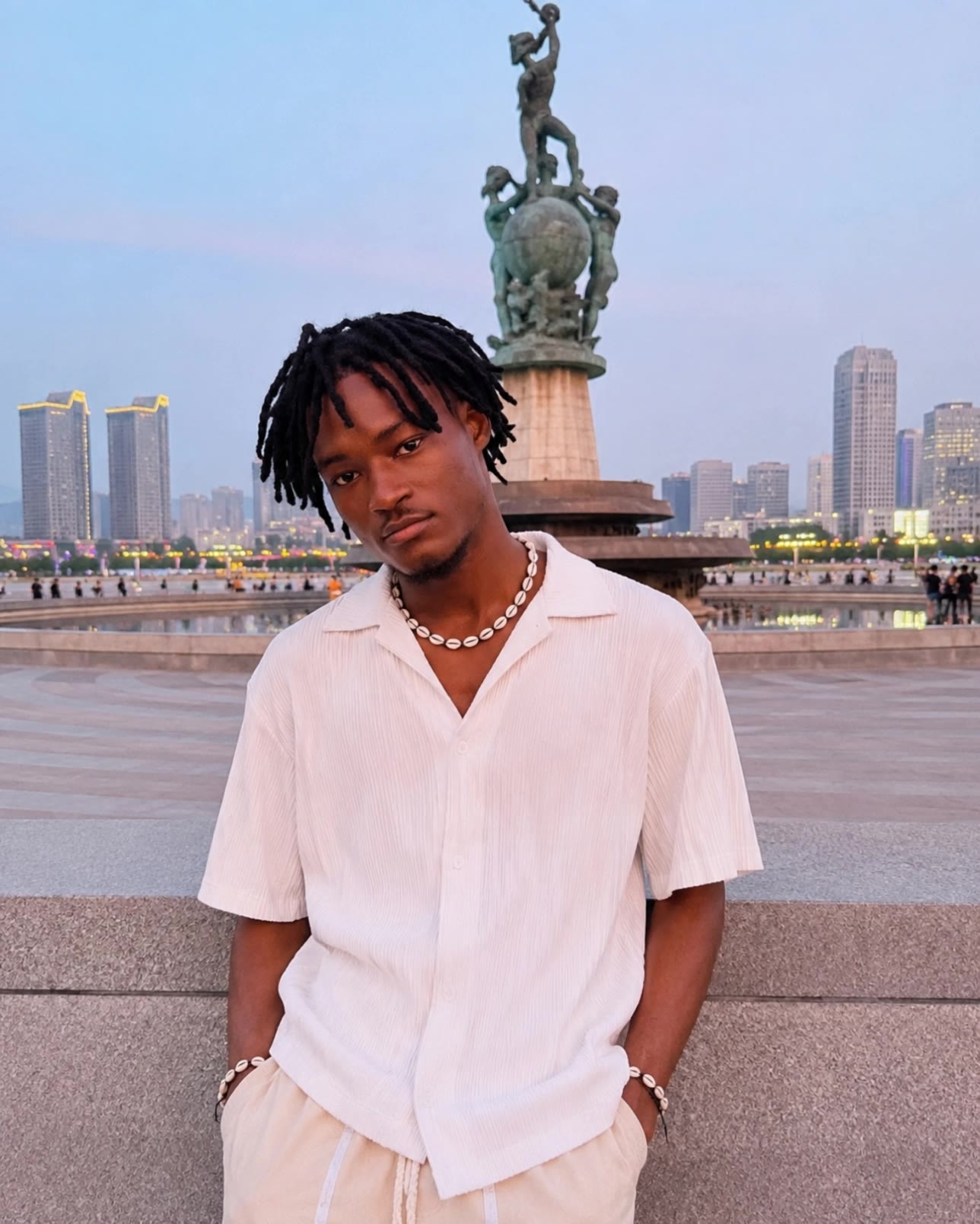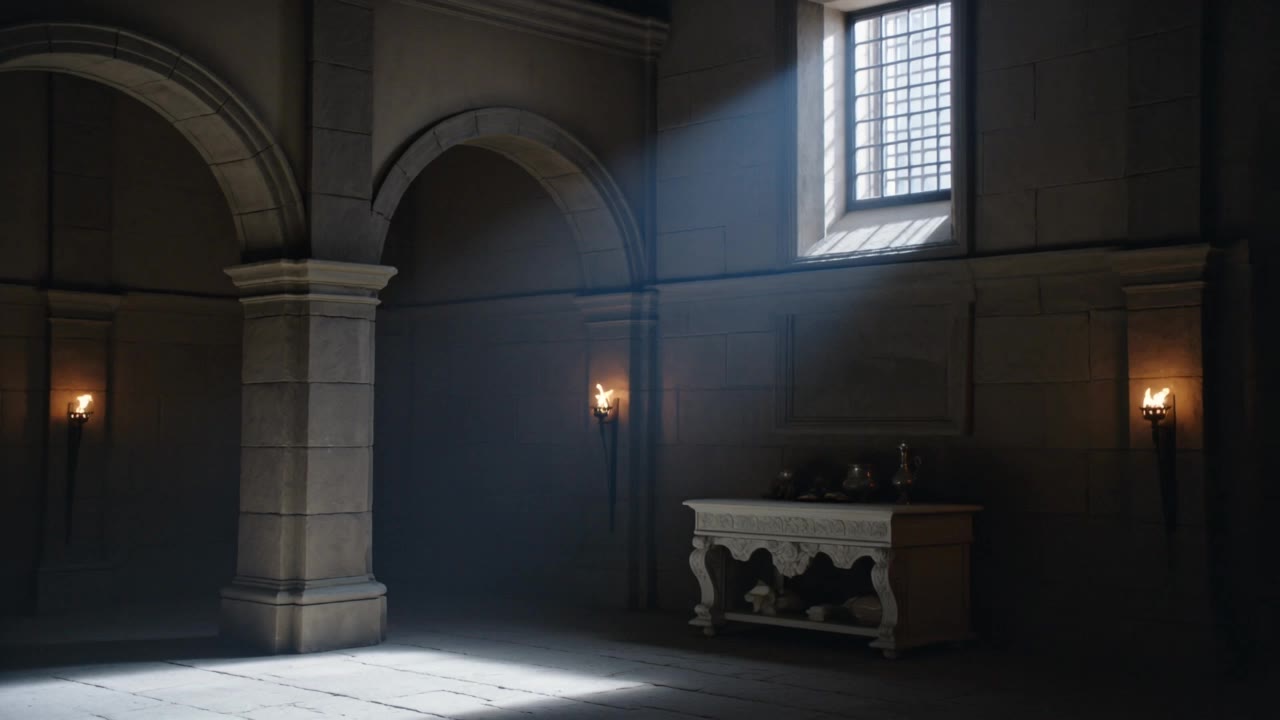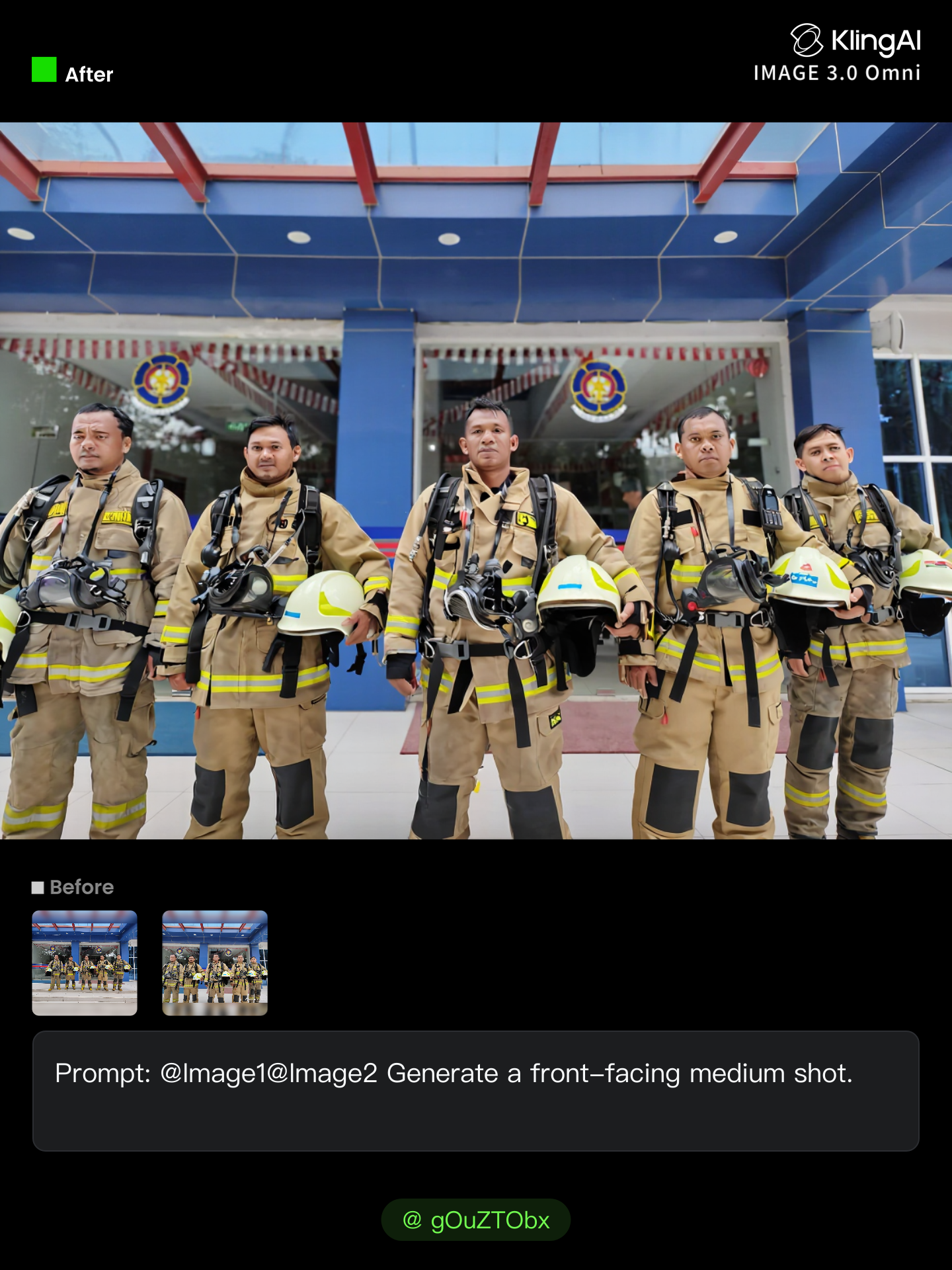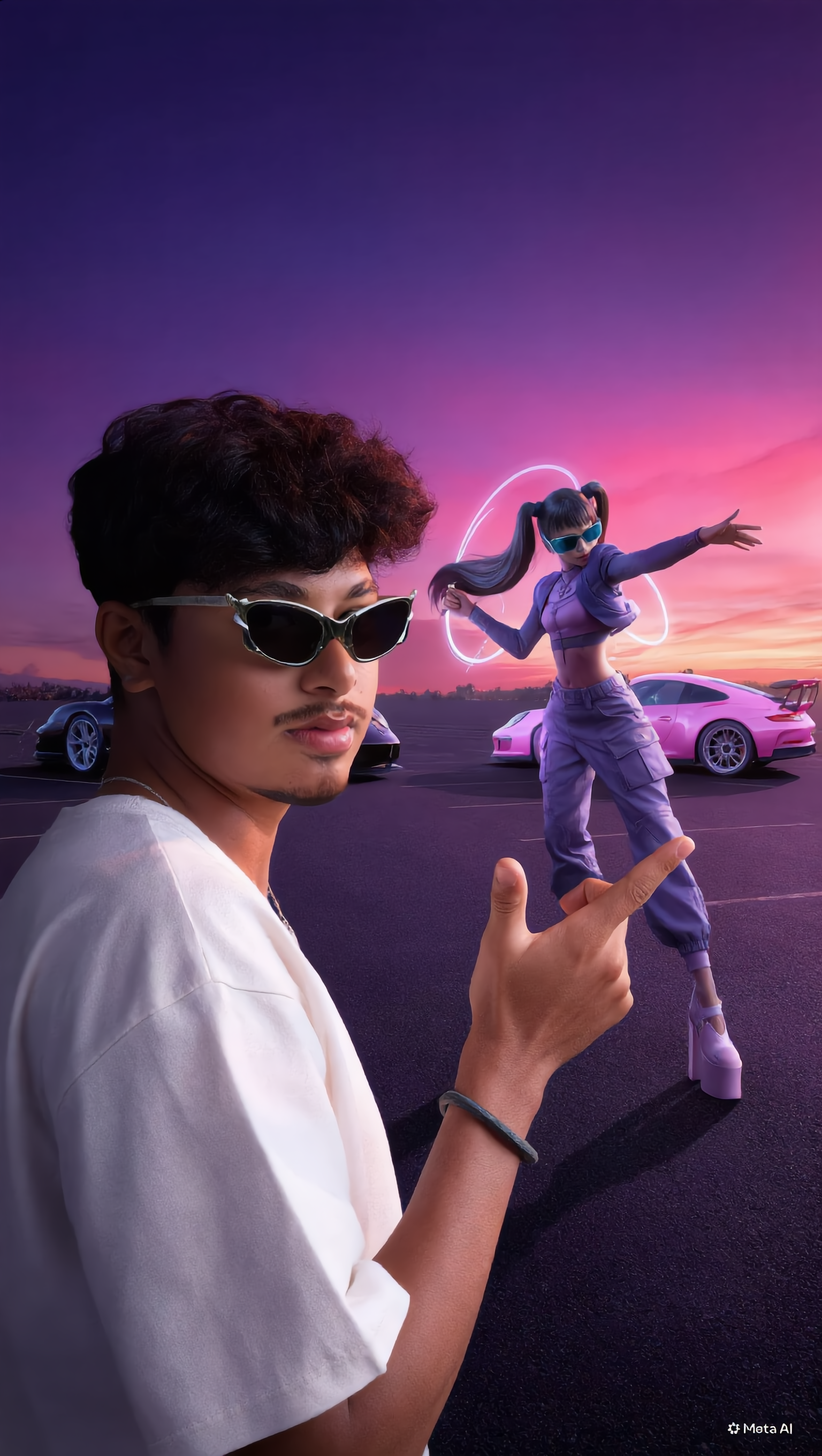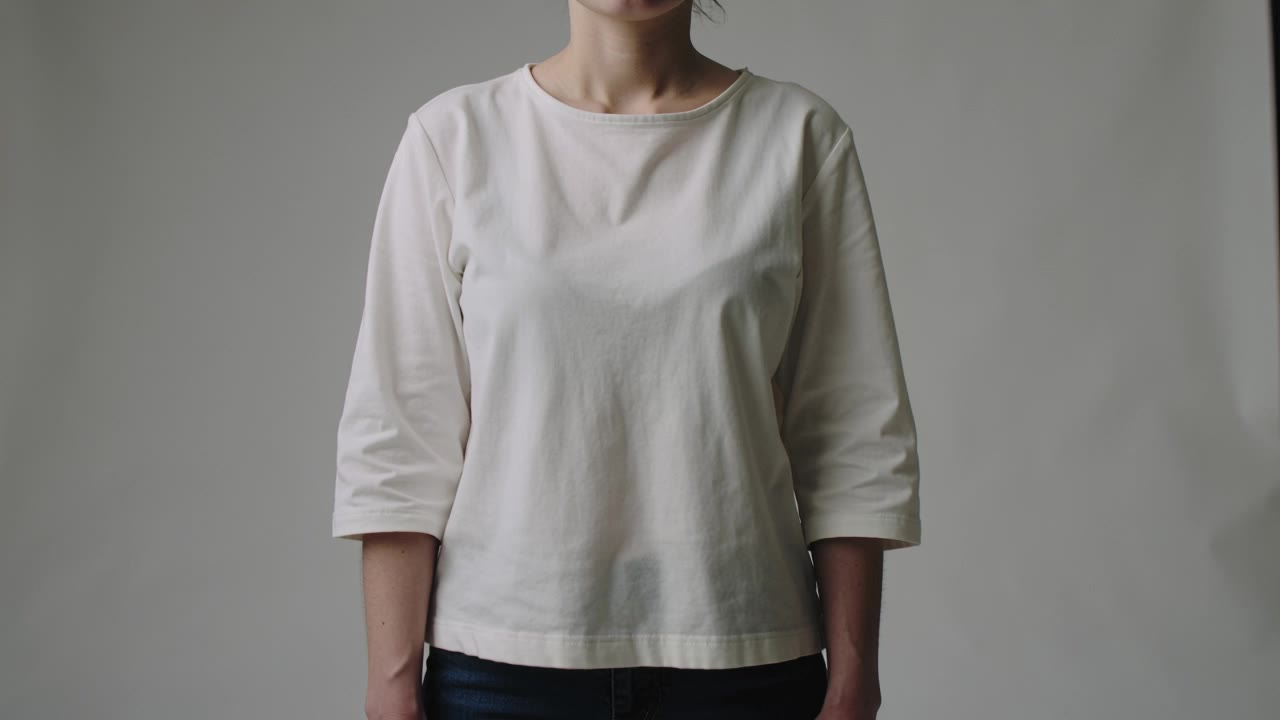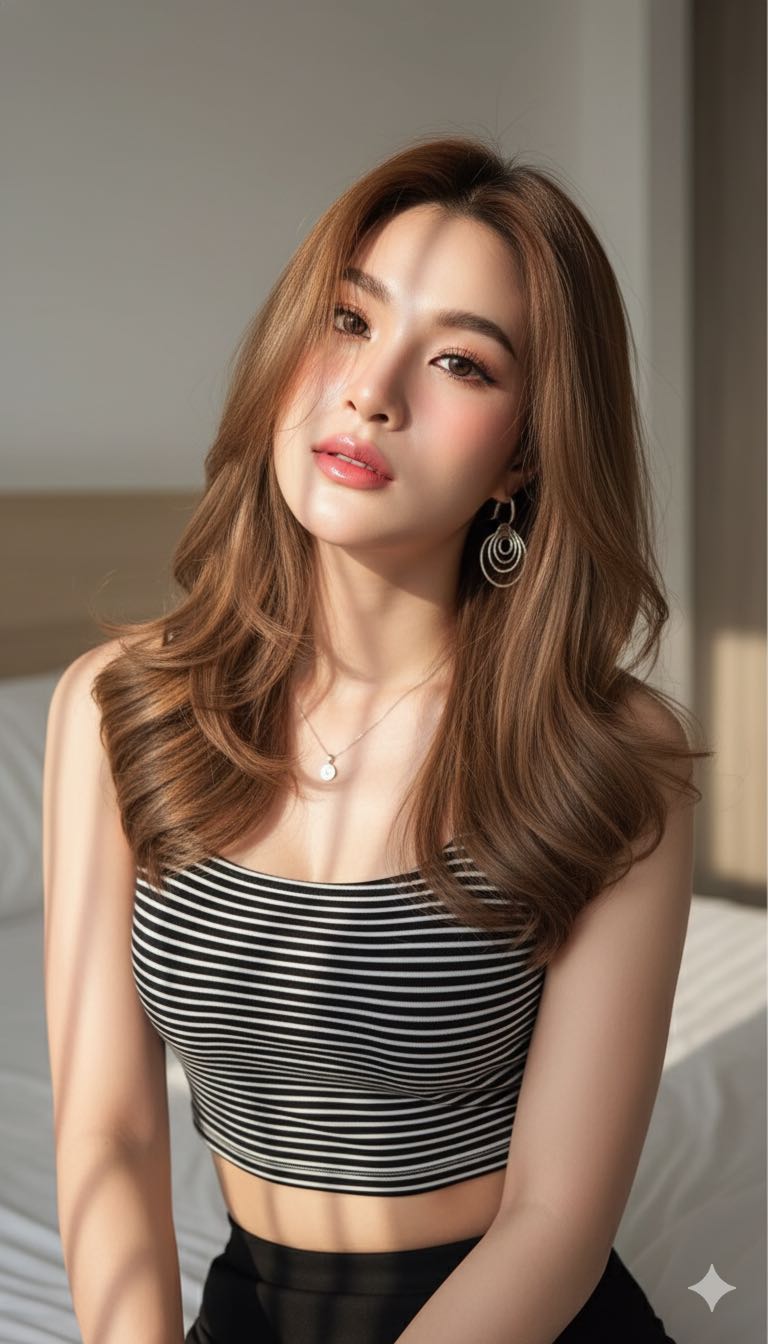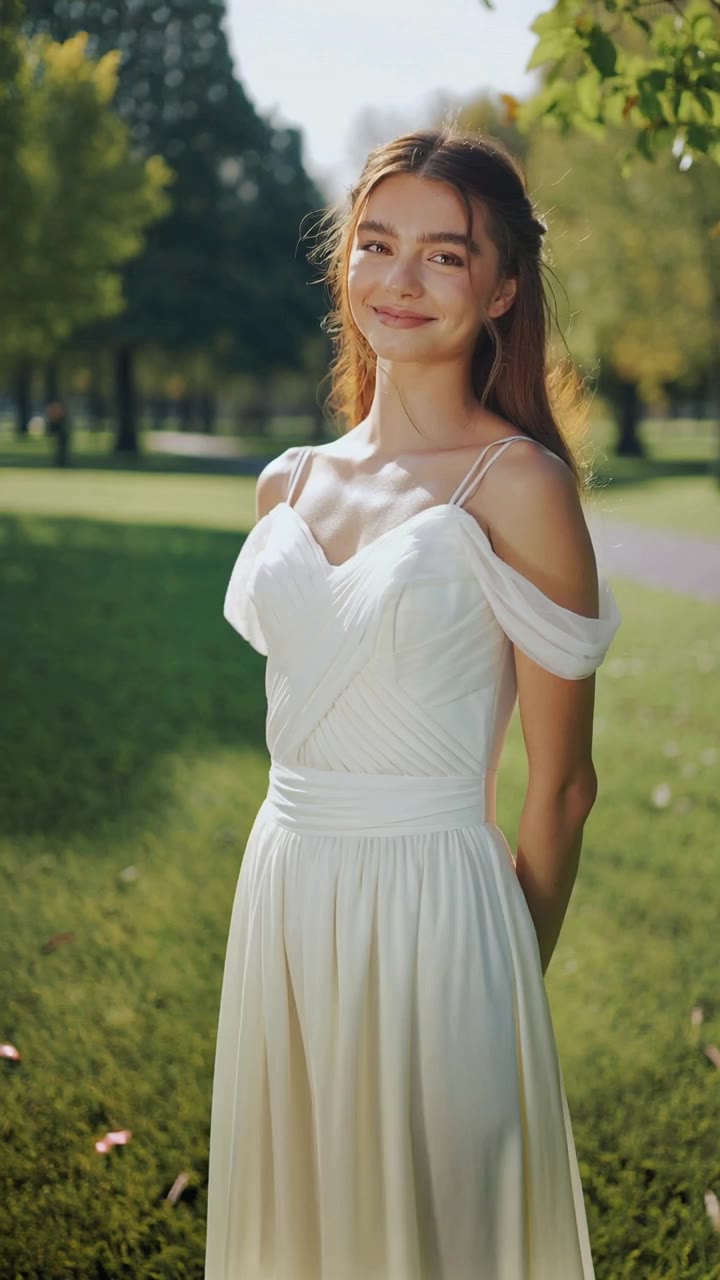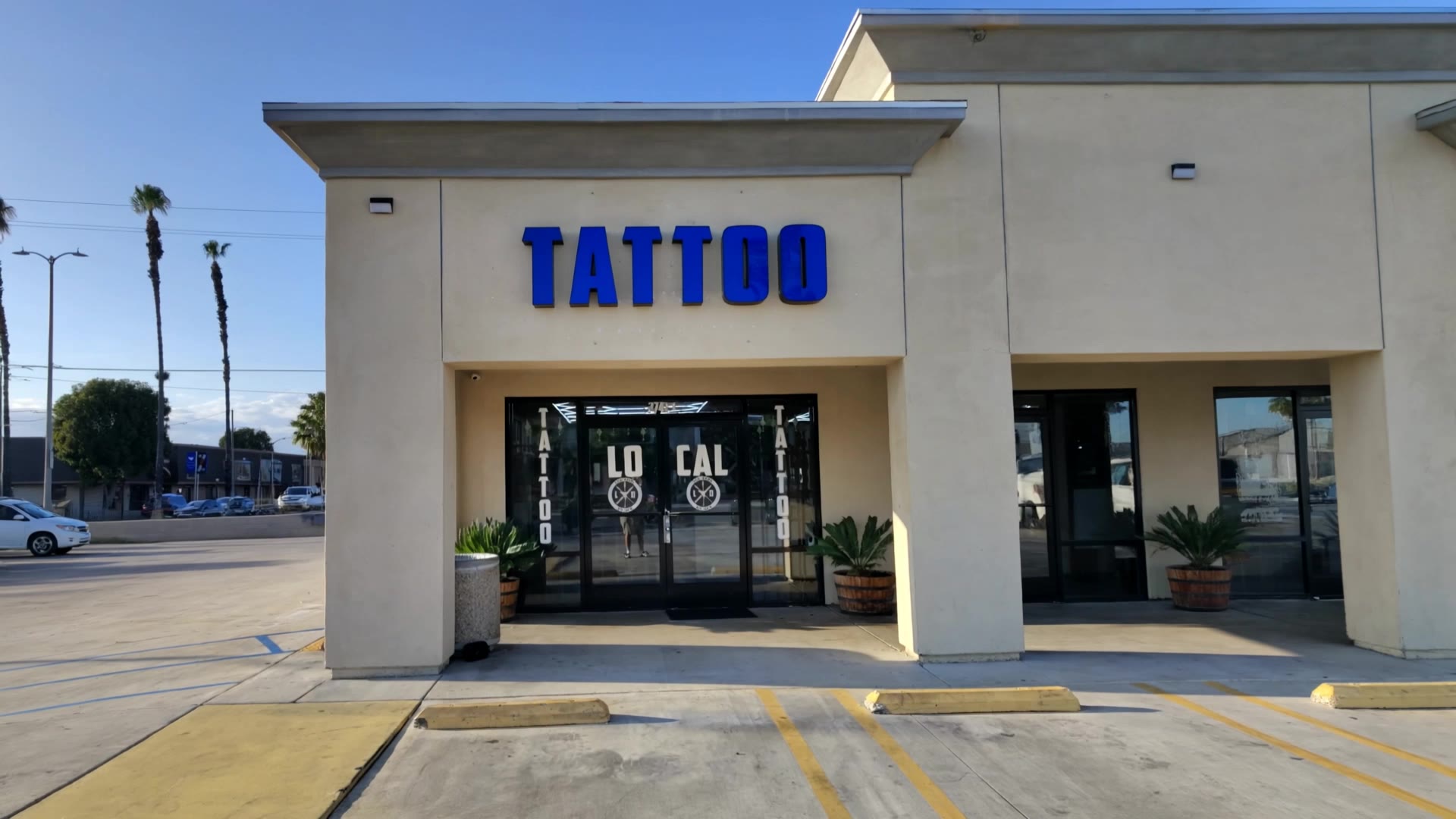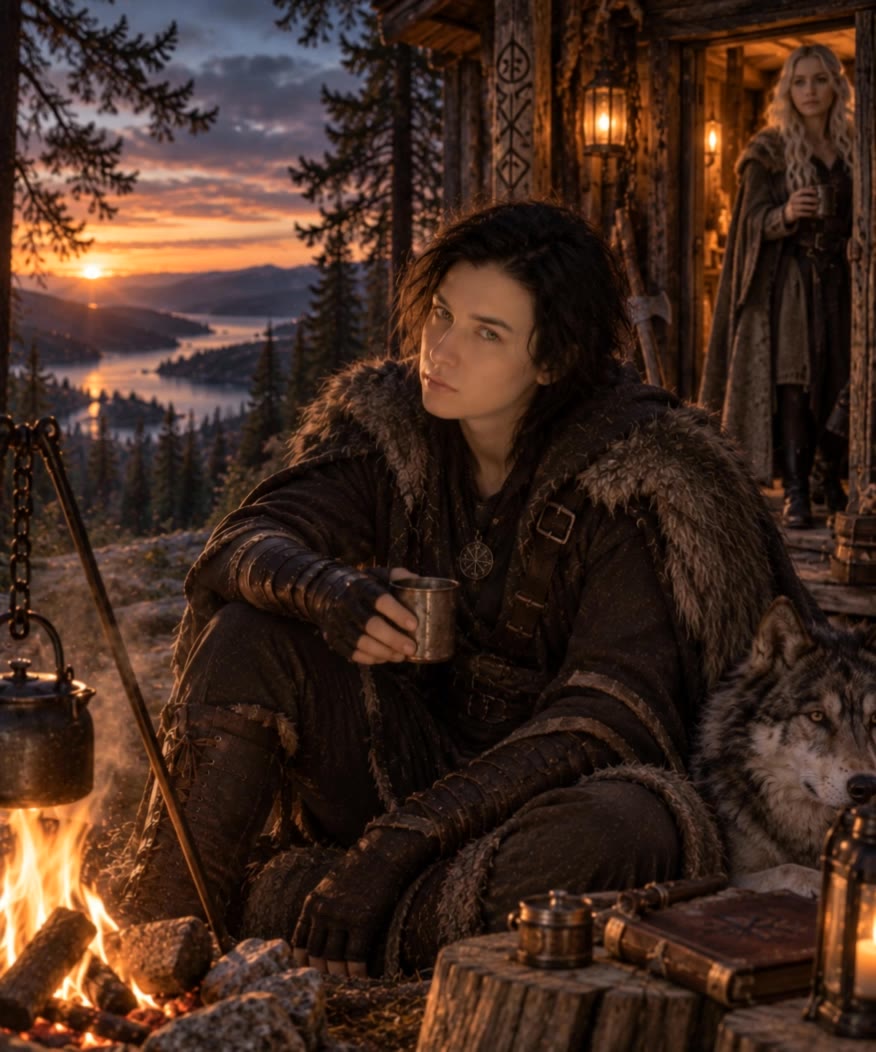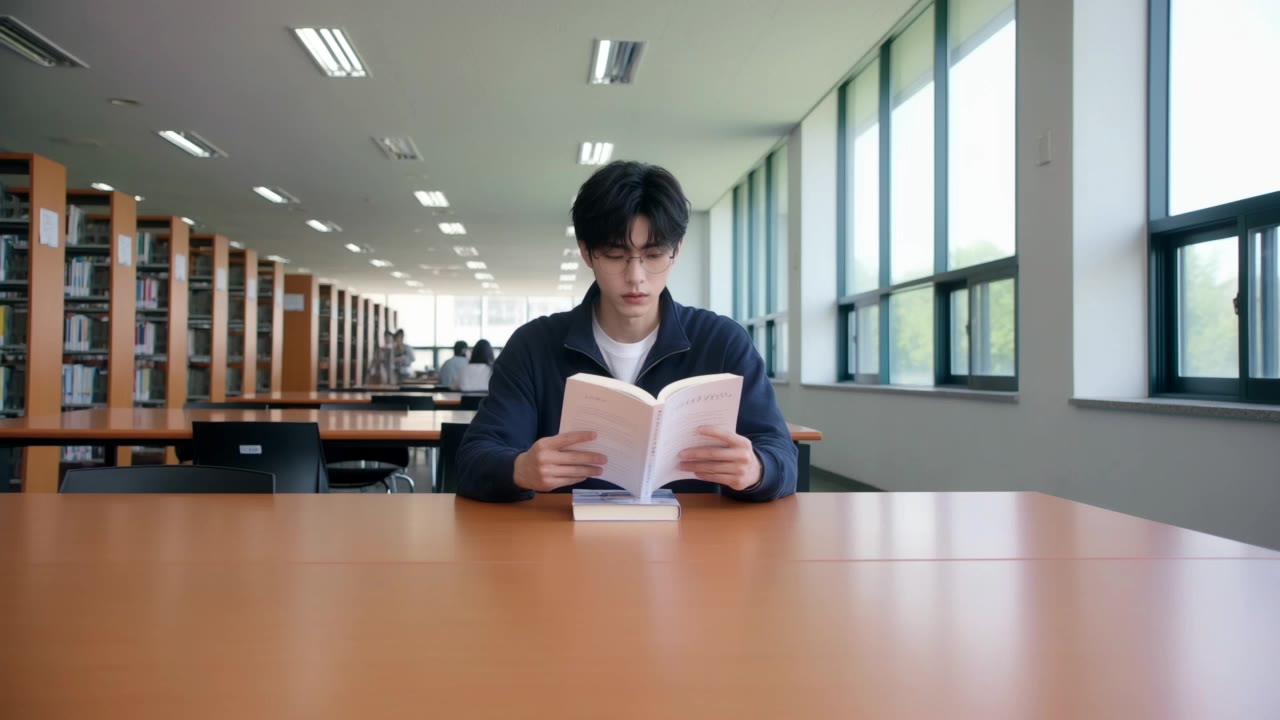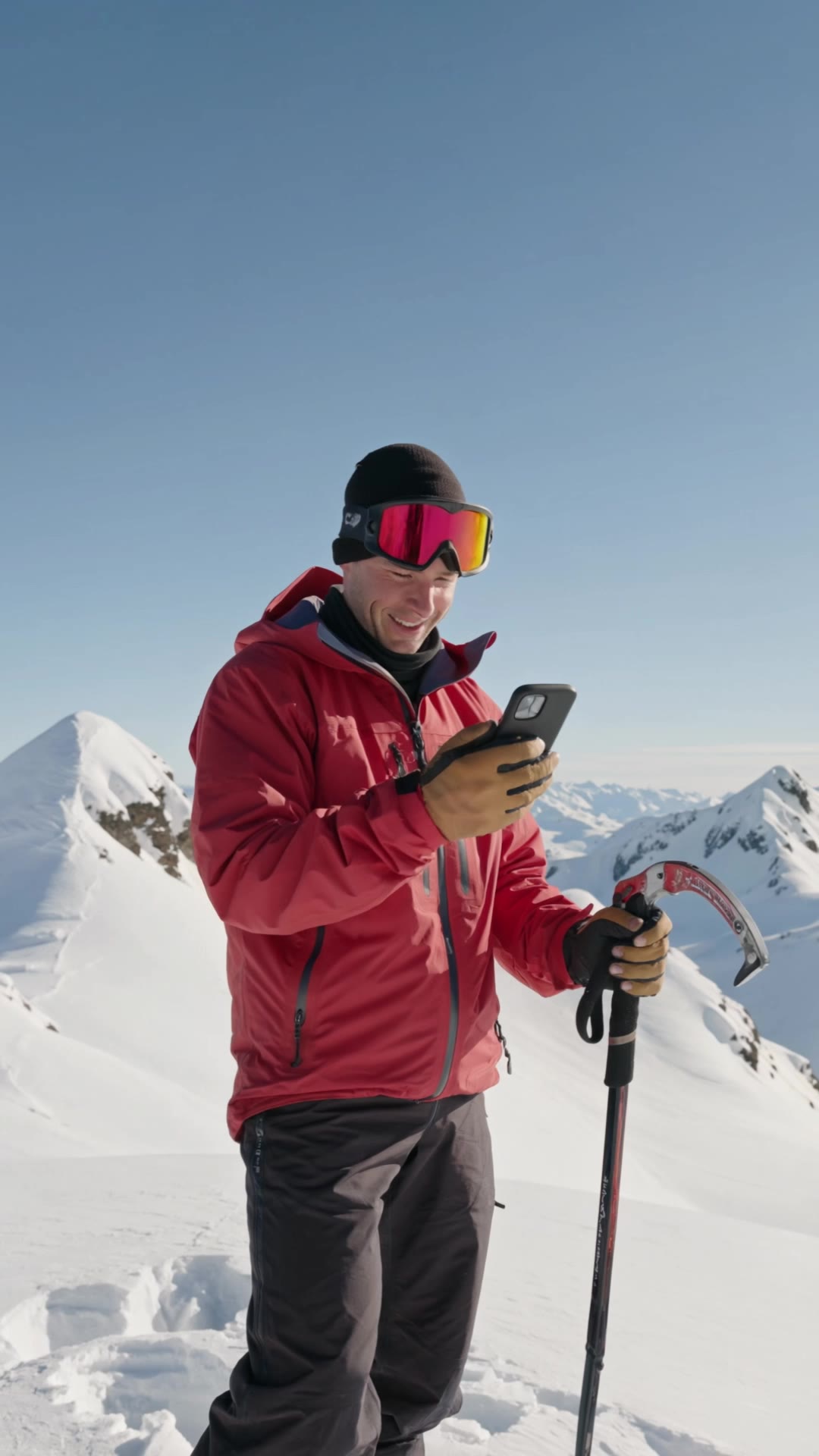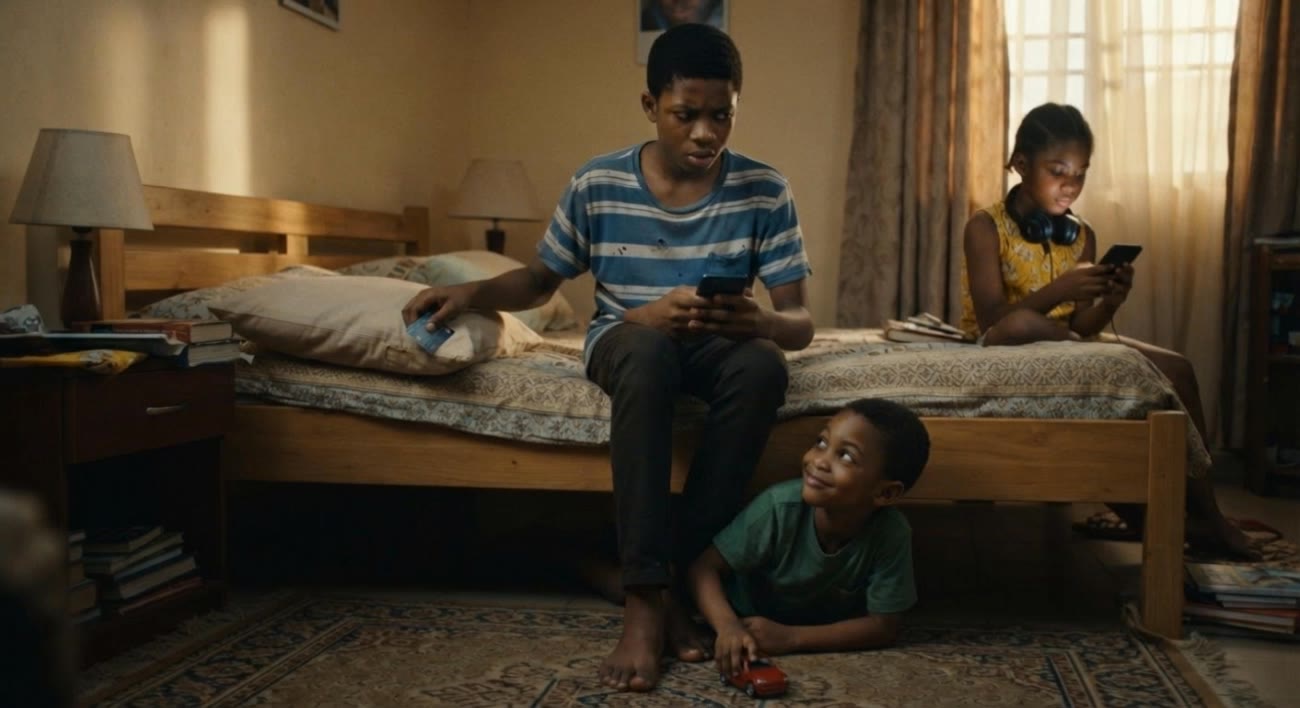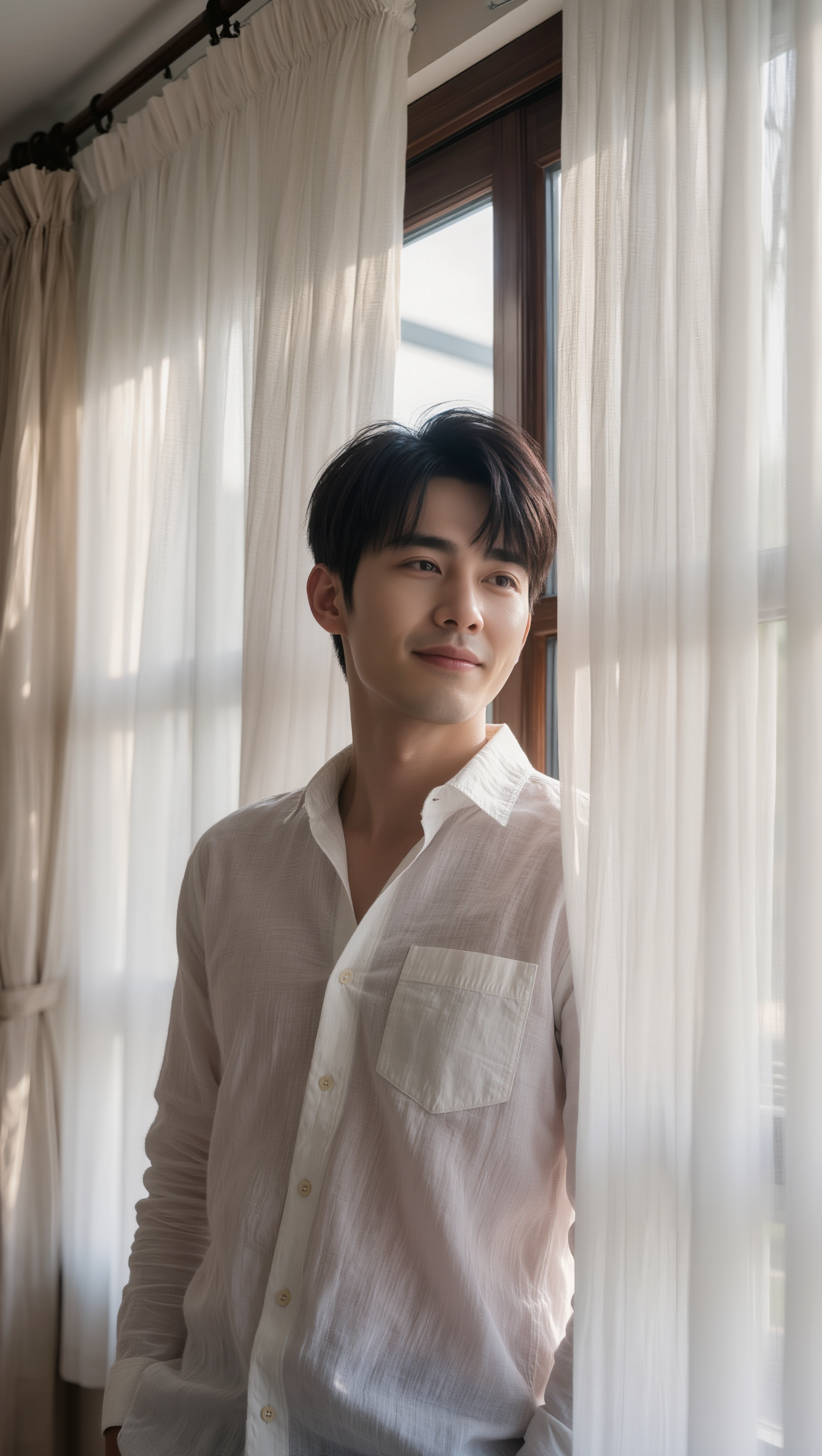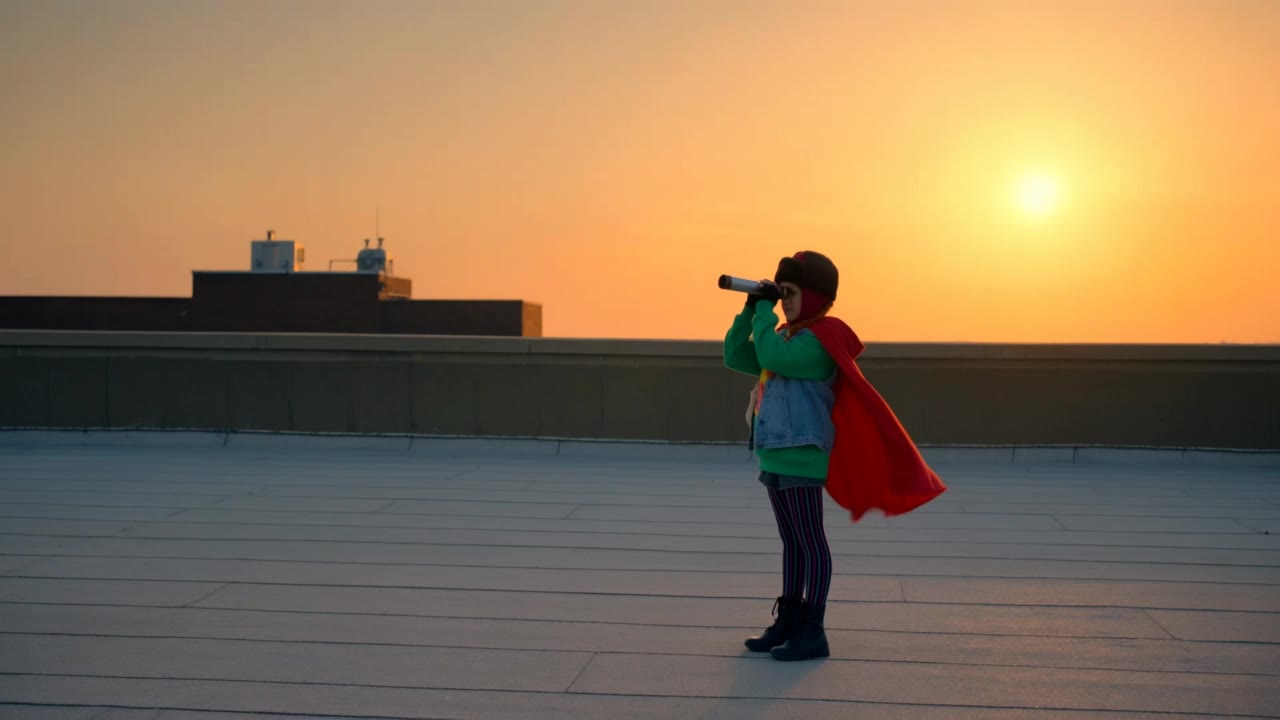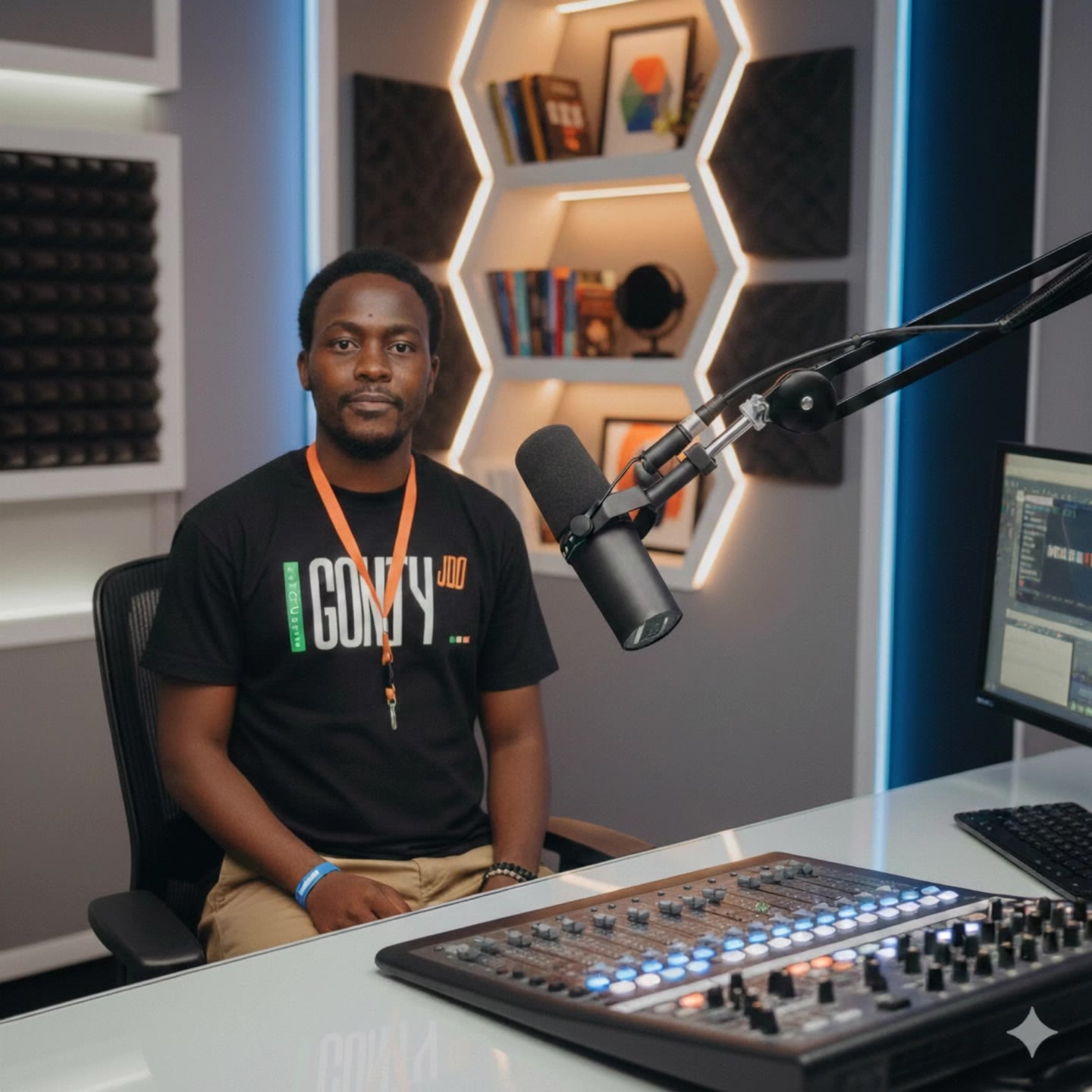

medium shot cinematography - face shots & cat themes

Unveil the art of medium shot cinematography through captivating turning shots and detailed product ads. Immerse in the balance of distant exterior views transitioning to intimate close-ups. Start exploring medium shot cinematography ideas and generate your own content with AI.

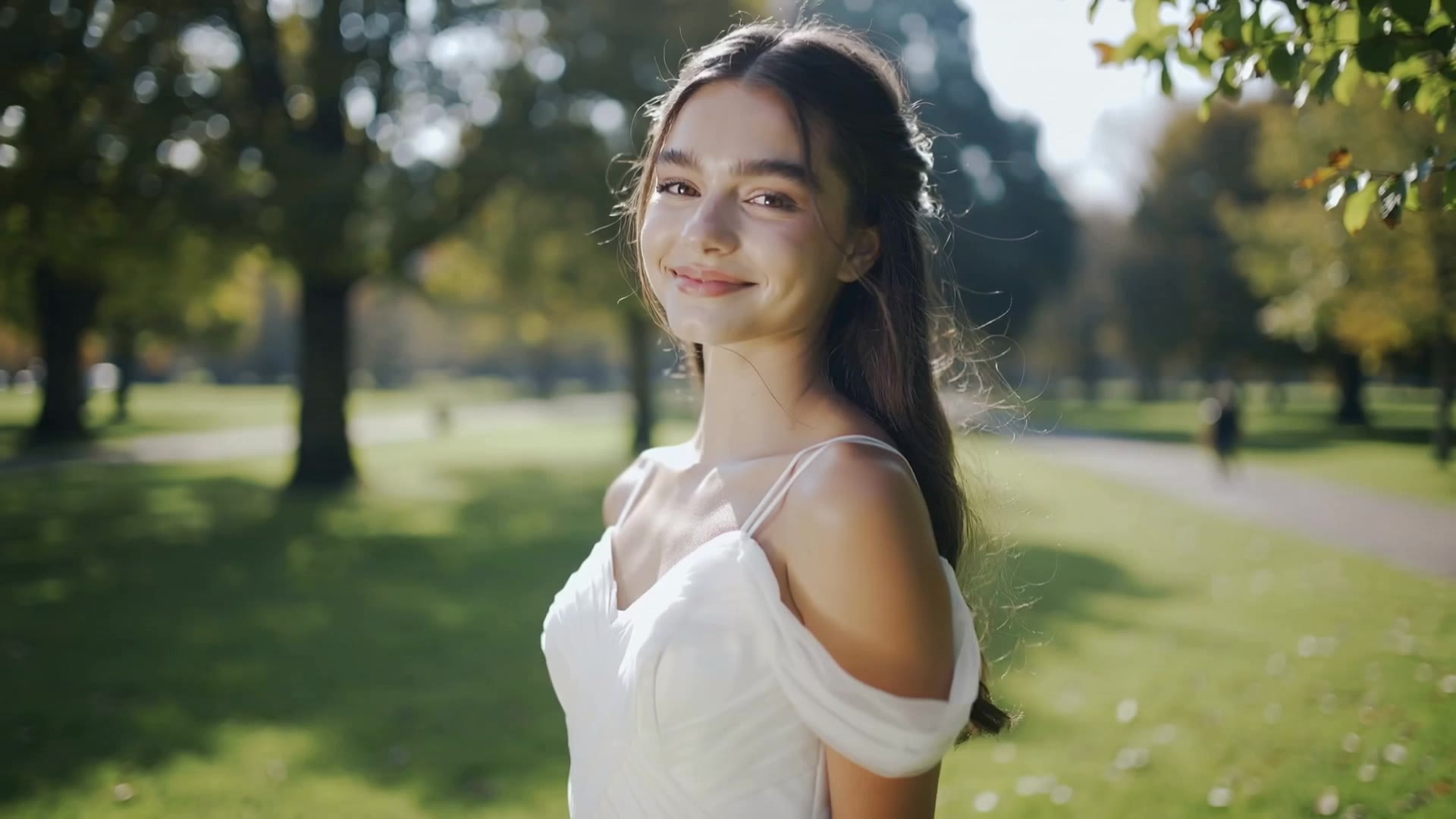
medium shot cinematography - face shots & cat themes

Recommended

Kling AI work 302102598538006 - medium shot cinematography AI video
vJeOVsVR avatar
vJeOVsVR
Kling AI work 321873462661253 - medium shot cinematography AI video
swkQLJdJ avatar
swkQLJdJ
Kling AI work 312466645503111 - medium shot cinematography AI video
hbJknsRz avatar
hbJknsRz
Kling AI work 318874380527209 - medium shot cinematography AI video
sagar avatar
sagar
Kling AI work 304510118532933 - medium shot cinematography AI video
rBnYvsgp avatar
rBnYvsgp
Kling AI work 312541637526935 - medium shot cinematography AI video
qeAuYllp avatar
qeAuYllp
A Pour State of Affairs - medium shot cinematography AI video
jCIlTink avatar
jCIlTink
Kling AI work 314333030662724 - medium shot cinematography AI image
gOuZTObx avatar
gOuZTObx
Cinematic medium close-up shot s - medium shot cinematography AI image
TXeJZWpD avatar
TXeJZWpD
Kling AI work 300508533654306 - medium shot cinematography AI video
ytcJZroC avatar
ytcJZroC
Kling AI work 309582971521298 - medium shot cinematography AI video
HbbTWNfJ avatar
HbbTWNfJ
Kling AI work 310076264663596 - medium shot cinematography AI video
TBihHVVg avatar
TBihHVVg
Apocalypse and Girls - medium shot cinematography AI video
Kama095 avatar
Kama095
Kling AI work 317544741662838 - medium shot cinematography AI video
UbICLdDX avatar
UbICLdDX
Checking phone  - medium shot cinematography AI video
bNlxZDcU avatar
bNlxZDcU
Family impact  - medium shot cinematography AI video
Hunkle_,Muha avatar
Hunkle_,Muha
Kling AI work 313830725507165 - medium shot cinematography AI image
Lee-Nah avatar
Lee-Nah
Kling AI work 312467847523317 - medium shot cinematography AI video
hbJknsRz avatar
hbJknsRz
Kling AI work 309428783501445 - medium shot cinematography AI video
narwhal1989 avatar
narwhal1989

How to Edit a Photo with Kling AI

Upload Your Photo

Upload Your Photo

Start with a clear photo. Add a reference image when you have a particular replacement, background, or style in mind.

Tell Kling What to Change

Tell Kling What to Change

Enter a clear text prompt, explaining what should change and what should stay the same. Kling applies the edit to the photo with AI directly, without layers or complex manual steps.

Review and Fine-Tune

Review and Fine-Tune

Check the result and the areas that matter most. When one detail needs more work, update the prompt for that area instead of starting over. Download the finished image and share it.

Why Kling Stands Out for Image-to-Video Creation

Realistic Motion, Up to 30s Cinematic Camera Work

Realistic Motion, Up to 30s Cinematic Camera Work

Kling 4.0 delivers more stable, physically convincing action in demanding scenes, from fast-paced fights to sports and large-scale movement. Stronger camera direction supports dynamic tracking, complex camera moves, and more coherent shot composition. With up to 30 seconds of native video generation, create longer takes and connected sequences with greater control over action, pacing, and camera movement.

More References, More Creative Control

More References, More Creative Control

Kling 4.0's Omni Reference supports up to 15 combined reference assets, including images, videos, and subjects. Combine character, scene, motion, and style references to guide different elements within the same generation. Up to 10 flexible keyframes give you additional control over composition, character actions, and scene progression. Experiment with different reference combinations and key moments without rebuilding your entire creative setup.

Recreate, Edit, and Explore New Possibilities

Recreate, Edit, and Explore New Possibilities

Kling 4.0 goes beyond generating new footage. It lets you reference existing videos to explore different characters, products, camera movements, and visual styles while retaining the original shot structure or motion as a guide. It also supports precise video editing, letting you target changes to subjects, backgrounds, actions, and camera angles. Rework existing scenes, try alternate versions, and develop new footage without starting from scratch.

Apps

Image to Video
Image to Video

Image to Video

Text to Video
Text to Video

Text to Video

Omni
Omni

Omni

Digital Human
Digital Human

Digital Human

Restyle
Restyle

Restyle

Text to Image
Text to Image

Text to Image

60M+
60M+
Users
600M+
600M+
AI Videos Generated
4.7 ★
4.7 ★
App Store
Industry-Leading
Industry-Leading
Cinematic 4K

Reviews

Vincent Smadja

Vincent Smadja

★★★★★

Kling AI seamlessly integrates into my creative workflow, playing a key role in transforming my images. After generating and upscaling an image, Kling becomes a crucial element, bringing my creations to life with movement and depth.

Huang Lu (Elson)

Huang Lu (Elson)

★★★★★

I’ve been using Kling AI since its initial release, and it’s remained one of the leading AI media generators ever since. With Kling AI, I’ve created hundreds of videos, collectively amassing millions of views.

PJ Ace

PJ Ace

★★★★★

Kling AI has made it easy for us to generate world class visuals for Fortune 500 companies, TV shows and music for big artists. We love the easy of use of the platform and the quality of the generations. My first time using Kling AI, I got 22 million views on just one video. It's that good.

FAQ

Q1Can I create an AI video from an image?
Q2How long can AI-generated videos be?
Q3Can I generate AI videos from text prompts?

Start Creating AI Videos with Kling

Start with text or images and see what's possible with Kling AI. Create the footage, guide the movement, and keep working until the scene feels right. No complicated setup.

Text to Video | Image to Video | Omni Reference | Free tier includes watermark