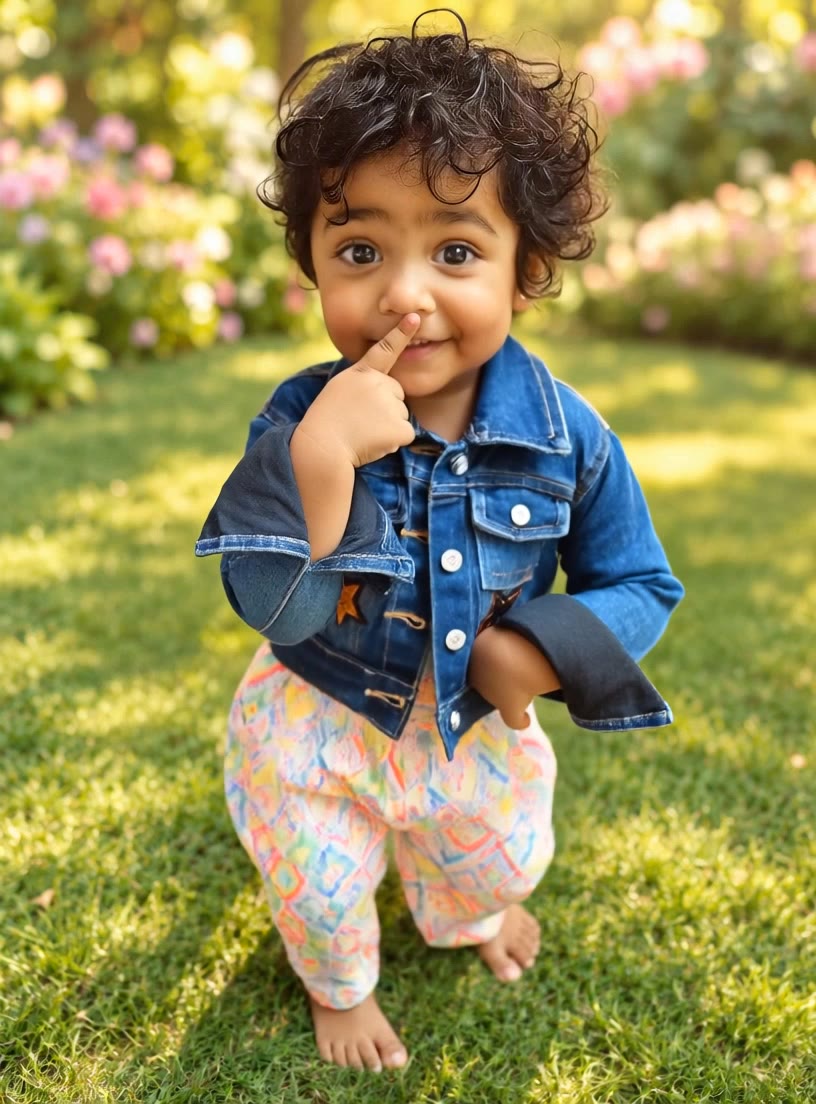

merge videos online - free - mythological hybrids & online shopping

Combine videos seamlessly with our free online tool featuring unique themes like mythical creature hybrids and motivational success stories. Unleash your creativity with AI-driven merges. Start exploring merge videos online - free ideas and generate your own content with AI.

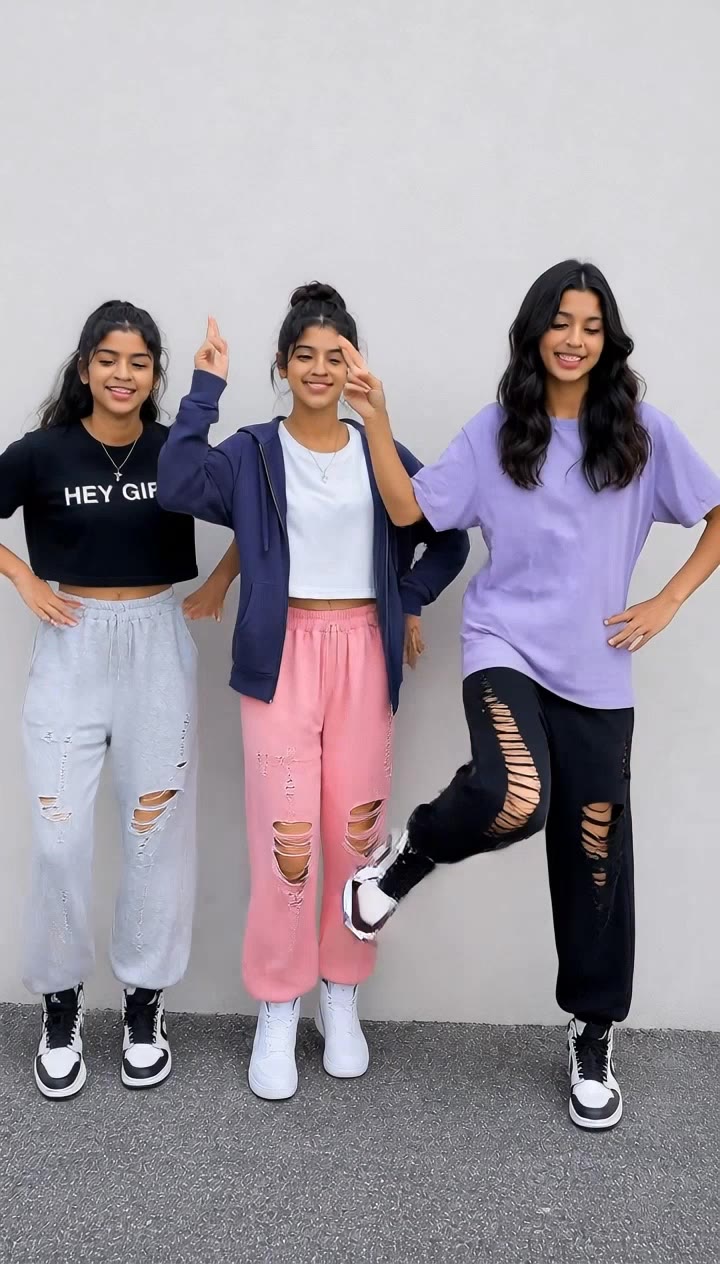
merge videos online - free - mythological hybrids & online shopping

Recommended

Kling AI work 311153067521486 - merge videos online - free AI video
jAIoMMcK avatar
jAIoMMcK
Want to create videos for free? - merge videos online - free AI video
wpJfUAig avatar
wpJfUAig
Videos  - merge videos online - free AI image
HahwDOQv avatar
HahwDOQv
Kling AI work 317928389661939 - merge videos online - free AI video
cfeHMJpI avatar
cfeHMJpI
Kling AI work 319496750503522 - merge videos online - free AI video
qlueSlVI avatar
qlueSlVI
Kling AI work 316852722504443 - merge videos online - free AI video
KckLBNds avatar
KckLBNds
videos  - merge videos online - free AI image
LmEwNgAv avatar
LmEwNgAv
Kling AI work 314061837610852 - merge videos online - free AI image
vqESaCjX avatar
vqESaCjX
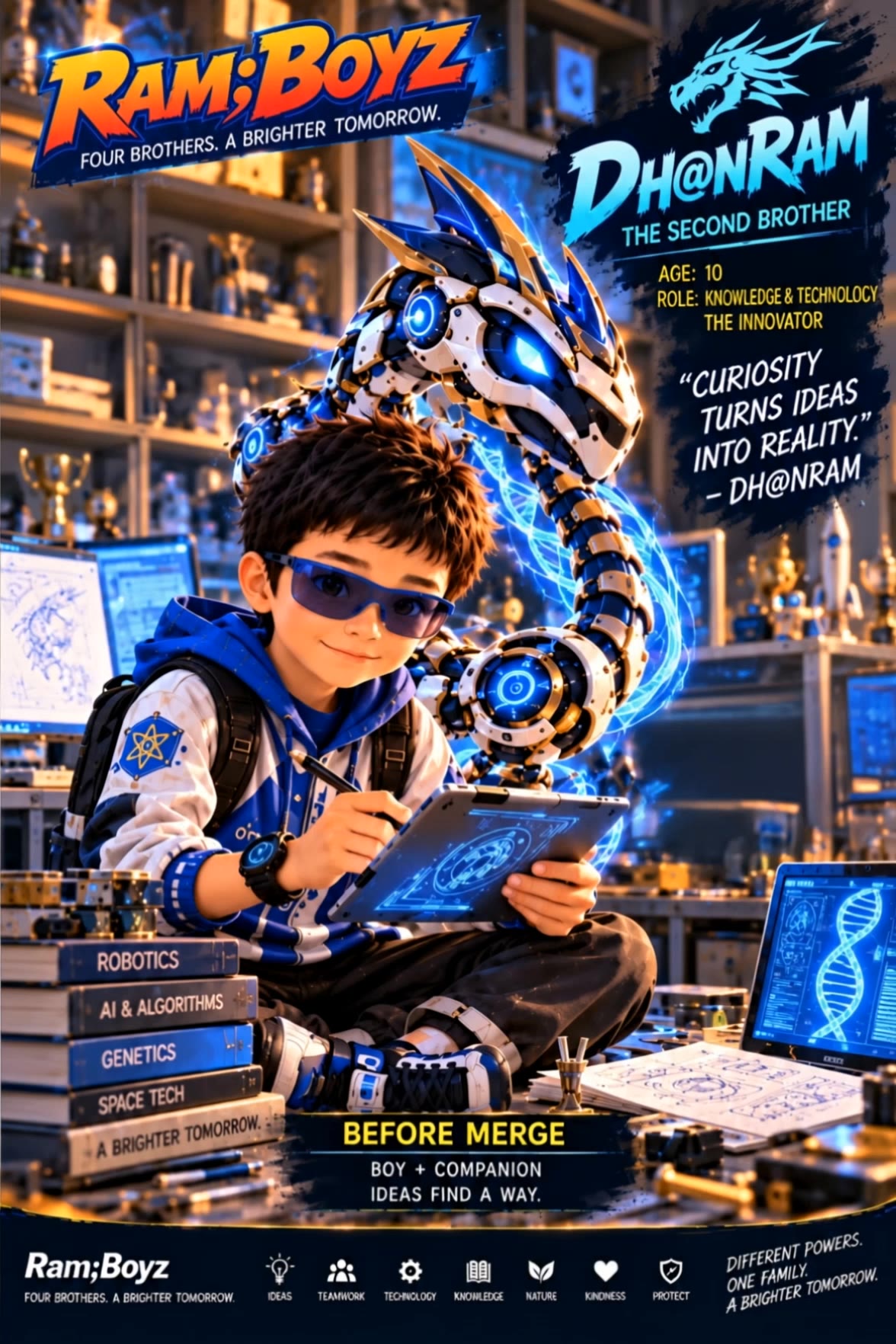
DH@NRAM merge - merge videos online - free AI video
Drram avatar
Drram
Kling AI work 311572320661324 - merge videos online - free AI image
YfXxHMgX avatar
YfXxHMgX
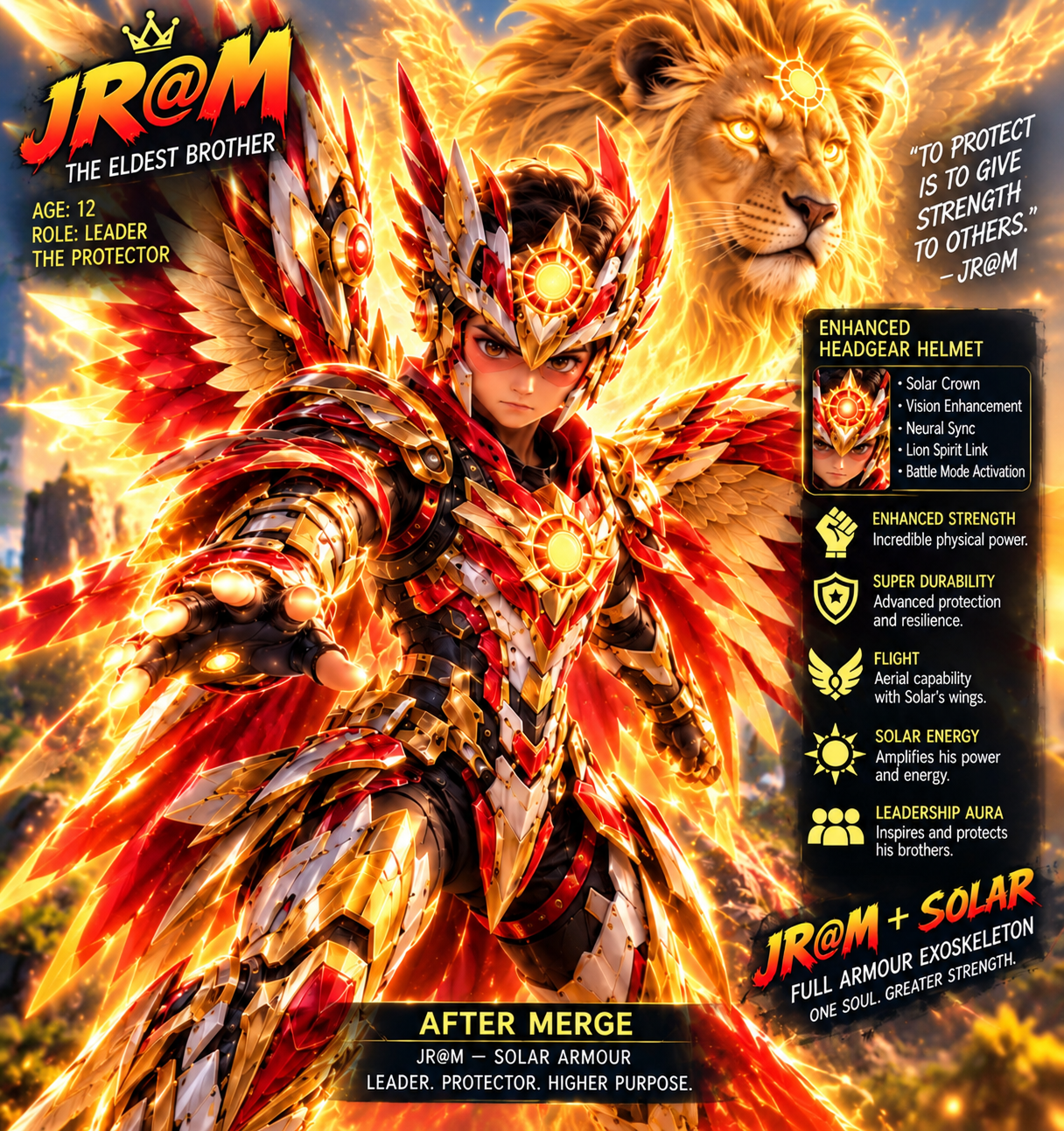
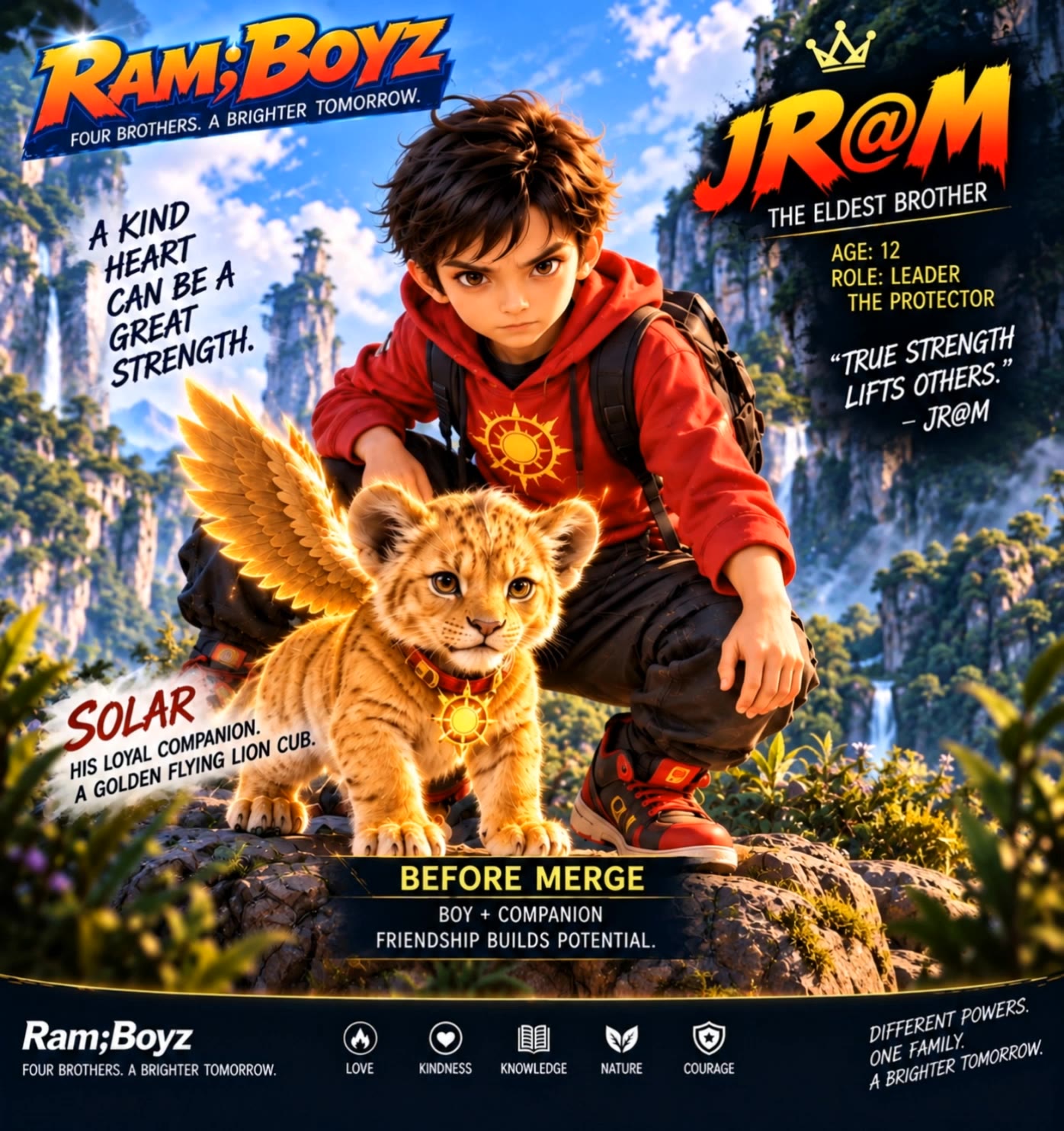
JR@M merge clip - merge videos online - free AI video
Drram avatar
Drram
cat dog witch merge  - merge videos online - free AI video
00:20
Osiris avatar
Osiris
Intersección - merge videos online - free AI video
IrhnAjEW avatar
IrhnAjEW
Kling AI work 311890881524901 - merge videos online - free AI video
CzvaMySG avatar
CzvaMySG
Kling AI work 317185199523413 - merge videos online - free AI image
MdyzVGix avatar
MdyzVGix
Kling AI work 318308861503495 - merge videos online - free AI video
BkYpDJbq avatar
BkYpDJbq
Kling AI work 312452705660212 - merge videos online - free AI video
kodboHZa avatar
kodboHZa
Creative AI videos - merge videos online - free AI video
Creative AI Videos avatar
Creative AI Videos

How to Edit a Photo with Kling AI

Upload Your Photo

Upload Your Photo

Start with a clear photo. Add a reference image when you have a particular replacement, background, or style in mind.

Tell Kling What to Change

Tell Kling What to Change

Enter a clear text prompt, explaining what should change and what should stay the same. Kling applies the edit to the photo with AI directly, without layers or complex manual steps.

Review and Fine-Tune

Review and Fine-Tune

Check the result and the areas that matter most. When one detail needs more work, update the prompt for that area instead of starting over. Download the finished image and share it.

Why Kling Stands Out for Image-to-Video Creation

Realistic Motion, Up to 30s Cinematic Camera Work

Realistic Motion, Up to 30s Cinematic Camera Work

Kling 4.0 delivers more stable, physically convincing action in demanding scenes, from fast-paced fights to sports and large-scale movement. Stronger camera direction supports dynamic tracking, complex camera moves, and more coherent shot composition. With up to 30 seconds of native video generation, create longer takes and connected sequences with greater control over action, pacing, and camera movement.

More References, More Creative Control

More References, More Creative Control

Kling 4.0's Omni Reference supports up to 15 combined reference assets, including images, videos, and subjects. Combine character, scene, motion, and style references to guide different elements within the same generation. Up to 10 flexible keyframes give you additional control over composition, character actions, and scene progression. Experiment with different reference combinations and key moments without rebuilding your entire creative setup.

Recreate, Edit, and Explore New Possibilities

Recreate, Edit, and Explore New Possibilities

Kling 4.0 goes beyond generating new footage. It lets you reference existing videos to explore different characters, products, camera movements, and visual styles while retaining the original shot structure or motion as a guide. It also supports precise video editing, letting you target changes to subjects, backgrounds, actions, and camera angles. Rework existing scenes, try alternate versions, and develop new footage without starting from scratch.

Apps

Image to Video
Image to Video

Image to Video

Text to Video
Text to Video

Text to Video

Omni
Omni

Omni

Digital Human
Digital Human

Digital Human

Restyle
Restyle

Restyle

Text to Image
Text to Image

Text to Image

60M+
60M+
Users
600M+
600M+
AI Videos Generated
4.7 ★
4.7 ★
App Store
Industry-Leading
Industry-Leading
Cinematic 4K

Reviews

Huang Lu (Elson)

Huang Lu (Elson)

★★★★★

I’ve been using Kling AI since its initial release, and it’s remained one of the leading AI media generators ever since. With Kling AI, I’ve created hundreds of videos, collectively amassing millions of views.

PJ Ace

PJ Ace

★★★★★

Kling AI has made it easy for us to generate world class visuals for Fortune 500 companies, TV shows and music for big artists. We love the easy of use of the platform and the quality of the generations. My first time using Kling AI, I got 22 million views on just one video. It's that good.

Samuele Poggi (@visualsk2)

Samuele Poggi (@visualsk2)

★★★★★

I use Kling AI daily to push the limits of AI filmmaking. It allows me to create highly cinematic content, blending AI and VFX to develop innovative projects. It has significantly impacted my creative process, enabling me to achieve complex animations that would otherwise require high production budgets.

FAQ

Q1How long can videos be in Video 3.0?
Q2What’s the difference between Video 2.6 and 3.0?
Q3Does Video 3.0 support multiple characters speaking?

Experience Video 3.0 on Kling

Create cinematic, multi-shot videos with native audio and precise control—all in one generation.

Native audio | Multi-shot control | Up to 15s continuous output