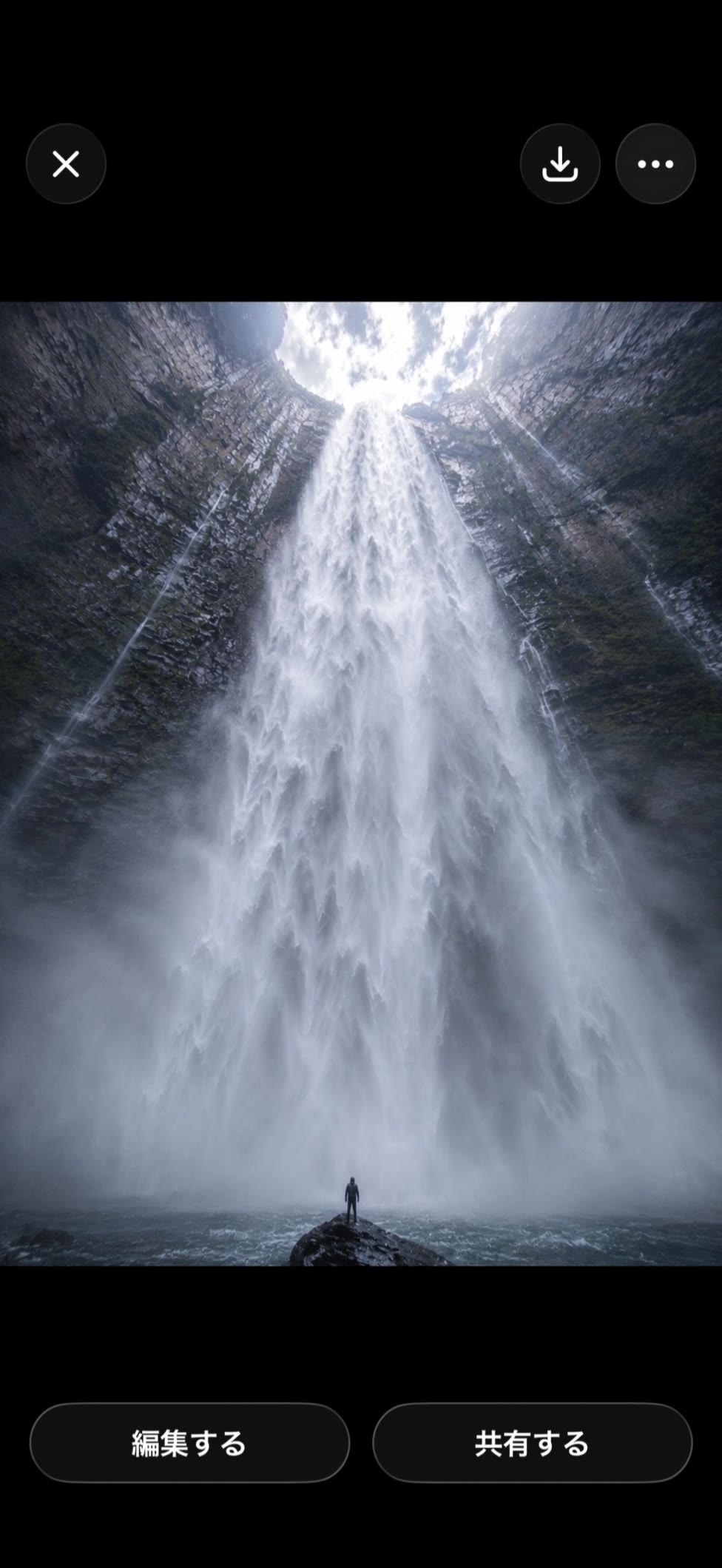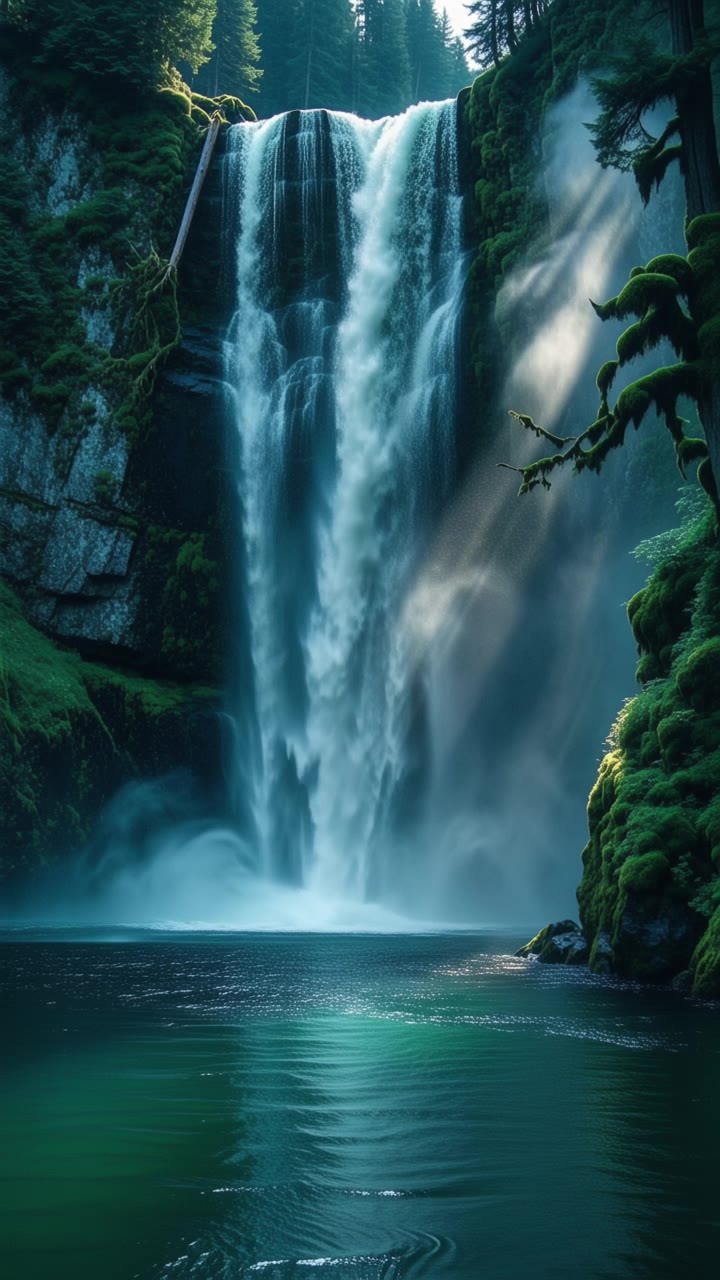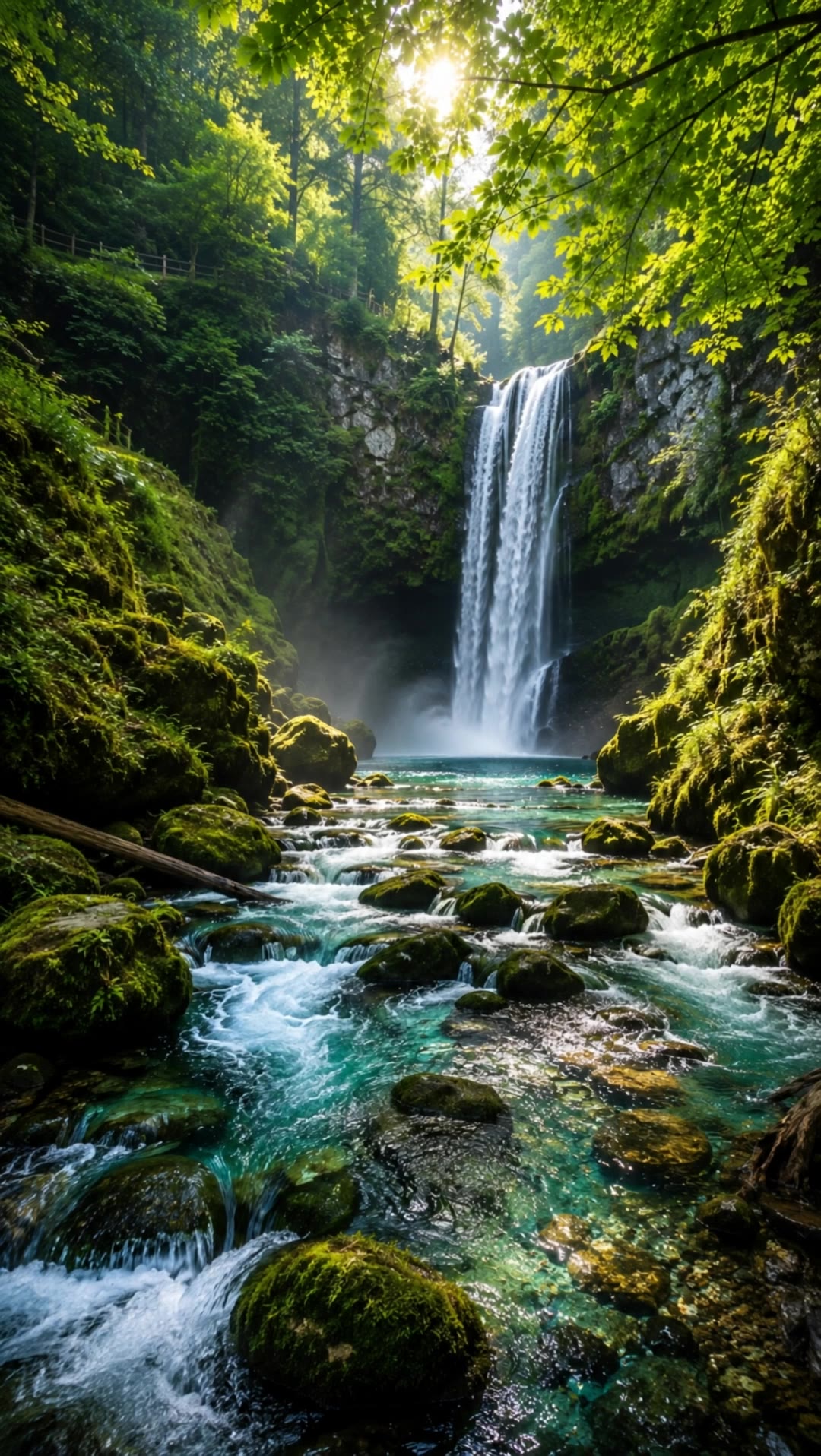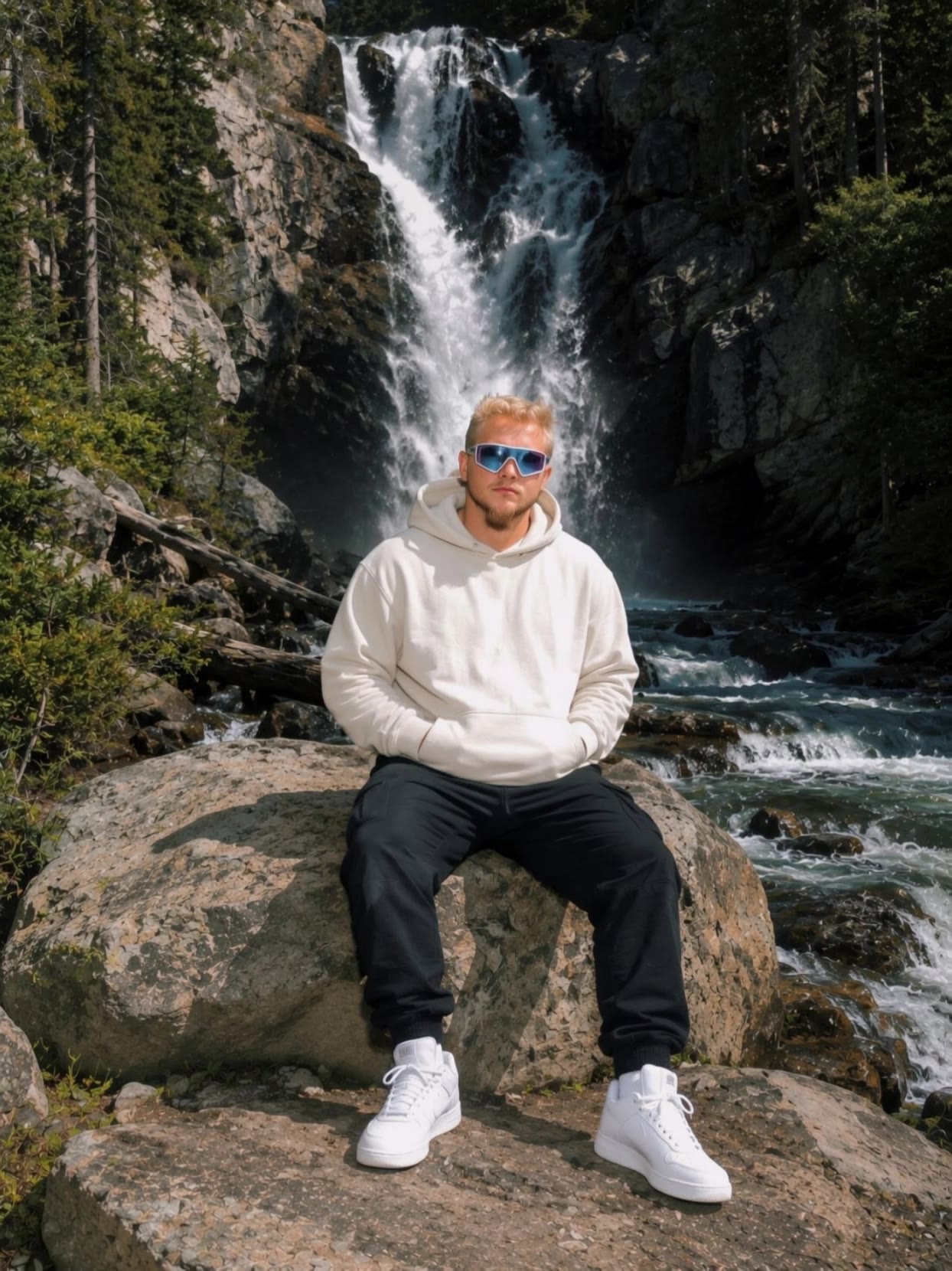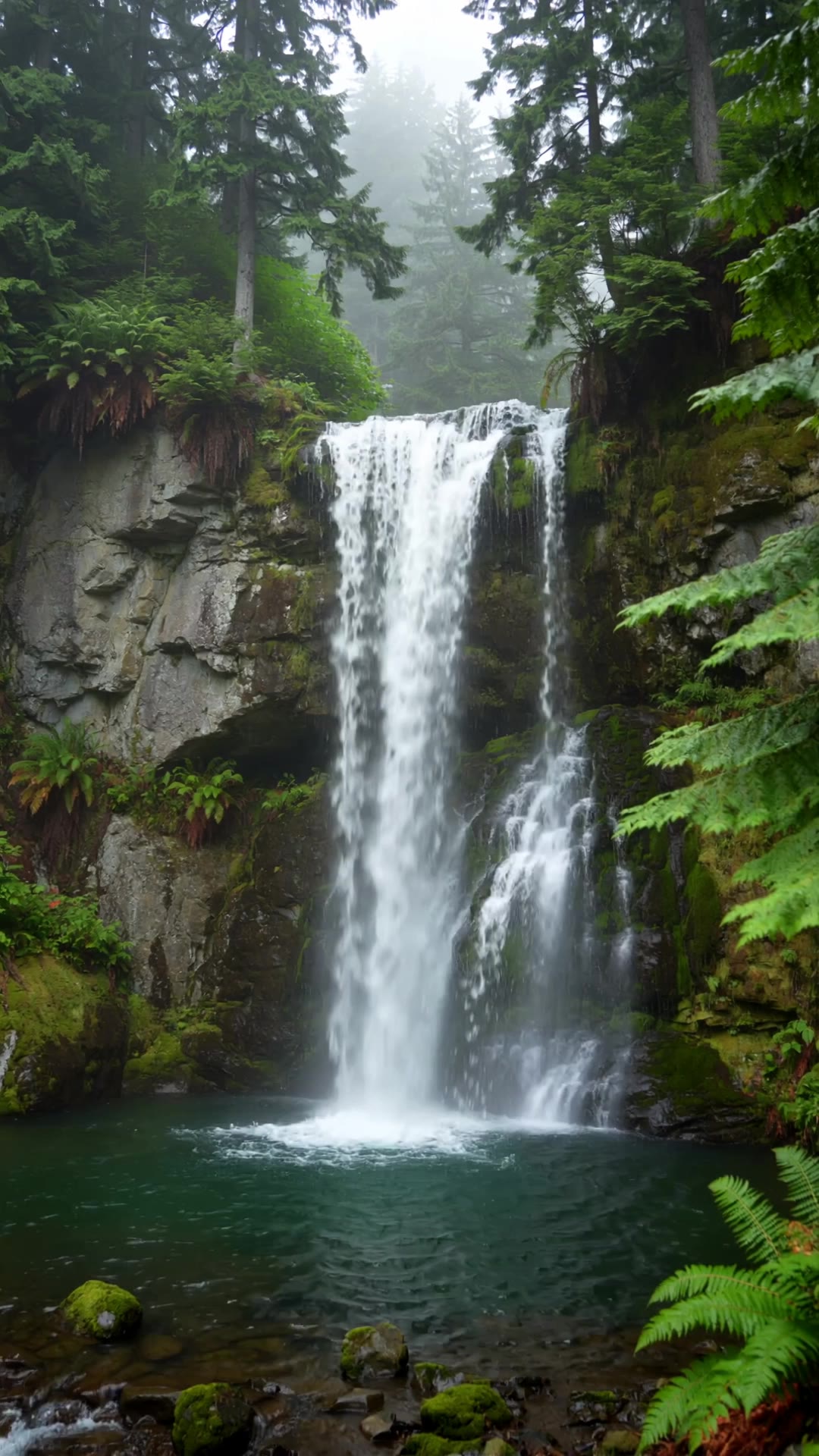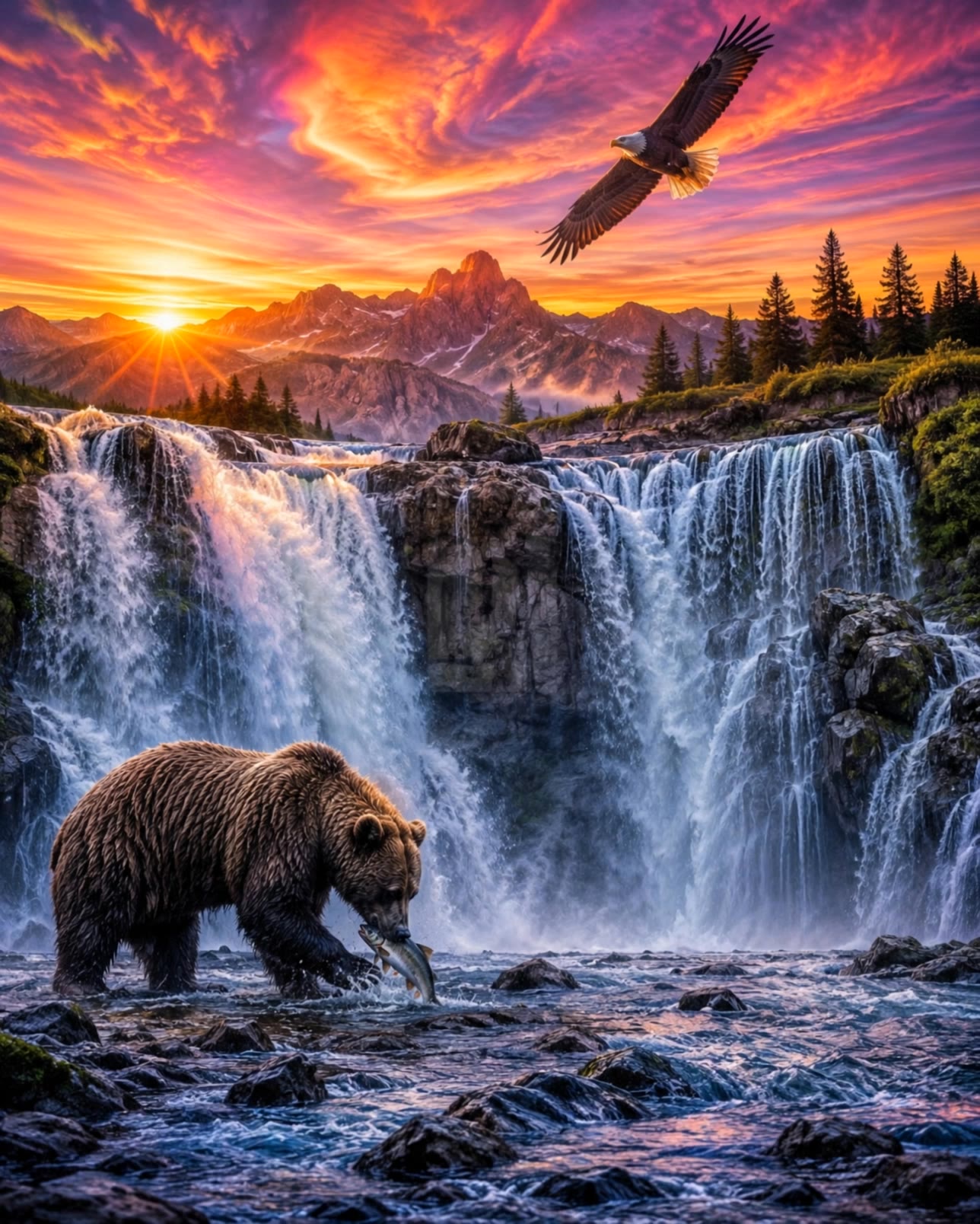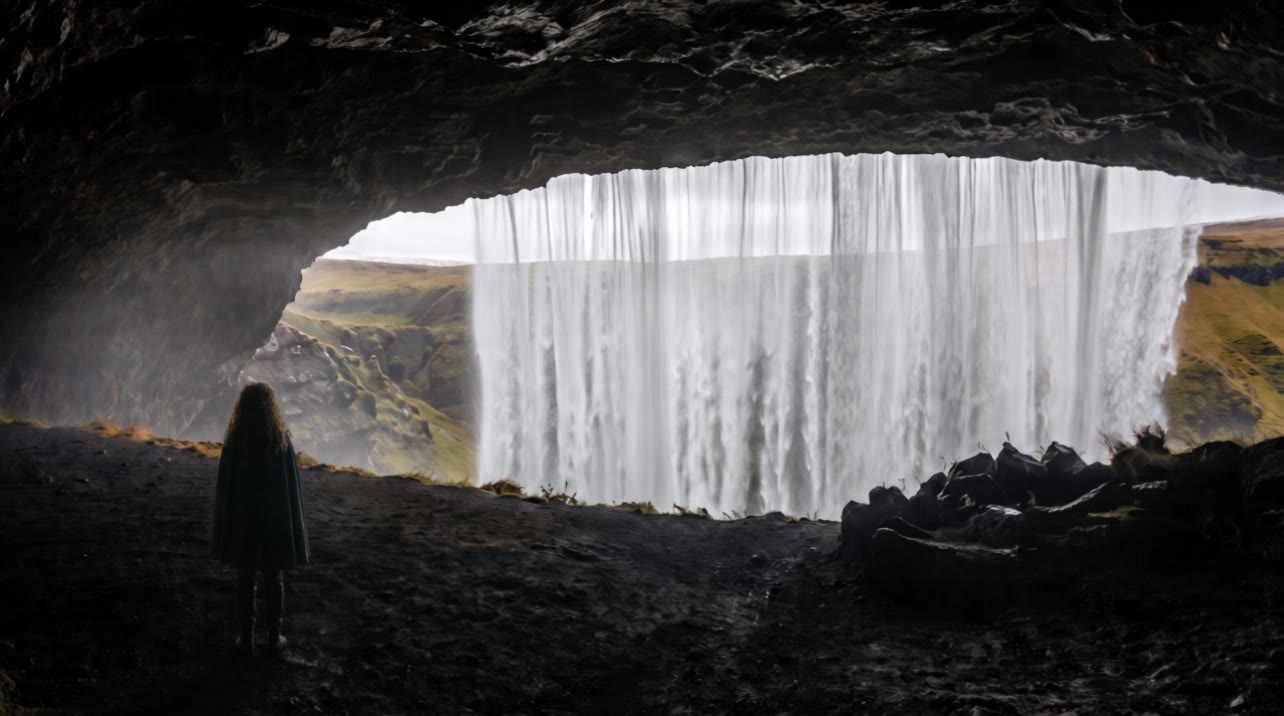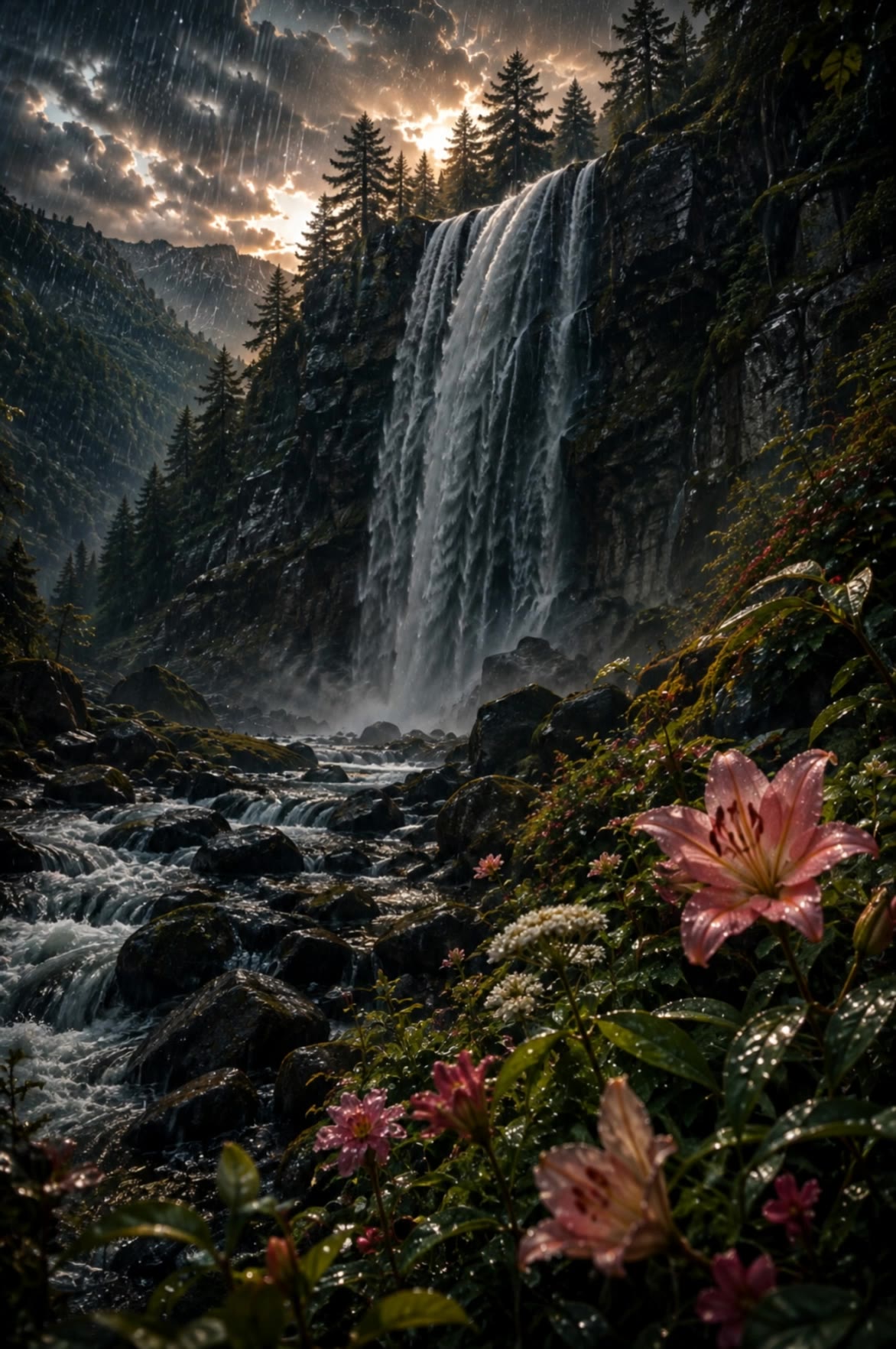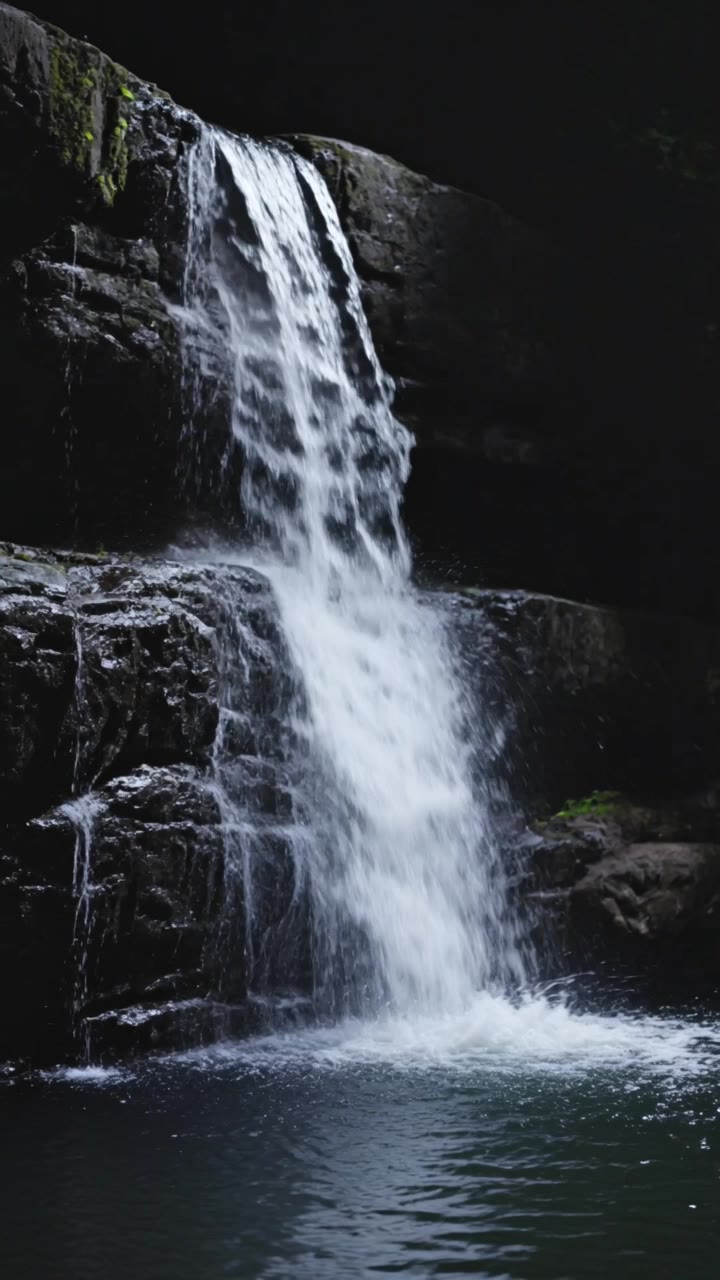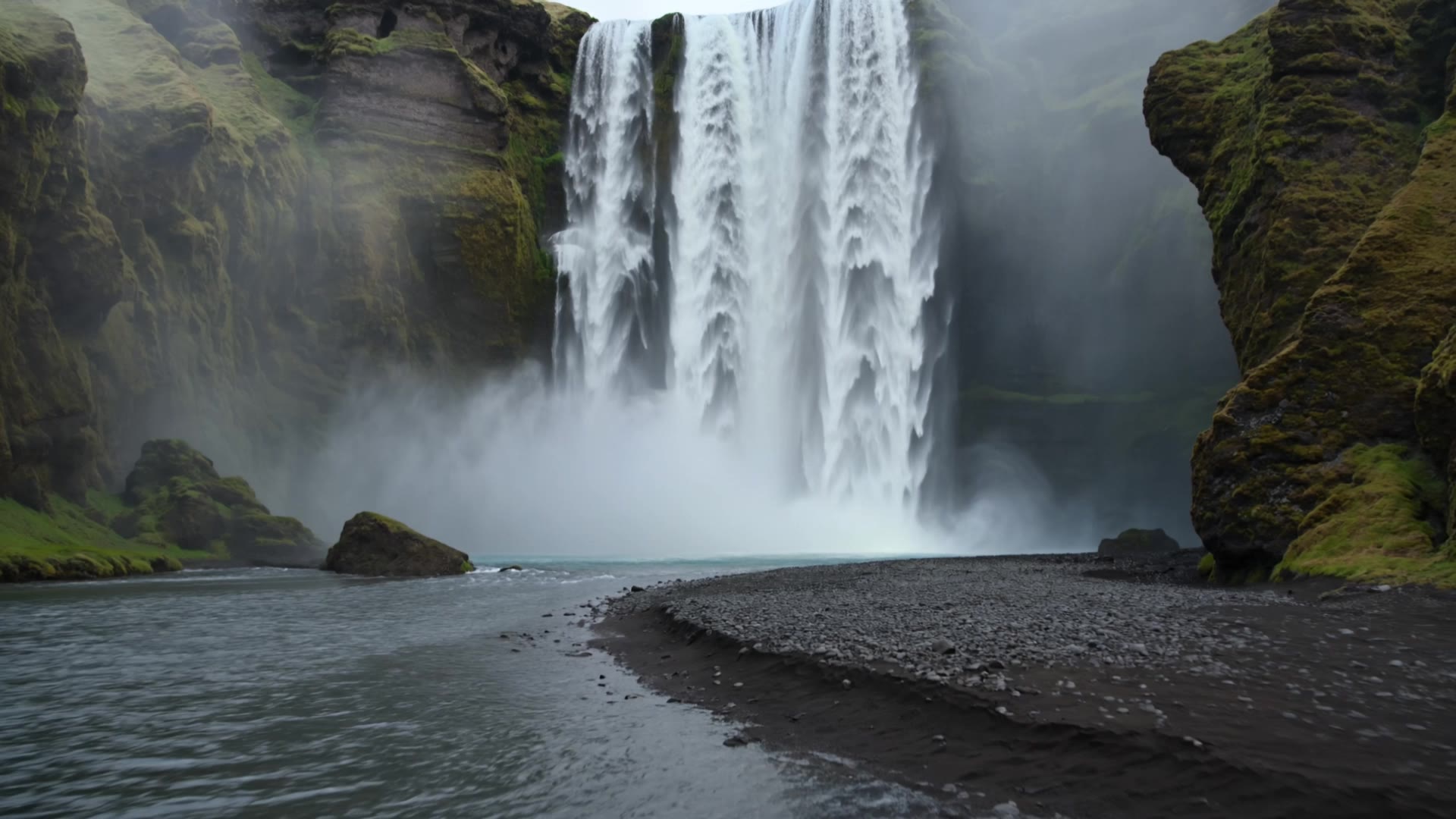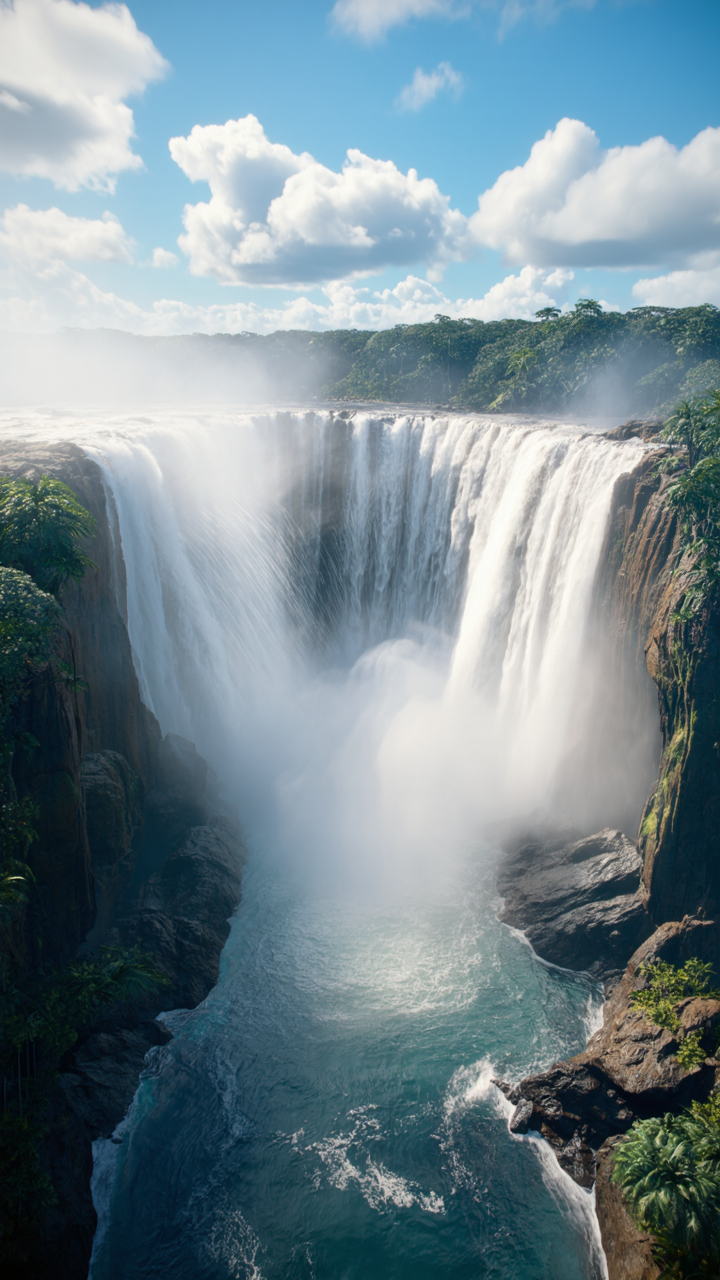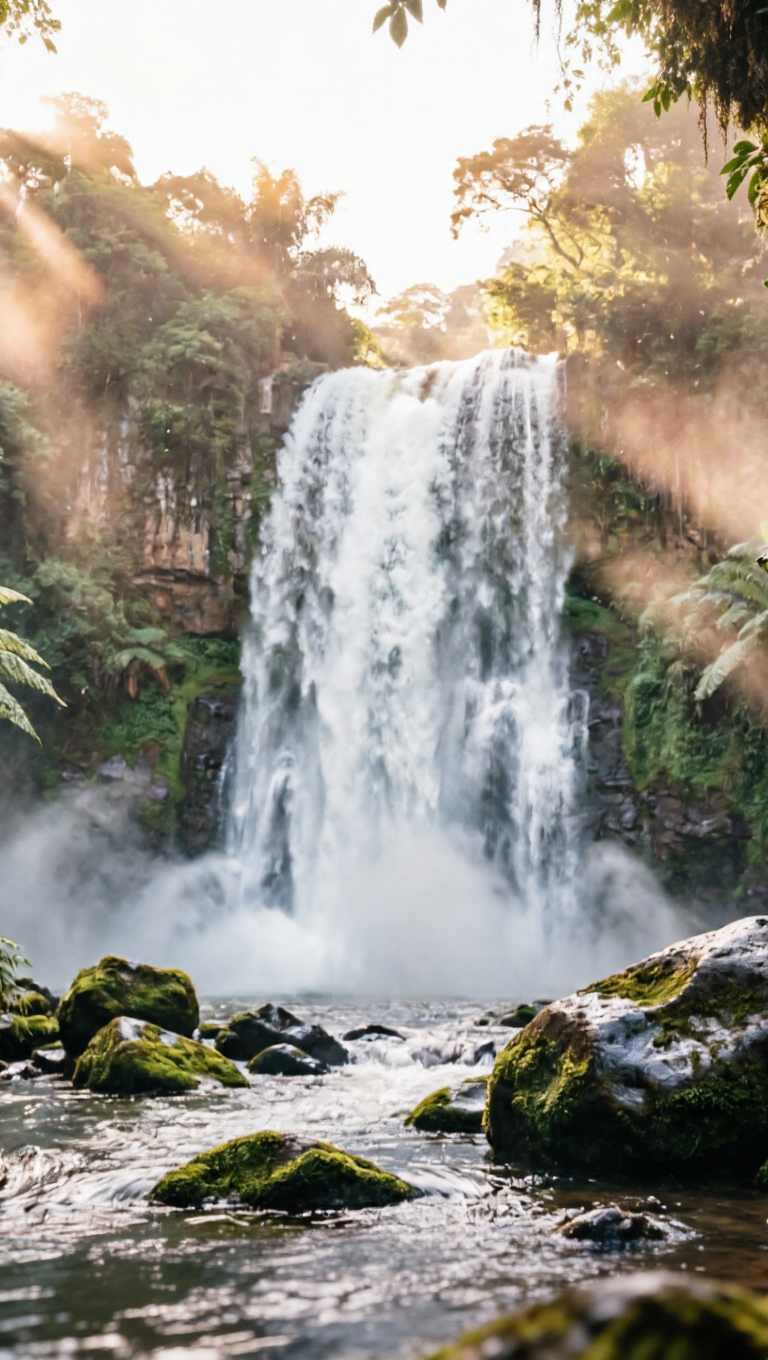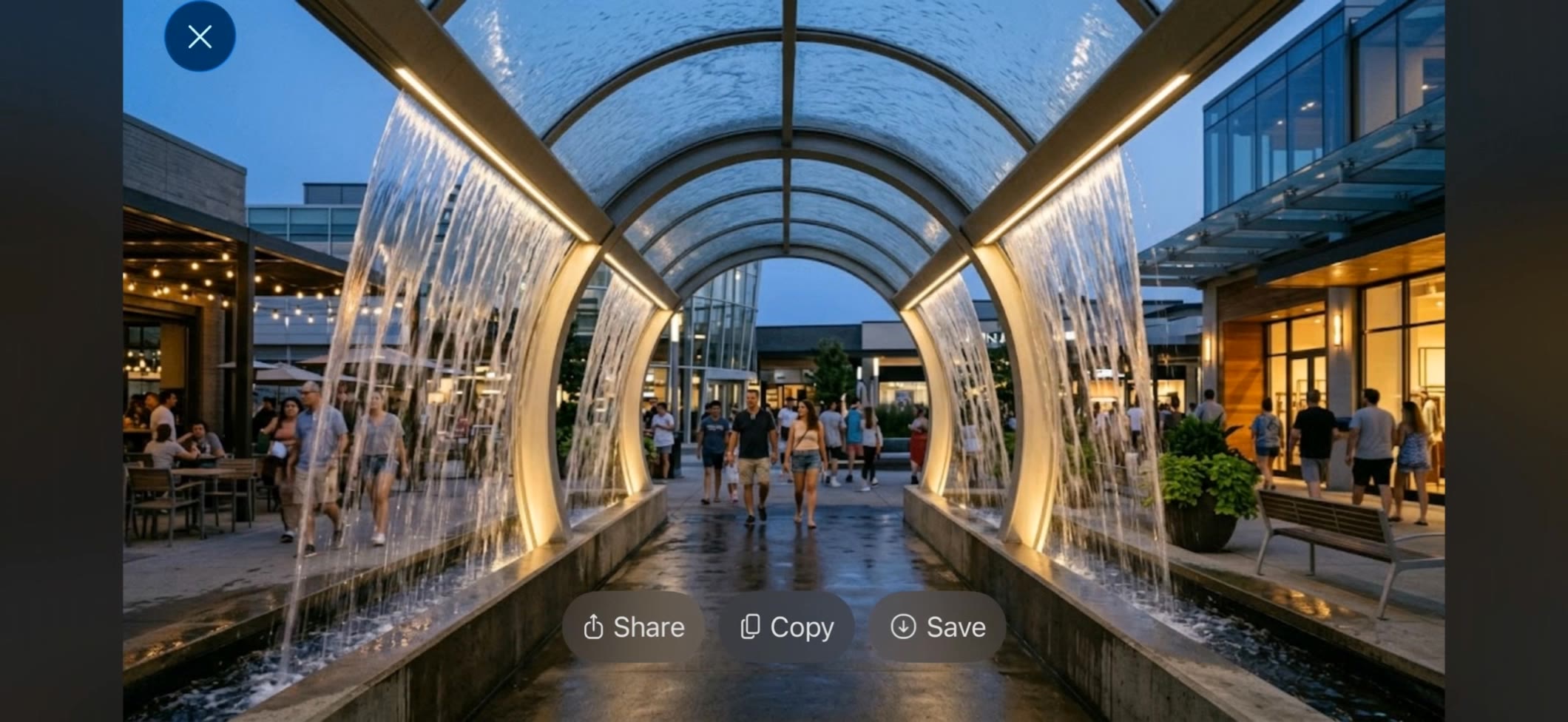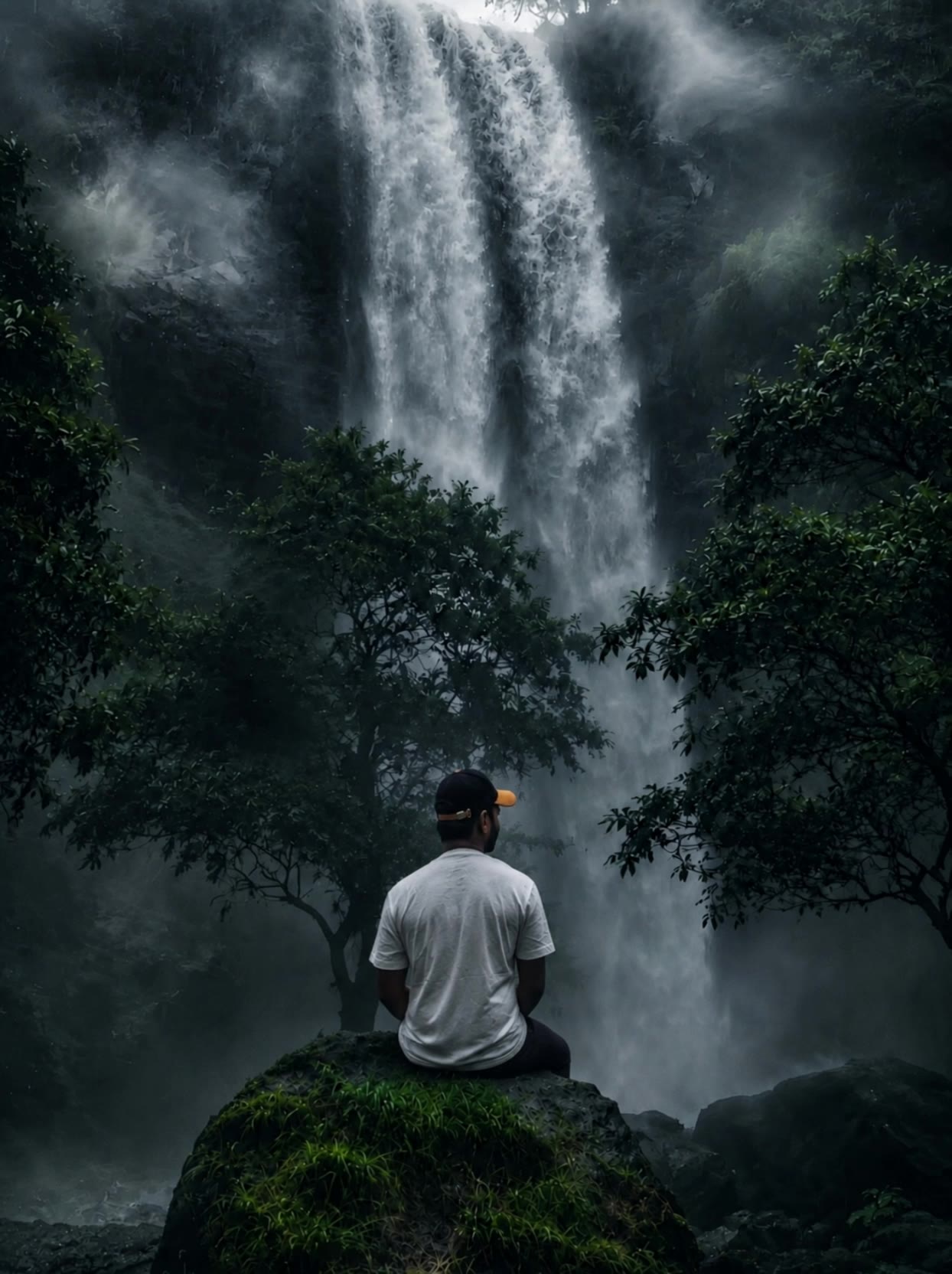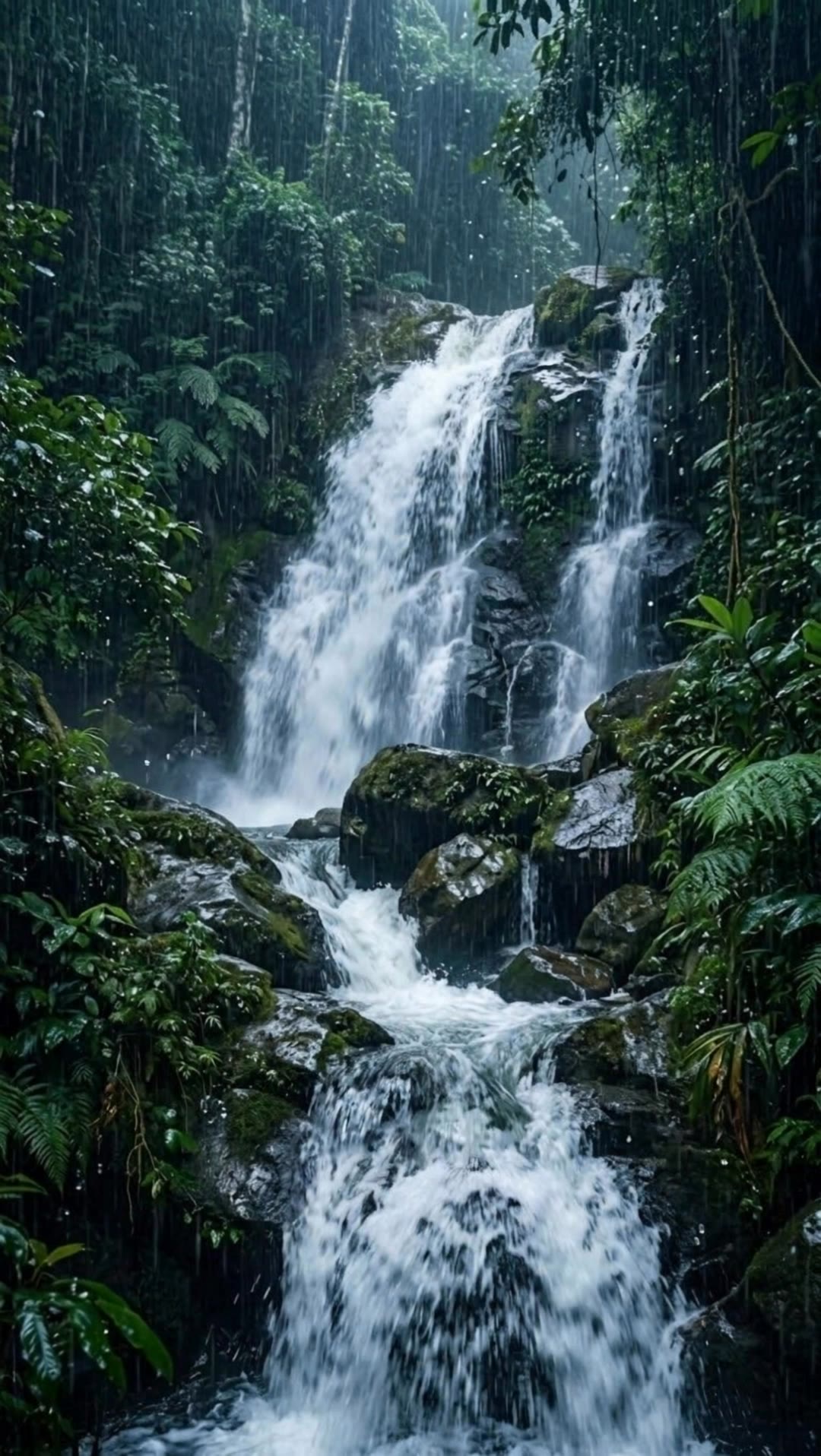
motion waterfall picture - tropical jungle & ambient relaxation

Immerse in the dynamic beauty of cascading waterfalls and serene natural settings, blending vibrant wildlife and tranquil ambiance. Feel the powerful synergy of motion and sound as nature's grandeur unfolds. Start exploring motion waterfall picture ideas and generate your own content with AI.

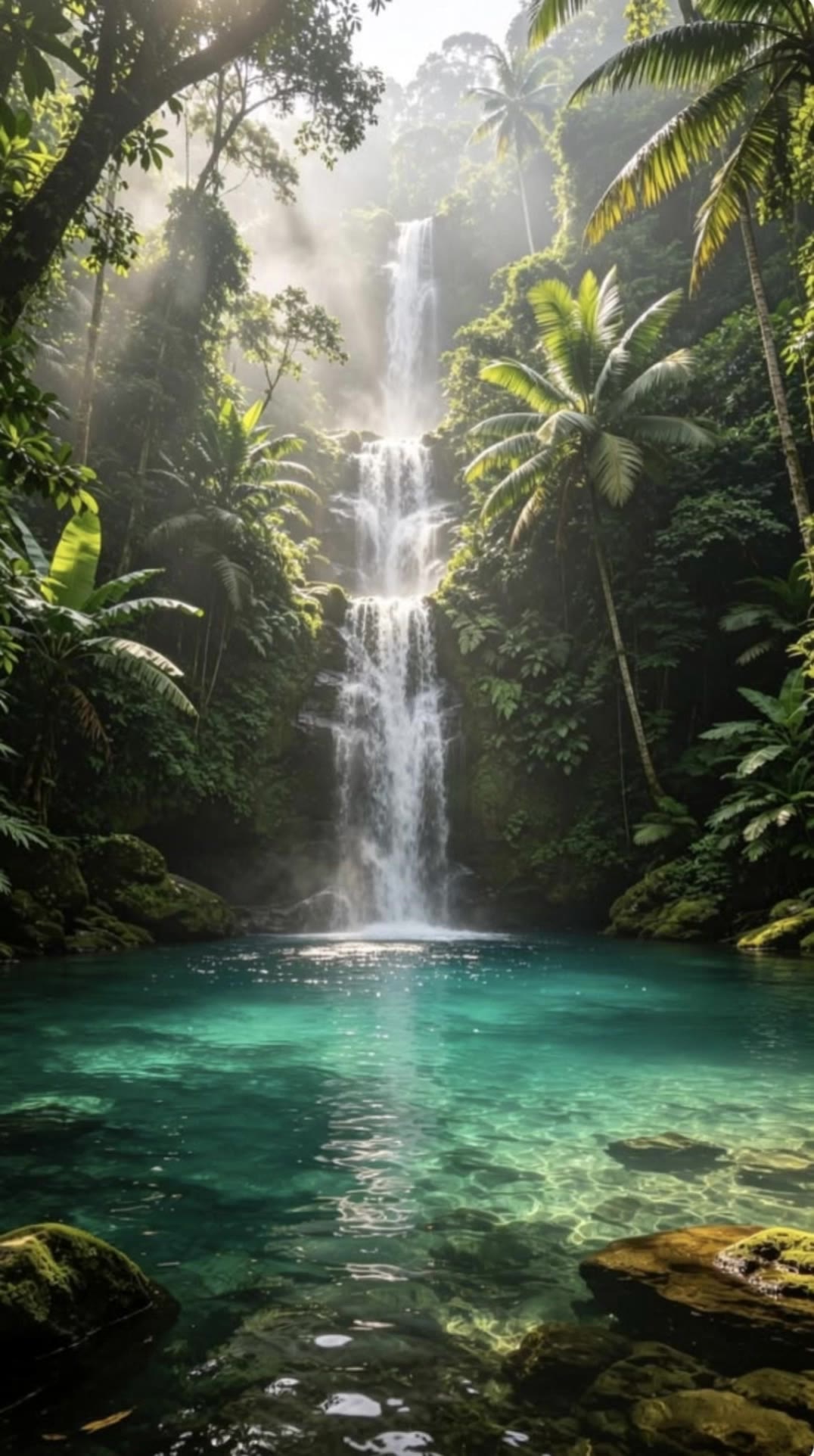
motion waterfall picture - tropical jungle & ambient relaxation

Recommended

Cascade, River and Jungle  - motion waterfall picture AI video
Luz de  Shira avatar
Luz de Shira
Kling AI work 317122177612802 - motion waterfall picture AI video
nPkwbpPi avatar
nPkwbpPi
Kling AI work 313869750611700 - motion waterfall picture AI video
WmjNWsJw avatar
WmjNWsJw
Kling AI work 312906744668219 - motion waterfall picture AI video
dpFPqVVh avatar
dpFPqVVh
Waterfall  - motion waterfall picture AI video
YPWZnMDU avatar
YPWZnMDU
Kling AI work 313405452613978 - motion waterfall picture AI video
qdzBMuNL avatar
qdzBMuNL
Kling AI work 310306596613059 - motion waterfall picture AI video
VFvsefXe avatar
VFvsefXe
Forest cascade / Waterfall - motion waterfall picture AI video
Luz de  Shira avatar
Luz de Shira
The magic of nature itself - motion waterfall picture AI video
_calm_escapes avatar
_calm_escapes
girl jumping into a waterfall. - motion waterfall picture AI video
MMVGMPBx avatar
MMVGMPBx
soul  - motion waterfall picture AI video
oHeKyVsR avatar
oHeKyVsR
Kling AI work 316951643302568 - motion waterfall picture AI video
FGLJkOMm avatar
FGLJkOMm
Kling AI work 314737117614943 - motion waterfall picture AI video
iXZNmgos avatar
iXZNmgos
Beautiful Waterfall Landscape - motion waterfall picture AI video
Codynks avatar
Codynks
Kling AI work 311095008520557 - motion waterfall picture AI image
MrKatoz avatar
MrKatoz
waterfall - motion waterfall picture AI image
RRapsyatyy | FN avatar
RRapsyatyy | FN
Motion waterfall  - motion waterfall picture AI video
bOZbWqgB avatar
bOZbWqgB
Kling AI work 315930032526679 - motion waterfall picture AI video
aTGcPUev avatar
aTGcPUev
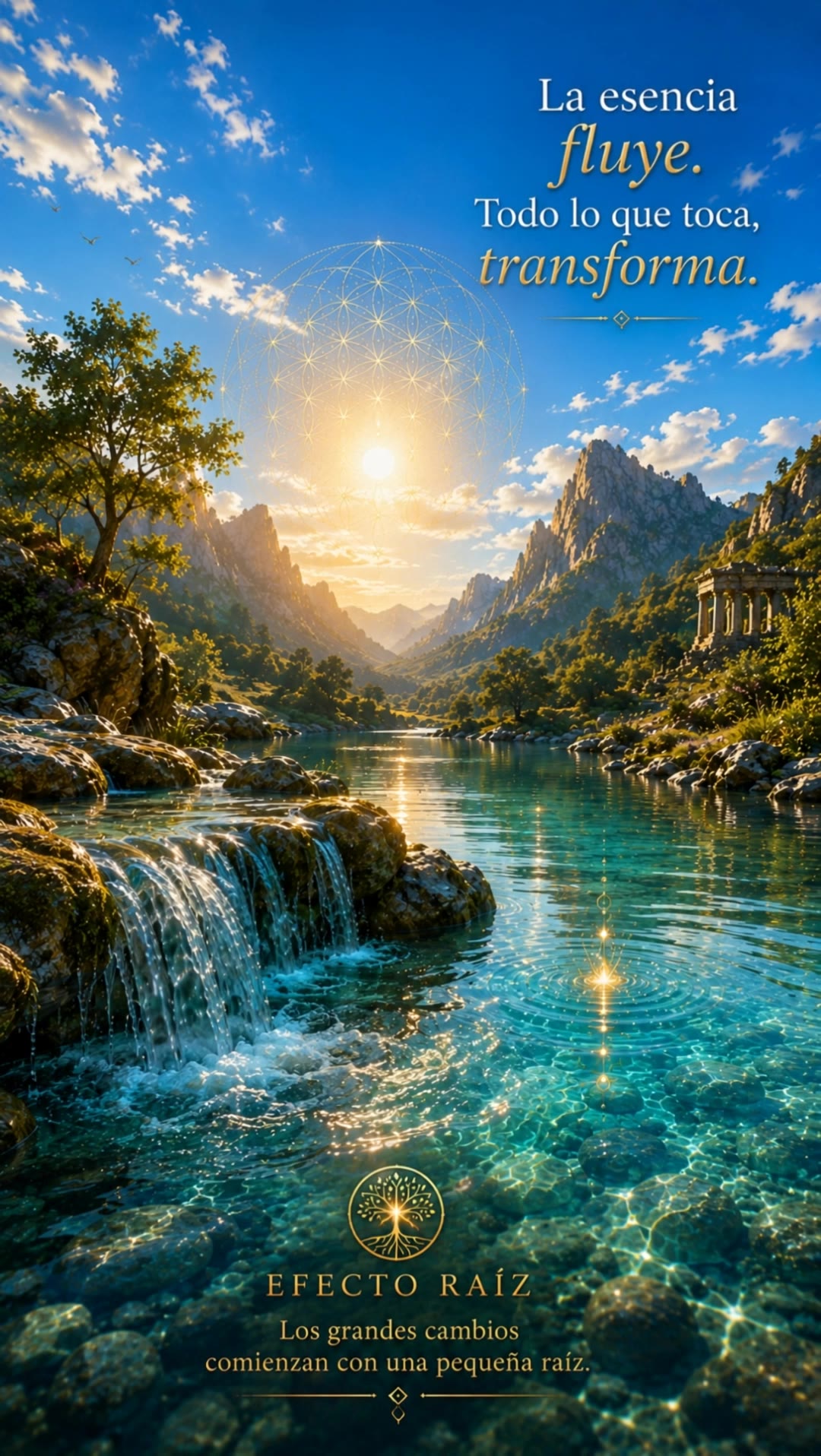
Essence Waterfall - motion waterfall picture AI video
Efecto Raíz avatar
Efecto Raíz

A Complete AI Video Editing Workflow

Upload Your Footage

Upload Your Footage

Start with a video you've filmed or generated. Add reference images, characters, or other supported assets if you want to guide how the edited scene should look.

Describe What You Want to Change

Describe What You Want to Change

Tell Kling what to replace, remove, or adjust. You can change the subject, background, action, camera angle, or visual style. Include details you want to keep from the original footage.

Preview and Download Your Video

Preview and Download Your Video

Generate your edited video and review the changes. Refine your prompt or references if needed, then download the version you're happy with.

Edit the Parts That Matter

Change Subjects, Backgrounds, and Style

Change Subjects, Backgrounds, and Style

A different character, a new product, or a completely different location can change the purpose of a video. Keep the footage you already have and update the elements that need another take. No green screen needed. Kling 4.0 supports adding, removing, and replacing subjects and scene elements using prompts and visual references. Change a product, replace a character, or move the action into a new setting. Reference images help guide the appearance of new elements while keeping the rest of the scene closer to the original.

Recreate Videos with Your Own References

Recreate Videos with Your Own References

Found a camera move, transition, or video concept that would work with your own character or product? You can use the original clip as a creative reference rather than recreating the entire shoot. Kling 4.0 draws on reference footage for pacing, shot composition, and movement while introducing your own subjects and visual style. Omni Reference supports up to 15 combined assets, subject to individual input limits. Combine character images, product photos, and video references to explore new versions while helping recognizable details stay consistent.

Extend Your Video Up to 2 Minutes

Extend Your Video Up to 2 Minutes

Continue an existing video forward or backward, adding footage before the opening or after the ending. Extend actions, camera movements, and storylines while keeping the new footage connected to the original scene. Kling 4.0's Video Extension supports multiple extension passes, reaching a total video length of up to 2 minutes. Build longer sequences with continuity in characters, settings, and movement, without recreating the entire video.

Apps

Video Generation
Video Generation

Video Generation

Image Generation
Image Generation

Image Generation

Motion Control
Motion Control

Motion Control

Avatar
Avatar

Avatar

AI Portraits
AI Portraits

AI Portraits

Lip Sync
Lip Sync

Lip Sync

60M+
60M+
Users
600M+
600M+
AI Videos Generated
4.7 ★
4.7 ★
App Store
Industry-Leading
Industry-Leading
Cinematic 4K

Reviews

Ozan Sihay

Ozan Sihay

★★★★★

Kling AI allows me to rapidly prototype ideas, refine storytelling elements, and produce visually compelling content efficiently. It has not only accelerated my creative processes, but also deepened my understanding of how AI can enrich visual storytelling.

PJ Ace

PJ Ace

★★★★★

Kling AI has made it easy for us to generate world class visuals for Fortune 500 companies, TV shows and music for big artists. We love the easy of use of the platform and the quality of the generations. My first time using Kling AI, I got 22 million views on just one video. It's that good.

Maria Rubtsova

Maria Rubtsova

★★★★★

I’m Maria Rubtsova, an AIGC digital artist passionate about creating stunning visuals in the worlds of fashion, aesthetics, and fantasy. I use KlingAi to bring imagination to life through video. My work is all about exploring beauty, emotion, and the limitless possibilities of digital art.

FAQ

Q1Does Video 3.0 support multiple characters speaking?
Q2Is it suitable for product demo videos?
Q3What’s the difference between Video 2.6 and 3.0?

Experience Video 3.0 on Kling

Create cinematic, multi-shot videos with native audio and precise control—all in one generation.

Native audio | Multi-shot control | Up to 15s continuous output