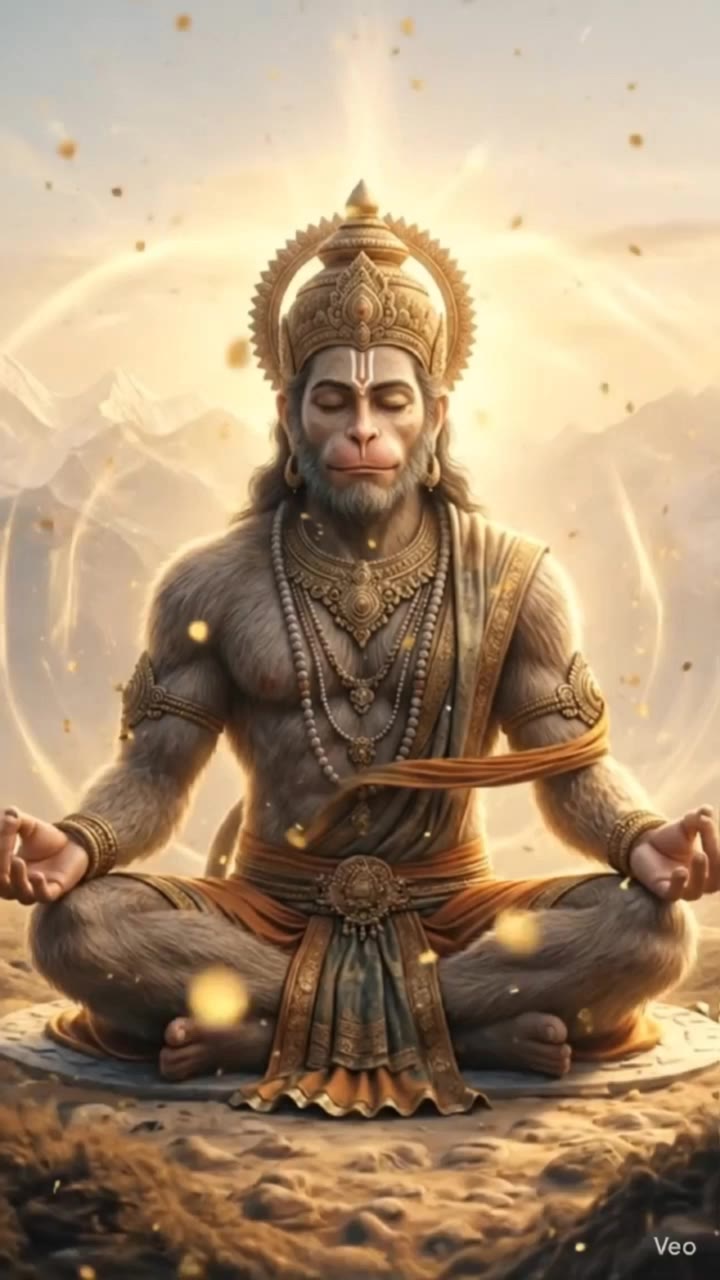
mr diffusion - heavenly scenery & ethereal ballroom dance

Immerse in the ethereal beauty of heavenly, golden-lit scenes and the serene elegance of a grand fantasy ballroom. Witness the enchanting blend of mythical creatures and dreamlike atmospheres. Start exploring mr diffusion ideas and generate your own content with AI.

mr diffusion - heavenly scenery & ethereal ballroom dance

Recommended

Kling AI work 312027955664231 - mr diffusion AI video
uYHAvsbZ avatar
uYHAvsbZ
Kling AI work 309410149307454 - mr diffusion AI video
YKvAPLPs avatar
YKvAPLPs
Kling AI work 310493786666188 - mr diffusion AI video
tSYMZyVc avatar
tSYMZyVc
Kling AI work 310720487617866 - mr diffusion AI image
CEfpCZPV avatar
CEfpCZPV
Kling AI work 311225822502218 - mr diffusion AI video
vuDupNBg avatar
vuDupNBg
Kling AI work 310730143665542 - mr diffusion AI video
bkvRmDve avatar
bkvRmDve
Kling AI work 310611194612067 - mr diffusion AI video
JKgQBhdy avatar
JKgQBhdy
Kling AI work 310720682660392 - mr diffusion AI image
CEfpCZPV avatar
CEfpCZPV
Kling AI work 310640511613284 - mr diffusion AI image
JTHMyRXQ avatar
JTHMyRXQ
Kling AI work 310466369661141 - mr diffusion AI video
AYoteLOh avatar
AYoteLOh
Kling AI work 310808703610646 - mr diffusion AI video
chouchou✨ avatar
chouchou✨
Kling AI work 310497711613658 - mr diffusion AI image
knXFKUwt avatar
knXFKUwt
Kling AI work 310565522617728 - mr diffusion AI video
GcOPCfiv avatar
GcOPCfiv
Kling AI work 310597296663410 - mr diffusion AI video
DEhXDlGk avatar
DEhXDlGk
Kling AI work 310520220618008 - mr diffusion AI video
GXdSdapR avatar
GXdSdapR
Kling AI work 310499866616381 - mr diffusion AI video
iline avatar
iline
Kling AI work 310497769661144 - mr diffusion AI image
iline avatar
iline
Kling AI work 310506101615114 - mr diffusion AI video
iPXjZICq avatar
iPXjZICq
Kling AI work 310515184660397 - mr diffusion AI video
ZzEkOkho avatar
ZzEkOkho

A Complete AI Video Editing Workflow

Upload Your Footage

Upload Your Footage

Start with a video you've filmed or generated. Add reference images, characters, or other supported assets if you want to guide how the edited scene should look.

Describe What You Want to Change

Describe What You Want to Change

Tell Kling what to replace, remove, or adjust. You can change the subject, background, action, camera angle, or visual style. Include details you want to keep from the original footage.

Preview and Download Your Video

Preview and Download Your Video

Generate your edited video and review the changes. Refine your prompt or references if needed, then download the version you're happy with.

Edit Any Part with Kling AI

Add, Remove, or Replace Image Content

Add, Remove, or Replace Image Content

Tell Kling what you want to change in text prompts. Replace a person, remove an object, or fine-tune details such as color, material, pose, and expression. Even detailed edits take fewer and easier steps because you can change the photo with AI instead of with traditional photo editing tools. IMAGE 3.0 follows your instruction while keeping the photo’s original style, lighting, and texture in place, so the edited area still belongs in the same shot.

Change the Color, Lighting, or Style

Change the Color, Lighting, or Style

Give an existing photo a different mood effortlessly. Lift a dim scene, soften harsh light, warm or cool the colors, or bring color to a black-and-white photo or line drawing. A short prompt replaces the usual round of manual adjustments. Looking for a bigger shift? Add a style reference or spell out the visual direction. IMAGE 3.0 carries the palette, texture, and atmosphere across the whole image, so the new look feels cohesive rather than pasted on. Use it for studio-style professional headshots, distinctive portrait treatments, cinematic scene design, or a visual style that feels entirely your own.

Rework the Shot or Camera Angle

Rework the Shot or Camera Angle

Tell Kling how you want the shot to look in a text prompt. Turn a front-facing photo into a side view, move the camera higher or lower, or change a wide shot into a close-up. You can explore a new composition around the same subject without setting up another shoot. IMAGE 3.0 rebuilds the scene from the angle you request, adjusting the perspective, camera height, shot size, focal length, and depth of field along with it. The result is a newly generated view based on the source photo, rather than hidden details recovered from outside the original frame.

Apps

Video Generation
Video Generation

Video Generation

Image Generation
Image Generation

Image Generation

Motion Control
Motion Control

Motion Control

Avatar
Avatar

Avatar

AI Portraits
AI Portraits

AI Portraits

Lip Sync
Lip Sync

Lip Sync

60M+
60M+
Users
600M+
600M+
AI Videos Generated
4.7 ★
4.7 ★
App Store
Industry-Leading
Industry-Leading
Cinematic 4K

Reviews

Huang Lu (Elson)

Huang Lu (Elson)

★★★★★

I’ve been using Kling AI since its initial release, and it’s remained one of the leading AI media generators ever since. With Kling AI, I’ve created hundreds of videos, collectively amassing millions of views.

Ozan Sihay

Ozan Sihay

★★★★★

Kling AI allows me to rapidly prototype ideas, refine storytelling elements, and produce visually compelling content efficiently. It has not only accelerated my creative processes, but also deepened my understanding of how AI can enrich visual storytelling.

James Phillips

James Phillips

★★★★★

Kling AI has transformed my workflow by collapsing timelines and democratizing production. It’s shifted my mindset from resource-dependent filmmaking to a boundless creative sandbox, where experimentation yields unexpected beauty.

FAQ

Q1What is Kling Video 3.0?
Q2What’s the difference between Video 2.6 and 3.0?
Q3Is it suitable for product demo videos?

Experience Video 3.0 on Kling

Create cinematic, multi-shot videos with native audio and precise control—all in one generation.

Native audio | Multi-shot control | Up to 15s continuous output