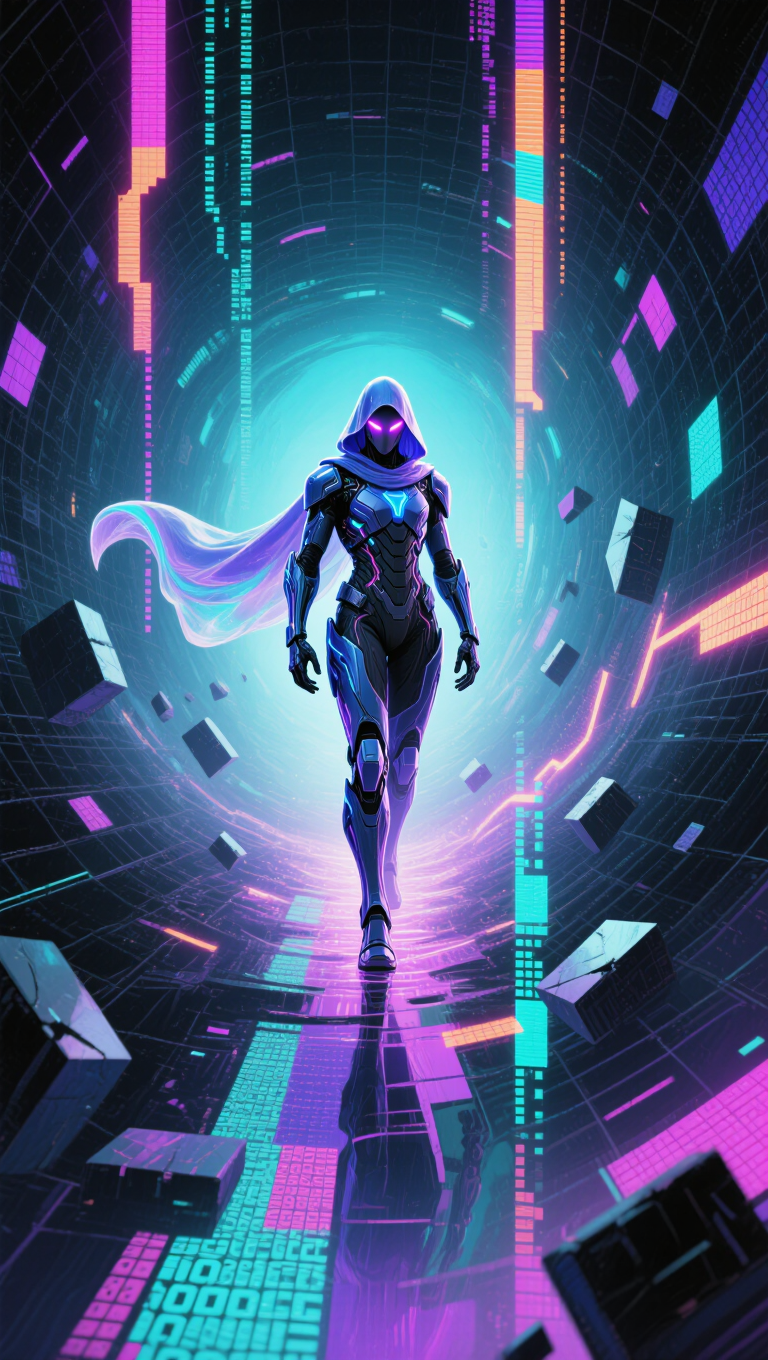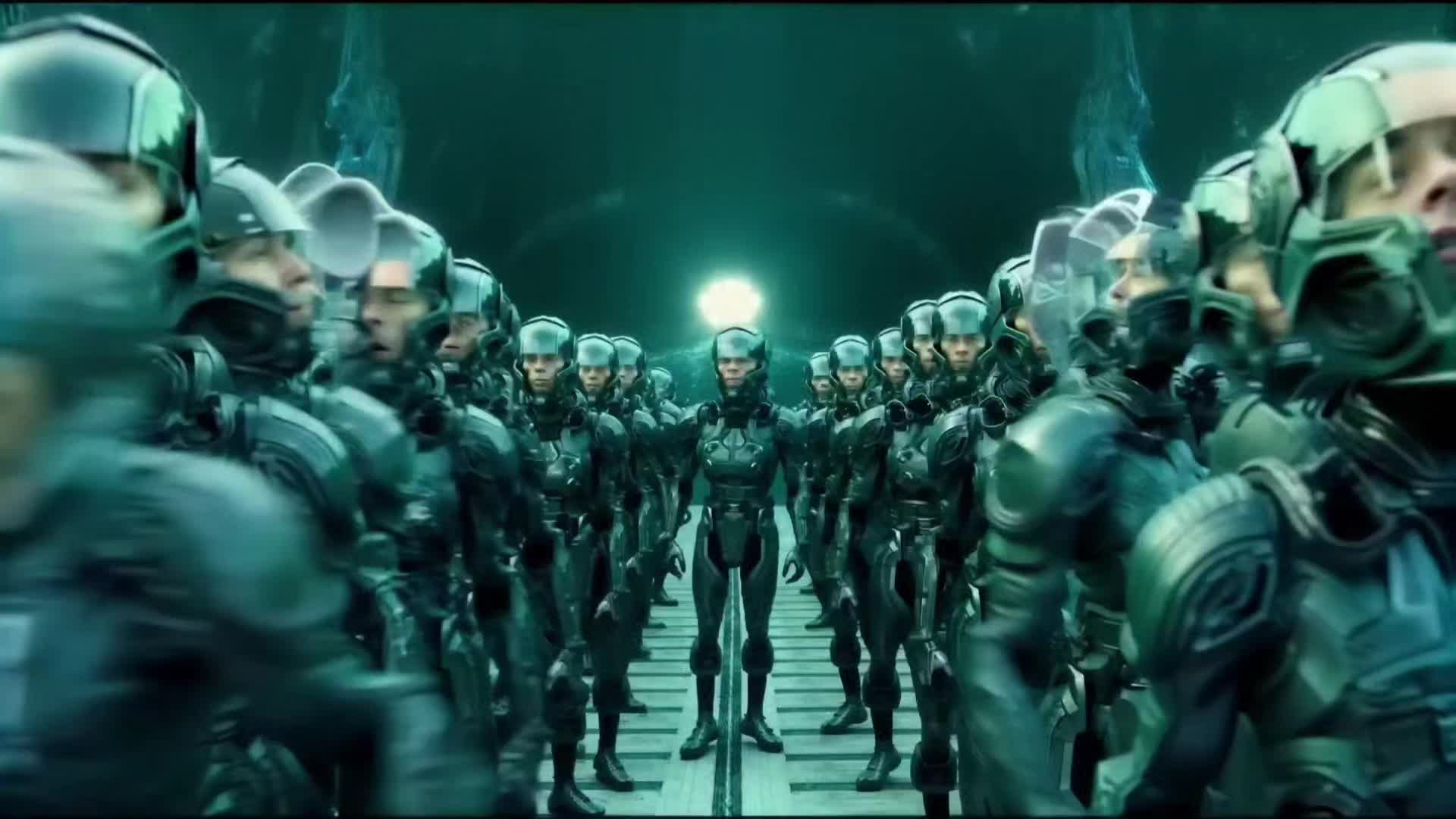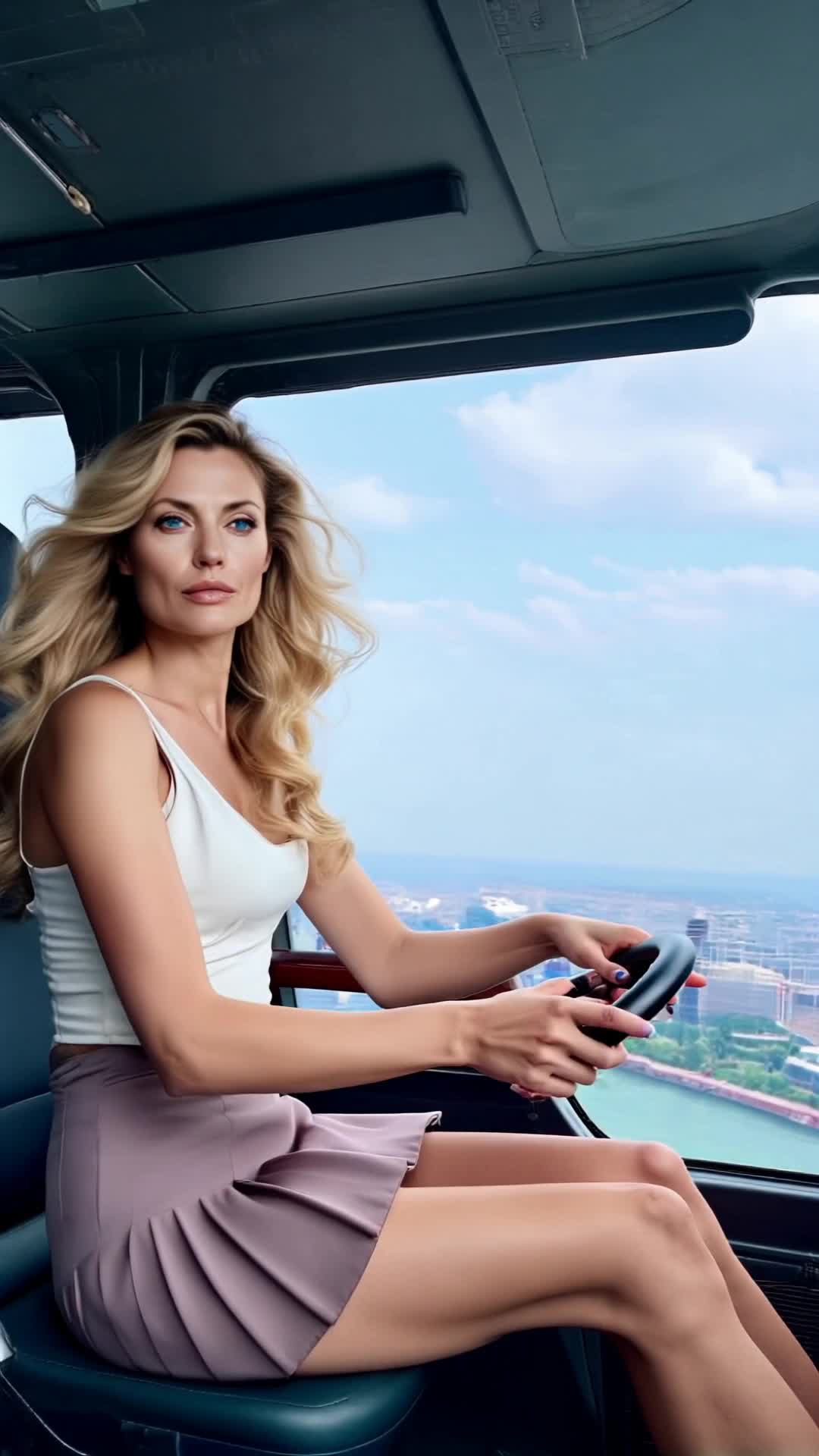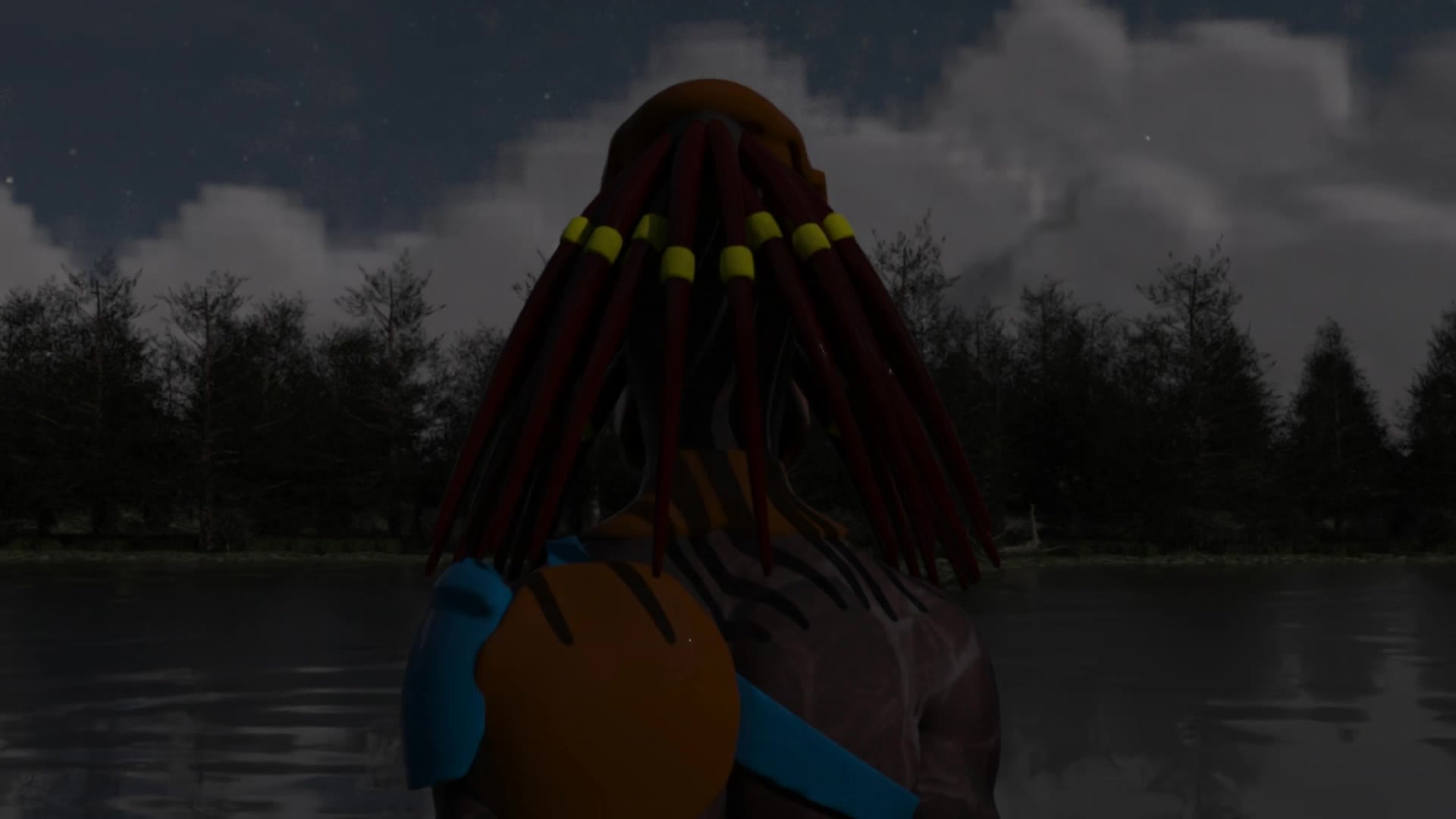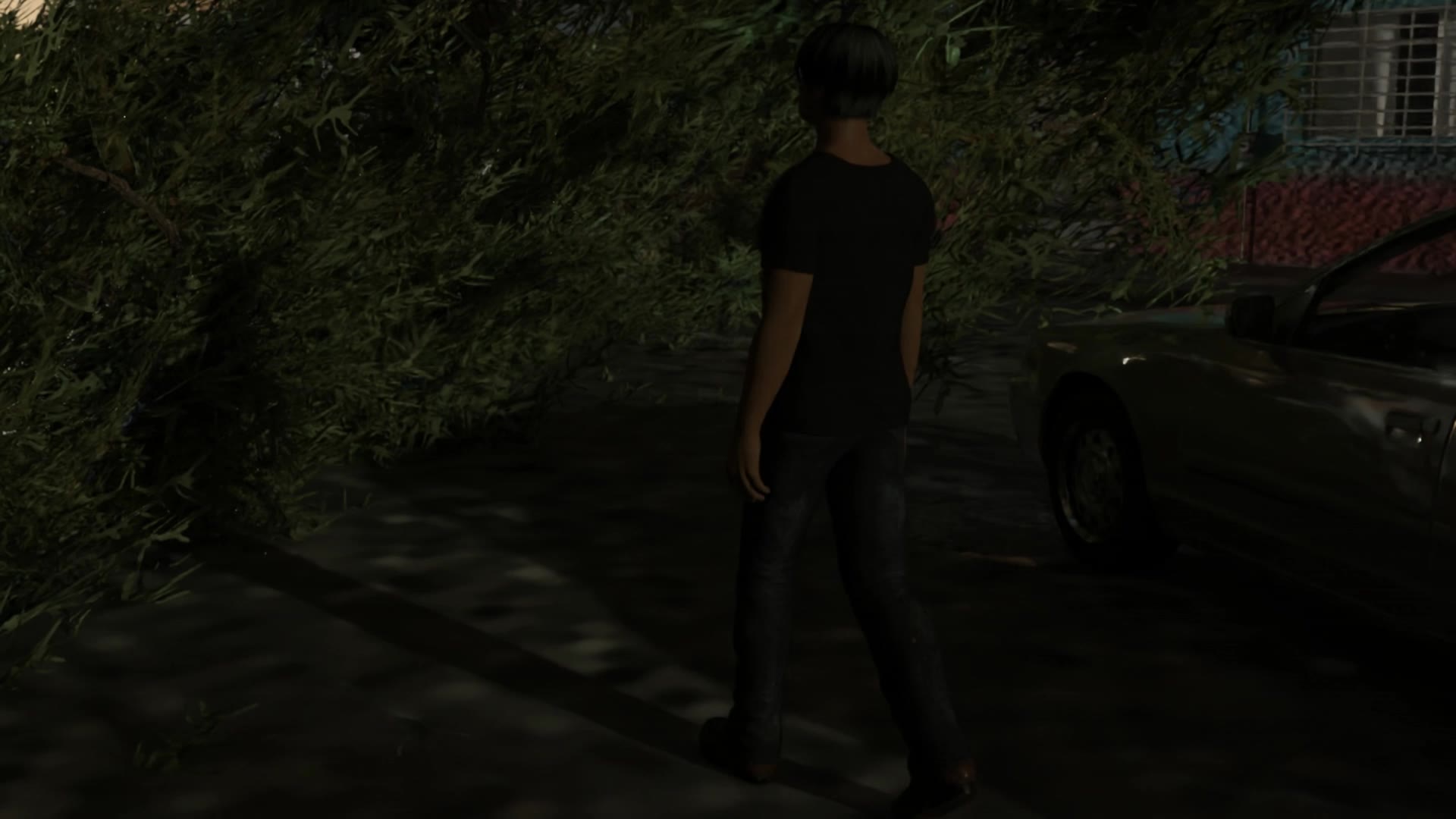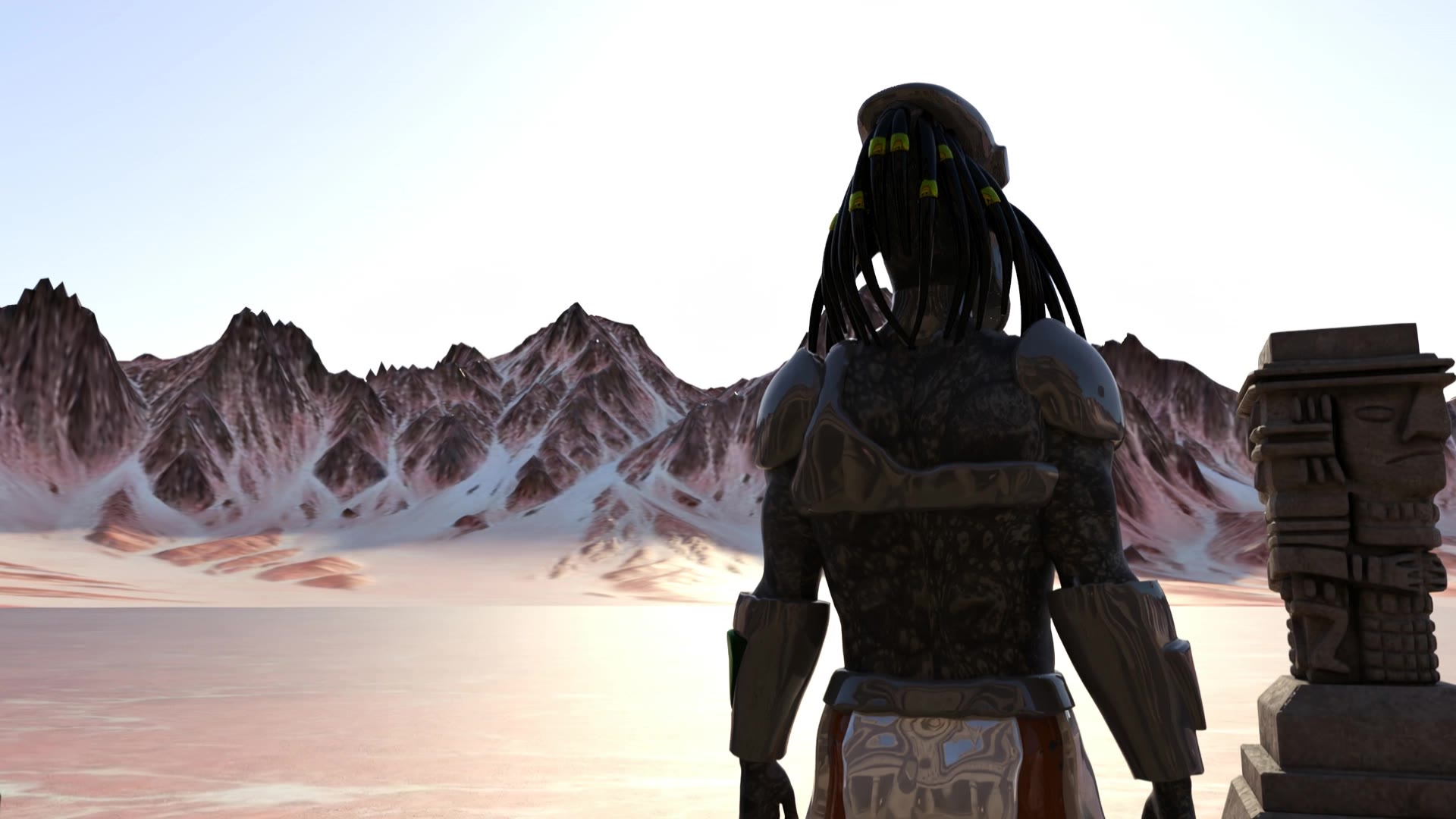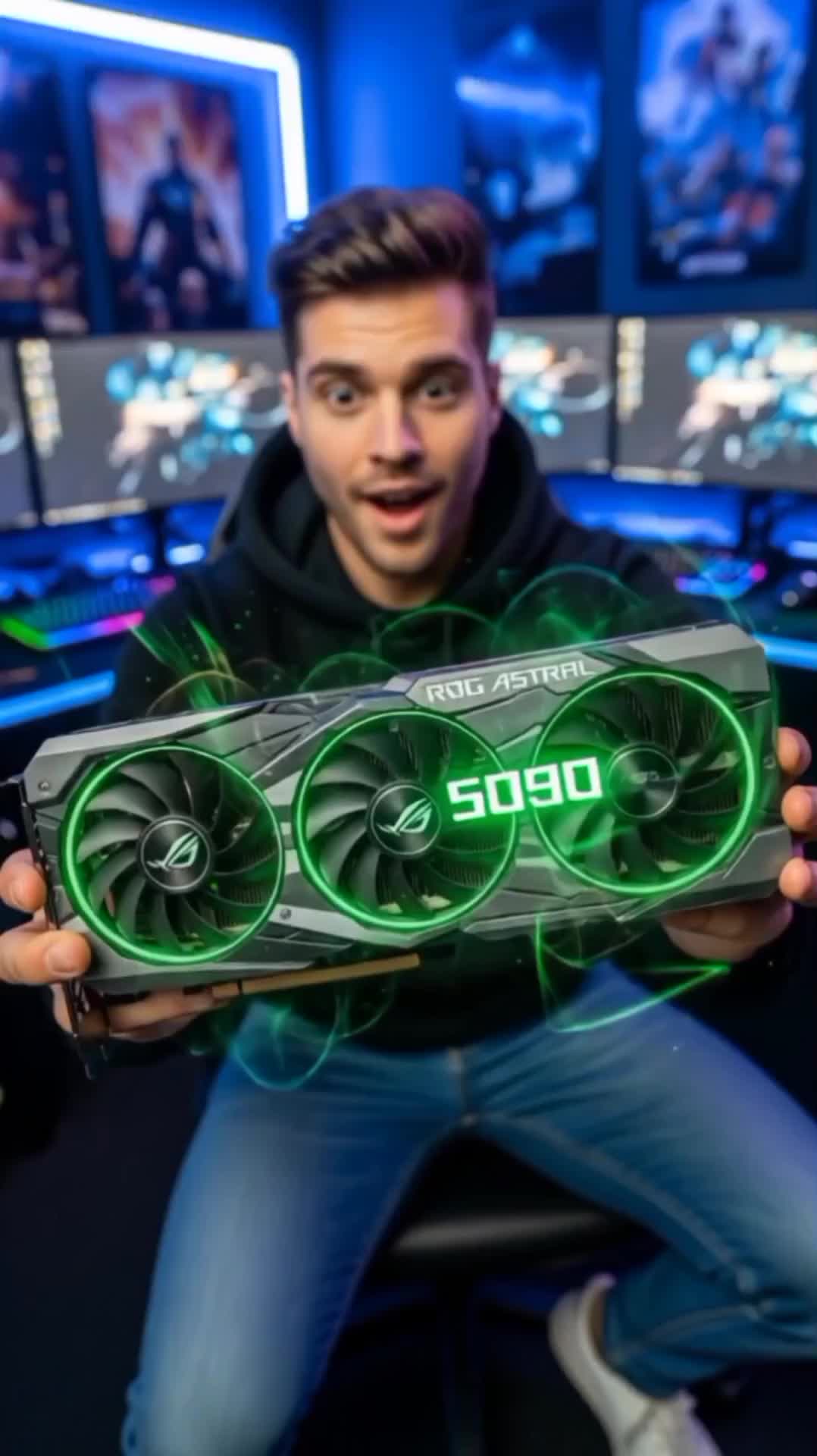
nvidia voyager - cybernétique drops & space exploration

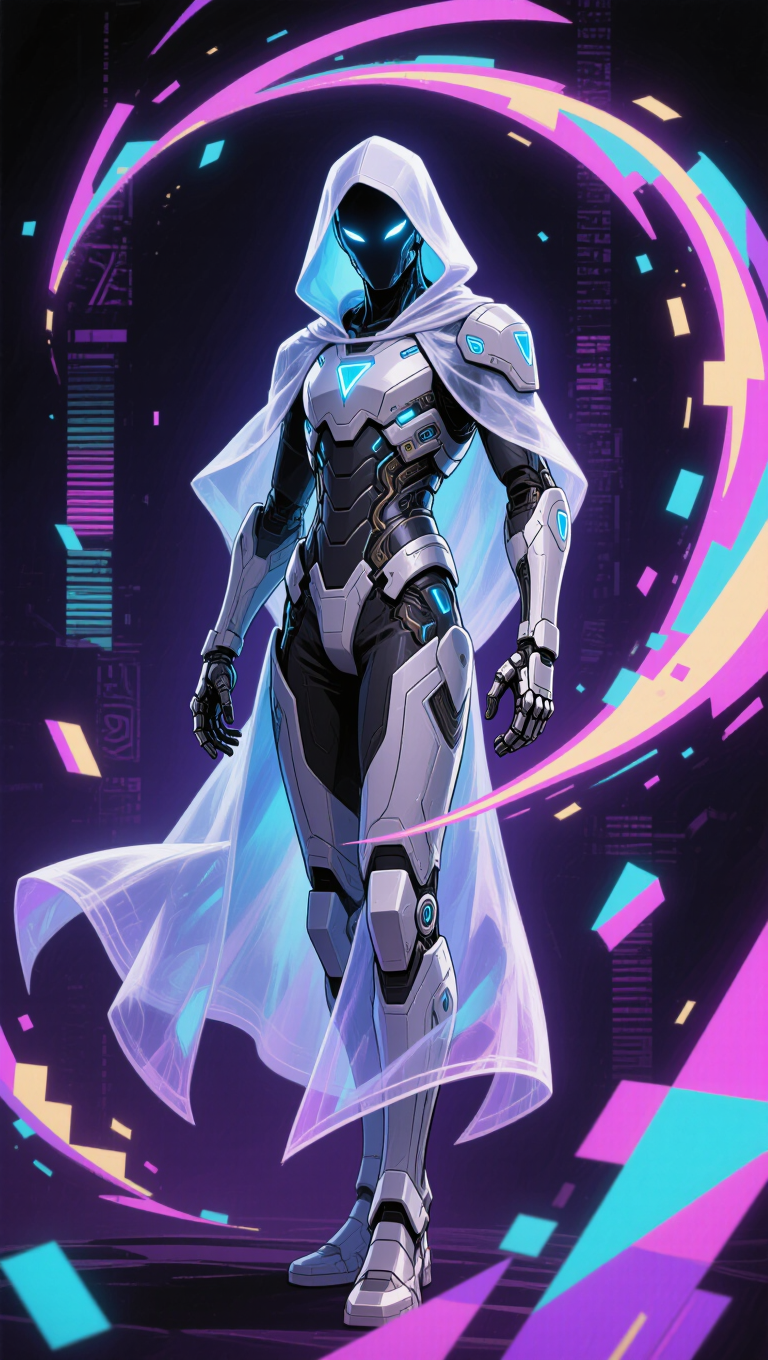
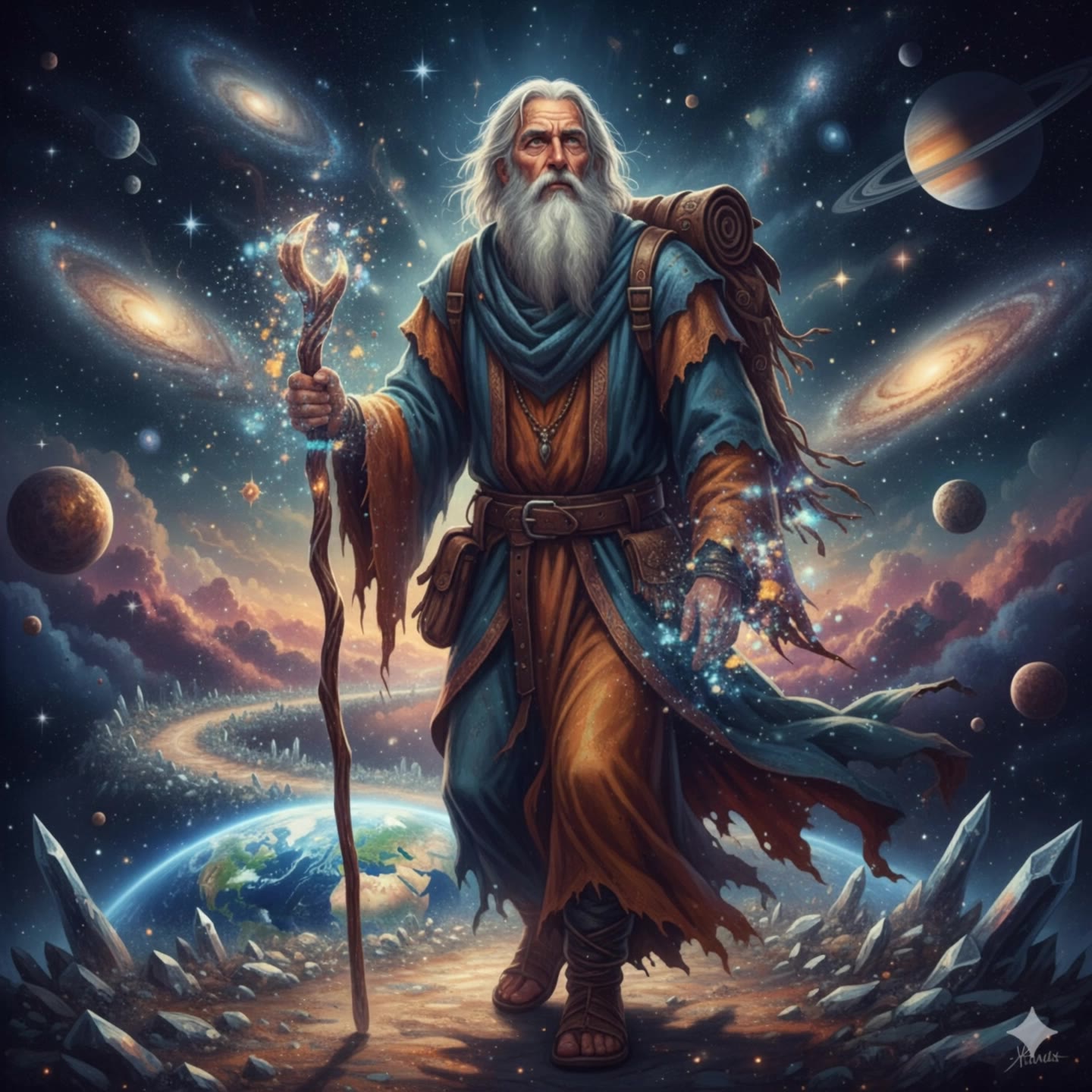
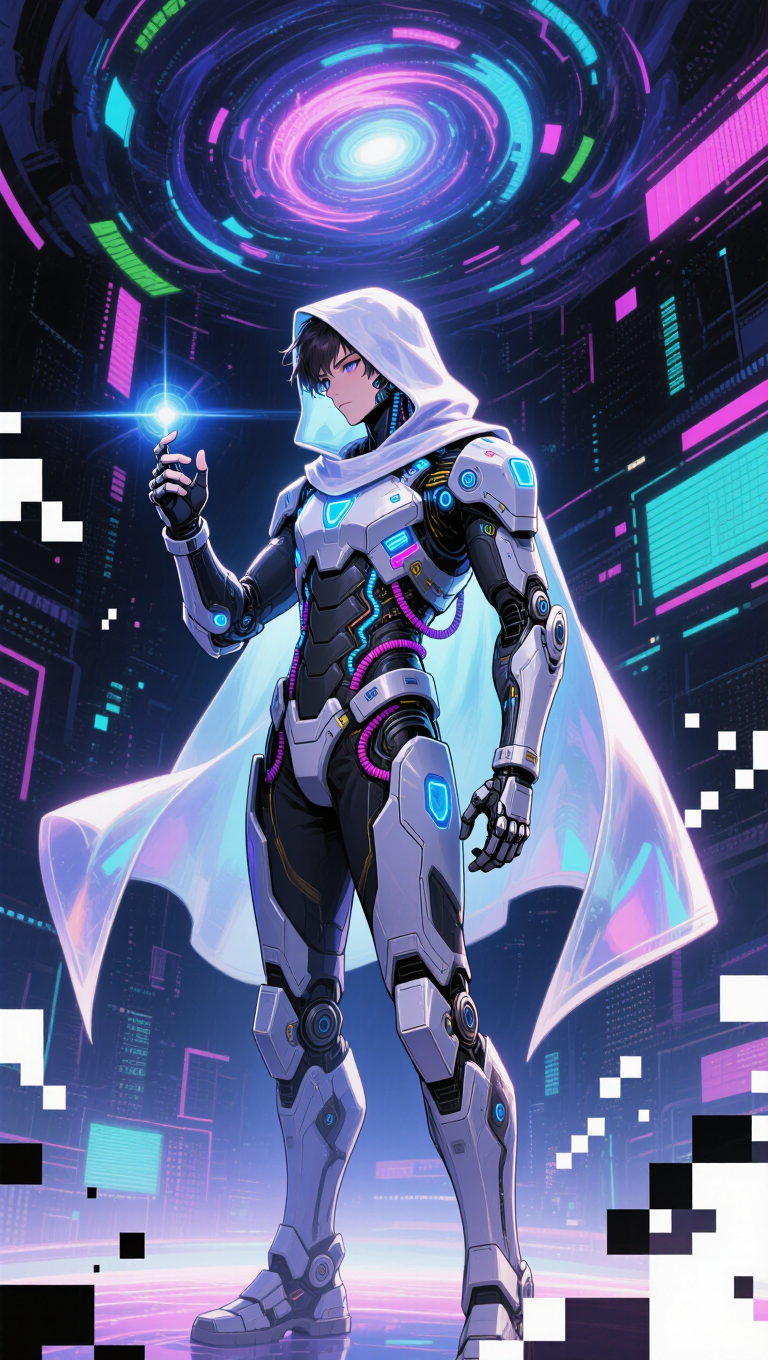
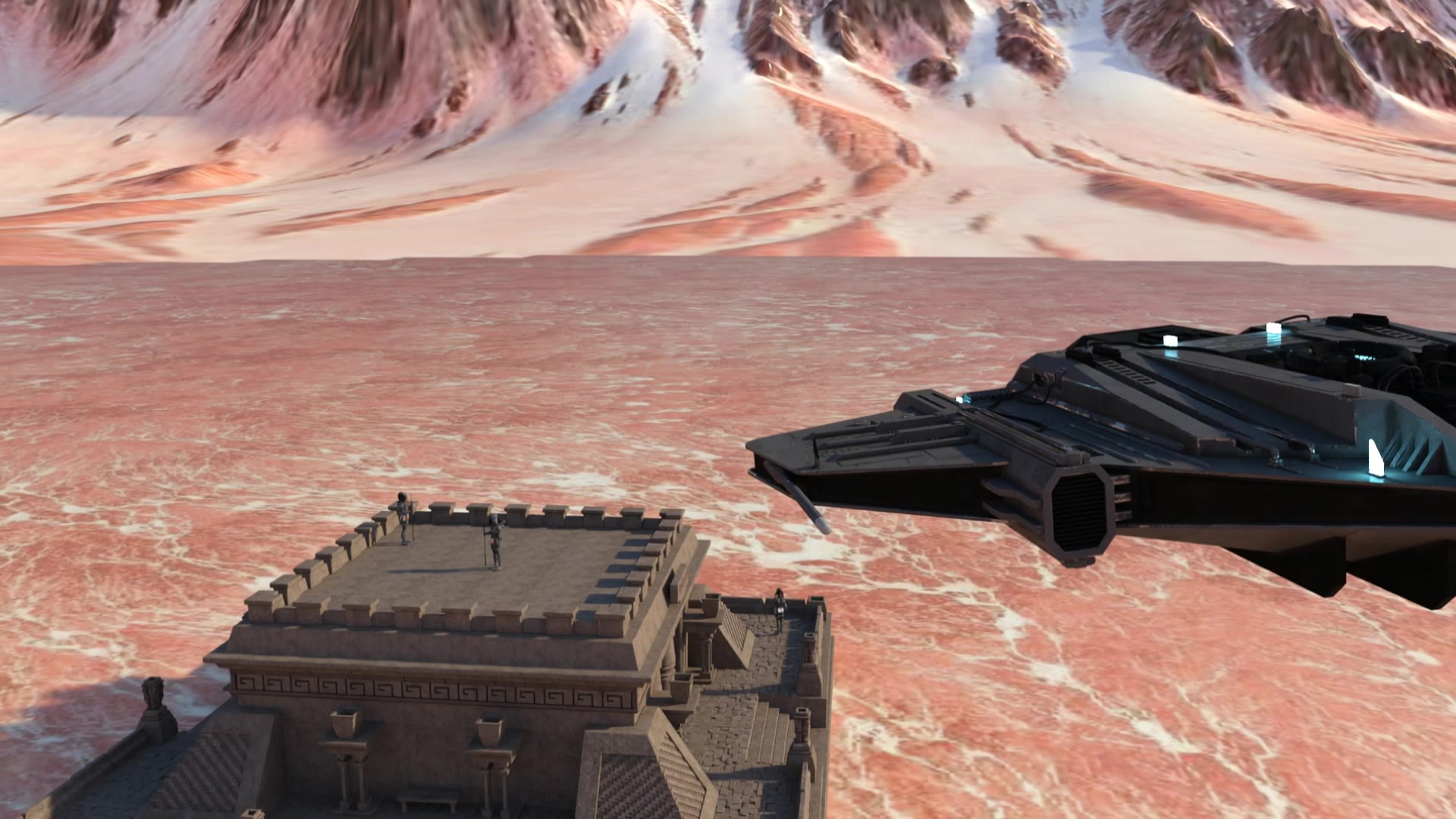
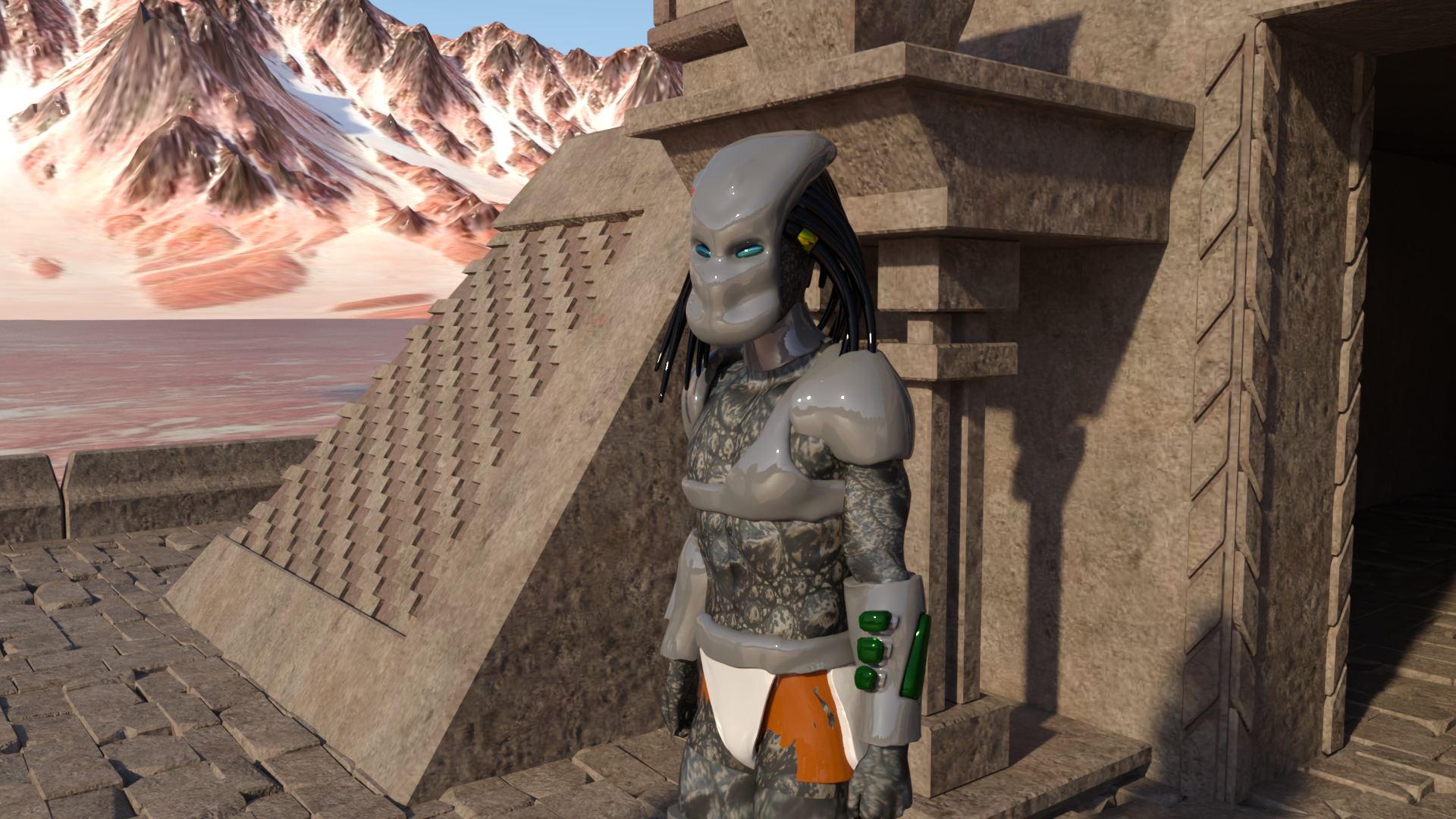
Immerse in surreal cosmic portraits and cybernetic visual drops that inspire boundless creativity. Unveil the mysteries of alien voyagers and interstellar adventures. Start exploring nvidia voyager ideas and generate your own content with AI.

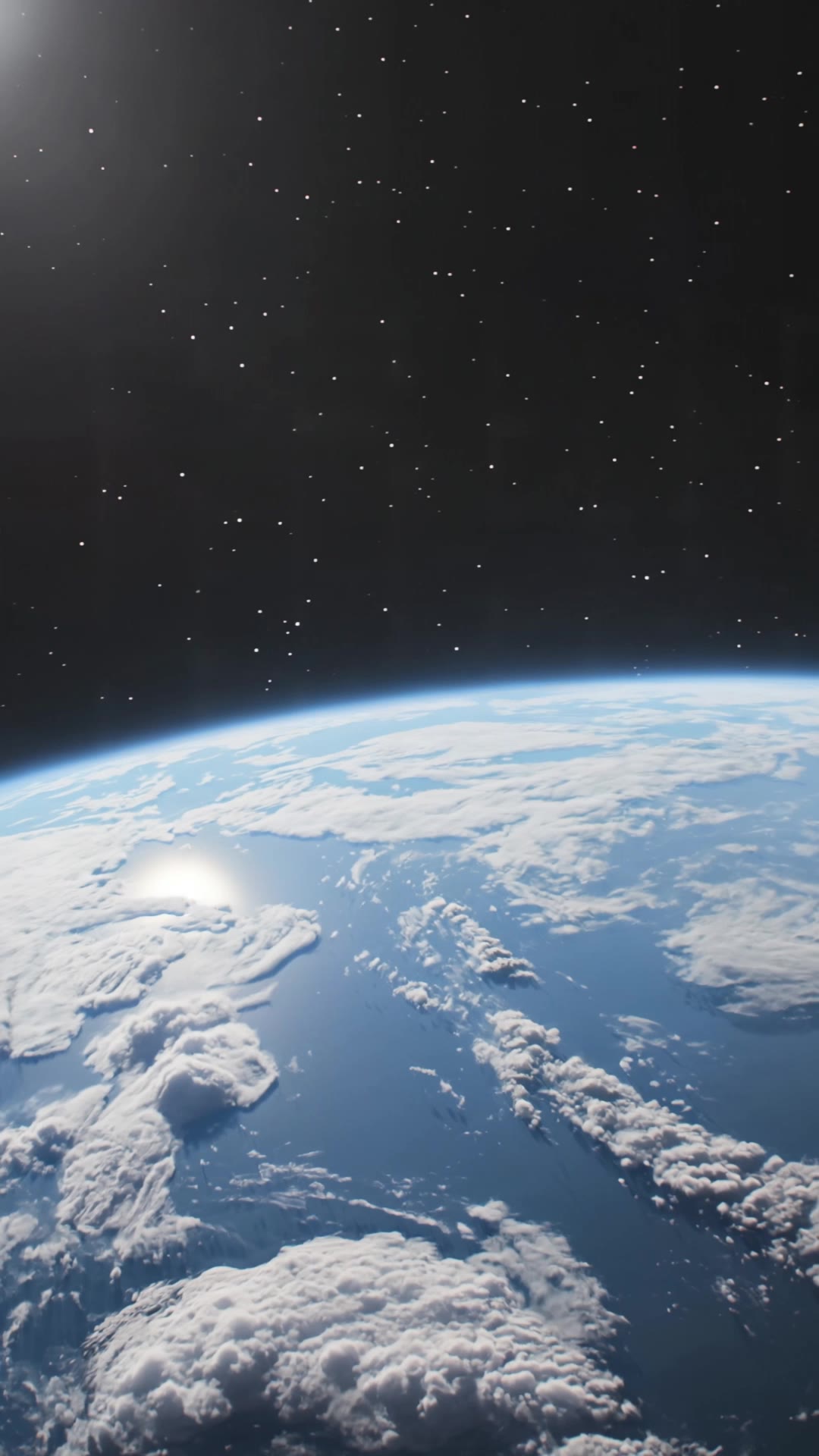
nvidia voyager - cybernétique drops & space exploration

Recommended

Kling AI work 289802991530661 - nvidia voyager AI video
Akhmad Dadayev avatar
Akhmad Dadayev
Kling AI work 316051091528463 - nvidia voyager AI video
zUwjDhVF avatar
zUwjDhVF
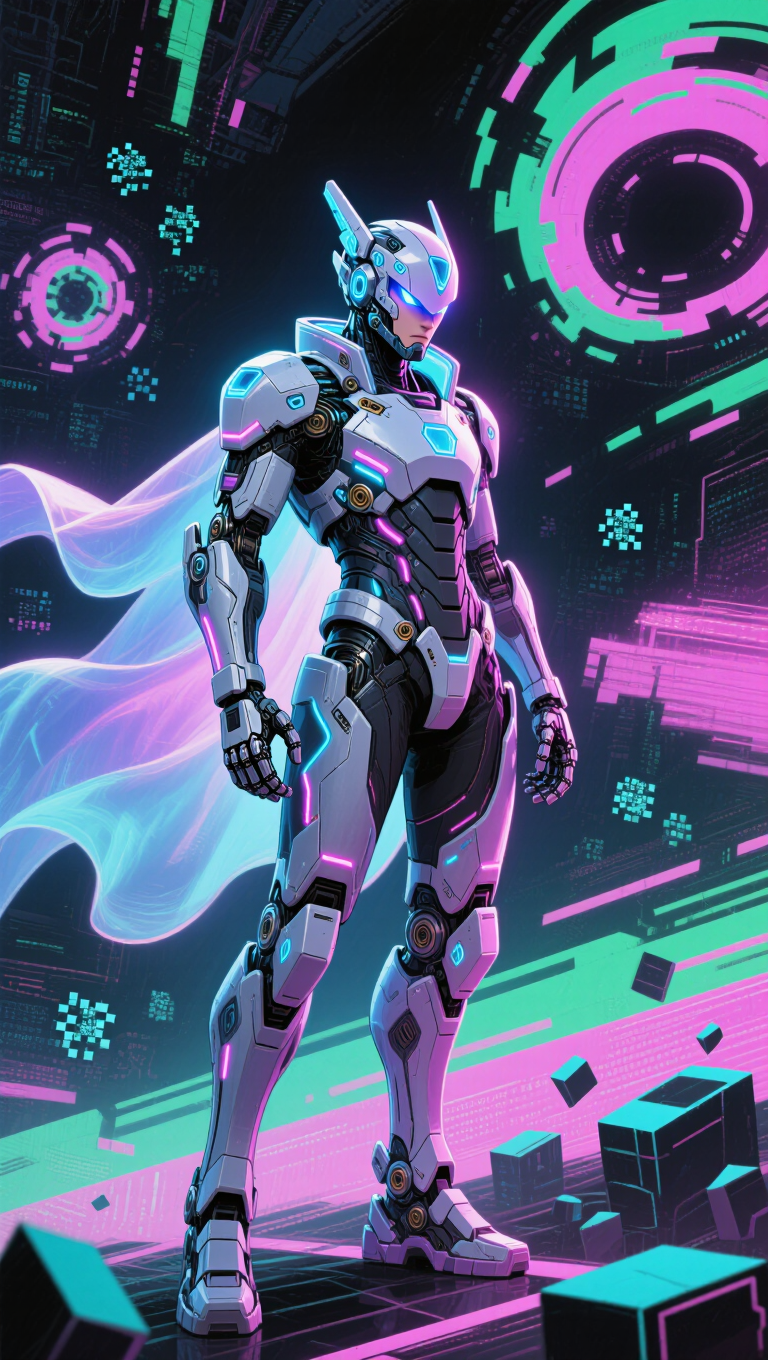
Kling AI work 309632047504990 - nvidia voyager AI image
BunnyLOVE Studios avatar
BunnyLOVE Studios
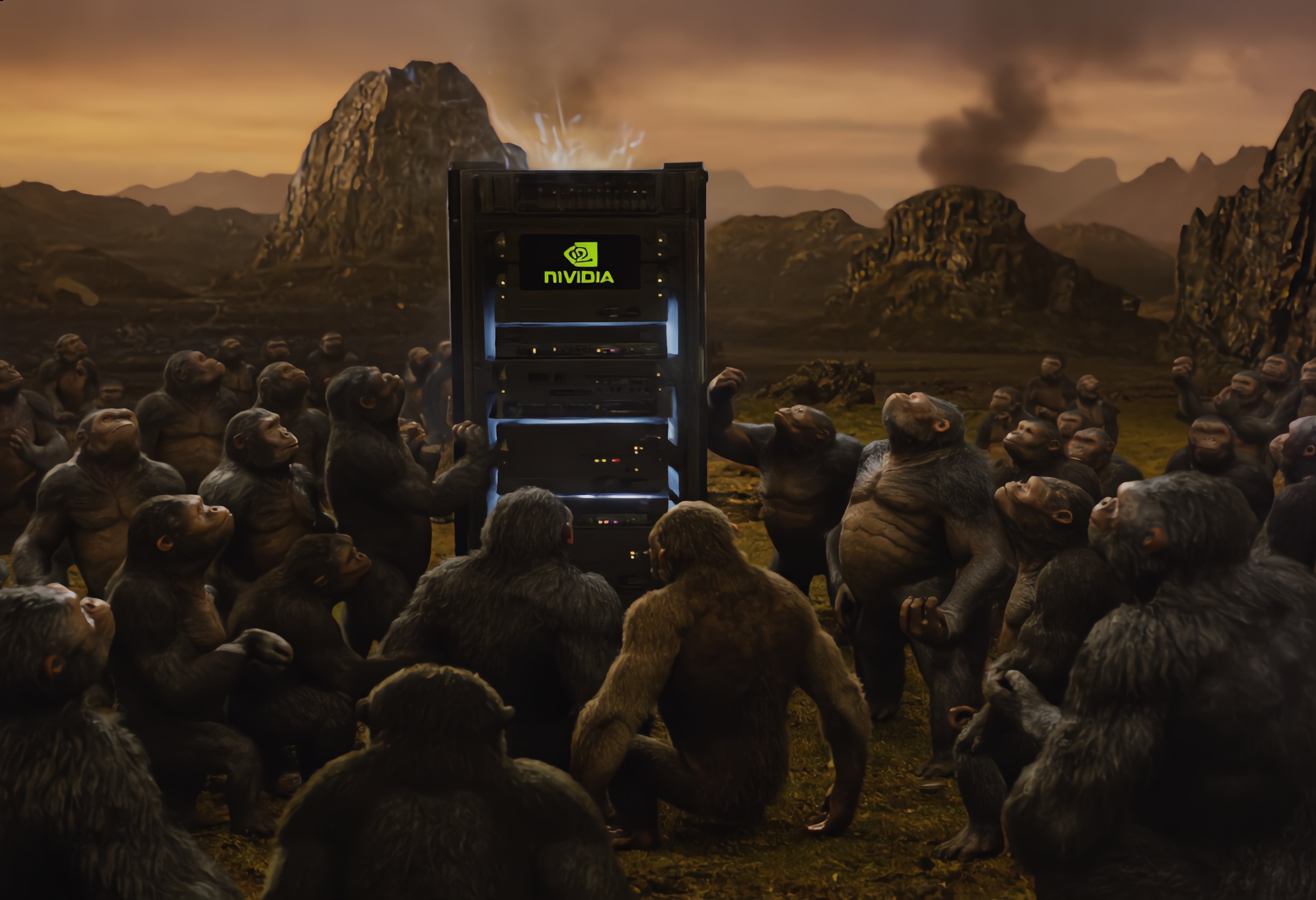
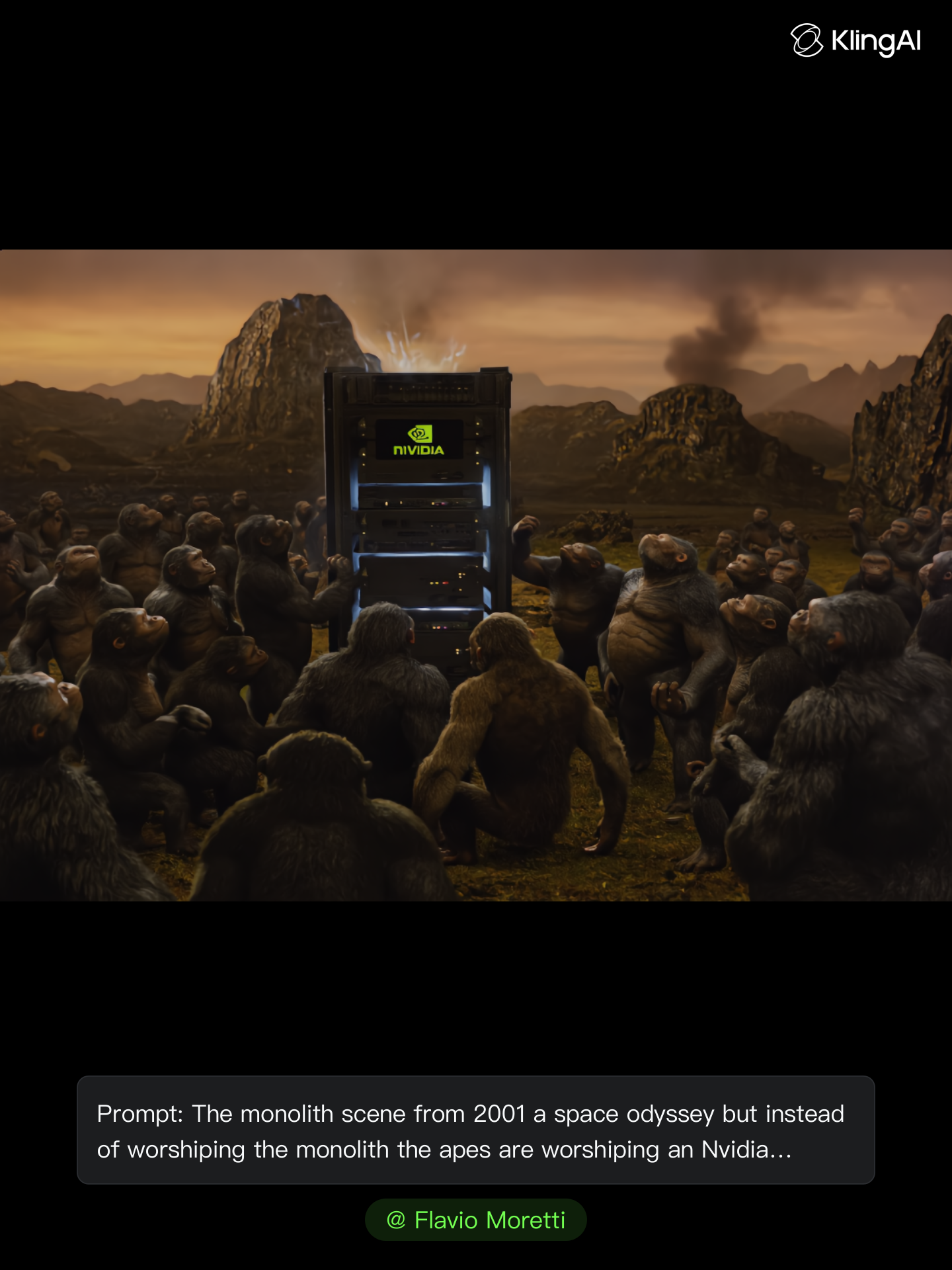
Nvidia Blackwell rack - nvidia voyager AI image
Flavio Moretti avatar
Flavio Moretti
Kling AI work 891789700854980615 - nvidia voyager AI video
01:08
Gabby avatar
Gabby
Kling AI work 283878315305702 - nvidia voyager AI video
VivlorOfficial avatar
VivlorOfficial
Kling AI work 309632047521993 - nvidia voyager AI image
BunnyLOVE Studios avatar
BunnyLOVE Studios
Nvidia Blackwell rack - nvidia voyager AI image
Flavio Moretti avatar
Flavio Moretti
Kling AI work 295608234660290 - nvidia voyager AI image
DaBombVibe avatar
DaBombVibe
Kling AI work 287907978538543 - nvidia voyager AI video
Akhmad Dadayev avatar
Akhmad Dadayev
Kling AI work 309430894522583 - nvidia voyager AI image
Talen2302 avatar
Talen2302
Kling AI work 288190549651320 - nvidia voyager AI video
Akhmad Dadayev avatar
Akhmad Dadayev
Kling AI work 294490961507522 - nvidia voyager AI video
Note Fracker avatar
Note Fracker
Kling AI work 288020397500550 - nvidia voyager AI video
Akhmad Dadayev avatar
Akhmad Dadayev
Kling AI work 288011538655138 - nvidia voyager AI video
Akhmad Dadayev avatar
Akhmad Dadayev
Kling AI work 289781622532877 - nvidia voyager AI video
Akhmad Dadayev avatar
Akhmad Dadayev
Kling AI work 788127967364255826 - nvidia voyager AI video
00:40
gDdmxcft avatar
gDdmxcft
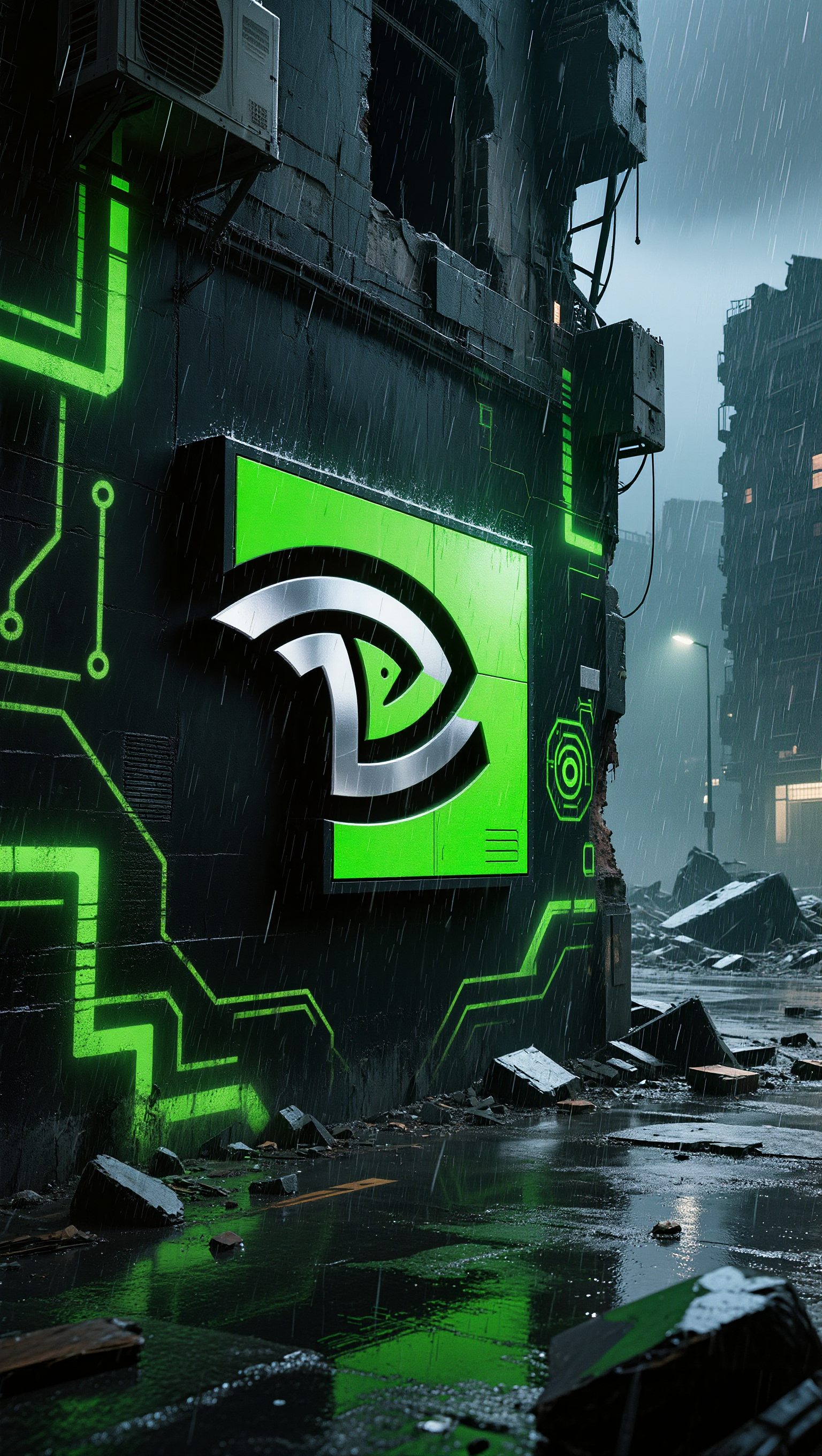
Kling AI work 309632047501981 - nvidia voyager AI image
BunnyLOVE Studios avatar
BunnyLOVE Studios
Kling AI work 312964121668773 - nvidia voyager AI image
Gloss90AI avatar
Gloss90AI

How to Edit a Photo with Kling AI

Upload Your Photo

Upload Your Photo

Start with a clear photo. Add a reference image when you have a particular replacement, background, or style in mind.

Tell Kling What to Change

Tell Kling What to Change

Enter a clear text prompt, explaining what should change and what should stay the same. Kling applies the edit to the photo with AI directly, without layers or complex manual steps.

Review and Fine-Tune

Review and Fine-Tune

Check the result and the areas that matter most. When one detail needs more work, update the prompt for that area instead of starting over. Download the finished image and share it.

Why Kling Stands Out for Image-to-Video Creation

Realistic Motion, Up to 30s Cinematic Camera Work

Realistic Motion, Up to 30s Cinematic Camera Work

Kling 4.0 delivers more stable, physically convincing action in demanding scenes, from fast-paced fights to sports and large-scale movement. Stronger camera direction supports dynamic tracking, complex camera moves, and more coherent shot composition. With up to 30 seconds of native video generation, create longer takes and connected sequences with greater control over action, pacing, and camera movement.

More References, More Creative Control

More References, More Creative Control

Kling 4.0's Omni Reference supports up to 15 combined reference assets, including images, videos, and subjects. Combine character, scene, motion, and style references to guide different elements within the same generation. Up to 10 flexible keyframes give you additional control over composition, character actions, and scene progression. Experiment with different reference combinations and key moments without rebuilding your entire creative setup.

Recreate, Edit, and Explore New Possibilities

Recreate, Edit, and Explore New Possibilities

Kling 4.0 goes beyond generating new footage. It lets you reference existing videos to explore different characters, products, camera movements, and visual styles while retaining the original shot structure or motion as a guide. It also supports precise video editing, letting you target changes to subjects, backgrounds, actions, and camera angles. Rework existing scenes, try alternate versions, and develop new footage without starting from scratch.

Apps

Image to Video
Image to Video

Image to Video

Text to Video
Text to Video

Text to Video

Omni
Omni

Omni

Digital Human
Digital Human

Digital Human

Restyle
Restyle

Restyle

Text to Image
Text to Image

Text to Image

60M+
60M+
Users
600M+
600M+
AI Videos Generated
4.7 ★
4.7 ★
App Store
Industry-Leading
Industry-Leading
Cinematic 4K

Reviews

KakuDrop

KakuDrop

★★★★★

I have successfully collaborated with world-renowned artists and well-known companies that are recognized globally

Maria Rubtsova

Maria Rubtsova

★★★★★

I’m Maria Rubtsova, an AIGC digital artist passionate about creating stunning visuals in the worlds of fashion, aesthetics, and fantasy. I use KlingAi to bring imagination to life through video. My work is all about exploring beauty, emotion, and the limitless possibilities of digital art.

Halim Alrasihi

Halim Alrasihi

★★★★★

I use AI daily and Kling AI is a crucial part of my workflow, whether for client work or personal projects. What I love most about using Kling AI is that it provides all the tools I need in one place, from keyframes to character references, elements and special effects.

FAQ

Q1How long can videos be in Video 3.0?
Q2Can I use this for global AI video marketing?
Q3What’s the difference between Video 2.6 and 3.0?

Experience Video 3.0 on Kling

Create cinematic, multi-shot videos with native audio and precise control—all in one generation.

Native audio | Multi-shot control | Up to 15s continuous output