
perfect vermin - queen elegance & synchronization

Uncover the elegance of synchronized movement and the captivating aura of a serene, powerful queen. Start exploring perfect vermin ideas and generate your own content with AI.


perfect vermin - queen elegance & synchronization

Recommended

perfect

 - perfect vermin AI image
rYpSRjqh avatar
rYpSRjqh
The perfect gift  - perfect vermin AI image
ZInTzHGg avatar
ZInTzHGg
the perfect morning - perfect vermin AI video
purradox avatar
purradox
Tala is perfect - perfect vermin AI video
FidOUKqi avatar
FidOUKqi
perfect life🥰🥰 - perfect vermin AI image
byQCobnN avatar
byQCobnN
Perfect toy - perfect vermin AI video
jcaSWbXA avatar
jcaSWbXA
Kling AI work 314018828506782 - perfect vermin AI image
Akmelife avatar
Akmelife
Kling AI work 315074360610010 - perfect vermin AI video
OPjCeTET avatar
OPjCeTET
A Perfect View - perfect vermin AI video
00:42
MplGPHKT avatar
MplGPHKT
Predrag Petrovic AI SEO Expert - perfect vermin AI video
Predrag Petrovic avatar
Predrag Petrovic
Kling AI work 313237524520200 - perfect vermin AI video
dUpkwAmm avatar
dUpkwAmm
Kling AI work 316620316614709 - perfect vermin AI video
DbWWkgDw avatar
DbWWkgDw
the perfect line up - perfect vermin AI video
xander24gotem avatar
xander24gotem
Kling AI work 312003846315249 - perfect vermin AI image
Infinite Roots avatar
Infinite Roots
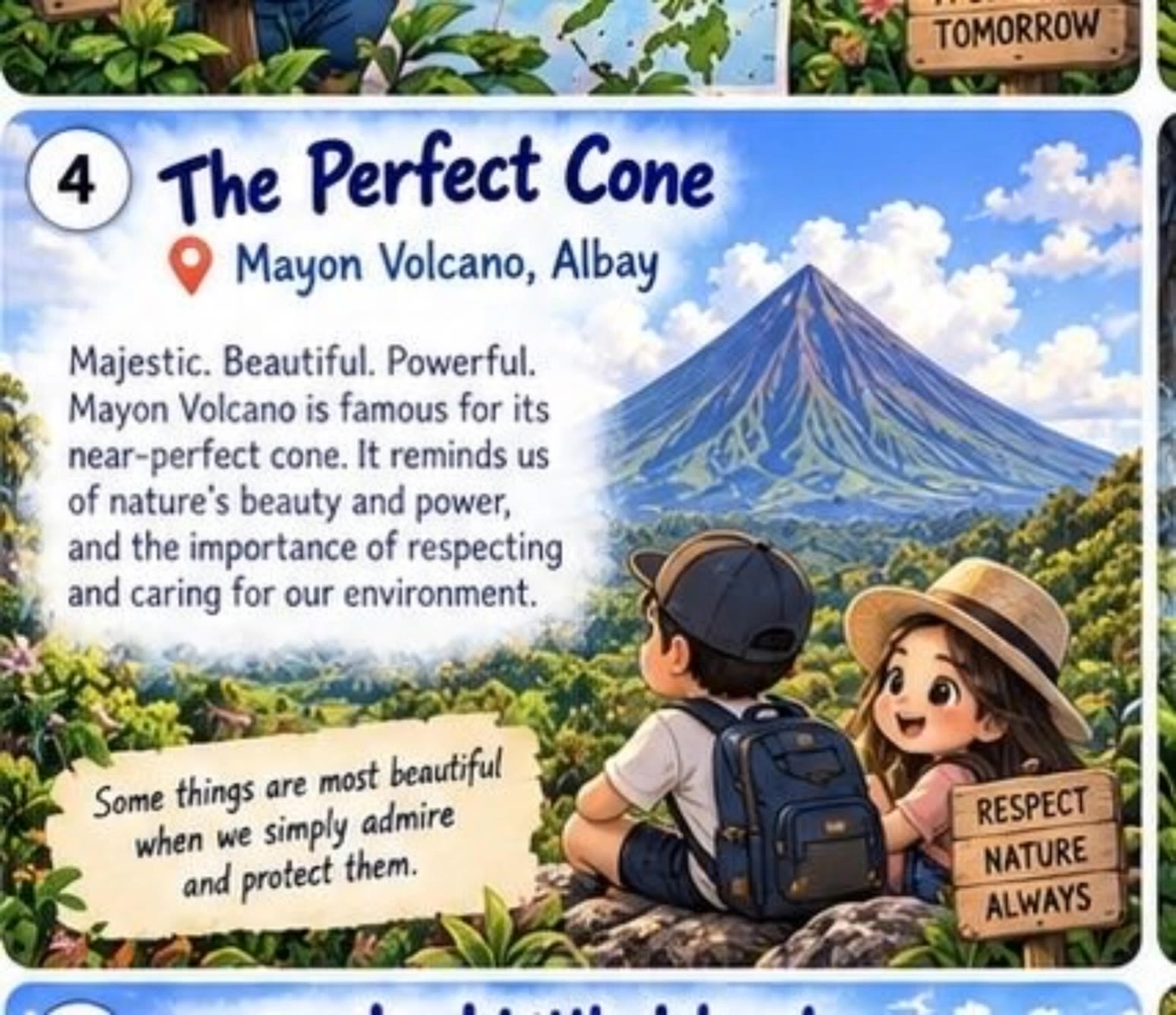
The perfect cone - perfect vermin AI video
SWYzlBHW avatar
SWYzlBHW
perfect balance  - perfect vermin AI video
HUSH avatar
HUSH
its perfect i think - perfect vermin AI video
rOOfDMZZ avatar
rOOfDMZZ
the perfect line up - perfect vermin AI video
xander24gotem avatar
xander24gotem
Kling AI work 313587558528120 - perfect vermin AI image
LZsFMGYd avatar
LZsFMGYd

A Complete AI Video Editing Workflow

Upload Your Footage

Upload Your Footage

Start with a video you've filmed or generated. Add reference images, characters, or other supported assets if you want to guide how the edited scene should look.

Describe What You Want to Change

Describe What You Want to Change

Tell Kling what to replace, remove, or adjust. You can change the subject, background, action, camera angle, or visual style. Include details you want to keep from the original footage.

Preview and Download Your Video

Preview and Download Your Video

Generate your edited video and review the changes. Refine your prompt or references if needed, then download the version you're happy with.

Edit Any Part with Kling AI

Add, Remove, or Replace Image Content

Add, Remove, or Replace Image Content

Tell Kling what you want to change in text prompts. Replace a person, remove an object, or fine-tune details such as color, material, pose, and expression. Even detailed edits take fewer and easier steps because you can change the photo with AI instead of with traditional photo editing tools. IMAGE 3.0 follows your instruction while keeping the photo’s original style, lighting, and texture in place, so the edited area still belongs in the same shot.

Change the Color, Lighting, or Style

Change the Color, Lighting, or Style

Give an existing photo a different mood effortlessly. Lift a dim scene, soften harsh light, warm or cool the colors, or bring color to a black-and-white photo or line drawing. A short prompt replaces the usual round of manual adjustments. Looking for a bigger shift? Add a style reference or spell out the visual direction. IMAGE 3.0 carries the palette, texture, and atmosphere across the whole image, so the new look feels cohesive rather than pasted on. Use it for studio-style professional headshots, distinctive portrait treatments, cinematic scene design, or a visual style that feels entirely your own.

Rework the Shot or Camera Angle

Rework the Shot or Camera Angle

Tell Kling how you want the shot to look in a text prompt. Turn a front-facing photo into a side view, move the camera higher or lower, or change a wide shot into a close-up. You can explore a new composition around the same subject without setting up another shoot. IMAGE 3.0 rebuilds the scene from the angle you request, adjusting the perspective, camera height, shot size, focal length, and depth of field along with it. The result is a newly generated view based on the source photo, rather than hidden details recovered from outside the original frame.

Apps

Video Generation
Video Generation

Video Generation

Image Generation
Image Generation

Image Generation

Motion Control
Motion Control

Motion Control

Avatar
Avatar

Avatar

AI Portraits
AI Portraits

AI Portraits

Lip Sync
Lip Sync

Lip Sync

60M+
60M+
Users
600M+
600M+
AI Videos Generated
4.7 ★
4.7 ★
App Store
Industry-Leading
Industry-Leading
Cinematic 4K

Reviews

Ozan Sihay

Ozan Sihay

★★★★★

Kling AI allows me to rapidly prototype ideas, refine storytelling elements, and produce visually compelling content efficiently. It has not only accelerated my creative processes, but also deepened my understanding of how AI can enrich visual storytelling.

Huang Lu (Elson)

Huang Lu (Elson)

★★★★★

I’ve been using Kling AI since its initial release, and it’s remained one of the leading AI media generators ever since. With Kling AI, I’ve created hundreds of videos, collectively amassing millions of views.

PJ Ace

PJ Ace

★★★★★

Kling AI has made it easy for us to generate world class visuals for Fortune 500 companies, TV shows and music for big artists. We love the easy of use of the platform and the quality of the generations. My first time using Kling AI, I got 22 million views on just one video. It's that good.

FAQ

Q1Does Kling AI support 2K or 4K image generation?
Q2Can Kling AI keep characters consistent across multiple images?
Q3How do I write a good AI image prompt?

Your Next Visual Starts Here

Start with a sentence, a sketch, or a reference photo. Shape the composition, dial in the details, and keep iterating in Kling AI.

Free tier available | Text-to-image | Image-to-image | Fast generation