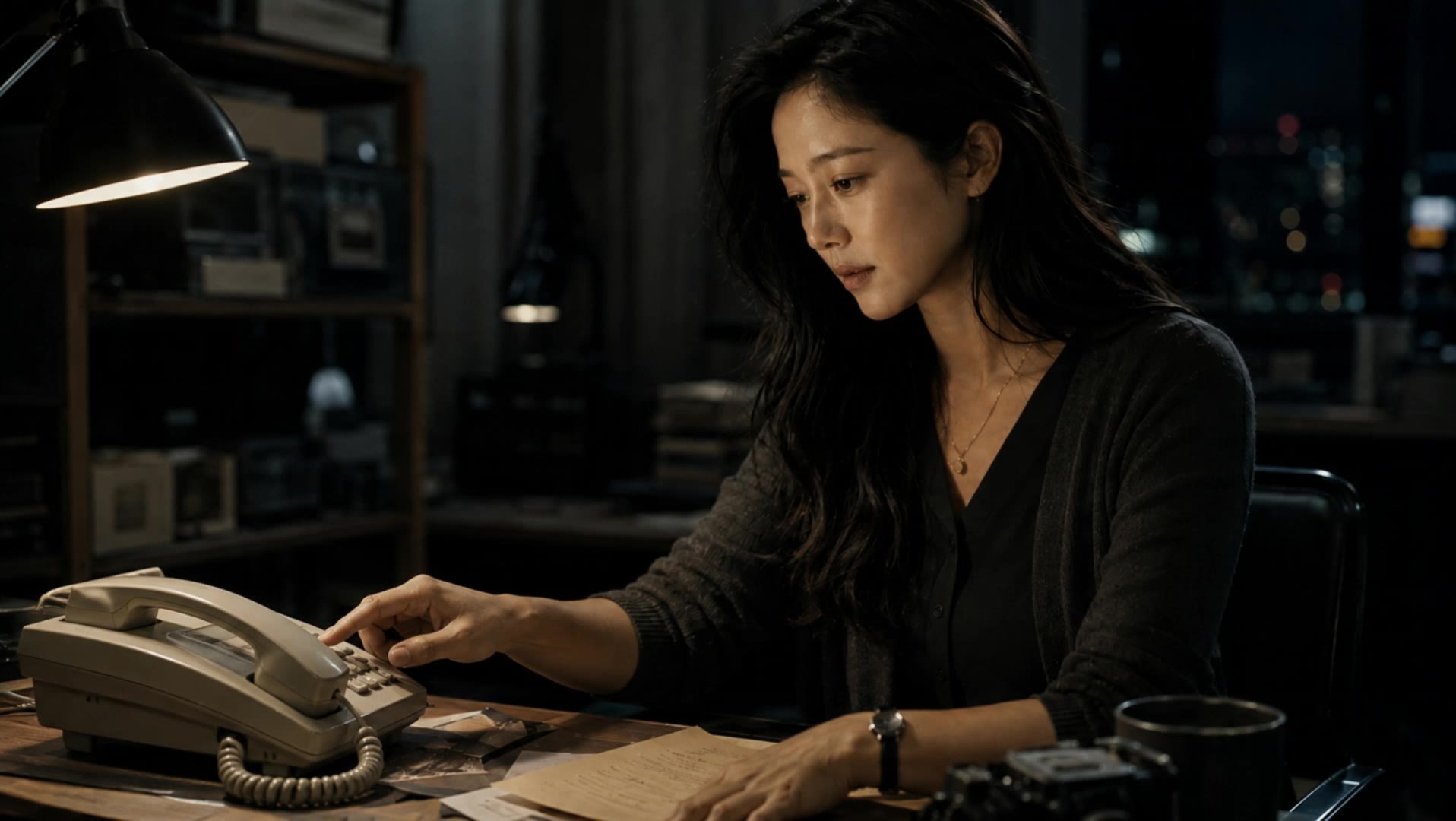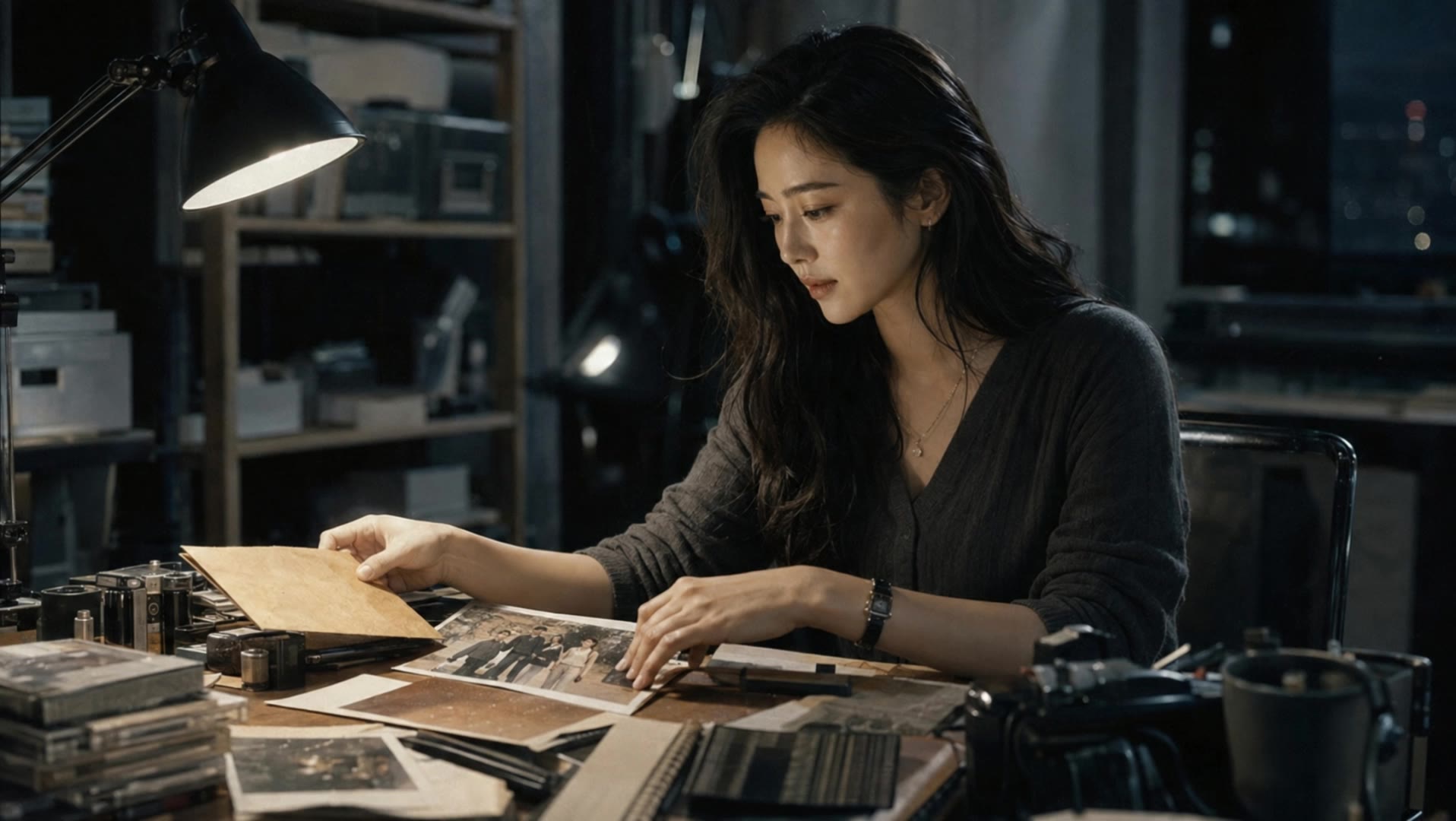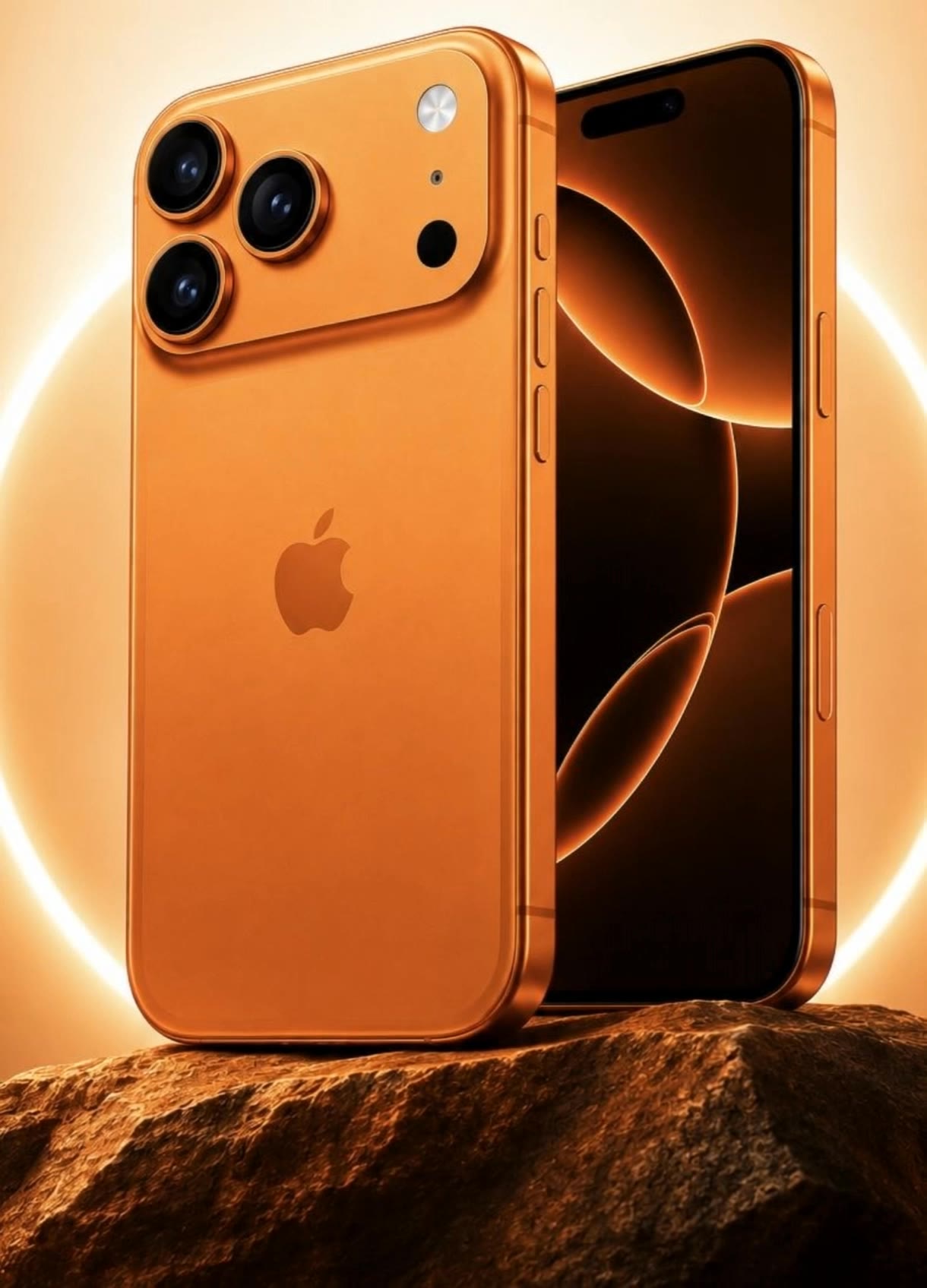

phone transparent background - sci fi & futuristic

Uncover unique designs featuring transparent phones in sci-fi scenes and futuristic settings. Immerse in creative visuals blending technology with artistic ASMR elements. Start exploring phone transparent background ideas and generate your own content with AI.

phone transparent background - sci fi & futuristic

Recommended

Kling AI work 318532284500359 - phone transparent background AI video
CYdmUxMo avatar
CYdmUxMo
Kling AI work 315566493664635 - phone transparent background AI video
CiwueSIi avatar
CiwueSIi
Kling AI work 311680107616499 - phone transparent background AI video
naOWShgN avatar
naOWShgN
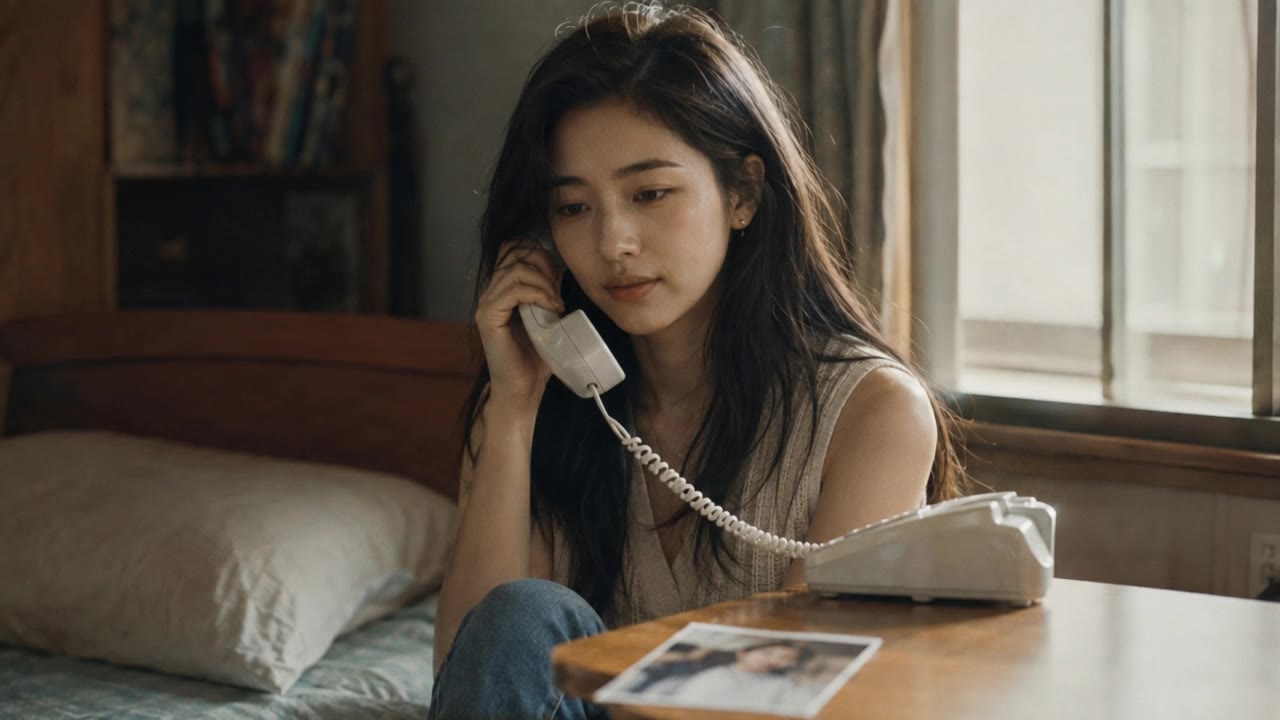
Our last phone call - phone transparent background AI video
Ella StarBerryCandy avatar
Ella StarBerryCandy
Kling AI work 317741333612490 - phone transparent background AI video
SlBlBtOM avatar
SlBlBtOM
Kling AI work 316644108524968 - phone transparent background AI video
GzwKYofO avatar
GzwKYofO
Kling AI work 311680037617696 - phone transparent background AI video
naOWShgN avatar
naOWShgN
Kling AI work 310782054527544 - phone transparent background AI image
qlQwHWdN avatar
qlQwHWdN
Kling AI work 315095131522645 - phone transparent background AI video
WnKQypRK avatar
WnKQypRK
Our last phone call - phone transparent background AI video
Ella StarBerryCandy avatar
Ella StarBerryCandy
Kling AI work 312513967526929 - phone transparent background AI video
somie avatar
somie
Kling AI work 312941416524376 - phone transparent background AI video
pZWJlmHl avatar
pZWJlmHl
Kling AI work 310889907664048 - phone transparent background AI image
OxWvkvKs avatar
OxWvkvKs
man promoting mobile phone - phone transparent background AI video
KLING2297 avatar
KLING2297
Our last phone call - phone transparent background AI video
Ella StarBerryCandy avatar
Ella StarBerryCandy
Kling AI work 317887895614879 - phone transparent background AI video
ArzYBixZ avatar
ArzYBixZ
Our last phone call - phone transparent background AI video
Ella StarBerryCandy avatar
Ella StarBerryCandy
Our last phone call - phone transparent background AI video
Ella StarBerryCandy avatar
Ella StarBerryCandy
mobile - phone transparent background AI video
mJNEOAHP avatar
mJNEOAHP

A Complete AI Video Editing Workflow

Upload Your Footage

Upload Your Footage

Start with a video you've filmed or generated. Add reference images, characters, or other supported assets if you want to guide how the edited scene should look.

Describe What You Want to Change

Describe What You Want to Change

Tell Kling what to replace, remove, or adjust. You can change the subject, background, action, camera angle, or visual style. Include details you want to keep from the original footage.

Preview and Download Your Video

Preview and Download Your Video

Generate your edited video and review the changes. Refine your prompt or references if needed, then download the version you're happy with.

Edit the Parts That Matter

Change Subjects, Backgrounds, and Style

Change Subjects, Backgrounds, and Style

A different character, a new product, or a completely different location can change the purpose of a video. Keep the footage you already have and update the elements that need another take. No green screen needed. Kling 4.0 supports adding, removing, and replacing subjects and scene elements using prompts and visual references. Change a product, replace a character, or move the action into a new setting. Reference images help guide the appearance of new elements while keeping the rest of the scene closer to the original.

Recreate Videos with Your Own References

Recreate Videos with Your Own References

Found a camera move, transition, or video concept that would work with your own character or product? You can use the original clip as a creative reference rather than recreating the entire shoot. Kling 4.0 draws on reference footage for pacing, shot composition, and movement while introducing your own subjects and visual style. Omni Reference supports up to 15 combined assets, subject to individual input limits. Combine character images, product photos, and video references to explore new versions while helping recognizable details stay consistent.

Extend Your Video Up to 2 Minutes

Extend Your Video Up to 2 Minutes

Continue an existing video forward or backward, adding footage before the opening or after the ending. Extend actions, camera movements, and storylines while keeping the new footage connected to the original scene. Kling 4.0's Video Extension supports multiple extension passes, reaching a total video length of up to 2 minutes. Build longer sequences with continuity in characters, settings, and movement, without recreating the entire video.

Apps

Video Generation
Video Generation

Video Generation

Image Generation
Image Generation

Image Generation

Motion Control
Motion Control

Motion Control

Avatar
Avatar

Avatar

AI Portraits
AI Portraits

AI Portraits

Lip Sync
Lip Sync

Lip Sync

60M+
60M+
Users
600M+
600M+
AI Videos Generated
4.7 ★
4.7 ★
App Store
Industry-Leading
Industry-Leading
Cinematic 4K

Reviews

Maria Rubtsova

Maria Rubtsova

★★★★★

I’m Maria Rubtsova, an AIGC digital artist passionate about creating stunning visuals in the worlds of fashion, aesthetics, and fantasy. I use KlingAi to bring imagination to life through video. My work is all about exploring beauty, emotion, and the limitless possibilities of digital art.

Ozan Sihay

Ozan Sihay

★★★★★

Kling AI allows me to rapidly prototype ideas, refine storytelling elements, and produce visually compelling content efficiently. It has not only accelerated my creative processes, but also deepened my understanding of how AI can enrich visual storytelling.

Huang Lu (Elson)

Huang Lu (Elson)

★★★★★

I’ve been using Kling AI since its initial release, and it’s remained one of the leading AI media generators ever since. With Kling AI, I’ve created hundreds of videos, collectively amassing millions of views.

FAQ

Q1What’s the difference between Video 2.6 and 3.0?
Q2How long can videos be in Video 3.0?
Q3What is Kling Video 3.0?

Experience Video 3.0 on Kling

Create cinematic, multi-shot videos with native audio and precise control—all in one generation.

Native audio | Multi-shot control | Up to 15s continuous output