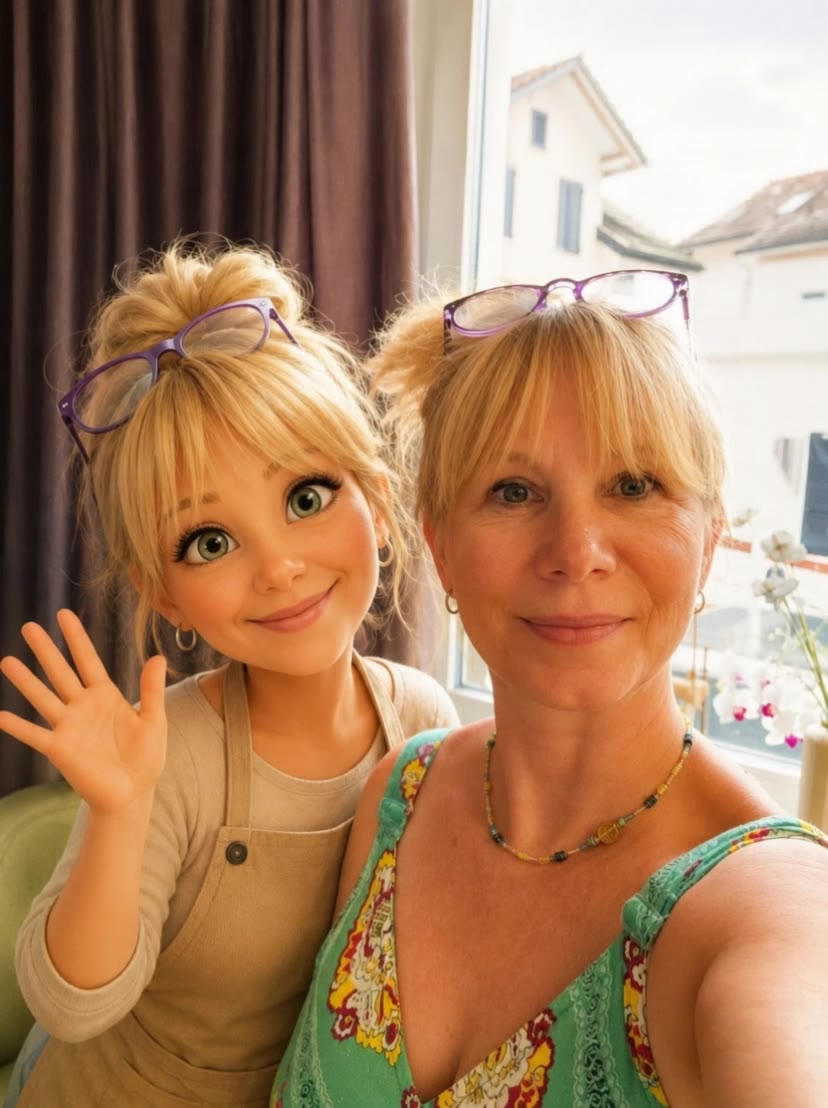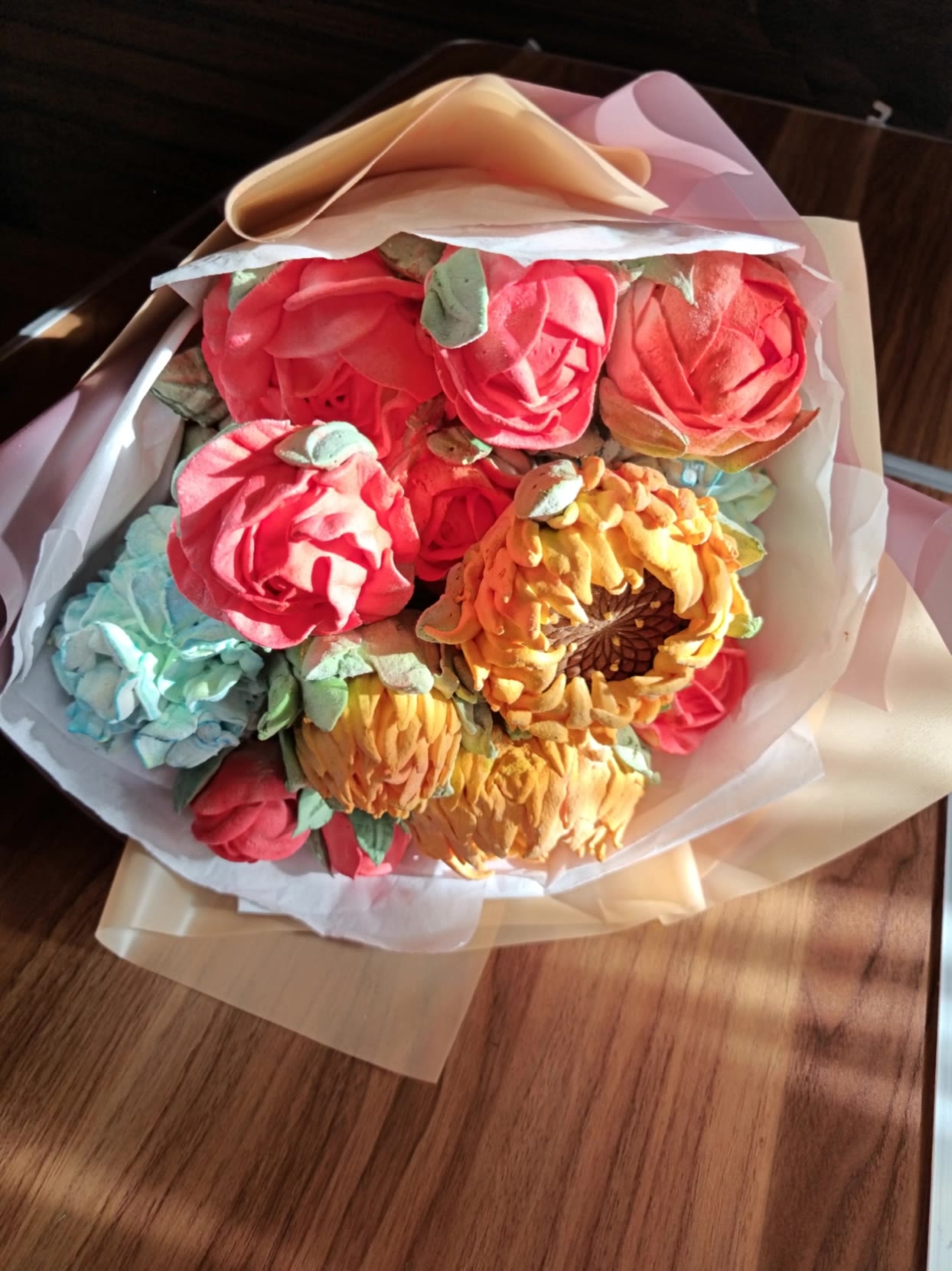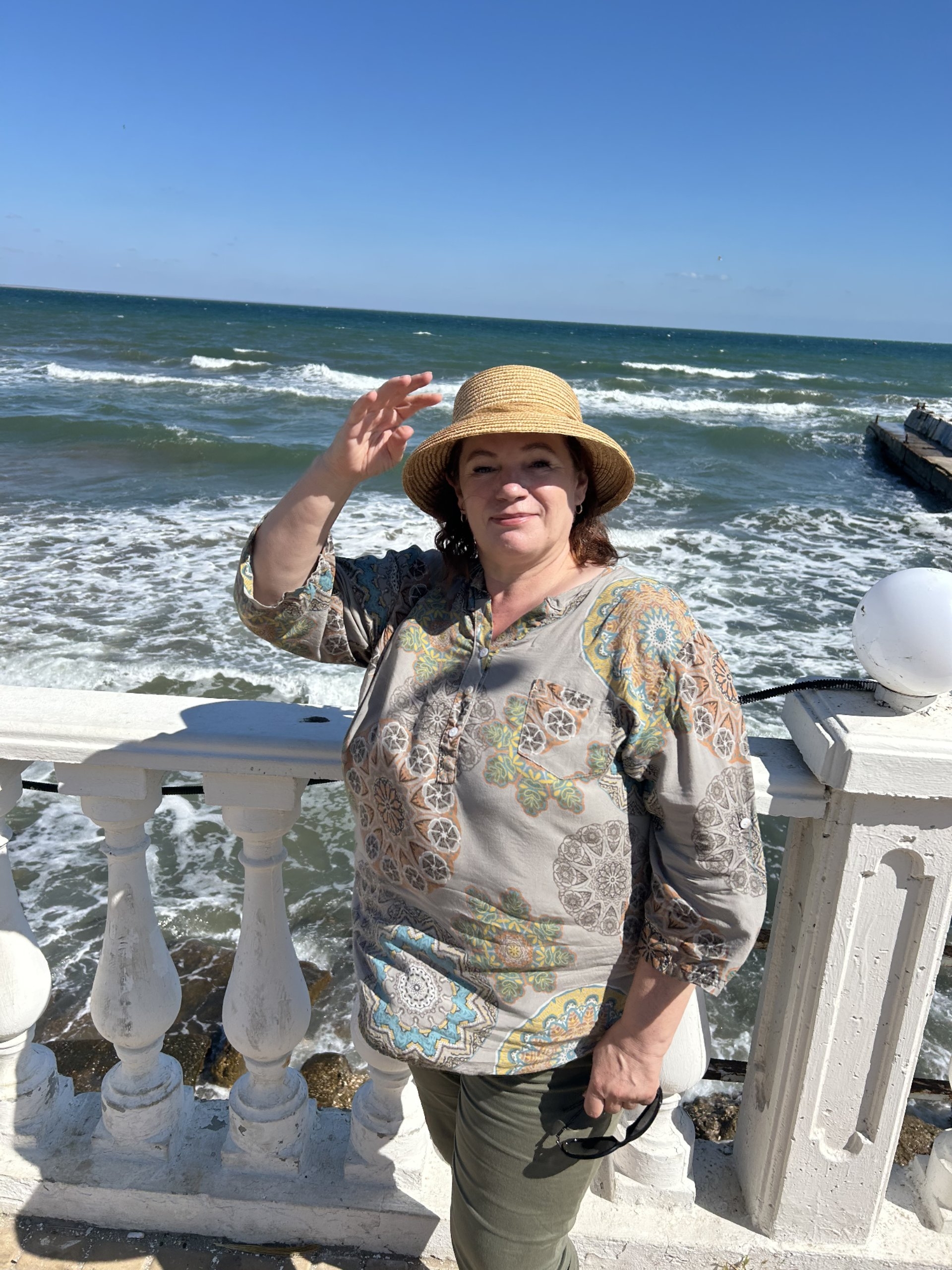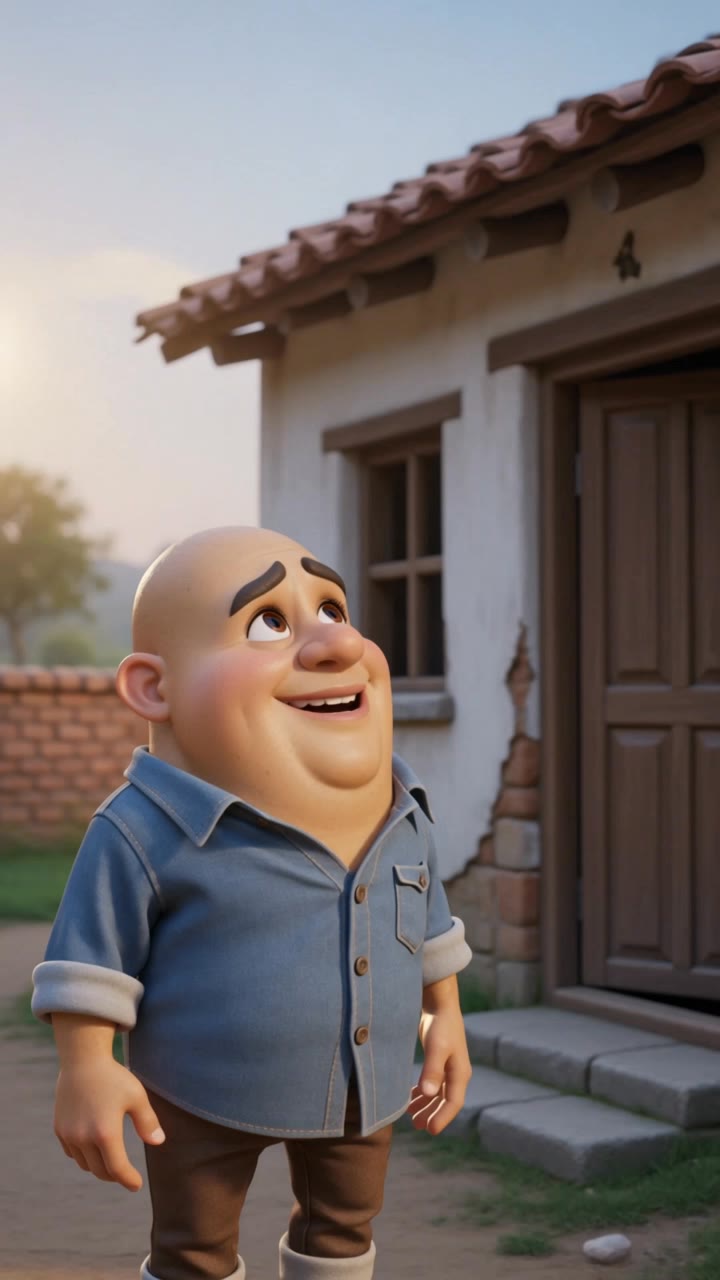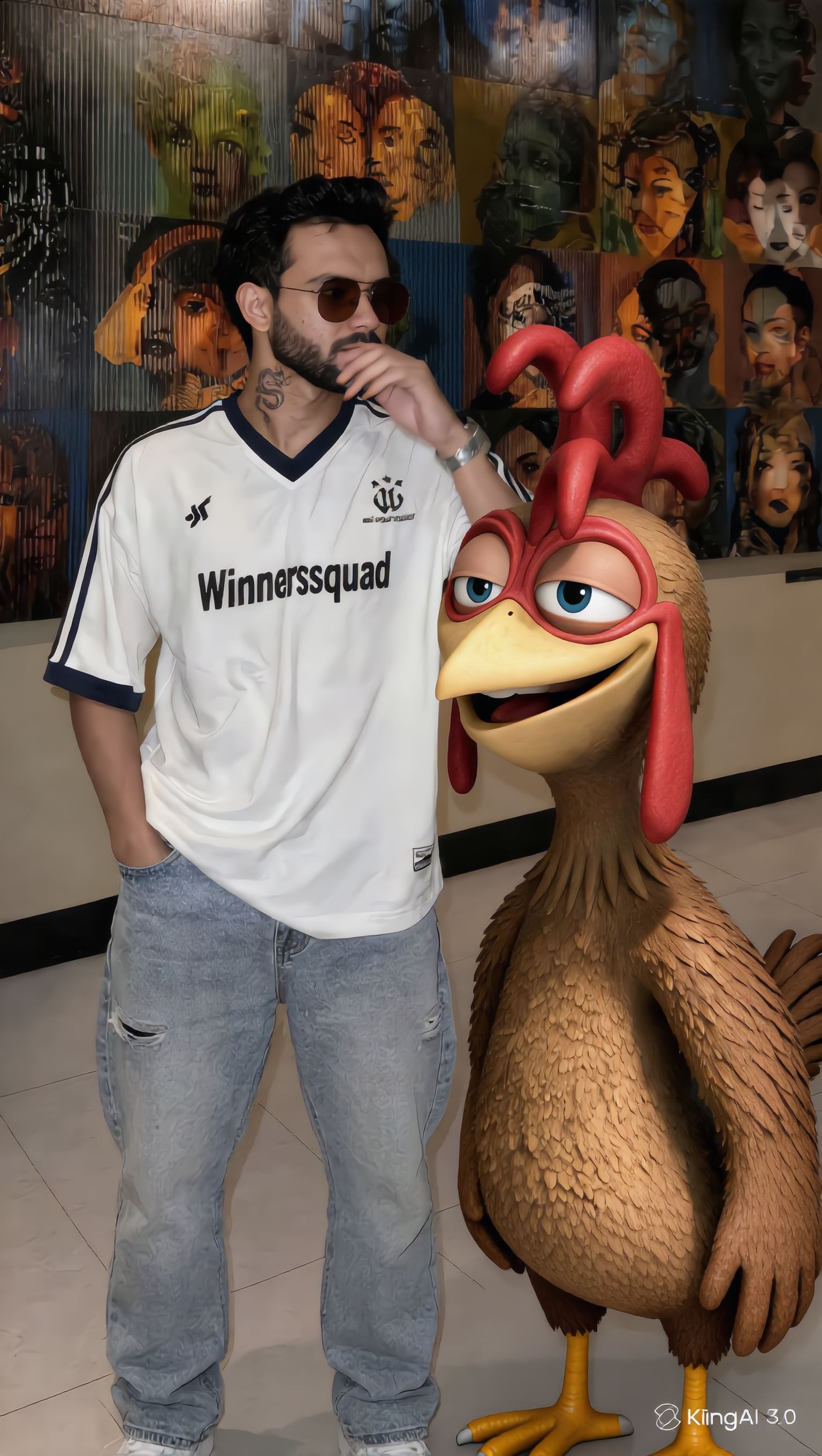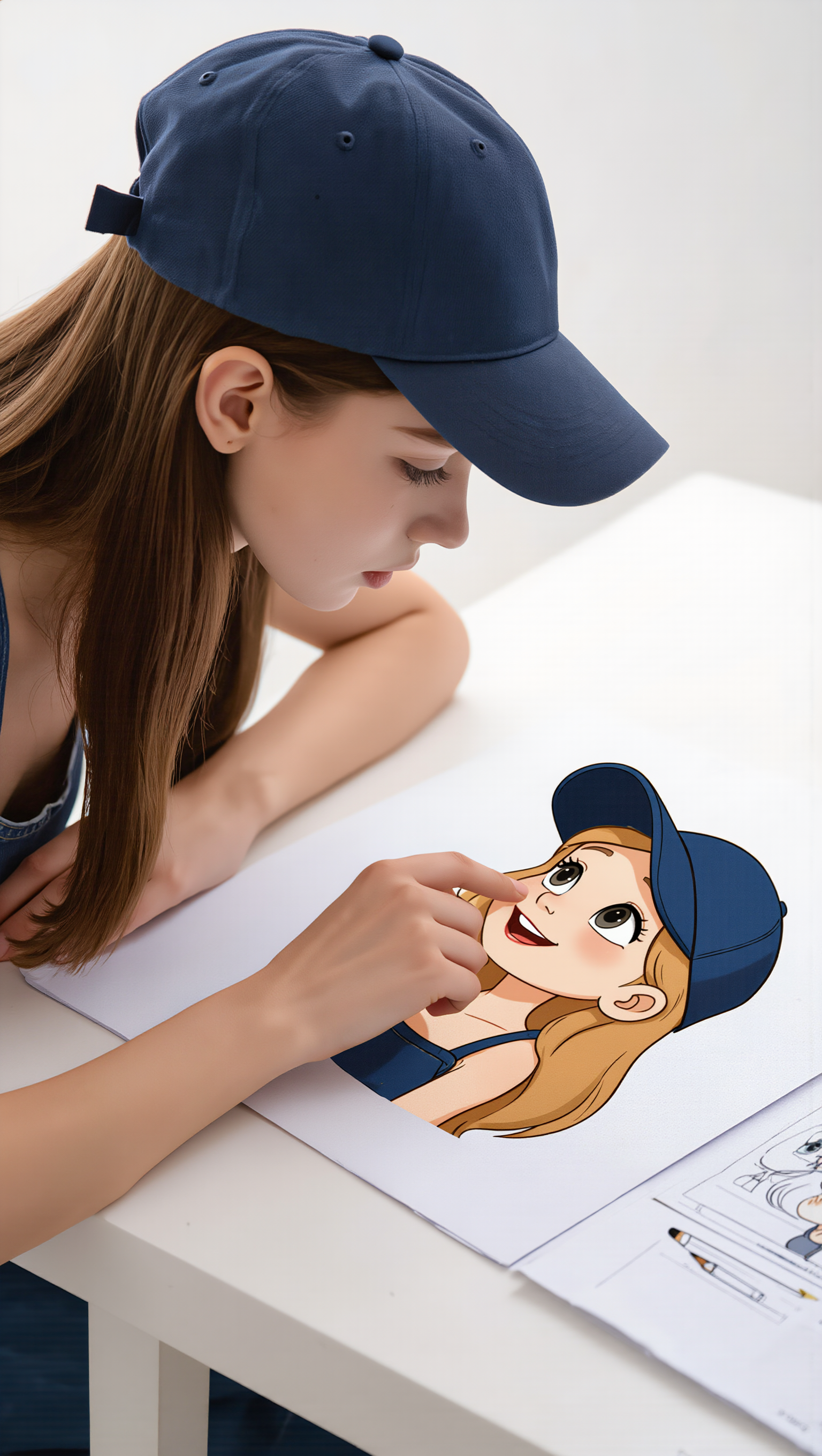
photo to cartoon ai free - Urban Graffiti & Animal Characters

Transform your photos into captivating cartoons with our free AI tool, inspired by vibrant urban graffiti styles and whimsical character animations. Start exploring photo to cartoon ai free ideas and generate your own content with AI.


photo to cartoon ai free - Urban Graffiti & Animal Characters

Recommended

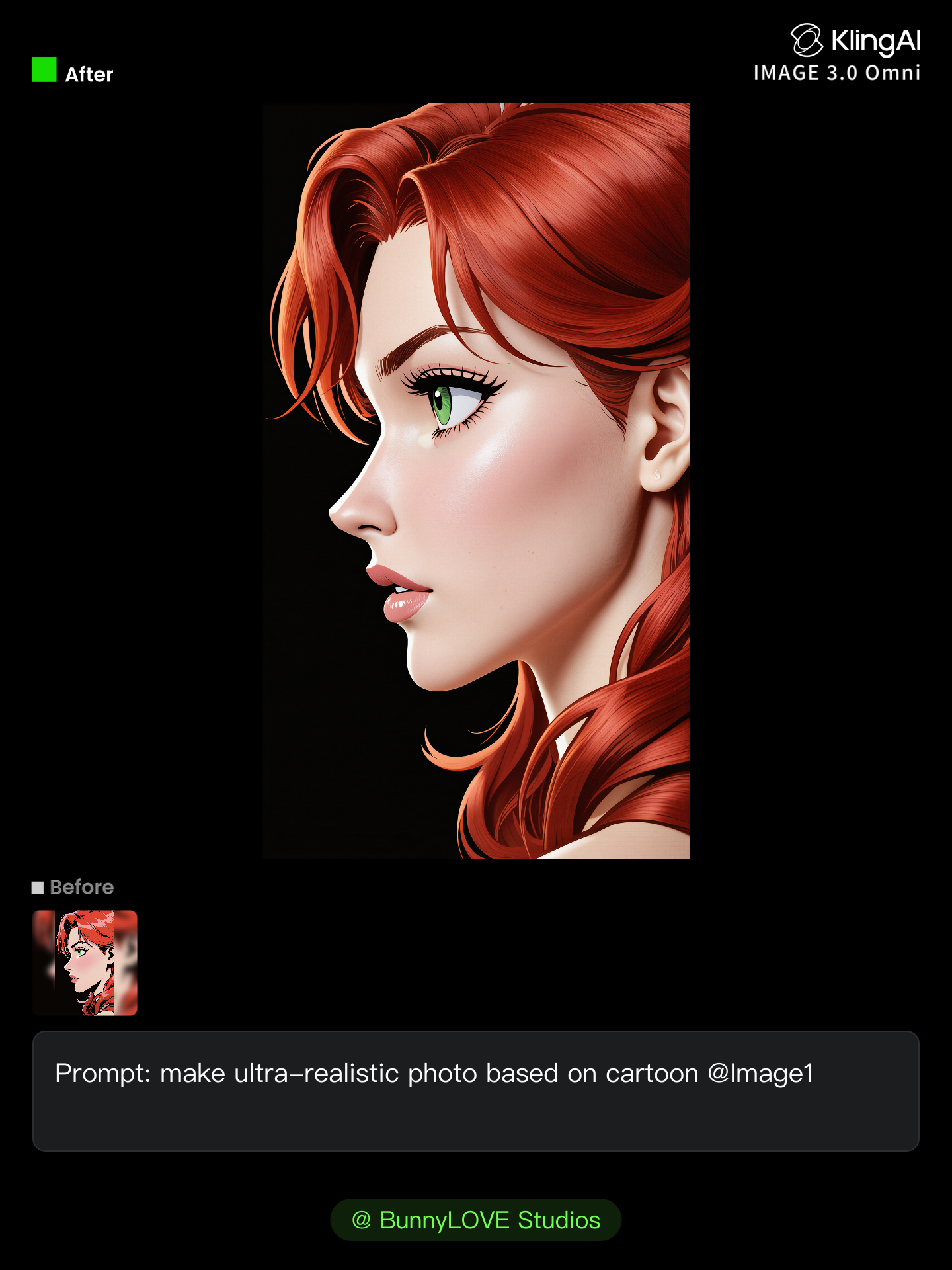
Kling AI work 312205788663539 - photo to cartoon ai free AI image
BunnyLOVE Studios avatar
BunnyLOVE Studios
Is photo ki video bana do  - photo to cartoon ai free AI image
ERcUgEcG avatar
ERcUgEcG
cartoon - photo to cartoon ai free AI image
zAknlguR avatar
zAknlguR
Kling AI work 315421291666066 - photo to cartoon ai free AI video
hKnYLzBq avatar
hKnYLzBq
Kling AI work 316071089664698 - photo to cartoon ai free AI video
Nelli avatar
Nelli
3rd cartoon - photo to cartoon ai free AI video
ODlYVRDT avatar
ODlYVRDT
ai cartoon  - photo to cartoon ai free AI video
00:10
Desi Ai Toons Yt avatar
Desi Ai Toons Yt
Kling AI work 315896995523699 - photo to cartoon ai free AI image
Future avatar
Future
photo to video  - photo to cartoon ai free AI video
00:05
NVhNvWHf avatar
NVhNvWHf
My Cartoon Self - photo to cartoon ai free AI image
331.ヅ avatar
331.ヅ
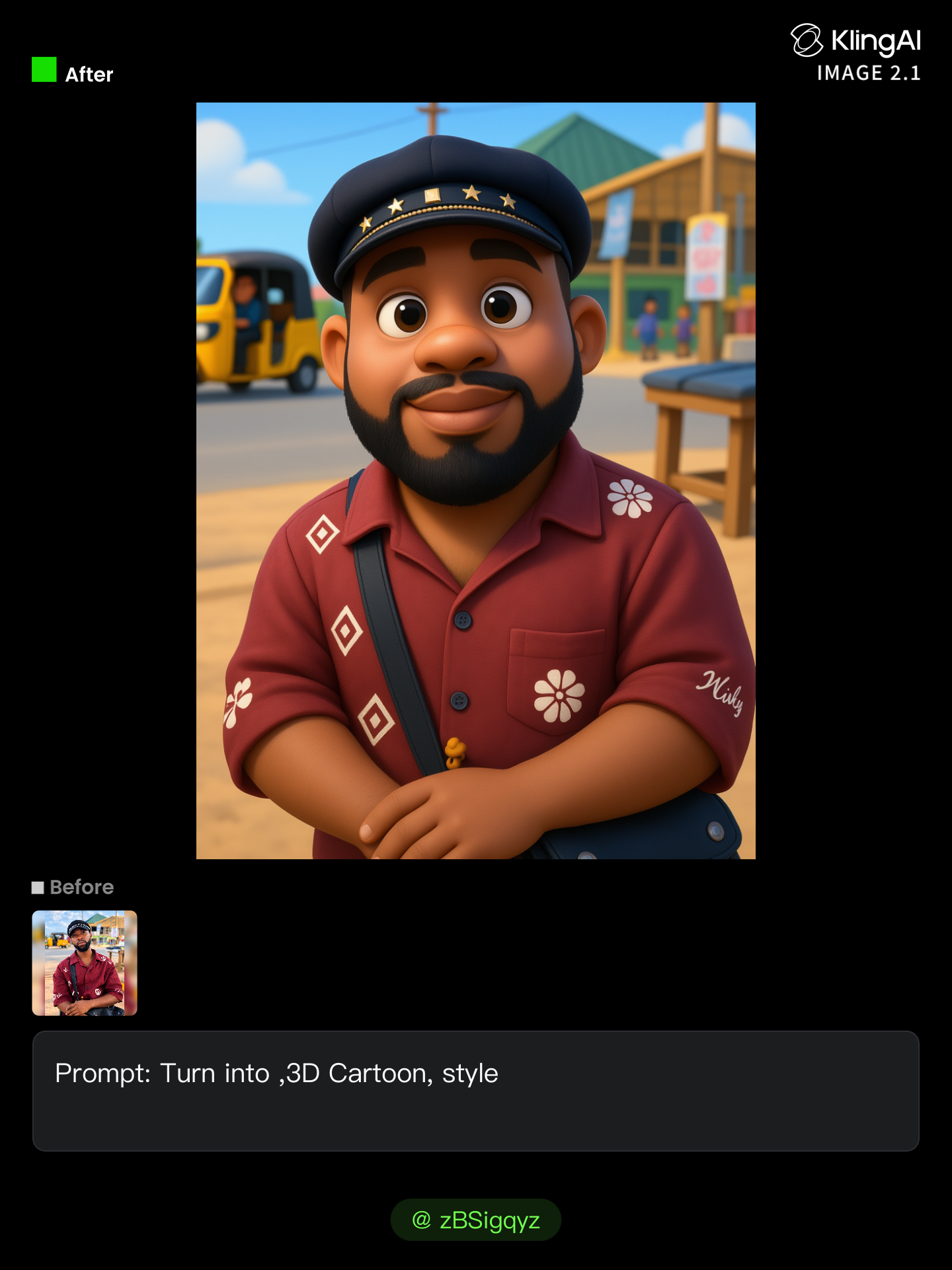
AI cartoon  - photo to cartoon ai free AI image
zBSigqyz avatar
zBSigqyz
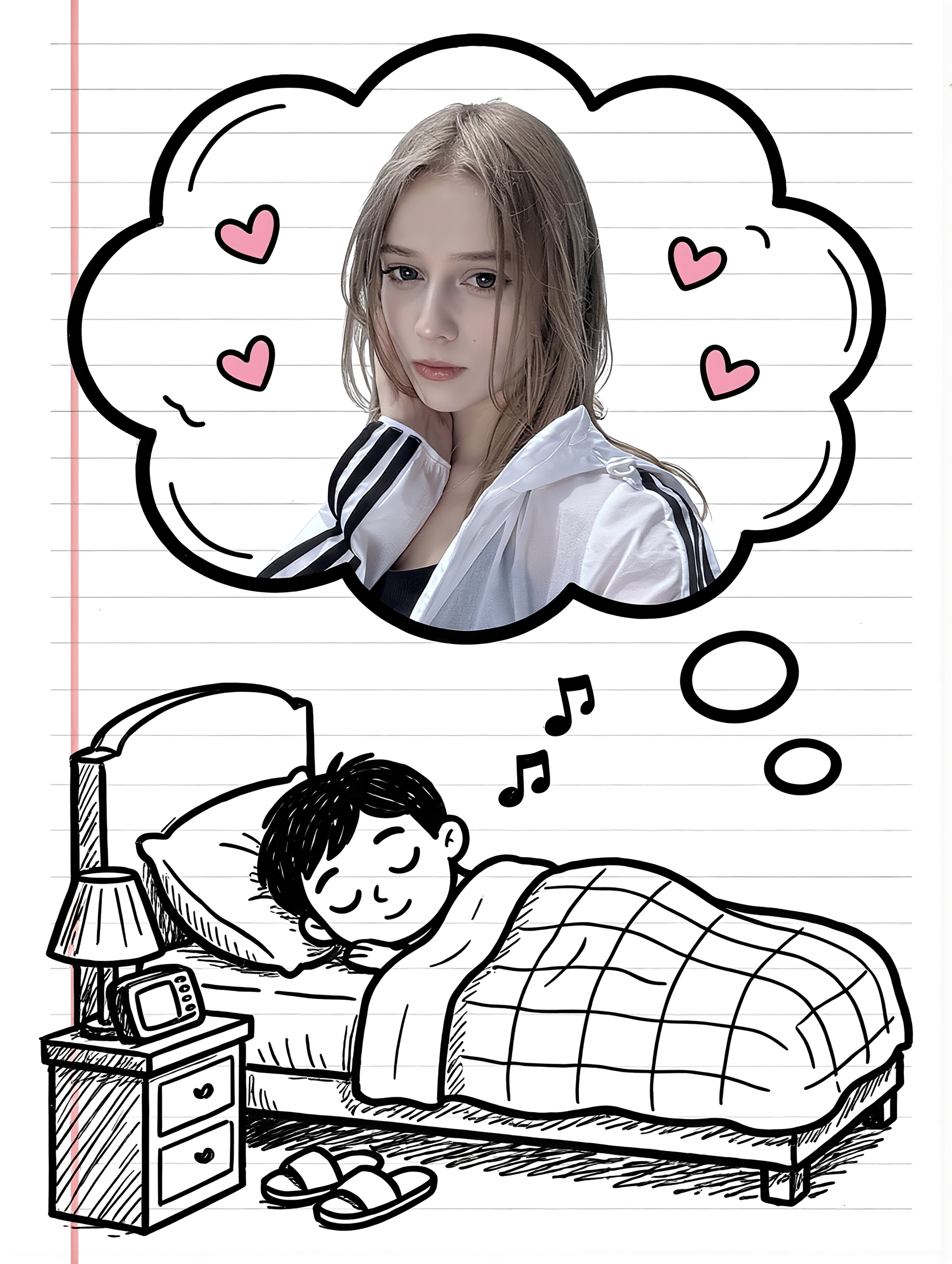
Couple Cartoon Fantasy - photo to cartoon ai free AI image
331.ヅ avatar
331.ヅ
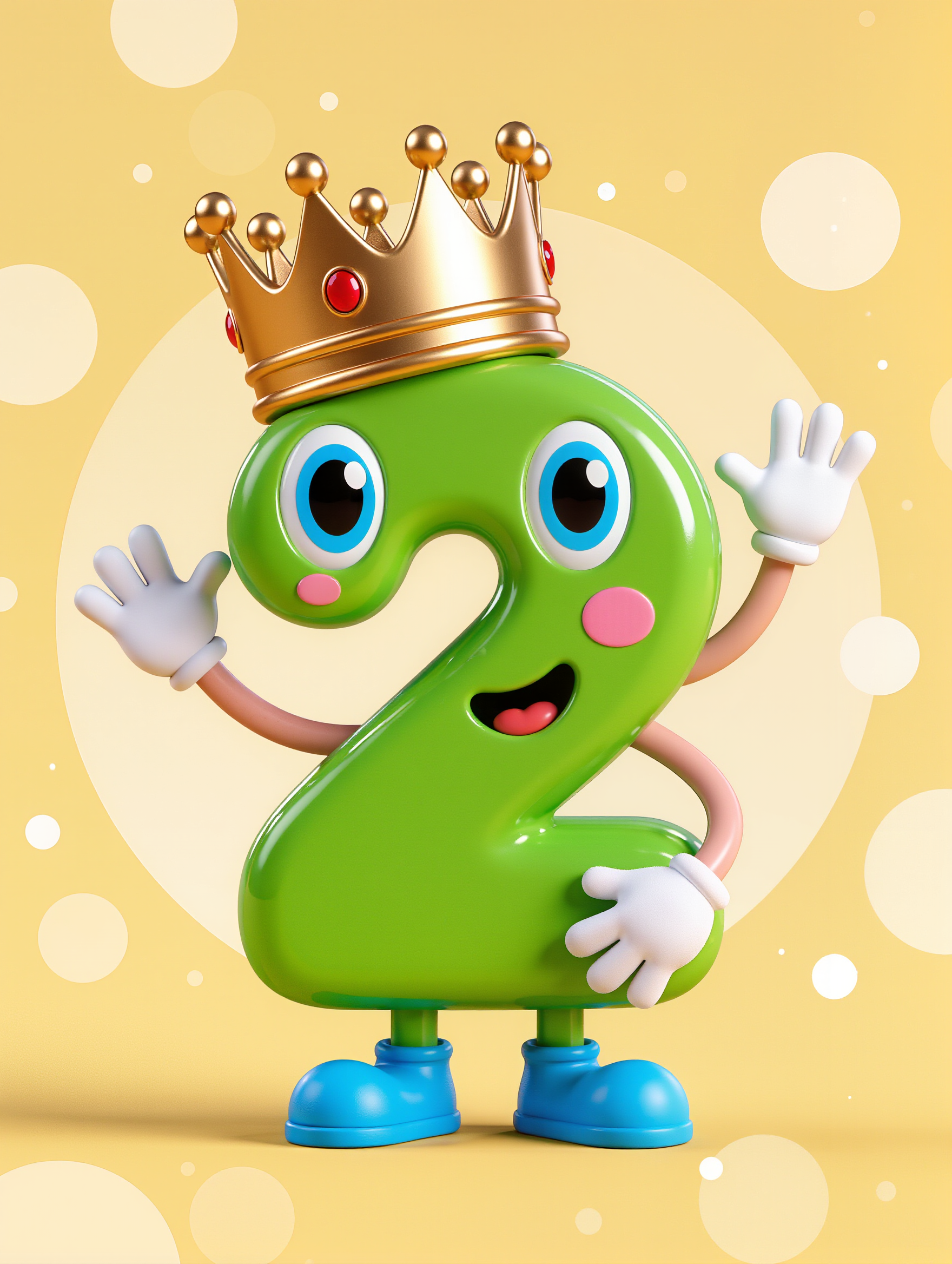
Happy 2 - photo to cartoon ai free AI image
TFHEgLOc avatar
TFHEgLOc
New AI cartoon  - photo to cartoon ai free AI video
pltKHhzA avatar
pltKHhzA
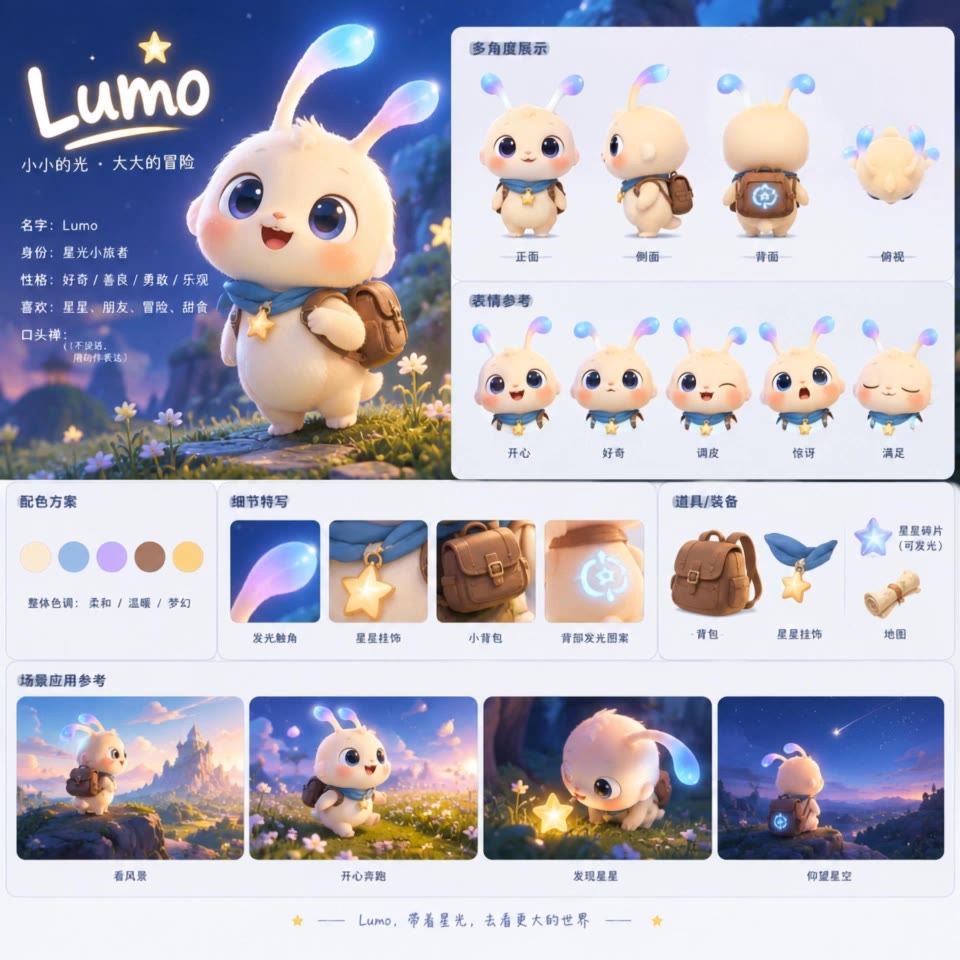
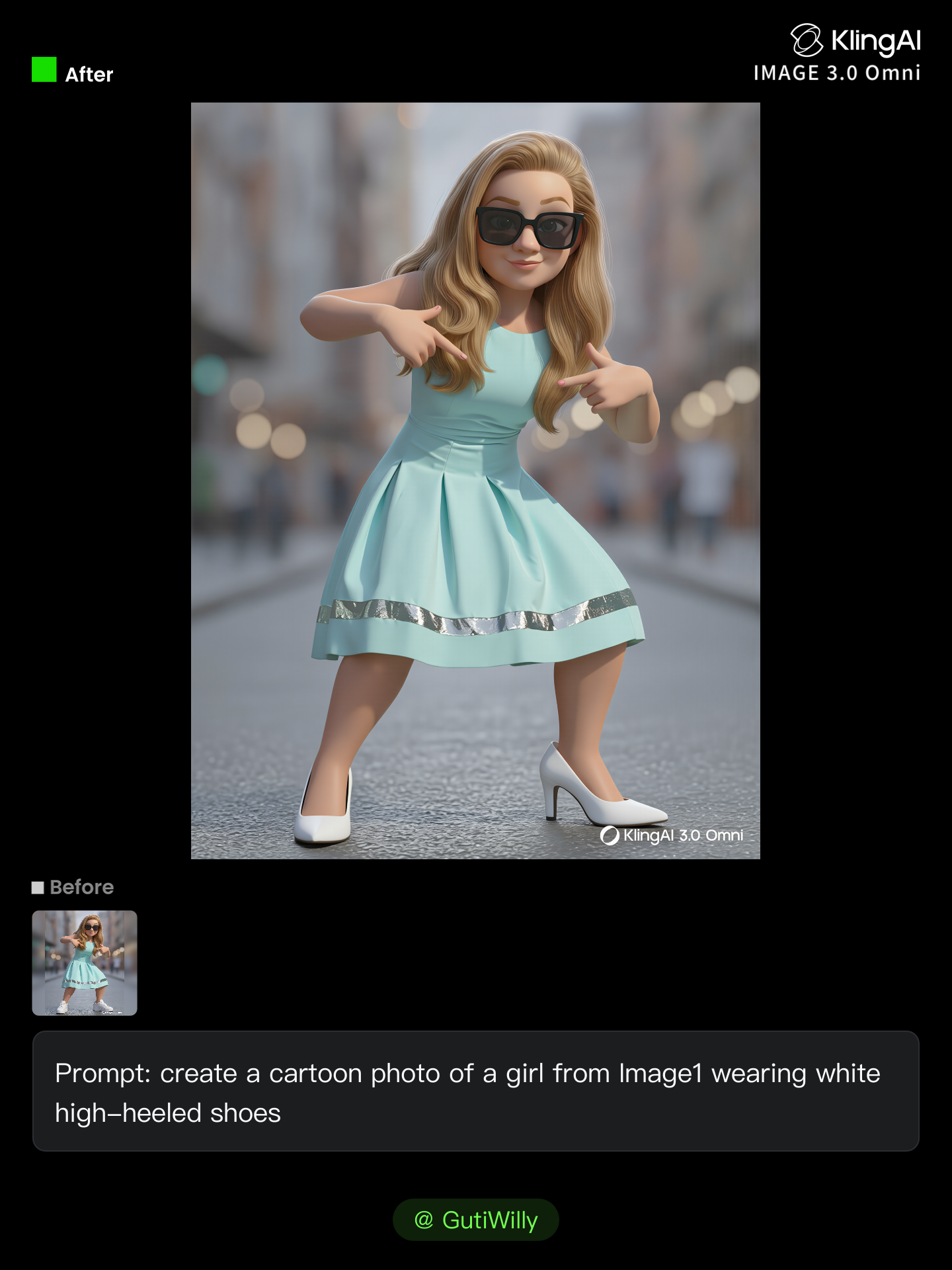
Cartoon goes on - photo to cartoon ai free AI image
GutiWilly avatar
GutiWilly
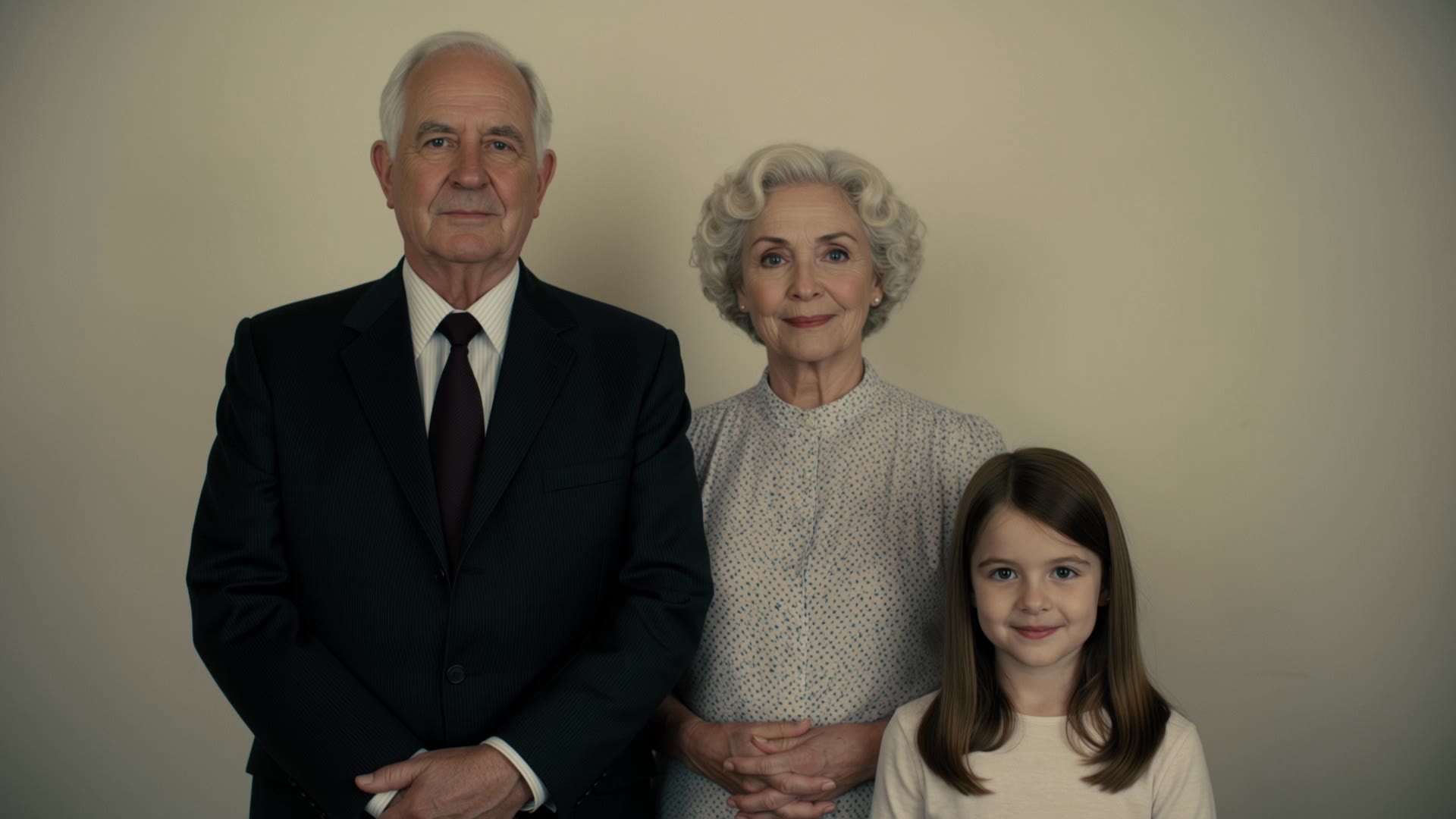
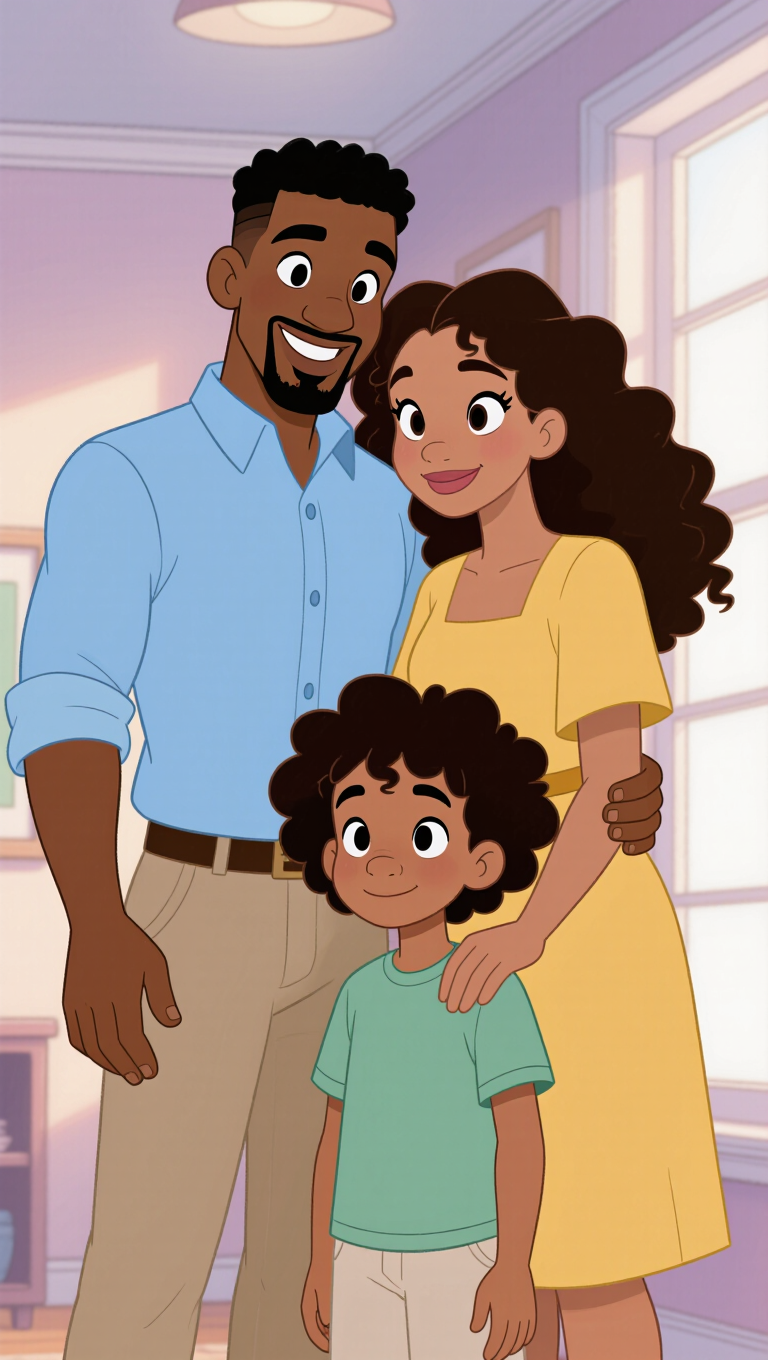
Family Photo of Random  - photo to cartoon ai free AI video
XyRcjLaj avatar
XyRcjLaj
Kling AI work 310245992504311 - photo to cartoon ai free AI image
FAMILY VIDEO 16 avatar
FAMILY VIDEO 16

How to Make Cinematic AI Videos with Kling AI

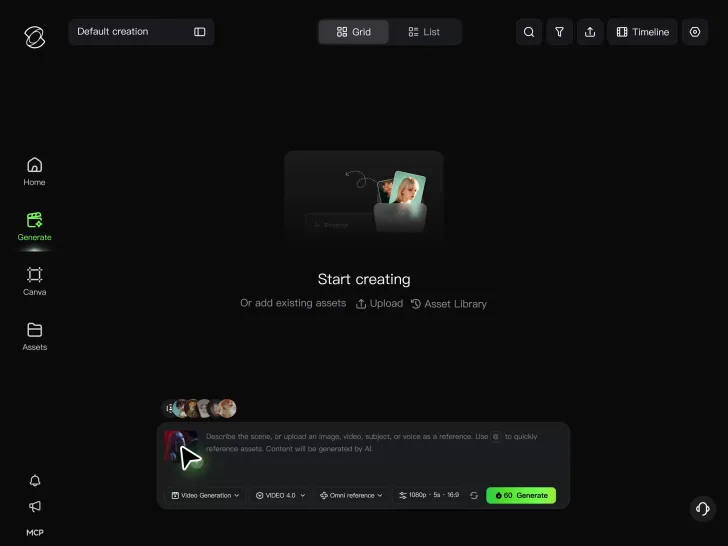
Upload or Describe Your Vision

Upload or Describe Your Vision

With Kling 4.0's Omni Reference, you can write a prompt and add up to 15 combined reference assets to guide your video creation, including images, videos and subject references.

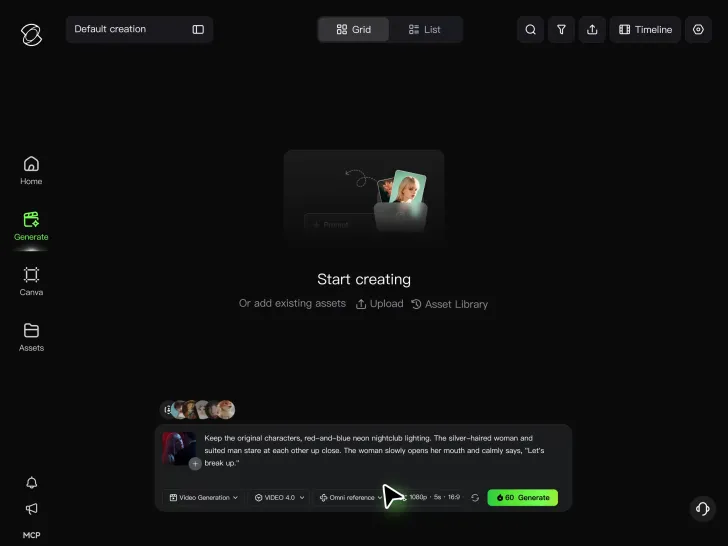
Describe the Action and Sound

Describe the Action and Sound

Set the scene, camera movement, and any dialogue or sound you want. Kling 4.0 supports dialogue in 9 languages.

Generate and Download

Generate and Download

Choose your aspect ratio and video duration, up to 30 seconds per generation with the Kling 4.0. Click Generate, preview your video, and download the result.

How Kling AI Sets the Standard for AI Video Creation

Realistic Motion from a Still Image

Realistic Motion from a Still Image

Animate portraits, artwork, and action images with natural character movement and physical interactions. Kling 4.0's dynamic motions improves stability during large movements, fast action, and complex scenes. From subtle facial expressions to sports and fight choreography, create motion that develops naturally from your image while keeping the subject and surrounding scene visually coherent.

Direct the Camera and Every Key Moment

Direct the Camera and Every Key Moment

A single image can lead to a tracking shot, camera orbit, close-up, or wider scene. Kling 4.0 offers stronger camera control, with native video generation up to 30 seconds for longer movements and connected action. Start and end frames help guide a transition, while up to 10 flexible keyframes let you define additional compositions, character poses, and scene changes as the video develops.

Combine References, Keep the Look

Combine References, Keep the Look

Keep recognizable characters, products, and visual styles as your images begin to move. Kling 4.0's Omni Reference supports up to 15 combined assets, including images, videos, and subjects, to guide appearance, actions, camera work, and settings. Use multiple views of a character or product alongside style and motion references. Stronger visual consistency helps preserve familiar details across new shots, with realistic textures.

Apps

Video Generation
Video Generation

Video Generation

Image Generation
Image Generation

Image Generation

Motion Control
Motion Control

Motion Control

Avatar
Avatar

Avatar

AI Portraits
AI Portraits

AI Portraits

Lip Sync
Lip Sync

Lip Sync

60M+
60M+
Users
600M+
600M+
AI Videos Generated
4.7 ★
4.7 ★
App Store
Industry-Leading
Industry-Leading
Cinematic 4K

Reviews

Samuele Poggi (@visualsk2)

Samuele Poggi (@visualsk2)

★★★★★

I use Kling AI daily to push the limits of AI filmmaking. It allows me to create highly cinematic content, blending AI and VFX to develop innovative projects. It has significantly impacted my creative process, enabling me to achieve complex animations that would otherwise require high production budgets.

Halim Alrasihi

Halim Alrasihi

★★★★★

I use AI daily and Kling AI is a crucial part of my workflow, whether for client work or personal projects. What I love most about using Kling AI is that it provides all the tools I need in one place, from keyframes to character references, elements and special effects.

Déborah

Déborah

★★★★★

I use Kling AI every day. It's amazing to see the almost daily progress it makes. I used AI for fun at first, and I now find that Kling AI's animations allow me to gain professional visibility, with three times more views on my animated posts than on my static posts.

FAQ

Q1What is the difference between an AI photo editor and an AI image generator?
Q2Can Kling AI restore an old or damaged photo?
Q3Can I turn a photo into a different art style?

Take Your Photo in a New Direction

Start with the image you have and rework it for the look, message, or moment you have in mind.

Object removal | Background changes | Portrait retouching | Photo restyling