
pixel ai - Pixel Art Adventure & Pixel gym workout

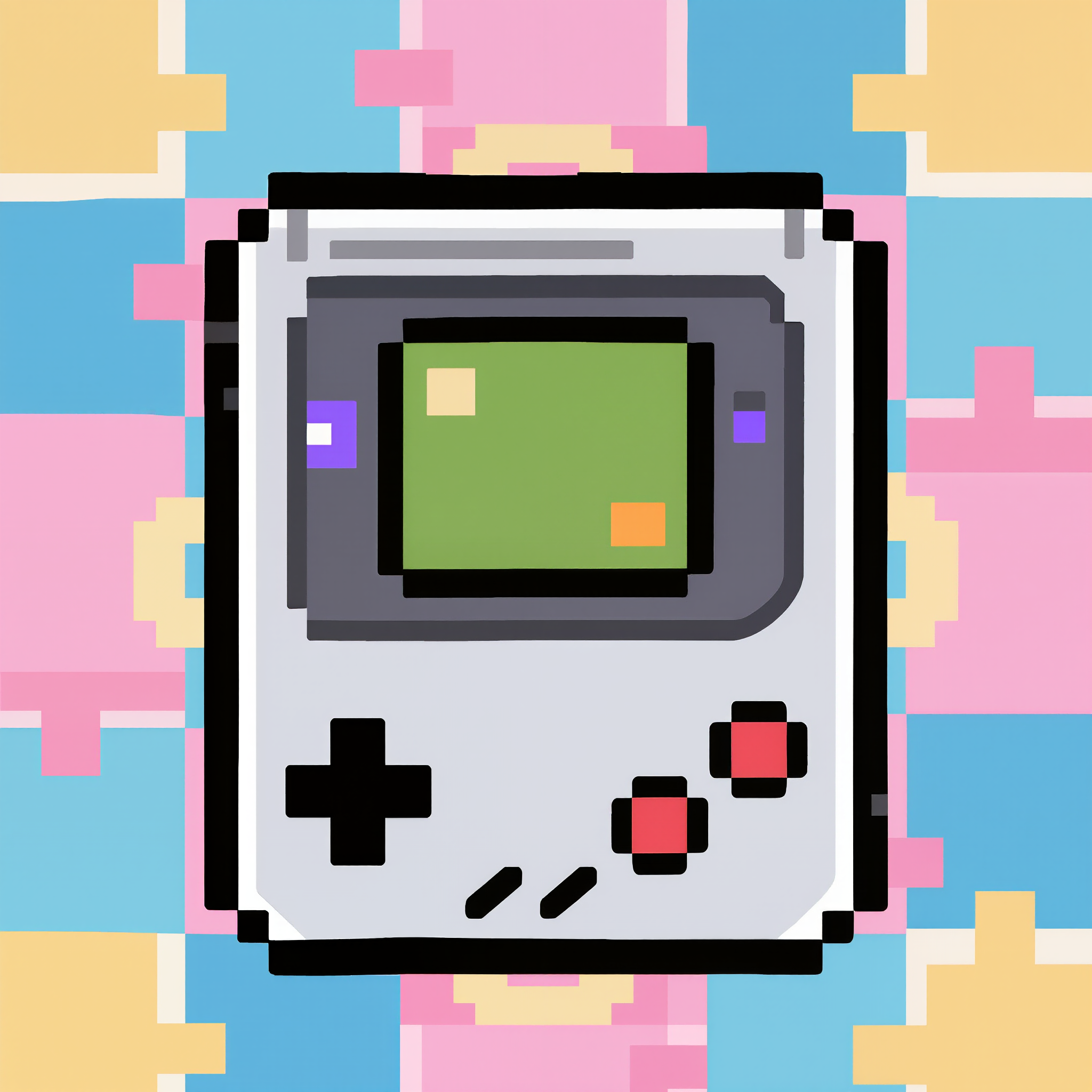
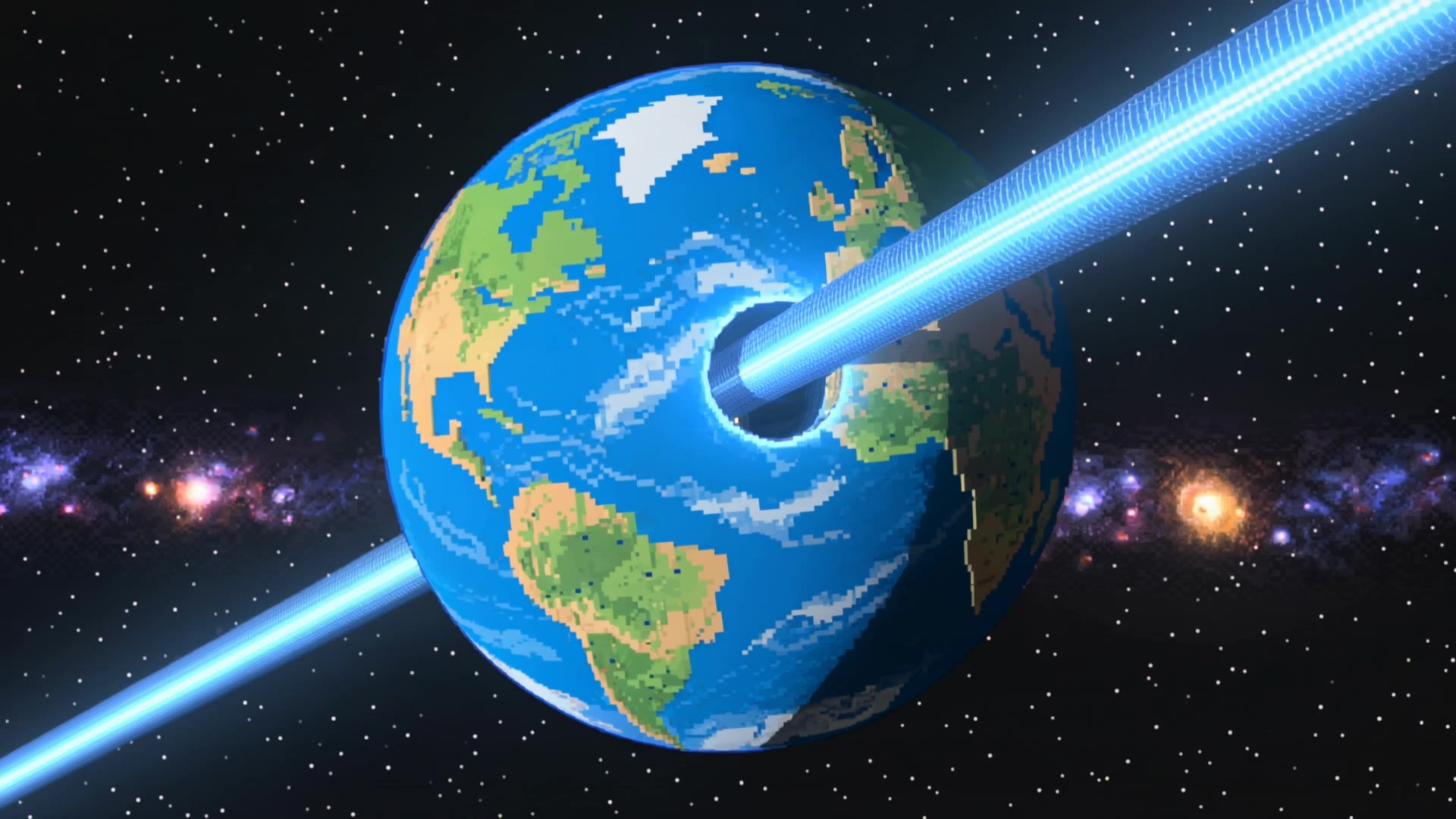
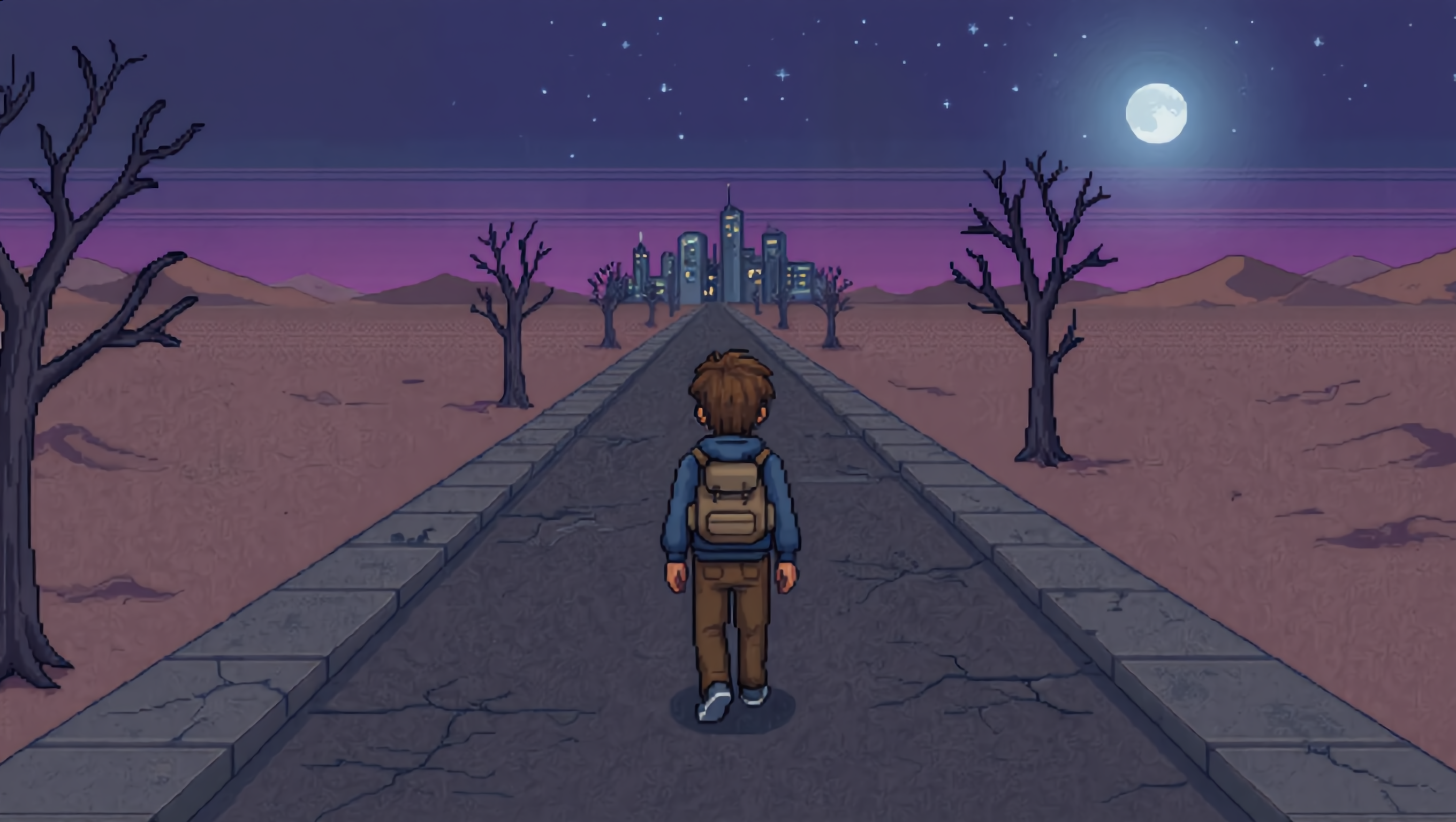
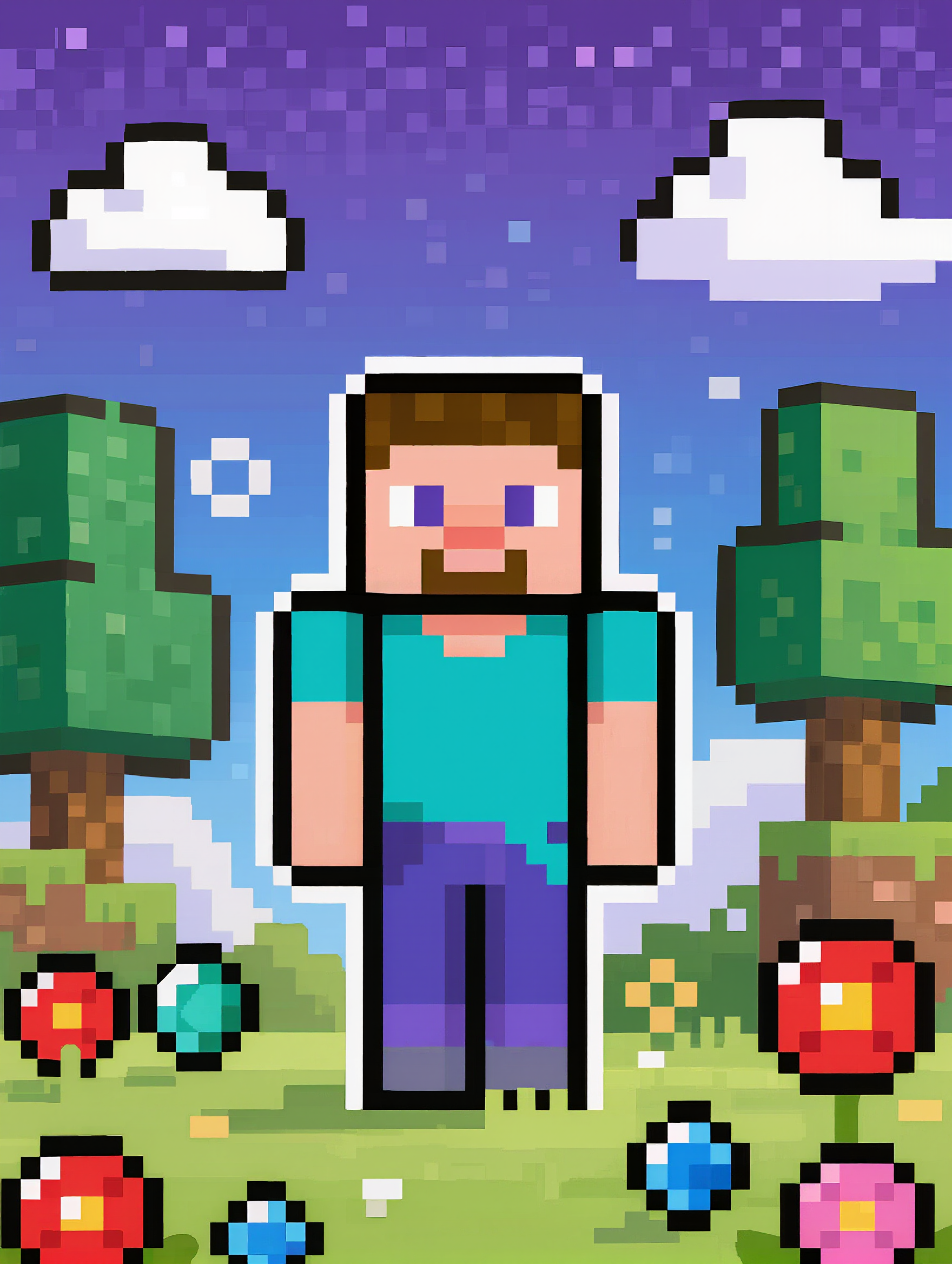
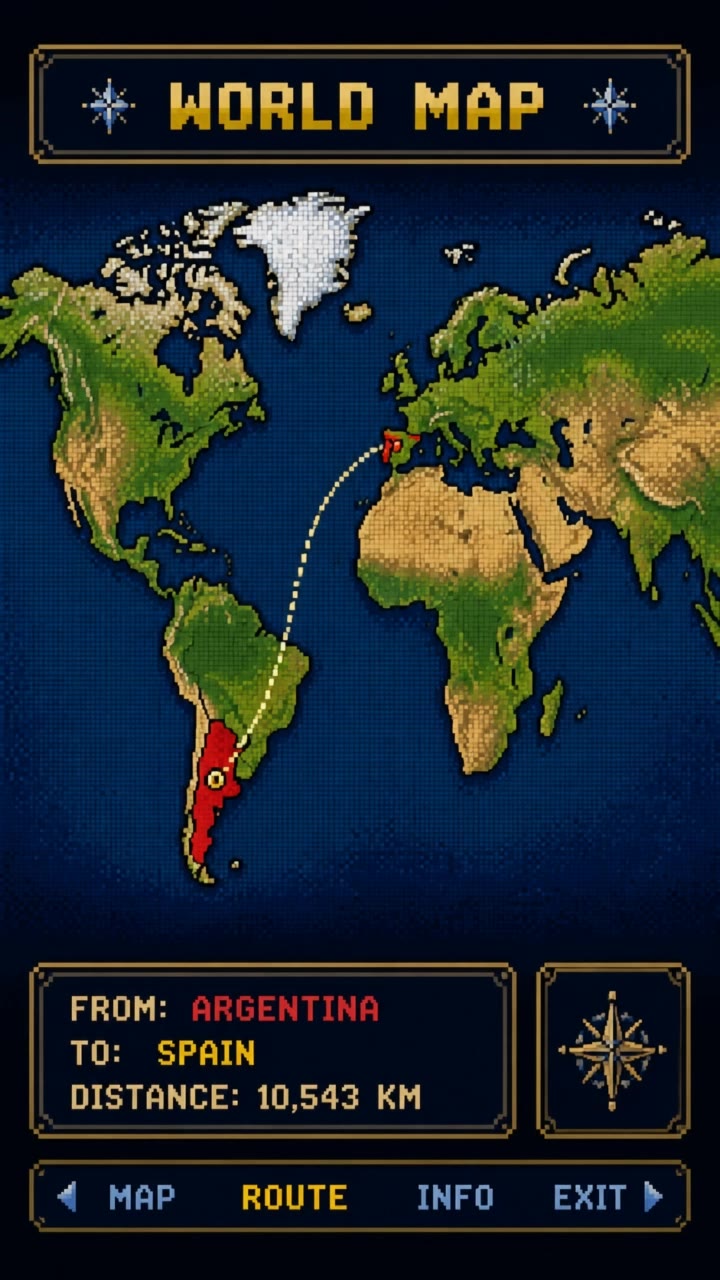
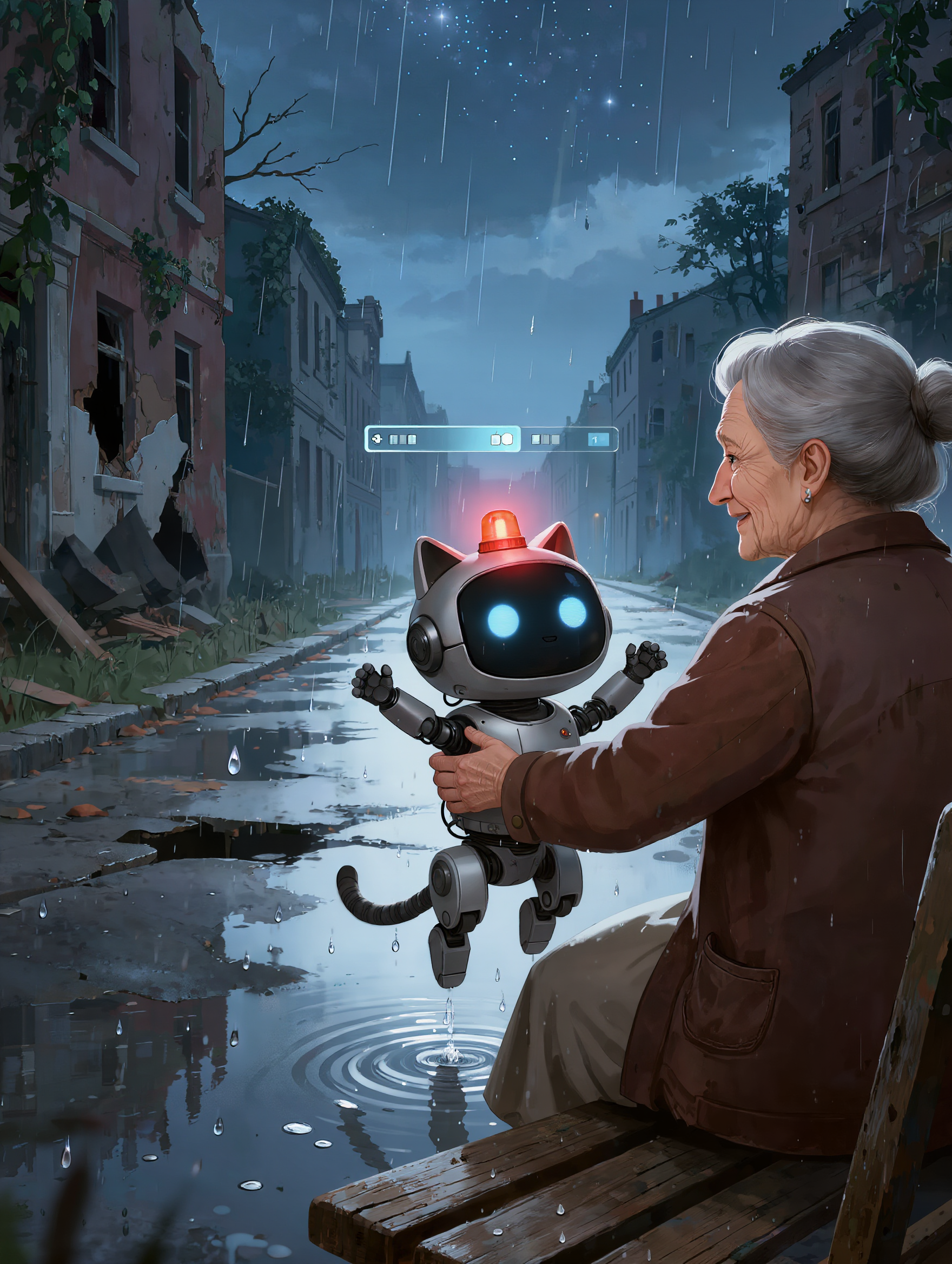
Immerse in retro pixel art adventures and dynamic pixel gym workouts. Unleash creativity with unique pixel characters and scenarios. Start exploring pixel ai ideas and generate your own content with AI.

pixel ai - Pixel Art Adventure & Pixel gym workout

Recommended

Kling AI work 314001237525430 - pixel ai AI image
vkTOaUfY avatar
vkTOaUfY
Kling AI work 316819040665271 - pixel ai AI image
dkKPLMth avatar
dkKPLMth
Kling AI work 318401870665802 - pixel ai AI image
aVDhTgyB avatar
aVDhTgyB
Kling AI work 309991688502269 - pixel ai AI video
NiDcceLU avatar
NiDcceLU
Kling AI work 315897130528913 - pixel ai AI video
Sh3lbyin3D avatar
Sh3lbyin3D
Kling AI work 317541067503534 - pixel ai AI image
RXEymBrp avatar
RXEymBrp
Kling AI work 310556103502086 - pixel ai AI image
SbePWqnl avatar
SbePWqnl
Kling AI work 321538003665662 - pixel ai AI image
nGIfCISQ avatar
nGIfCISQ
Kling AI work 319028097610320 - pixel ai AI image
DvukAXCS avatar
DvukAXCS
Kling AI work 316366341665698 - pixel ai AI image
zDkBmYRg avatar
zDkBmYRg
Kling AI work 320833828655419 - pixel ai AI image
fszElCqw avatar
fszElCqw
Pixel came to life…  - pixel ai AI video
Pixel😸 avatar
Pixel😸
Kling AI work 318926218611338 - pixel ai AI image
HCtzdIfc avatar
HCtzdIfc
Kling AI work 312278811507485 - pixel ai AI video
nBktZnnp avatar
nBktZnnp
Kling AI work 319490552668751 - pixel ai AI image
dvwzSeUE avatar
dvwzSeUE
Kling AI work 310873560612070 - pixel ai AI image
DyQkLJAy avatar
DyQkLJAy
Kling AI work 318758763528237 - pixel ai AI image
SJwBQMcO avatar
SJwBQMcO
Kling AI work 315236444668006 - pixel ai AI video
CbyKsxGW avatar
CbyKsxGW

How to Animate an Image with AI

Upload Your Image

Upload Your Image

Upload a portrait, product photo, illustration, or other image. For additional control, Kling 4.0's Omni Reference supports up to 15 combined reference assets, subject to individual input limits.

Describe the Motion

Describe the Motion

Specify how your subject moves and what the camera does. You can also add start and end frames or use up to 10 flexible keyframes to guide important changes with supported Kling 4.0 settings.

Generate and Download

Generate and Download

Choose your video settings and generate a clip up to 30 seconds long with Kling 4.0. Preview the result, make adjustments if needed, and download your video.

Edit the Parts That Matter

Change Subjects, Backgrounds, and Style

Change Subjects, Backgrounds, and Style

A different character, a new product, or a completely different location can change the purpose of a video. Keep the footage you already have and update the elements that need another take. No green screen needed. Kling 4.0 supports adding, removing, and replacing subjects and scene elements using prompts and visual references. Change a product, replace a character, or move the action into a new setting. Reference images help guide the appearance of new elements while keeping the rest of the scene closer to the original.

Recreate Videos with Your Own References

Recreate Videos with Your Own References

Found a camera move, transition, or video concept that would work with your own character or product? You can use the original clip as a creative reference rather than recreating the entire shoot. Kling 4.0 draws on reference footage for pacing, shot composition, and movement while introducing your own subjects and visual style. Omni Reference supports up to 15 combined assets, subject to individual input limits. Combine character images, product photos, and video references to explore new versions while helping recognizable details stay consistent.

Extend Your Video Up to 2 Minutes

Extend Your Video Up to 2 Minutes

Continue an existing video forward or backward, adding footage before the opening or after the ending. Extend actions, camera movements, and storylines while keeping the new footage connected to the original scene. Kling 4.0's Video Extension supports multiple extension passes, reaching a total video length of up to 2 minutes. Build longer sequences with continuity in characters, settings, and movement, without recreating the entire video.

Apps

Video Generation
Video Generation

Video Generation

Image Generation
Image Generation

Image Generation

Motion Control
Motion Control

Motion Control

Avatar
Avatar

Avatar

AI Portraits
AI Portraits

AI Portraits

Lip Sync
Lip Sync

Lip Sync

60M+
60M+
Users
600M+
600M+
AI Videos Generated
4.7 ★
4.7 ★
App Store
Industry-Leading
Industry-Leading
Cinematic 4K

Reviews

Huang Lu (Elson)

Huang Lu (Elson)

★★★★★

I’ve been using Kling AI since its initial release, and it’s remained one of the leading AI media generators ever since. With Kling AI, I’ve created hundreds of videos, collectively amassing millions of views.

Jyo John Mulloor

Jyo John Mulloor

★★★★★

Kling AI has been instrumental in transforming my creative workflow, unlocking new dimensions of artistic expression that were once unimaginable. I use Kling AI extensively to develop high-concept visuals, animate surreal dreamscapes, and create AI-assisted films that blur the line between reality and fantasy. Kling AI’s deep learning capabilities have not only enhanced my creative efficiency but also inspired me to explore storytelling in ways I never thought possible.

Ozan Sihay

Ozan Sihay

★★★★★

Kling AI allows me to rapidly prototype ideas, refine storytelling elements, and produce visually compelling content efficiently. It has not only accelerated my creative processes, but also deepened my understanding of how AI can enrich visual storytelling.

FAQ

Q1Can I generate AI videos from text prompts?
Q2Is Kling AI a free AI video generator?
Q3How do I generate an AI video?

Start Creating AI Videos with Kling

Start with text or images and see what's possible with Kling AI. Create the footage, guide the movement, and keep working until the scene feels right. No complicated setup.

Text to Video | Image to Video | Omni Reference | Free tier includes watermark