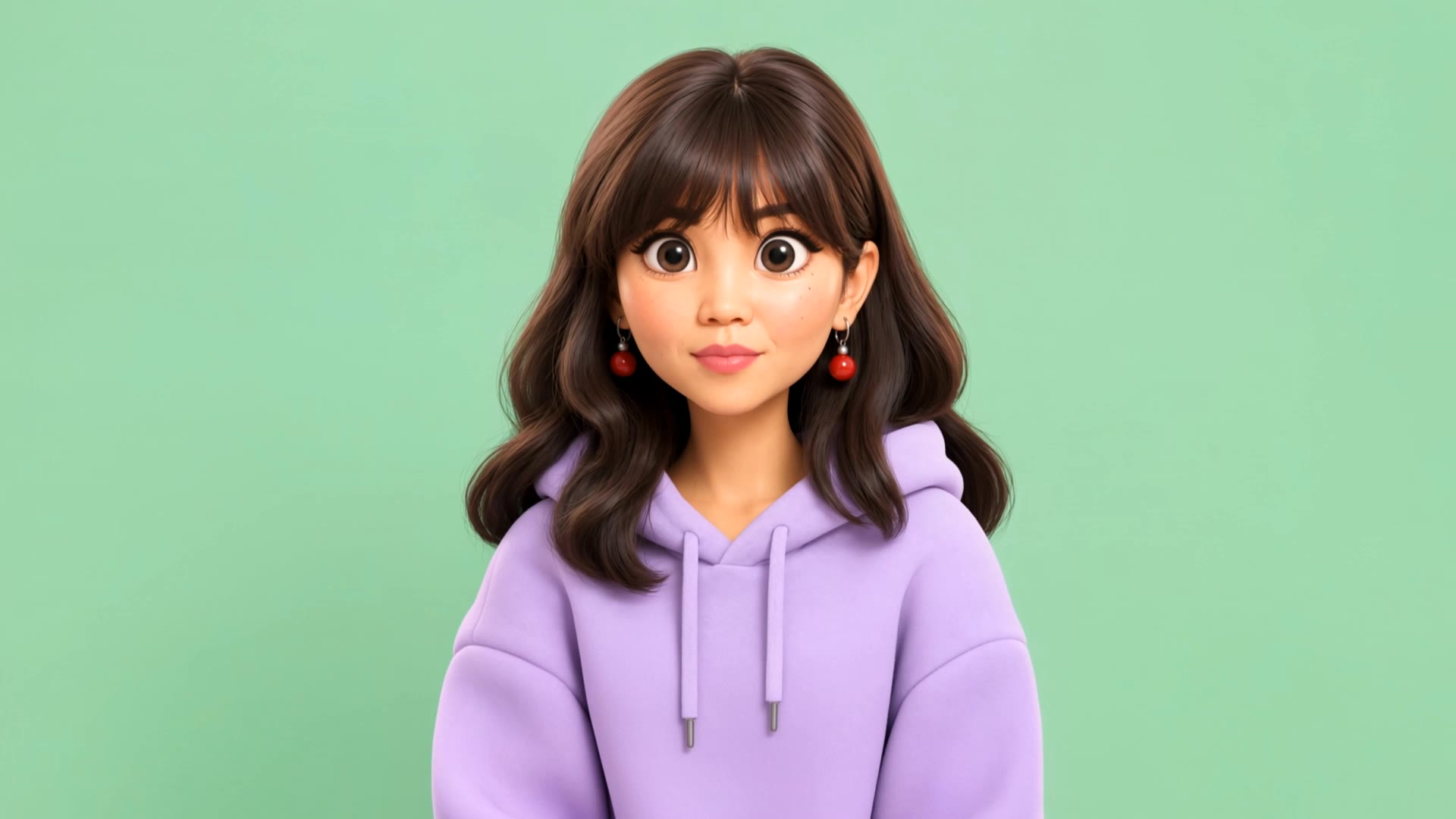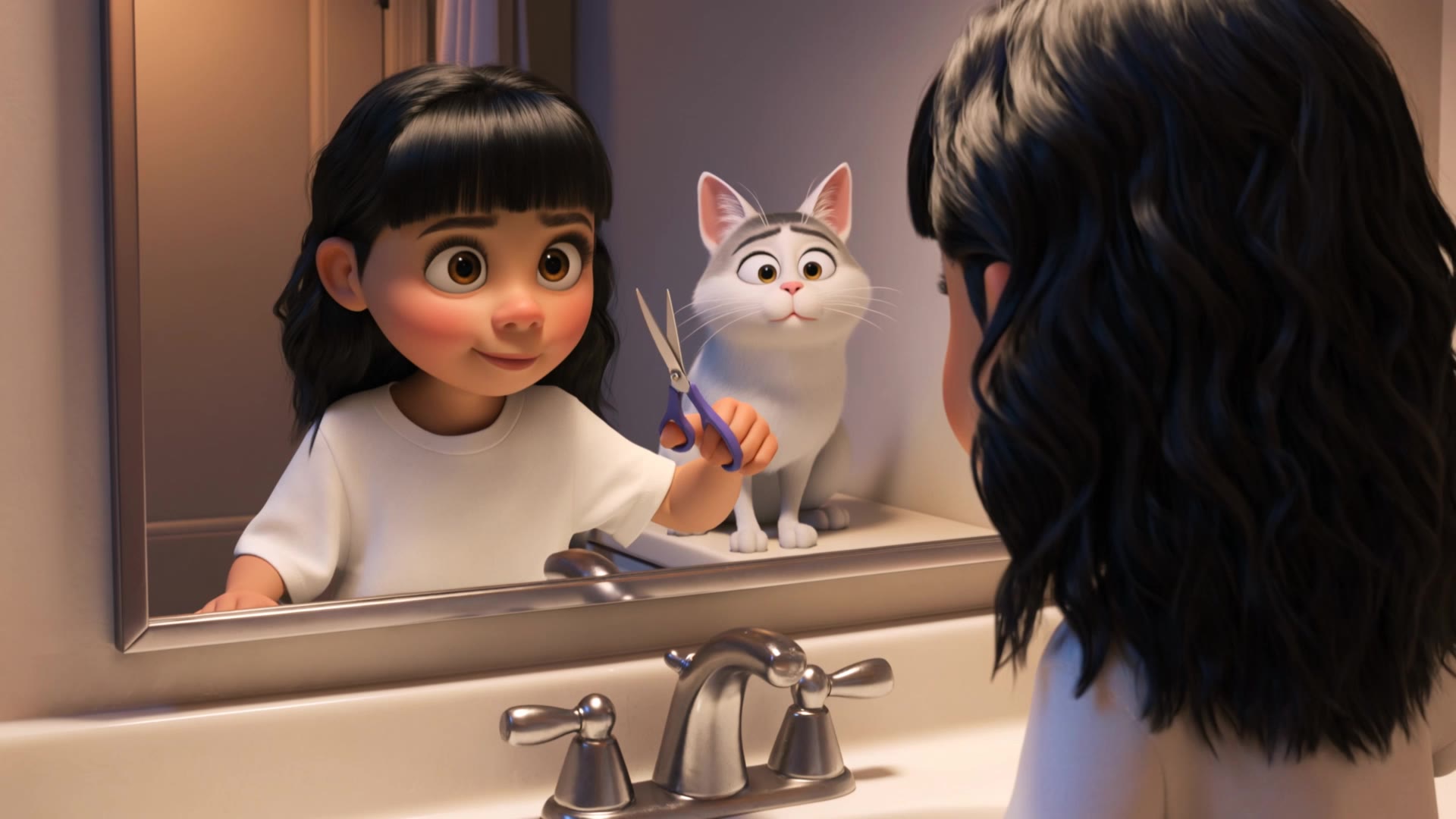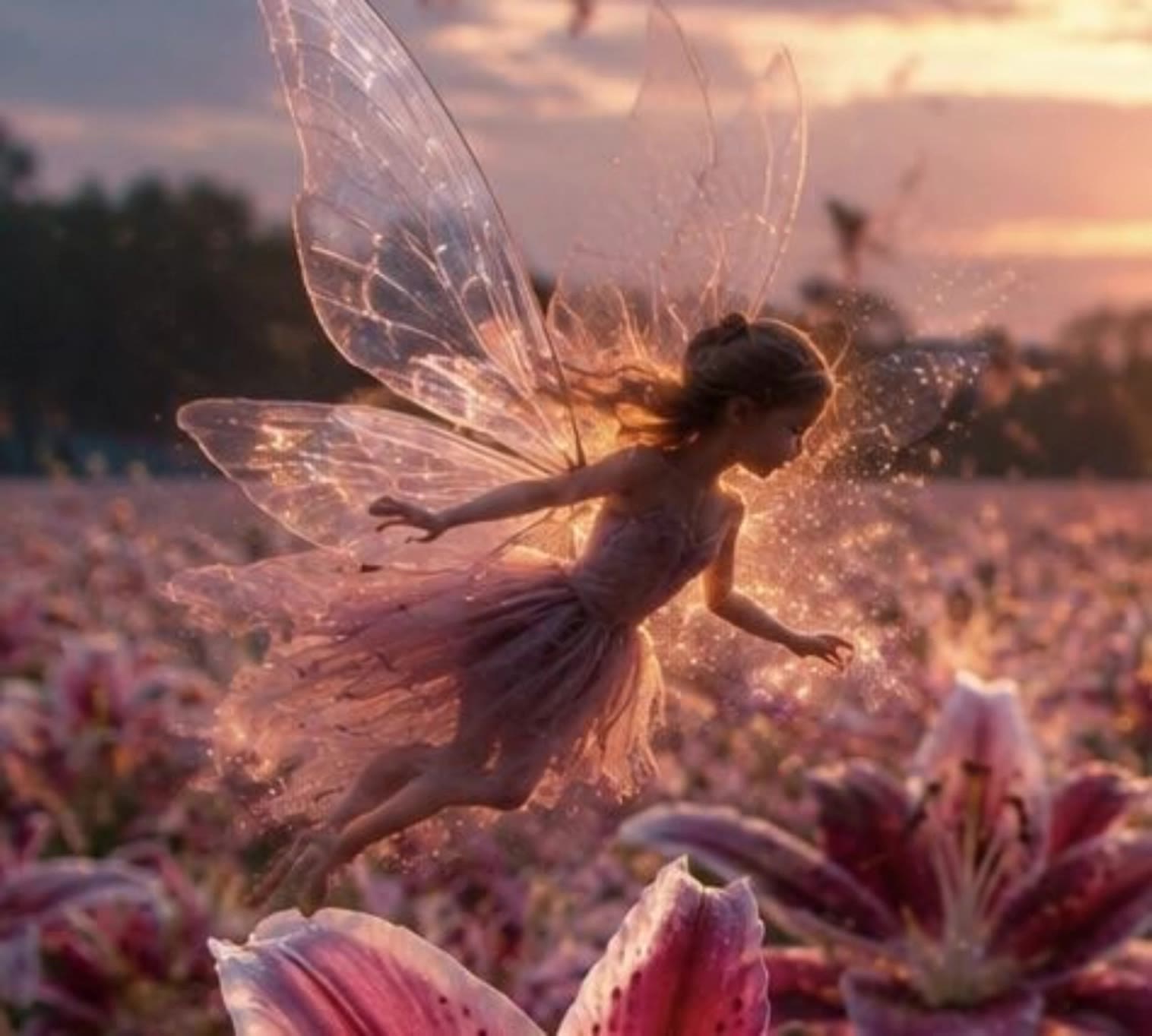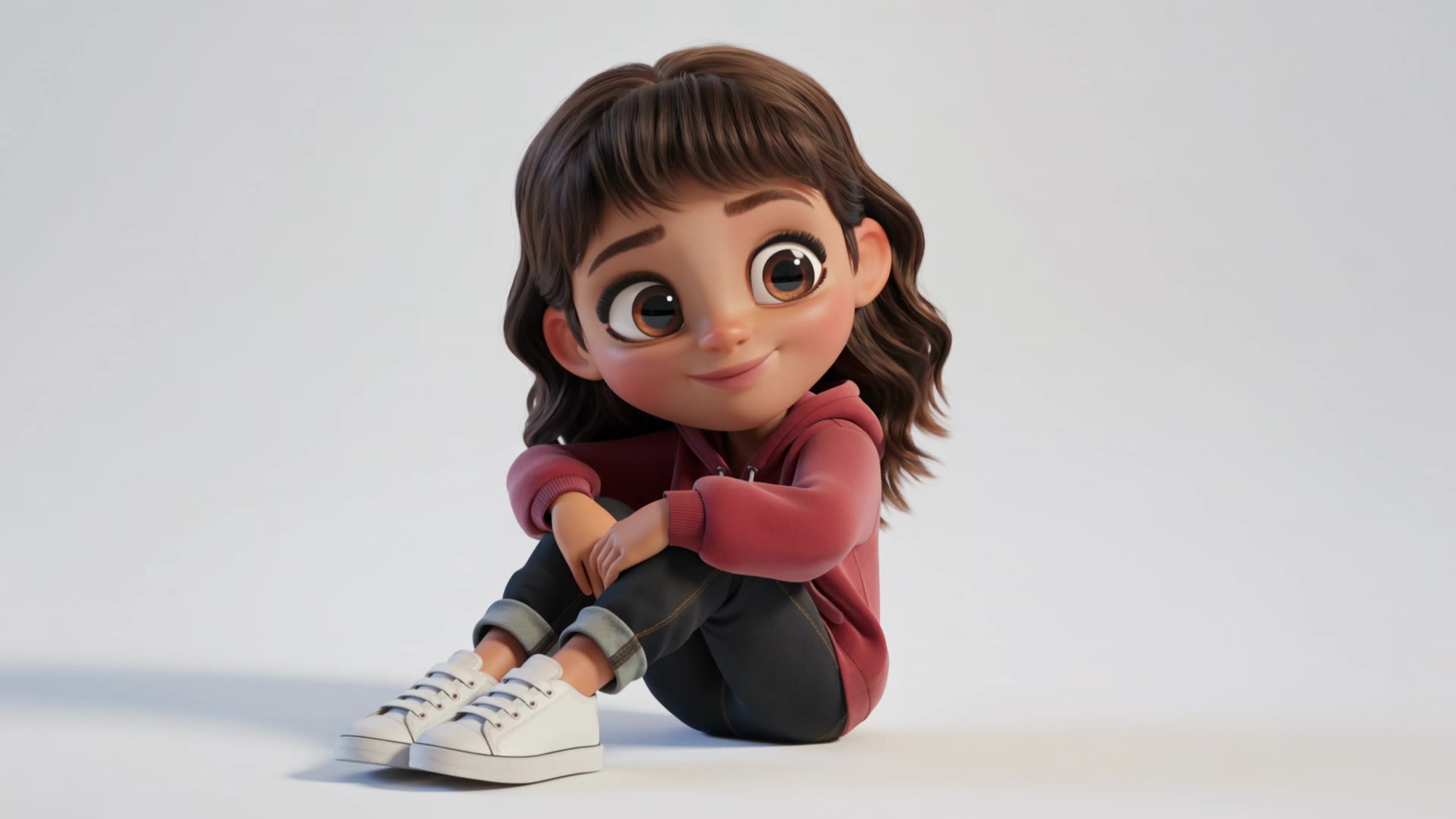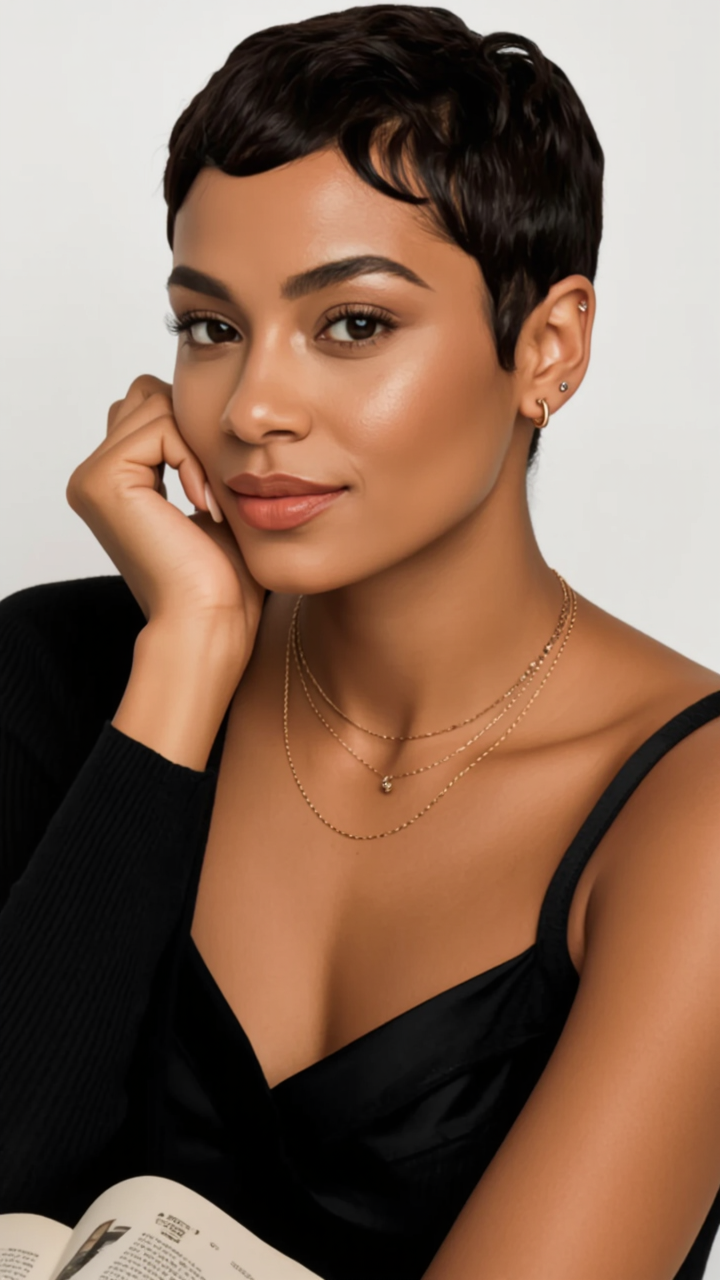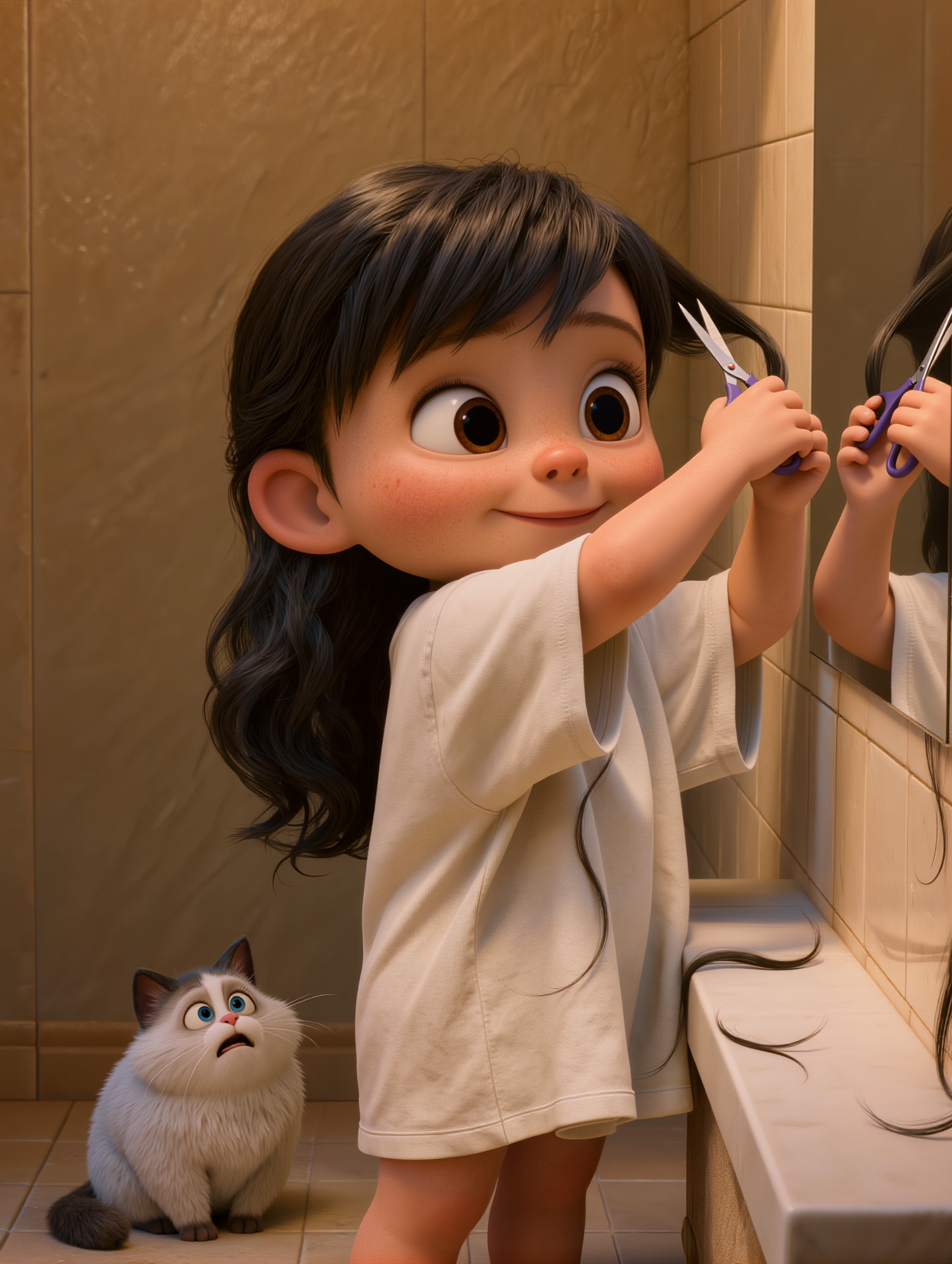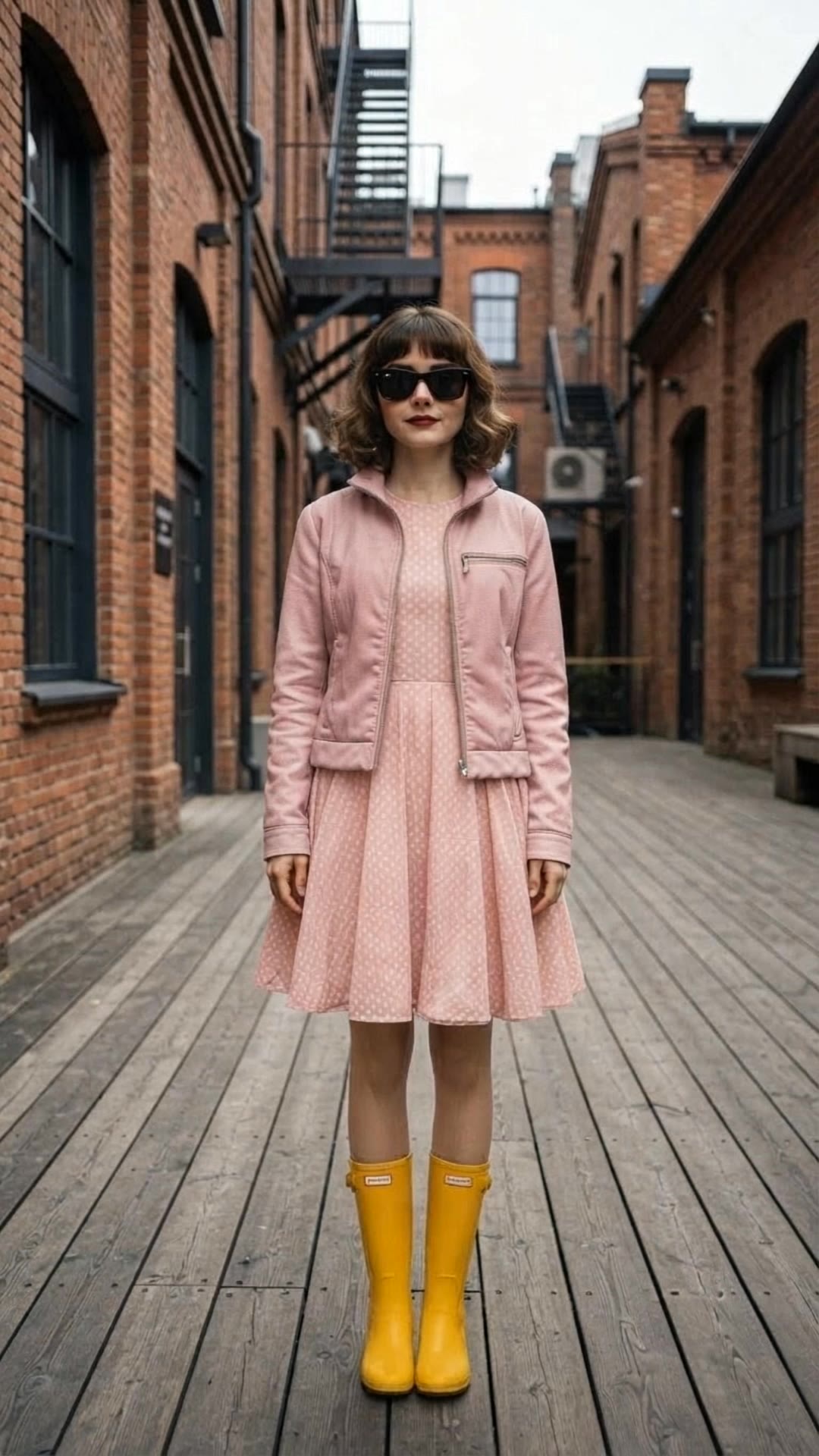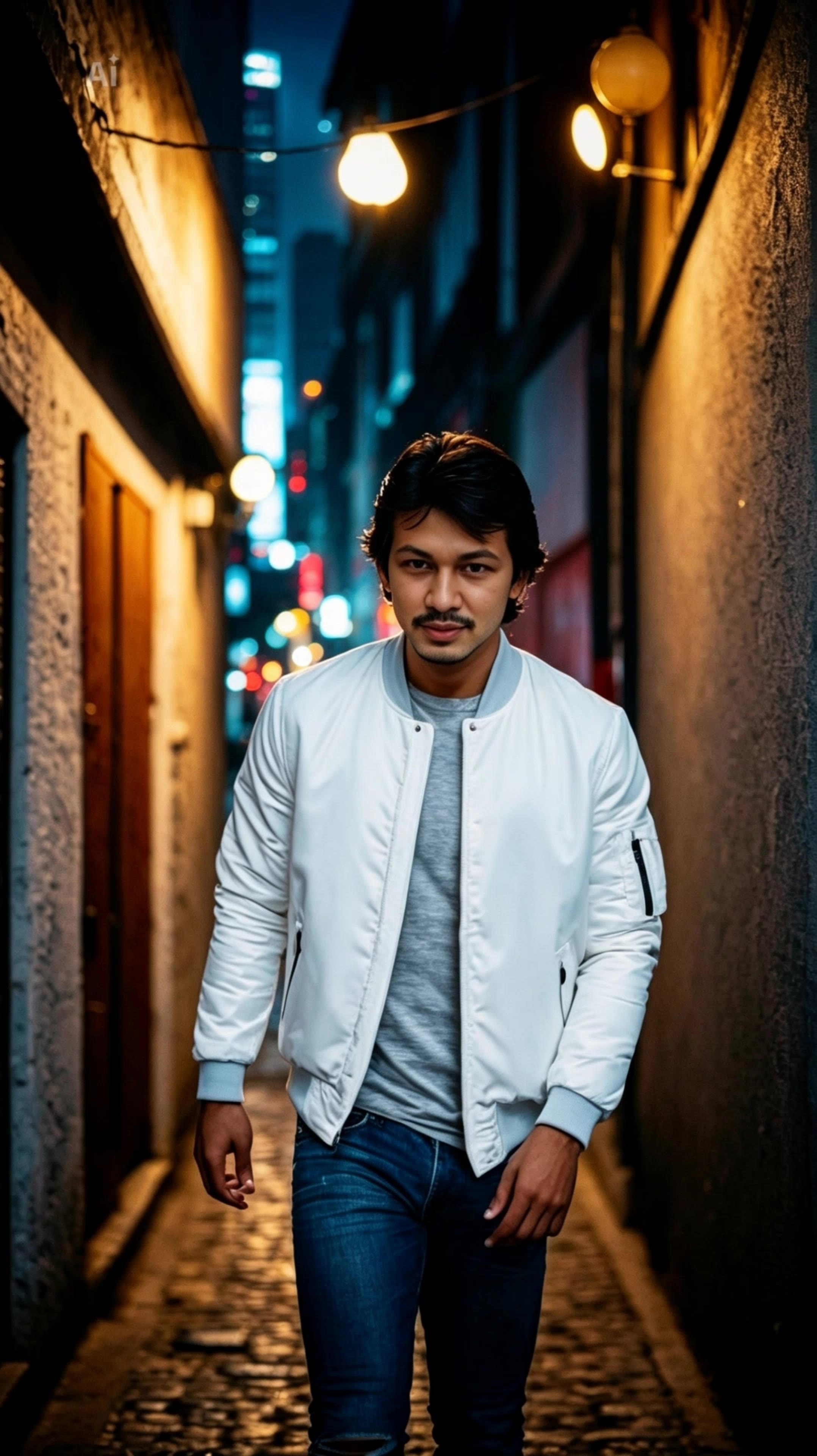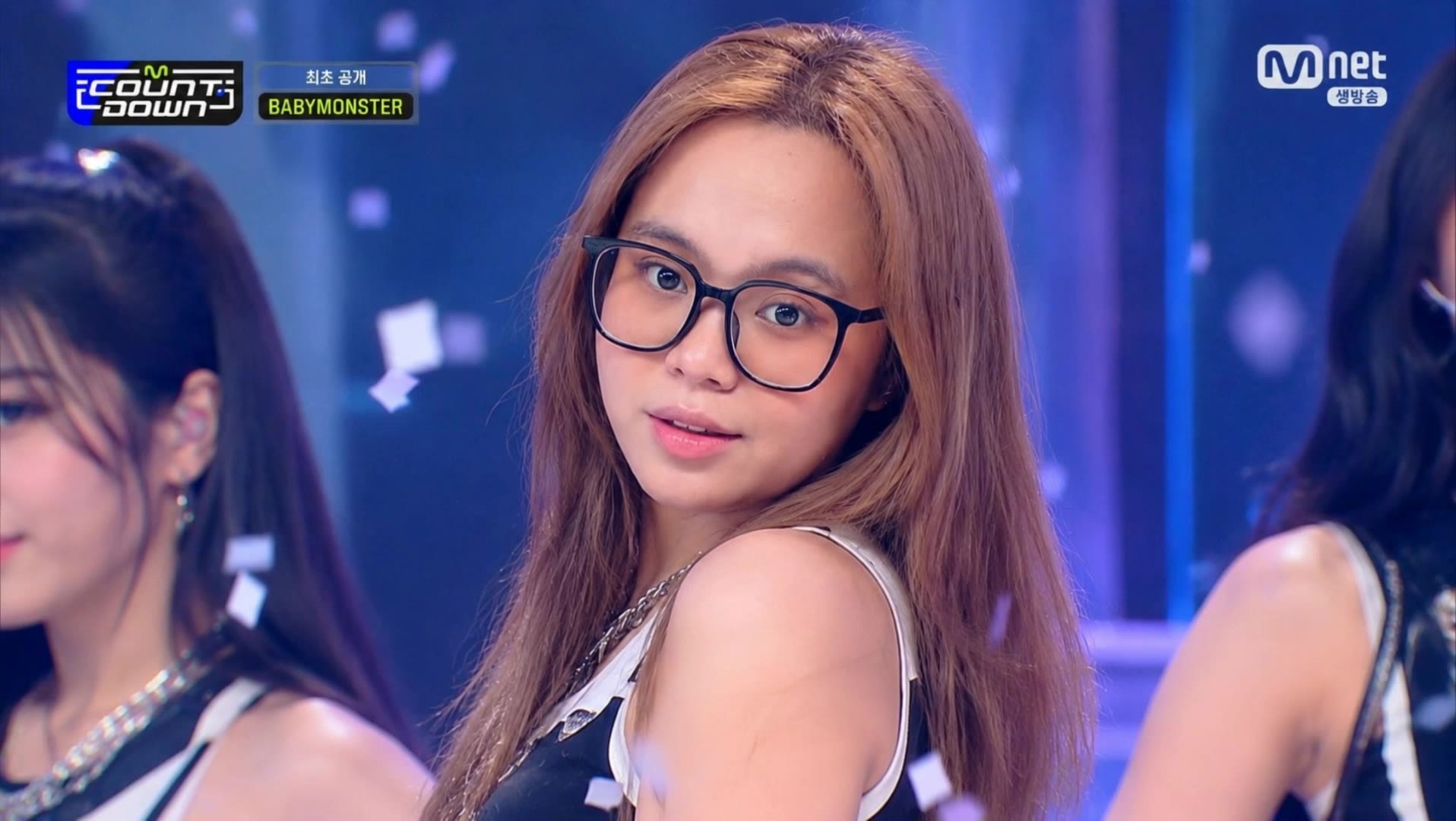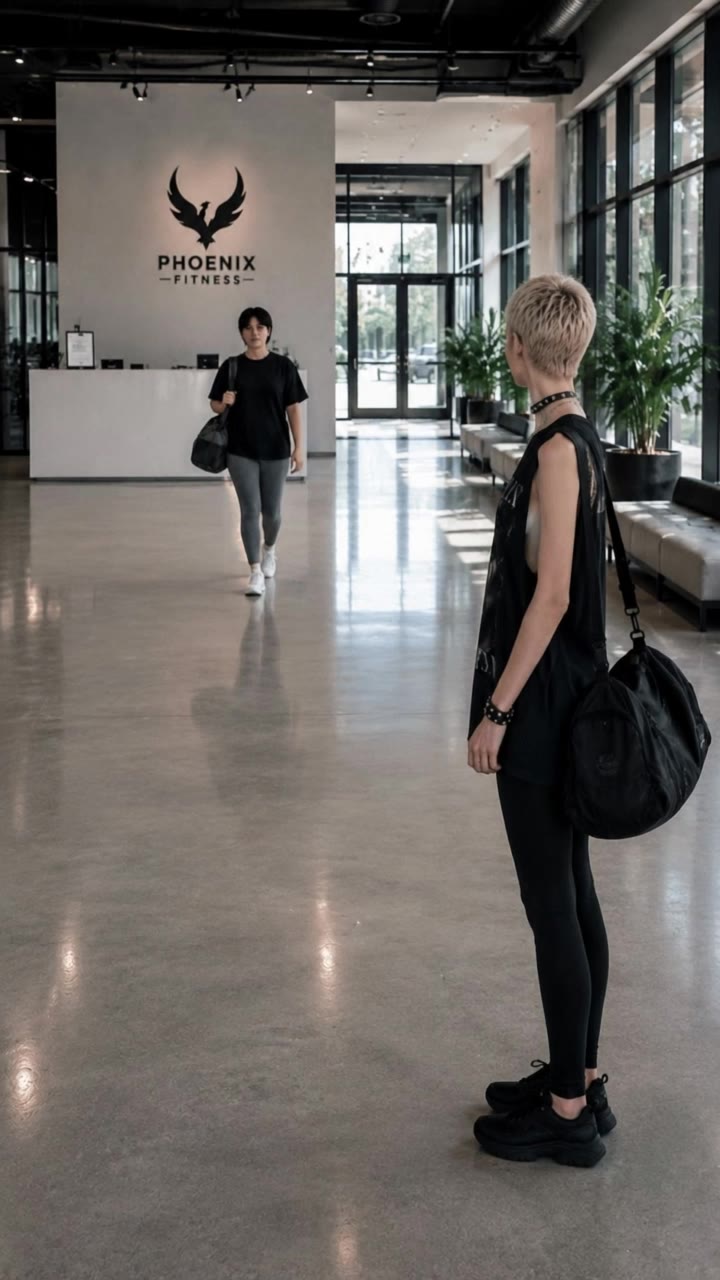

pixie bangs - Nordic ice-blonde & cyberpunk Japanese style

Embrace the whimsical charm of pixie bangs with playful themes and ultra-realistic, cinematic portraits. Start exploring pixie bangs ideas and generate your own content with AI.

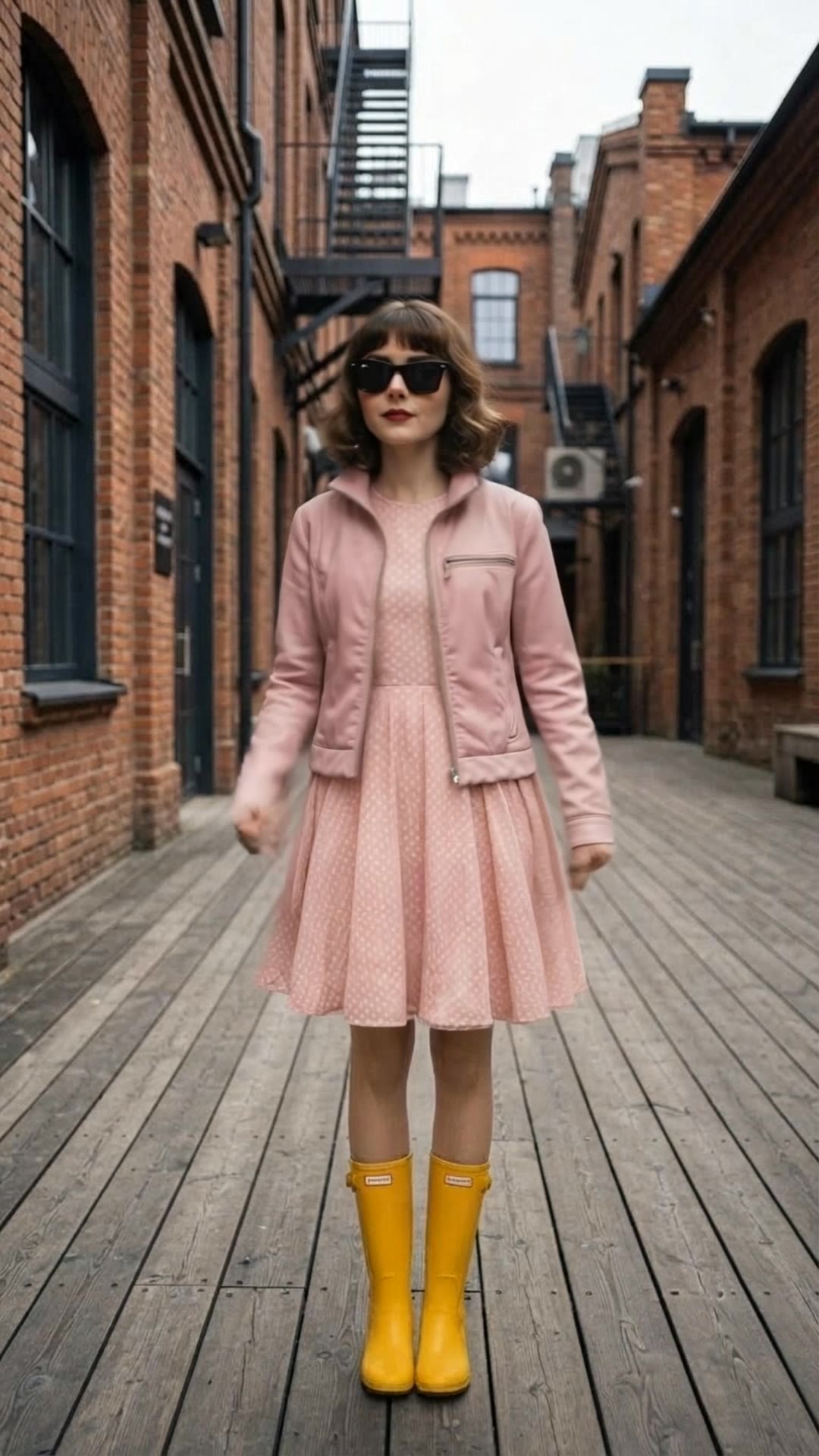
pixie bangs - Nordic ice-blonde & cyberpunk Japanese style

Recommended

Kling AI work 310853476615205 - pixie bangs AI video
Tompham avatar
Tompham
Ain't no bad day  - pixie bangs AI video
Tove Lo avatar
Tove Lo
Kling AI work 321429748527920 - pixie bangs AI video
oSuxCzEs avatar
oSuxCzEs
Pixie Playground - pixie bangs AI video
KLING2836 avatar
KLING2836
Kling AI work 311013804525349 - pixie bangs AI video
viwQlVcr avatar
viwQlVcr
Kling AI work 311780007501587 - pixie bangs AI video
Luna🌘🌑🌒 fae avatar
Luna🌘🌑🌒 fae
Kling AI work 318235207664220 - pixie bangs AI video
zZnVqvmQ avatar
zZnVqvmQ
Kling AI work 317696903611327 - pixie bangs AI image
Secret in the city avatar
Secret in the city
Kling AI work 311013499617475 - pixie bangs AI image
viwQlVcr avatar
viwQlVcr
You think your gonna stop me? - pixie bangs AI video
Tove Lo avatar
Tove Lo
Kling AI work 315964913304641 - pixie bangs AI video
LwPeojRn avatar
LwPeojRn
Kling AI work 315500165617873 - pixie bangs AI image
Dragonst avatar
Dragonst
Kling AI work 316178829665005 - pixie bangs AI video
Pixie Adventures ABC avatar
Pixie Adventures ABC
you ain't gonna stop me  - pixie bangs AI video
Tove Lo avatar
Tove Lo
Kling AI work 310699817613555 - pixie bangs AI video
yeJdCfuj avatar
yeJdCfuj
Kling AI work 311744763661699 - pixie bangs AI video
Luna🌘🌑🌒 fae avatar
Luna🌘🌑🌒 fae
I eat bad days for dinner-HA  - pixie bangs AI video
Tove Lo avatar
Tove Lo
Kling AI work 310970539613734 - pixie bangs AI video
indri | Video Maker avatar
indri | Video Maker
Kling AI work 311749754505094 - pixie bangs AI video
aBbYqgDu avatar
aBbYqgDu

A Complete AI Video Editing Workflow

Upload Your Footage

Upload Your Footage

Start with a video you've filmed or generated. Add reference images, characters, or other supported assets if you want to guide how the edited scene should look.

Describe What You Want to Change

Describe What You Want to Change

Tell Kling what to replace, remove, or adjust. You can change the subject, background, action, camera angle, or visual style. Include details you want to keep from the original footage.

Preview and Download Your Video

Preview and Download Your Video

Generate your edited video and review the changes. Refine your prompt or references if needed, then download the version you're happy with.

Edit Any Part with Kling AI

Add, Remove, or Replace Image Content

Add, Remove, or Replace Image Content

Tell Kling what you want to change in text prompts. Replace a person, remove an object, or fine-tune details such as color, material, pose, and expression. Even detailed edits take fewer and easier steps because you can change the photo with AI instead of with traditional photo editing tools. IMAGE 3.0 follows your instruction while keeping the photo’s original style, lighting, and texture in place, so the edited area still belongs in the same shot.

Change the Color, Lighting, or Style

Change the Color, Lighting, or Style

Give an existing photo a different mood effortlessly. Lift a dim scene, soften harsh light, warm or cool the colors, or bring color to a black-and-white photo or line drawing. A short prompt replaces the usual round of manual adjustments. Looking for a bigger shift? Add a style reference or spell out the visual direction. IMAGE 3.0 carries the palette, texture, and atmosphere across the whole image, so the new look feels cohesive rather than pasted on. Use it for studio-style professional headshots, distinctive portrait treatments, cinematic scene design, or a visual style that feels entirely your own.

Rework the Shot or Camera Angle

Rework the Shot or Camera Angle

Tell Kling how you want the shot to look in a text prompt. Turn a front-facing photo into a side view, move the camera higher or lower, or change a wide shot into a close-up. You can explore a new composition around the same subject without setting up another shoot. IMAGE 3.0 rebuilds the scene from the angle you request, adjusting the perspective, camera height, shot size, focal length, and depth of field along with it. The result is a newly generated view based on the source photo, rather than hidden details recovered from outside the original frame.

Apps

Video Generation
Video Generation

Video Generation

Image Generation
Image Generation

Image Generation

Motion Control
Motion Control

Motion Control

Avatar
Avatar

Avatar

AI Portraits
AI Portraits

AI Portraits

Lip Sync
Lip Sync

Lip Sync

60M+
60M+
Users
600M+
600M+
AI Videos Generated
4.7 ★
4.7 ★
App Store
Industry-Leading
Industry-Leading
Cinematic 4K

Reviews

James Phillips

James Phillips

★★★★★

Kling AI has transformed my workflow by collapsing timelines and democratizing production. It’s shifted my mindset from resource-dependent filmmaking to a boundless creative sandbox, where experimentation yields unexpected beauty.

PJ Ace

PJ Ace

★★★★★

Kling AI has made it easy for us to generate world class visuals for Fortune 500 companies, TV shows and music for big artists. We love the easy of use of the platform and the quality of the generations. My first time using Kling AI, I got 22 million views on just one video. It's that good.

Ozan Sihay

Ozan Sihay

★★★★★

Kling AI allows me to rapidly prototype ideas, refine storytelling elements, and produce visually compelling content efficiently. It has not only accelerated my creative processes, but also deepened my understanding of how AI can enrich visual storytelling.

FAQ

Q1What is Kling Video 3.0?
Q2Can I use this for global AI video marketing?
Q3Is it suitable for product demo videos?

Experience Video 3.0 on Kling

Create cinematic, multi-shot videos with native audio and precise control—all in one generation.

Native audio | Multi-shot control | Up to 15s continuous output