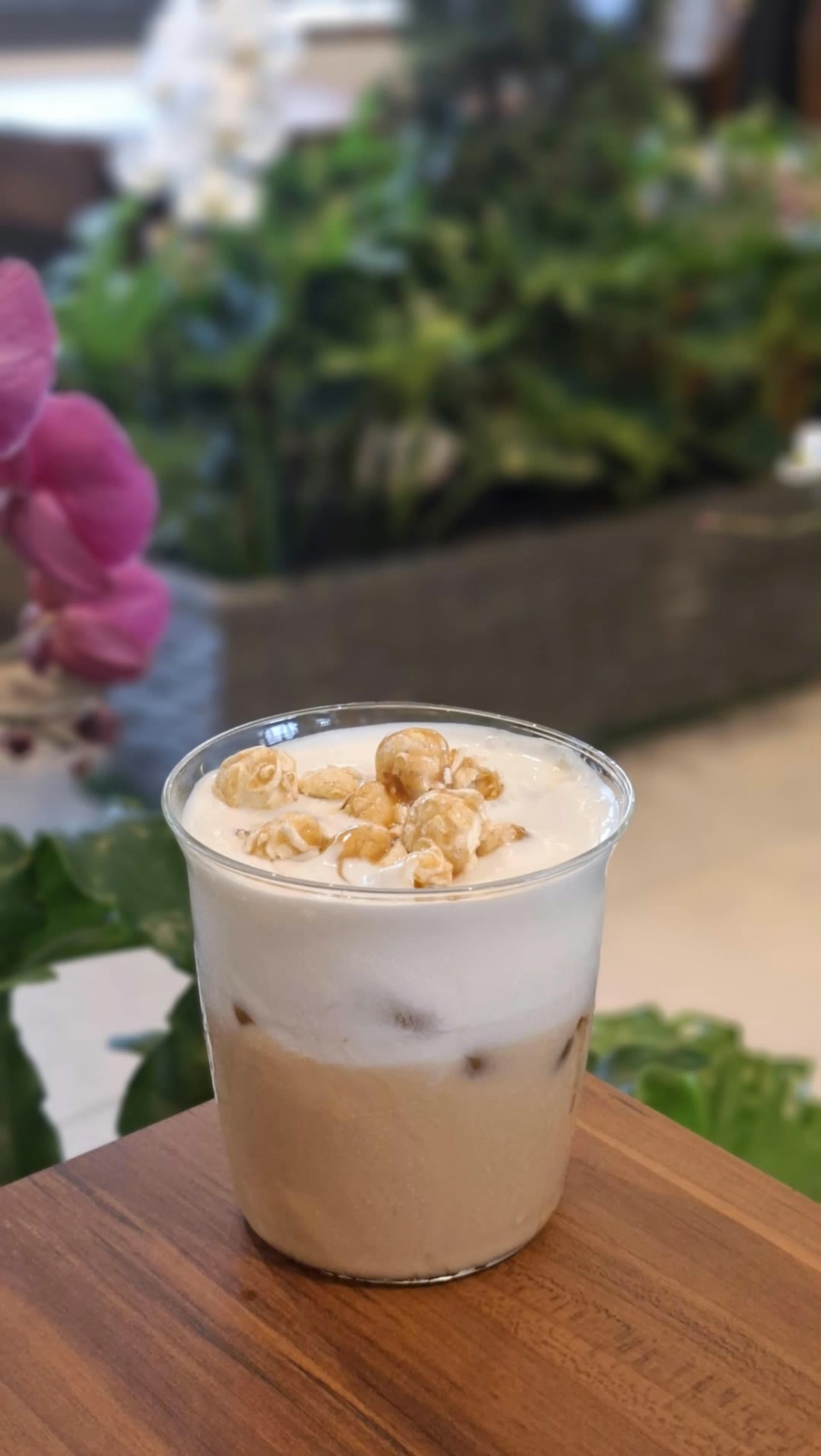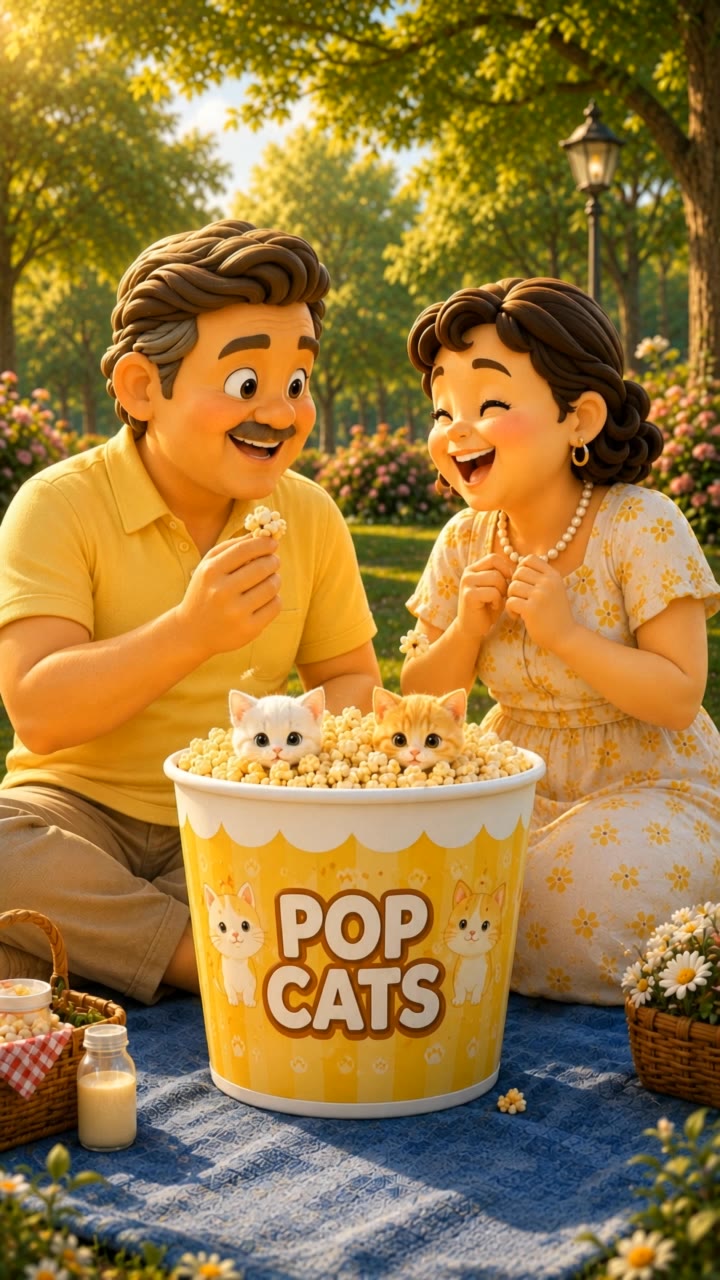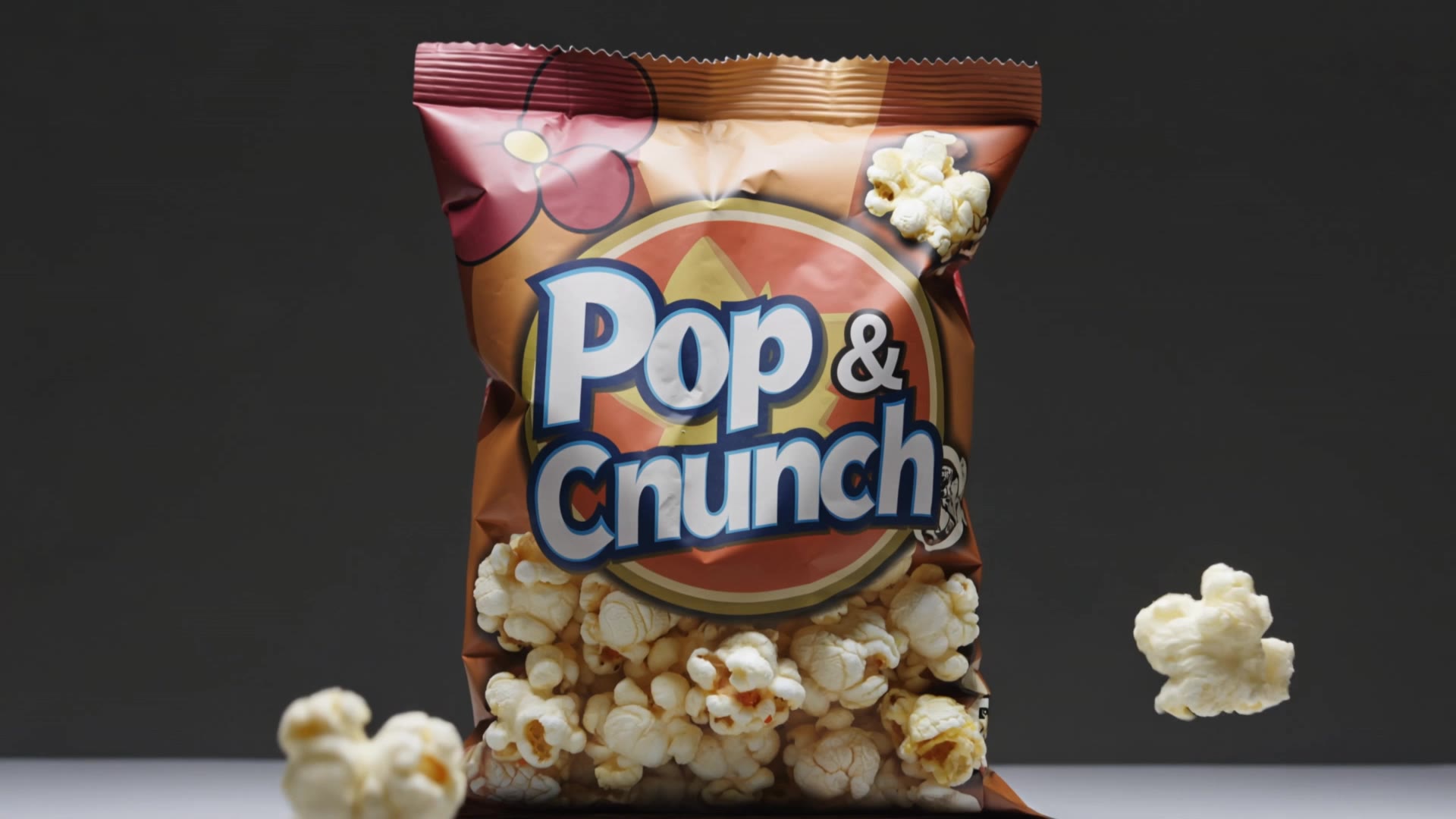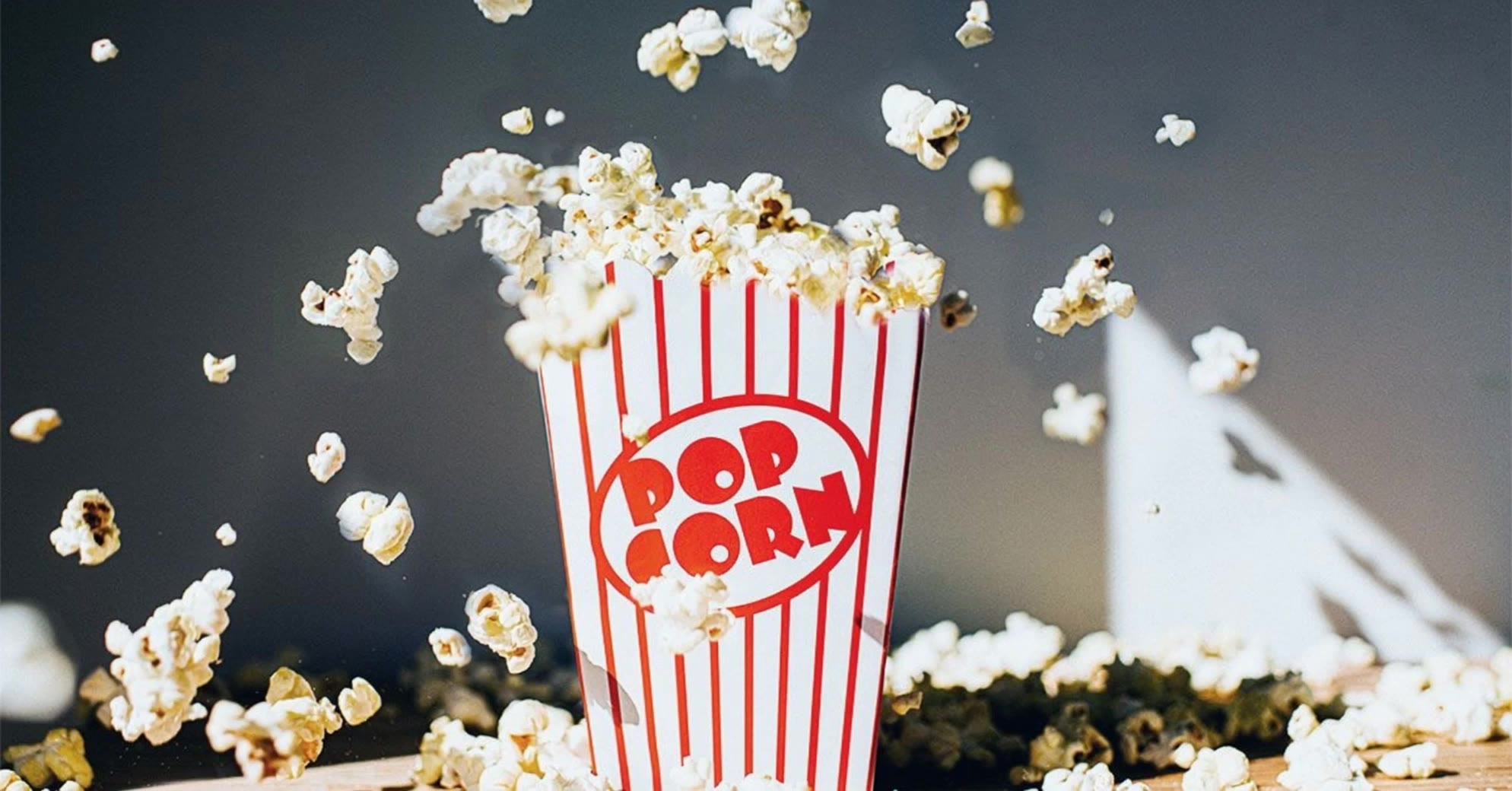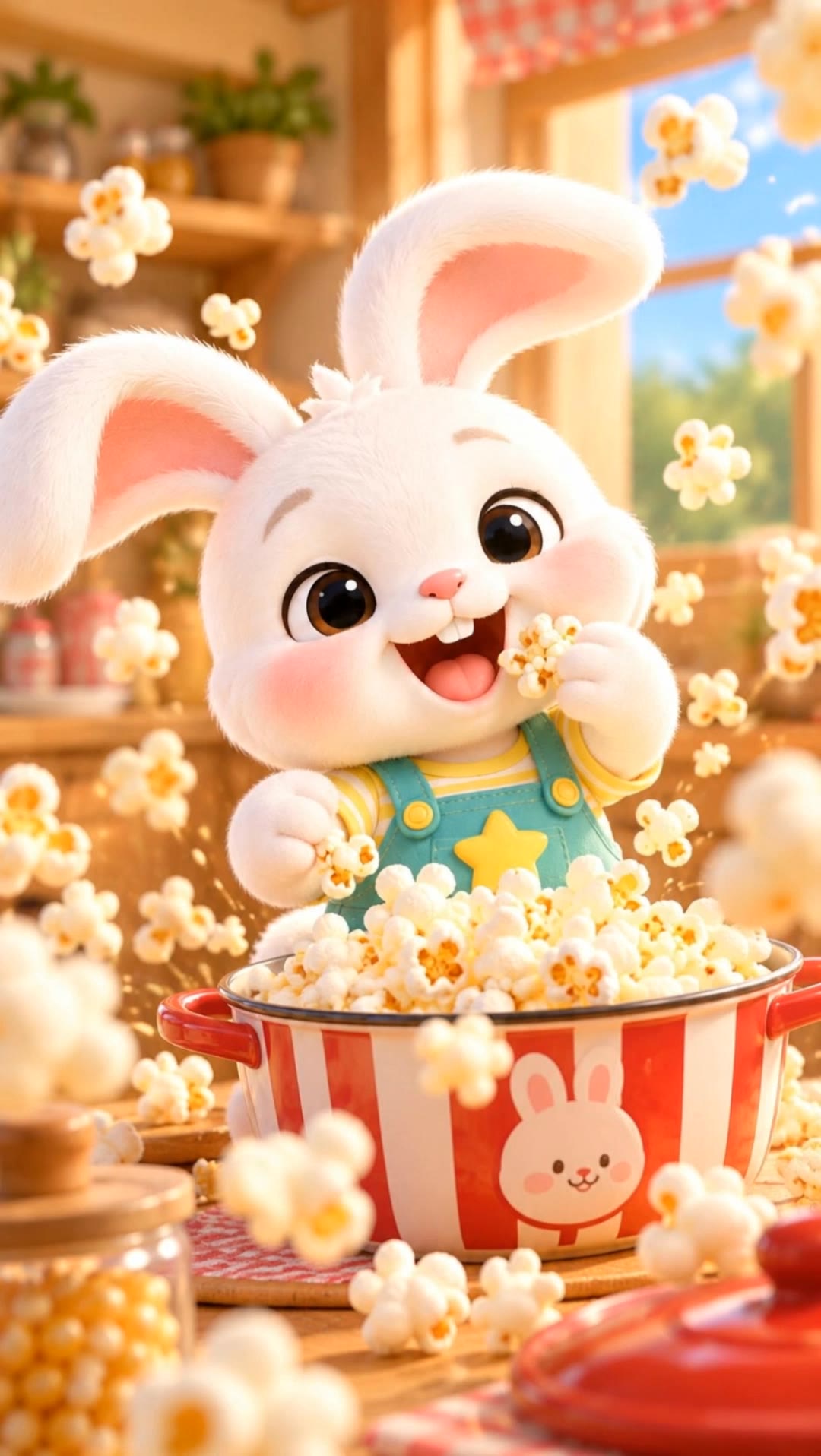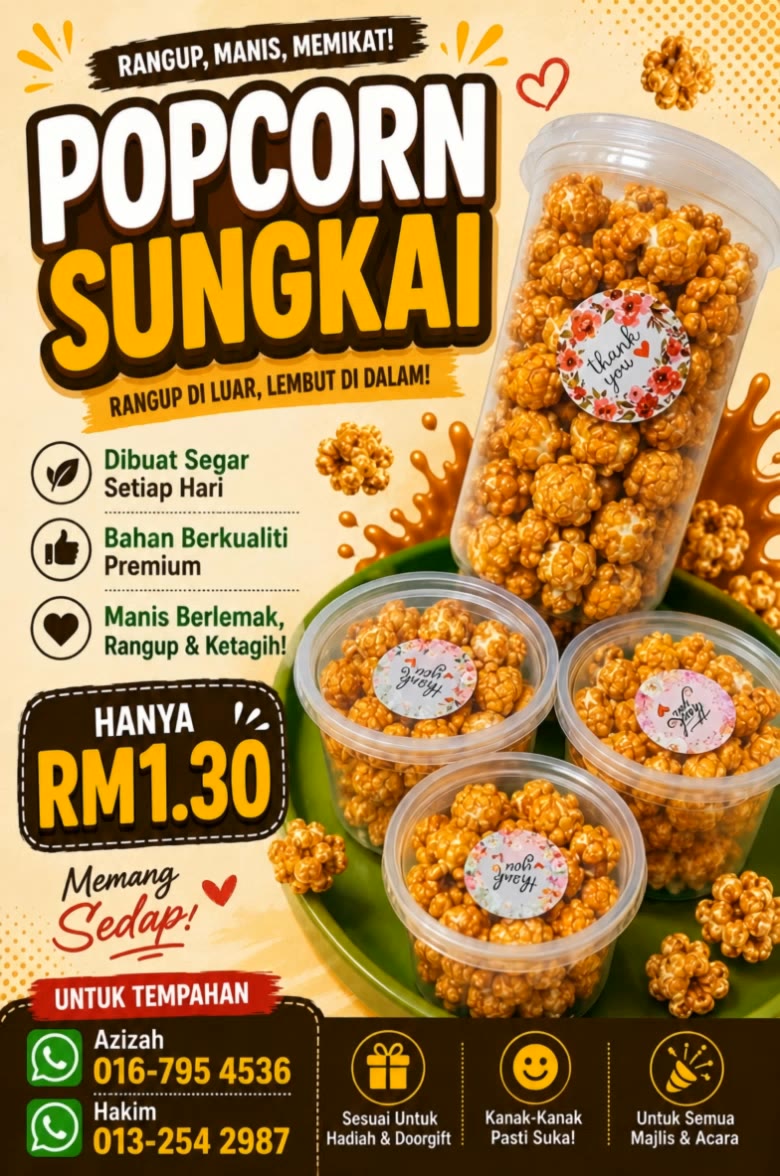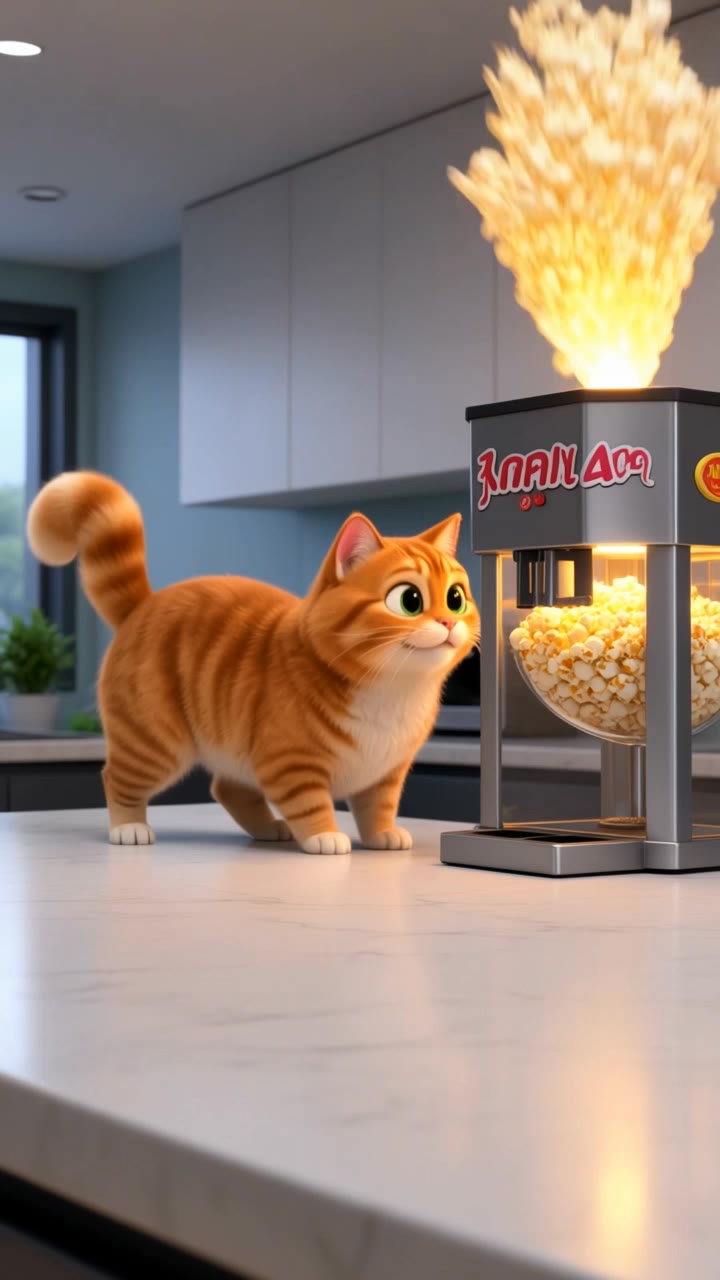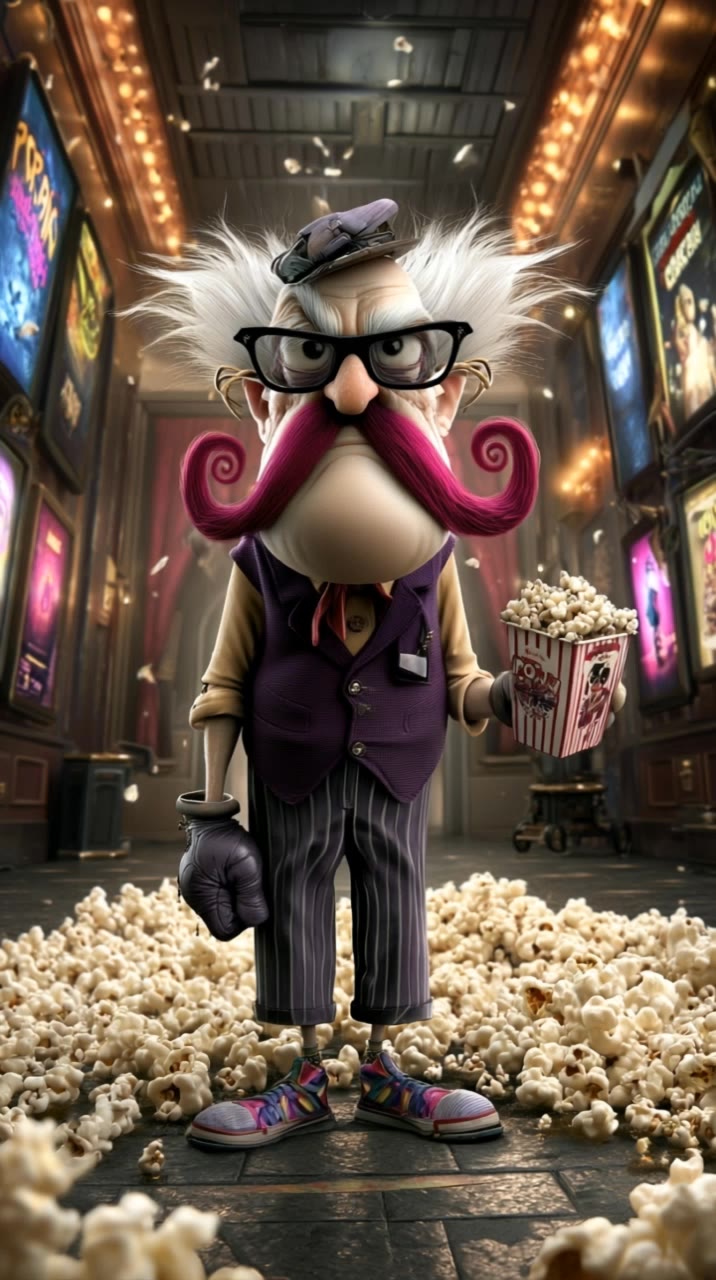
popcorn pop - pop art illustrations & vibrant sticker culture

Embrace the vibrant fusion of pop art and sugary rebellion with dynamic, sticker-powered self-expression and bold, cinematic popcorn transformations. Start exploring popcorn pop ideas and generate your own content with AI.

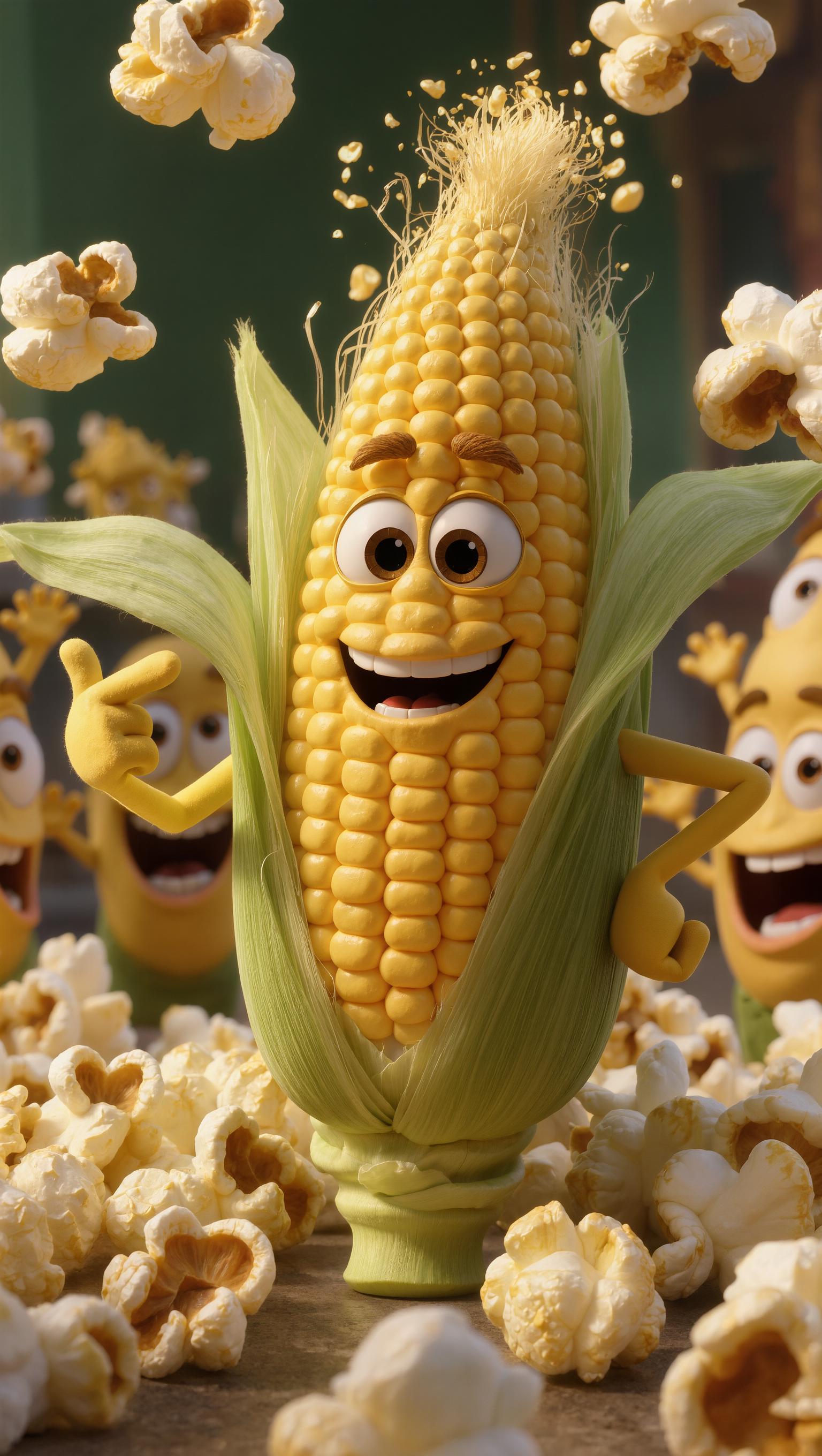
popcorn pop - pop art illustrations & vibrant sticker culture

Recommended

Kling AI work 319780641613401 - popcorn pop AI video
FABIOFX.AI avatar
FABIOFX.AI
Elite Creator
Kling AI work 314292251520351 - popcorn pop AI image
7A7PI avatar
7A7PI
Elite Creator
Heavy Popcorn - popcorn pop AI video
LxSvddoN avatar
LxSvddoN
Kling AI work 319334822662886 - popcorn pop AI video
vKAmuiZu avatar
vKAmuiZu
Kling AI work 321620819653765 - popcorn pop AI video
DosdPiGs avatar
DosdPiGs
Kling AI work 314670468618016 - popcorn pop AI video
yAggFZSH avatar
yAggFZSH
Kling AI work 314672448662284 - popcorn pop AI video
RhUrMlHW avatar
RhUrMlHW
Kling AI work 317384767668217 - popcorn pop AI video
Aneta avatar
Aneta
Kling AI work 321619622667086 - popcorn pop AI video
DosdPiGs avatar
DosdPiGs
Kling AI work 319986798328109 - popcorn pop AI video
GUzWnRkG avatar
GUzWnRkG
Kling AI work 317383675668651 - popcorn pop AI video
Aneta avatar
Aneta
Kling AI work 317384216616208 - popcorn pop AI video
Aneta avatar
Aneta
יום חם במיוחד - popcorn pop AI video
wRjTjXRC avatar
wRjTjXRC
Popcorn ?  NO ! HUNI ! - popcorn pop AI video
_cat_huni_ avatar
_cat_huni_
Kling AI work 310306842508466 - popcorn pop AI video
VMZxQNyf avatar
VMZxQNyf
Bunny Loves Popcorn! 🐰🍿 #Short - popcorn pop AI video
gvbhjNCd avatar
gvbhjNCd
Kling AI work 318843029502004 - popcorn pop AI video
iRlnnSJN avatar
iRlnnSJN
Popcorn Dance - popcorn pop AI video
TotallyBlankFX avatar
TotallyBlankFX
Kling AI work 321451176316891 - popcorn pop AI video
DMsgLfVR avatar
DMsgLfVR

A Complete AI Video Editing Workflow

Upload Your Footage

Upload Your Footage

Start with a video you've filmed or generated. Add reference images, characters, or other supported assets if you want to guide how the edited scene should look.

Describe What You Want to Change

Describe What You Want to Change

Tell Kling what to replace, remove, or adjust. You can change the subject, background, action, camera angle, or visual style. Include details you want to keep from the original footage.

Preview and Download Your Video

Preview and Download Your Video

Generate your edited video and review the changes. Refine your prompt or references if needed, then download the version you're happy with.

Edit the Parts That Matter

Change Subjects, Backgrounds, and Style

Change Subjects, Backgrounds, and Style

A different character, a new product, or a completely different location can change the purpose of a video. Keep the footage you already have and update the elements that need another take. No green screen needed. Kling 4.0 supports adding, removing, and replacing subjects and scene elements using prompts and visual references. Change a product, replace a character, or move the action into a new setting. Reference images help guide the appearance of new elements while keeping the rest of the scene closer to the original.

Recreate Videos with Your Own References

Recreate Videos with Your Own References

Found a camera move, transition, or video concept that would work with your own character or product? You can use the original clip as a creative reference rather than recreating the entire shoot. Kling 4.0 draws on reference footage for pacing, shot composition, and movement while introducing your own subjects and visual style. Omni Reference supports up to 15 combined assets, subject to individual input limits. Combine character images, product photos, and video references to explore new versions while helping recognizable details stay consistent.

Extend Your Video Up to 2 Minutes

Extend Your Video Up to 2 Minutes

Continue an existing video forward or backward, adding footage before the opening or after the ending. Extend actions, camera movements, and storylines while keeping the new footage connected to the original scene. Kling 4.0's Video Extension supports multiple extension passes, reaching a total video length of up to 2 minutes. Build longer sequences with continuity in characters, settings, and movement, without recreating the entire video.

Apps

Video Generation
Video Generation

Video Generation

Image Generation
Image Generation

Image Generation

Motion Control
Motion Control

Motion Control

Avatar
Avatar

Avatar

AI Portraits
AI Portraits

AI Portraits

Lip Sync
Lip Sync

Lip Sync

60M+
60M+
Users
600M+
600M+
AI Videos Generated
4.7 ★
4.7 ★
App Store
Industry-Leading
Industry-Leading
Cinematic 4K

Reviews

Jyo John Mulloor

Jyo John Mulloor

★★★★★

Kling AI has been instrumental in transforming my creative workflow, unlocking new dimensions of artistic expression that were once unimaginable. I use Kling AI extensively to develop high-concept visuals, animate surreal dreamscapes, and create AI-assisted films that blur the line between reality and fantasy. Kling AI’s deep learning capabilities have not only enhanced my creative efficiency but also inspired me to explore storytelling in ways I never thought possible.

Ozan Sihay

Ozan Sihay

★★★★★

Kling AI allows me to rapidly prototype ideas, refine storytelling elements, and produce visually compelling content efficiently. It has not only accelerated my creative processes, but also deepened my understanding of how AI can enrich visual storytelling.

KakuDrop

KakuDrop

★★★★★

I have successfully collaborated with world-renowned artists and well-known companies that are recognized globally

FAQ

Q1How do I generate an AI video?
Q2Is there a free AI video generator without a watermark?
Q3How long can AI-generated videos be?

Start Creating AI Videos with Kling

Start with text or images and see what's possible with Kling AI. Create the footage, guide the movement, and keep working until the scene feels right. No complicated setup.

Text to Video | Image to Video | Omni Reference | Free tier includes watermark