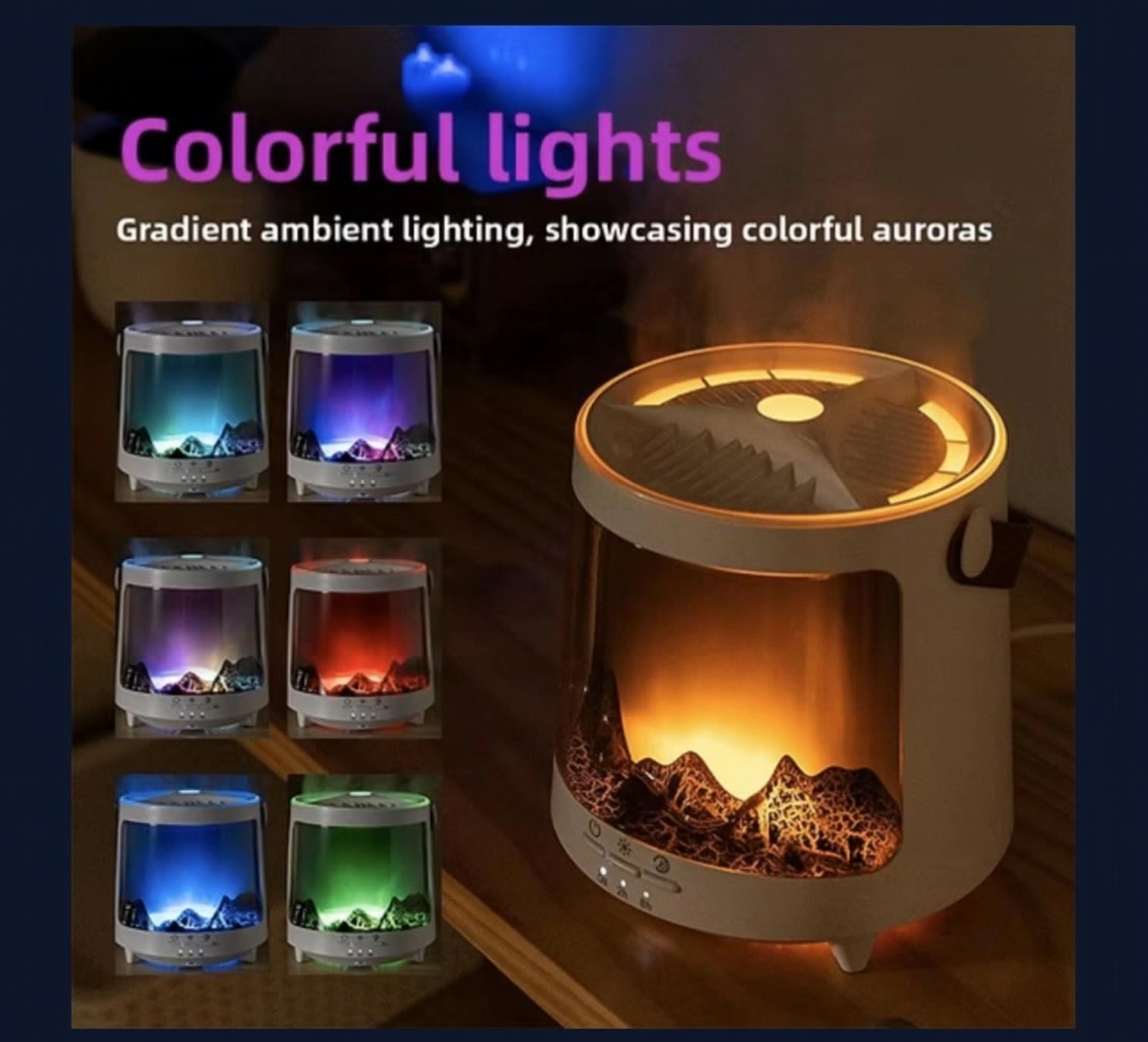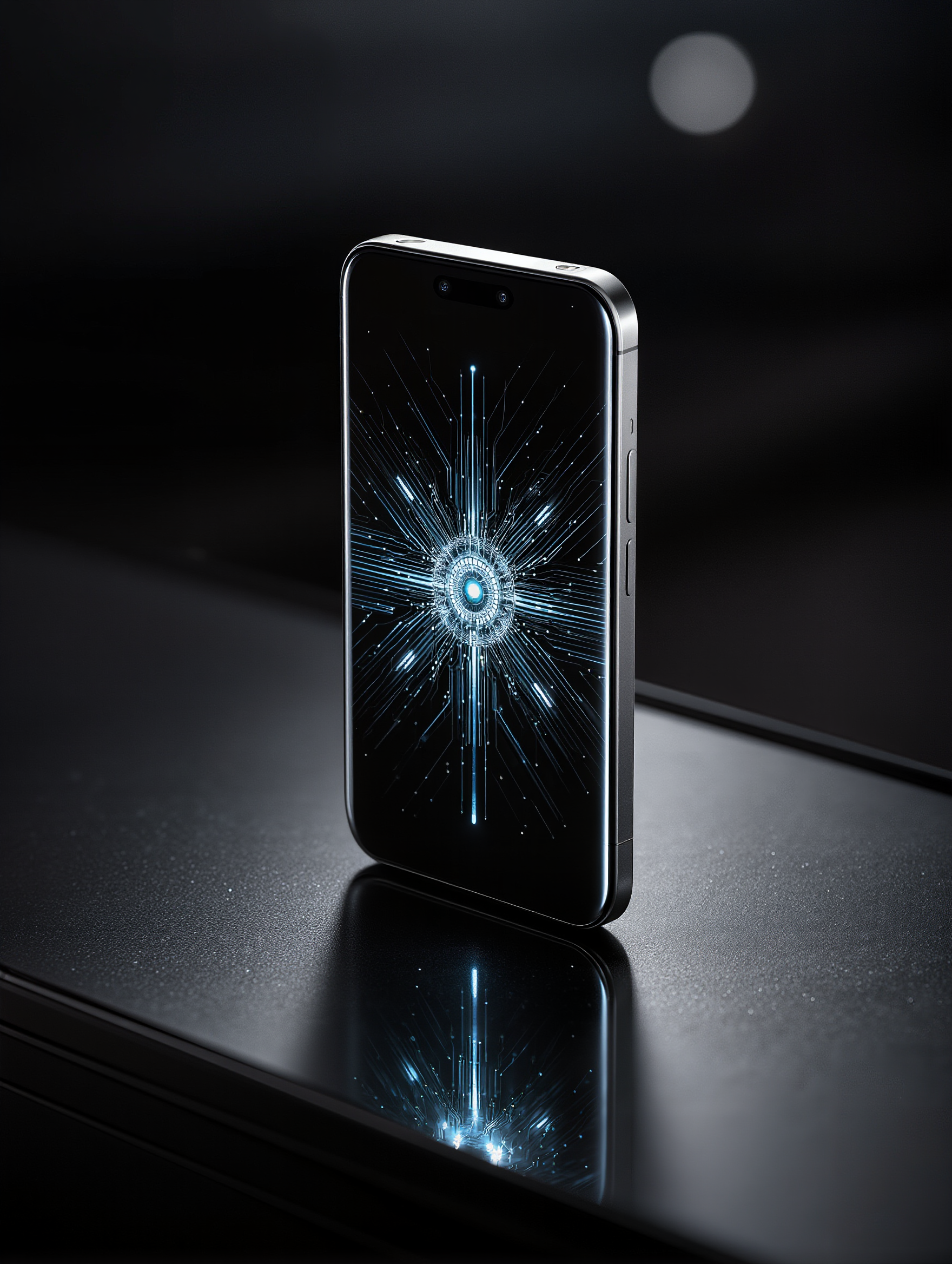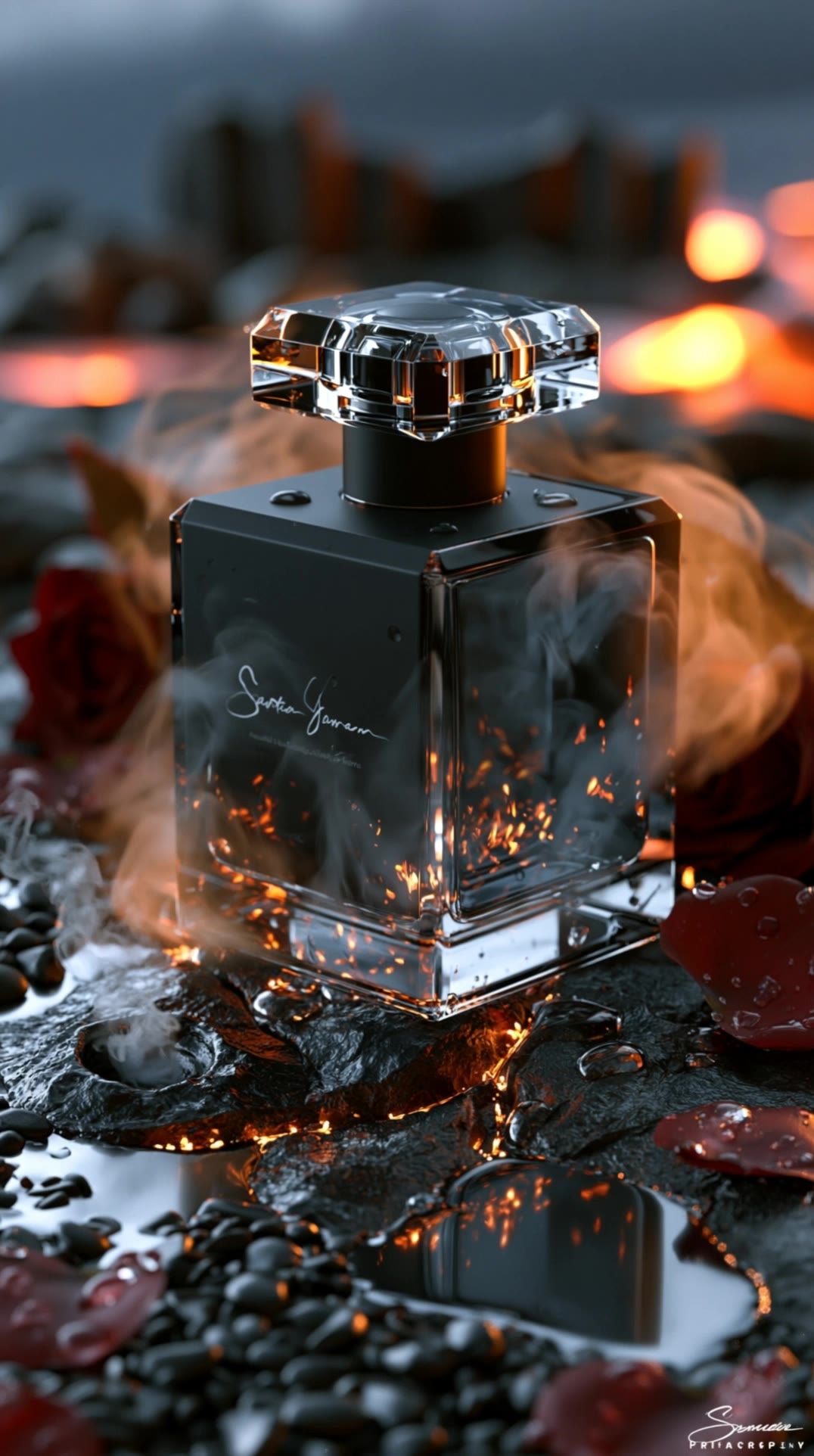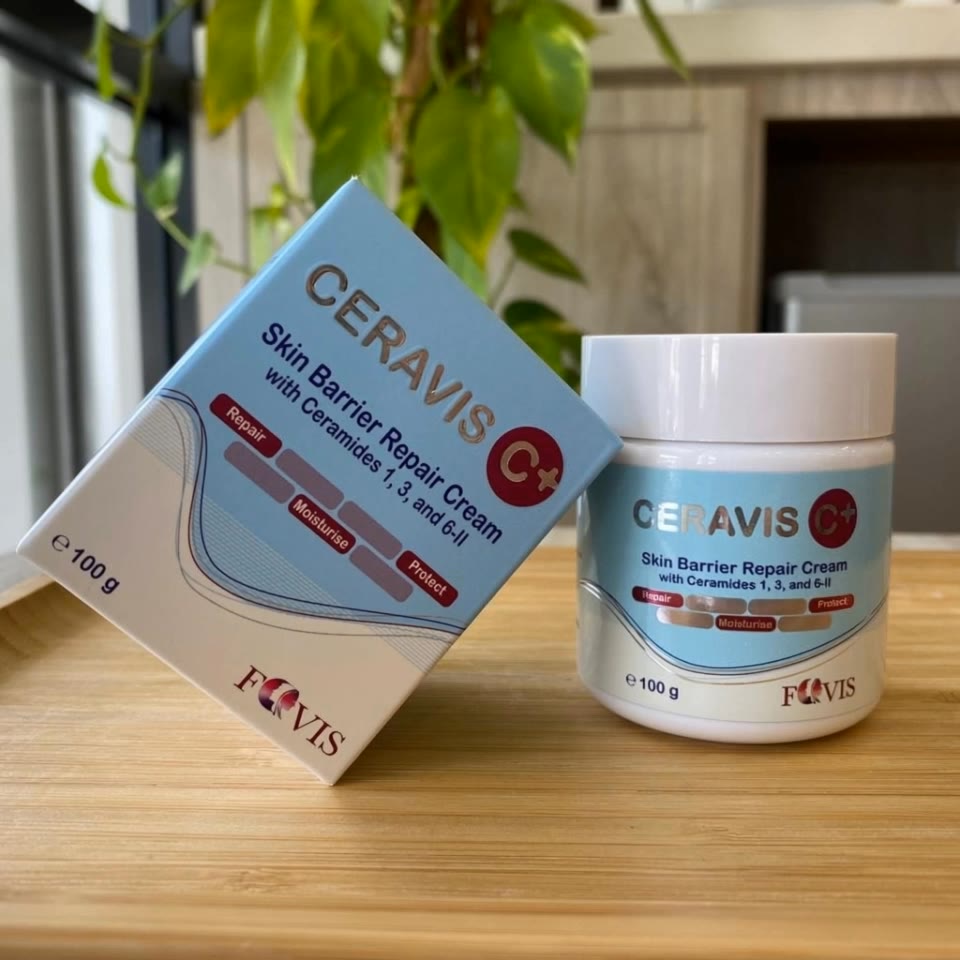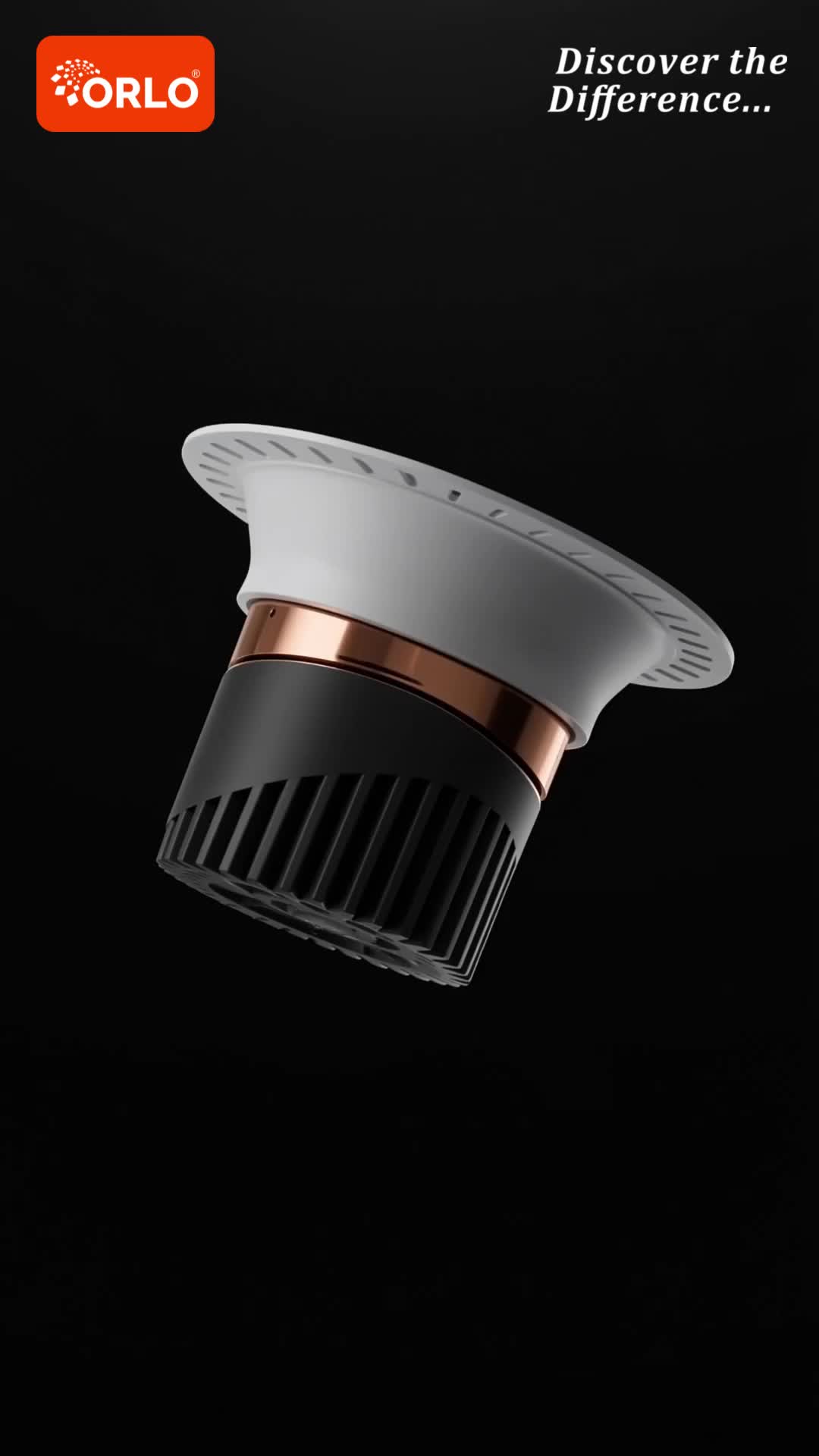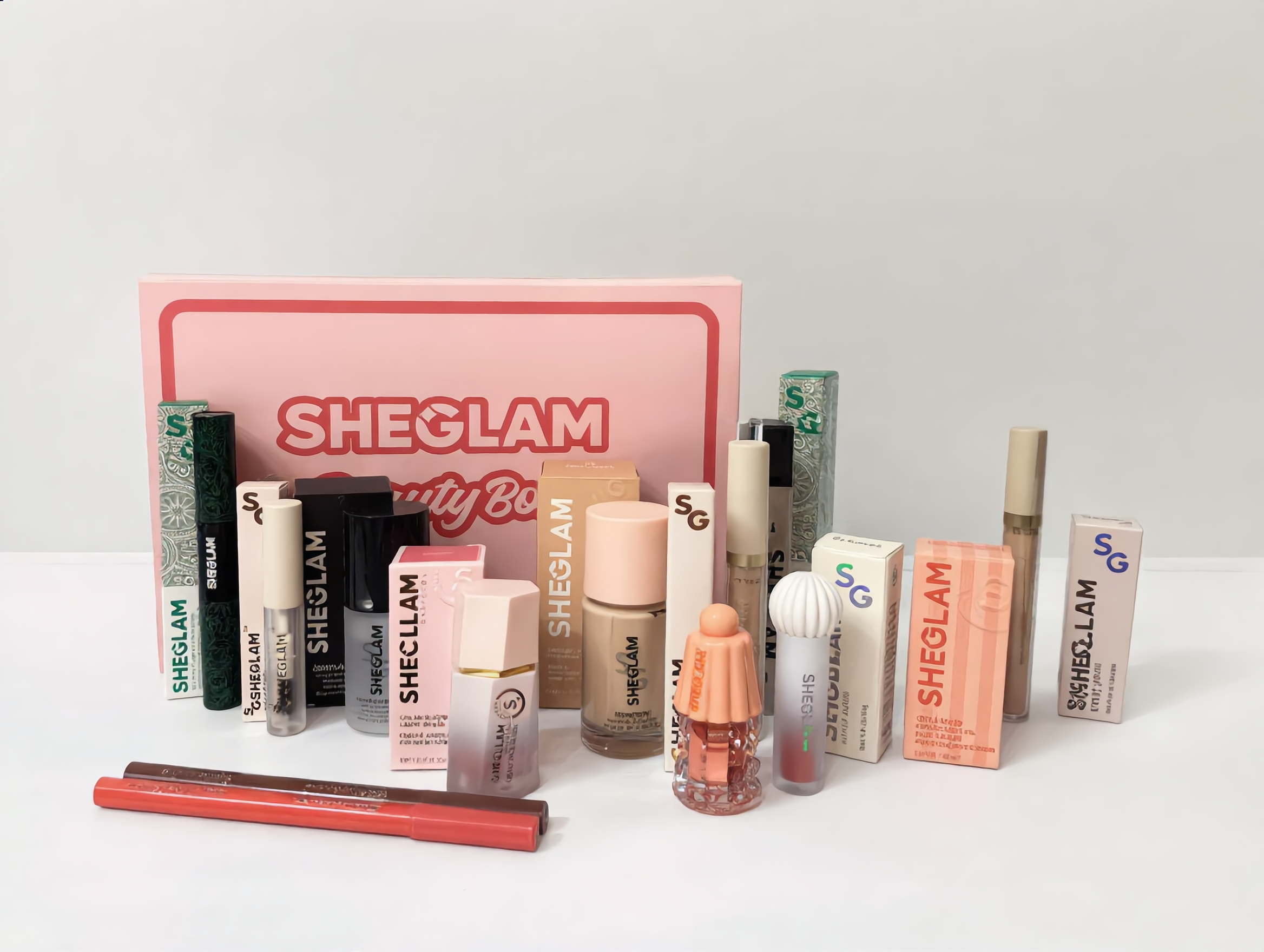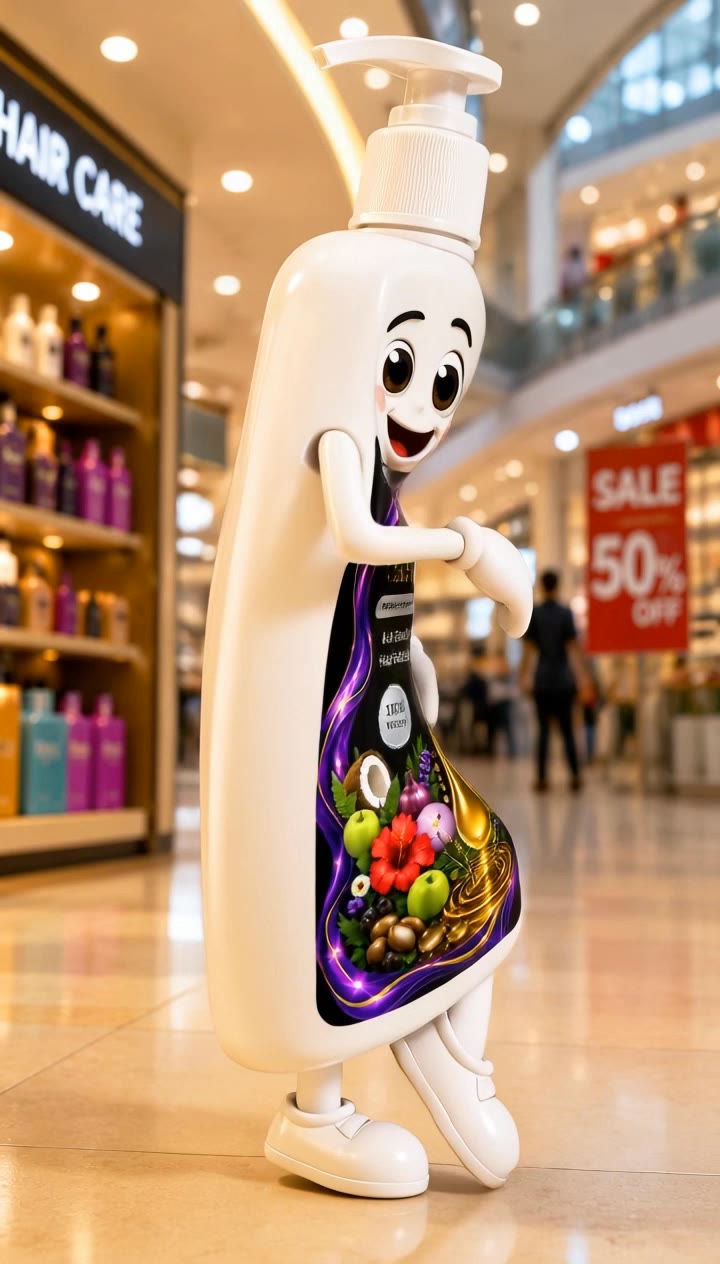

product ad - 360-degree rotation & cinematic product focus

Witness captivating transformations and elegant displays in dynamic product ads, from seamless 360-degree rotations to enchanting perfume showcases. Start exploring product ad ideas and generate your own content with AI.

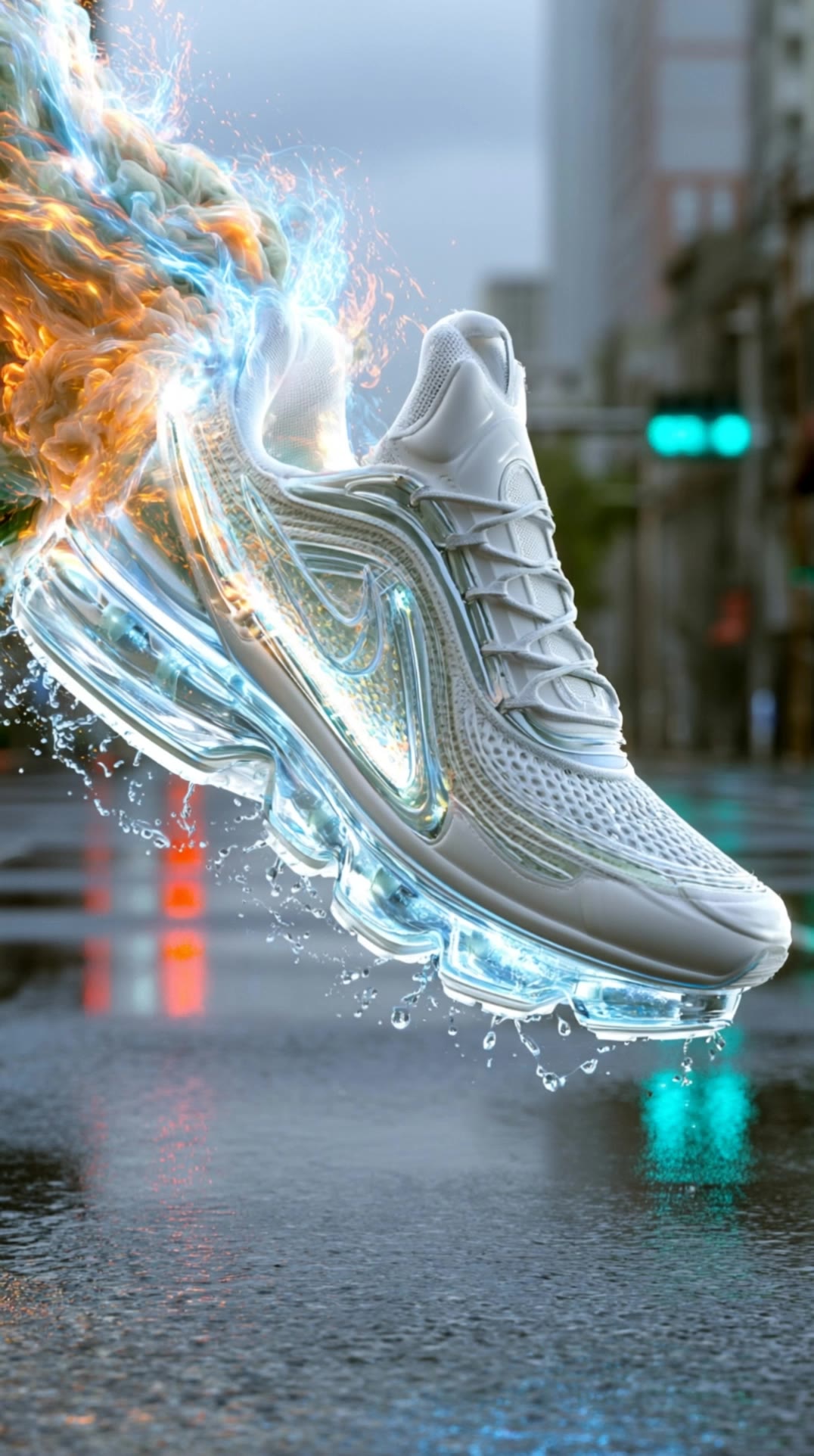
product ad - 360-degree rotation & cinematic product focus

Recommended

Product Ad  - product ad AI video
XciHtsFx avatar
XciHtsFx
product ad - product ad AI video
Maks_AI_Creator avatar
Maks_AI_Creator
Elite Creator
Ultrasonic Humidifier - product ad AI video
SportRixx avatar
SportRixx
Kling AI work 315347230502314 - product ad AI image
flOpOoMz avatar
flOpOoMz
Product Ads - product ad AI video
00:08
ZTWonIsr avatar
ZTWonIsr
product ad - product ad AI video
Maks_AI_Creator avatar
Maks_AI_Creator
Elite Creator
Nespresso product ad - product ad AI video
Maks_AI_Creator avatar
Maks_AI_Creator
Elite Creator
Kling AI work 318684327526847 - product ad AI video
WmZuMShJ avatar
WmZuMShJ
Kling AI work 319685752610020 - product ad AI video
cHvhGDCa avatar
cHvhGDCa
Kling AI work 317494732663090 - product ad AI video
mmAVZIsb avatar
mmAVZIsb
A product product shot - product ad AI video
Tommy Lau avatar
Tommy Lau
showcase ads product - product ad AI video
00:05
wWTBgKPU avatar
wWTBgKPU
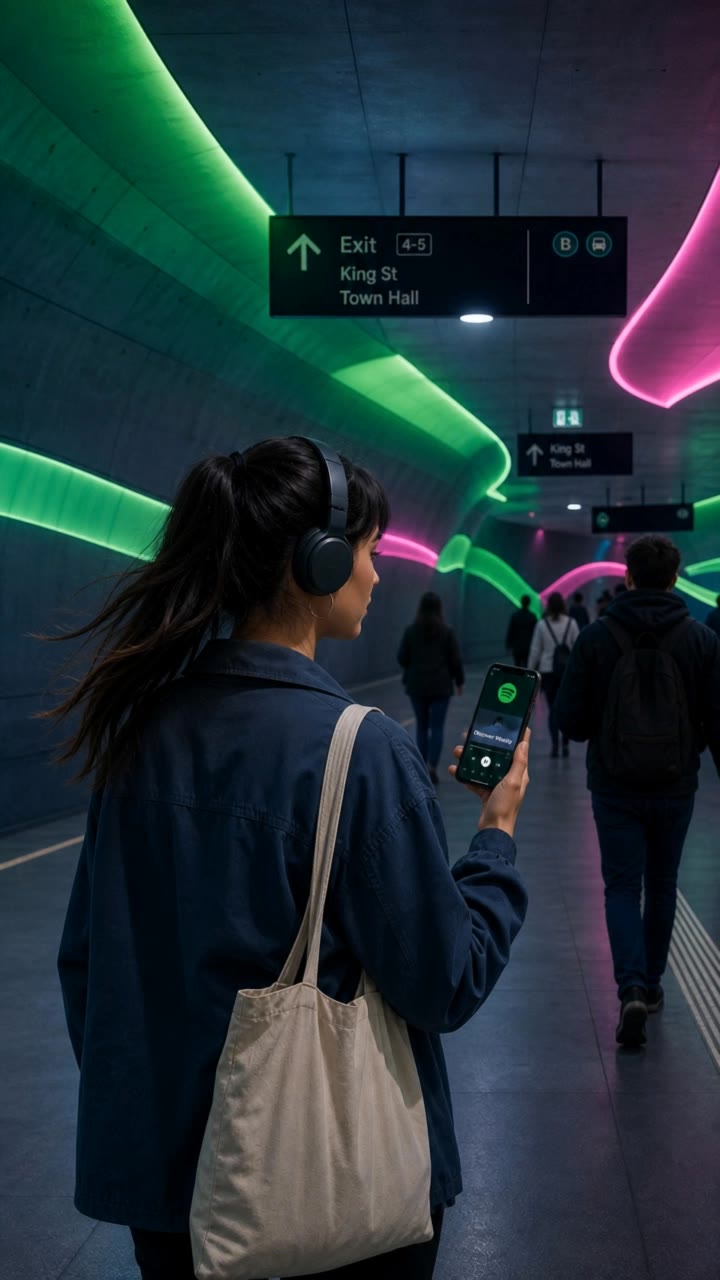
spotify product af - product ad AI video
Maks_AI_Creator avatar
Maks_AI_Creator
Elite Creator
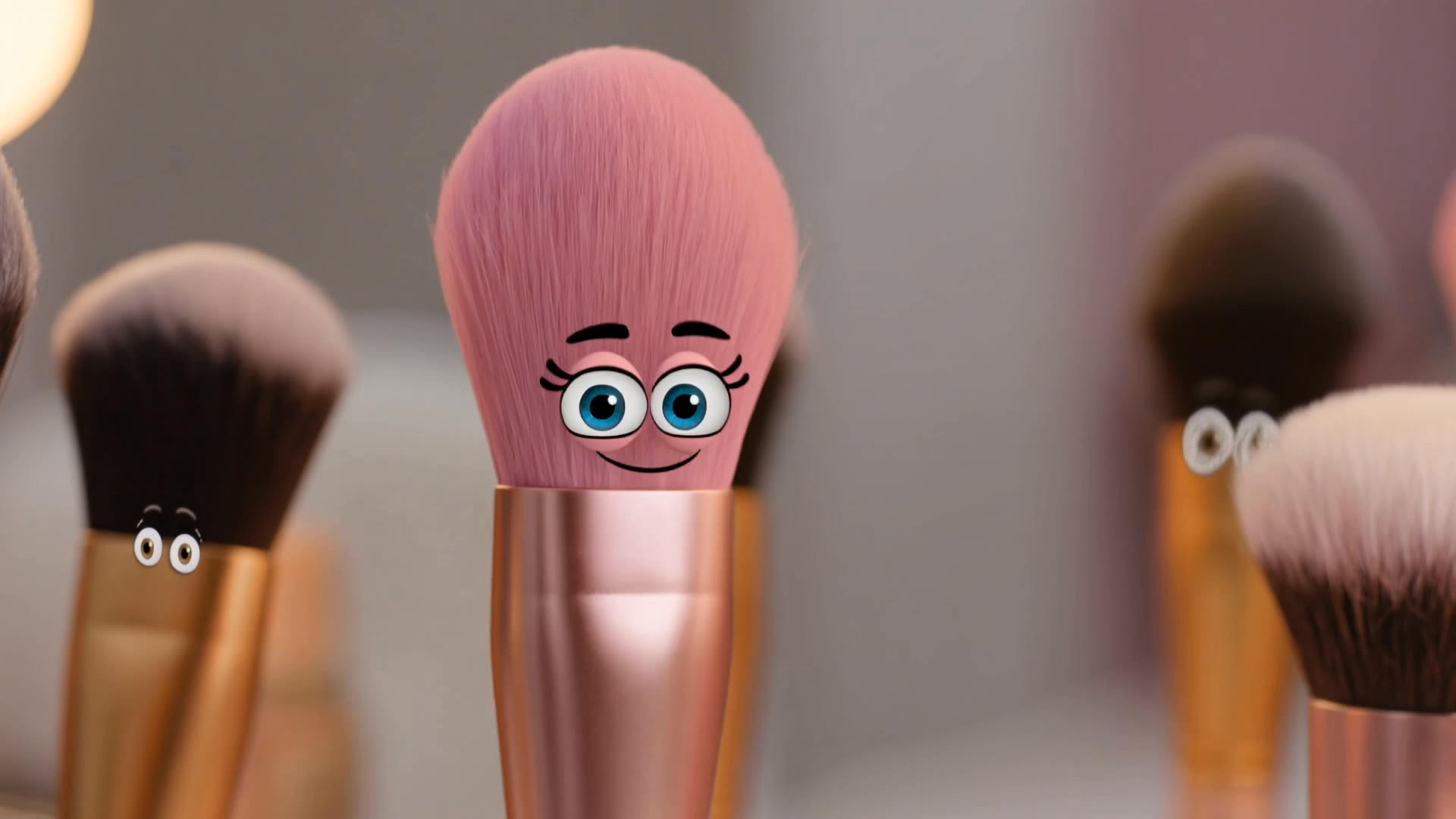
Makeup - product ad AI video
uPGONHrZ avatar
uPGONHrZ
Kling AI work 317877277666923 - product ad AI video
WNhbEYYP avatar
WNhbEYYP
Kling AI work 311458467500529 - product ad AI video
Maks_AI_Creator avatar
Maks_AI_Creator
Elite Creator
trimless product commercial ad - product ad AI video
00:31
dWNbFcBy avatar
dWNbFcBy
Kling AI work 310922591501445 - product ad AI image
yNIAhOmv avatar
yNIAhOmv
Kling AI work 298766523655382 - product ad AI video
Jomo Man avatar
Jomo Man

How to Animate an Image with AI

Upload Your Image

Upload Your Image

Upload a portrait, product photo, illustration, or other image. For additional control, Kling 4.0's Omni Reference supports up to 15 combined reference assets, subject to individual input limits.

Describe the Motion

Describe the Motion

Specify how your subject moves and what the camera does. You can also add start and end frames or use up to 10 flexible keyframes to guide important changes with supported Kling 4.0 settings.

Generate and Download

Generate and Download

Choose your video settings and generate a clip up to 30 seconds long with Kling 4.0. Preview the result, make adjustments if needed, and download your video.

Edit the Parts That Matter

Change Subjects, Backgrounds, and Style

Change Subjects, Backgrounds, and Style

A different character, a new product, or a completely different location can change the purpose of a video. Keep the footage you already have and update the elements that need another take. No green screen needed. Kling 4.0 supports adding, removing, and replacing subjects and scene elements using prompts and visual references. Change a product, replace a character, or move the action into a new setting. Reference images help guide the appearance of new elements while keeping the rest of the scene closer to the original.

Recreate Videos with Your Own References

Recreate Videos with Your Own References

Found a camera move, transition, or video concept that would work with your own character or product? You can use the original clip as a creative reference rather than recreating the entire shoot. Kling 4.0 draws on reference footage for pacing, shot composition, and movement while introducing your own subjects and visual style. Omni Reference supports up to 15 combined assets, subject to individual input limits. Combine character images, product photos, and video references to explore new versions while helping recognizable details stay consistent.

Extend Your Video Up to 2 Minutes

Extend Your Video Up to 2 Minutes

Continue an existing video forward or backward, adding footage before the opening or after the ending. Extend actions, camera movements, and storylines while keeping the new footage connected to the original scene. Kling 4.0's Video Extension supports multiple extension passes, reaching a total video length of up to 2 minutes. Build longer sequences with continuity in characters, settings, and movement, without recreating the entire video.

Apps

Image to Video
Image to Video

Image to Video

Text to Video
Text to Video

Text to Video

Omni
Omni

Omni

Digital Human
Digital Human

Digital Human

Restyle
Restyle

Restyle

Text to Image
Text to Image

Text to Image

60M+
60M+
Users
600M+
600M+
AI Videos Generated
4.7 ★
4.7 ★
App Store
Industry-Leading
Industry-Leading
Cinematic 4K

Reviews

James Phillips

James Phillips

★★★★★

Kling AI has transformed my workflow by collapsing timelines and democratizing production. It’s shifted my mindset from resource-dependent filmmaking to a boundless creative sandbox, where experimentation yields unexpected beauty.

KakuDrop

KakuDrop

★★★★★

I have successfully collaborated with world-renowned artists and well-known companies that are recognized globally

Déborah

Déborah

★★★★★

I use Kling AI every day. It's amazing to see the almost daily progress it makes. I used AI for fun at first, and I now find that Kling AI's animations allow me to gain professional visibility, with three times more views on my animated posts than on my static posts.

FAQ

Q1Can I use this for global AI video marketing?
Q2Is it suitable for product demo videos?
Q3Does Video 3.0 support multiple characters speaking?

Experience Video 3.0 on Kling

Create cinematic, multi-shot videos with native audio and precise control—all in one generation.

Native audio | Multi-shot control | Up to 15s continuous output