
Creative Studio
API
Resources
Features
About Us
Download

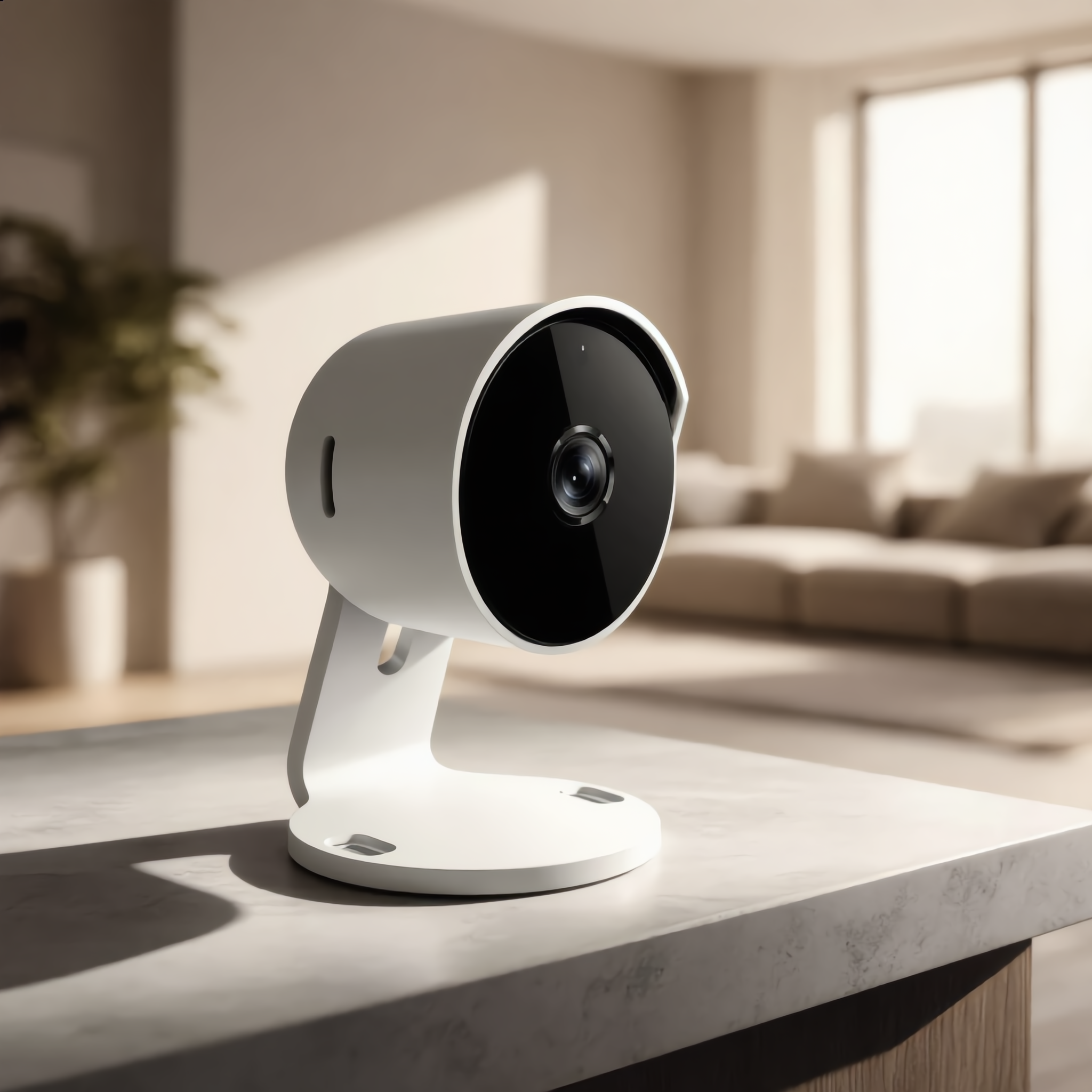
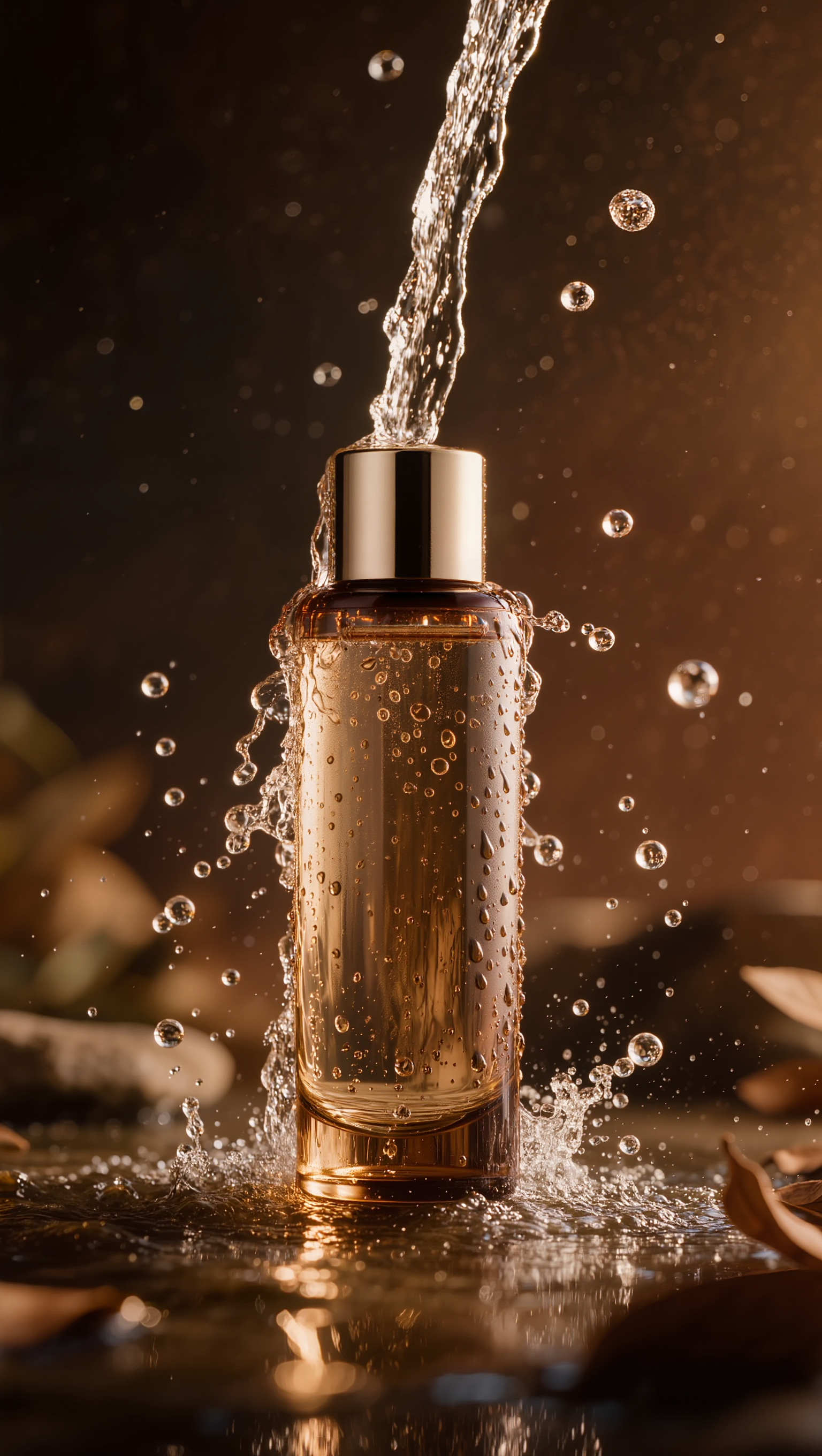
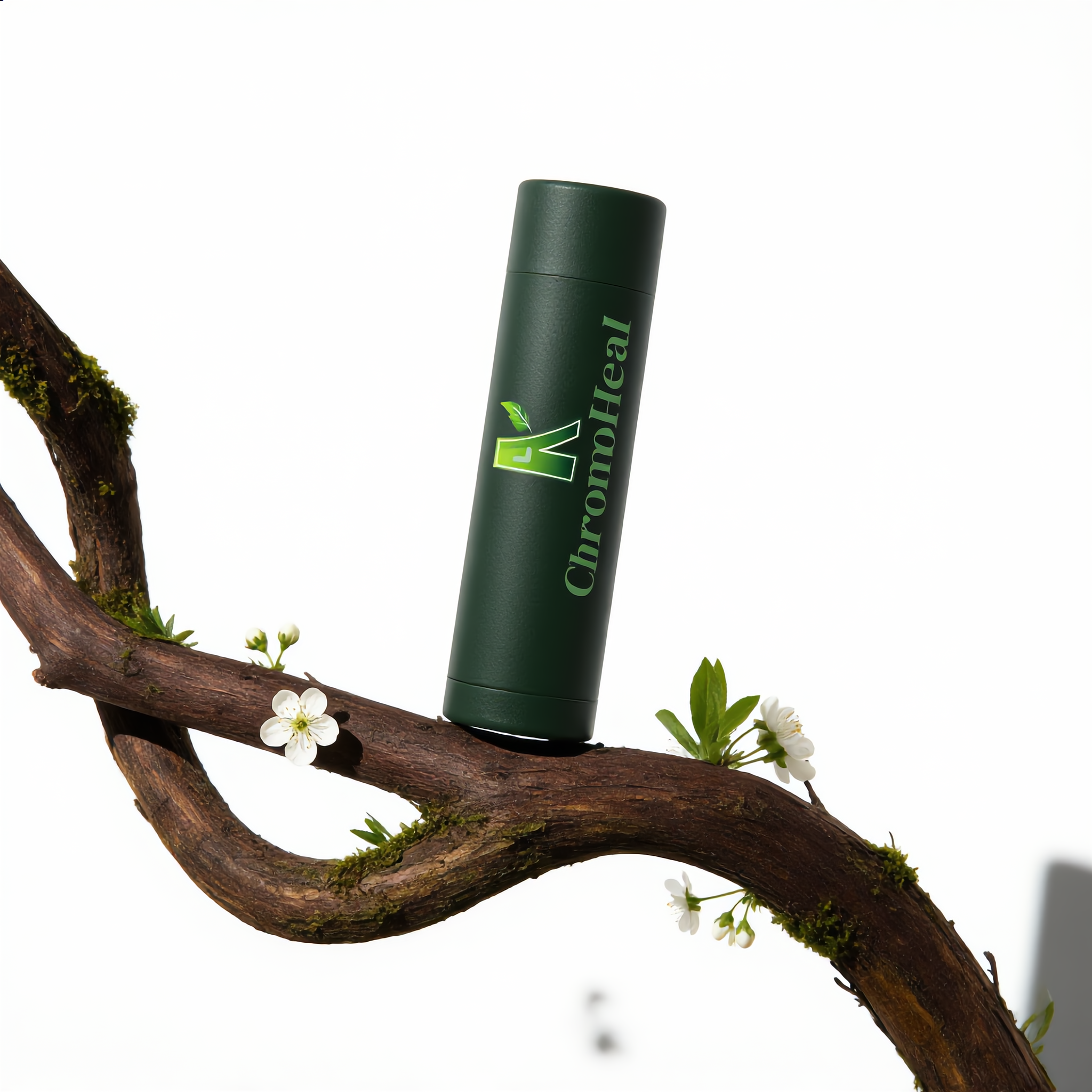
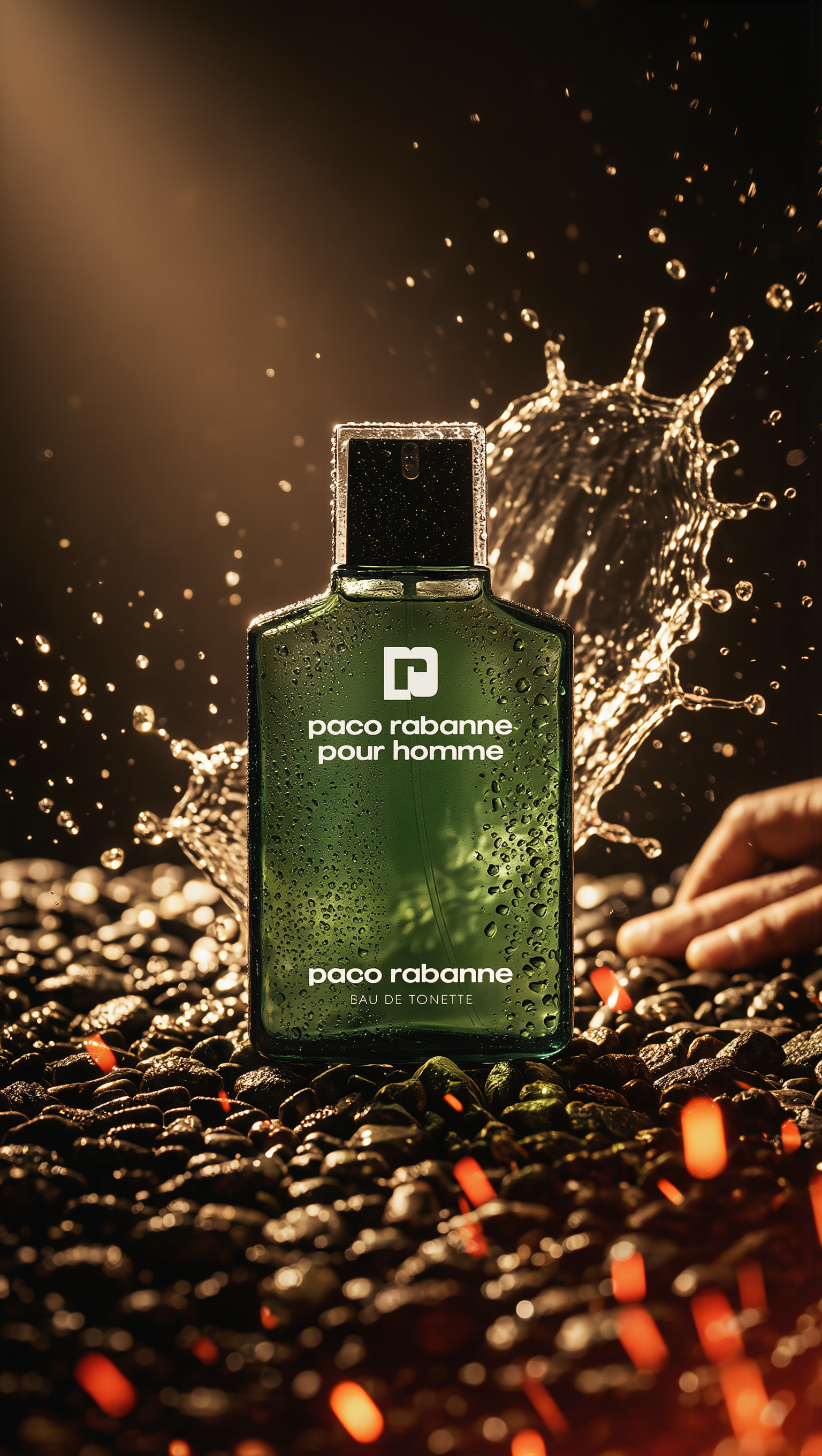
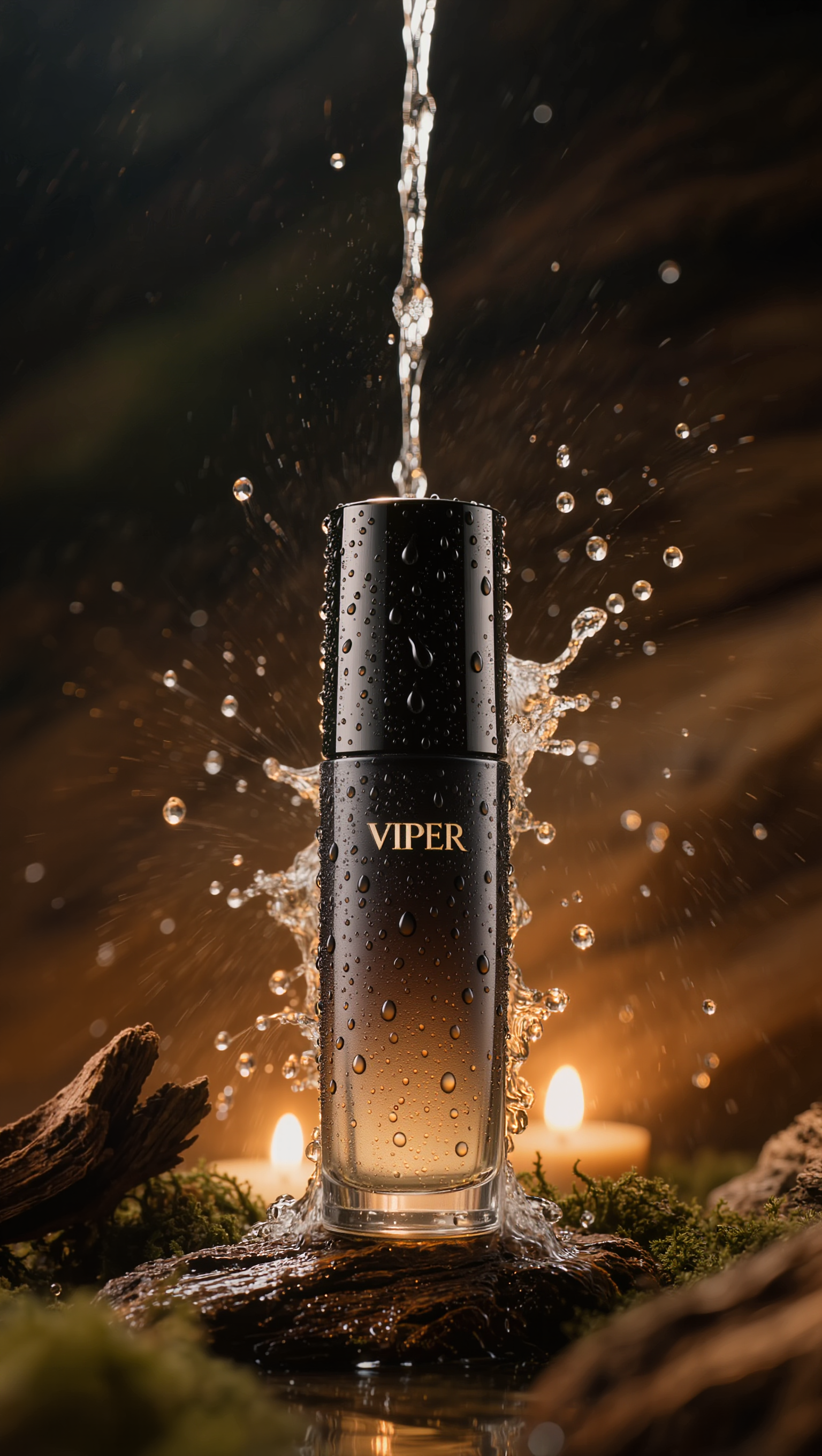
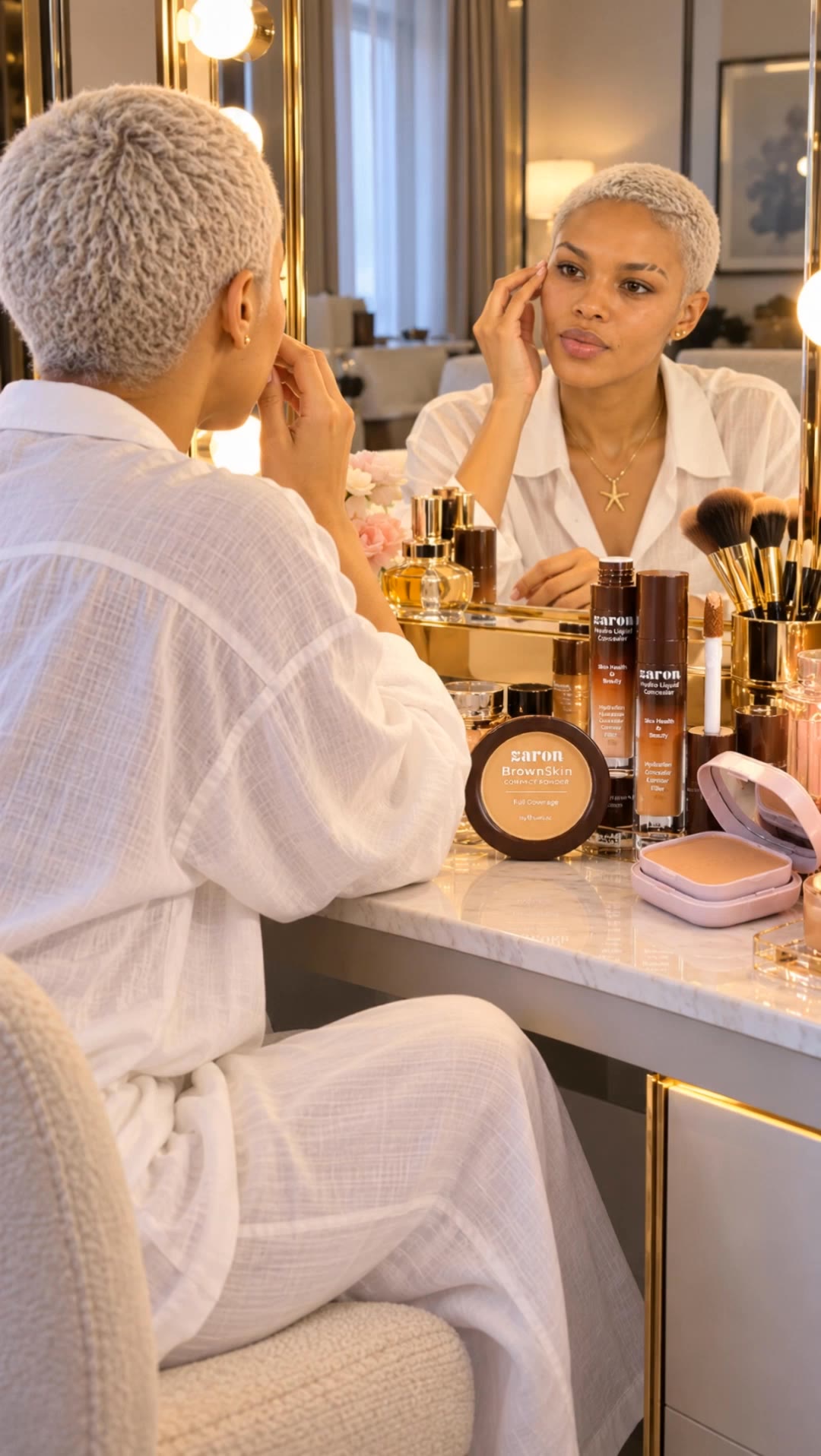
product photoshoot - perfume display & dynamic motion video

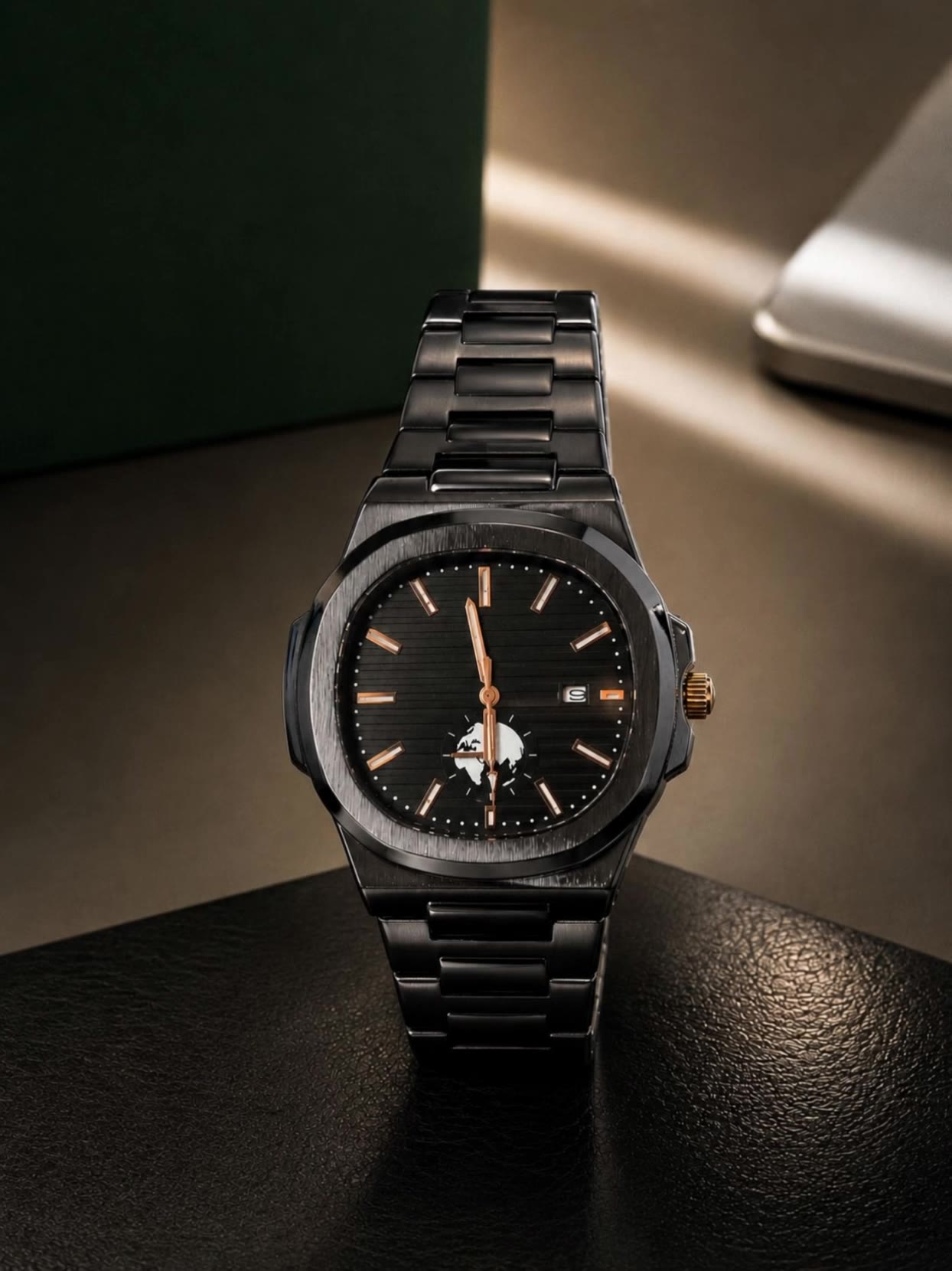
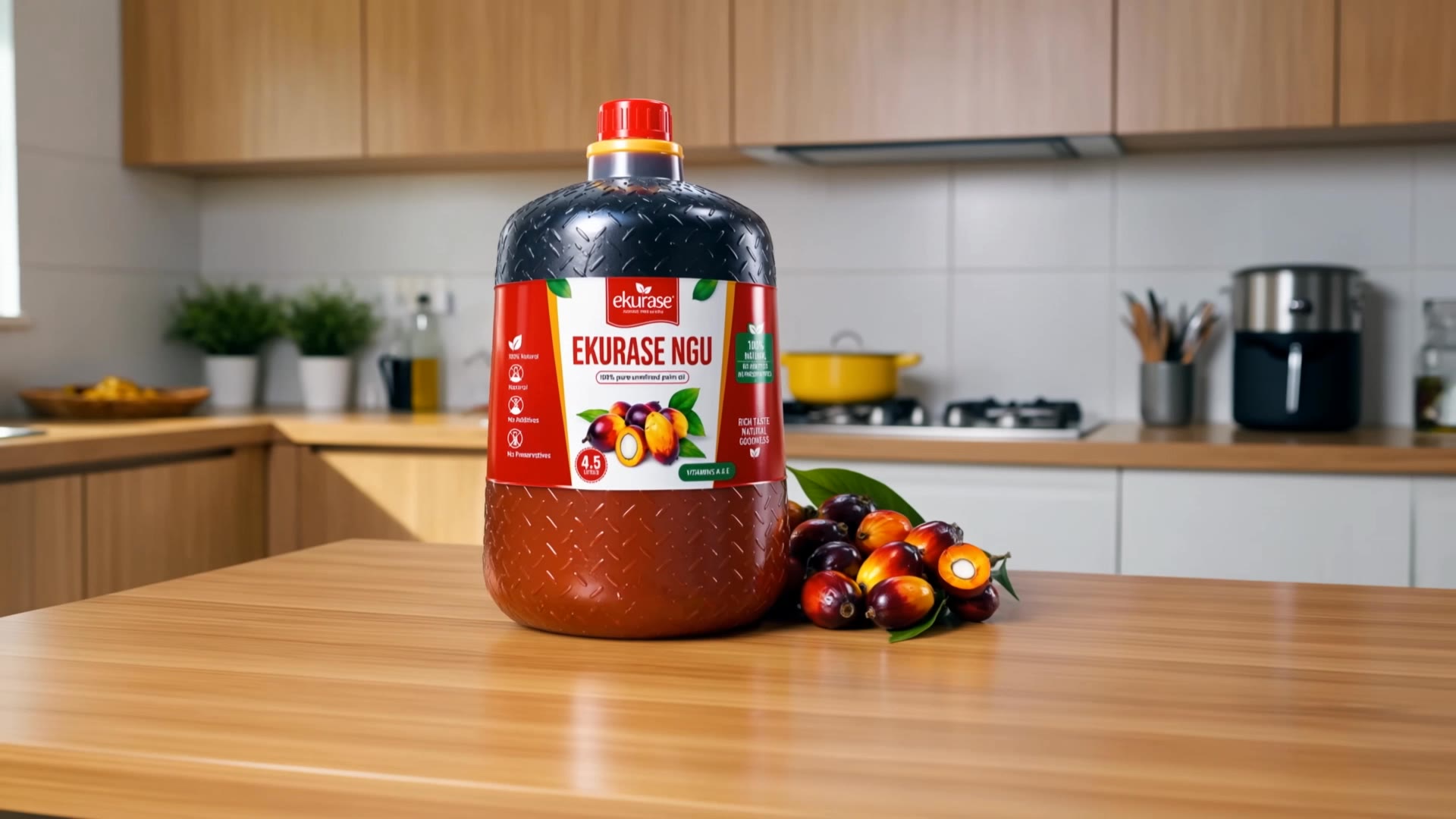
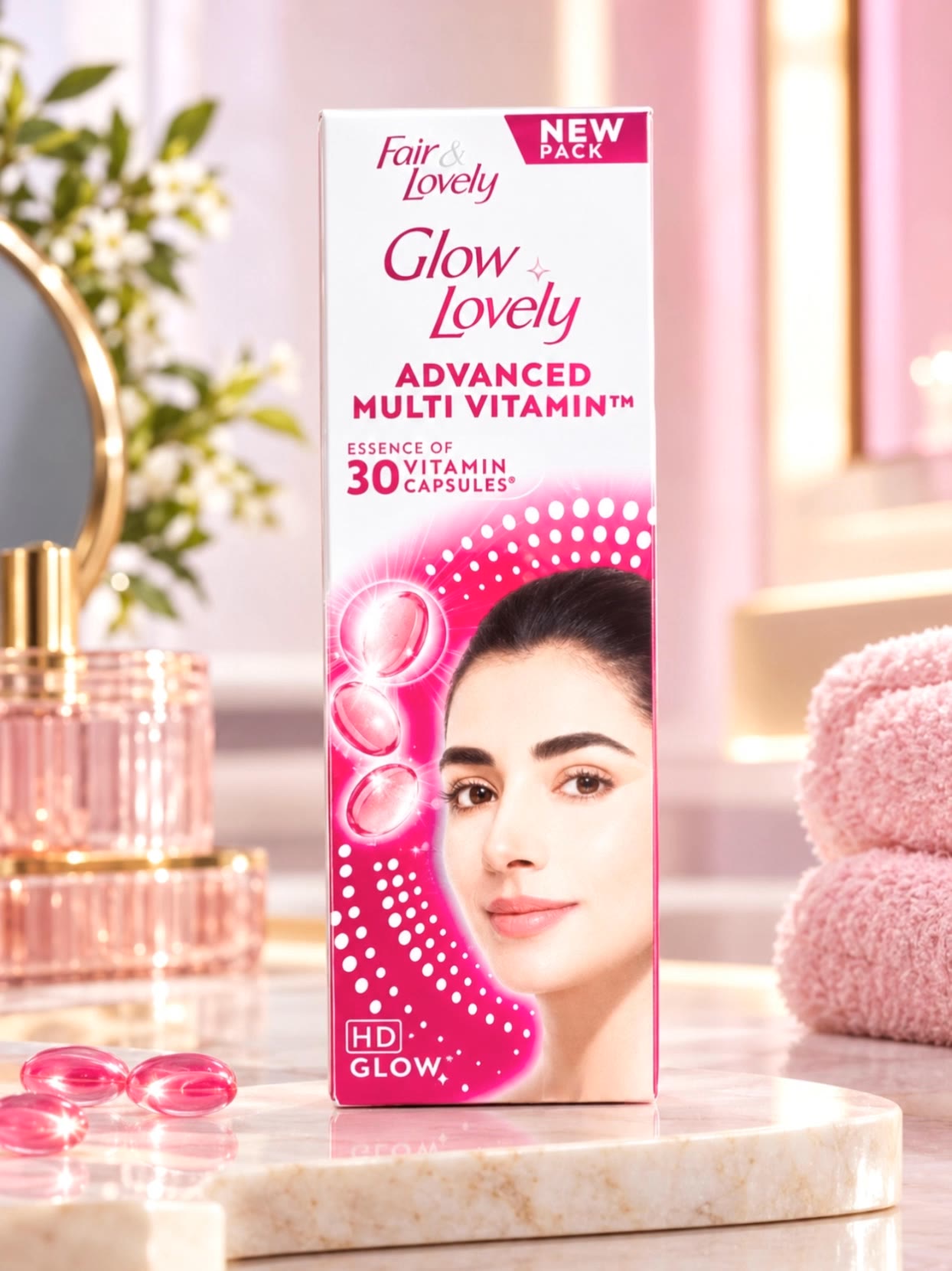
Elevate your e-commerce game with stunning Chanel perfume displays and cinematic shots featuring models showcasing products with bright studio lighting. Start exploring product photoshoot ideas and generate your own content with AI.


product photoshoot - perfume display & dynamic motion video

Recommended

Luxury Beauty Cream Jar  Product - product photoshoot AI image
ZlHPdVaP avatar
ZlHPdVaP
AI-Generated Product Photoshoot - product photoshoot AI video
00:05
yQanmfDK avatar
yQanmfDK
product photography - product photoshoot AI image
Jomo Man avatar
Jomo Man
Kling AI work 311763563661743 - product photoshoot AI video
KLING5177 avatar
KLING5177
Product ad - product photoshoot AI image
Peakpoint AI avatar
Peakpoint AI
Realistic product photo - product photoshoot AI image
Jomo Man avatar
Jomo Man
Product commercial shot - product photoshoot AI image
Peakpoint AI avatar
Peakpoint AI
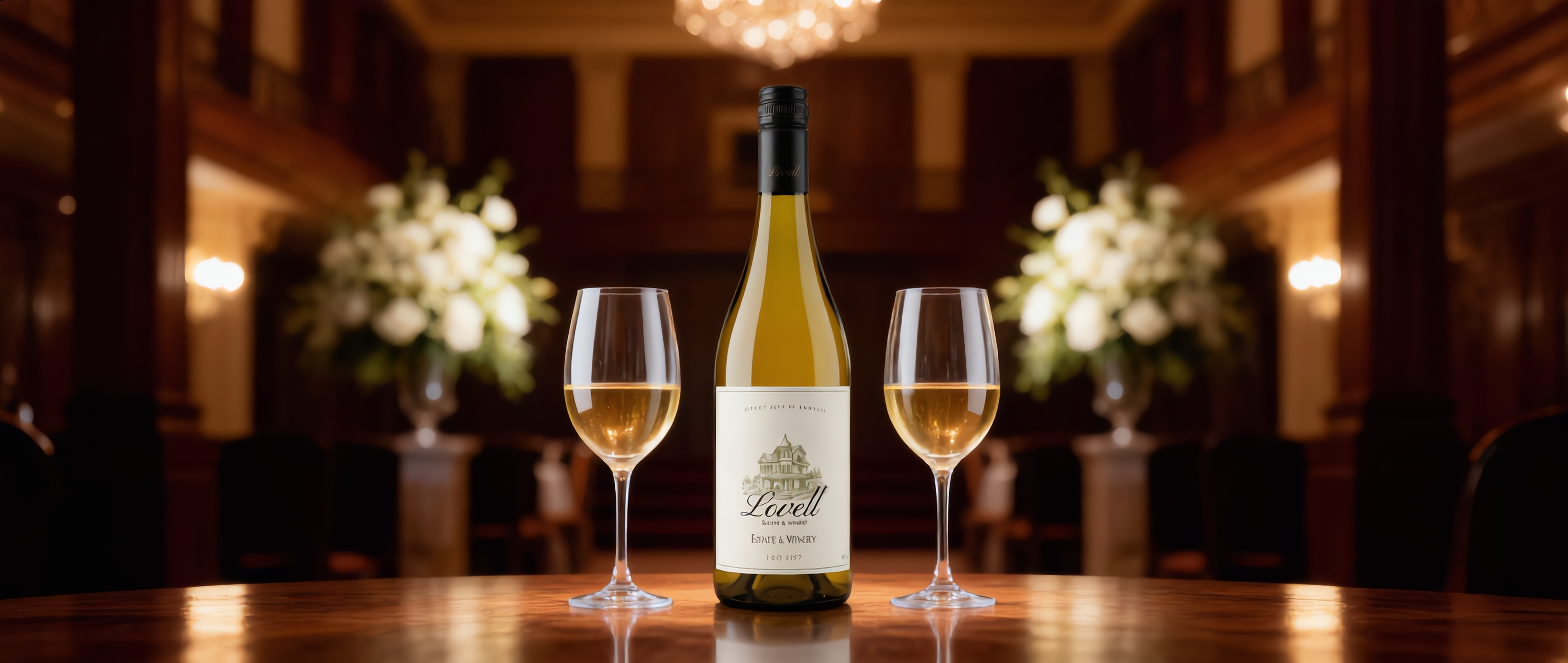
Wine product - product photoshoot AI image
MoussTV avatar
MoussTV
Elite Creator
Circular economy concept - product photoshoot AI image
kXRvJbDX avatar
kXRvJbDX
Product ad - product photoshoot AI image
Peakpoint AI avatar
Peakpoint AI
Product commercial shot - product photoshoot AI image
Peakpoint AI avatar
Peakpoint AI
Kling AI work 313102846500047 - product photoshoot AI video
Rockstars Digitals avatar
Rockstars Digitals
Vogue Photoshoot - product photoshoot AI video
kurizano avatar
kurizano
Kling AI work 313388746527011 - product photoshoot AI video
KkCKafSa avatar
KkCKafSa
EDITORIAL PRODUCT PHOTO - product photoshoot AI image
Jomo Man avatar
Jomo Man
Kling AI work 314901910611685 - product photoshoot AI video
ryJceHfy avatar
ryJceHfy
product commercial shot - product photoshoot AI image
Peakpoint AI avatar
Peakpoint AI
product photography - product photoshoot AI image
Jomo Man avatar
Jomo Man
Kling AI work 298763835653355 - product photoshoot AI image
tIvAWyWe avatar
tIvAWyWe

A Complete AI Video Editing Workflow

Create Videos with AI

Create Videos with AI

Start with a prompt, image, or visual reference. Animate a still, build a new scene, or recreate a popular effect with Kling’s AI video tools.

Edit Videos with AI

Edit Videos with AI

Upload existing footage and tell Kling what to change. Use Kling VIDEO 3.0 Omni to replace subjects, rebuild backgrounds, restyle footage, or reframe a shot. When you need more time, continue the clip with Video Extension without tedious frame-by-frame work.

Make Avatar or Talking Videos

Make Avatar or Talking Videos

Create presenter-led videos for ads, explainers, product demos, and social content with Kling AI Avatar tool. Use Lip Sync to add dialogue, dubbing, or narration from text or uploaded audio.

Edit Any Part with Kling AI

Add, Remove, or Replace Image Content

Add, Remove, or Replace Image Content

Tell Kling what you want to change in text prompts. Replace a person, remove an object, or fine-tune details such as color, material, pose, and expression. Even detailed edits take fewer and easier steps because you can change the photo with AI instead of with traditional photo editing tools. IMAGE 3.0 follows your instruction while keeping the photo’s original style, lighting, and texture in place, so the edited area still belongs in the same shot.

Change the Color, Lighting, or Style

Change the Color, Lighting, or Style

Give an existing photo a different mood effortlessly. Lift a dim scene, soften harsh light, warm or cool the colors, or bring color to a black-and-white photo or line drawing. A short prompt replaces the usual round of manual adjustments. Looking for a bigger shift? Add a style reference or spell out the visual direction. IMAGE 3.0 carries the palette, texture, and atmosphere across the whole image, so the new look feels cohesive rather than pasted on. Use it for studio-style professional headshots, distinctive portrait treatments, cinematic scene design, or a visual style that feels entirely your own.

Rework the Shot or Camera Angle

Rework the Shot or Camera Angle

Tell Kling how you want the shot to look in a text prompt. Turn a front-facing photo into a side view, move the camera higher or lower, or change a wide shot into a close-up. You can explore a new composition around the same subject without setting up another shoot. IMAGE 3.0 rebuilds the scene from the angle you request, adjusting the perspective, camera height, shot size, focal length, and depth of field along with it. The result is a newly generated view based on the source photo, rather than hidden details recovered from outside the original frame.

Apps

Image to Video
Image to Video

Image to Video

Text to Video
Text to Video

Text to Video

Omni
Omni

Omni

Digital Human
Digital Human

Digital Human

Restyle
Restyle

Restyle

Text to Image
Text to Image

Text to Image

60M+
60M+
Users
600M+
600M+
AI Videos Generated
4.7 ★
4.7 ★
App Store
Industry-Leading
Industry-Leading
Cinematic 4K

Reviews

Maria Rubtsova

Maria Rubtsova

★★★★★

I’m Maria Rubtsova, an AIGC digital artist passionate about creating stunning visuals in the worlds of fashion, aesthetics, and fantasy. I use KlingAi to bring imagination to life through video. My work is all about exploring beauty, emotion, and the limitless possibilities of digital art.

Samuele Poggi (@visualsk2)

Samuele Poggi (@visualsk2)

★★★★★

I use Kling AI daily to push the limits of AI filmmaking. It allows me to create highly cinematic content, blending AI and VFX to develop innovative projects. It has significantly impacted my creative process, enabling me to achieve complex animations that would otherwise require high production budgets.

Vincent Smadja

Vincent Smadja

★★★★★

Kling AI seamlessly integrates into my creative workflow, playing a key role in transforming my images. After generating and upscaling an image, Kling becomes a crucial element, bringing my creations to life with movement and depth.

FAQ

Q1Can I use this for global AI video marketing?
Q2What’s the difference between Video 2.6 and 3.0?
Q3How long can videos be in Video 3.0?

Experience Video 3.0 on Kling

Create cinematic, multi-shot videos with native audio and precise control—all in one generation.

Native audio | Multi-shot control | Up to 15s continuous output