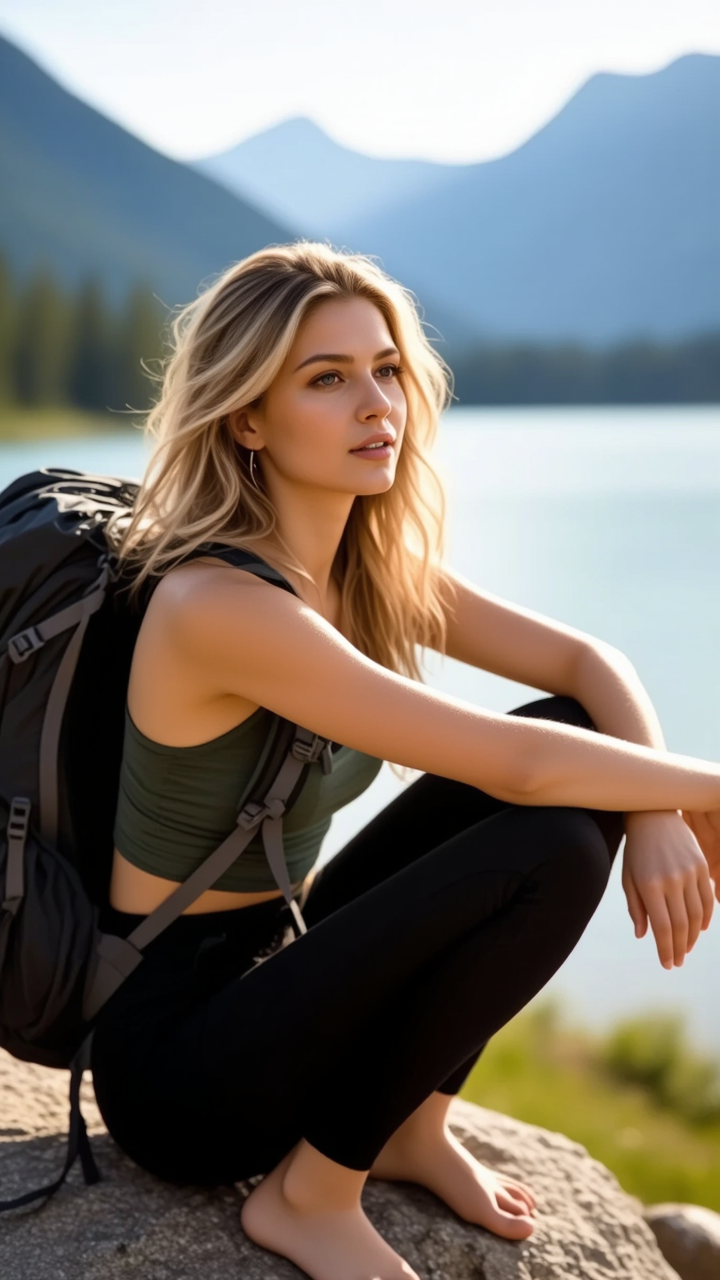
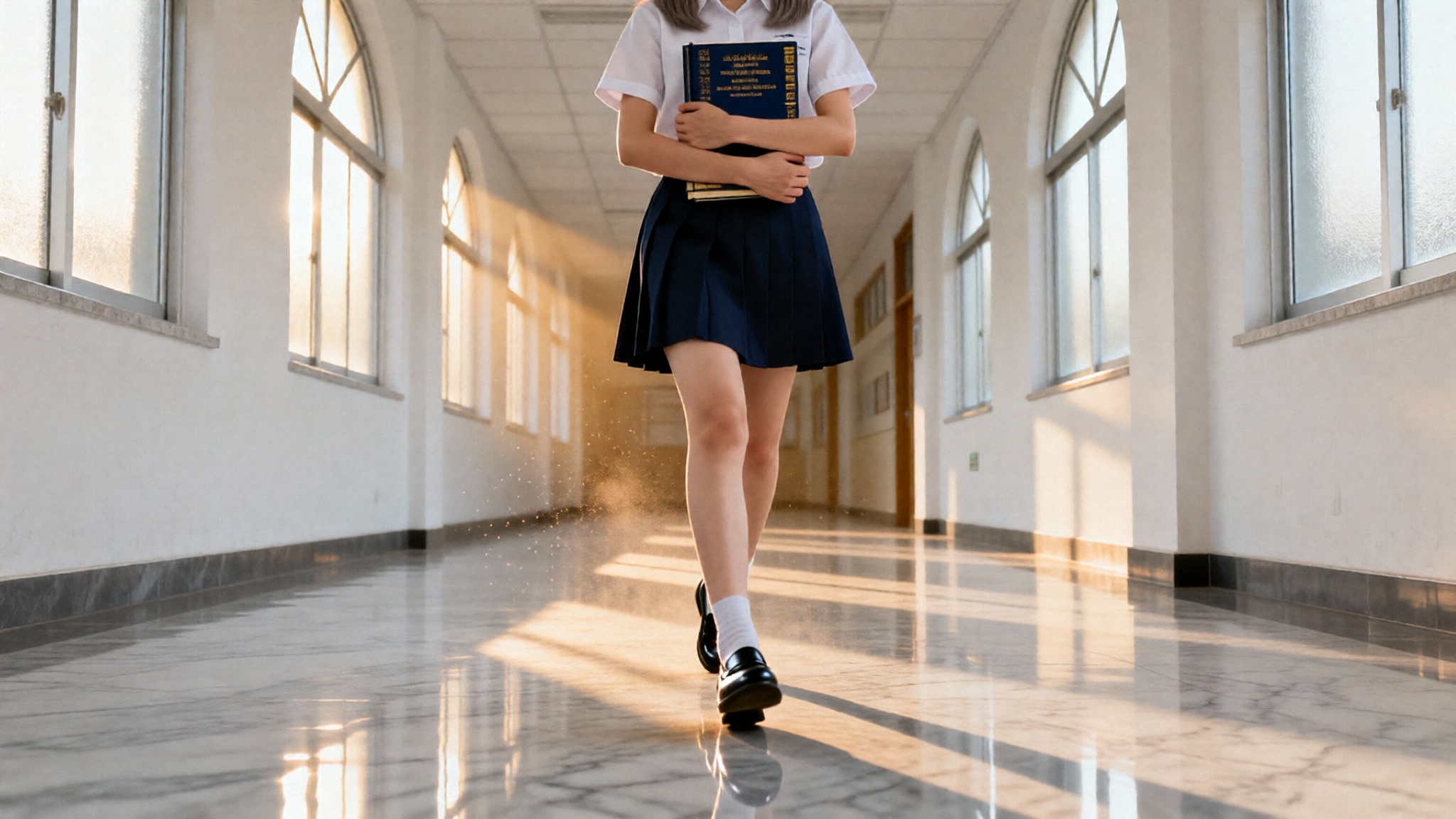
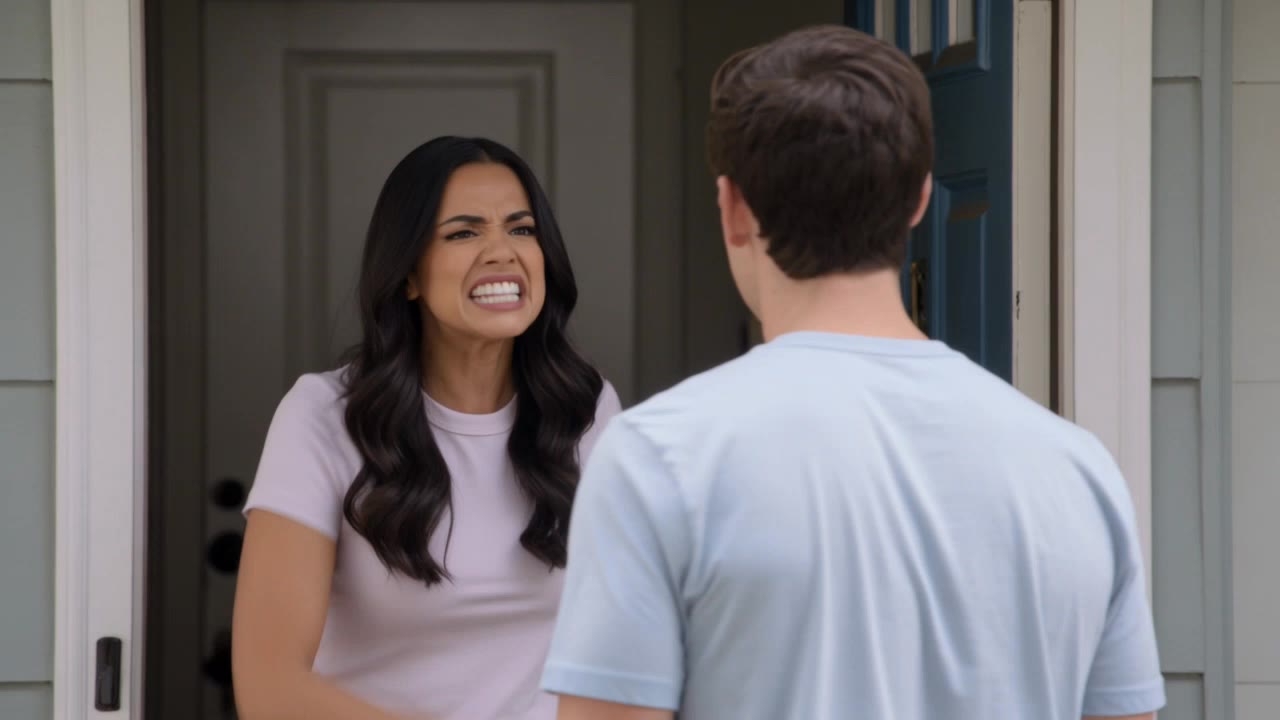
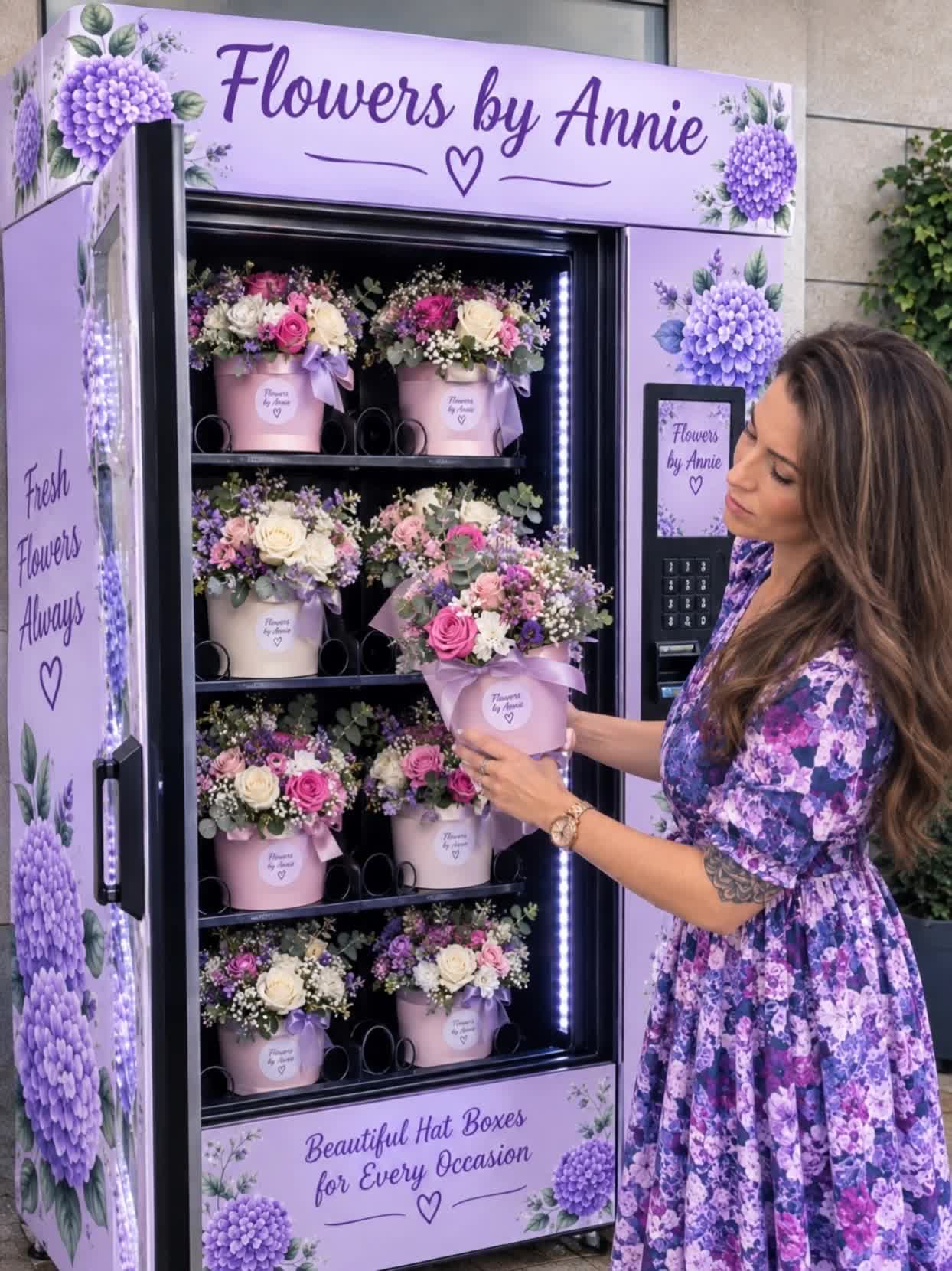
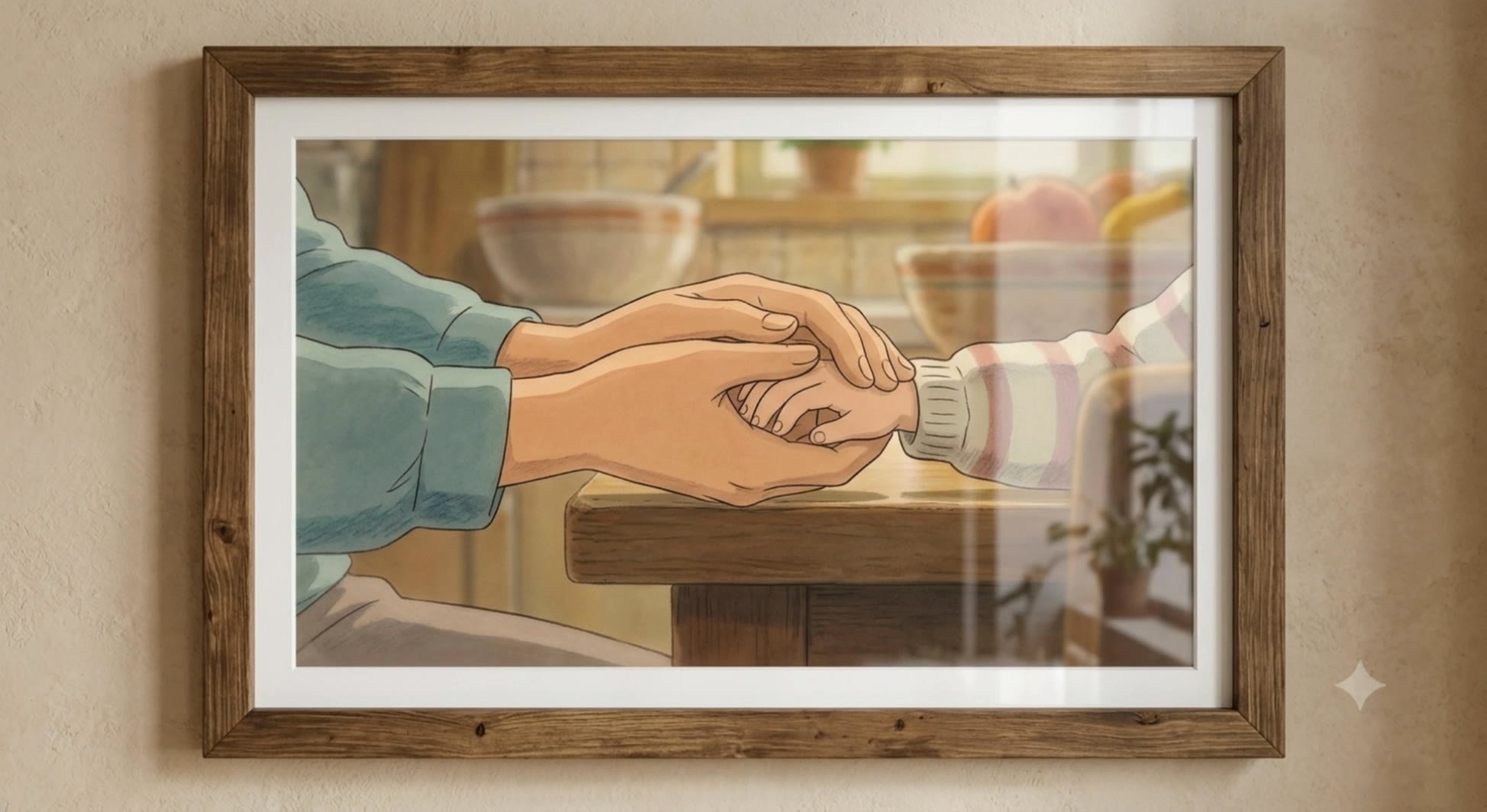
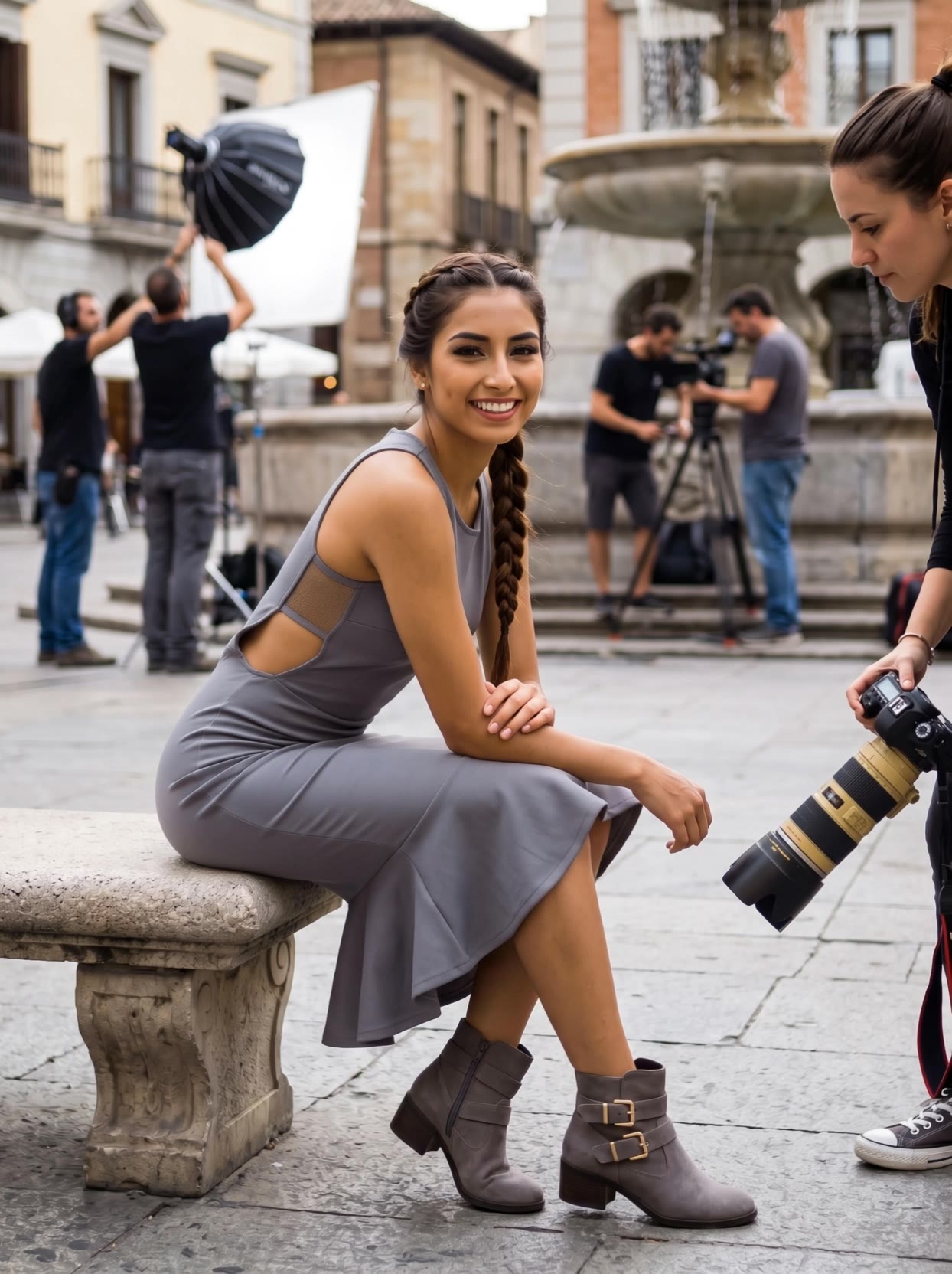
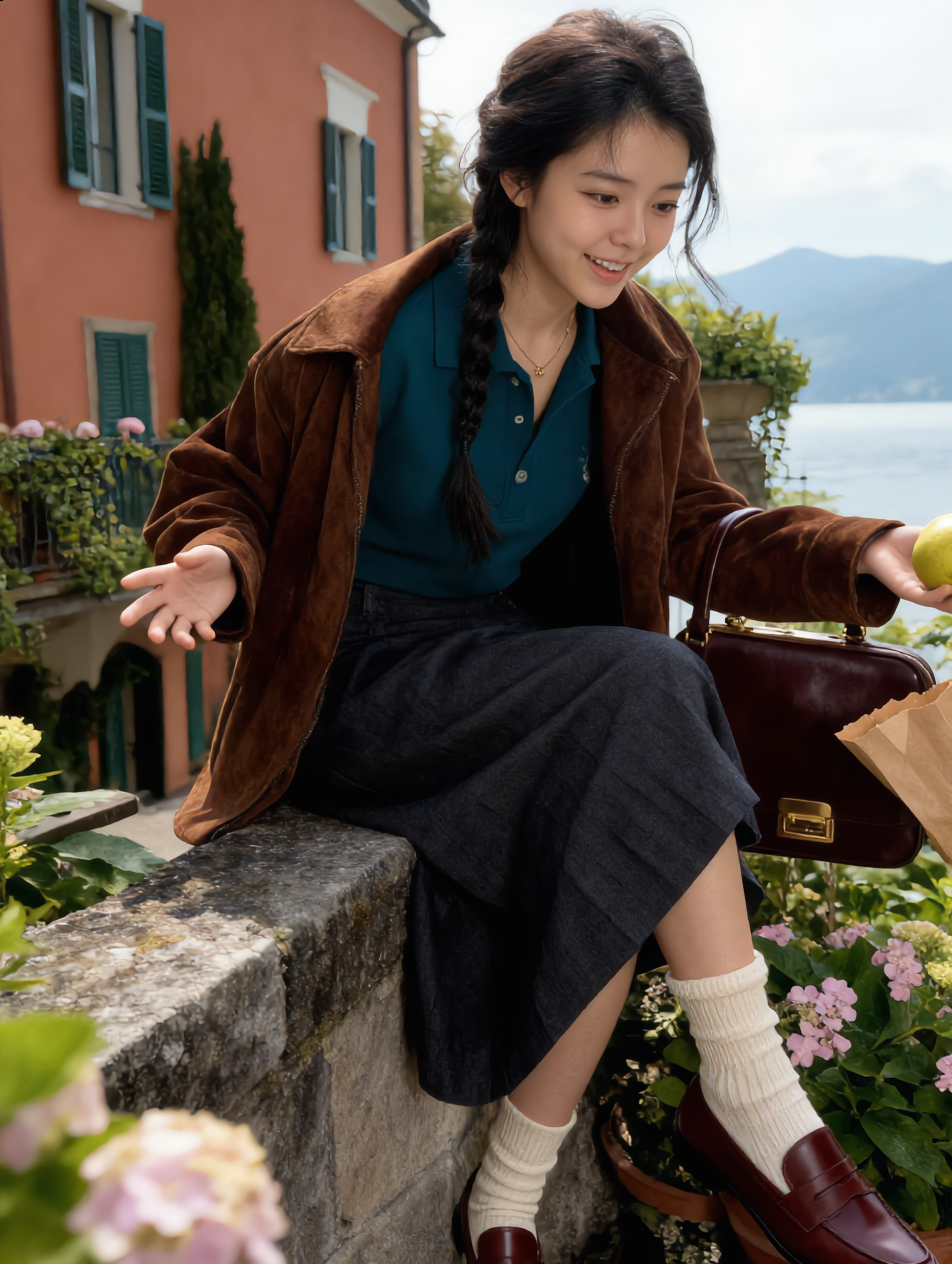
proimage photo - Editorial Product & Realistic Product

Immerse in diverse photo themes from anime character integrations to commercial and editorial product shots. Start exploring proimage photo ideas and generate your own content with AI.

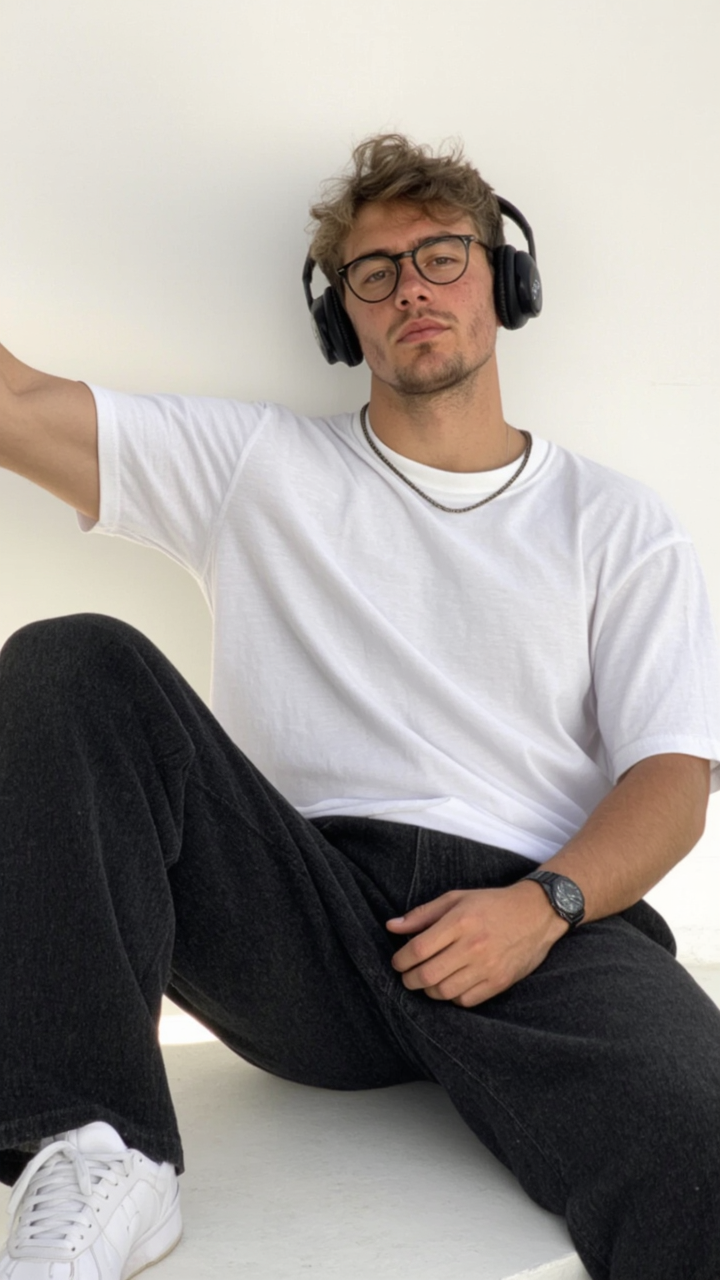
proimage photo - Editorial Product & Realistic Product

Recommended

Kling AI work 310308584506093 - proimage photo AI image
DqcJFWaj avatar
DqcJFWaj
Personal photo  - proimage photo AI image
Zero-One Larper! avatar
Zero-One Larper!
Nighttime portrait photo, - proimage photo AI image
xjCvYGEO avatar
xjCvYGEO
Is photo ki video bana do  - proimage photo AI image
ERcUgEcG avatar
ERcUgEcG
mysterious photo - proimage photo AI video
00:15
mhXZRpVn avatar
mhXZRpVn
clear photo  - proimage photo AI video
maUQjrTF avatar
maUQjrTF
Natürel photo  - proimage photo AI image
EHHlNAir avatar
EHHlNAir
photo - proimage photo AI video
KemThor5698 avatar
KemThor5698
mysterious photo - proimage photo AI video
00:15
mhXZRpVn avatar
mhXZRpVn
Photo  trend - proimage photo AI image
Jin avatar
Jin
3D animation photo hindi cartoon - proimage photo AI video
VtPGGLdj avatar
VtPGGLdj
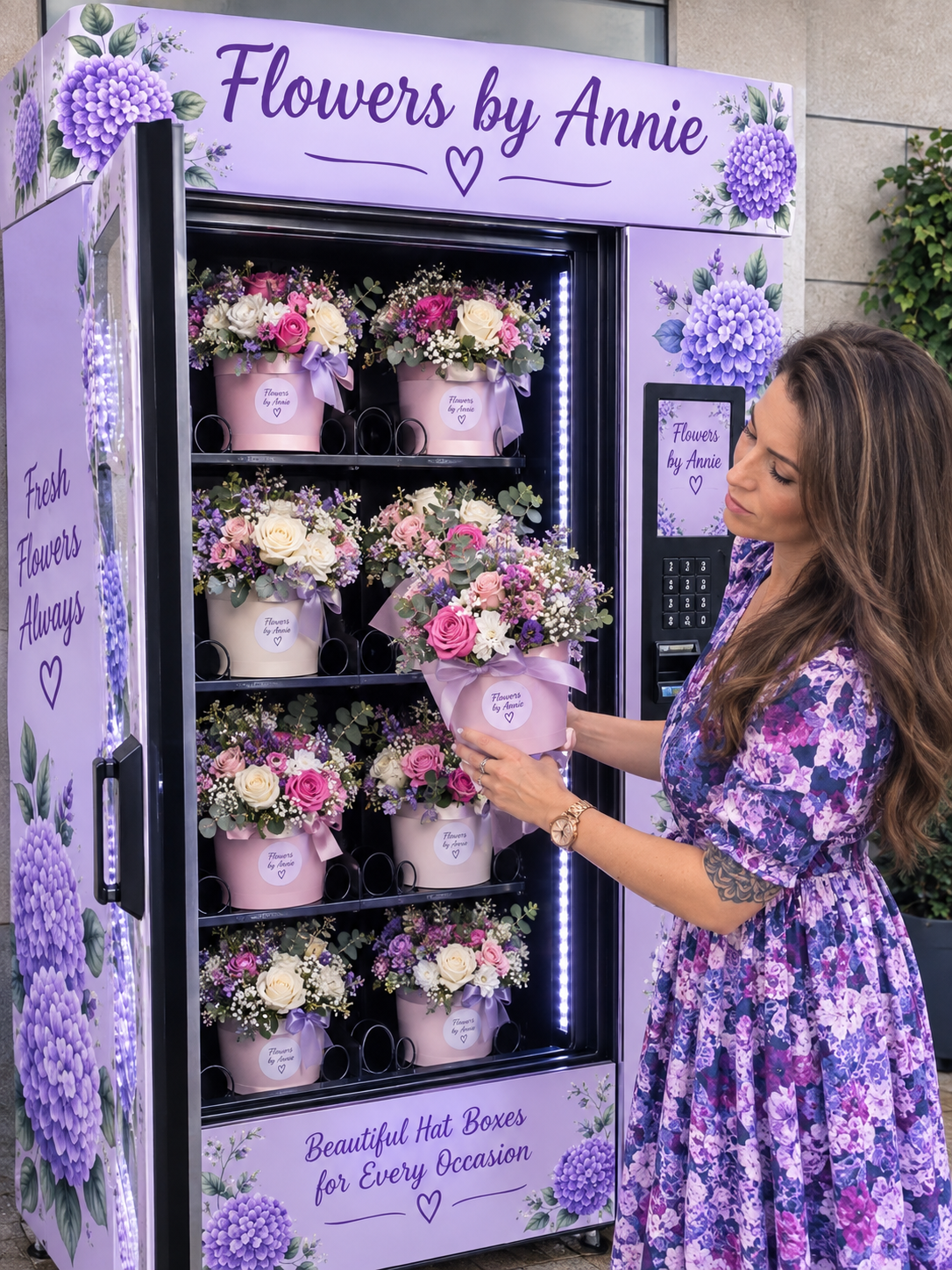
add photo - proimage photo AI video
00:05
flowersbyannie avatar
flowersbyannie
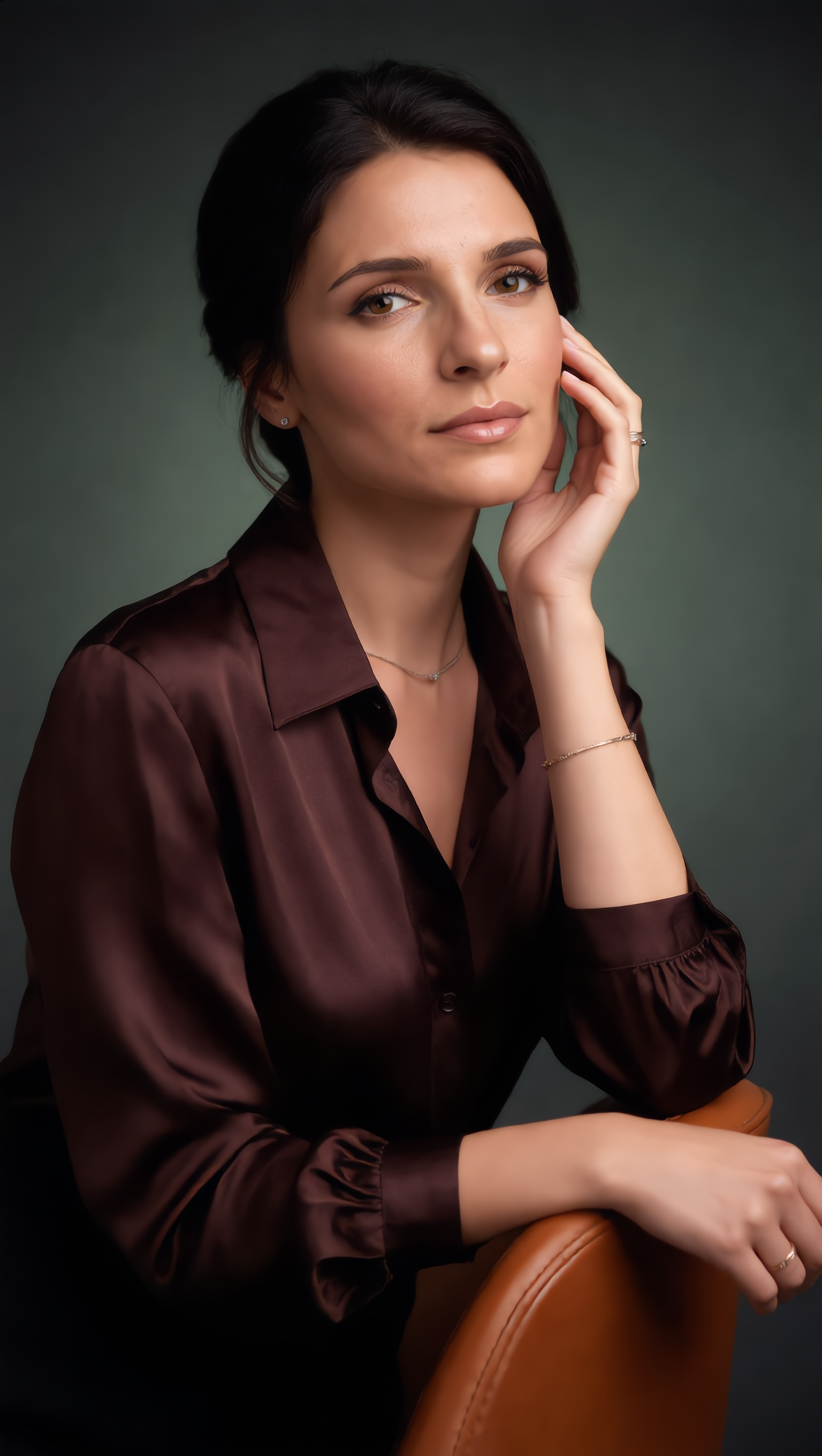
Beautiful woman portrait photo  - proimage photo AI image
Princess Shelouette avatar
Princess Shelouette
Photo shoot - proimage photo AI video
00:21
ASMR Lazar avatar
ASMR Lazar
promt,, with photo  - proimage photo AI video
bieRSUpC avatar
bieRSUpC
photo come alive - proimage photo AI video
The Golden Hour avatar
The Golden Hour
nice photo  - proimage photo AI video
00:08
Lozllelt avatar
Lozllelt
Photo shoot - proimage photo AI video
neuverge avatar
neuverge
Artsy Photo - proimage photo AI image
Oasis Imagine avatar
Oasis Imagine

How to Animate an Image with AI

Upload Your Image

Upload Your Image

Upload a portrait, product photo, illustration, or other image. For additional control, Kling 4.0's Omni Reference supports up to 15 combined reference assets, subject to individual input limits.

Describe the Motion

Describe the Motion

Specify how your subject moves and what the camera does. You can also add start and end frames or use up to 10 flexible keyframes to guide important changes with supported Kling 4.0 settings.

Generate and Download

Generate and Download

Choose your video settings and generate a clip up to 30 seconds long with Kling 4.0. Preview the result, make adjustments if needed, and download your video.

Why Kling Stands Out for Image-to-Video Creation

Realistic Motion, Up to 30s Cinematic Camera Work

Realistic Motion, Up to 30s Cinematic Camera Work

Kling 4.0 delivers more stable, physically convincing action in demanding scenes, from fast-paced fights to sports and large-scale movement. Stronger camera direction supports dynamic tracking, complex camera moves, and more coherent shot composition. With up to 30 seconds of native video generation, create longer takes and connected sequences with greater control over action, pacing, and camera movement.

More References, More Creative Control

More References, More Creative Control

Kling 4.0's Omni Reference supports up to 15 combined reference assets, including images, videos, and subjects. Combine character, scene, motion, and style references to guide different elements within the same generation. Up to 10 flexible keyframes give you additional control over composition, character actions, and scene progression. Experiment with different reference combinations and key moments without rebuilding your entire creative setup.

Recreate, Edit, and Explore New Possibilities

Recreate, Edit, and Explore New Possibilities

Kling 4.0 goes beyond generating new footage. It lets you reference existing videos to explore different characters, products, camera movements, and visual styles while retaining the original shot structure or motion as a guide. It also supports precise video editing, letting you target changes to subjects, backgrounds, actions, and camera angles. Rework existing scenes, try alternate versions, and develop new footage without starting from scratch.

Apps

Image to Video
Image to Video

Image to Video

Text to Video
Text to Video

Text to Video

Omni
Omni

Omni

Digital Human
Digital Human

Digital Human

Restyle
Restyle

Restyle

Text to Image
Text to Image

Text to Image

60M+
60M+
Users
600M+
600M+
AI Videos Generated
4.7 ★
4.7 ★
App Store
Industry-Leading
Industry-Leading
Cinematic 4K

Reviews

Maria Rubtsova

Maria Rubtsova

★★★★★

I’m Maria Rubtsova, an AIGC digital artist passionate about creating stunning visuals in the worlds of fashion, aesthetics, and fantasy. I use KlingAi to bring imagination to life through video. My work is all about exploring beauty, emotion, and the limitless possibilities of digital art.

Ozan Sihay

Ozan Sihay

★★★★★

Kling AI allows me to rapidly prototype ideas, refine storytelling elements, and produce visually compelling content efficiently. It has not only accelerated my creative processes, but also deepened my understanding of how AI can enrich visual storytelling.

Jyo John Mulloor

Jyo John Mulloor

★★★★★

Kling AI has been instrumental in transforming my creative workflow, unlocking new dimensions of artistic expression that were once unimaginable. I use Kling AI extensively to develop high-concept visuals, animate surreal dreamscapes, and create AI-assisted films that blur the line between reality and fantasy. Kling AI’s deep learning capabilities have not only enhanced my creative efficiency but also inspired me to explore storytelling in ways I never thought possible.

FAQ

Q1What is an AI image generator?
Q2How do I write a good AI image prompt?
Q3Is Kling AI image generator free to use?

Your Next Visual Starts Here

Start with a sentence, a sketch, or a reference photo. Shape the composition, dial in the details, and keep iterating in Kling AI.

Free tier available | Text-to-image | Image-to-image | Fast generation