

hjk
5
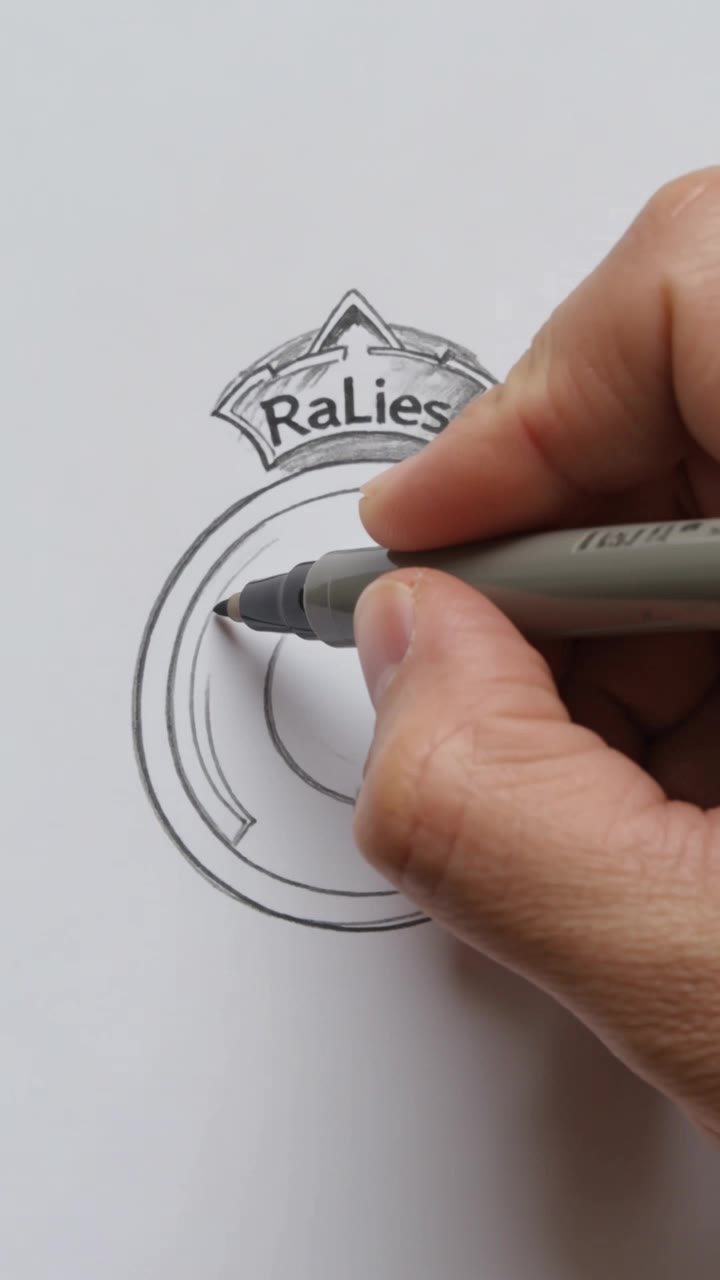
Experience elegant logo reveals and dynamic morphs inspired by top brands like Real Madrid and BP. Effortlessly design unique logos with integrated slogans and modern neuromap flashes. Start exploring quick logo maker ideas and generate your own content with AI.




-8x.png?x-kcdn-pid=112372&x-oss-process=image%2Fresize%2Cw_100%2Ch_100%2Cm_mfit)








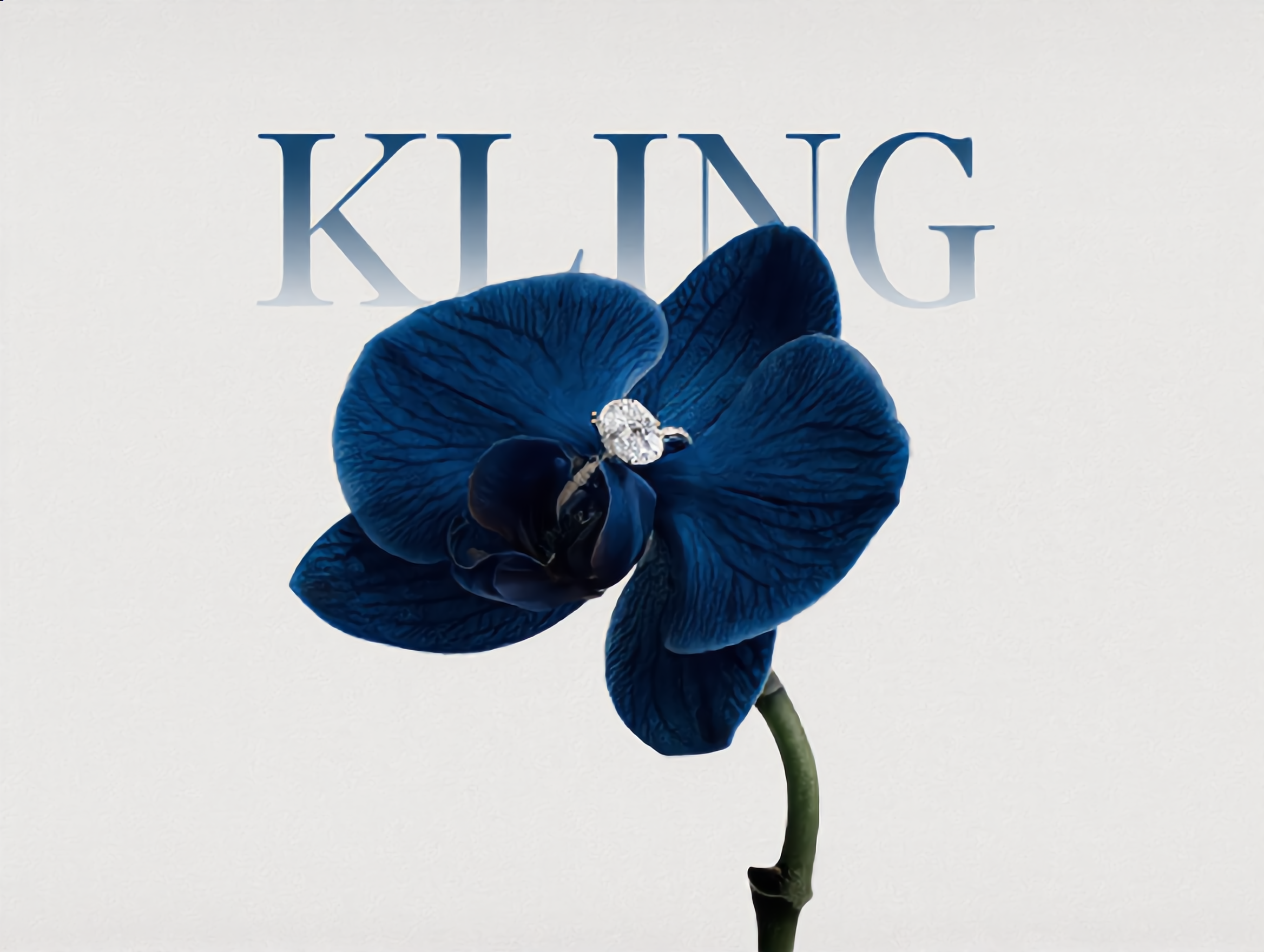







Unlike standard tools that distort faces when moving, Kling Video 3.0 lets you strictly lock a character’s appearance. Upload a single photo, or use a short video/multiple angles as a reference to completely eliminate the “AI morphing” effect.

Your video isn’t just silent footage; it speaks. Generate perfectly matched voices and realistic lip movements in multiple languages or regional accents. Even in multi-character scenes, you can precisely assign who speaks—no third-party tools required.

Go beyond a basic 3-second clip. Kling 3.0 extends generation to 15 seconds of smooth, uninterrupted narrative. You can even use native storyboard controls to direct multi-shot sequences in a single click—outputting in crystal-clear 4K for professional use.

















I use AI daily and Kling AI is a crucial part of my workflow, whether for client work or personal projects. What I love most about using Kling AI is that it provides all the tools I need in one place, from keyframes to character references, elements and special effects.

I use Kling AI every day. It's amazing to see the almost daily progress it makes. I used AI for fun at first, and I now find that Kling AI's animations allow me to gain professional visibility, with three times more views on my animated posts than on my static posts.

I have successfully collaborated with world-renowned artists and well-known companies that are recognized globally
Keep the footage you already have and give it a higher-resolution finish. Upscale short videos to 4K, bring out more visible detail, and use prompts or references when you want more control over the final result.
