Creative Studio
API
Resources
Features
About Us
Download

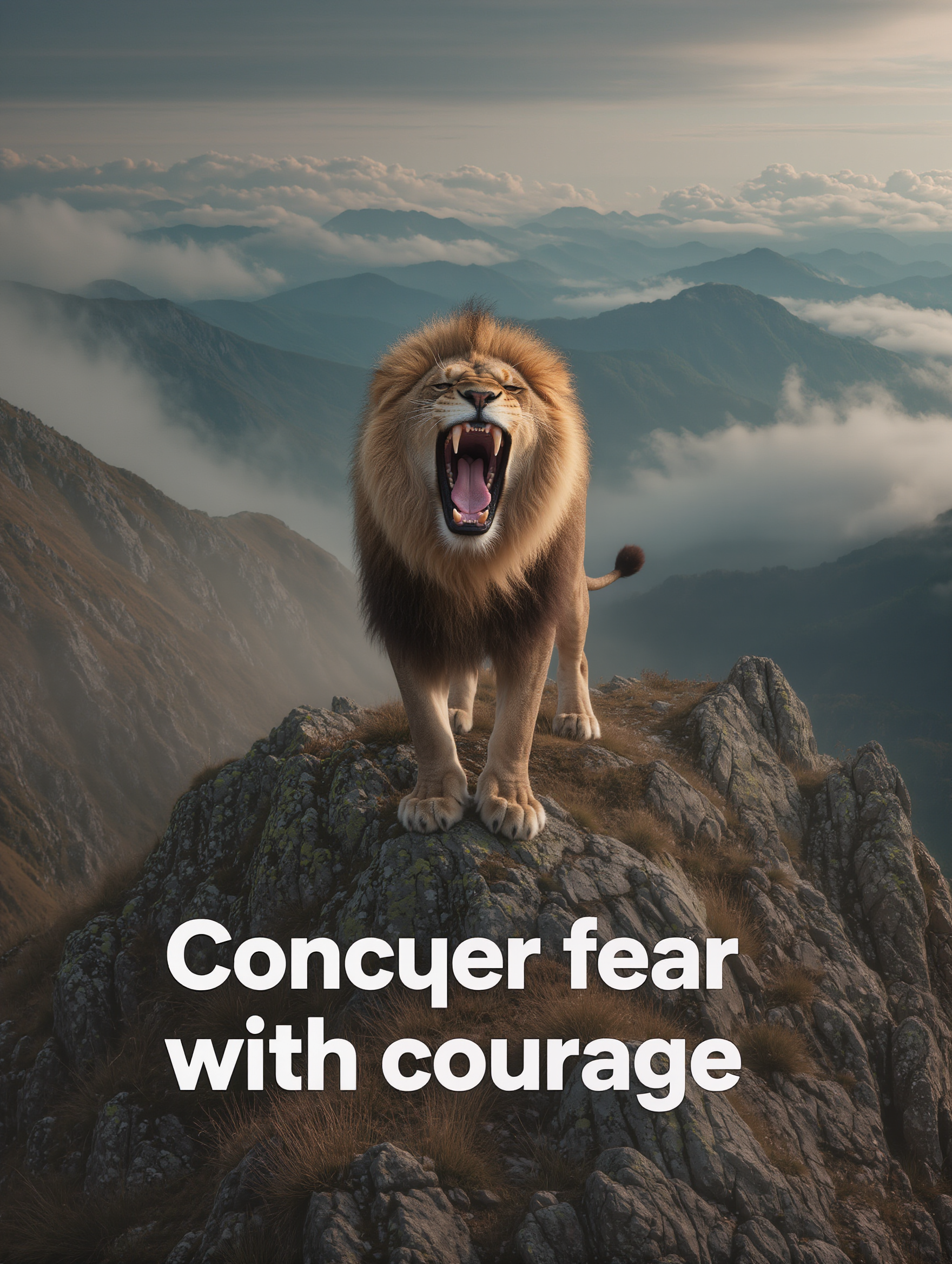
quote image generator - romantic moments & dramatic portraits

Harness the power of inspiration with our quote image generator, featuring themes of perseverance through life's challenges and the serene beauty of traditional wisdom. Start exploring quote image generator ideas and generate your own content with AI.

quote image generator - romantic moments & dramatic portraits

Recommended

Kling AI work 309073593616374 - quote image generator AI image
yLIXScPO avatar
yLIXScPO
Kling AI work 313323104664011 - quote image generator AI video
nnQvLvhO avatar
nnQvLvhO
 image 1 - quote image generator AI image
CXThSvTE avatar
CXThSvTE
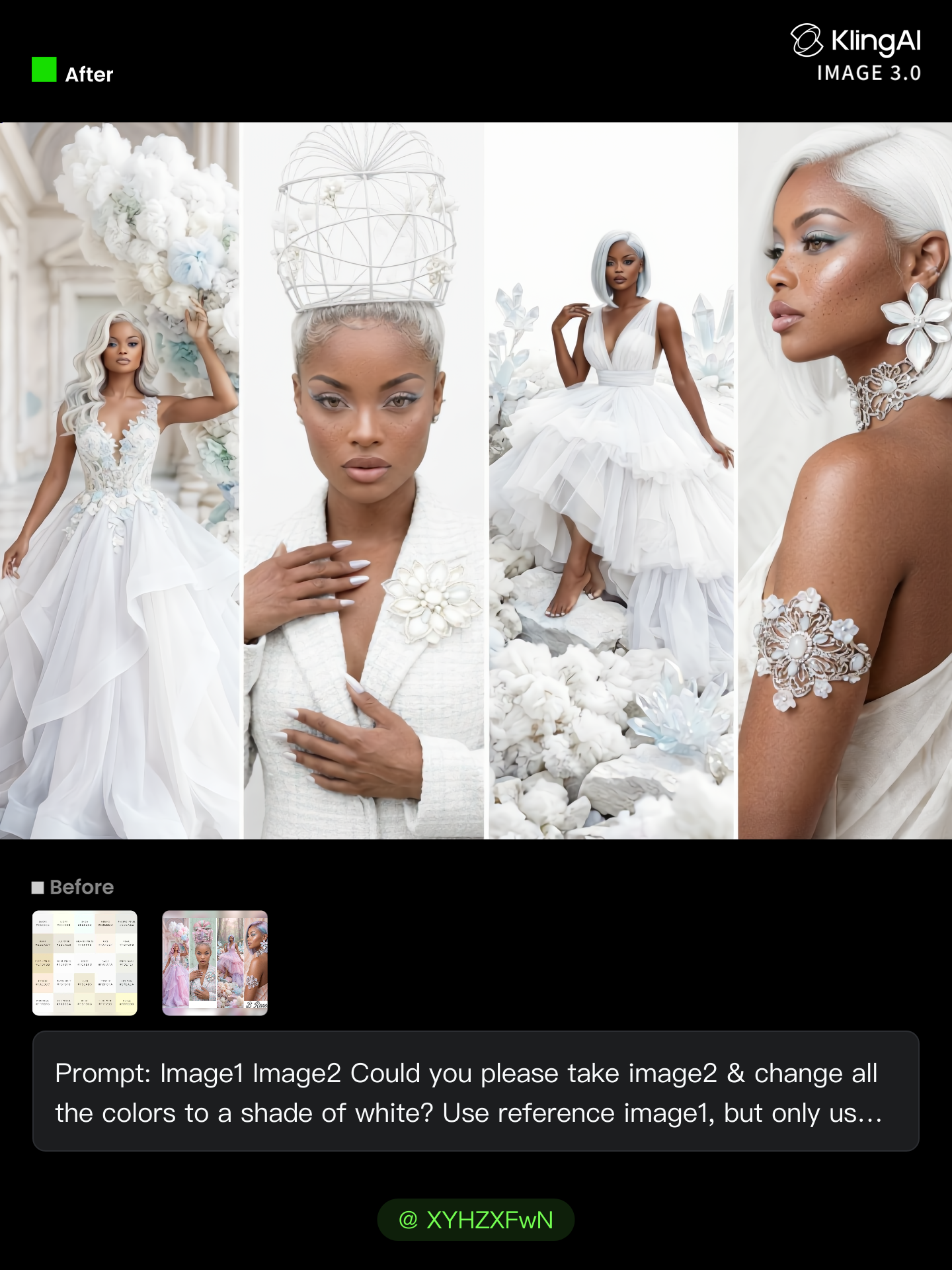
All White Challenge. - quote image generator AI image
Breneen avatar
Breneen
Kling AI work 284311034652916 - quote image generator AI image
Chandu avatar
Chandu
Kling AI work 296362006525335 - quote image generator AI image
Hulyo avatar
Hulyo
Kling AI work 312552354613098 - quote image generator AI video
shYkBUez avatar
shYkBUez
Kling AI work 319946036520829 - quote image generator AI video
AAjBftdR avatar
AAjBftdR
Dream  - quote image generator AI image
Chandu avatar
Chandu
Kling AI work 308412701501599 - quote image generator AI video
DUYofQTb avatar
DUYofQTb
Inspirational quotes  - quote image generator AI image
Owlie avatar
Owlie
Kling AI work 316991680327956 - quote image generator AI image
HHcTfFhY avatar
HHcTfFhY
Kling AI work 318748569617222 - quote image generator AI image
yNfQTDmO avatar
yNfQTDmO
Kling AI work 307433844504817 - quote image generator AI image
qnzUAPEI avatar
qnzUAPEI
Kling AI work 312781516614333 - quote image generator AI video
XbIfOaIV avatar
XbIfOaIV
niuni - quote image generator AI image
eNfNucem avatar
eNfNucem
Kling AI work 263200901 - quote image generator AI image
BrjOgynX avatar
BrjOgynX
Pretty Manola🥰 - quote image generator AI image
silenceboy🥺 avatar
silenceboy🥺
Some Men Do Not Heal - quote image generator AI video
Samanyanga Creations avatar
Samanyanga Creations

How to Extend an Image with AI

Step 1: Upload and Describe

Step 1: Upload and Describe

Upload the image you want to expand, such as a portrait, product photo, landscape, or social media visual. Use a text prompt to specify which side to extend and what should appear in the new area, such as more sky, scenery, or background details, while keeping the main subject unchanged.

Step 2: Choose the Output Settings and Generate

Step 2: Choose the Output Settings and Generate

Choose the image ratio, number of outputs, and resolution, then generate your extended image. Creating multiple versions makes it easier to compare the results and choose your favorite.

Step 3: Expand Your Image with Image Expansion

Step 3: Expand Your Image with Image Expansion

Open the Image Expansion workflow when you want a dedicated way to extend an existing image. Upload your source image, describe what should appear beyond the original frame, choose from the available output settings, and generate the expanded result.

Choose the Right Voice Workflow

Add New Audio to an Existing Video

Add New Audio to an Existing Video

Use the dedicated Lip Sync tool when your character video is already created. Upload a voiceover or song, or generate speech from text, then match the new audio to the character’s mouth movements.

Generate Dialogue with the Scene

Generate Dialogue with the Scene

Starting from scratch? Kling VIDEO 3.0 and VIDEO 3.0 Omni create dialogue, lip movement, visuals, sound effects, and ambience together. Native Audio supports Chinese, English, Japanese, Korean, and Spanish.

Keep Character and Voice Consistent

Keep Character and Voice Consistent

Create a reusable Character Element from images or a video, bind a voice tone, and carry the same appearance and voice into new scenes with VIDEO 3.0 Omni.

Apps

Image to Video
Image to Video

Image to Video

Text to Video
Text to Video

Text to Video

Omni
Omni

Omni

Digital Human
Digital Human

Digital Human

Restyle
Restyle

Restyle

Text to Image
Text to Image

Text to Image

60M+
60M+
Users
600M+
600M+
AI Videos Generated
4.7 ★
4.7 ★
App Store
Industry-Leading
Industry-Leading
Cinematic 4K

Reviews

PJ Ace

PJ Ace

★★★★★

Kling AI has made it easy for us to generate world class visuals for Fortune 500 companies, TV shows and music for big artists. We love the easy of use of the platform and the quality of the generations. My first time using Kling AI, I got 22 million views on just one video. It's that good.

Jyo John Mulloor

Jyo John Mulloor

★★★★★

Kling AI has been instrumental in transforming my creative workflow, unlocking new dimensions of artistic expression that were once unimaginable. I use Kling AI extensively to develop high-concept visuals, animate surreal dreamscapes, and create AI-assisted films that blur the line between reality and fantasy. Kling AI’s deep learning capabilities have not only enhanced my creative efficiency but also inspired me to explore storytelling in ways I never thought possible.

James Phillips

James Phillips

★★★★★

Kling AI has transformed my workflow by collapsing timelines and democratizing production. It’s shifted my mindset from resource-dependent filmmaking to a boundless creative sandbox, where experimentation yields unexpected beauty.

FAQ

Q1What is the difference between Kling 2.6 and 3.0 Motion Control?
Q2What happens if the reference motion and image don’t match?
Q3Can I use this for anime or 3D characters?

Turn Your Ideas into Stunning Images

Create realistic images, character concepts, and creative artwork with Kling AI.

Free tier available | Reference images supported | High-quality output | Fast generation