Creative Studio
API
Resources
Features
About Us
Download

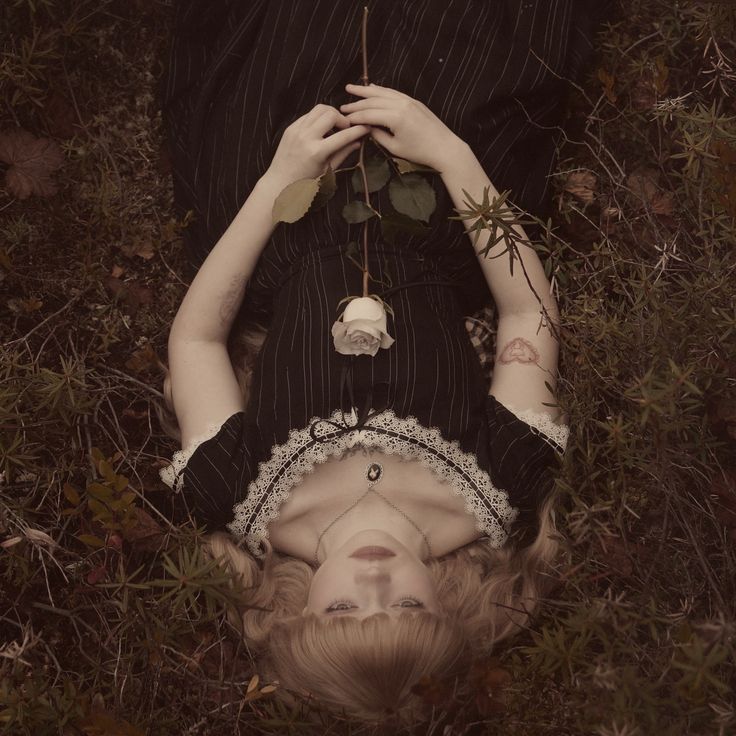
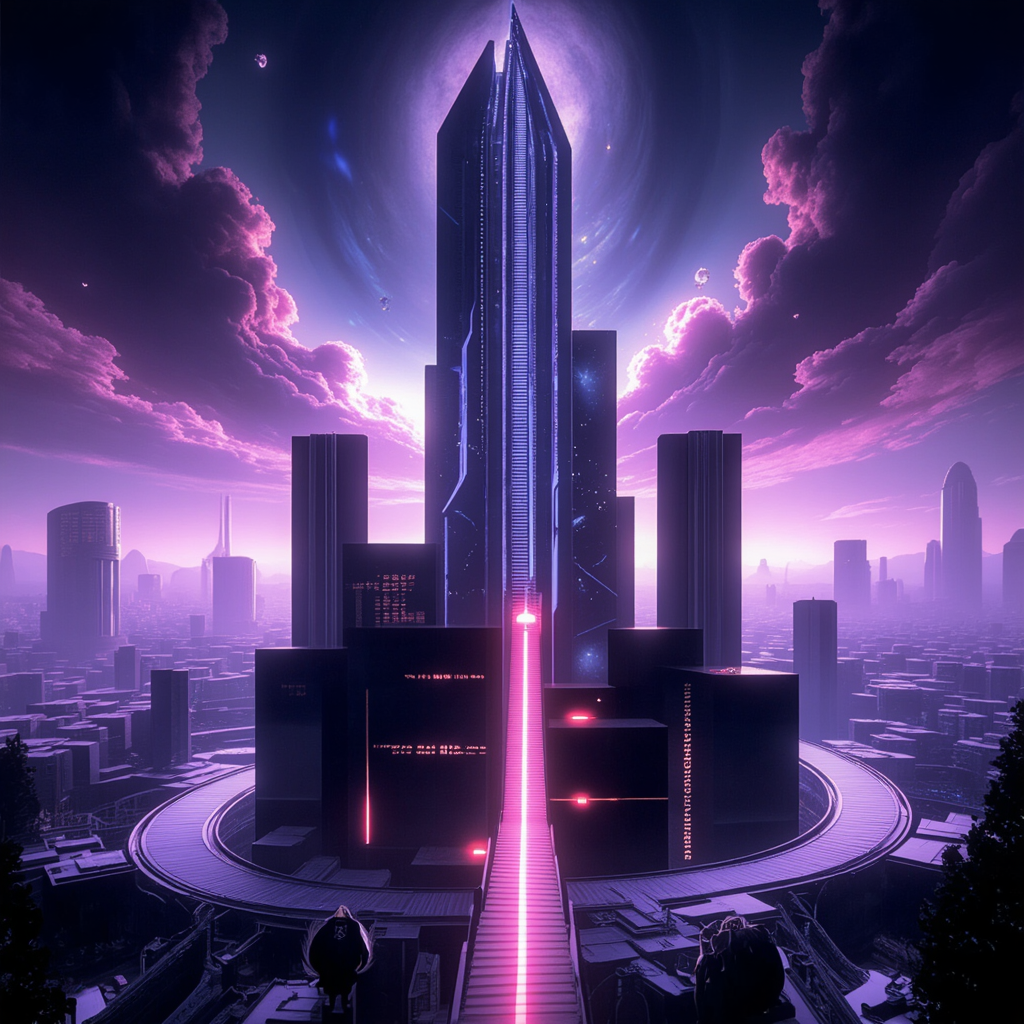
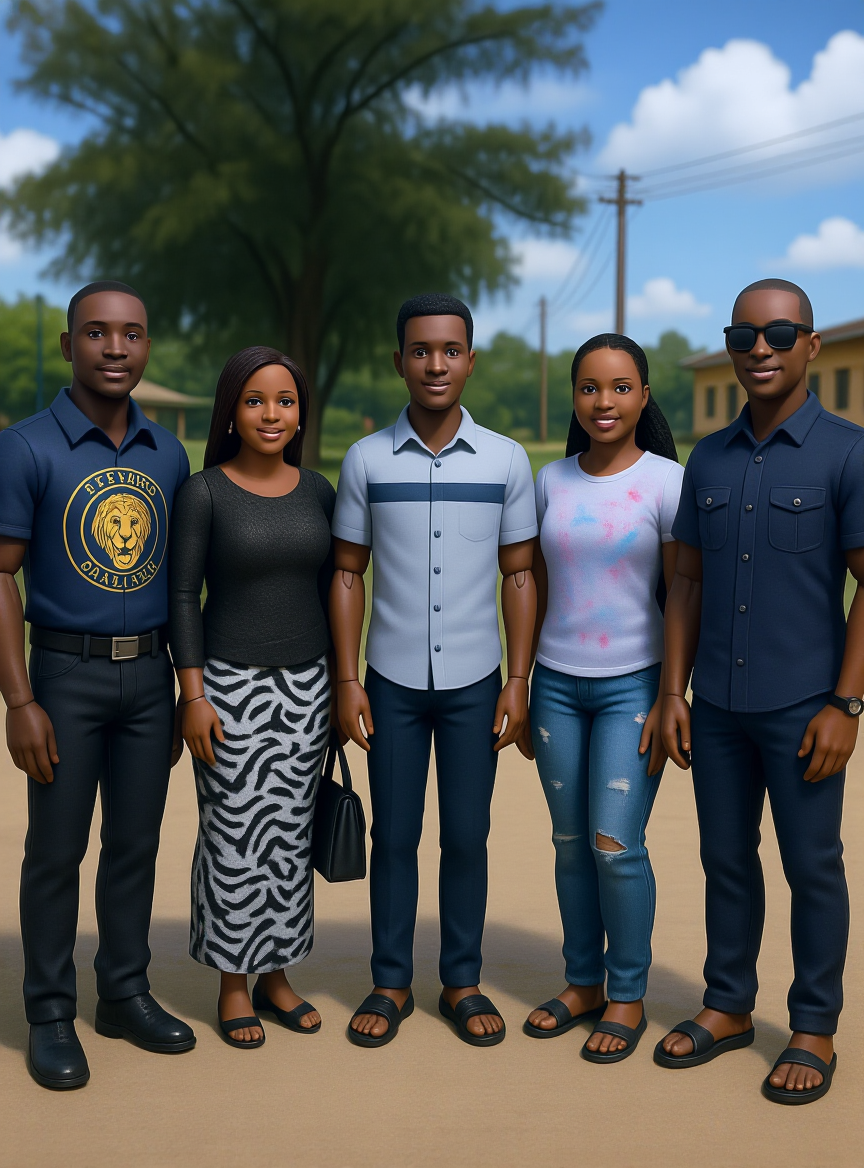
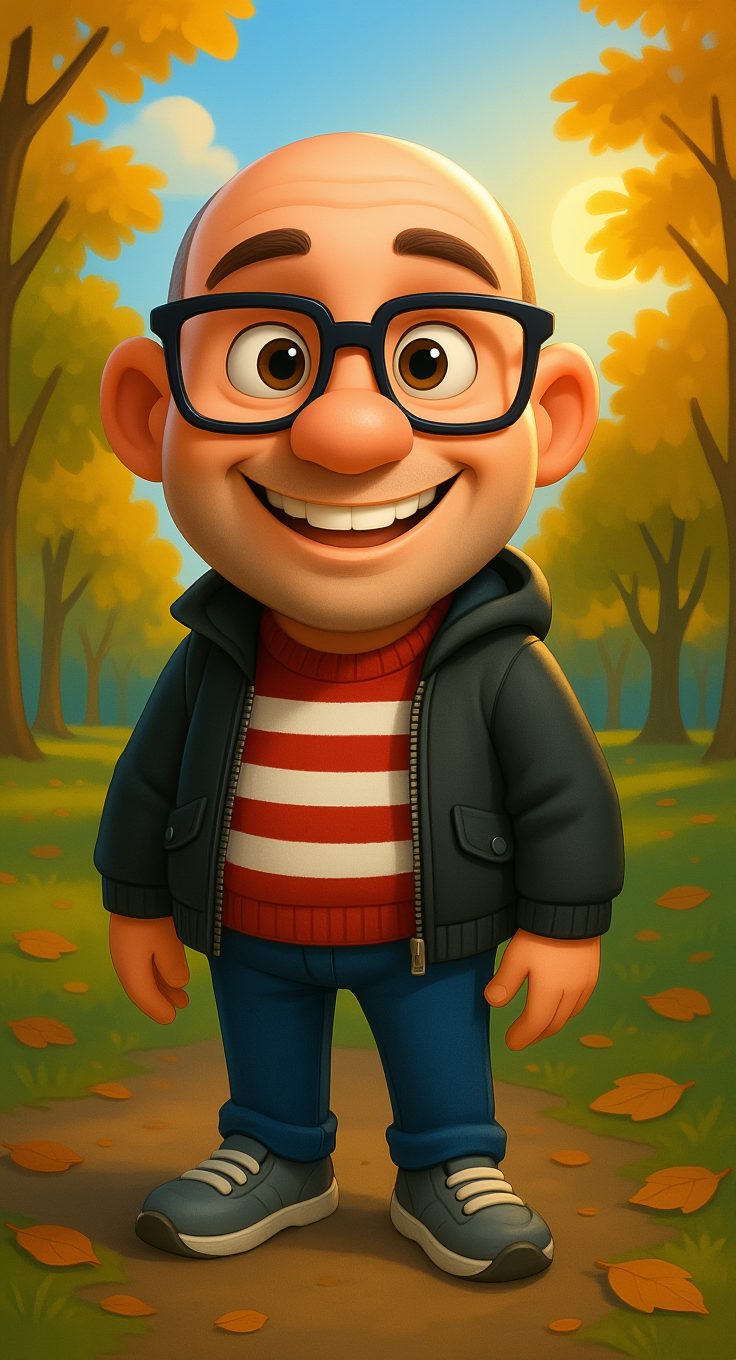
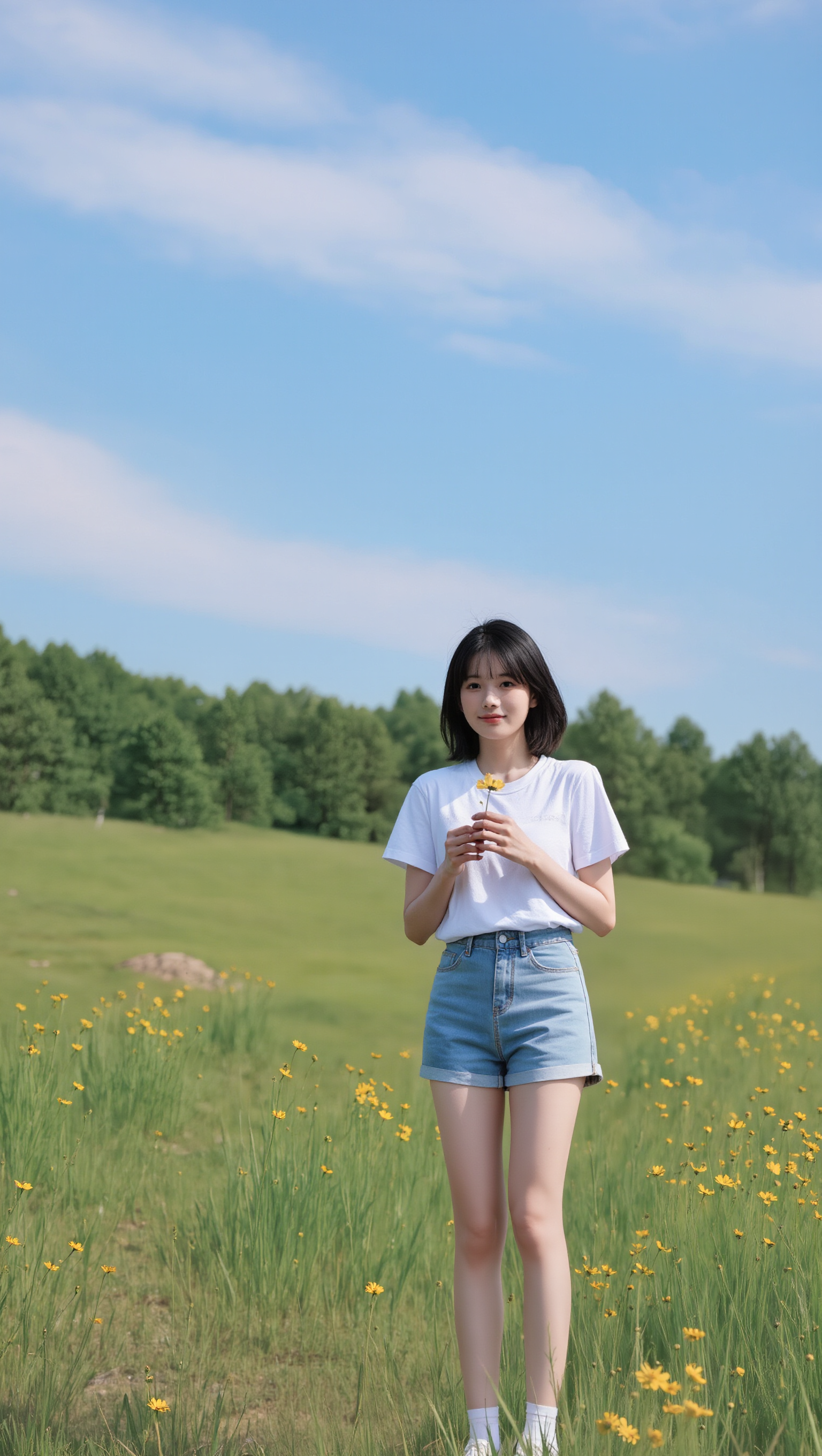
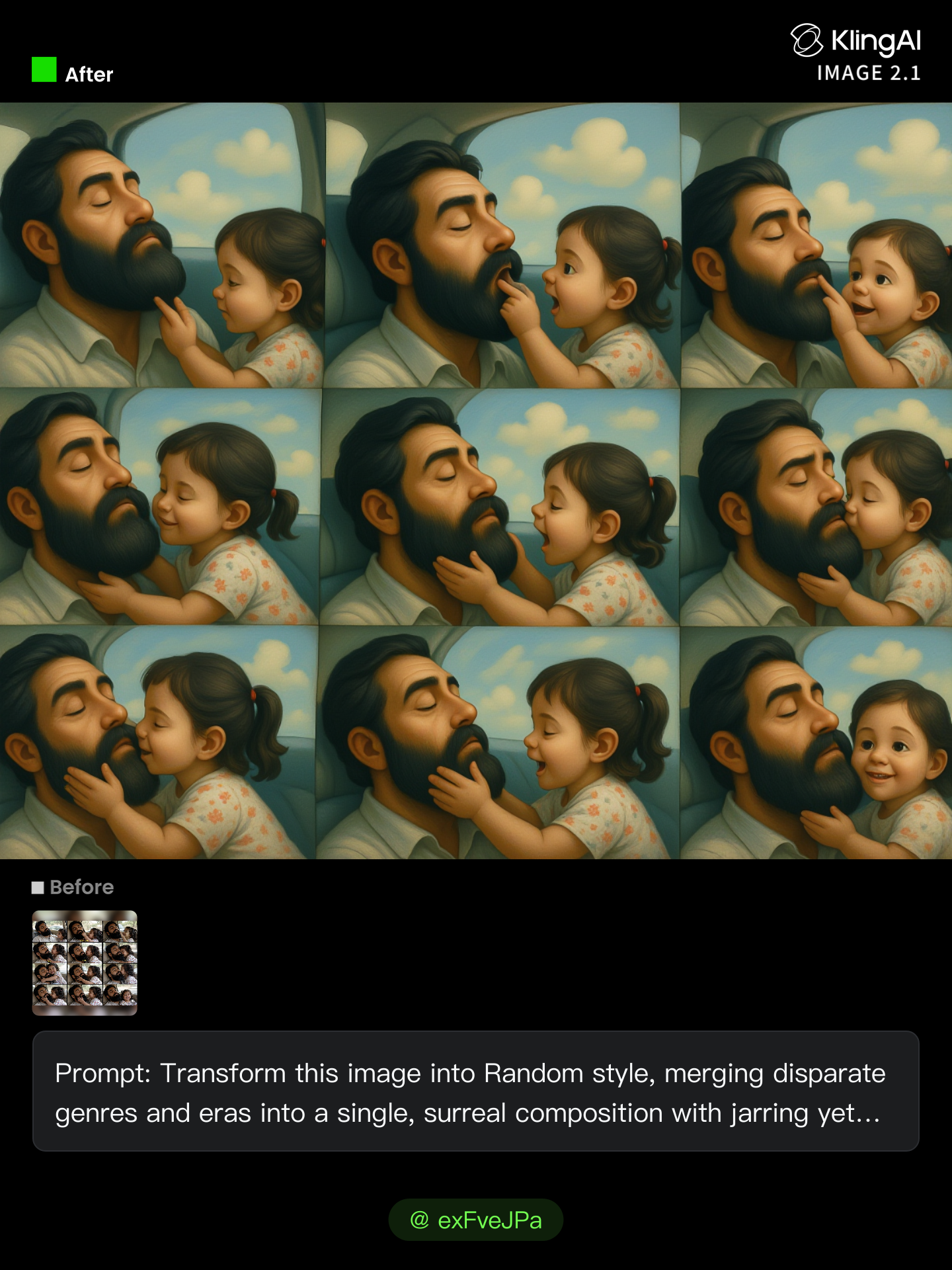
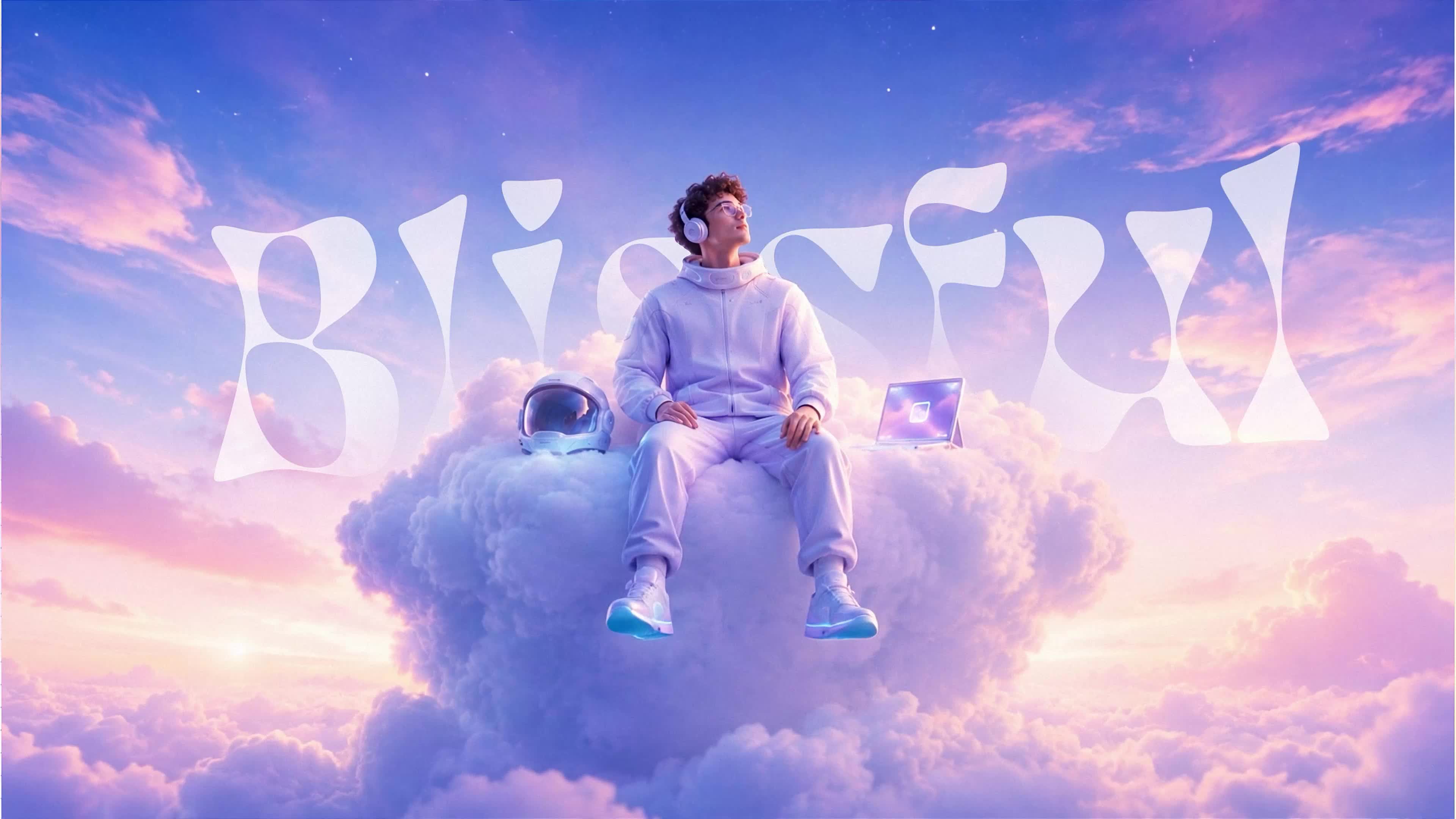
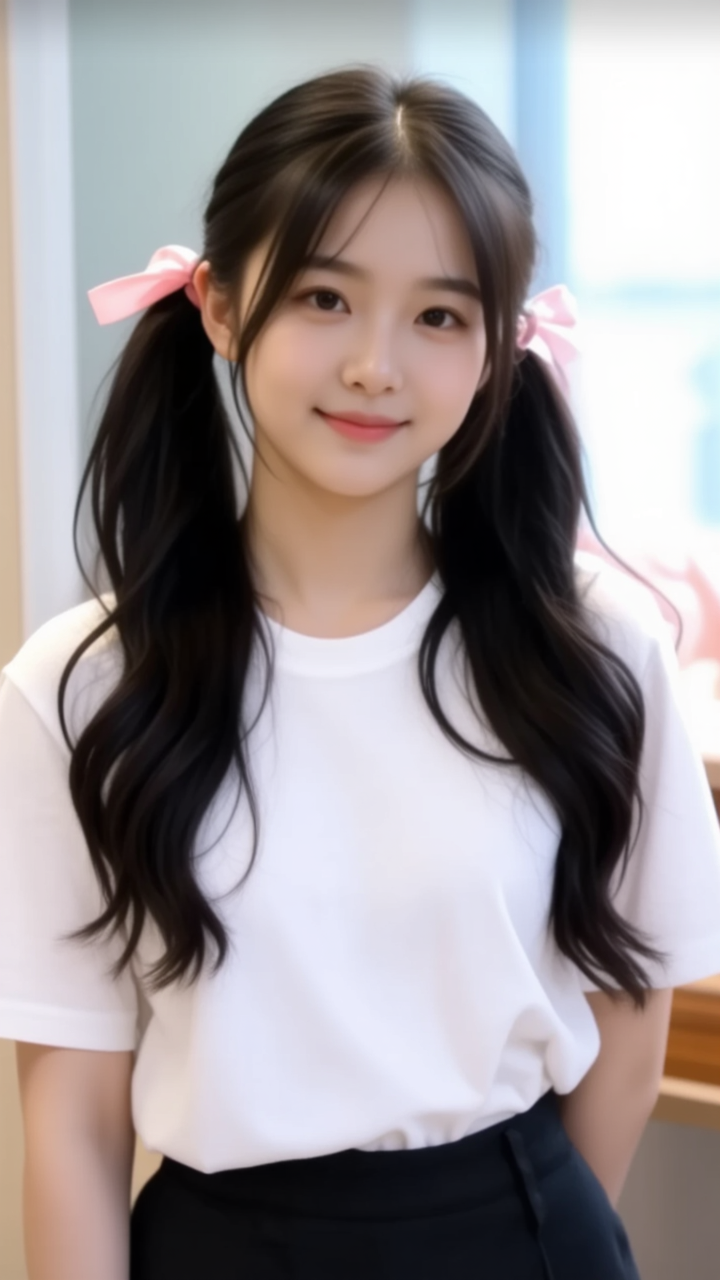
random ai image - cyber sleuth & golden hour park

Immerse in a world where cyber sleuths meet fervent fever dreams and ultra-realistic cinematic scenes blend with surreal, dreamlike visuals. Start exploring random ai image ideas and generate your own content with AI.

random ai image - cyber sleuth & golden hour park

Recommended

Kling AI work 238069851 - random ai image AI image
empirekor avatar
empirekor
Kling AI work 306613850666889 - random ai image AI image
mirrorx avatar
mirrorx
Kling AI work 316616701617847 - random ai image AI image
vpAncRez avatar
vpAncRez
Image to ai image - random ai image AI image
vbxsWIBJ avatar
vbxsWIBJ
Kling AI work 312225357504537 - random ai image AI image
レクニカル avatar
レクニカル
Kling AI work 316262511660757 - random ai image AI image
hEYAhNet avatar
hEYAhNet
Kling AI work 312137630527775 - random ai image AI image
BJRZzlek avatar
BJRZzlek
creating ai image - random ai image AI image
Napoleon Sam avatar
Napoleon Sam
Kling AI work 297046176611480 - random ai image AI image
GU avatar
GU
Kling AI work 315606690611015 - random ai image AI image
VVsykzvp avatar
VVsykzvp
Kling AI work 296229545503801 - random ai image AI image
ℹ️MissKAKADU🌼 avatar
ℹ️MissKAKADU🌼
Random - random ai image AI image
Ron119 avatar
Ron119
Kling AI work 312461986522135 - random ai image AI image
CvgsQnQQ avatar
CvgsQnQQ
Kling AI work 312631453666531 - random ai image AI image
exFveJPa avatar
exFveJPa
Kling AI work 318699439612158 - random ai image AI image
SpycQMkf avatar
SpycQMkf
AI image generation, explained w - random ai image AI video
01:33
KLINGer avatar
KLINGer
 image 1 - random ai image AI image
CXThSvTE avatar
CXThSvTE
ivvy image - random ai image AI image
NQHmTVSz avatar
NQHmTVSz

How to Use Kling AI Art Generator

Start with a Prompt

Start with a Prompt

Open IMAGE 3.0 Omni. Write what you want to make, upload an existing image, or add references that show the character, object, composition, or style you want Kling to follow.

Set the Art Direction

Set the Art Direction

Add the details that matter to the piece: medium, palette, mood, lighting, framing, perspective, or another visual cue. When you use several references, tell Kling what each one contributes instead of leaving the relationship between them ambiguous.

Generate and Keep Working

Generate and Keep Working

Generate the artwork, review the result, and adjust the prompt or creative direction if needed. For connected images, continue the idea with Image Series.

Improve Video Quality Beyond Resolution

Give Your Video a Cinematic Finish in 4K

Give Your Video a Cinematic Finish in 4K

Choose 4K in the output settings to give your footage a finely detailed finish. From the texture of fabric to the contours of a face, bring small details into view for larger screens and close-up shots. Give family recordings, social clips, and creative projects a richer presentation.

Fix Lighting, Color, and the Overall Look

Fix Lighting, Color, and the Overall Look

A good clip can still fall flat because of dull color, poor lighting, or an awkward composition. Use prompts to reduce visible grain and digital noise in low-light footage, then refine the lighting, color, and composition. Turn an ordinary view into an expressive close-up, bring warmth to a dim scene, or change the weather and time of day. Shape the overall look without adjusting every element by hand.

Fill in the Gaps for More Fluid Motion

Fill in the Gaps for More Fluid Motion

Upload your video and describe the missing action or moment you want to add. Add reference images when needed, then use Kling to generate additional footage that helps connect existing moments with less manual editing.

Apps

Image to Video
Image to Video

Image to Video

Text to Video
Text to Video

Text to Video

Omni
Omni

Omni

Digital Human
Digital Human

Digital Human

Restyle
Restyle

Restyle

Text to Image
Text to Image

Text to Image

60M+
60M+
Users
600M+
600M+
AI Videos Generated
4.7 ★
4.7 ★
App Store
Industry-Leading
Industry-Leading
Cinematic 4K

Reviews

Vincent Smadja

Vincent Smadja

★★★★★

Kling AI seamlessly integrates into my creative workflow, playing a key role in transforming my images. After generating and upscaling an image, Kling becomes a crucial element, bringing my creations to life with movement and depth.

Jyo John Mulloor

Jyo John Mulloor

★★★★★

Kling AI has been instrumental in transforming my creative workflow, unlocking new dimensions of artistic expression that were once unimaginable. I use Kling AI extensively to develop high-concept visuals, animate surreal dreamscapes, and create AI-assisted films that blur the line between reality and fantasy. Kling AI’s deep learning capabilities have not only enhanced my creative efficiency but also inspired me to explore storytelling in ways I never thought possible.

Maria Rubtsova

Maria Rubtsova

★★★★★

I’m Maria Rubtsova, an AIGC digital artist passionate about creating stunning visuals in the worlds of fashion, aesthetics, and fantasy. I use KlingAi to bring imagination to life through video. My work is all about exploring beauty, emotion, and the limitless possibilities of digital art.

FAQ

Q1What is a background remover?
Q2Is Kling AI Background Remover free?
Q3Can I make the background of a photo white?

Keep the Shot. Change the Background.

Remove the background you do not want or move existing footage into a new scene - without rebuilding the shot frame by frame.