Creative Studio
API
Resources
Features
About Us
Download

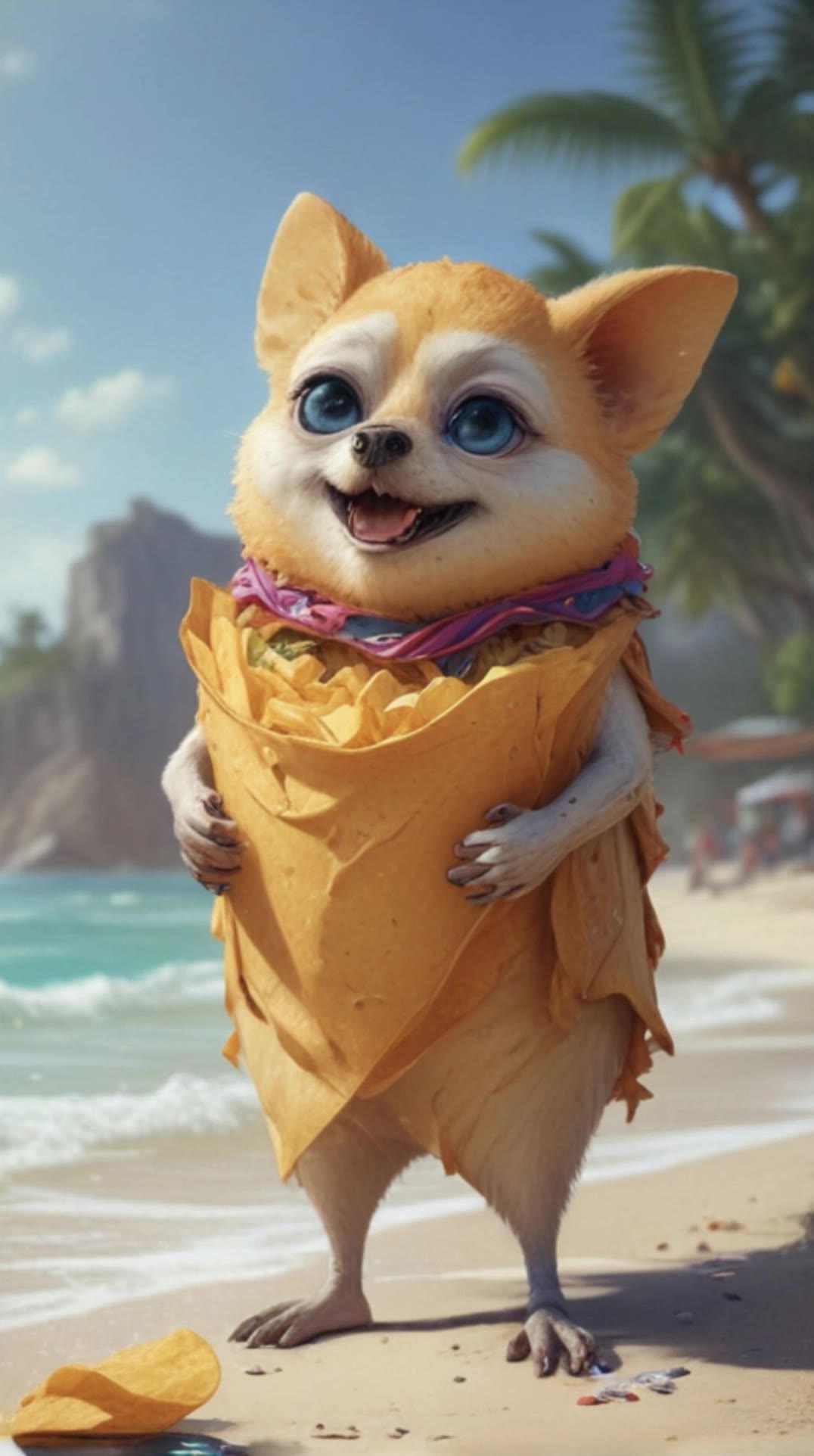
random meme generator - dramatic reactions & exaggerated expressions

Unleash laughter with our random meme generator featuring quirky themes like dramatic mosquito battles and over-the-top gas station reactions. Start exploring random meme generator ideas and generate your own content with AI.

random meme generator - dramatic reactions & exaggerated expressions

Recommended

Kling AI work 300987735610659 - random meme generator AI video
Awesomeloop avatar
Awesomeloop
Kling AI work 298295043615316 - random meme generator AI video
oVdDxclU avatar
oVdDxclU
Kling AI work 318282283615410 - random meme generator AI video
vSVQSRYs avatar
vSVQSRYs
Kling AI work 310755984523325 - random meme generator AI video
mnTFdGUp avatar
mnTFdGUp
random - random meme generator AI video
00:04
XMWioUrG avatar
XMWioUrG
Kling AI work 298447408506230 - random meme generator AI video
chaosgrania avatar
chaosgrania
Kling AI work 315688971615360 - random meme generator AI video
KqiyoWha avatar
KqiyoWha
Kling AI work 313419994521741 - random meme generator AI video
OfnkSMJd avatar
OfnkSMJd
Kling AI work 314193582615863 - random meme generator AI image
OGcFVkfX avatar
OGcFVkfX
Kling AI work 312680516667199 - random meme generator AI video
vsvJPEJD avatar
vsvJPEJD
Kling AI work 311105526525808 - random meme generator AI image
NeonDreamer avatar
NeonDreamer
meme cat - random meme generator AI video
KLING3192 avatar
KLING3192
Kling AI work 313419810524012 - random meme generator AI video
OfnkSMJd avatar
OfnkSMJd
Kling AI work 316262511660757 - random meme generator AI image
hEYAhNet avatar
hEYAhNet
Random - random meme generator AI image
Ron119 avatar
Ron119
BRUH - random meme generator AI video
kzhrdNTa avatar
kzhrdNTa
Kling AI work 311622546666083 - random meme generator AI video
StVxWgao avatar
StVxWgao
Kling AI work 318894570611476 - random meme generator AI video
LYZcIqUV avatar
LYZcIqUV
Kling AI work 299087647611406 - random meme generator AI video
khvbYCKI avatar
khvbYCKI

How to Create an AI Video from a Script

Start with a Scene or Story Beat

Start with a Scene or Story Beat

Paste in the part of your script you want to see on screen. Include the setting, characters, action, and dialogue that matter to the scene. Camera direction and visual style can stay simple at first, you can get more specific when you start shaping the shots.

Turn the Scene into a Shot Sequence

Turn the Scene into a Shot Sequence

Switch on Multi-Shot and let Kling work out the scene transitions and camera coverage from your prompt. Already have the sequence in your head? Open Custom Multi-Shot and lay out the individual shots yourself, including how long they last and what happens in each one.

Generate with Native Audio

Generate with Native Audio

Set the duration and available output options, then generate your sequence. Native Audio can bring dialogue, ambience, and sound effects into the same generation, so the result does not have to begin as a silent set of shots. Kling VIDEO 3.0 supports scenes up to 15 seconds in a single generation.

Create AI Art with More Creative Control

Bring More Than a Prompt to Your Art

Bring More Than a Prompt to Your Art

Start with words, a sketch, a photo, or the references that already capture part of your idea. IMAGE 3.0 can use up to 10 reference images, so you can bring a character from one image, an outfit from another, and a different setting or art style into the same creation. Use references for the details you want to keep, then use your prompt to decide what changes.

Find the Look That Fits Your Idea

Find the Look That Fits Your Idea

Create pencil drawings, watercolor paintings, anime art, comics, concept art, 3D-inspired images, and more. Try a completely different style, or fine-tune the one you already have. Kling AI also gives you control beyond the art style. Reframe the scene, shift the viewing angle, change the lighting or color palette, and keep refining the image until the whole piece comes together

Create a Series, Not Just a Single Image

Create a Series, Not Just a Single Image

Keep a character, setting, or visual style recognizable across multiple pieces of artwork with IMAGE 3.0 Omni. Generate new poses, scenes, and compositions while keeping the details that tie the series together. It works especially well for character concepts, comics, storyboards, and other ideas that need to develop across several images. Generate in native 2K or 4K when you want more detail in the finished artwork.

Apps

Image to Video
Image to Video

Image to Video

Text to Video
Text to Video

Text to Video

Omni
Omni

Omni

Digital Human
Digital Human

Digital Human

Restyle
Restyle

Restyle

Text to Image
Text to Image

Text to Image

60M+
60M+
Users
600M+
600M+
AI Videos Generated
4.7 ★
4.7 ★
App Store
Industry-Leading
Industry-Leading
Cinematic 4K

Reviews

Maria Rubtsova

Maria Rubtsova

★★★★★

I’m Maria Rubtsova, an AIGC digital artist passionate about creating stunning visuals in the worlds of fashion, aesthetics, and fantasy. I use KlingAi to bring imagination to life through video. My work is all about exploring beauty, emotion, and the limitless possibilities of digital art.

Jyo John Mulloor

Jyo John Mulloor

★★★★★

Kling AI has been instrumental in transforming my creative workflow, unlocking new dimensions of artistic expression that were once unimaginable. I use Kling AI extensively to develop high-concept visuals, animate surreal dreamscapes, and create AI-assisted films that blur the line between reality and fantasy. Kling AI’s deep learning capabilities have not only enhanced my creative efficiency but also inspired me to explore storytelling in ways I never thought possible.

PJ Ace

PJ Ace

★★★★★

Kling AI has made it easy for us to generate world class visuals for Fortune 500 companies, TV shows and music for big artists. We love the easy of use of the platform and the quality of the generations. My first time using Kling AI, I got 22 million views on just one video. It's that good.

FAQ

Q1What is the best AI to turn an image into a video?
Q2How do I keep the face from changing or morphing in my video?
Q3Is this image to video AI free to use?

Start Controlling Character Motion

Stop accepting distorted AI movements. Upload your reference and let Kling replicate it precisely.

Works on humans, anime & 3D | High-precision motion | Zero distortion