Creative Studio
API
Resources
Features
About Us
Download

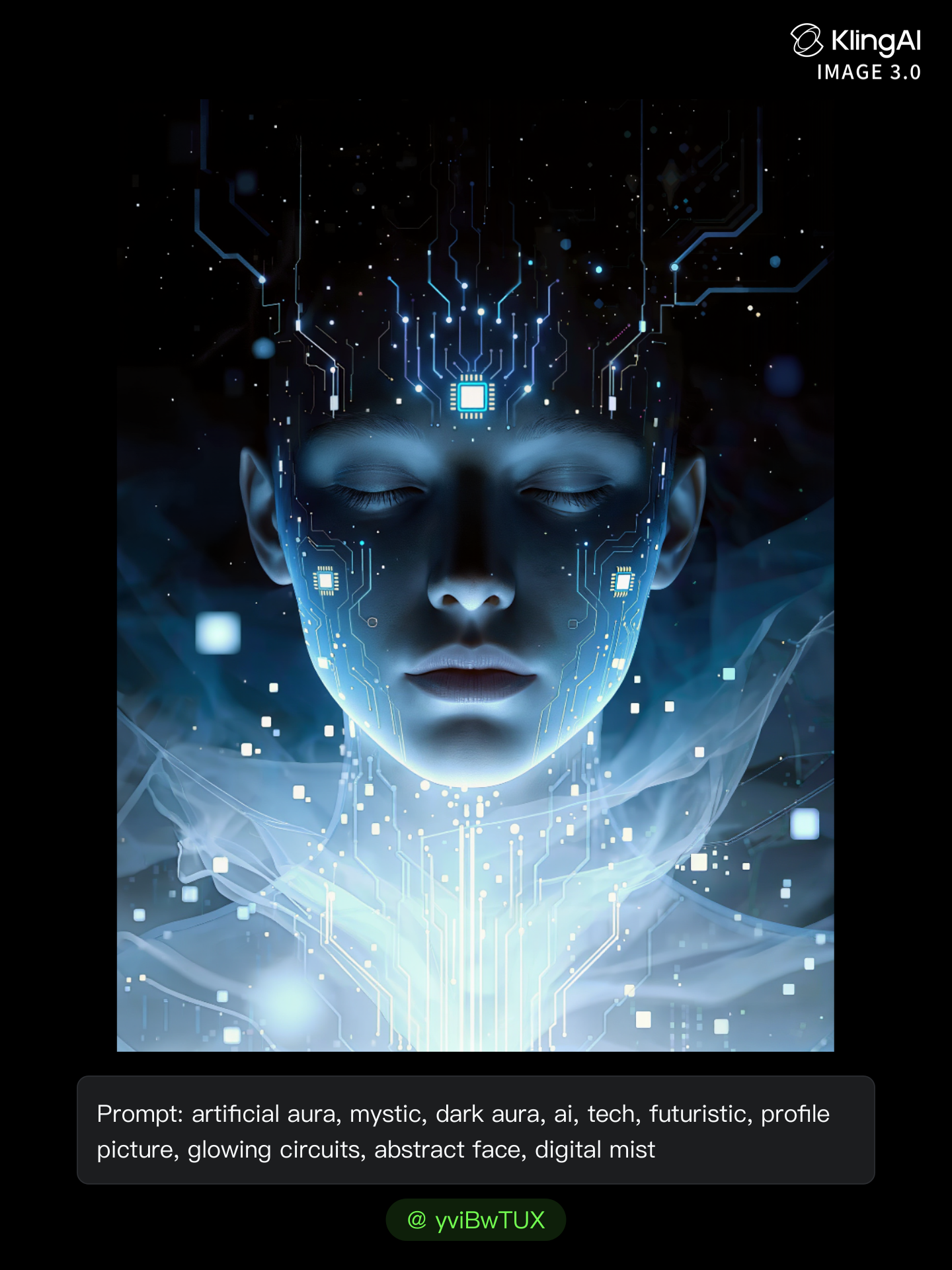
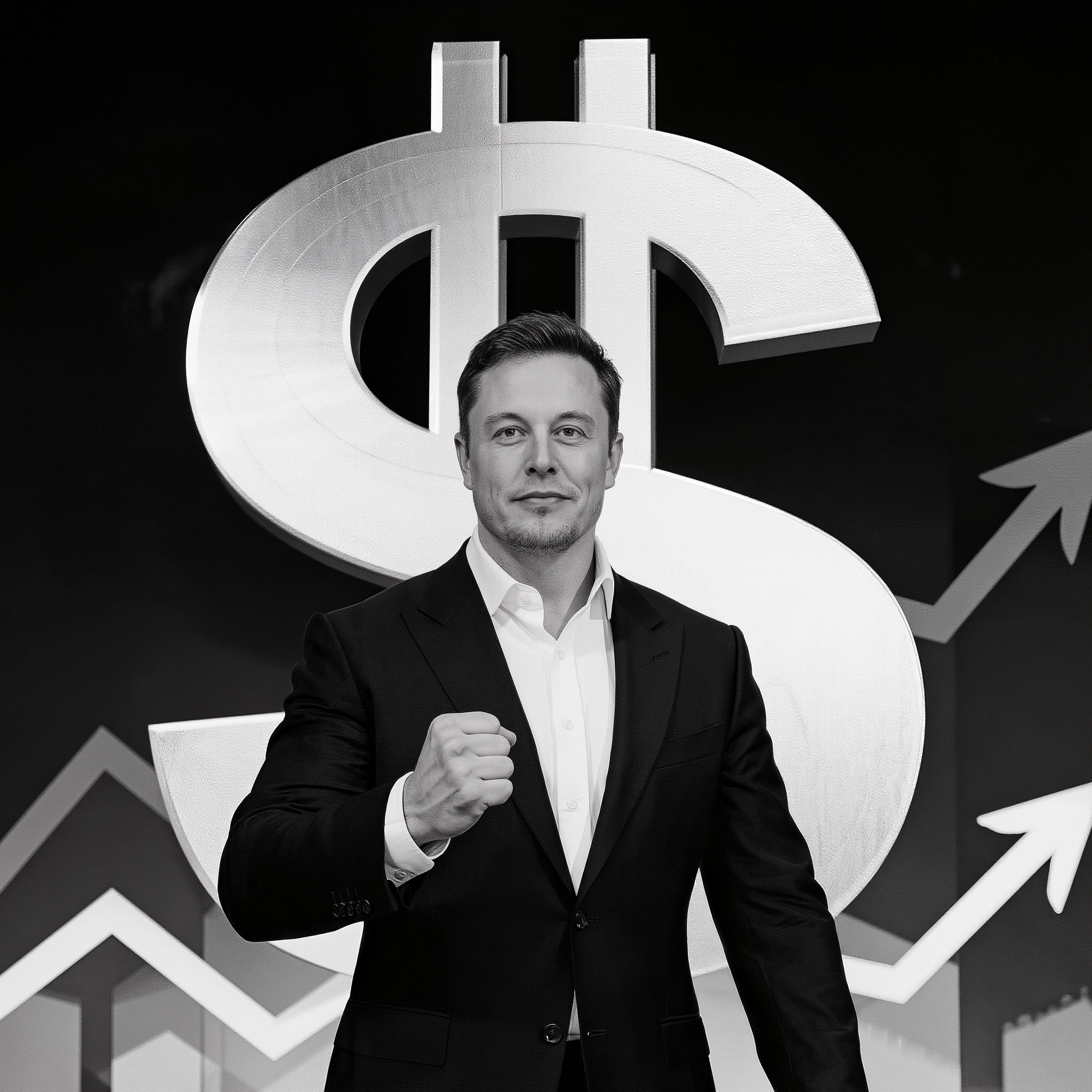
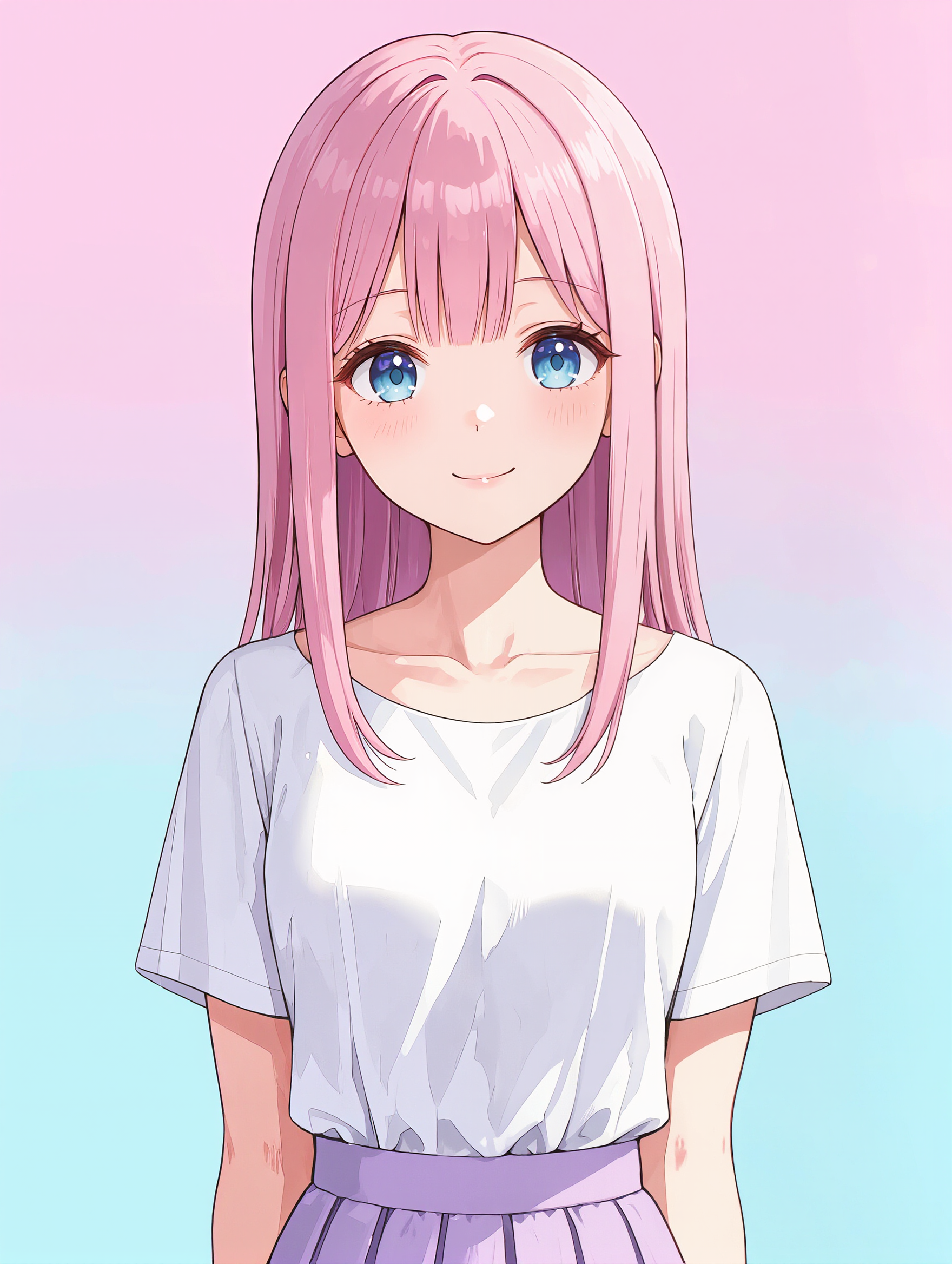
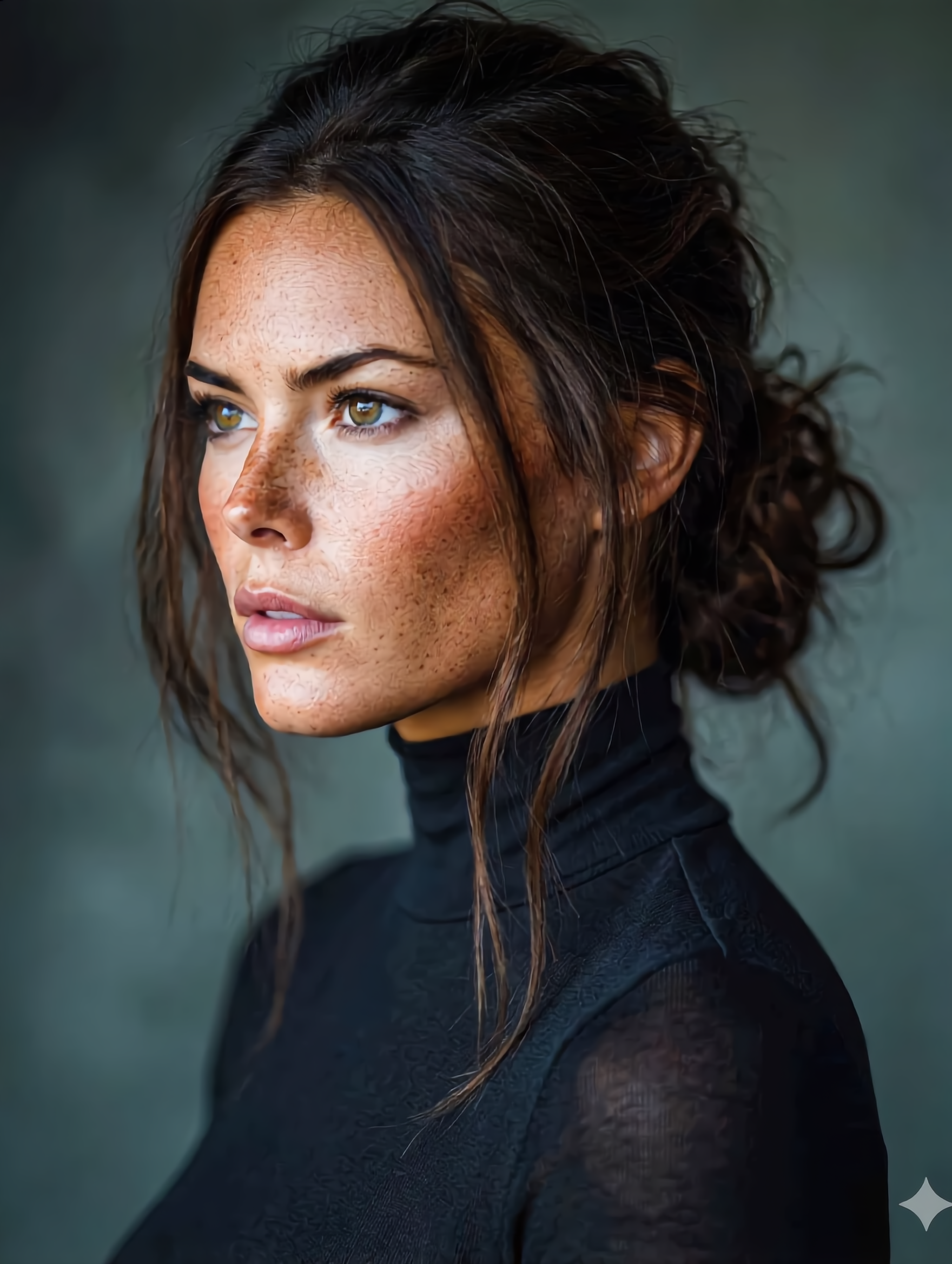
random profile picture generator - Studio portrait & Fantasy cartoon-style

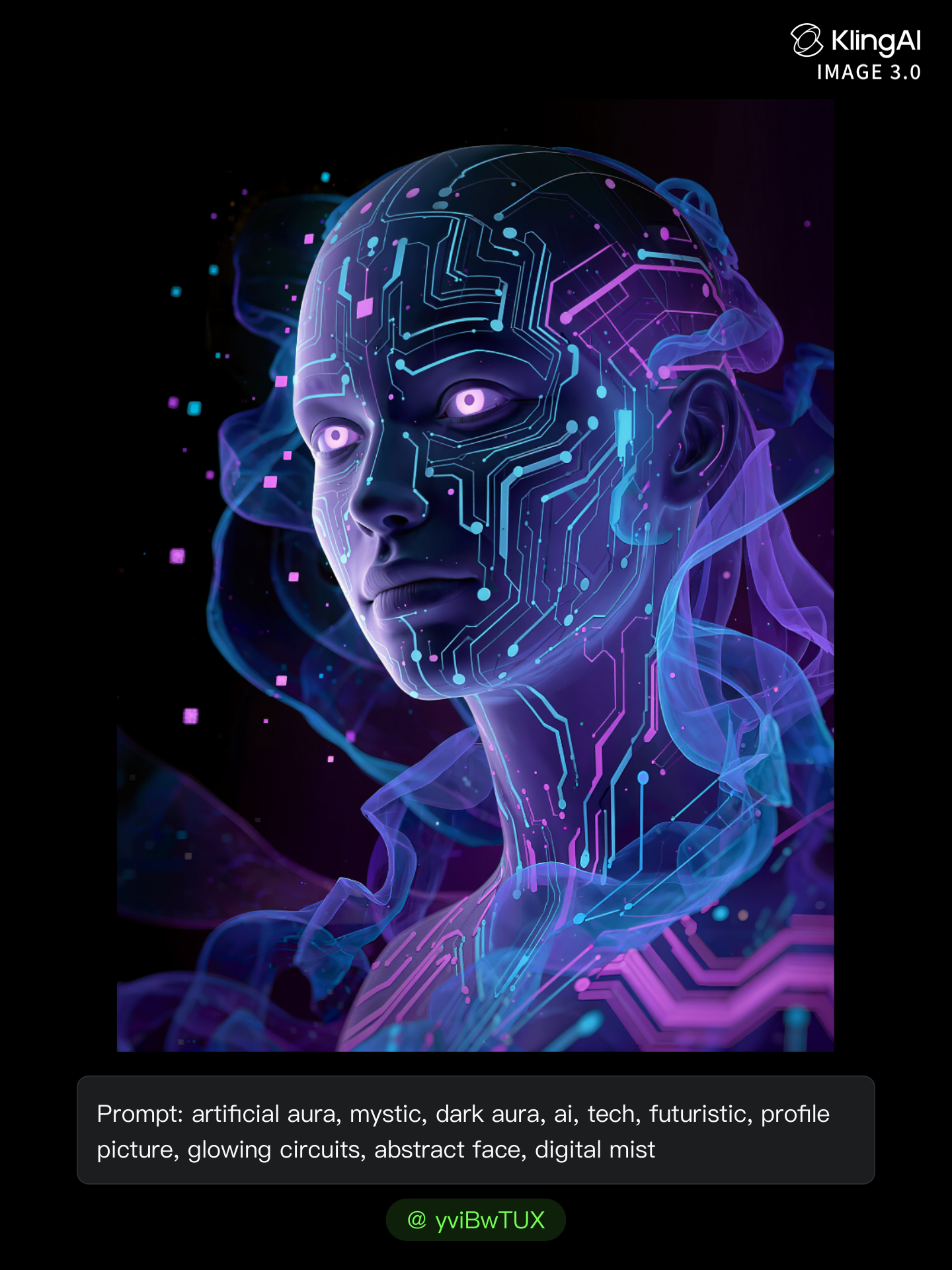
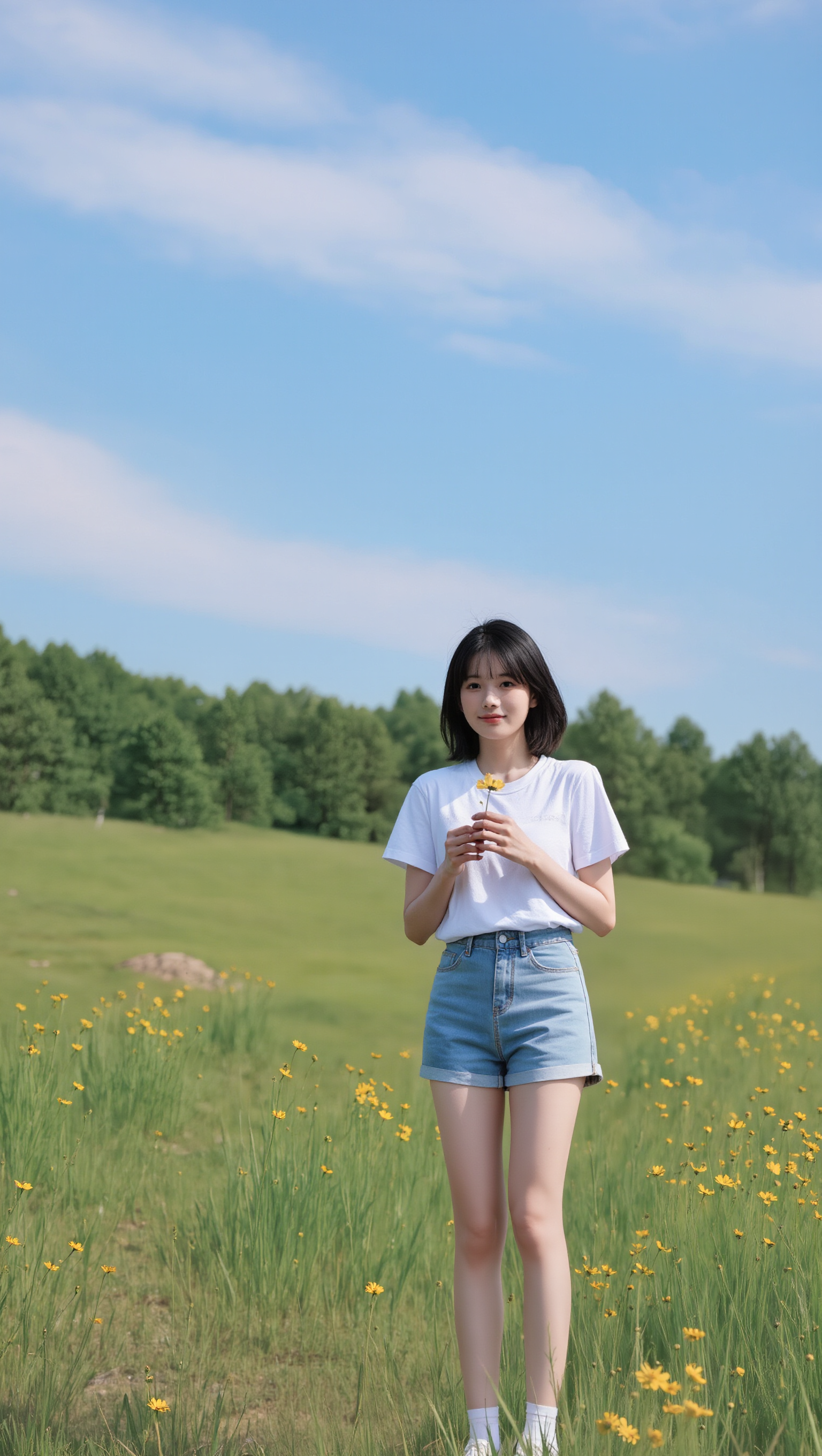
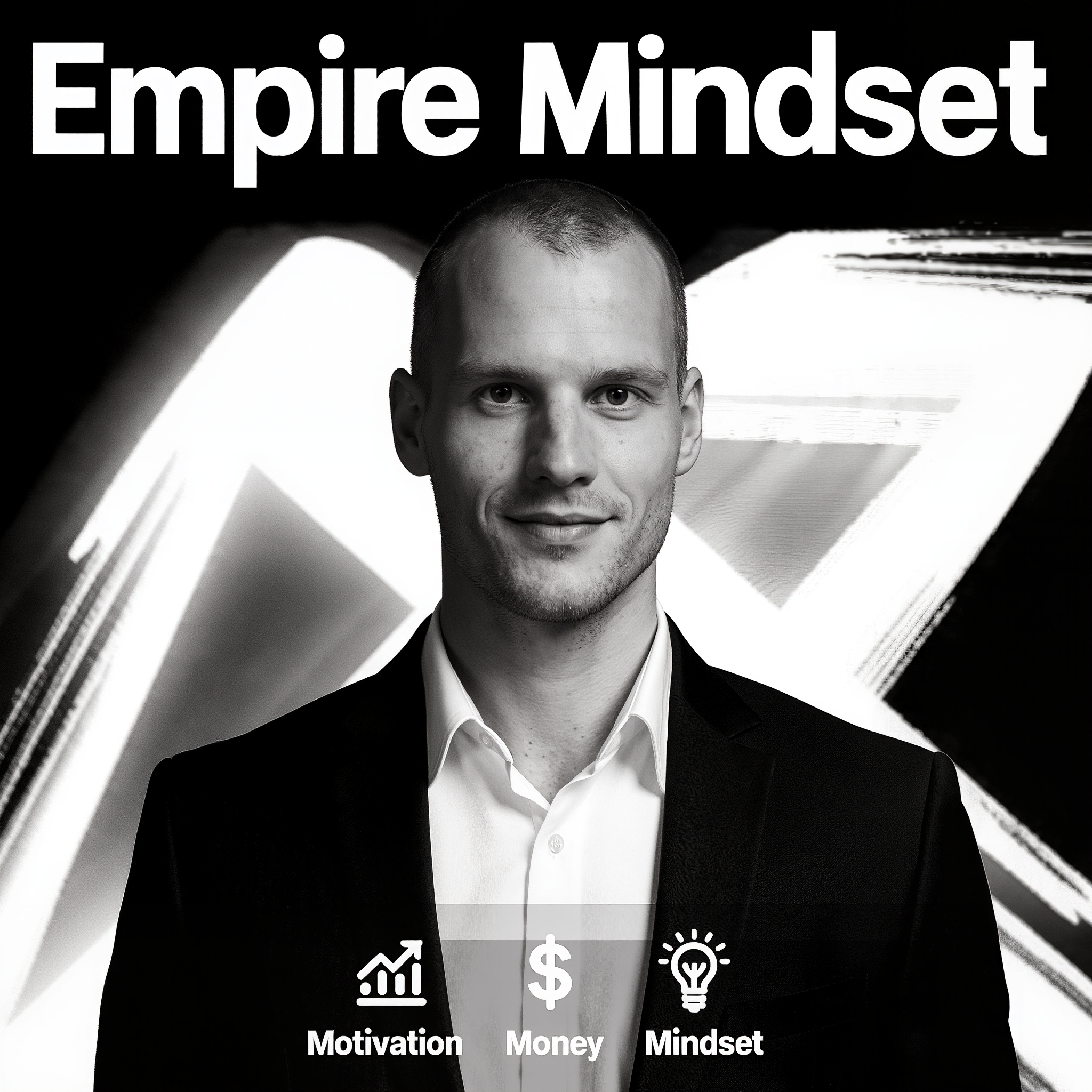
Unleash your creativity with unique, AI-crafted profile pictures featuring diverse themes like studio portraits and fantasy animations. Transform your digital identity with aesthetically romantic scenes and motivational visuals. Start exploring random profile picture generator ideas and generate your own content with AI.

random profile picture generator - Studio portrait & Fantasy cartoon-style

Recommended

Kling AI work 318748569617222 - random profile picture generator AI image
yNfQTDmO avatar
yNfQTDmO
Kling AI work 313652998615564 - random profile picture generator AI image
Future avatar
Future
Kling AI work 306821036662361 - random profile picture generator AI image
lime#v avatar
lime#v
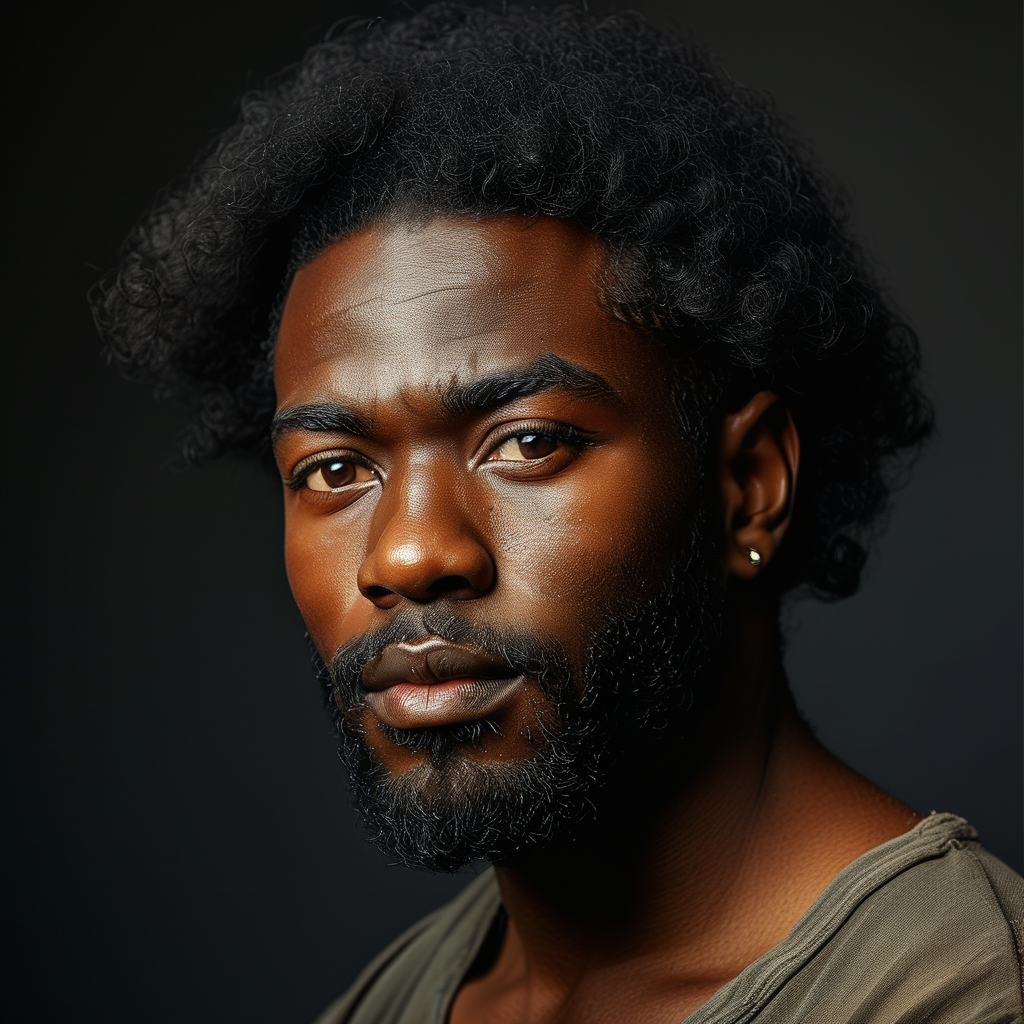
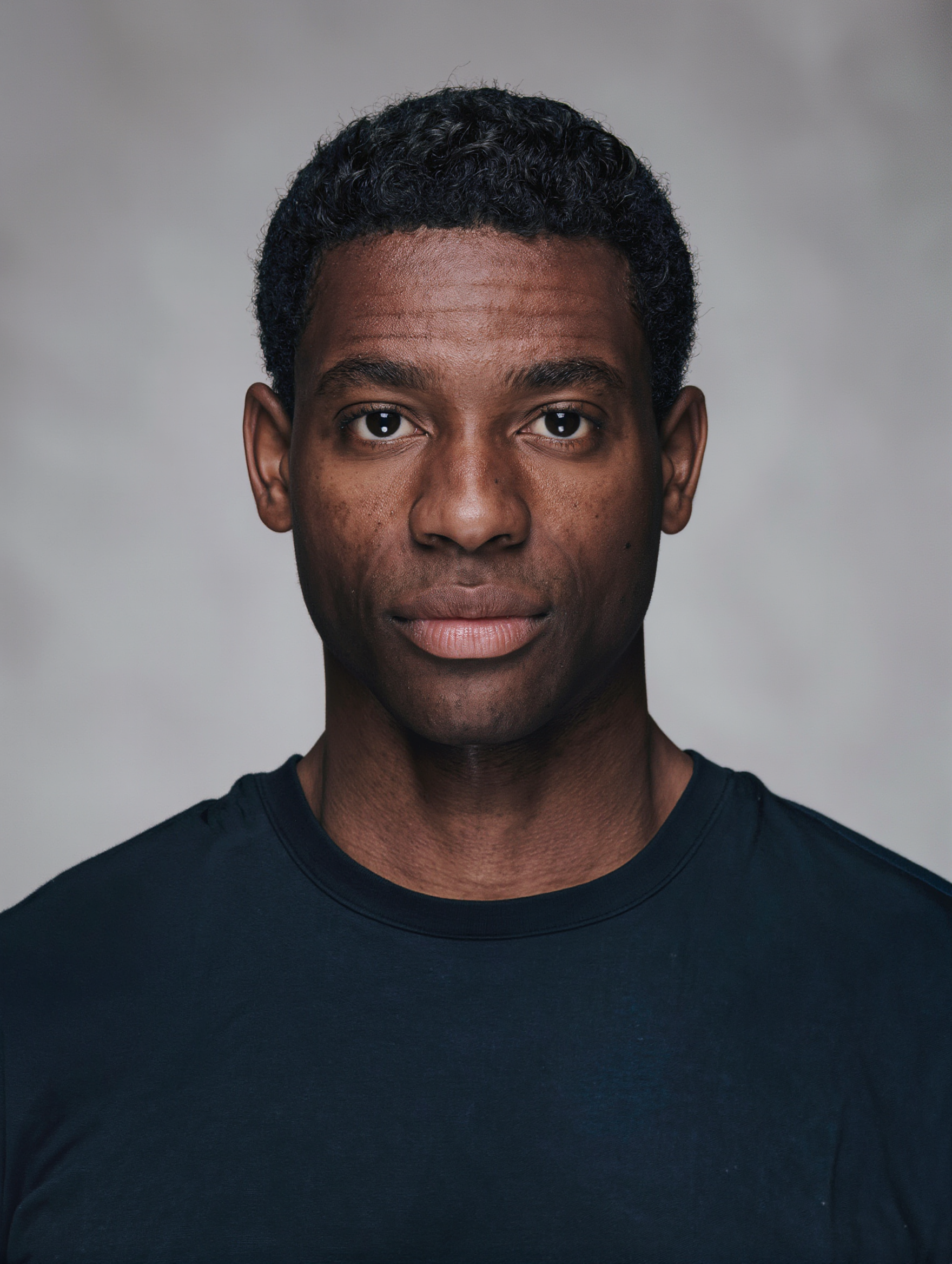
Profile picture of a black man - random profile picture generator AI image
WwltXsJy avatar
WwltXsJy
Kling AI work 310367652666662 - random profile picture generator AI image
zbgwuIHl avatar
zbgwuIHl
Kling AI work 310600772668302 - random profile picture generator AI image
yviBwTUX avatar
yviBwTUX
Kling AI work 308562858503150 - random profile picture generator AI image
NXsTivfq avatar
NXsTivfq
Kling AI work 312498469522406 - random profile picture generator AI image
oIxwpHqz avatar
oIxwpHqz
Kling AI work 310600871614758 - random profile picture generator AI image
yviBwTUX avatar
yviBwTUX
Random - random profile picture generator AI image
Ron119 avatar
Ron119
Kling AI work 308562858538156 - random profile picture generator AI image
NXsTivfq avatar
NXsTivfq
Kling AI work 306971030613610 - random profile picture generator AI image
GFccHuXX avatar
GFccHuXX
Kling AI work 316262511660757 - random profile picture generator AI image
hEYAhNet avatar
hEYAhNet
Couple Side by side face picture - random profile picture generator AI image
sCrJEkuU avatar
sCrJEkuU
Pretty Manola🥰 - random profile picture generator AI image
silenceboy🥺 avatar
silenceboy🥺
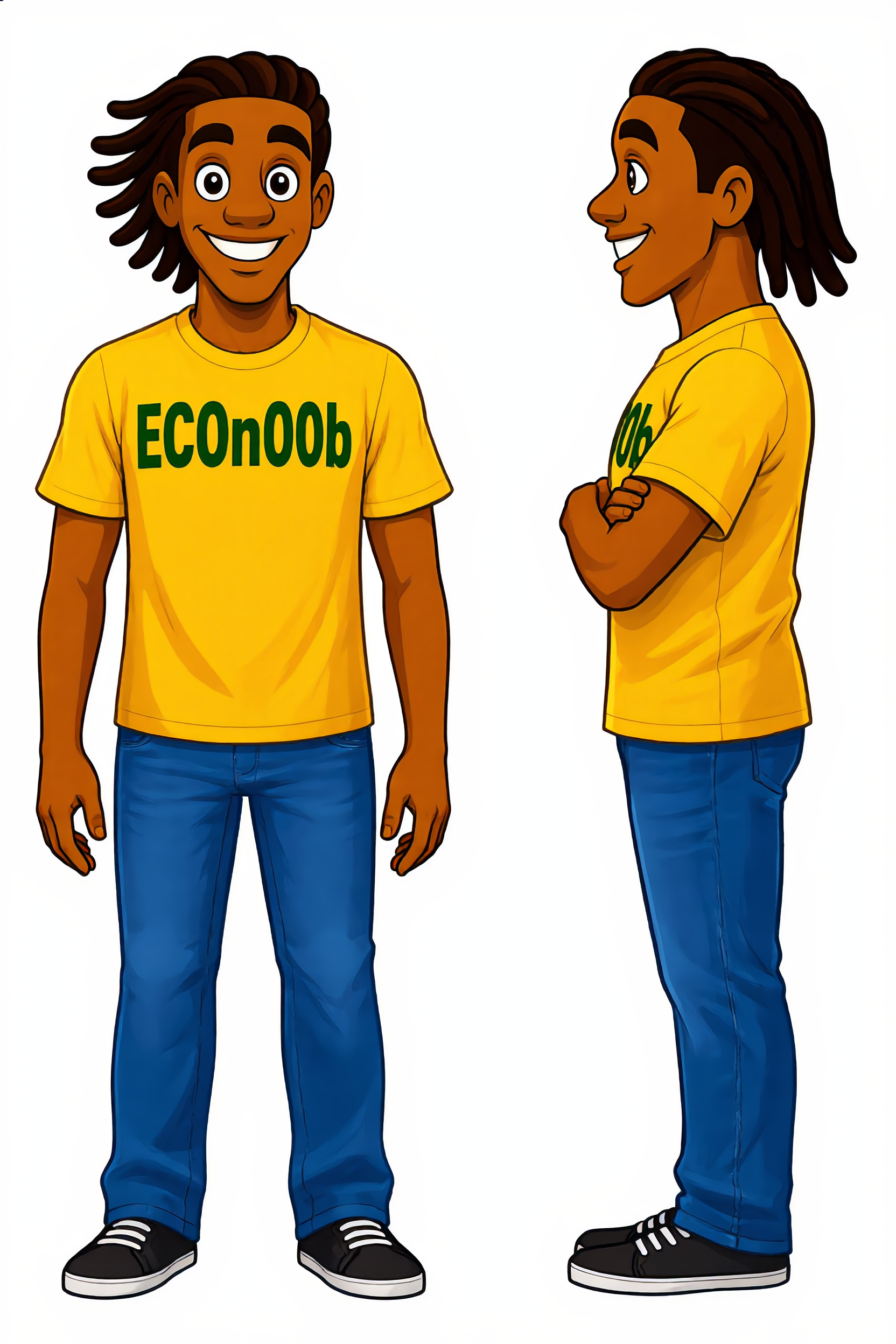
ECOn00b front and side view - random profile picture generator AI image
ZEsdBguE avatar
ZEsdBguE
Kling AI work 297117839505573 - random profile picture generator AI image
DbRWVyml avatar
DbRWVyml
Kling AI work 310075519501206 - random profile picture generator AI image
dSByhTnE avatar
dSByhTnE
Kling AI work 307297423610773 - random profile picture generator AI image
Pascal A Lemaire avatar
Pascal A Lemaire

How to Change the Color of an Image with AI

Upload Your Image

Upload Your Image

Start with the photo you want to recolor, whether it is a product shot, portrait, fashion image, room interior, or another creative visual.

Describe the Color Details

Describe the Color Details

Describe the object or area you want to recolor and the new color you want to see. Give a direct instruction like: “Change the jacket to dark green.”. You can also add more detail about the shade, tone, or visual direction when you have something specific in mind.

Generate and Review

Generate and Review

Generate your new image and see how the color works with the original scene. Want a warmer shade, a deeper tone, or a different area changed? Update your prompt and try another version.

More Than a Cleaner Background

Keep the Focus on Your Subject

Keep the Focus on Your Subject

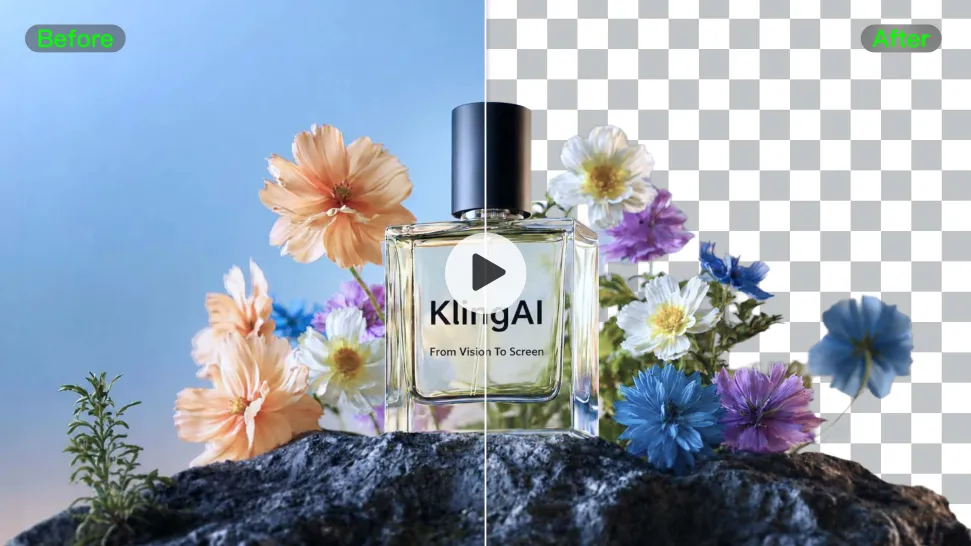
Busy room? Distracting backdrop? Clear away what pulls attention from the person, product, character, or action you actually want people to see. Give product videos, presenter clips, ads, and social content a cleaner look without manually tracing the subject through every frame. No green screen. No tedious masking. Just tell Kling what needs to stay.
Give the Scene a Better Place to Happen

Give the Scene a Better Place to Happen

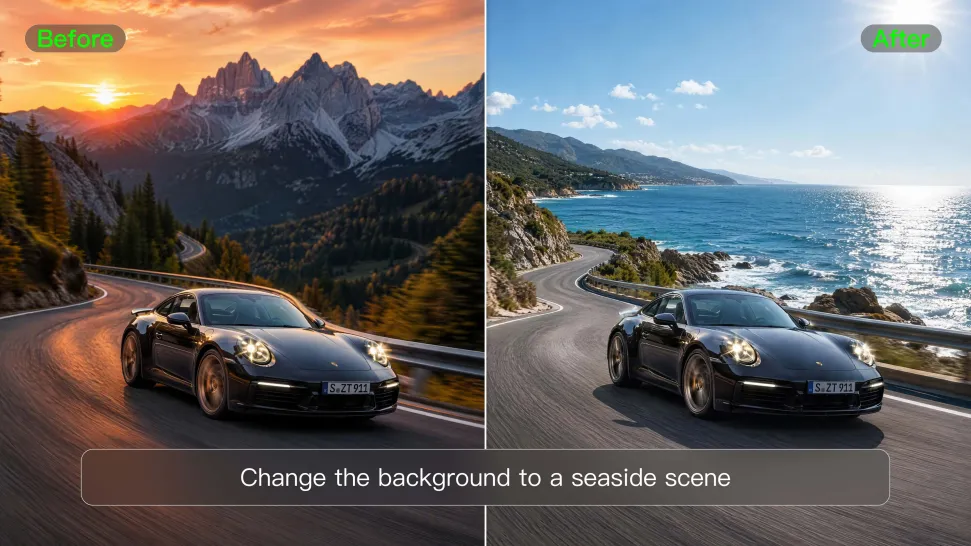
Love the footage but not where it was filmed? Change the setting instead of starting over. Describe what you want, or bring in a reference image when you already have the look in mind. Move the same shot into a clean studio, a branded space, a storefront, an outdoor scene, or somewhere completely different.
Keep Creating Without Switching Gears

Keep Creating Without Switching Gears

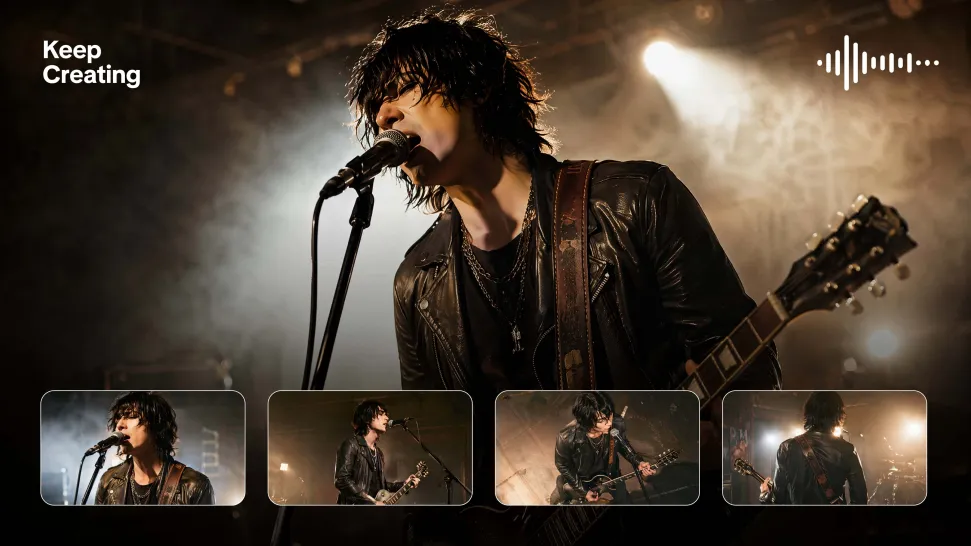
Once the background feels right, there is plenty more you can do in Kling AI. Generate new shots, build multi-shot sequences, work with native audio, explore Motion Control, sound, and effects, or keep shaping the video with Kling’s creative tools. From background fix to fuller video idea, you can keep the project moving with the same creative studio.

Apps

Image to Video
Image to Video

Image to Video

Text to Video
Text to Video

Text to Video

Omni
Omni

Omni

Digital Human
Digital Human

Digital Human

Restyle
Restyle

Restyle

Text to Image
Text to Image

Text to Image

60M+
60M+
Users
600M+
600M+
AI Videos Generated
4.7 ★
4.7 ★
App Store
Industry-Leading
Industry-Leading
Cinematic 4K

Reviews

Halim Alrasihi

Halim Alrasihi

★★★★★

I use AI daily and Kling AI is a crucial part of my workflow, whether for client work or personal projects. What I love most about using Kling AI is that it provides all the tools I need in one place, from keyframes to character references, elements and special effects.

Ozan Sihay

Ozan Sihay

★★★★★

Kling AI allows me to rapidly prototype ideas, refine storytelling elements, and produce visually compelling content efficiently. It has not only accelerated my creative processes, but also deepened my understanding of how AI can enrich visual storytelling.

Maria Rubtsova

Maria Rubtsova

★★★★★

I’m Maria Rubtsova, an AIGC digital artist passionate about creating stunning visuals in the worlds of fashion, aesthetics, and fantasy. I use KlingAi to bring imagination to life through video. My work is all about exploring beauty, emotion, and the limitless possibilities of digital art.

FAQ

Q1Can I generate AI videos from text prompts?
Q2Can I create AI videos from images?
Q3Can I use AI-generated videos for commercial use?

Experience Video 3.0 on Kling

Create cinematic, multi-shot videos with native audio and precise control—all in one generation.

Native audio | Multi-shot control | Up to 15s continuous output