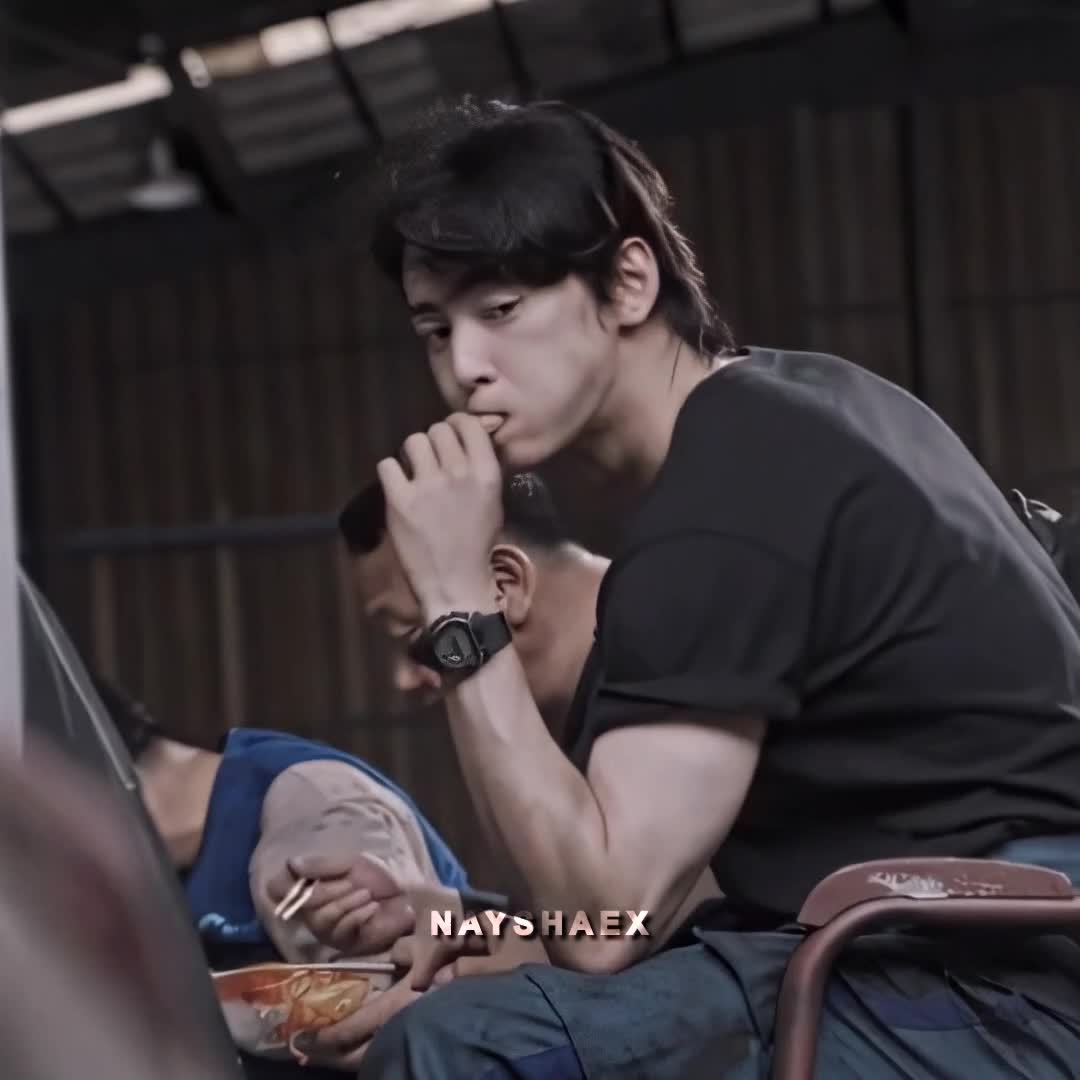
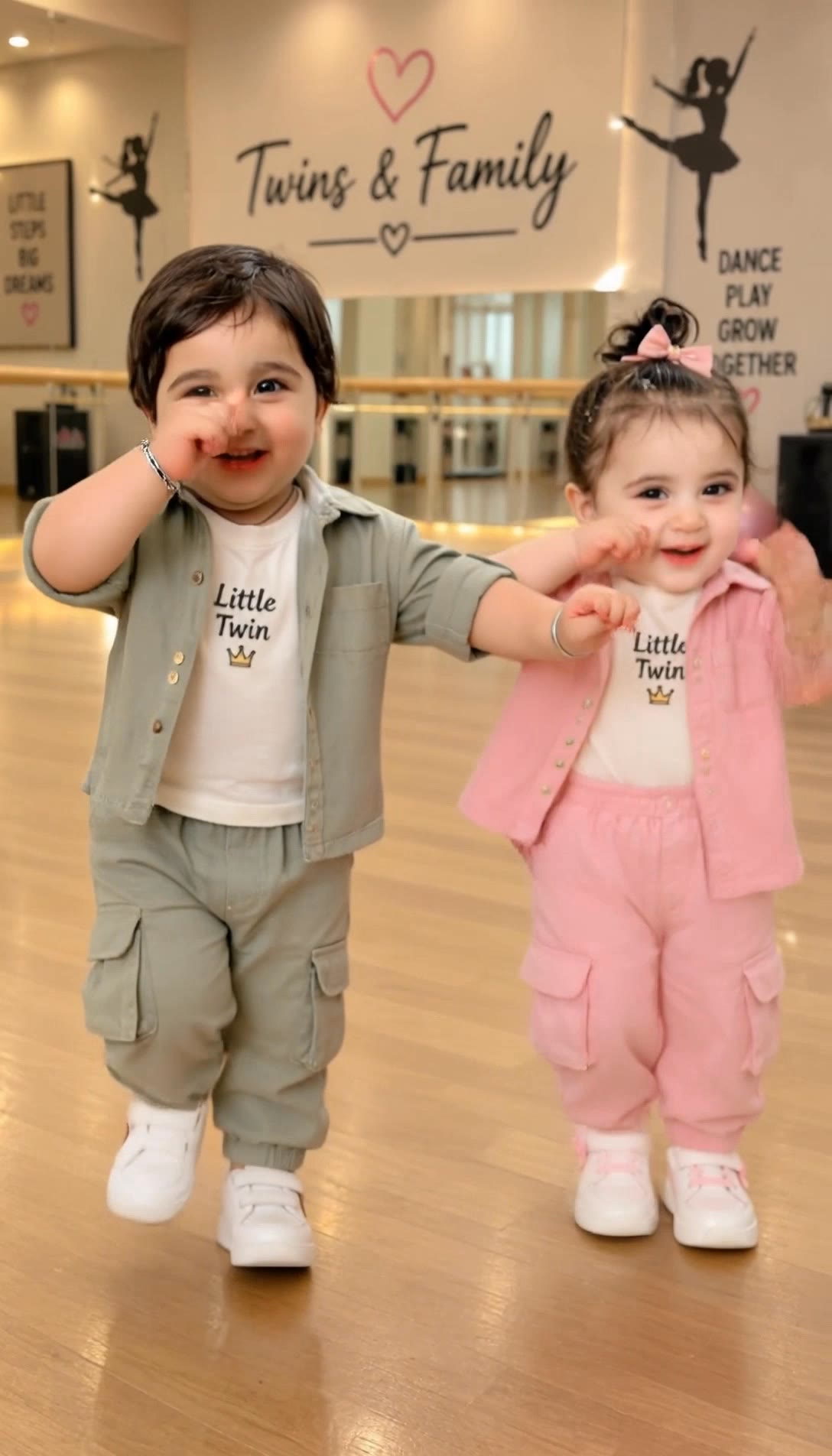
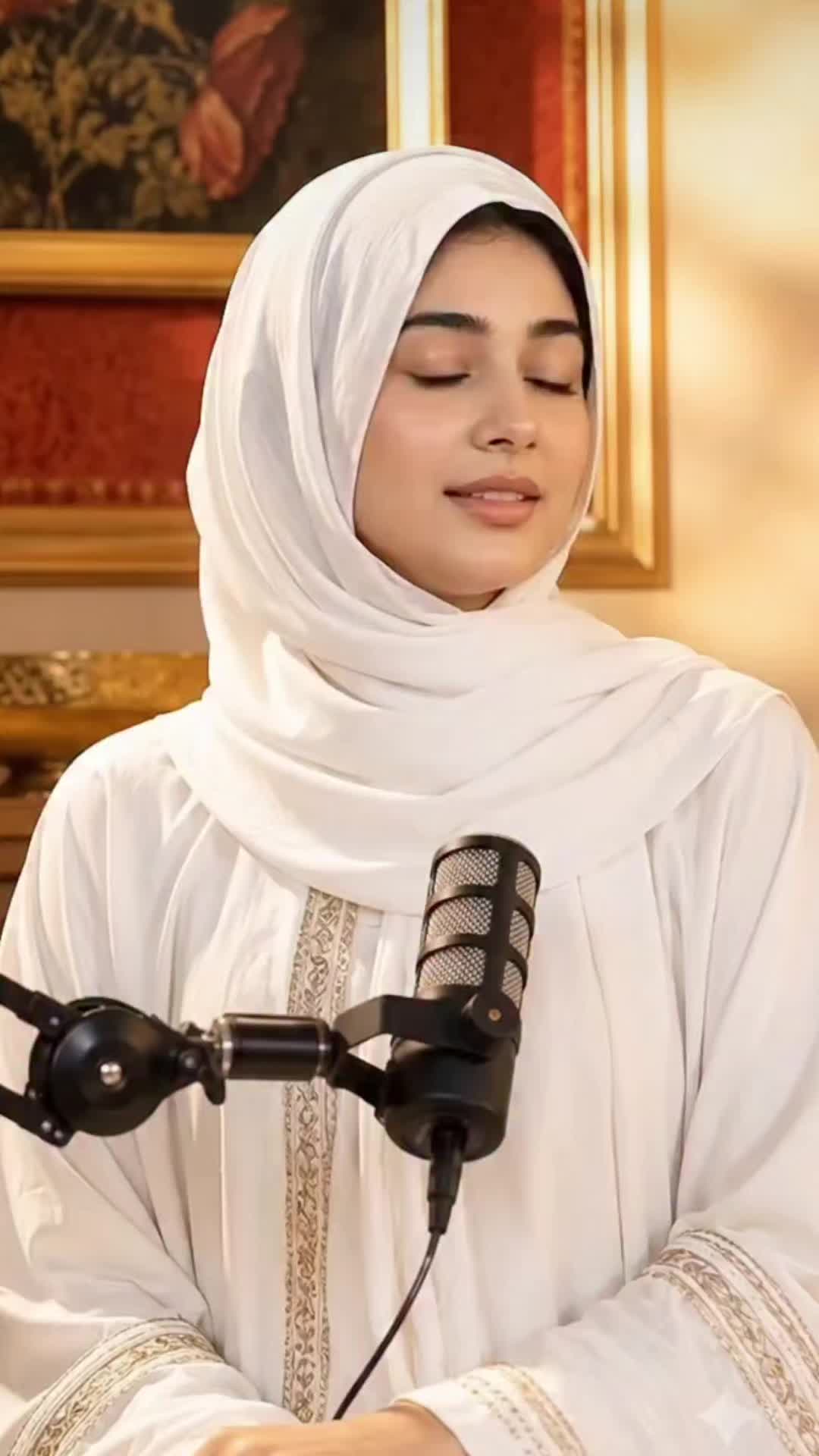
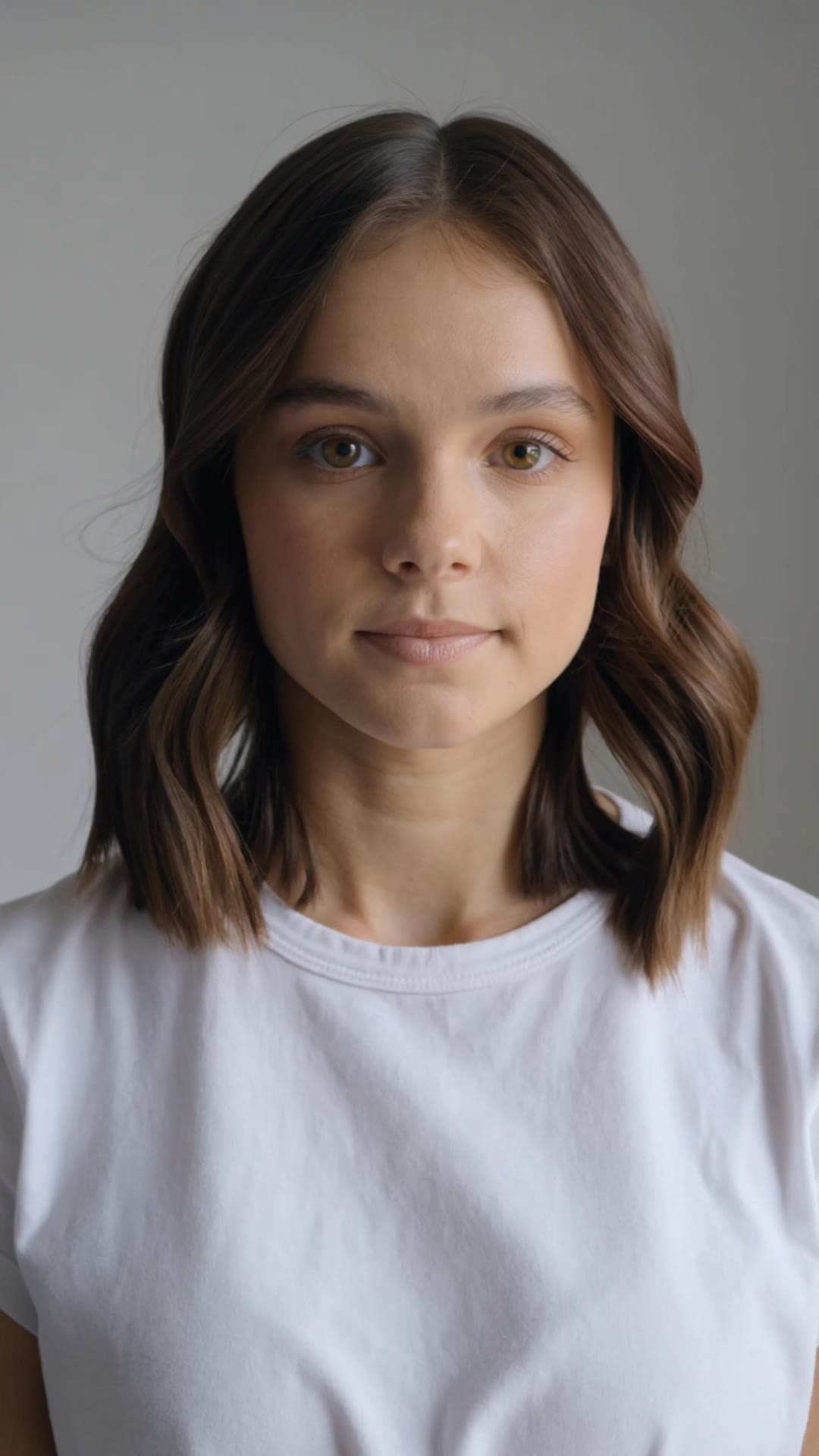
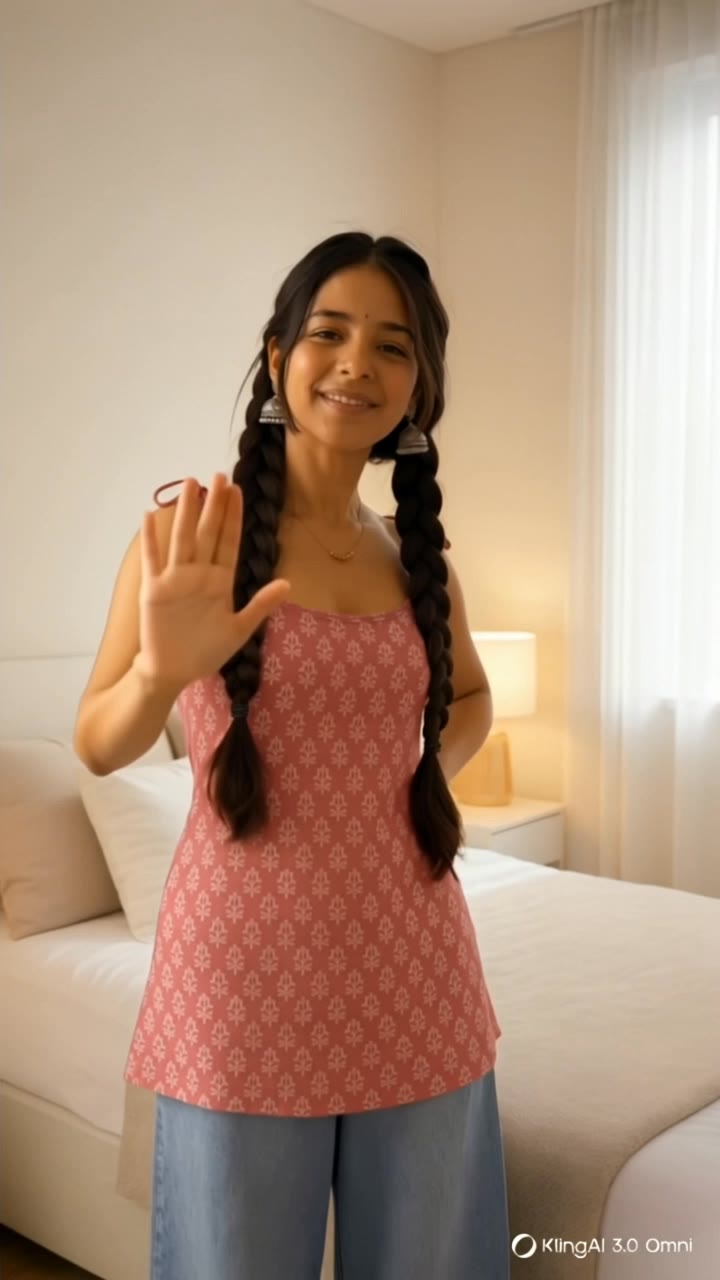
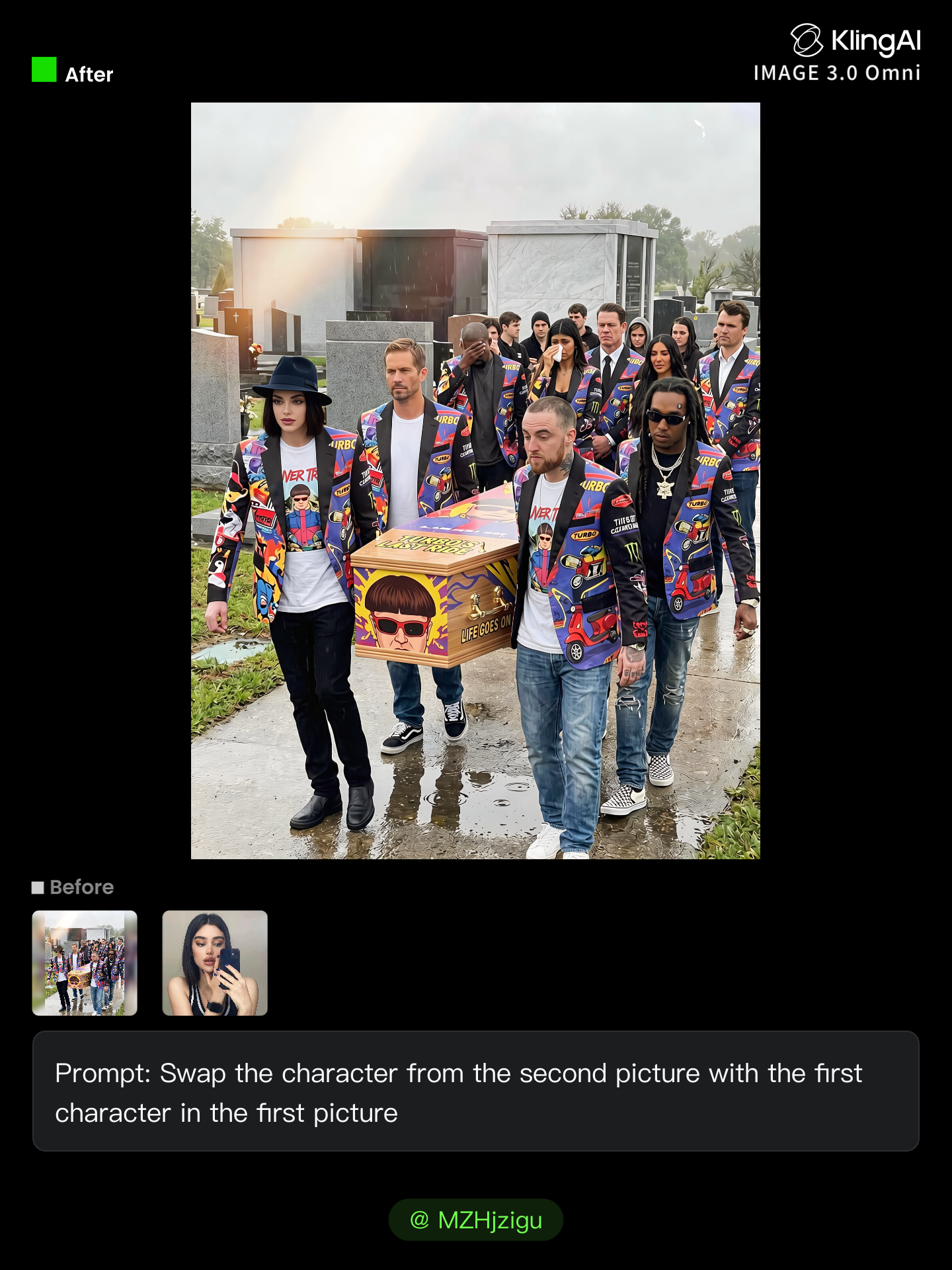
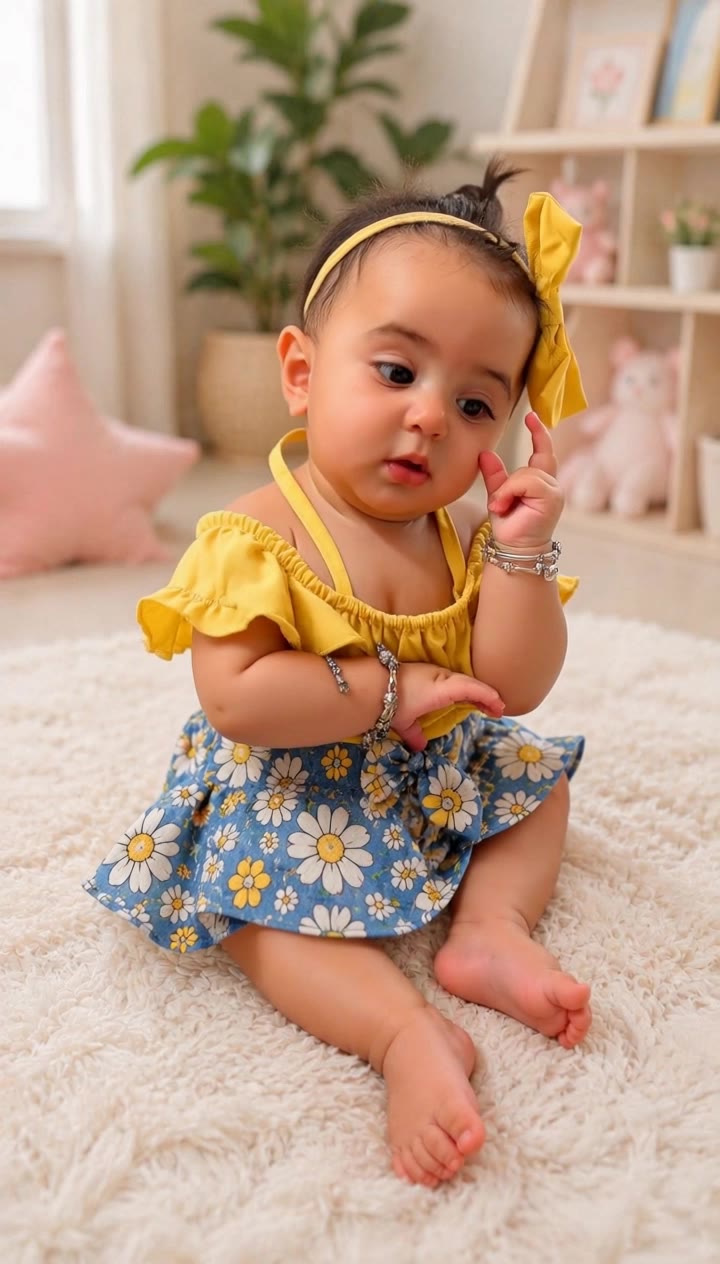
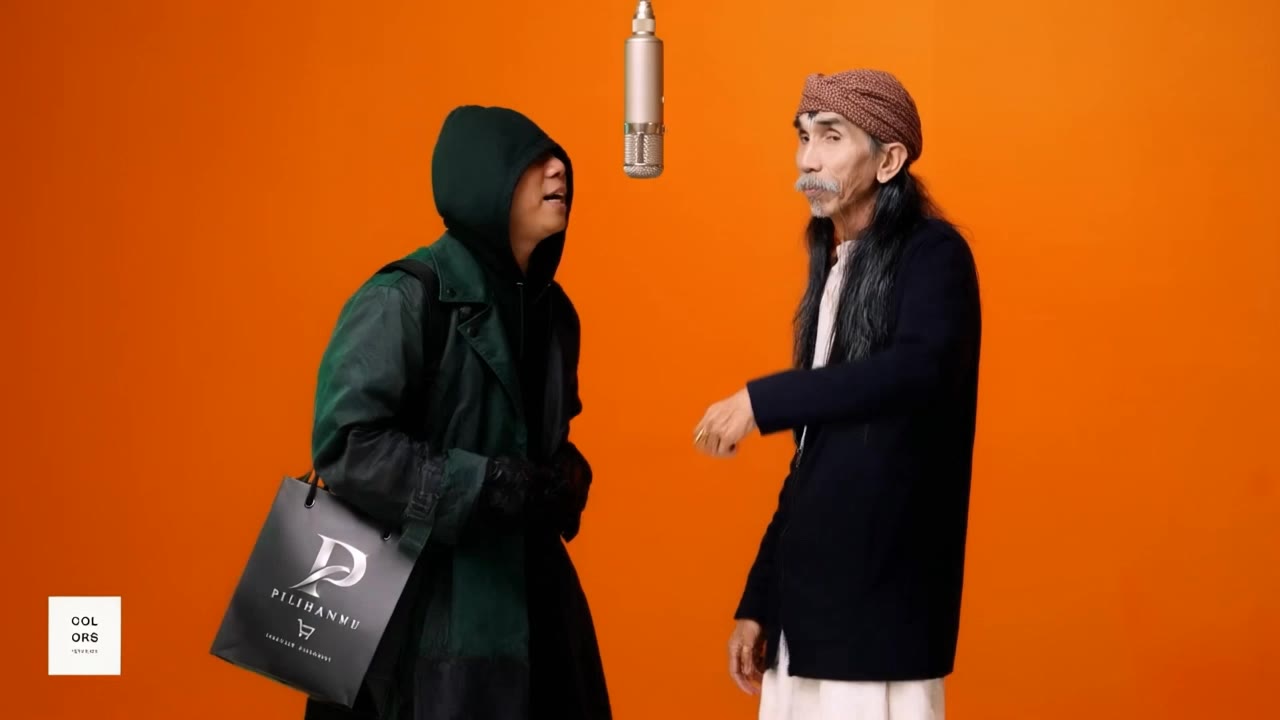
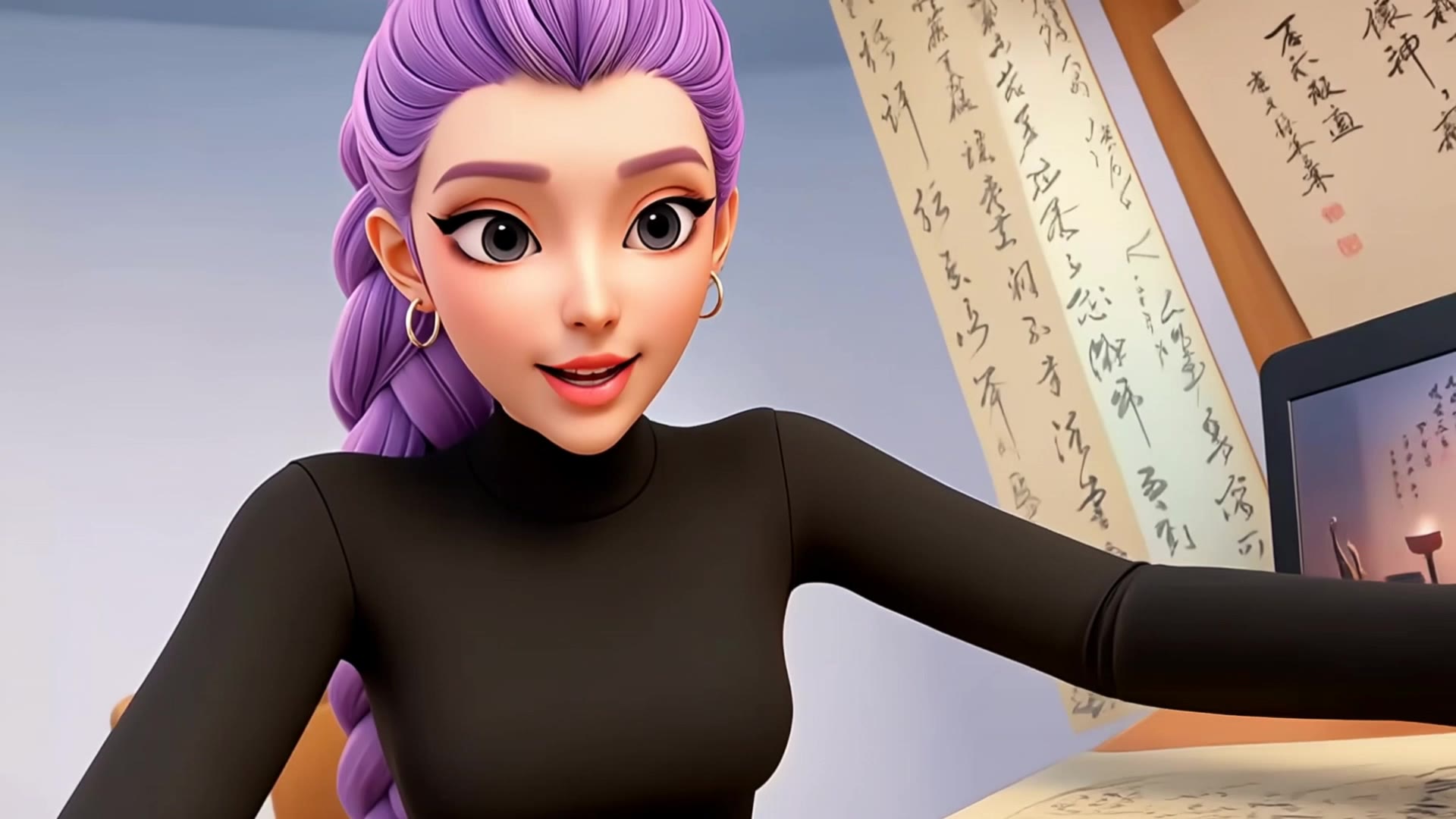
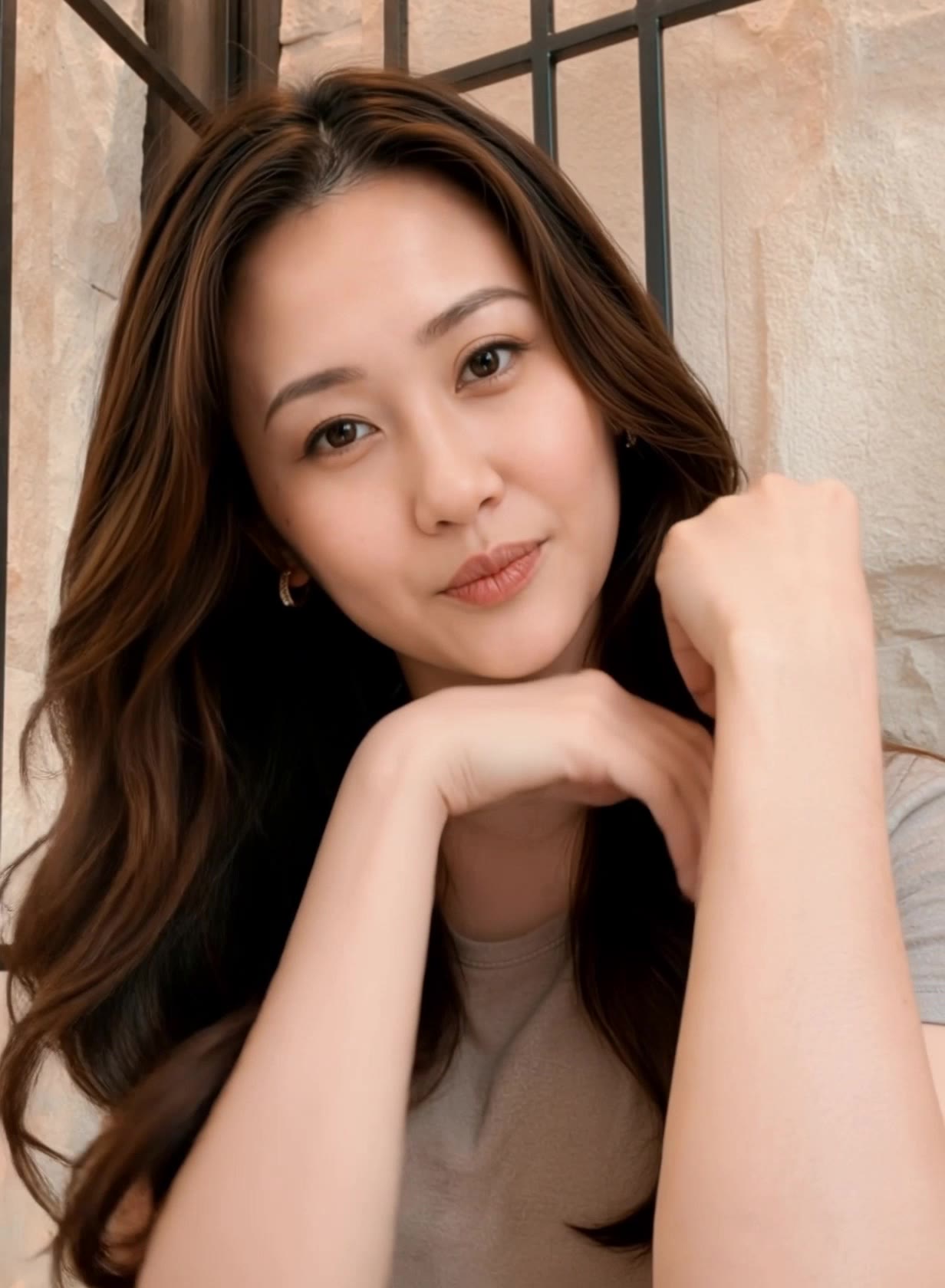
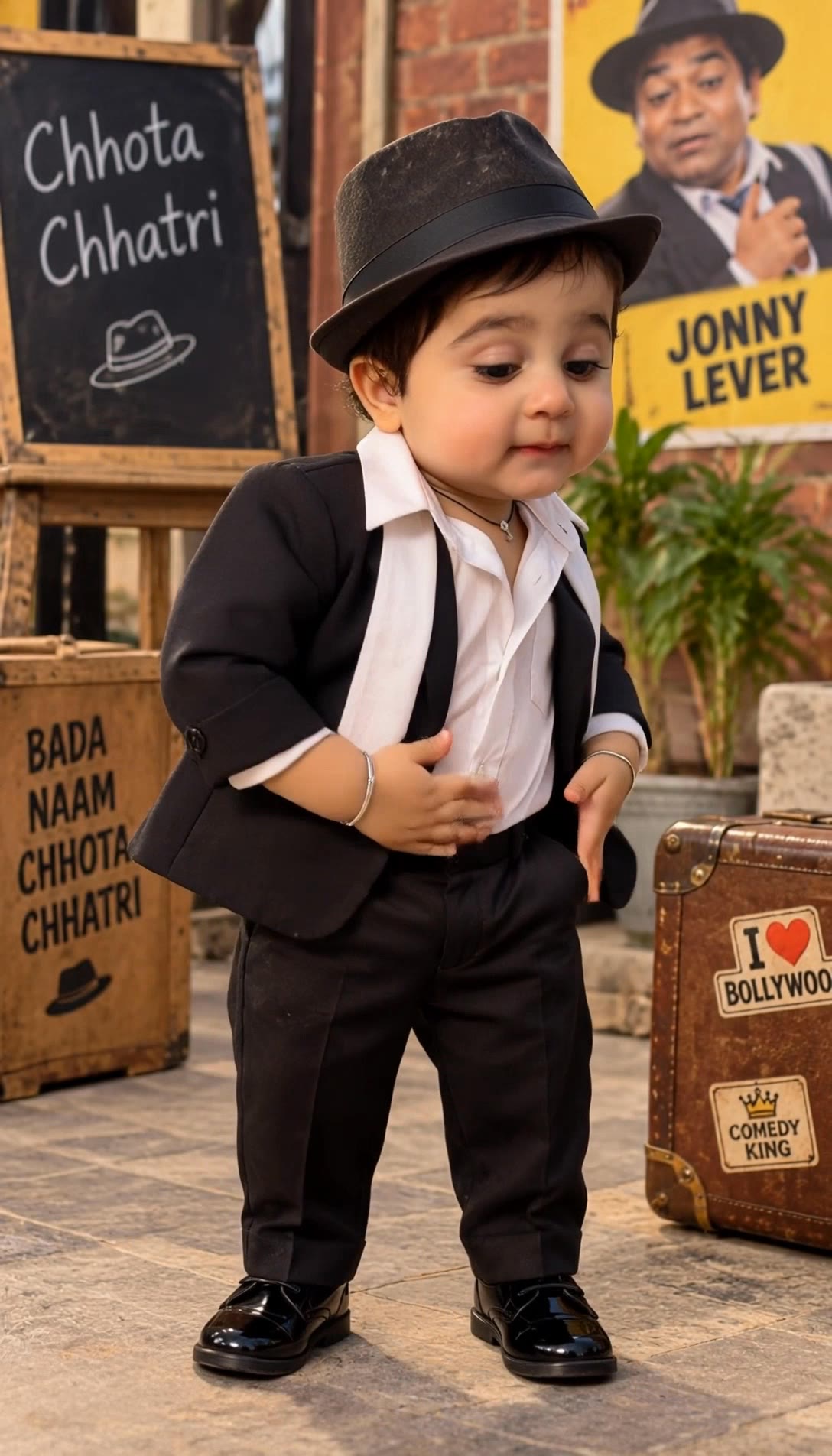
remaker face swap - identity crisis & gender swap

Unleash your creativity with AI-driven face swaps and dynamic item replacements, transforming videos into surreal, cinematic masterpieces. Start exploring remaker face swap ideas and generate your own content with AI.

remaker face swap - identity crisis & gender swap

Recommended

Kling AI work 309774492664125 - remaker face swap AI video
Princess of soft lif avatar
Princess of soft lif
Kling AI work 307584747504326 - remaker face swap AI video
bvtetqil avatar
bvtetqil
Kling Motion Swap - remaker face swap AI video
00:10
RdaeRqAF avatar
RdaeRqAF
Kling AI work 320813538500718 - remaker face swap AI video
Twins_and_family avatar
Twins_and_family
different face, face swap, face  - remaker face swap AI video
00:14
ujSwUVGQ avatar
ujSwUVGQ
ಕನ್ನಡ ವಿಡಿಯೋ ಮಾಡಿ ಹಾಕು  - remaker face swap AI video
mRGRMOXr avatar
mRGRMOXr
Kling AI work 311323321617874 - remaker face swap AI image
Clover avatar
Clover
Kling AI work 317318091528832 - remaker face swap AI video
Twins_and_family avatar
Twins_and_family
Kling AI work 312105694612224 - remaker face swap AI image
Future avatar
Future
Kling AI work 321557039663989 - remaker face swap AI video
zqqDpLgT avatar
zqqDpLgT
Kling AI work 314466234661245 - remaker face swap AI image
nanjun avatar
nanjun
Kling AI work 312018354507704 - remaker face swap AI video
Twins_and_family avatar
Twins_and_family
Character Swap with Kling Video  - remaker face swap AI video
your destiny avatar
your destiny
Character Swap AI - remaker face swap AI image
BHzmNhKN avatar
BHzmNhKN
Kling AI work 320857130507068 - remaker face swap AI video
Twins_and_family avatar
Twins_and_family
Kling AI work 318178182523608 - remaker face swap AI video
Twins_and_family avatar
Twins_and_family
Kling AI work 314975859505830 - remaker face swap AI video
Xpp avatar
Xpp
Kling AI work 313907739521746 - remaker face swap AI video
DyRNZS avatar
DyRNZS
Kling AI work 320695007654913 - remaker face swap AI video
Twins_and_family avatar
Twins_and_family

How to Create Images with Kling AI

Write Down You Ideas

Write Down You Ideas

Open the AI Image Generator and choose the model that fits your project. Describe the subject and scene, then add details such as lighting, color, and visual style to shape the result.

Add References Or Not

Add References Or Not

Upload reference images for a character, product, composition, or style. References are optional, but they give Kling AI a clearer visual foundation when specific features, colors, or design details need to carry into the final image.

Generate Your Image

Generate Your Image

Choose your preferred format and output settings, then hit Generate. Once the result is ready, download it directly or open it in the image-to-video workflow to bring it to life with motion.

How Kling AI Sets the Standard for AI Video Creation

Realistic Motion from a Still Image

Realistic Motion from a Still Image

Animate portraits, artwork, and action images with natural character movement and physical interactions. Kling 4.0's dynamic motions improves stability during large movements, fast action, and complex scenes. From subtle facial expressions to sports and fight choreography, create motion that develops naturally from your image while keeping the subject and surrounding scene visually coherent.

Direct the Camera and Every Key Moment

Direct the Camera and Every Key Moment

A single image can lead to a tracking shot, camera orbit, close-up, or wider scene. Kling 4.0 offers stronger camera control, with native video generation up to 30 seconds for longer movements and connected action. Start and end frames help guide a transition, while up to 10 flexible keyframes let you define additional compositions, character poses, and scene changes as the video develops.

Combine References, Keep the Look

Combine References, Keep the Look

Keep recognizable characters, products, and visual styles as your images begin to move. Kling 4.0's Omni Reference supports up to 15 combined assets, including images, videos, and subjects, to guide appearance, actions, camera work, and settings. Use multiple views of a character or product alongside style and motion references. Stronger visual consistency helps preserve familiar details across new shots, with realistic textures.

Apps

Image to Video
Image to Video

Image to Video

Text to Video
Text to Video

Text to Video

Omni
Omni

Omni

Digital Human
Digital Human

Digital Human

Restyle
Restyle

Restyle

Text to Image
Text to Image

Text to Image

60M+
60M+
Users
600M+
600M+
AI Videos Generated
4.7 ★
4.7 ★
App Store
Industry-Leading
Industry-Leading
Cinematic 4K

Reviews

Samuele Poggi (@visualsk2)

Samuele Poggi (@visualsk2)

★★★★★

I use Kling AI daily to push the limits of AI filmmaking. It allows me to create highly cinematic content, blending AI and VFX to develop innovative projects. It has significantly impacted my creative process, enabling me to achieve complex animations that would otherwise require high production budgets.

Maria Rubtsova

Maria Rubtsova

★★★★★

I’m Maria Rubtsova, an AIGC digital artist passionate about creating stunning visuals in the worlds of fashion, aesthetics, and fantasy. I use KlingAi to bring imagination to life through video. My work is all about exploring beauty, emotion, and the limitless possibilities of digital art.

Jyo John Mulloor

Jyo John Mulloor

★★★★★

Kling AI has been instrumental in transforming my creative workflow, unlocking new dimensions of artistic expression that were once unimaginable. I use Kling AI extensively to develop high-concept visuals, animate surreal dreamscapes, and create AI-assisted films that blur the line between reality and fantasy. Kling AI’s deep learning capabilities have not only enhanced my creative efficiency but also inspired me to explore storytelling in ways I never thought possible.

FAQ

Q1Can I edit a video with AI using text?
Q2How long can videos be when editing with Kling 4.0?
Q3How is an AI video editor different from an AI video generator?

Change the Shot Without Reshooting It

Upload your footage, describe the result, and let Kling rebuild the scene around your direction.

Free tier available | Prompt-Based Editing | Subject Replacement | Creative Recreation