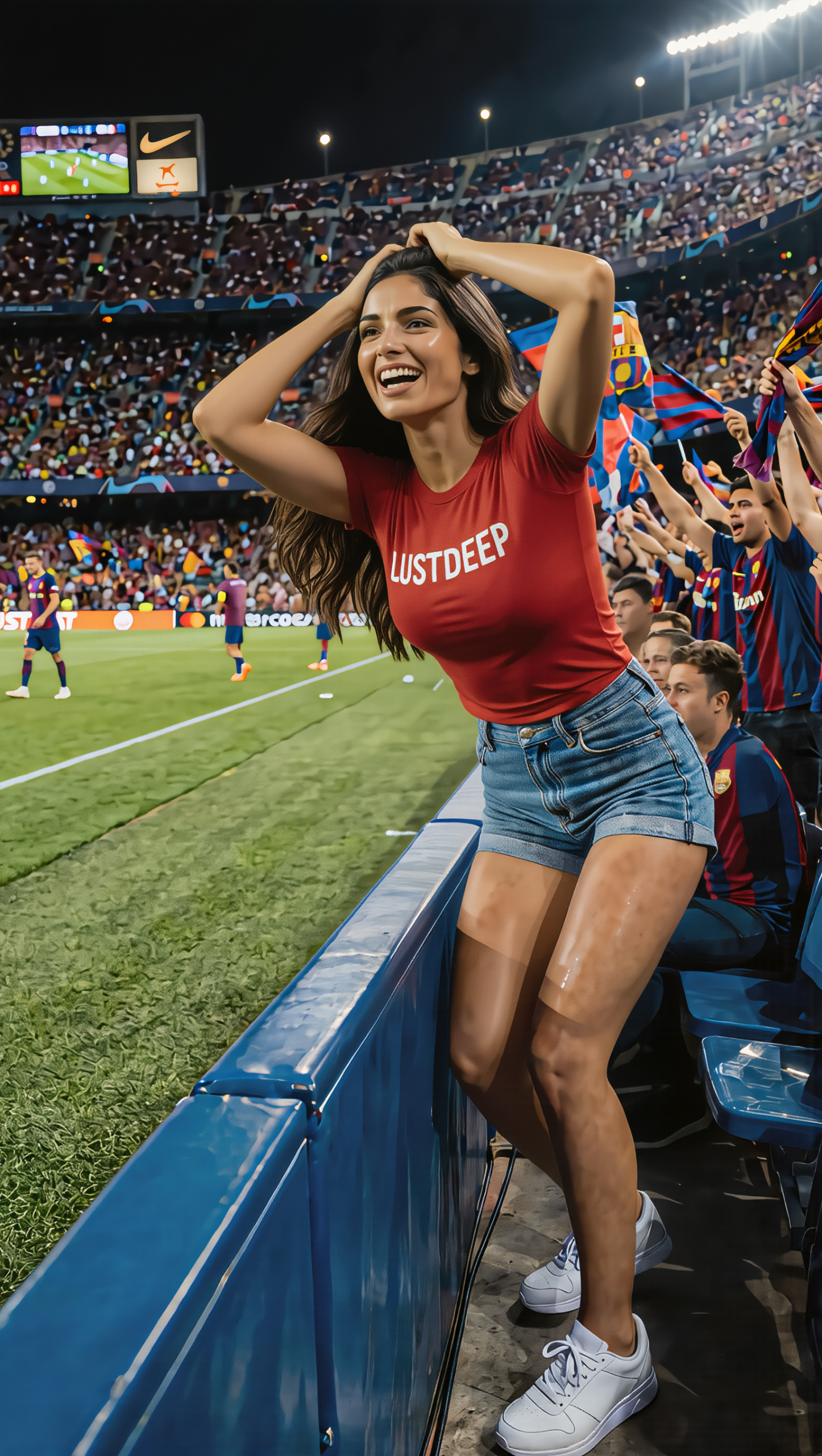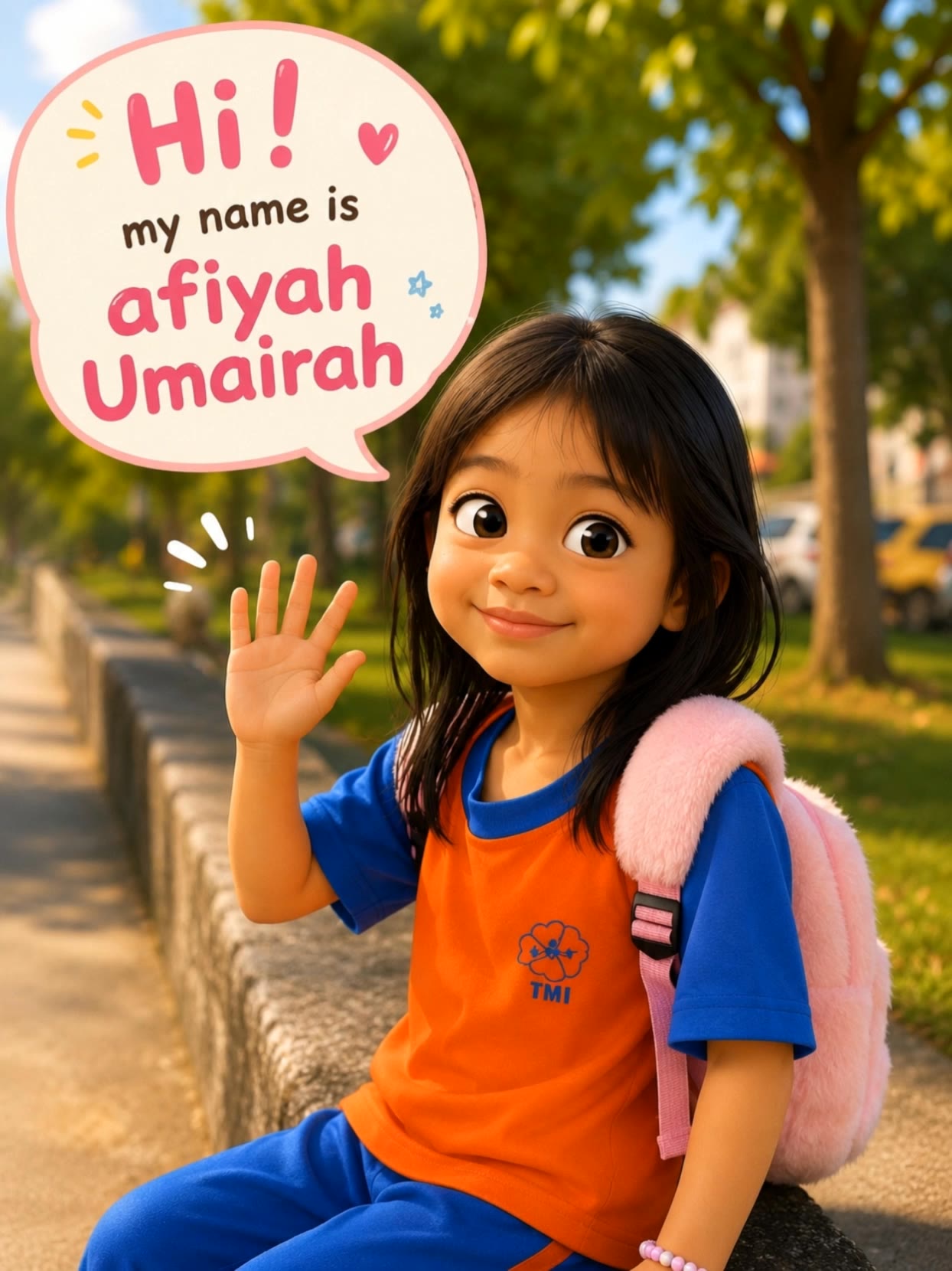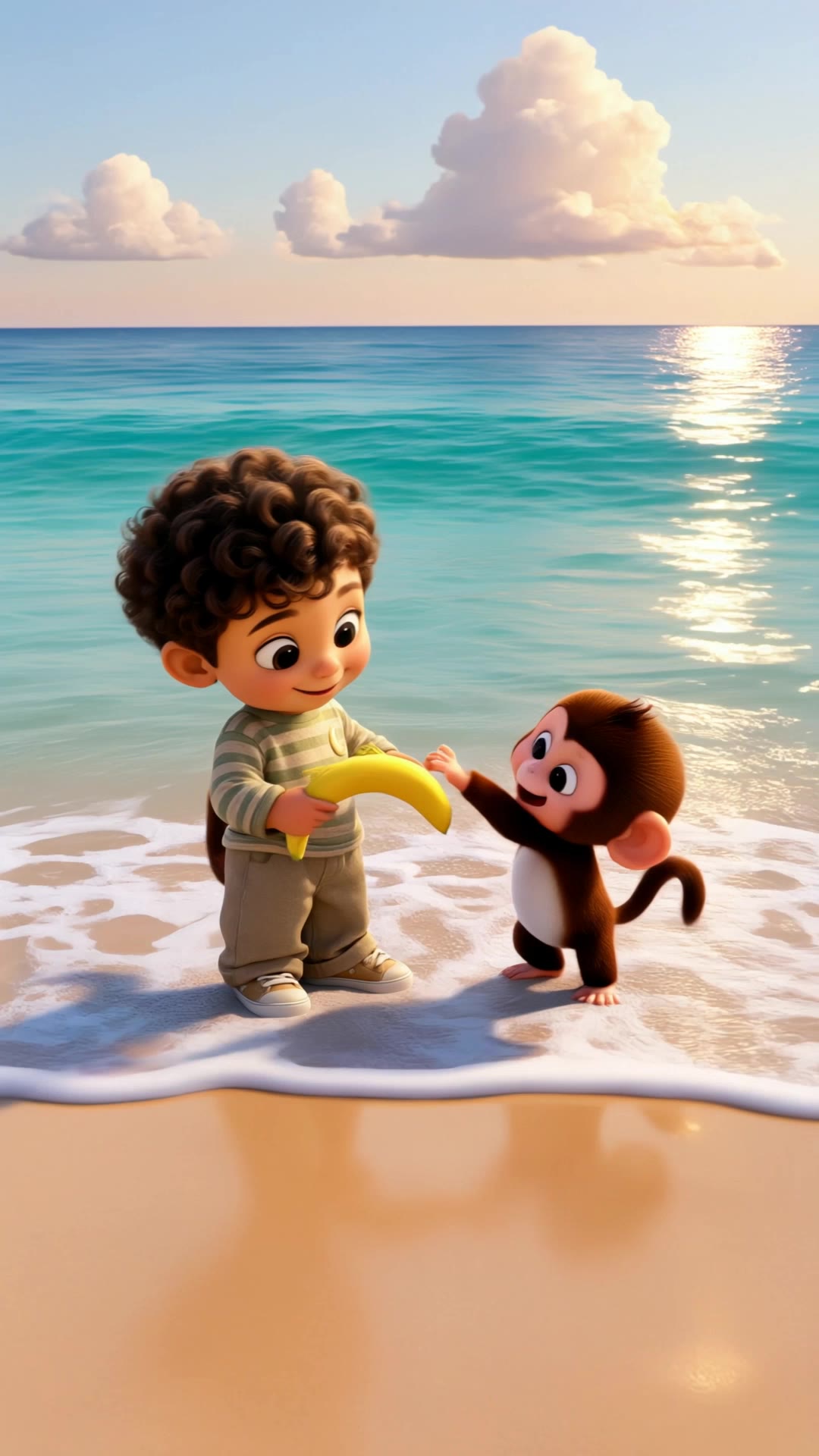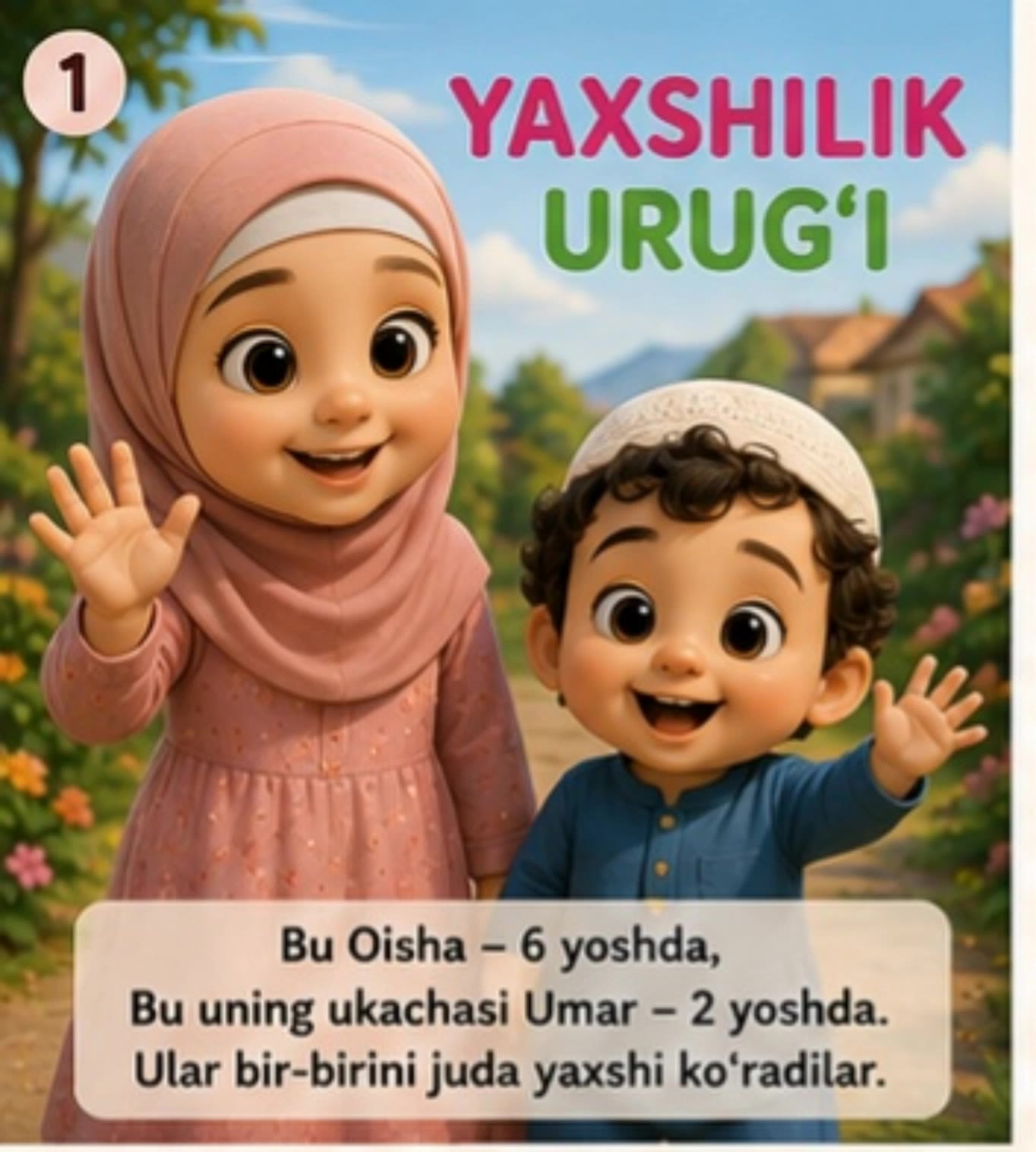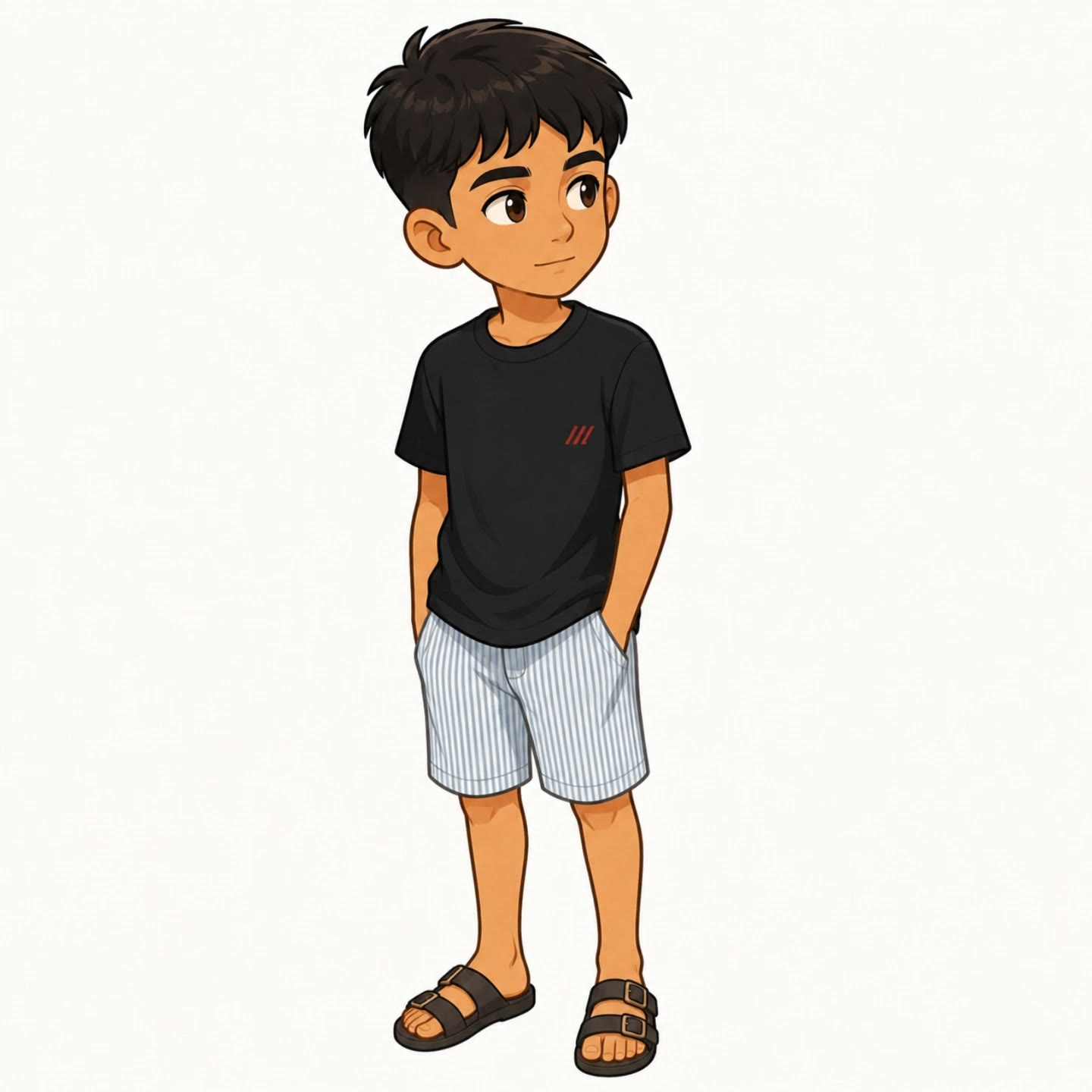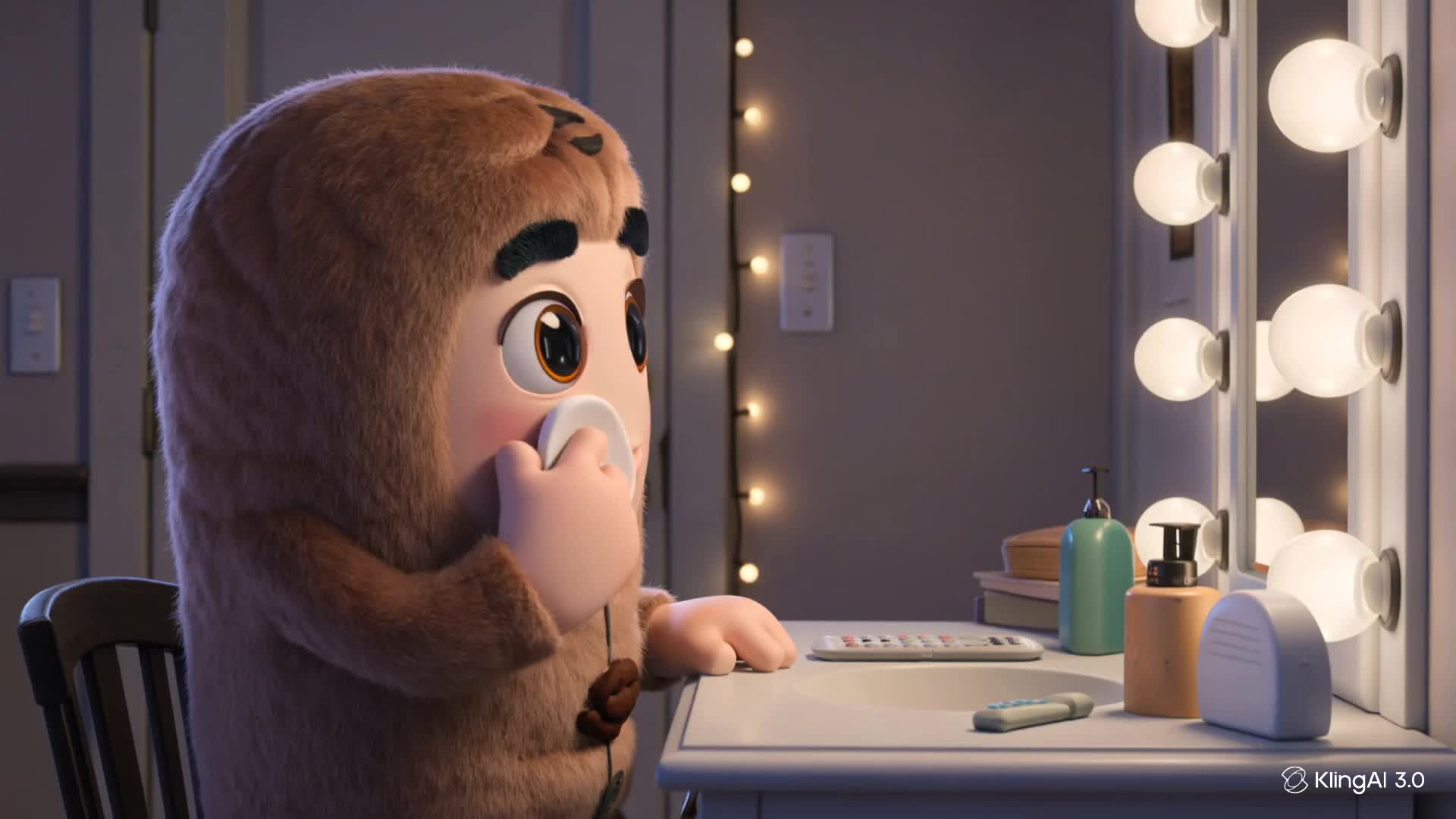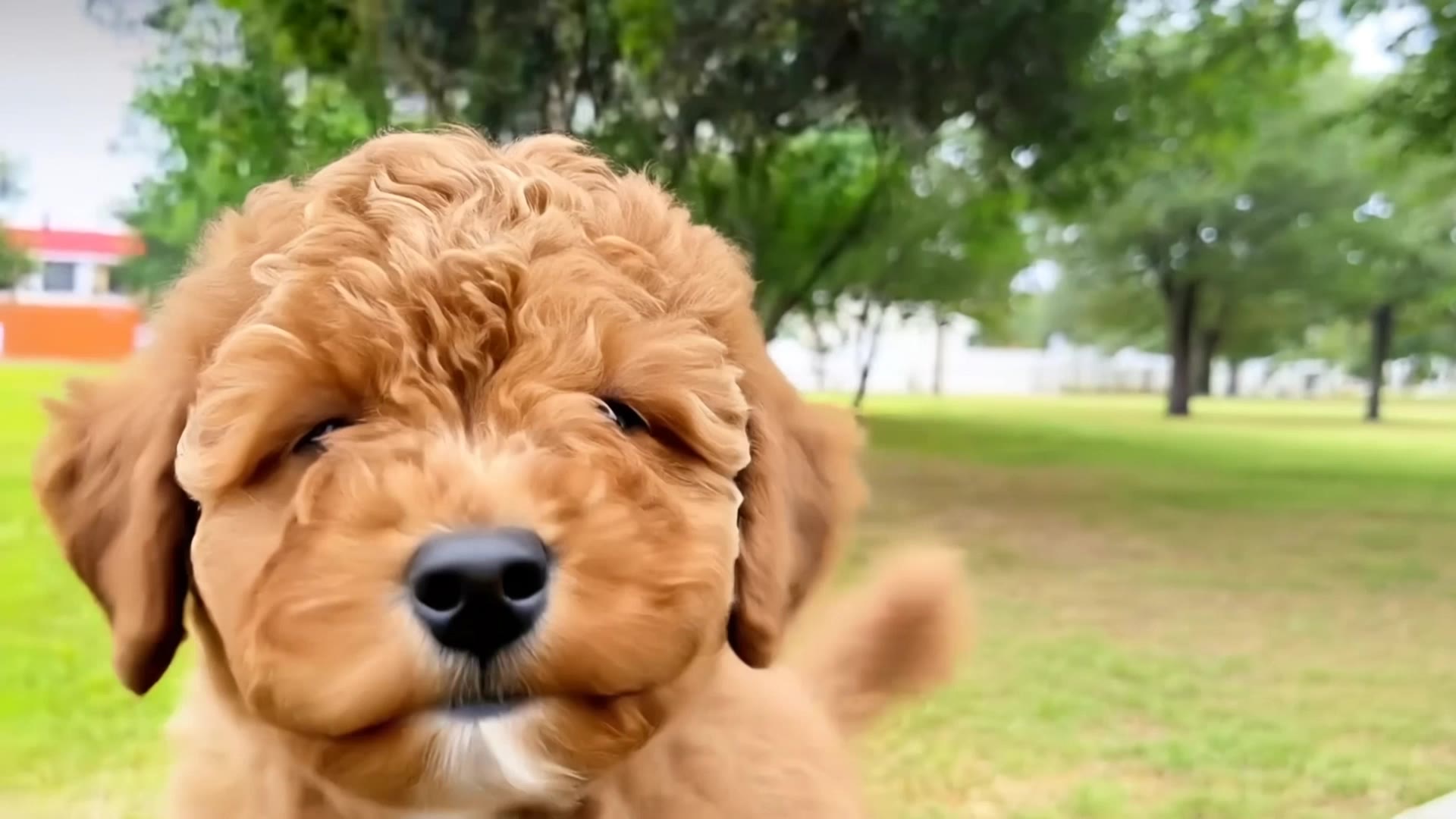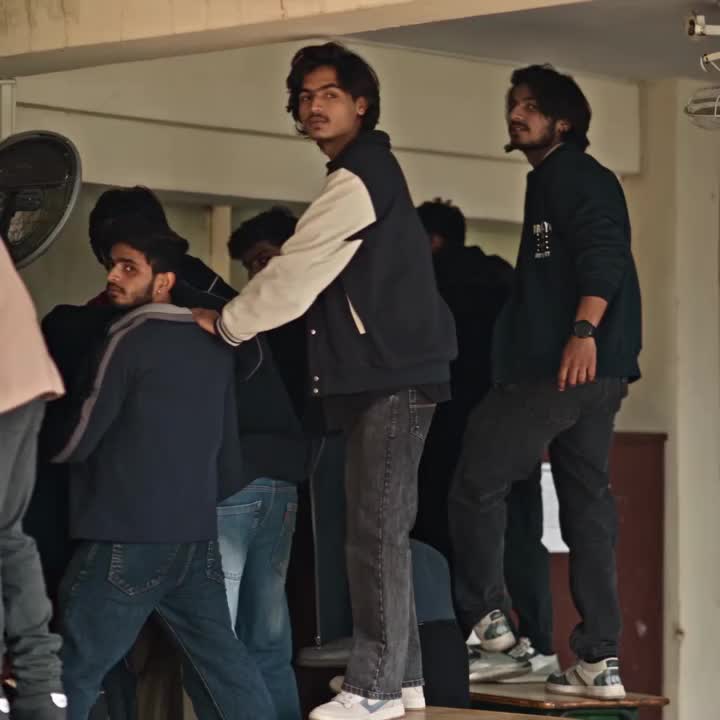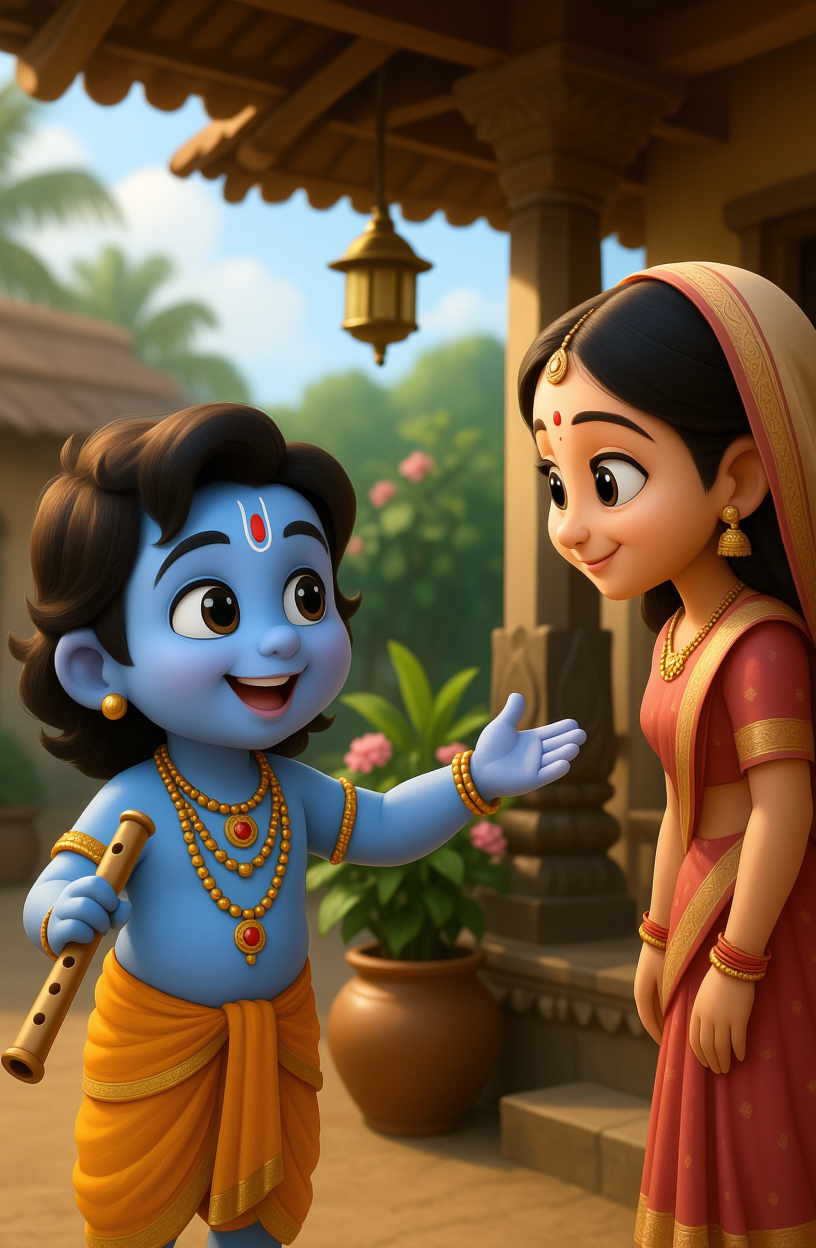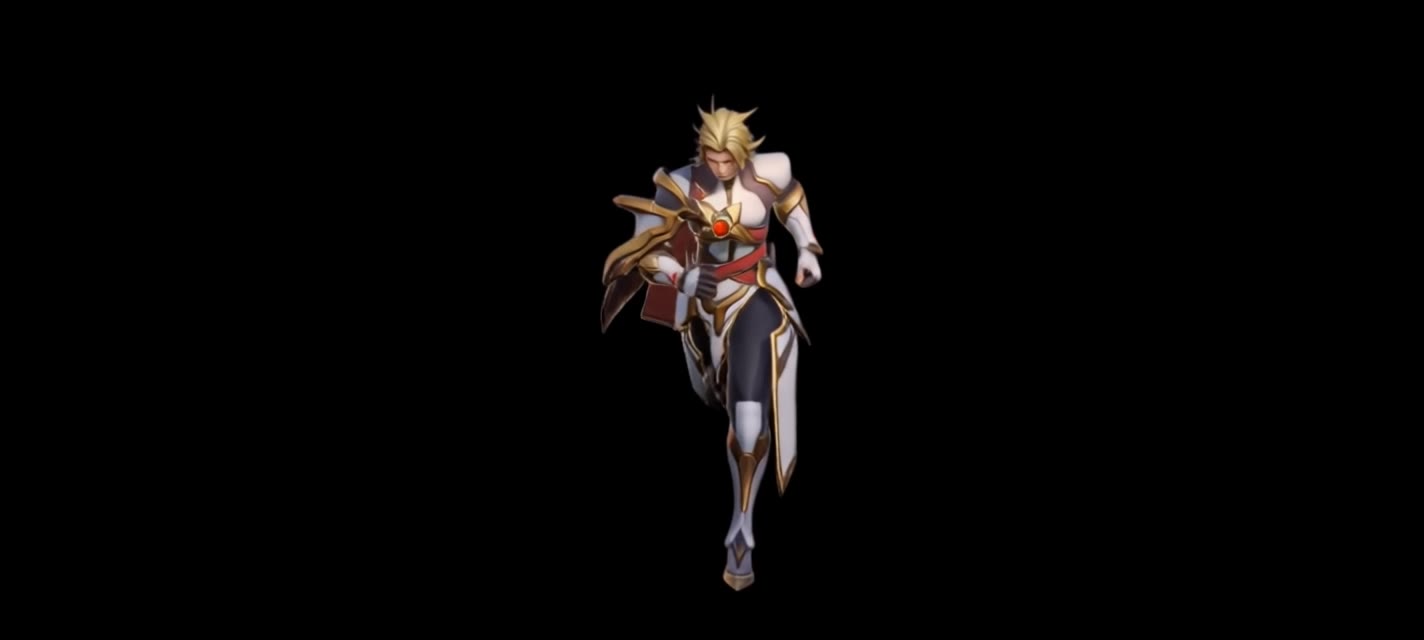

run reference animation - 3D objects & ultra-realistic visuals

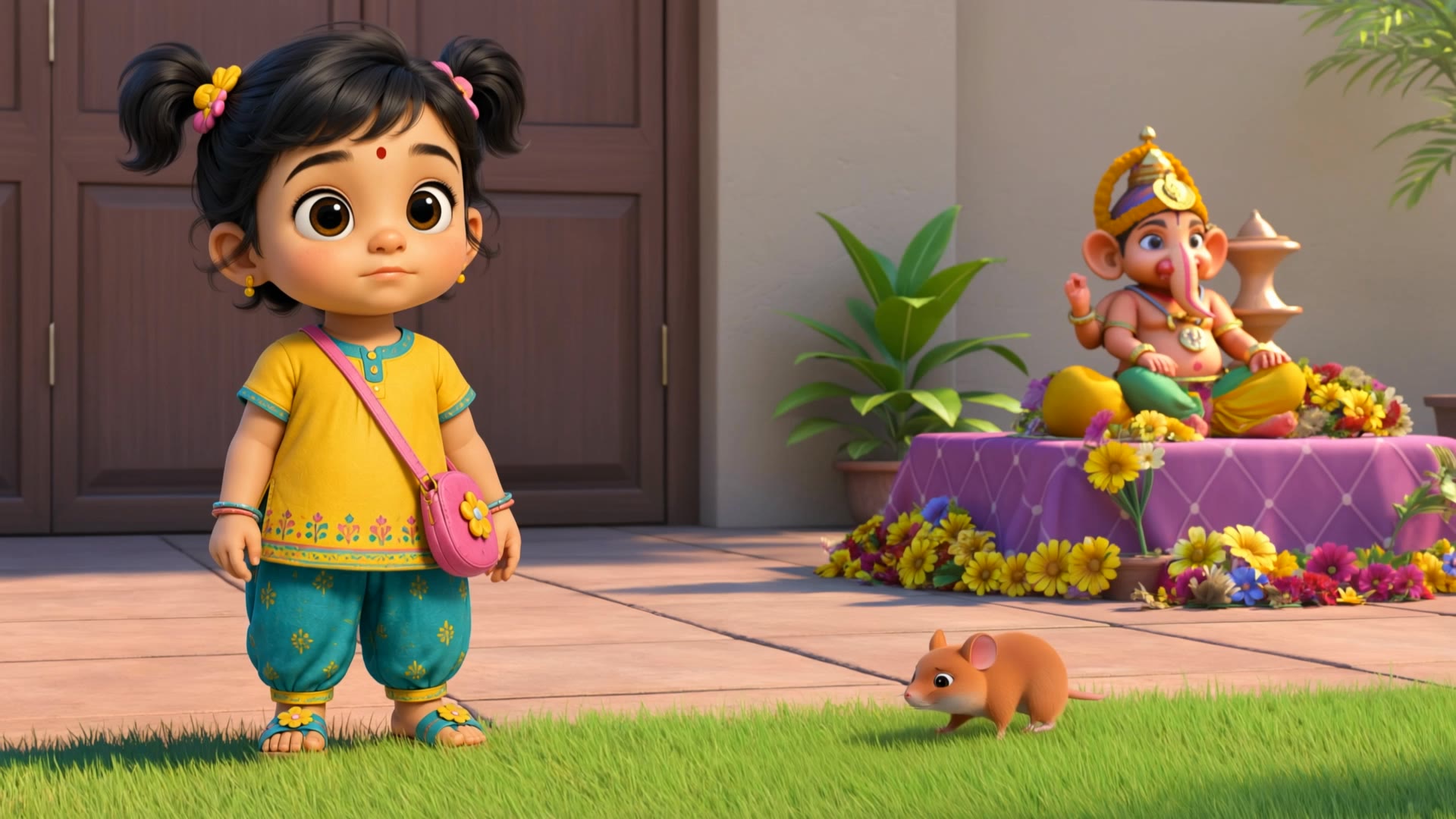
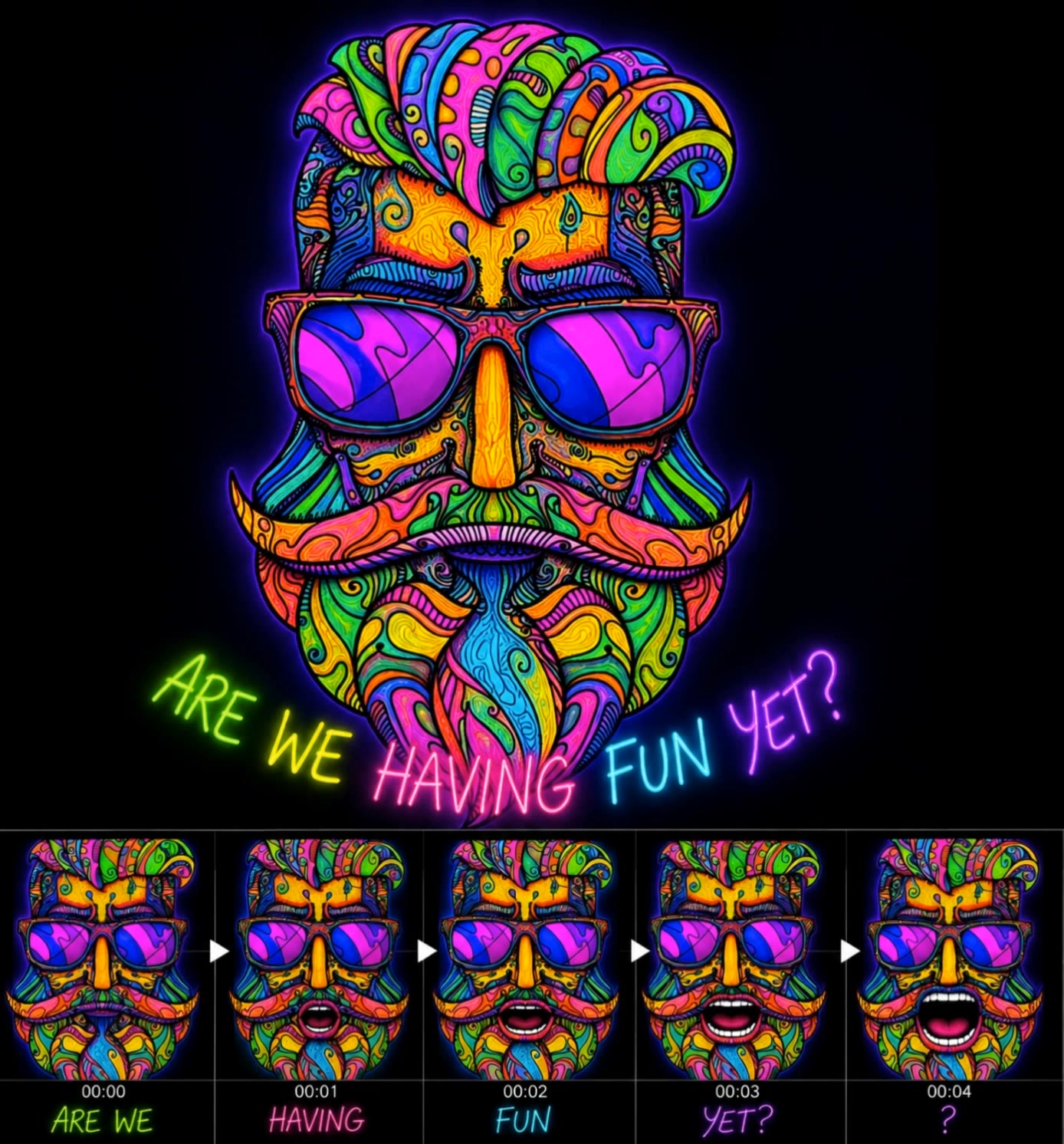
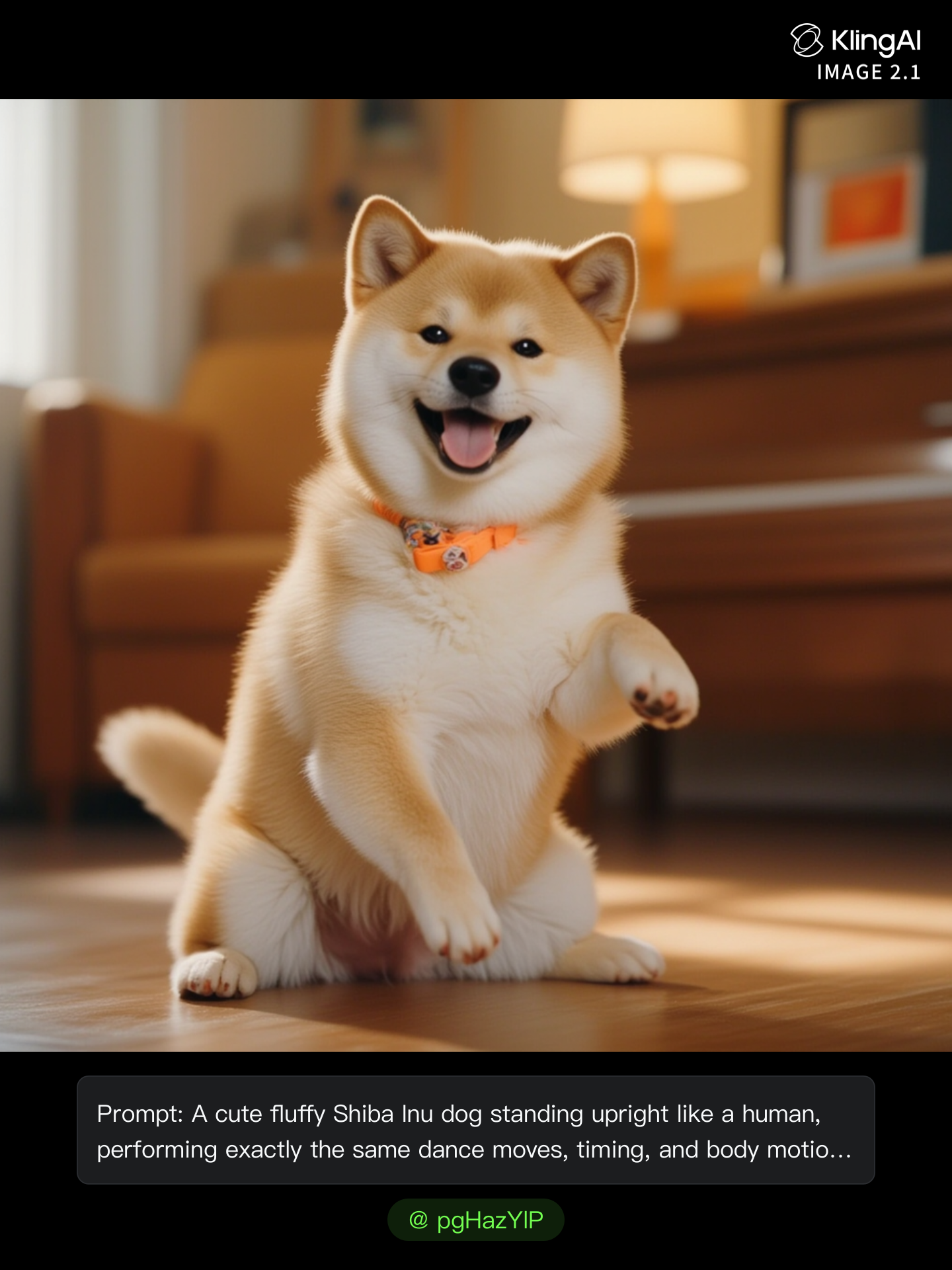
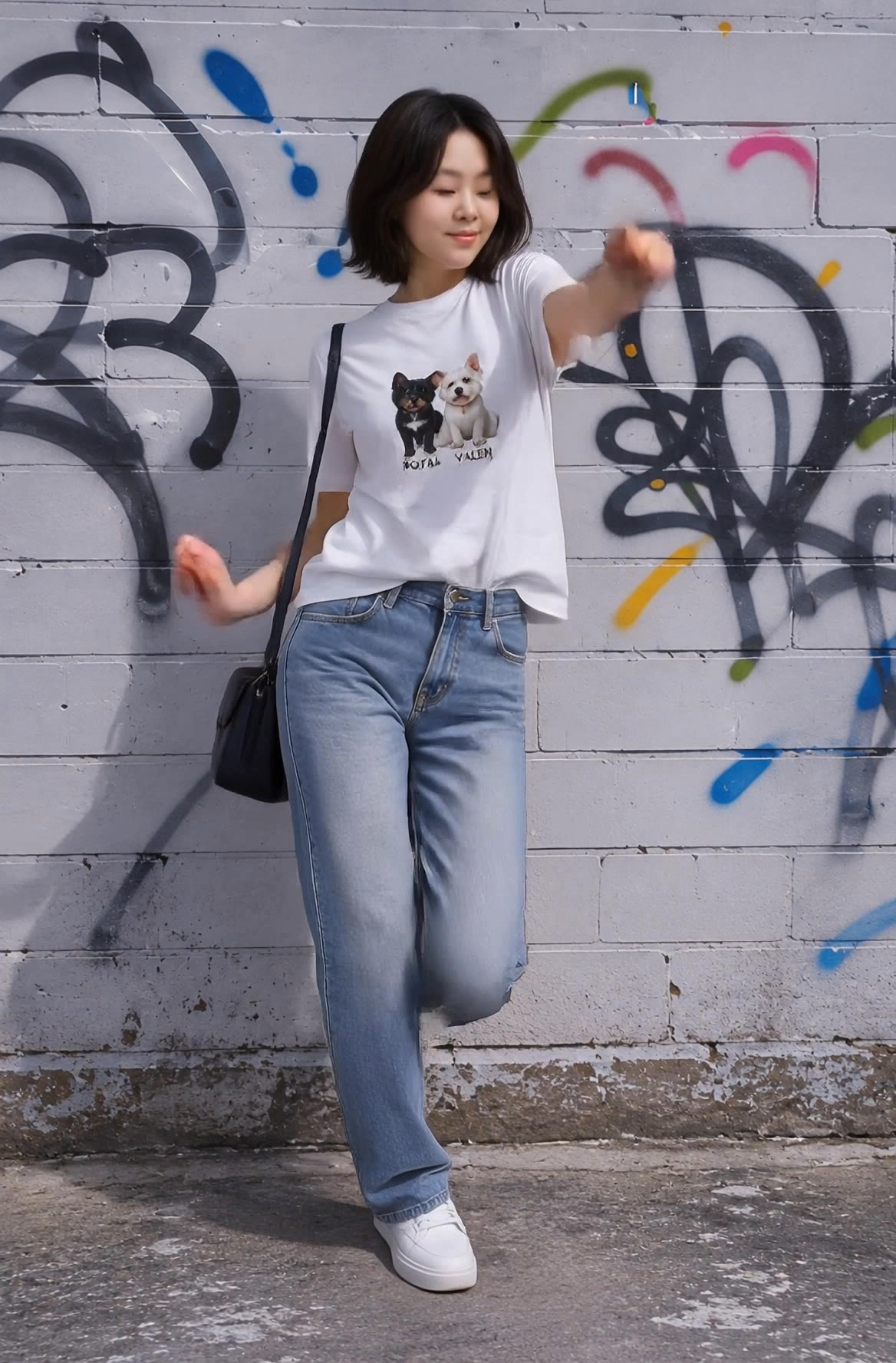
Immerse in ultra-realistic animations featuring 3D elements and dynamic lighting transitions. Witness the artistry of Pixar-style scenes and precise reference-based details. Start exploring run reference animation ideas and generate your own content with AI.

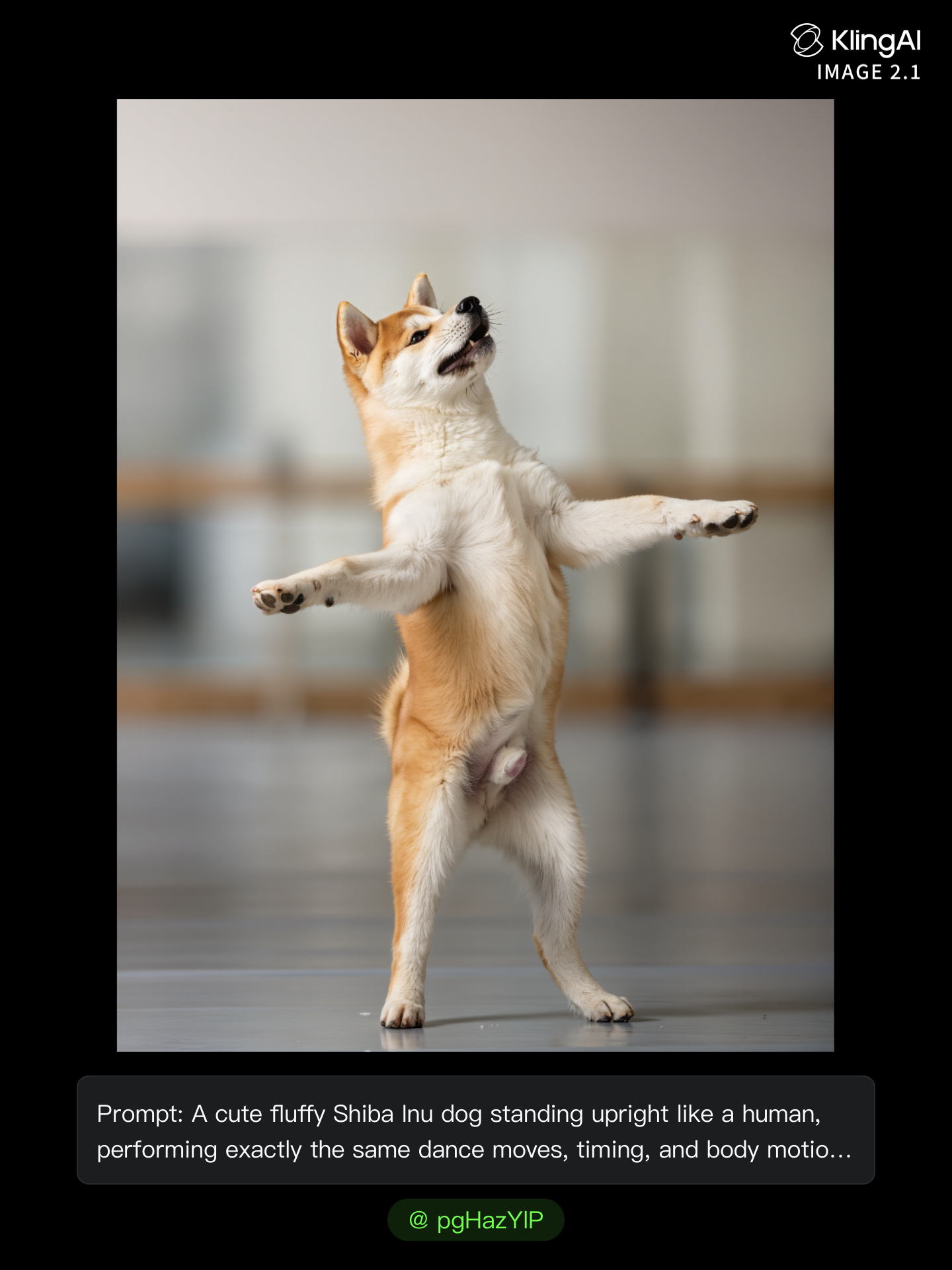
run reference animation - 3D objects & ultra-realistic visuals

Recommended

animation run - run reference animation AI video
DnTXGVdy avatar
DnTXGVdy
Kling AI work 314037794618993 - run reference animation AI image
pgHazYlP avatar
pgHazYlP
Witness Animation Test - run reference animation AI video
Artspeedia avatar
Artspeedia
Kling AI work 318347911660811 - run reference animation AI image
meYuvmPP avatar
meYuvmPP
world cup charcter animation - run reference animation AI video
hqgzRfhR avatar
hqgzRfhR
Elite Creator
Kling AI work 312448027507985 - run reference animation AI video
DwQrXWec avatar
DwQrXWec
Omni Reference and Kling 3.0 - run reference animation AI video
00:12
CTRL AI avatar
CTRL AI
animation test  - run reference animation AI video
vErNtWcB avatar
vErNtWcB
kids animation - run reference animation AI video
mahslnd avatar
mahslnd
Kling AI work 315334750666202 - run reference animation AI video
SSSGhMAg avatar
SSSGhMAg
Kling AI work 316935727320604 - run reference animation AI video
nSVcTzoW avatar
nSVcTzoW
animation - run reference animation AI video
00:05
ljzucWEN avatar
ljzucWEN
Kling AI work 313486993520629 - run reference animation AI video
SERPICO73 avatar
SERPICO73
Use the uploaded reference video - run reference animation AI video
00:28
ryUtqRVG avatar
ryUtqRVG
Tamil Girl - run reference animation AI video
Thiru Arun Lal avatar
Thiru Arun Lal
Psychedelic animation of are we  - run reference animation AI video
SHtaxBIt avatar
SHtaxBIt
Kling AI work 314038107614668 - run reference animation AI image
pgHazYlP avatar
pgHazYlP
신나는 댄스 - run reference animation AI video
WZUfHrwB avatar
WZUfHrwB
Use the uploaded reference video - run reference animation AI image
TjQtjQqO avatar
TjQtjQqO

How to Animate an Image with AI

Upload Your Image

Upload Your Image

Upload a portrait, product photo, illustration, or other image. For additional control, Kling 4.0's Omni Reference supports up to 15 combined reference assets, subject to individual input limits.

Describe the Motion

Describe the Motion

Specify how your subject moves and what the camera does. You can also add start and end frames or use up to 10 flexible keyframes to guide important changes with supported Kling 4.0 settings.

Generate and Download

Generate and Download

Choose your video settings and generate a clip up to 30 seconds long with Kling 4.0. Preview the result, make adjustments if needed, and download your video.

Why Kling Stands Out for Image-to-Video Creation

Realistic Motion, Up to 30s Cinematic Camera Work

Realistic Motion, Up to 30s Cinematic Camera Work

Kling 4.0 delivers more stable, physically convincing action in demanding scenes, from fast-paced fights to sports and large-scale movement. Stronger camera direction supports dynamic tracking, complex camera moves, and more coherent shot composition. With up to 30 seconds of native video generation, create longer takes and connected sequences with greater control over action, pacing, and camera movement.

More References, More Creative Control

More References, More Creative Control

Kling 4.0's Omni Reference supports up to 15 combined reference assets, including images, videos, and subjects. Combine character, scene, motion, and style references to guide different elements within the same generation. Up to 10 flexible keyframes give you additional control over composition, character actions, and scene progression. Experiment with different reference combinations and key moments without rebuilding your entire creative setup.

Recreate, Edit, and Explore New Possibilities

Recreate, Edit, and Explore New Possibilities

Kling 4.0 goes beyond generating new footage. It lets you reference existing videos to explore different characters, products, camera movements, and visual styles while retaining the original shot structure or motion as a guide. It also supports precise video editing, letting you target changes to subjects, backgrounds, actions, and camera angles. Rework existing scenes, try alternate versions, and develop new footage without starting from scratch.

Apps

Video Generation
Video Generation

Video Generation

Image Generation
Image Generation

Image Generation

Motion Control
Motion Control

Motion Control

Avatar
Avatar

Avatar

AI Portraits
AI Portraits

AI Portraits

Lip Sync
Lip Sync

Lip Sync

60M+
60M+
Users
600M+
600M+
AI Videos Generated
4.7 ★
4.7 ★
App Store
Industry-Leading
Industry-Leading
Cinematic 4K

Reviews

James Phillips

James Phillips

★★★★★

Kling AI has transformed my workflow by collapsing timelines and democratizing production. It’s shifted my mindset from resource-dependent filmmaking to a boundless creative sandbox, where experimentation yields unexpected beauty.

Huang Lu (Elson)

Huang Lu (Elson)

★★★★★

I’ve been using Kling AI since its initial release, and it’s remained one of the leading AI media generators ever since. With Kling AI, I’ve created hundreds of videos, collectively amassing millions of views.

Ozan Sihay

Ozan Sihay

★★★★★

Kling AI allows me to rapidly prototype ideas, refine storytelling elements, and produce visually compelling content efficiently. It has not only accelerated my creative processes, but also deepened my understanding of how AI can enrich visual storytelling.

FAQ

Q1What is Kling Video 3.0?
Q2Can I use this for global AI video marketing?
Q3What’s the difference between Video 2.6 and 3.0?

Experience Video 3.0 on Kling

Create cinematic, multi-shot videos with native audio and precise control—all in one generation.

Native audio | Multi-shot control | Up to 15s continuous output