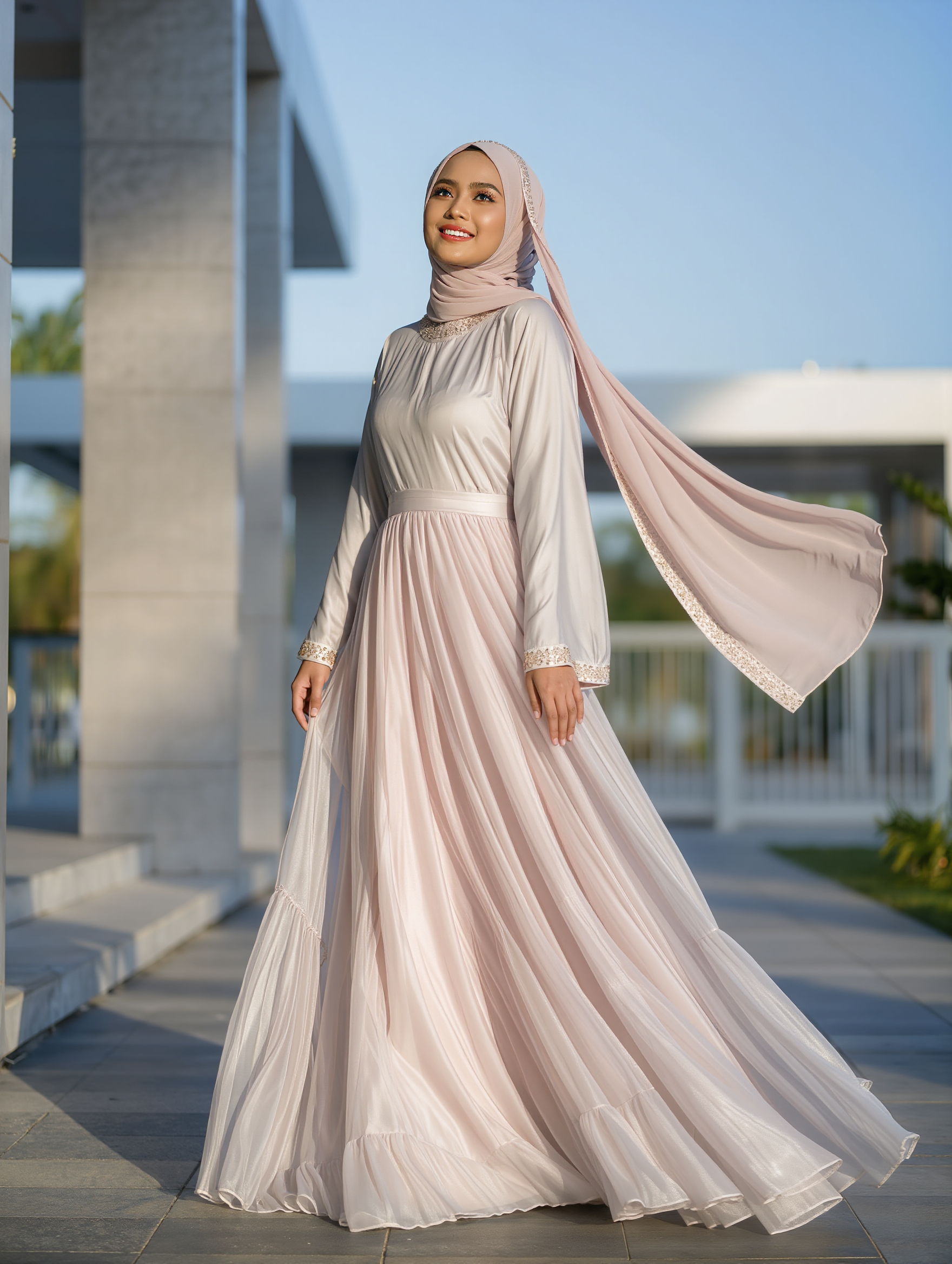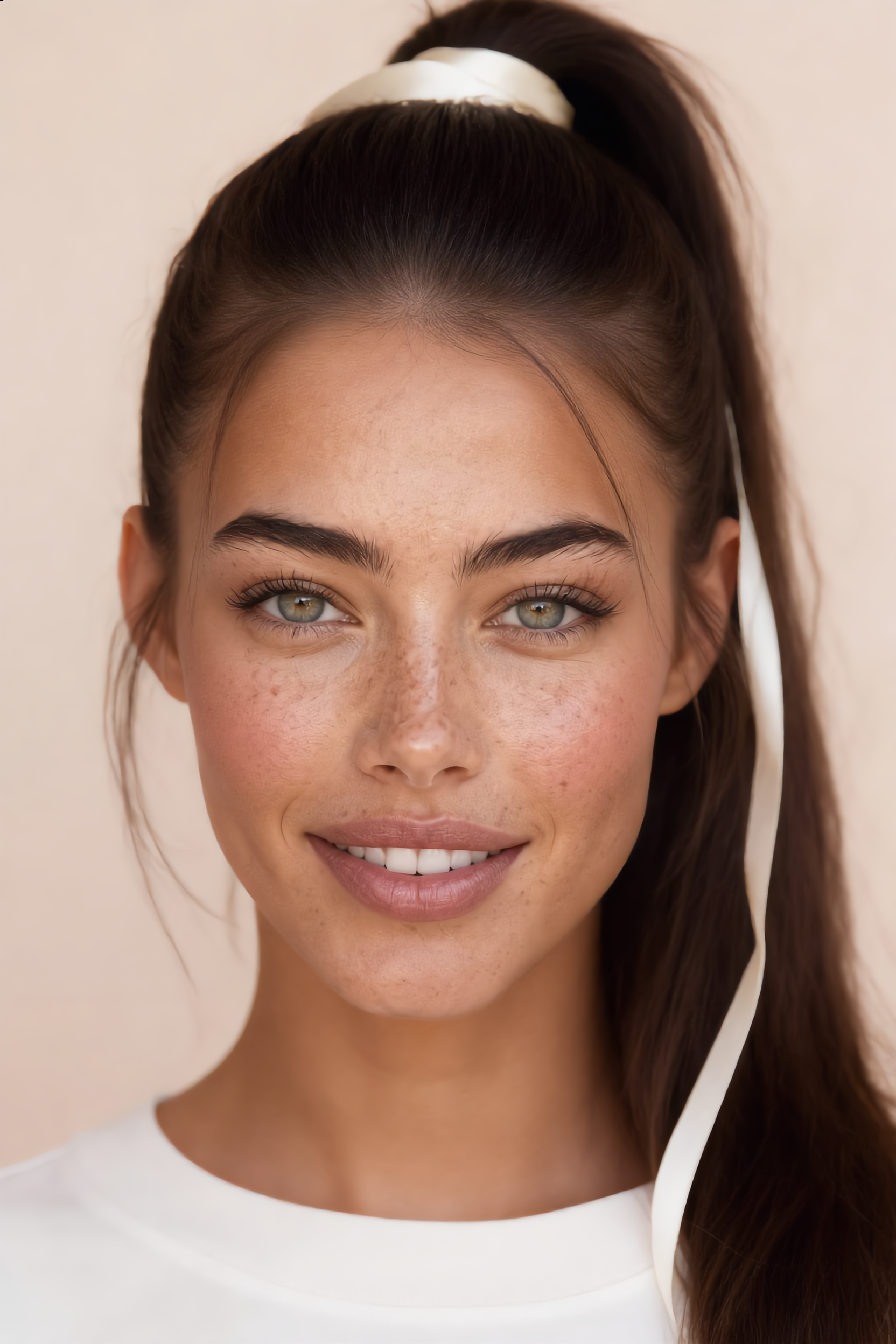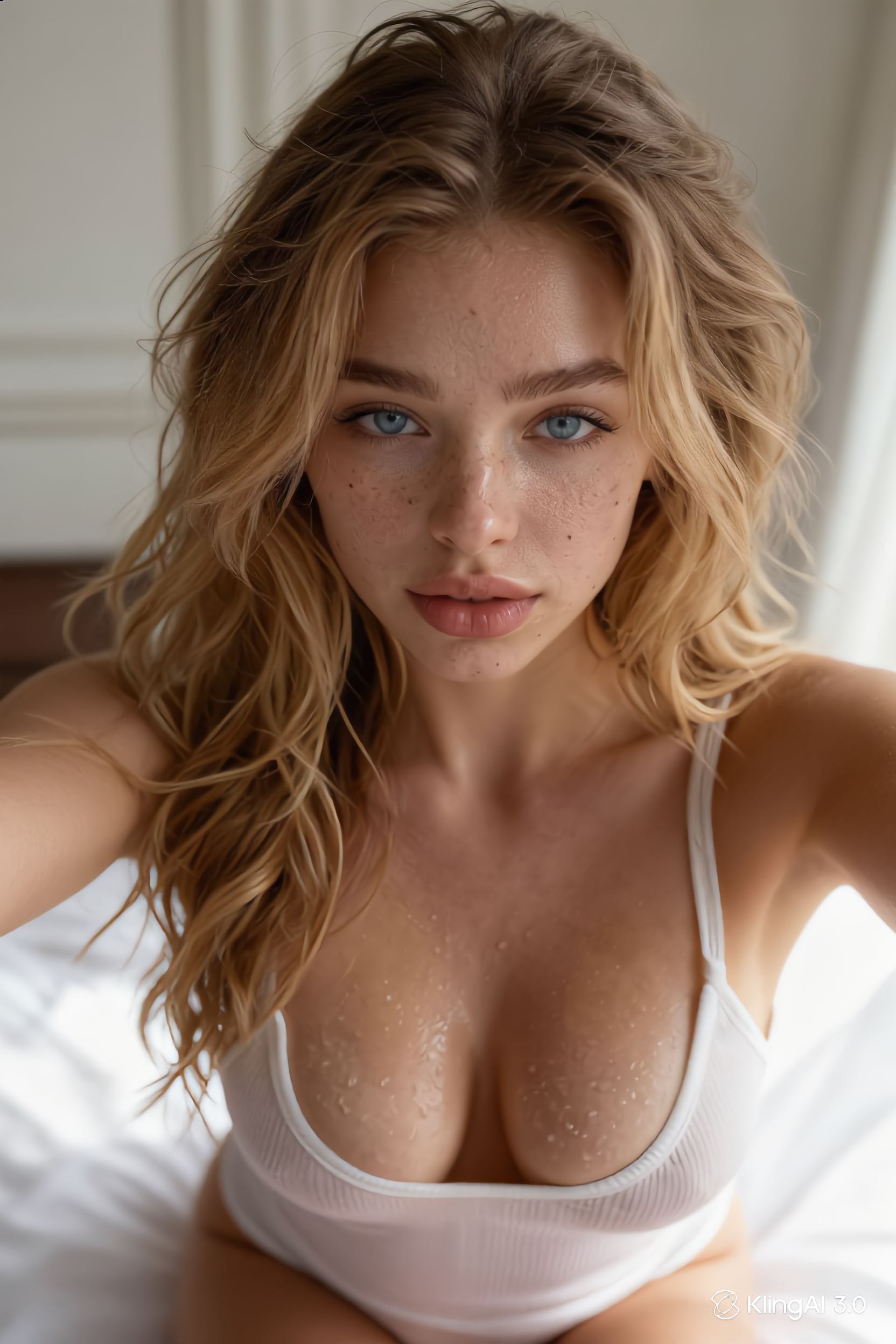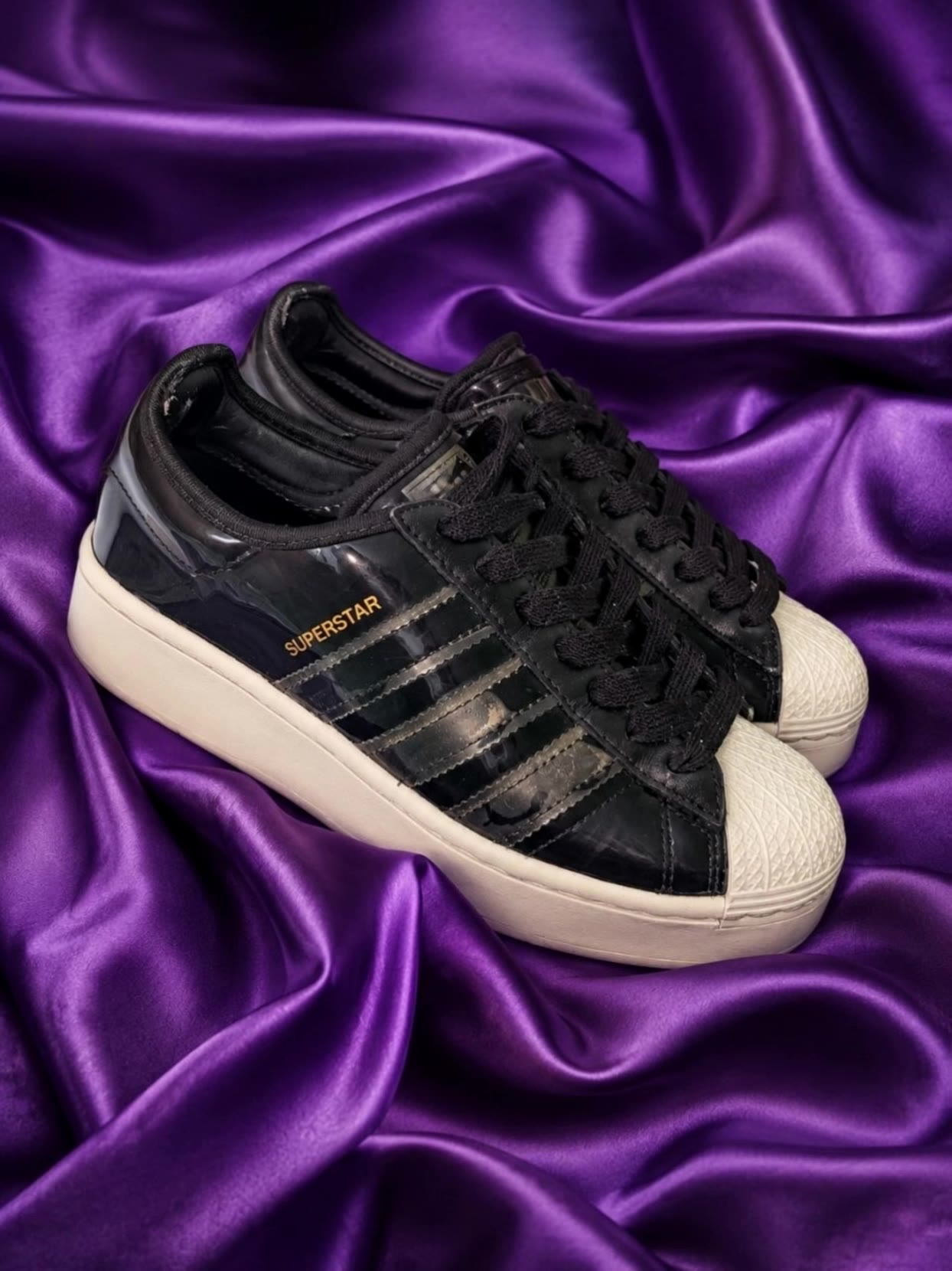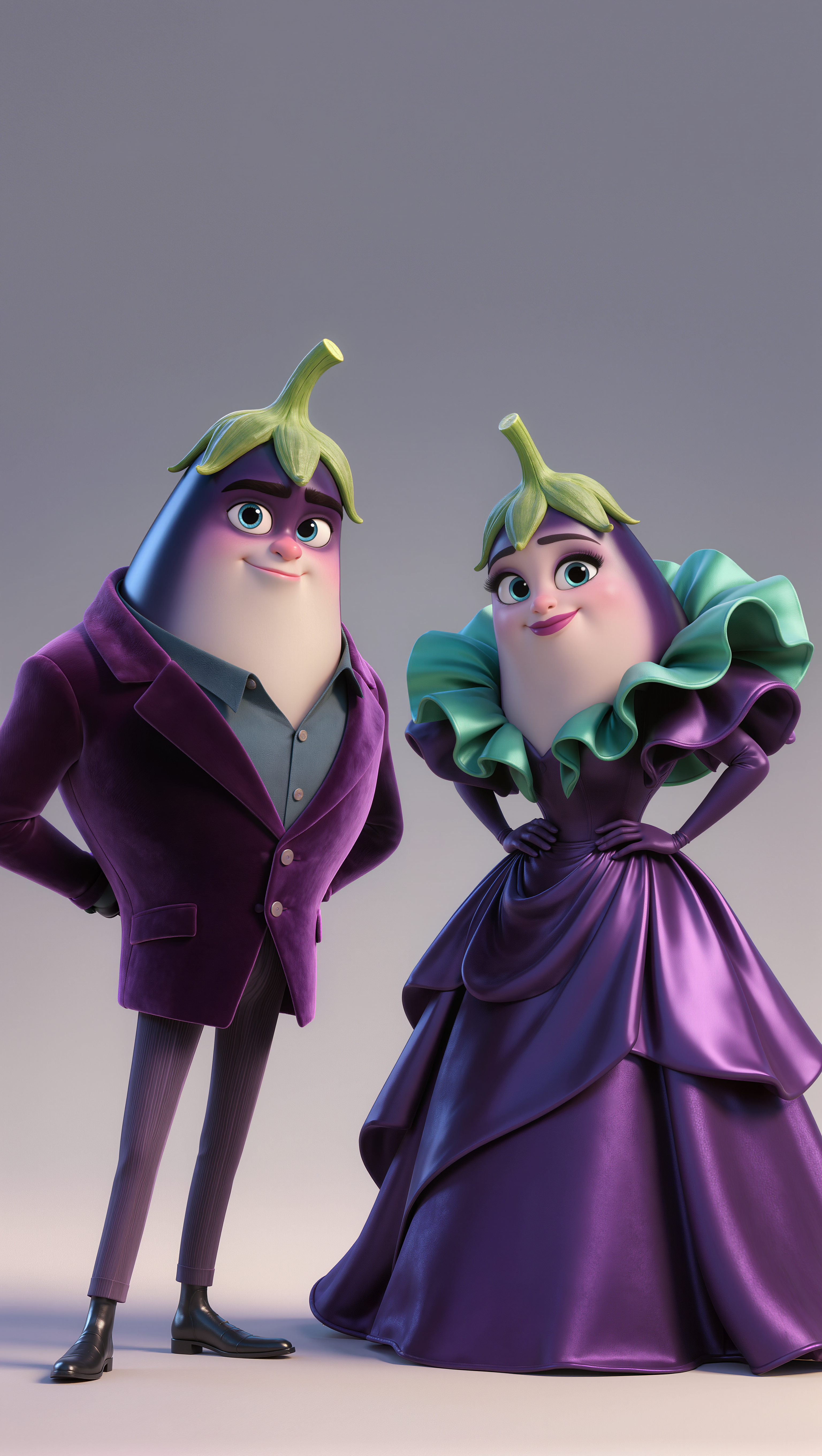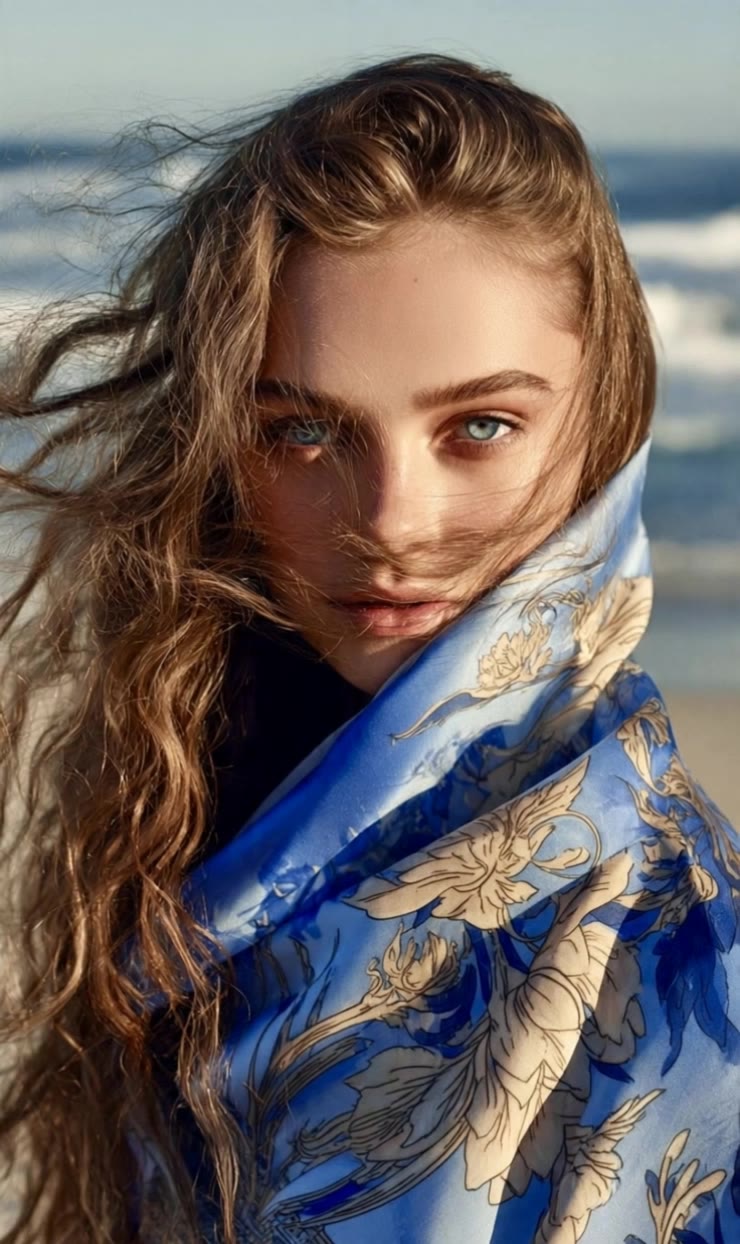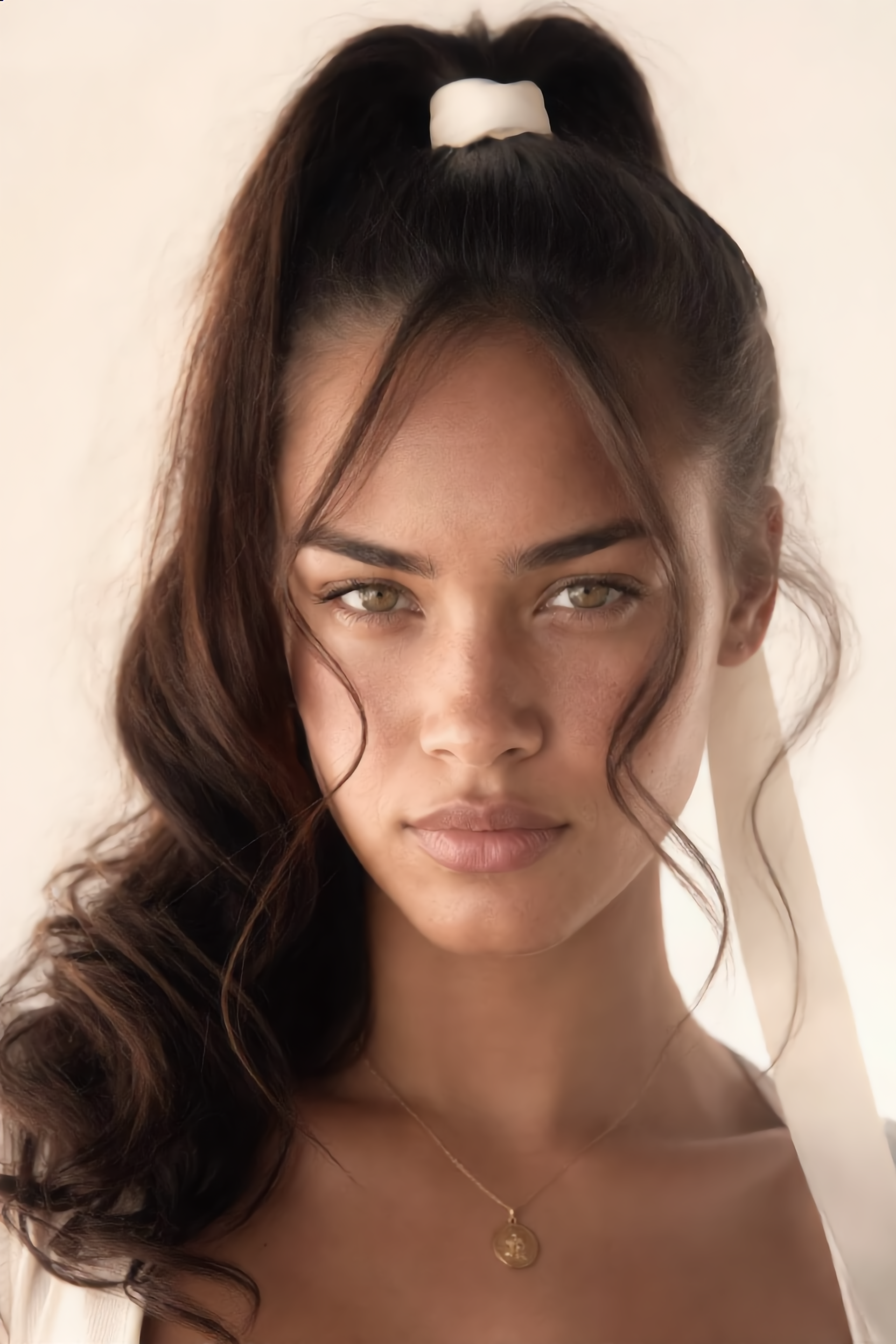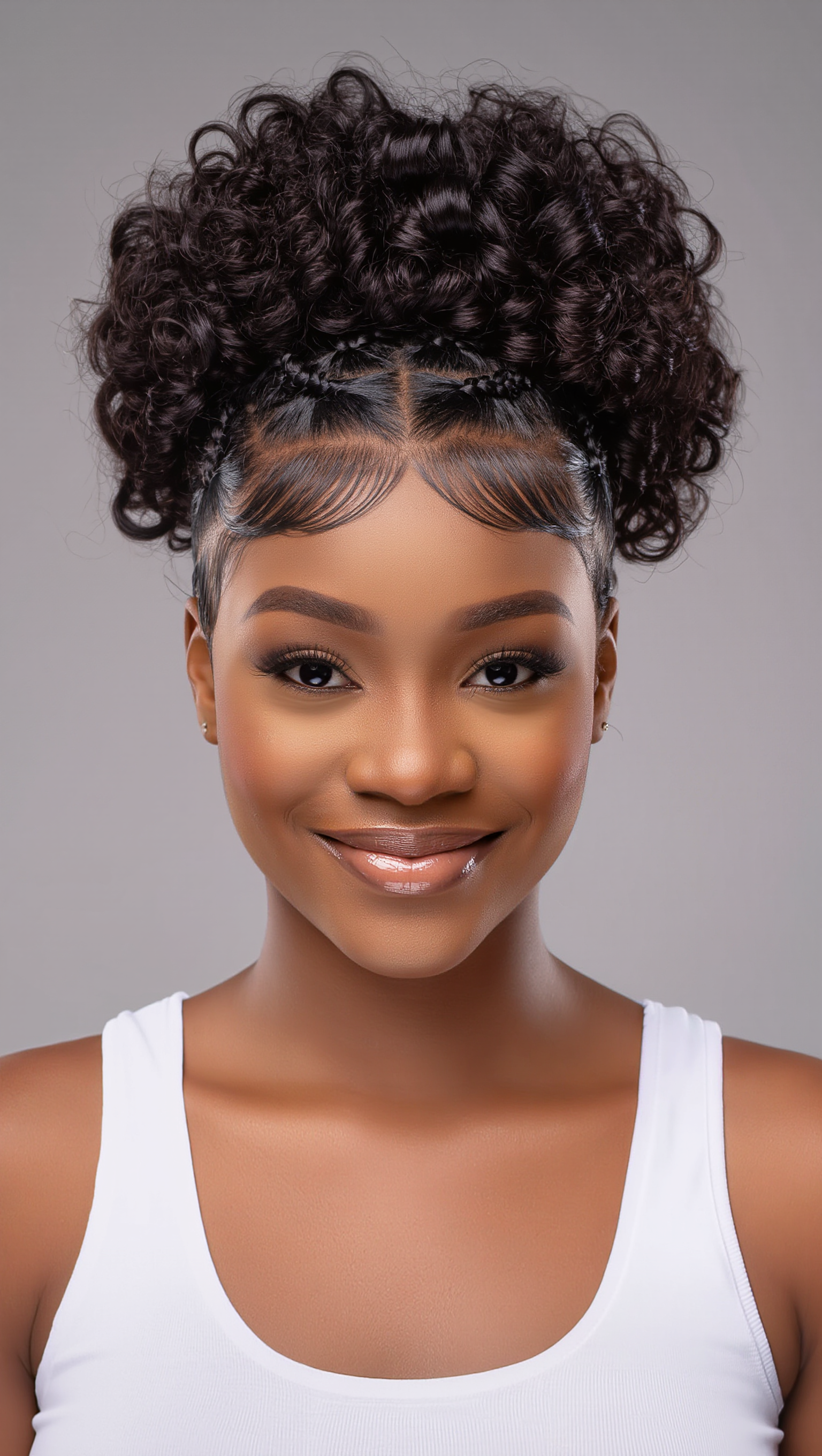
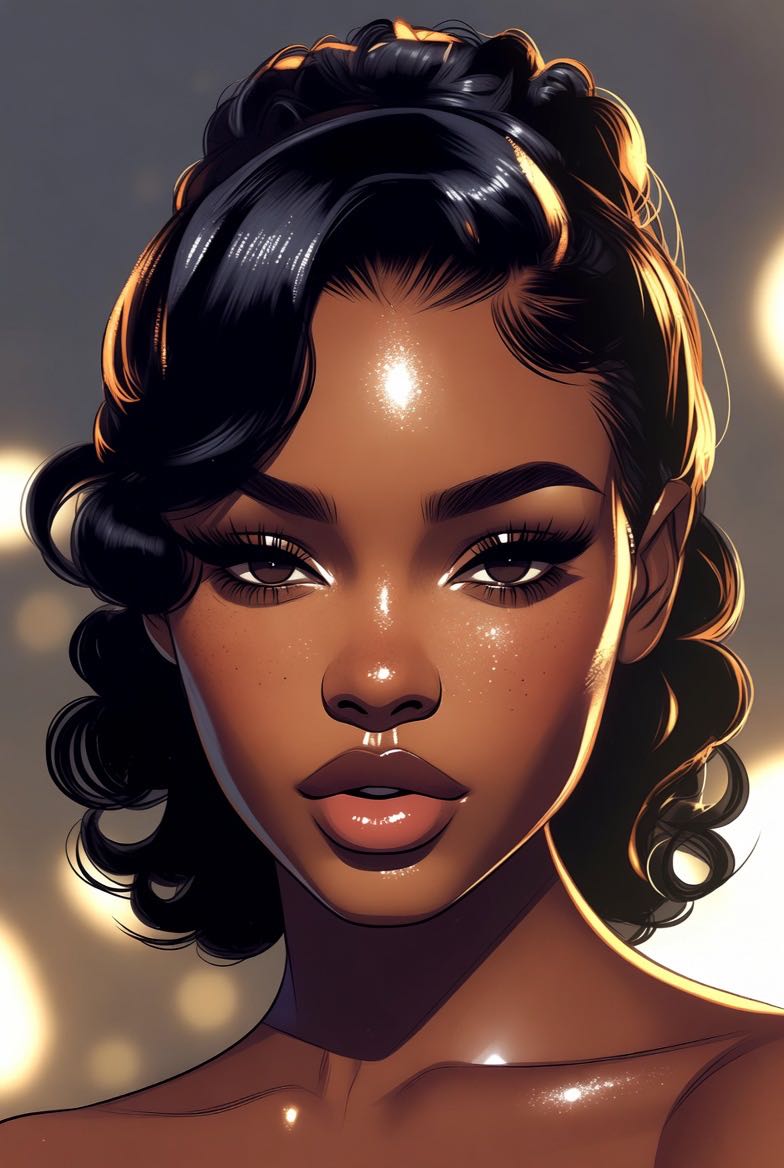
satin texture - fashion elegance & visual realism

Experience the elegance of satin texture through graceful catwalk movements and the luxurious shimmer of high-end museum pieces. Start exploring satin texture ideas and generate your own content with AI.

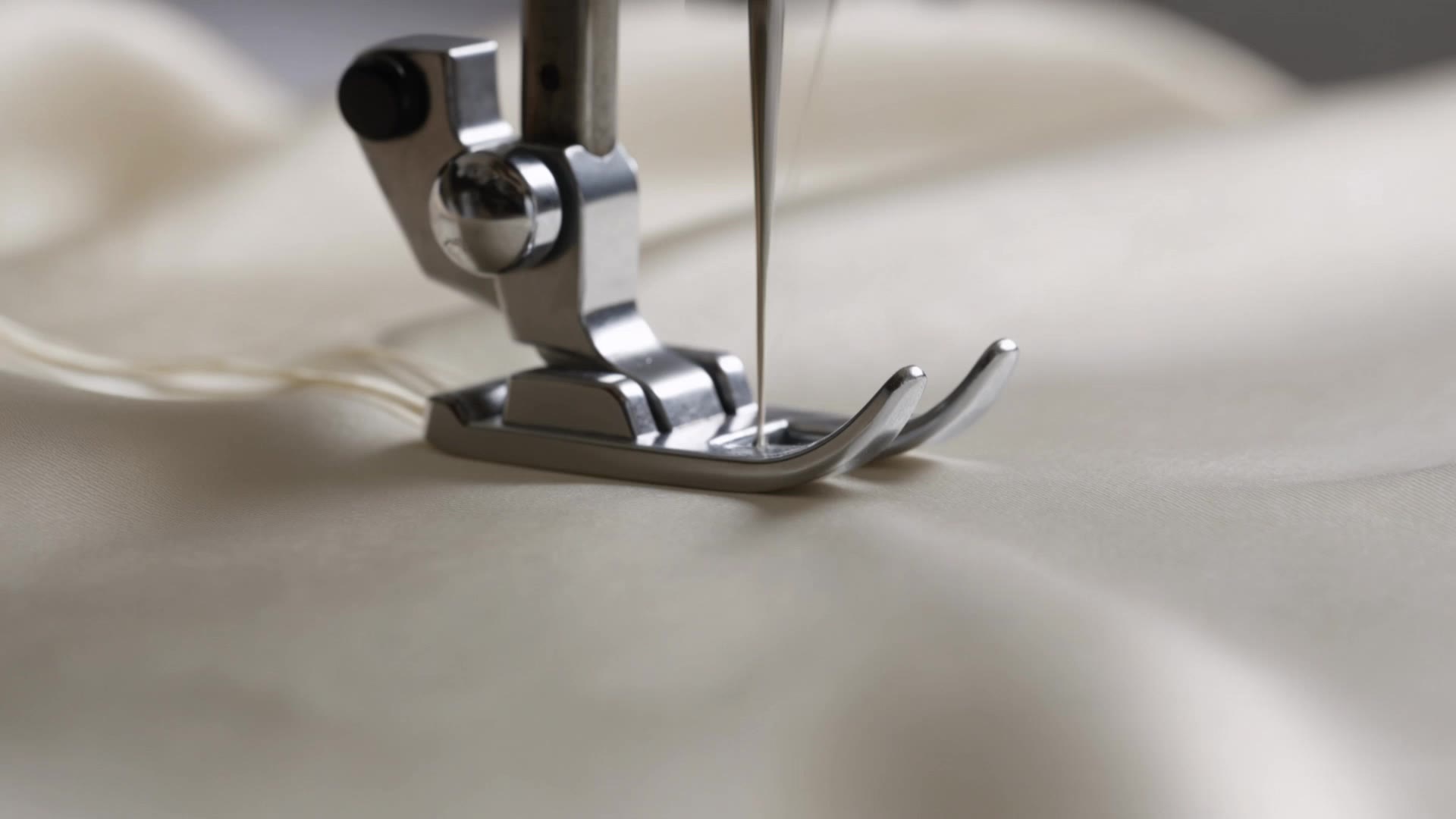
satin texture - fashion elegance & visual realism

Recommended

Kling AI work 315753635612737 - satin texture AI image
Lisa Renee avatar
Lisa Renee
Kling AI work 311350247522371 - satin texture AI video
BAoaekqd avatar
BAoaekqd
Kling AI work 320845629660612 - satin texture AI image
HrhVeLHV avatar
HrhVeLHV
Kling AI work 318525788614862 - satin texture AI image
ZOC41 avatar
ZOC41
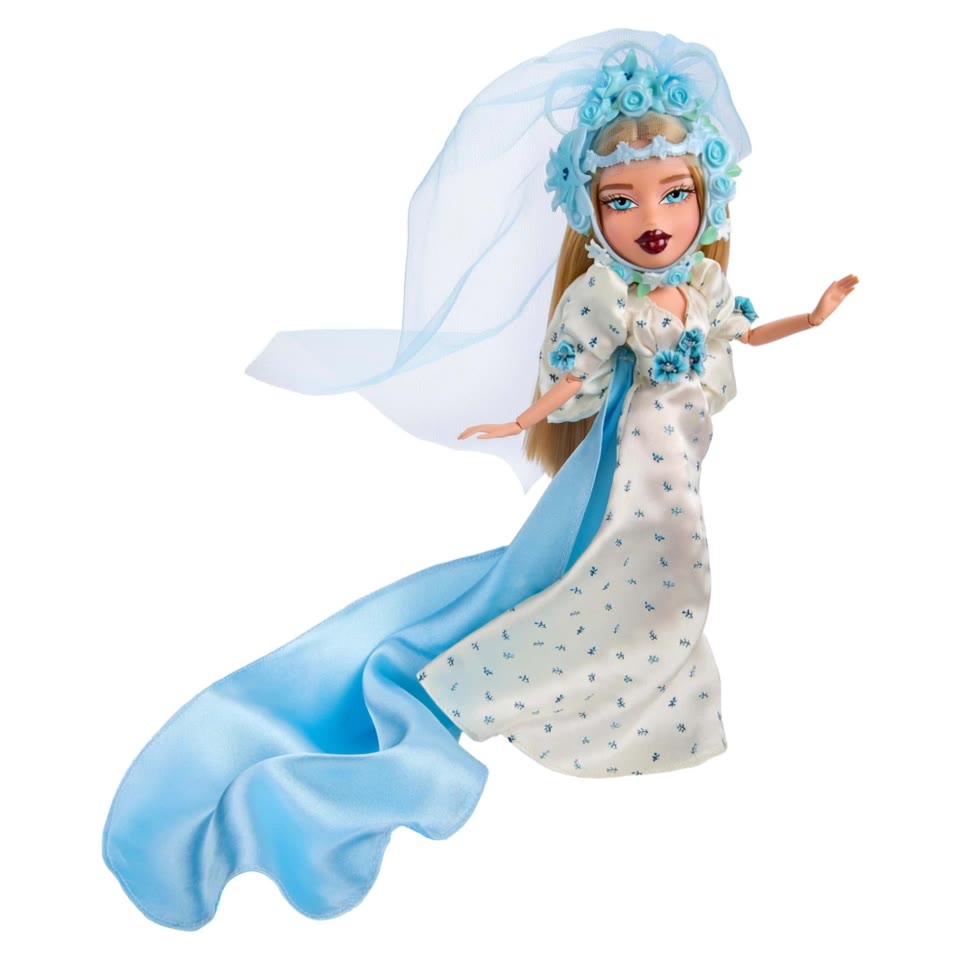
Doll Couture: Satin & Chrome - satin texture AI video
icomercial avatar
icomercial
Kling AI work 310050057610296 - satin texture AI video
Bhuparaj avatar
Bhuparaj
Kling AI work 316610191617605 - satin texture AI video
vhFGlnjq avatar
vhFGlnjq
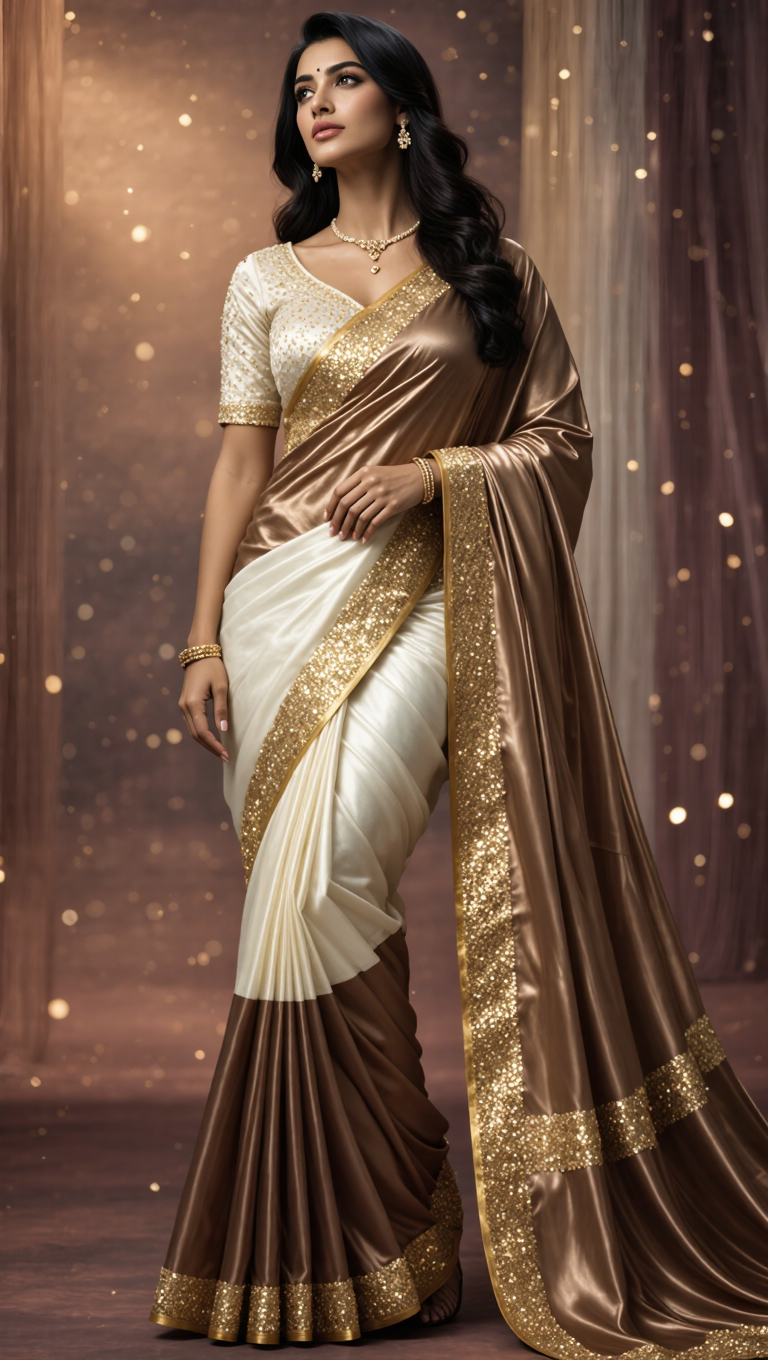
Kling AI work 311794023612278 - satin texture AI image
Neelam Design Art avatar
Neelam Design Art
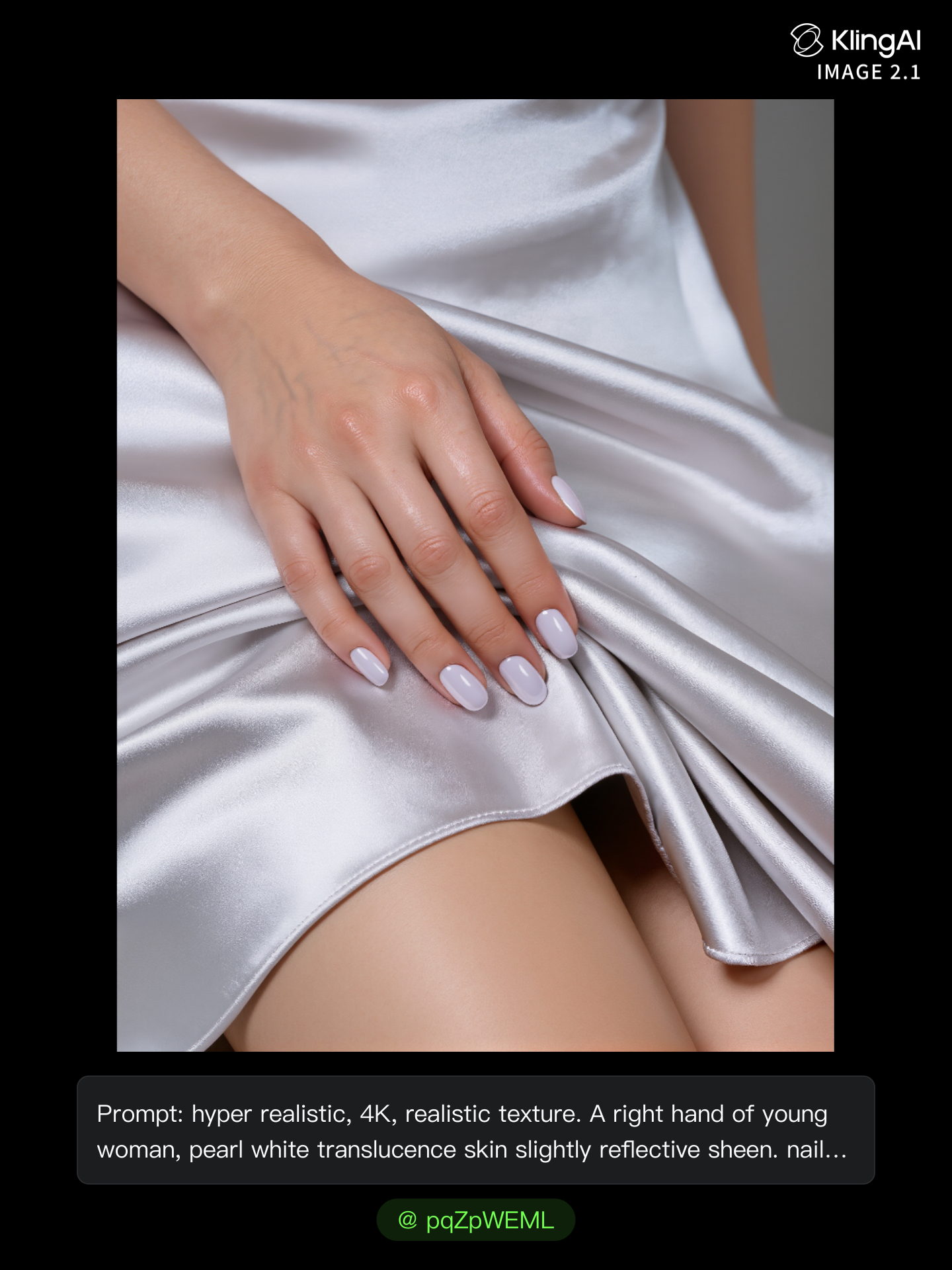
super detailed hand touch some - satin texture AI image
pqZpWEML avatar
pqZpWEML
Kling AI work 310966988667413 - satin texture AI image
MelissaABC’s avatar
MelissaABC’s
Kling AI work 317216191617704 - satin texture AI video
PFNwvIRJ avatar
PFNwvIRJ
Kling AI work 309375022618657 - satin texture AI image
Umair Rizan avatar
Umair Rizan
Kling AI work 309562921668803 - satin texture AI image
ZYSxmhEe avatar
ZYSxmhEe
Kling AI work 309380381506895 - satin texture AI video
KLING0627 avatar
KLING0627
Kling AI work 317214086505124 - satin texture AI video
PFNwvIRJ avatar
PFNwvIRJ
Kling AI work 309375022662651 - satin texture AI image
Umair Rizan avatar
Umair Rizan
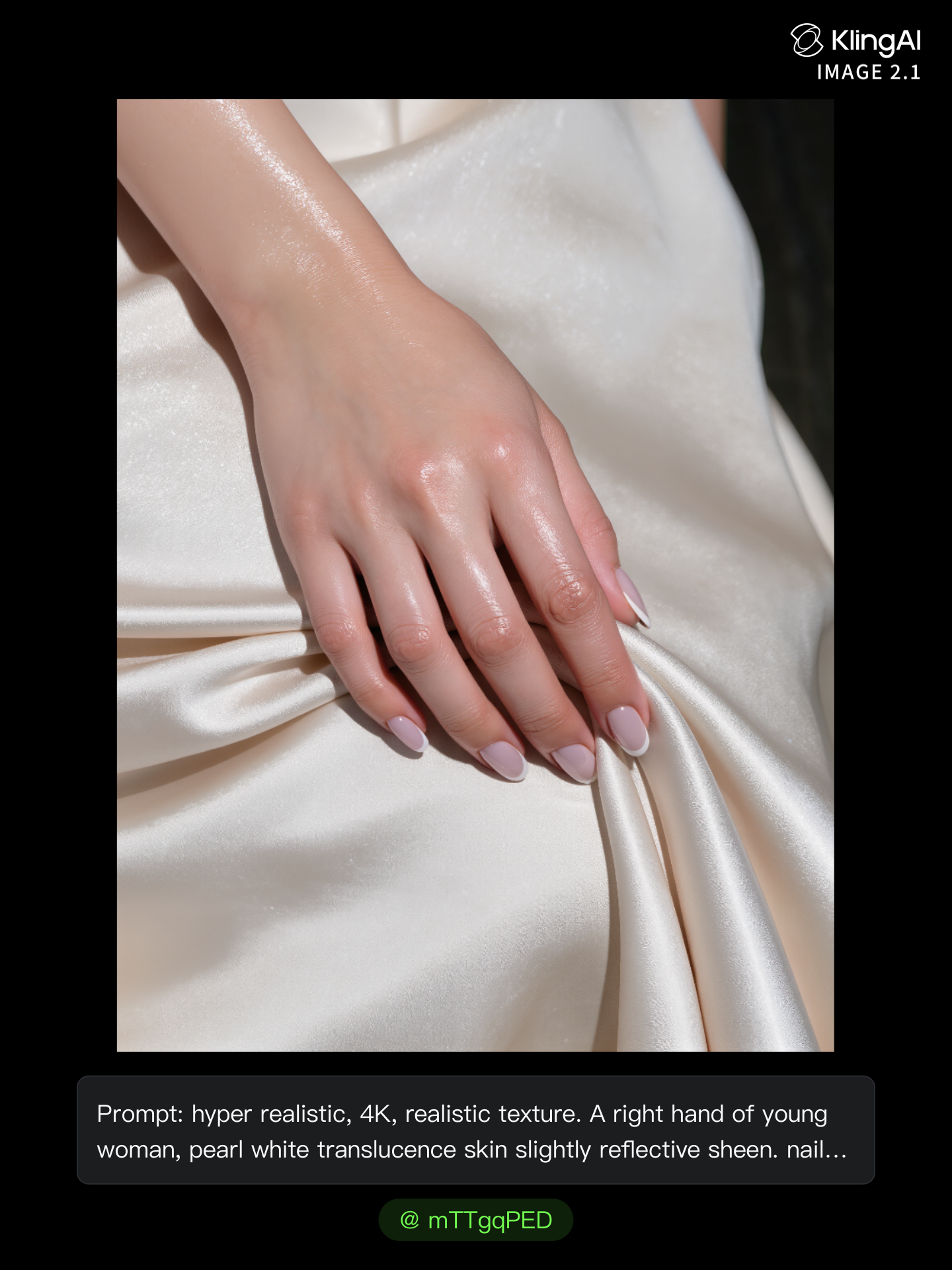
Kling AI work 321079884661196 - satin texture AI image
mTTgqPED avatar
mTTgqPED
Kling AI work 282427554502570 - satin texture AI image
xUBBWhIw avatar
xUBBWhIw
Kling AI work 318951339506603 - satin texture AI image
ZOC41 avatar
ZOC41

A Complete AI Video Editing Workflow

Upload Your Footage

Upload Your Footage

Start with a video you've filmed or generated. Add reference images, characters, or other supported assets if you want to guide how the edited scene should look.

Describe What You Want to Change

Describe What You Want to Change

Tell Kling what to replace, remove, or adjust. You can change the subject, background, action, camera angle, or visual style. Include details you want to keep from the original footage.

Preview and Download Your Video

Preview and Download Your Video

Generate your edited video and review the changes. Refine your prompt or references if needed, then download the version you're happy with.

Edit Any Part with Kling AI

Add, Remove, or Replace Image Content

Add, Remove, or Replace Image Content

Tell Kling what you want to change in text prompts. Replace a person, remove an object, or fine-tune details such as color, material, pose, and expression. Even detailed edits take fewer and easier steps because you can change the photo with AI instead of with traditional photo editing tools. IMAGE 3.0 follows your instruction while keeping the photo’s original style, lighting, and texture in place, so the edited area still belongs in the same shot.

Change the Color, Lighting, or Style

Change the Color, Lighting, or Style

Give an existing photo a different mood effortlessly. Lift a dim scene, soften harsh light, warm or cool the colors, or bring color to a black-and-white photo or line drawing. A short prompt replaces the usual round of manual adjustments. Looking for a bigger shift? Add a style reference or spell out the visual direction. IMAGE 3.0 carries the palette, texture, and atmosphere across the whole image, so the new look feels cohesive rather than pasted on. Use it for studio-style professional headshots, distinctive portrait treatments, cinematic scene design, or a visual style that feels entirely your own.

Rework the Shot or Camera Angle

Rework the Shot or Camera Angle

Tell Kling how you want the shot to look in a text prompt. Turn a front-facing photo into a side view, move the camera higher or lower, or change a wide shot into a close-up. You can explore a new composition around the same subject without setting up another shoot. IMAGE 3.0 rebuilds the scene from the angle you request, adjusting the perspective, camera height, shot size, focal length, and depth of field along with it. The result is a newly generated view based on the source photo, rather than hidden details recovered from outside the original frame.

Apps

Video Generation
Video Generation

Video Generation

Image Generation
Image Generation

Image Generation

Motion Control
Motion Control

Motion Control

Avatar
Avatar

Avatar

AI Portraits
AI Portraits

AI Portraits

Lip Sync
Lip Sync

Lip Sync

60M+
60M+
Users
600M+
600M+
AI Videos Generated
4.7 ★
4.7 ★
App Store
Industry-Leading
Industry-Leading
Cinematic 4K

Reviews

Vincent Smadja

Vincent Smadja

★★★★★

Kling AI seamlessly integrates into my creative workflow, playing a key role in transforming my images. After generating and upscaling an image, Kling becomes a crucial element, bringing my creations to life with movement and depth.

Déborah

Déborah

★★★★★

I use Kling AI every day. It's amazing to see the almost daily progress it makes. I used AI for fun at first, and I now find that Kling AI's animations allow me to gain professional visibility, with three times more views on my animated posts than on my static posts.

PJ Ace

PJ Ace

★★★★★

Kling AI has made it easy for us to generate world class visuals for Fortune 500 companies, TV shows and music for big artists. We love the easy of use of the platform and the quality of the generations. My first time using Kling AI, I got 22 million views on just one video. It's that good.

FAQ

Q1Can I create images from reference photos?
Q2Can I edit an existing image with Kling AI?
Q3How do I create an AI image with Kling AI?

Your Next Visual Starts Here

Start with a sentence, a sketch, or a reference photo. Shape the composition, dial in the details, and keep iterating in Kling AI.

Free tier available | Text-to-image | Image-to-image | Fast generation