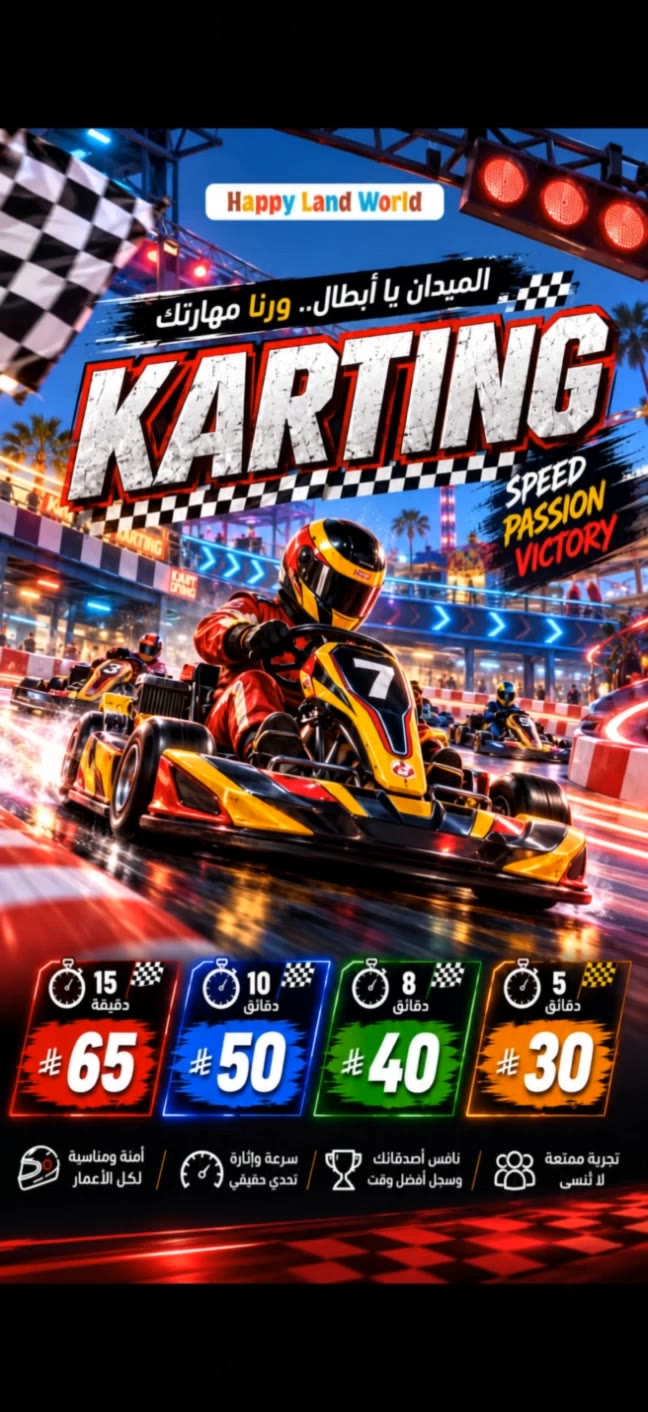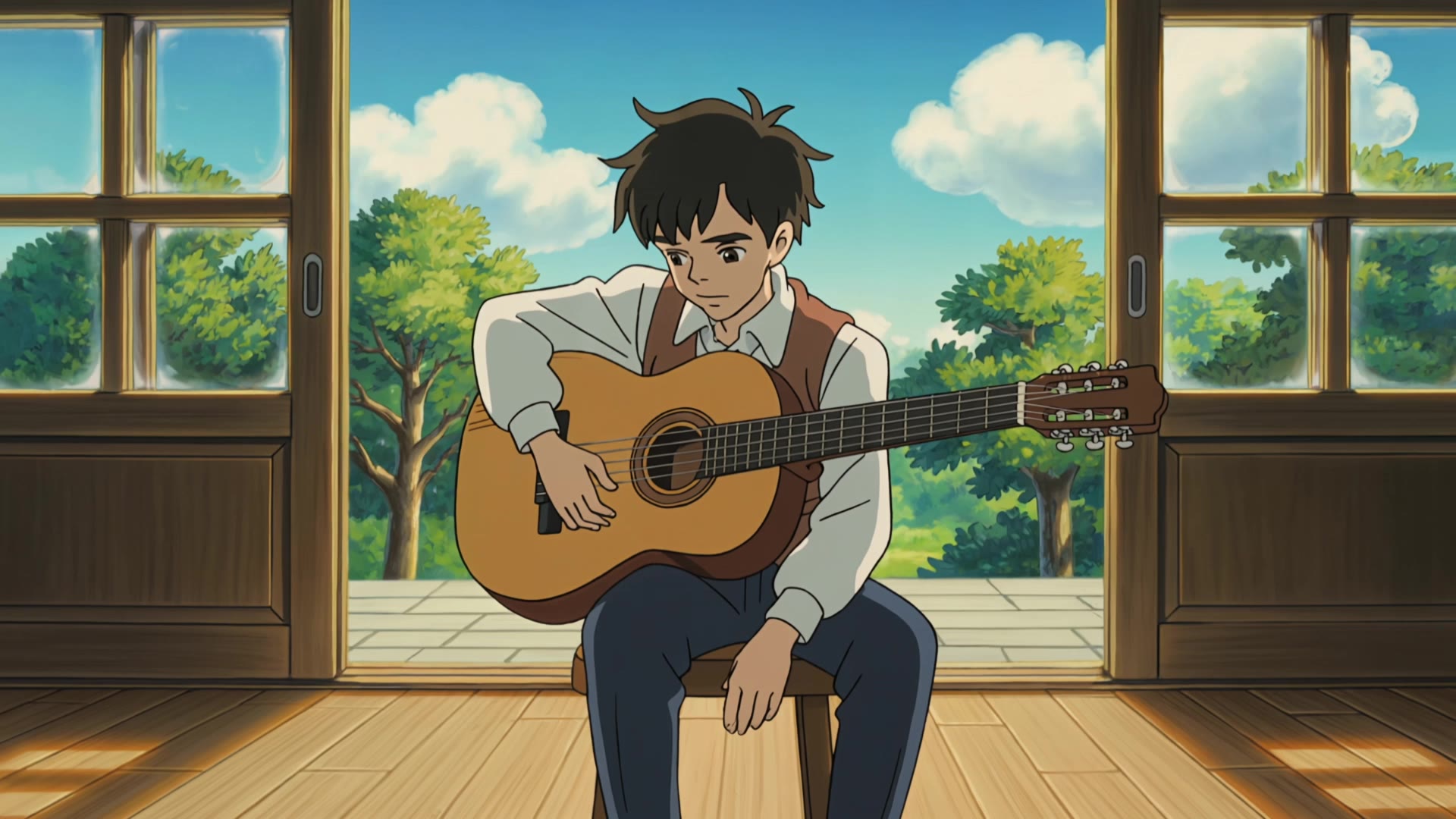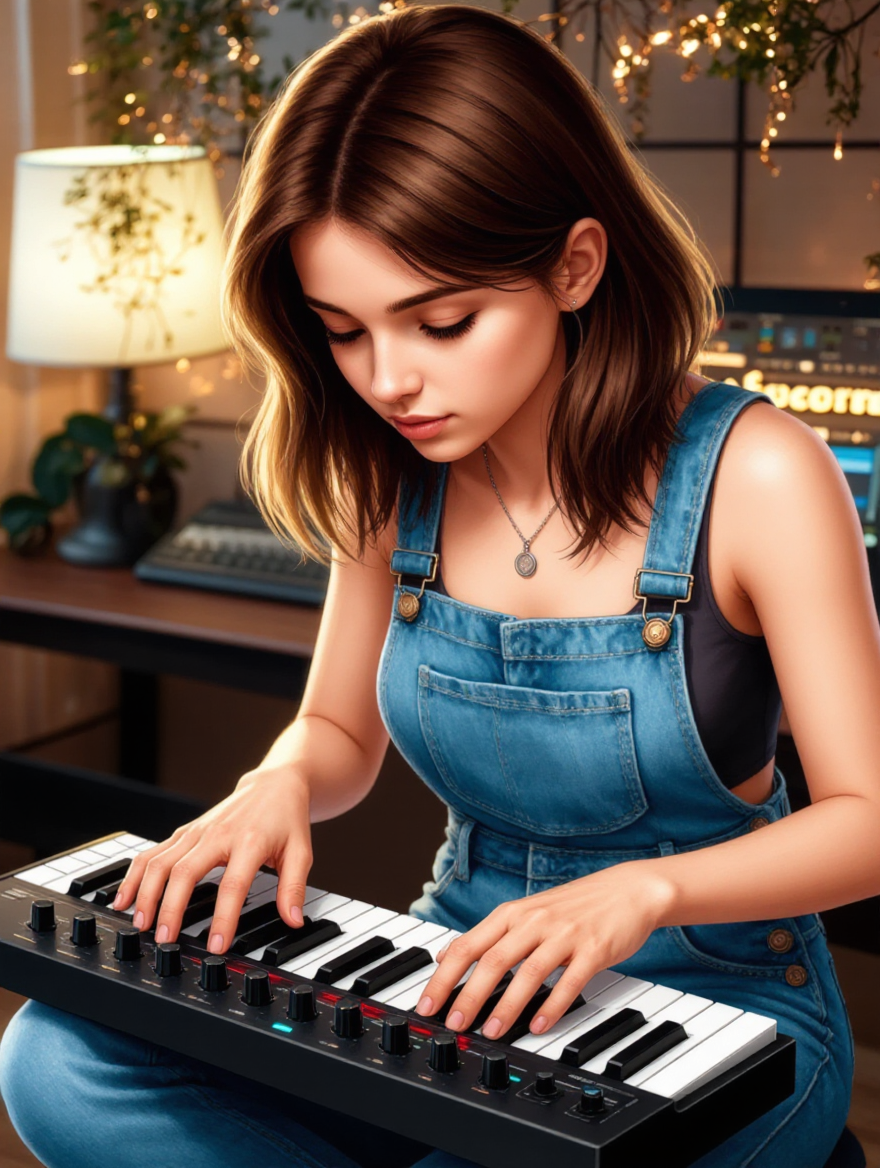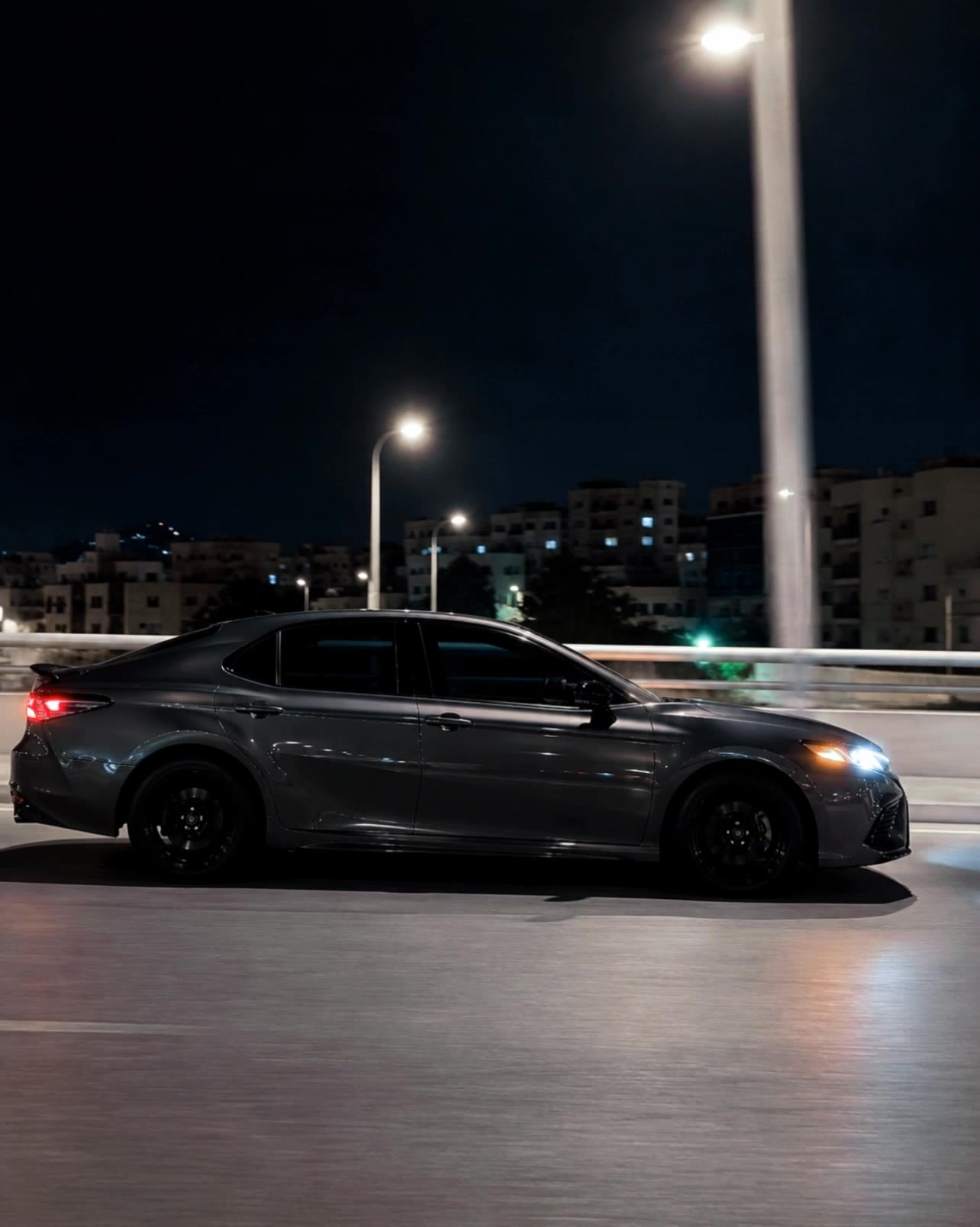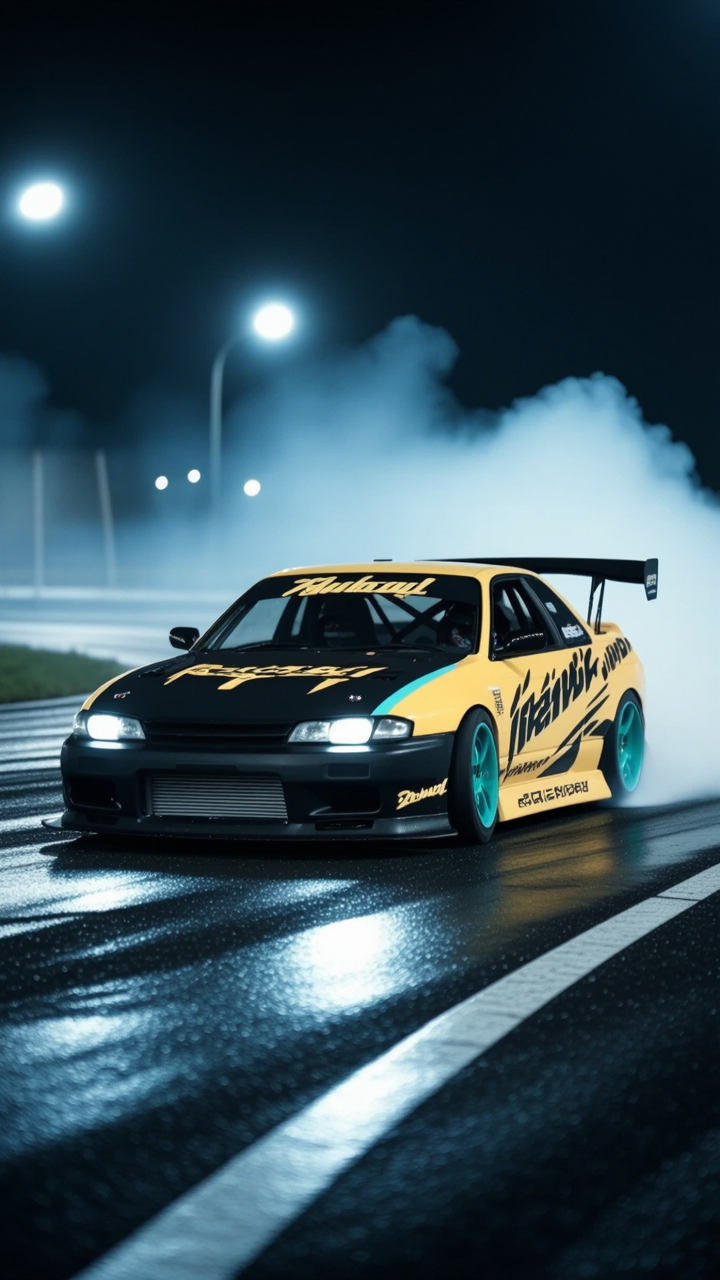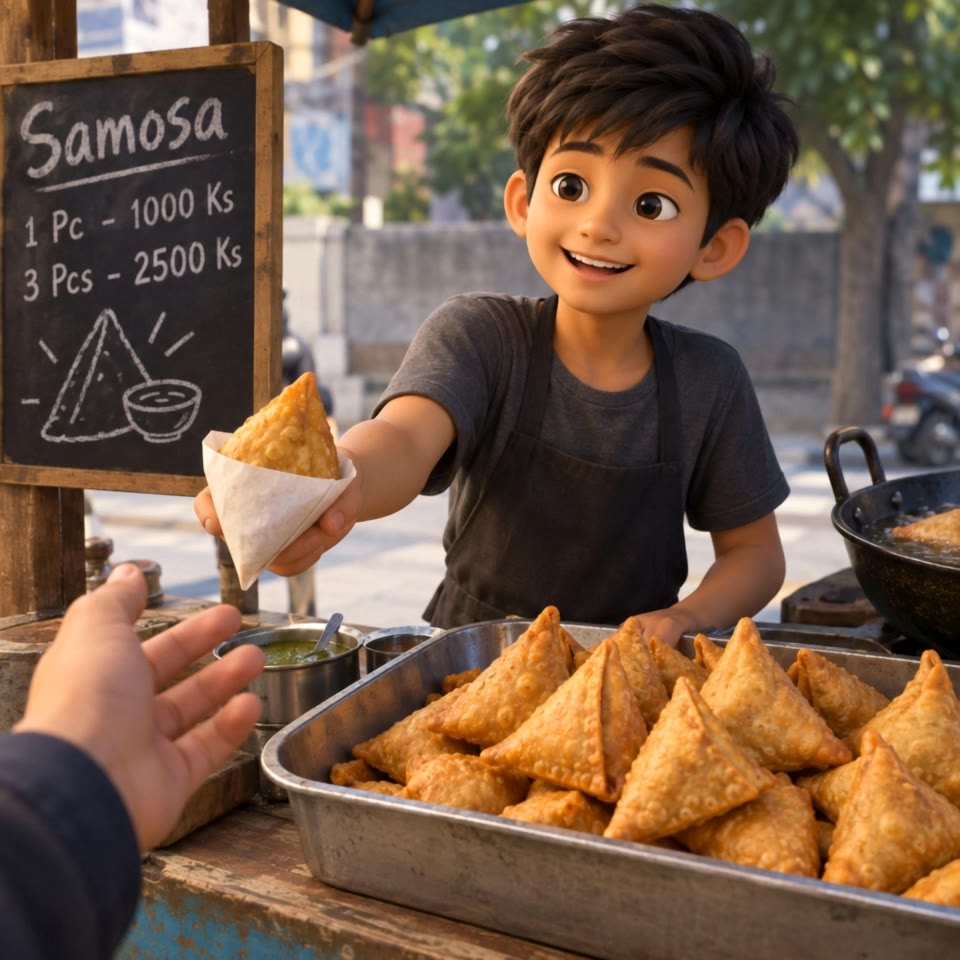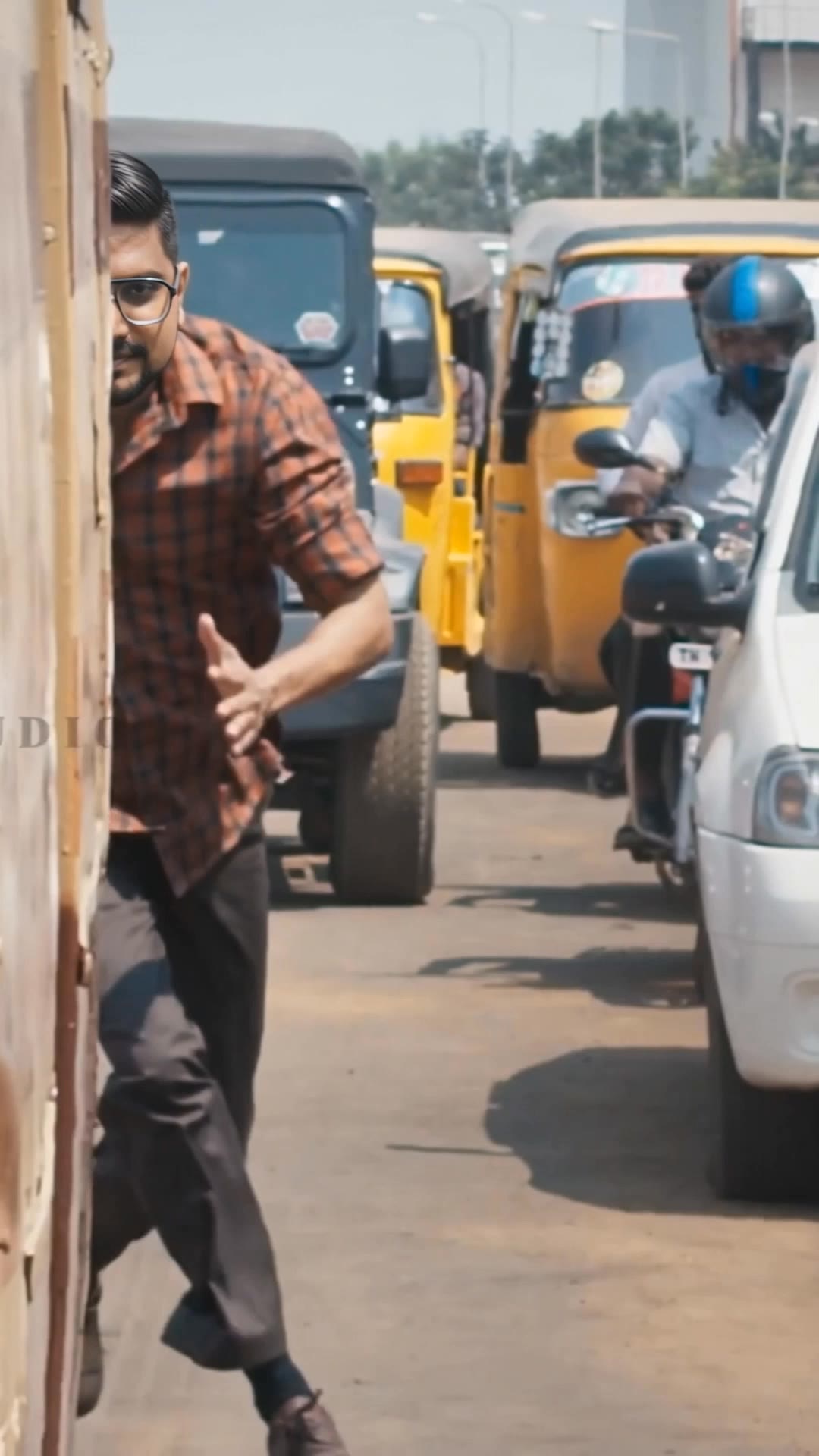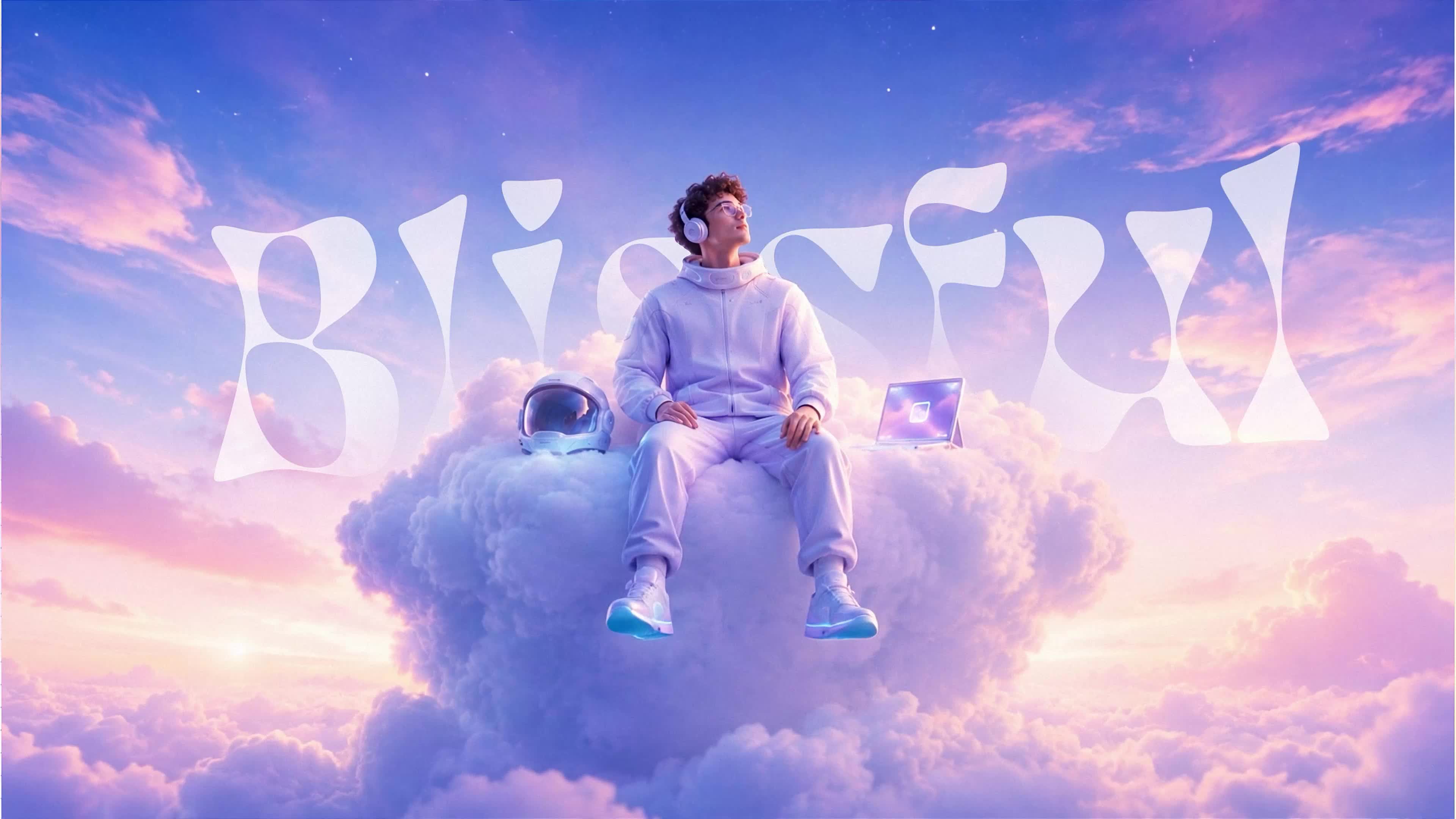

seedream text to image - photorealistic woman & ethereal hyper-realistic

Transform text into stunning, hyper-realistic images and surreal visuals with seedream technology. Unleash your creativity with AI-driven artistry and dynamic motion videos. Start exploring seedream text to image ideas and generate your own content with AI.

seedream text to image - photorealistic woman & ethereal hyper-realistic

Recommended

ai text to image - seedream text to image AI image
wlXApBML avatar
wlXApBML
Would you like the next image to - seedream text to image AI video
uJxIXRIb avatar
uJxIXRIb
image to motion. - seedream text to image AI video
00:06
gohaRDXc avatar
gohaRDXc
Animate the existing image into  - seedream text to image AI video
bckXeOWI avatar
bckXeOWI
Kling AI work 316432195523400 - seedream text to image AI video
SHUzXNbA avatar
SHUzXNbA
Kling IMAGE 3.0 Model User Guide - seedream text to image AI image
YxIAgcaB avatar
YxIAgcaB
I want you to create an image of - seedream text to image AI video
WliPwYCF avatar
WliPwYCF
Turn the image into a realistic  - seedream text to image AI video
XUPrtVID avatar
XUPrtVID
Issue with image generation - seedream text to image AI image
tPSsPxrm avatar
tPSsPxrm
Image - seedream text to image AI video
00:27
lumivixz avatar
lumivixz
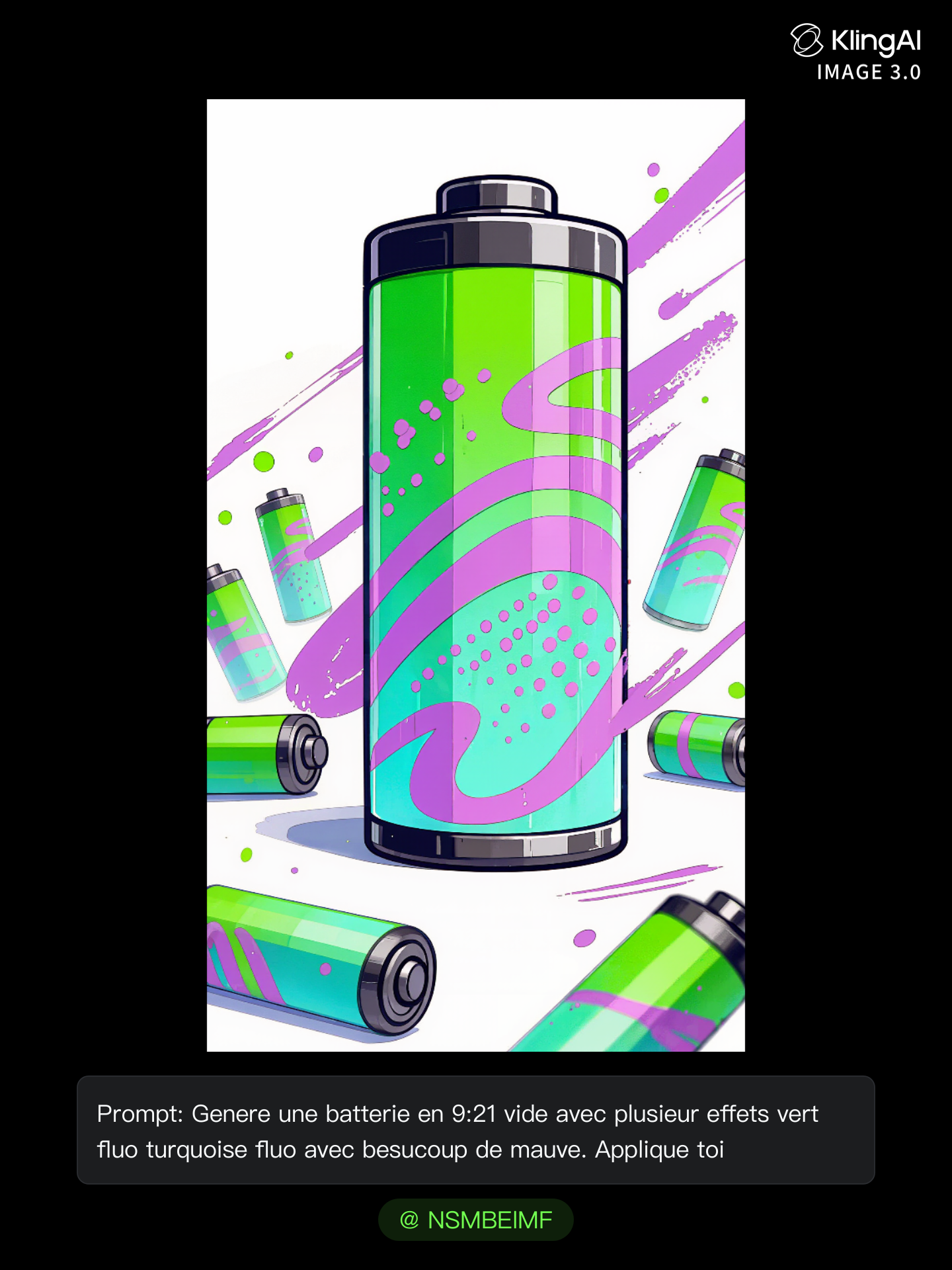
first promt for screen image ala - seedream text to image AI image
NSMBElMF avatar
NSMBElMF
Use the uploaded image as the ex - seedream text to image AI image
qAEdCEKs avatar
qAEdCEKs
ရပါတယ်။ ဒီပုံကို reference image - seedream text to image AI video
vyNUoffG avatar
vyNUoffG
So simple just add image  - seedream text to image AI video
ilfNIASe avatar
ilfNIASe
change image  - seedream text to image AI video
etvKnbjJ avatar
etvKnbjJ
Kling IMAGE 3.0 Model User Guide - seedream text to image AI image
YxIAgcaB avatar
YxIAgcaB
AI image generation, explained w - seedream text to image AI video
01:33
KLINGer avatar
KLINGer
my image  - seedream text to image AI video
lWAFfrIx avatar
lWAFfrIx
Animate this exact image into a  - seedream text to image AI image
rLjheofH avatar
rLjheofH

How to Make Cinematic AI Videos with Kling AI

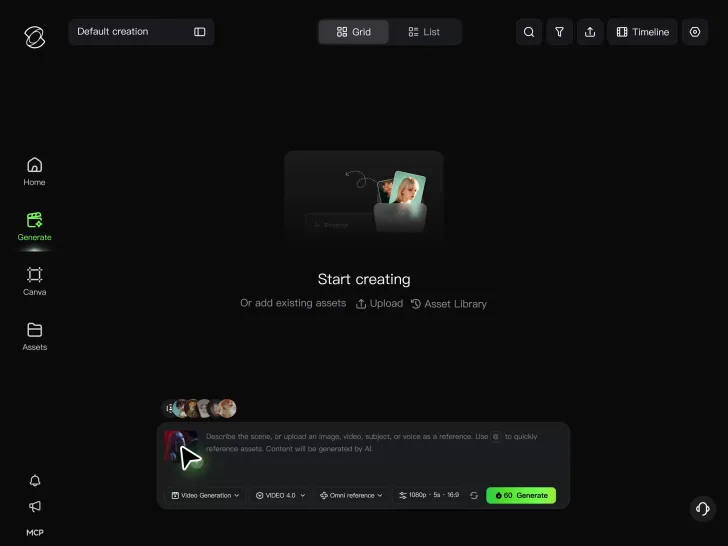
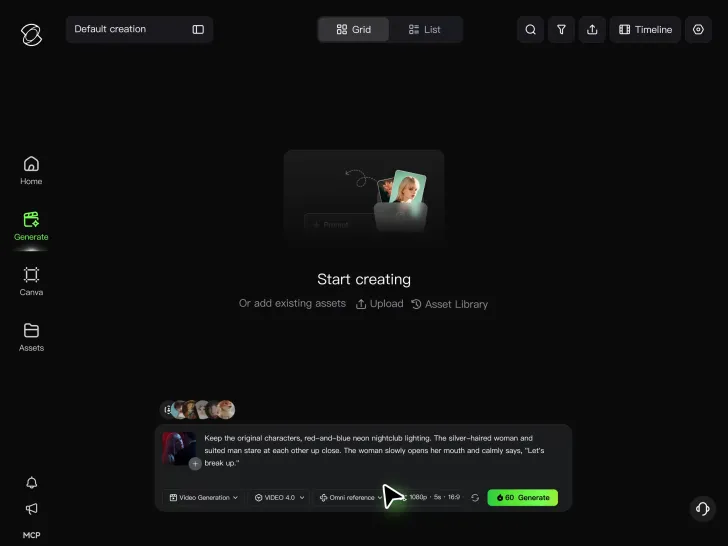
Upload or Describe Your Vision

Upload or Describe Your Vision

With Kling 4.0's Omni Reference, you can write a prompt and add up to 15 combined reference assets to guide your video creation, including images, videos and subject references.

Describe the Action and Sound

Describe the Action and Sound

Set the scene, camera movement, and any dialogue or sound you want. Kling 4.0 supports dialogue in 9 languages.

Generate and Download

Generate and Download

Choose your aspect ratio and video duration, up to 30 seconds per generation with the Kling 4.0. Click Generate, preview your video, and download the result.

How Kling AI Sets the Standard for AI Video Creation

Realistic Motion from a Still Image

Realistic Motion from a Still Image

Animate portraits, artwork, and action images with natural character movement and physical interactions. Kling 4.0's dynamic motions improves stability during large movements, fast action, and complex scenes. From subtle facial expressions to sports and fight choreography, create motion that develops naturally from your image while keeping the subject and surrounding scene visually coherent.

Direct the Camera and Every Key Moment

Direct the Camera and Every Key Moment

A single image can lead to a tracking shot, camera orbit, close-up, or wider scene. Kling 4.0 offers stronger camera control, with native video generation up to 30 seconds for longer movements and connected action. Start and end frames help guide a transition, while up to 10 flexible keyframes let you define additional compositions, character poses, and scene changes as the video develops.

Combine References, Keep the Look

Combine References, Keep the Look

Keep recognizable characters, products, and visual styles as your images begin to move. Kling 4.0's Omni Reference supports up to 15 combined assets, including images, videos, and subjects, to guide appearance, actions, camera work, and settings. Use multiple views of a character or product alongside style and motion references. Stronger visual consistency helps preserve familiar details across new shots, with realistic textures.

Apps

Video Generation
Video Generation

Video Generation

Image Generation
Image Generation

Image Generation

Motion Control
Motion Control

Motion Control

Avatar
Avatar

Avatar

AI Portraits
AI Portraits

AI Portraits

Lip Sync
Lip Sync

Lip Sync

60M+
60M+
Users
600M+
600M+
AI Videos Generated
4.7 ★
4.7 ★
App Store
Industry-Leading
Industry-Leading
Cinematic 4K

Reviews

Samuele Poggi (@visualsk2)

Samuele Poggi (@visualsk2)

★★★★★

I use Kling AI daily to push the limits of AI filmmaking. It allows me to create highly cinematic content, blending AI and VFX to develop innovative projects. It has significantly impacted my creative process, enabling me to achieve complex animations that would otherwise require high production budgets.

Ozan Sihay

Ozan Sihay

★★★★★

Kling AI allows me to rapidly prototype ideas, refine storytelling elements, and produce visually compelling content efficiently. It has not only accelerated my creative processes, but also deepened my understanding of how AI can enrich visual storytelling.

James Phillips

James Phillips

★★★★★

Kling AI has transformed my workflow by collapsing timelines and democratizing production. It’s shifted my mindset from resource-dependent filmmaking to a boundless creative sandbox, where experimentation yields unexpected beauty.

FAQ

Q1Can Kling AI restore an old or damaged photo?
Q2Can I remove or replace part of a photo?
Q3What is the difference between an AI photo editor and an AI image generator?

Take Your Photo in a New Direction

Start with the image you have and rework it for the look, message, or moment you have in mind.

Object removal | Background changes | Portrait retouching | Photo restyling