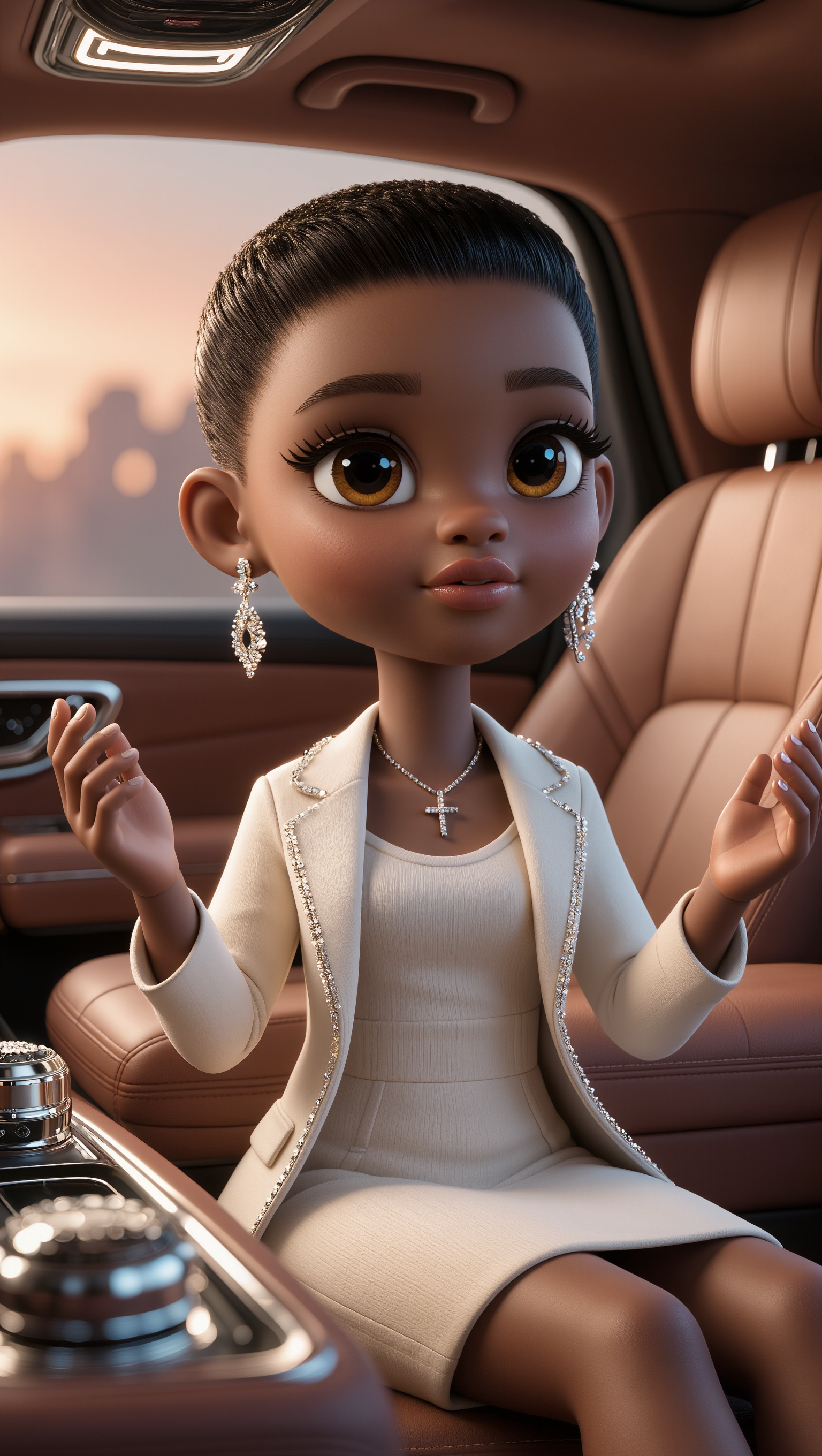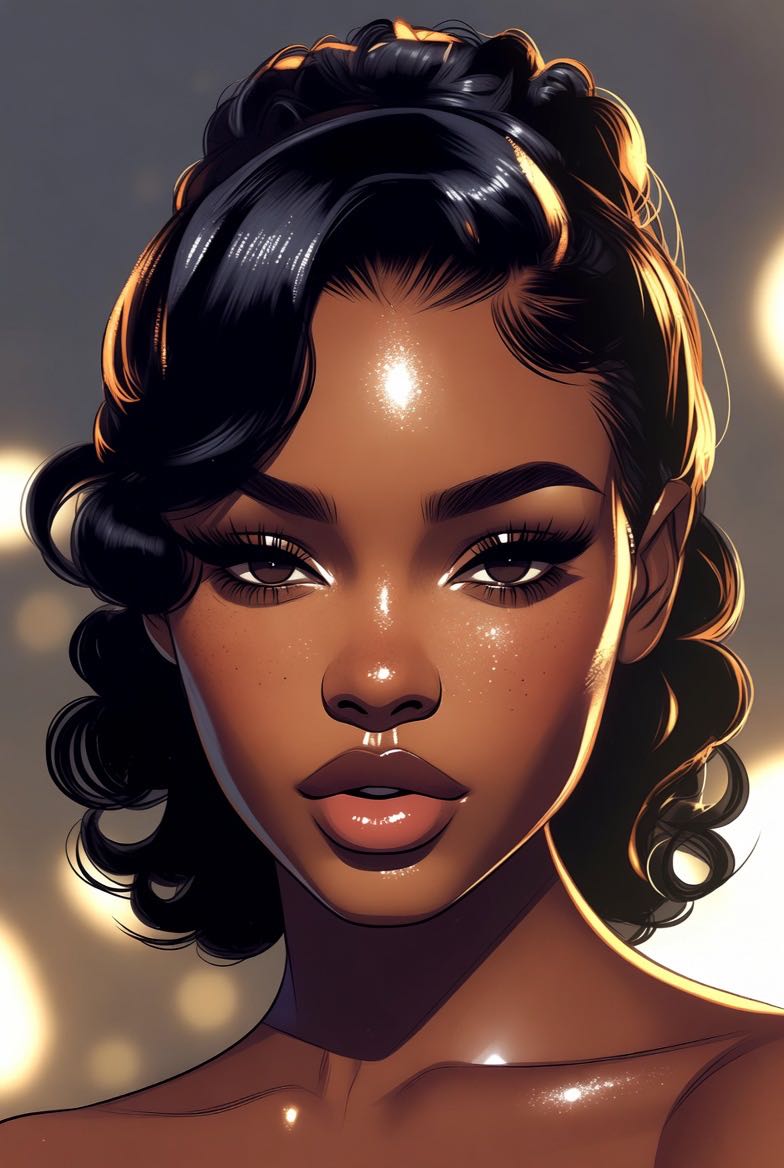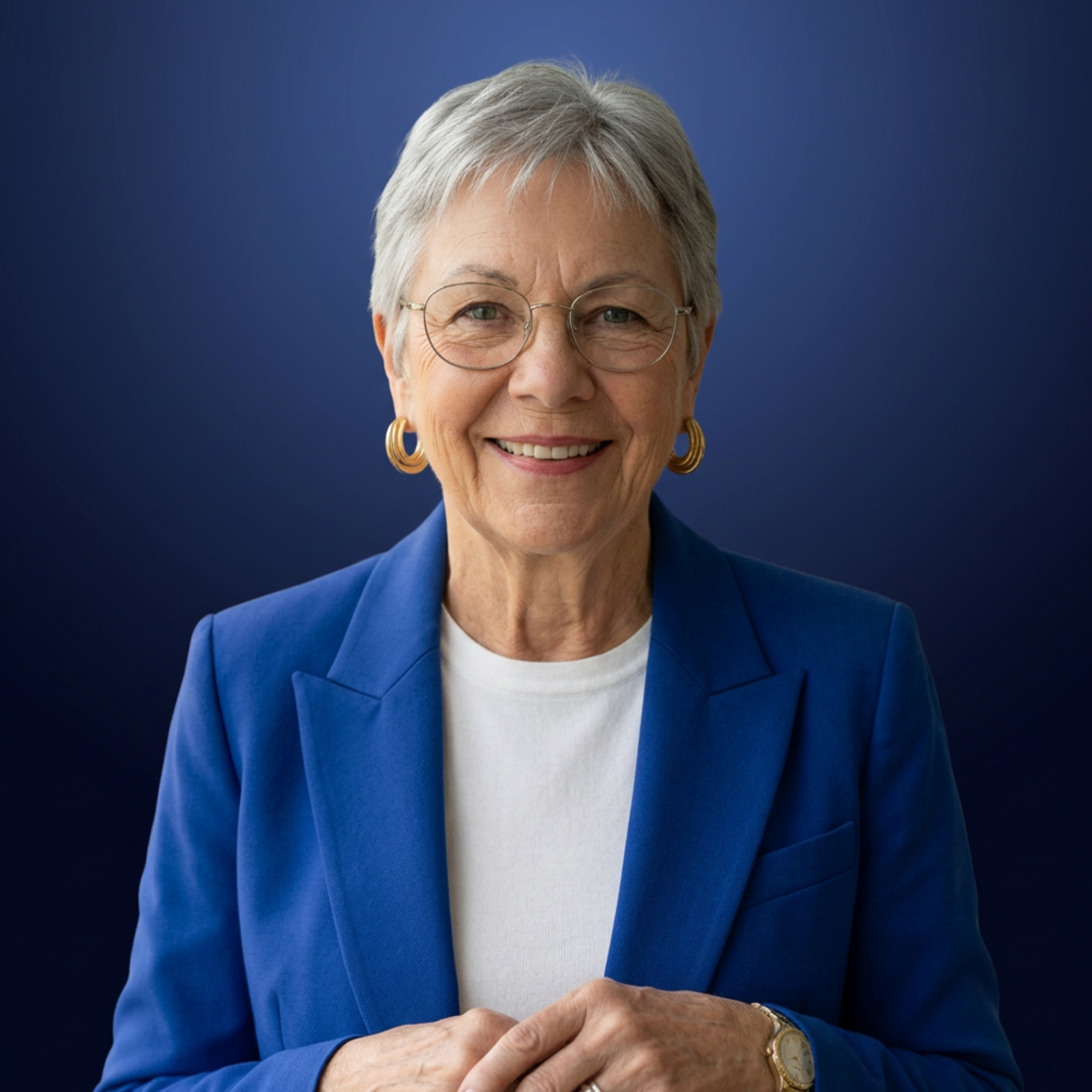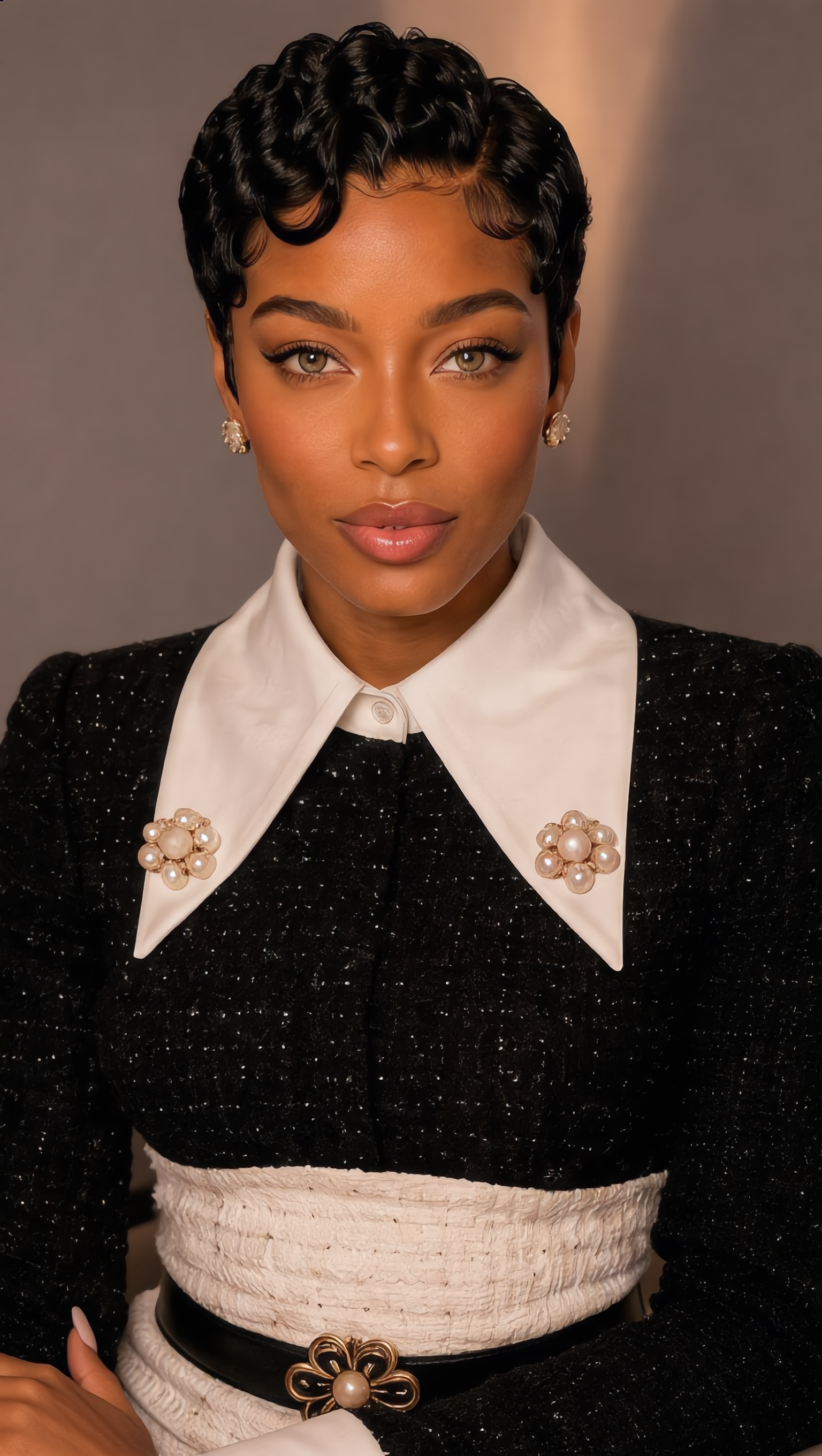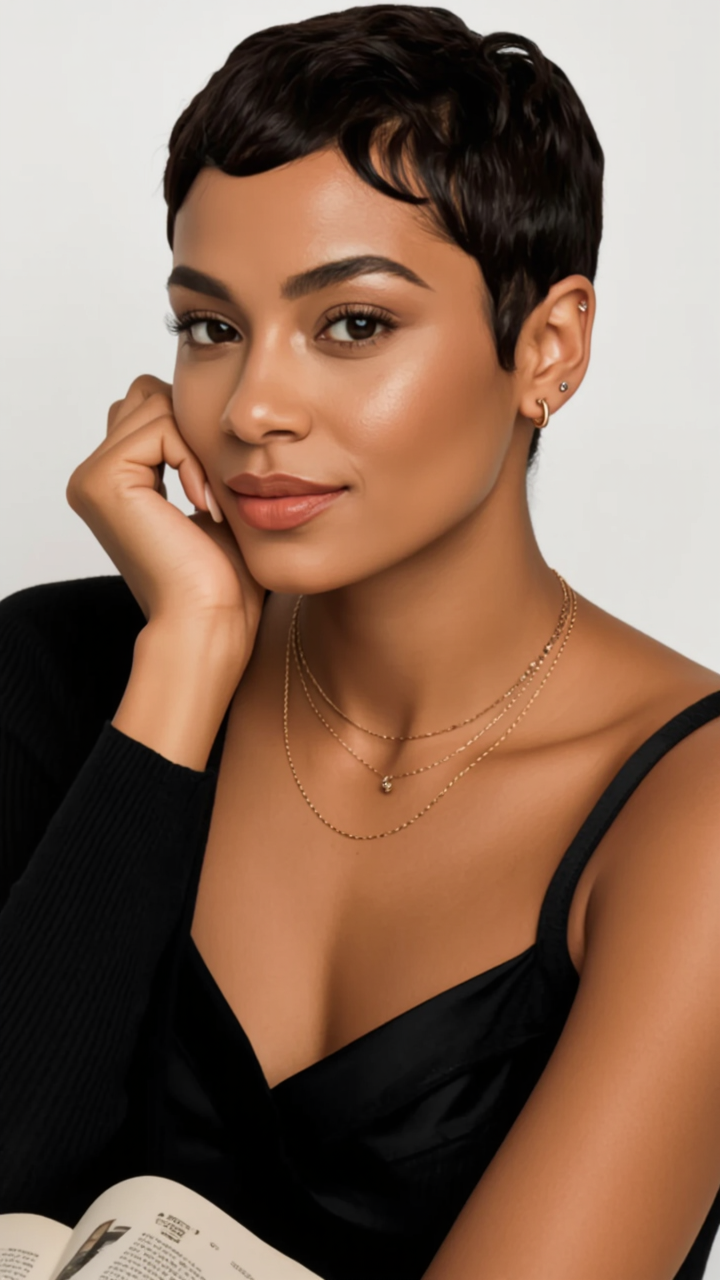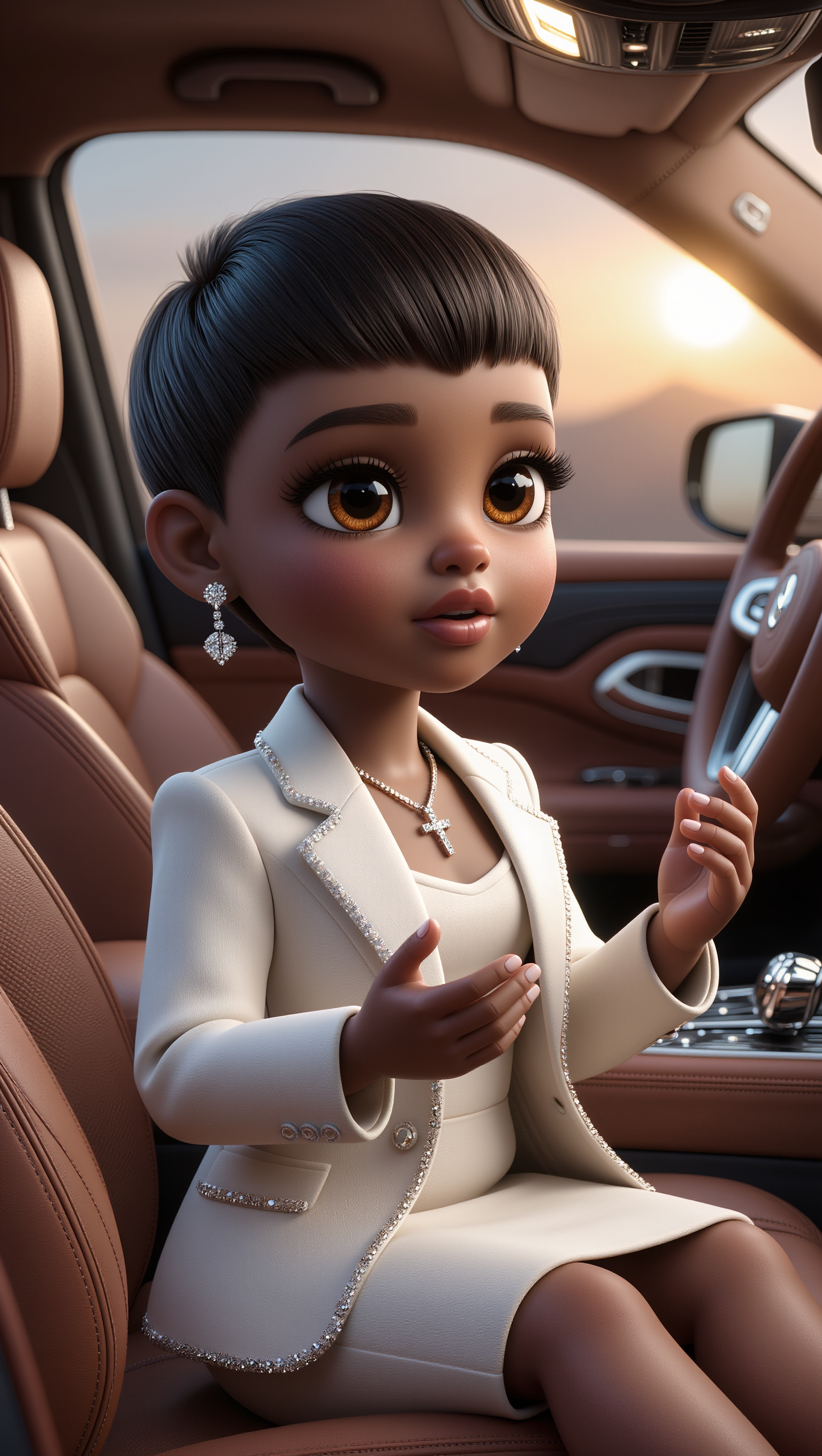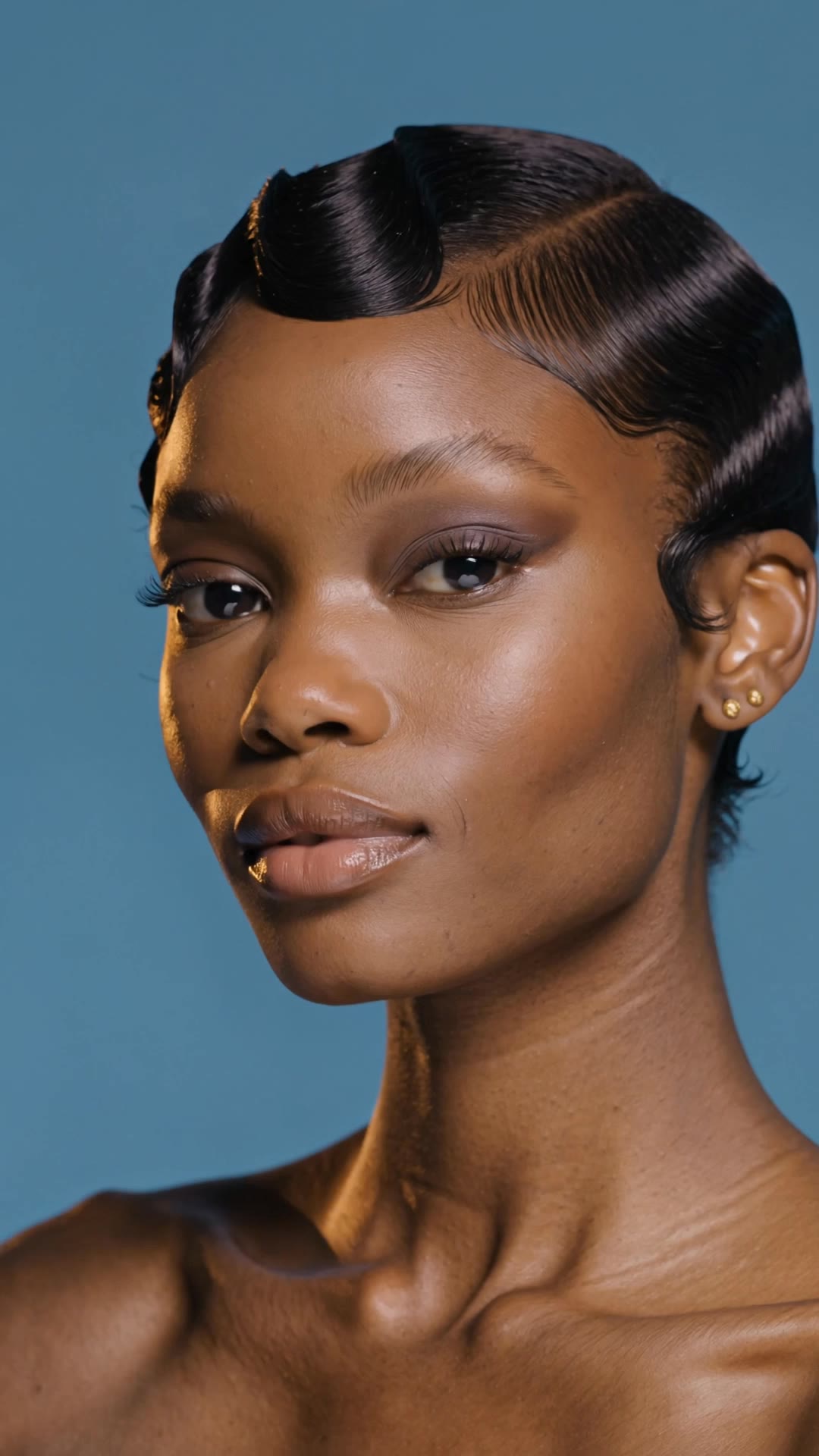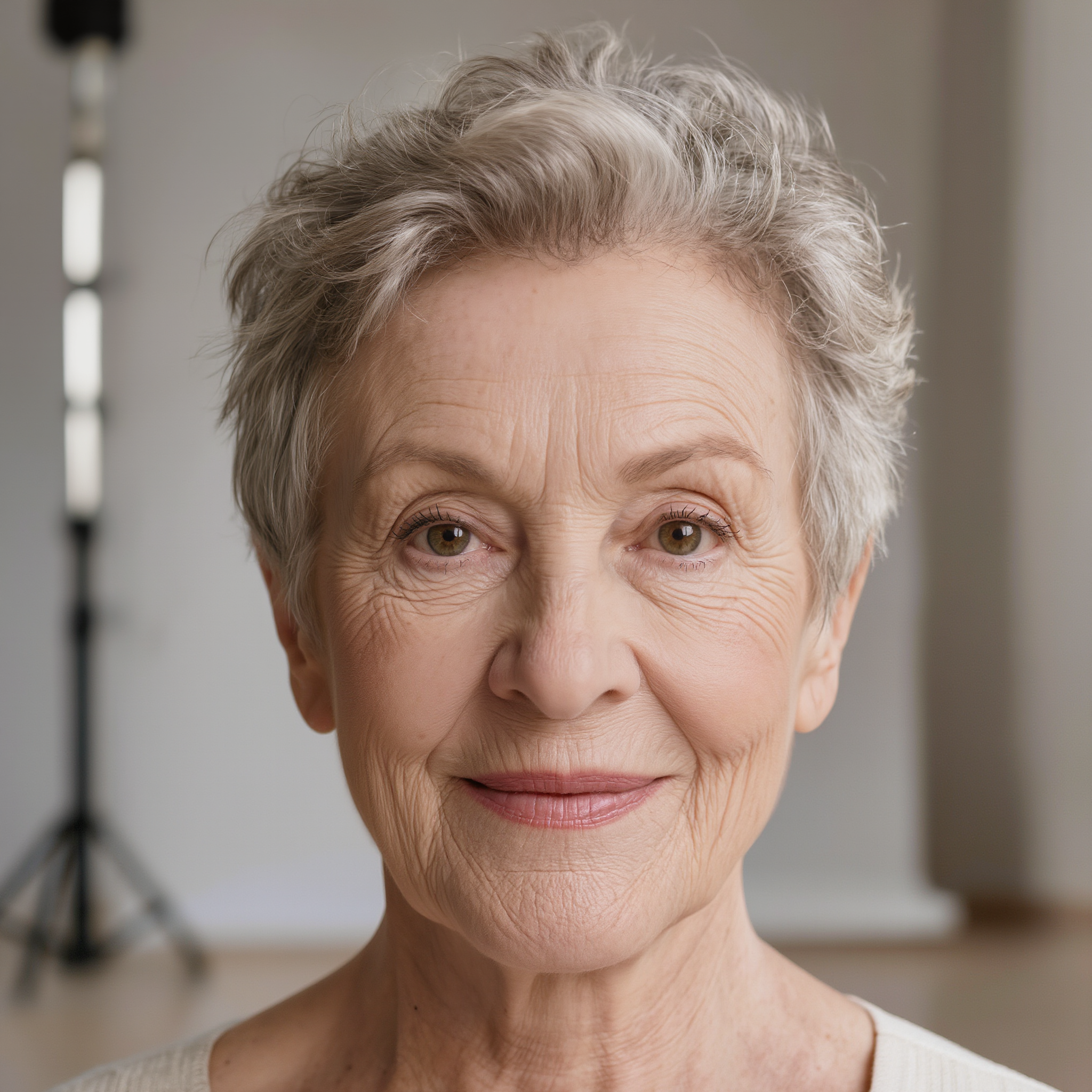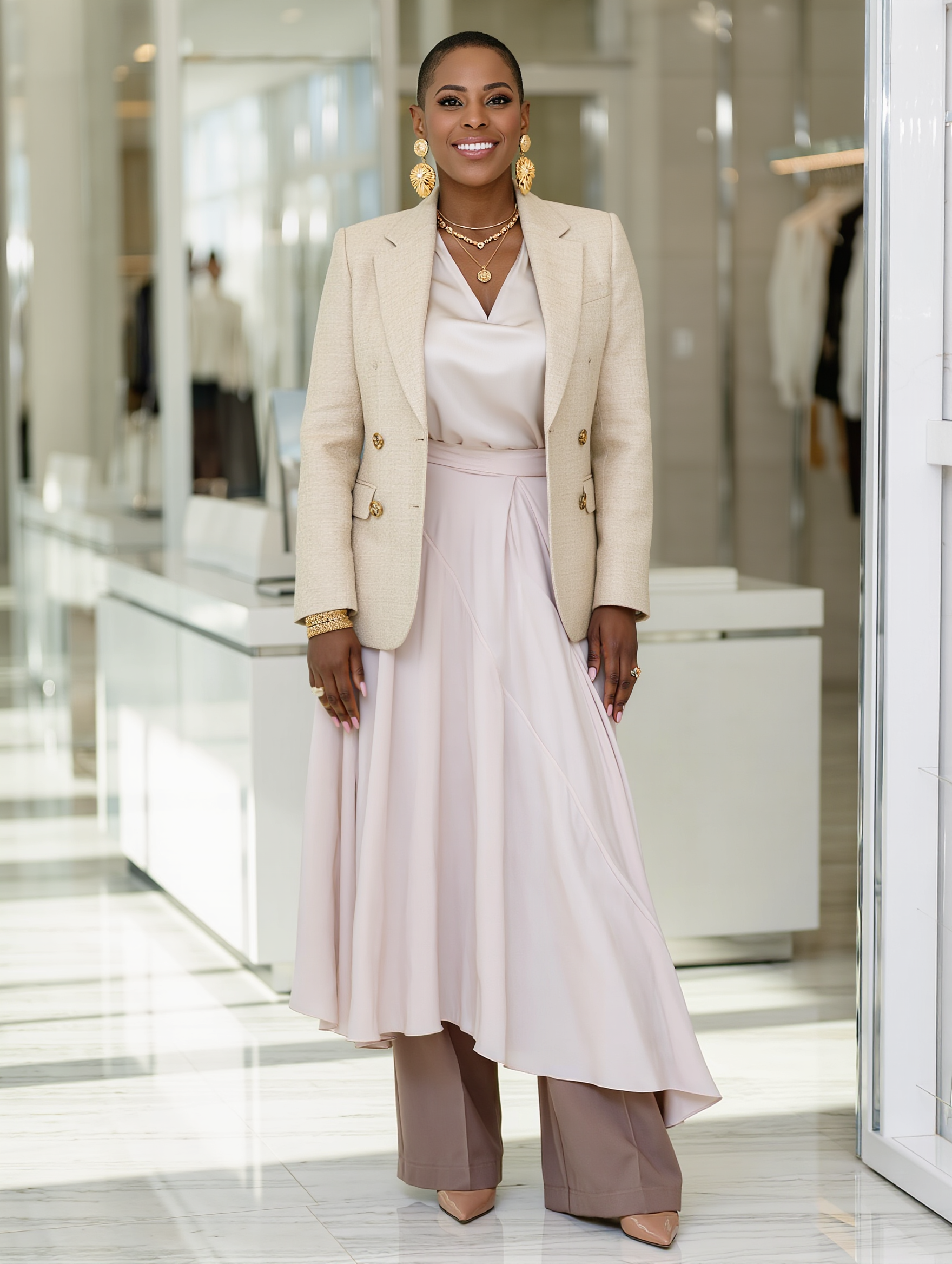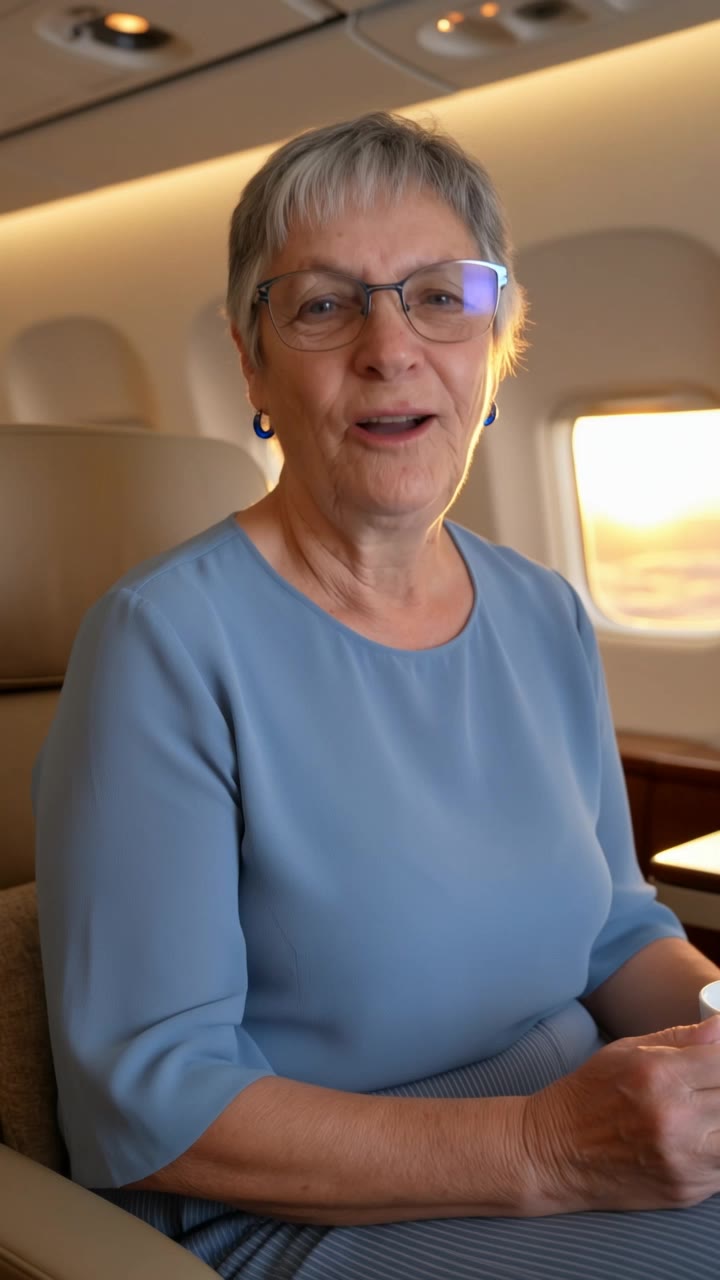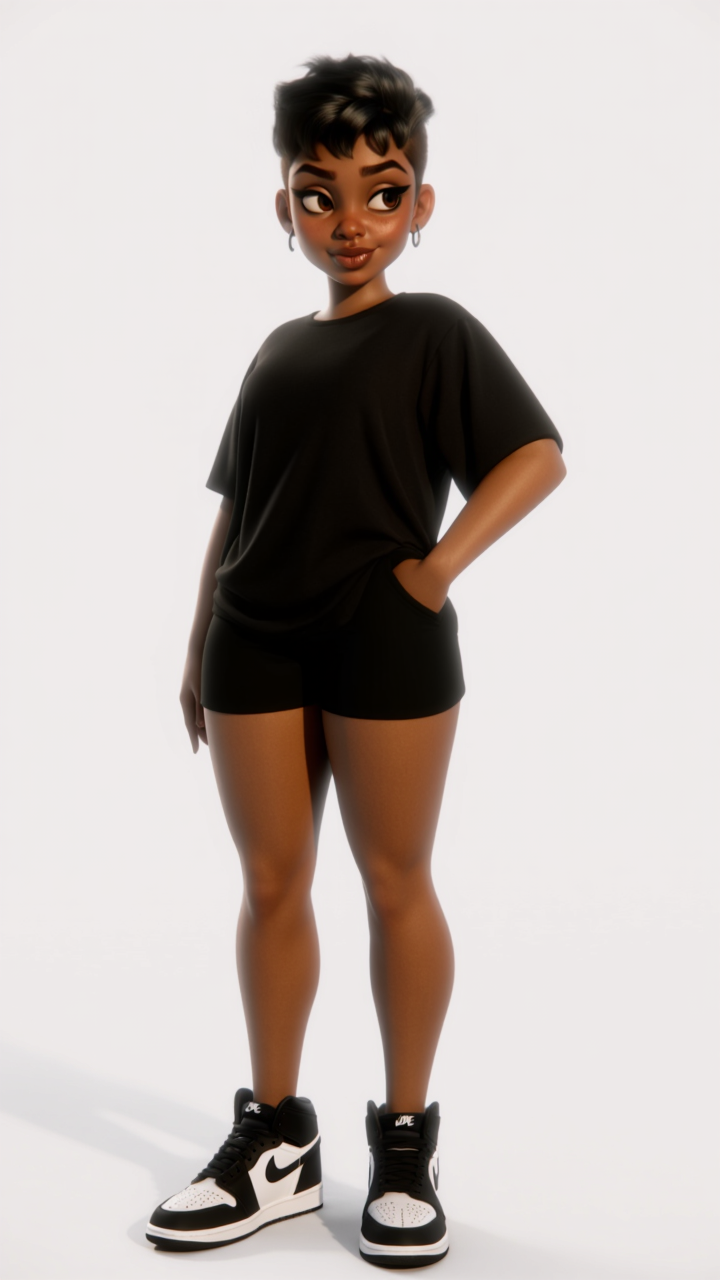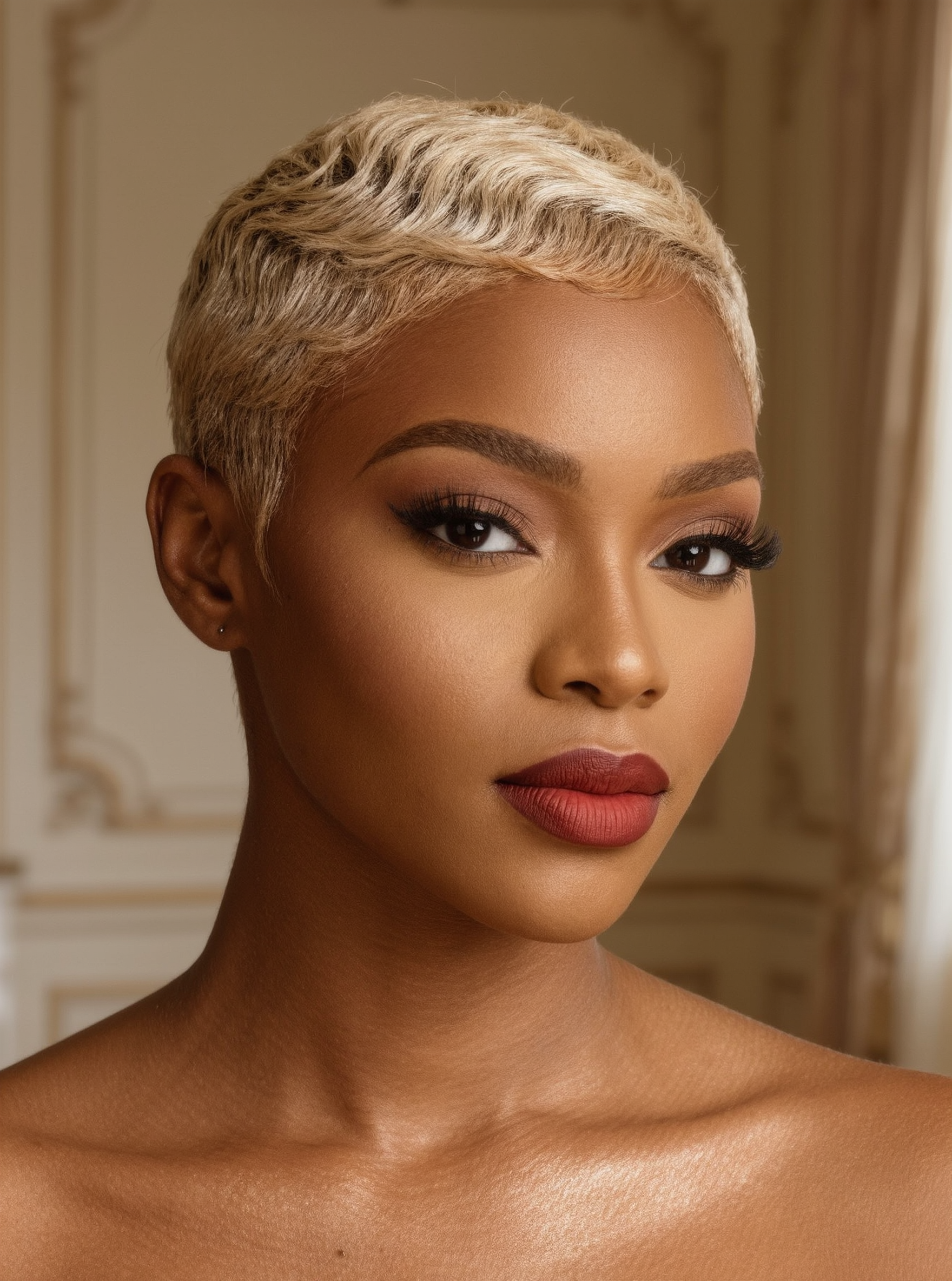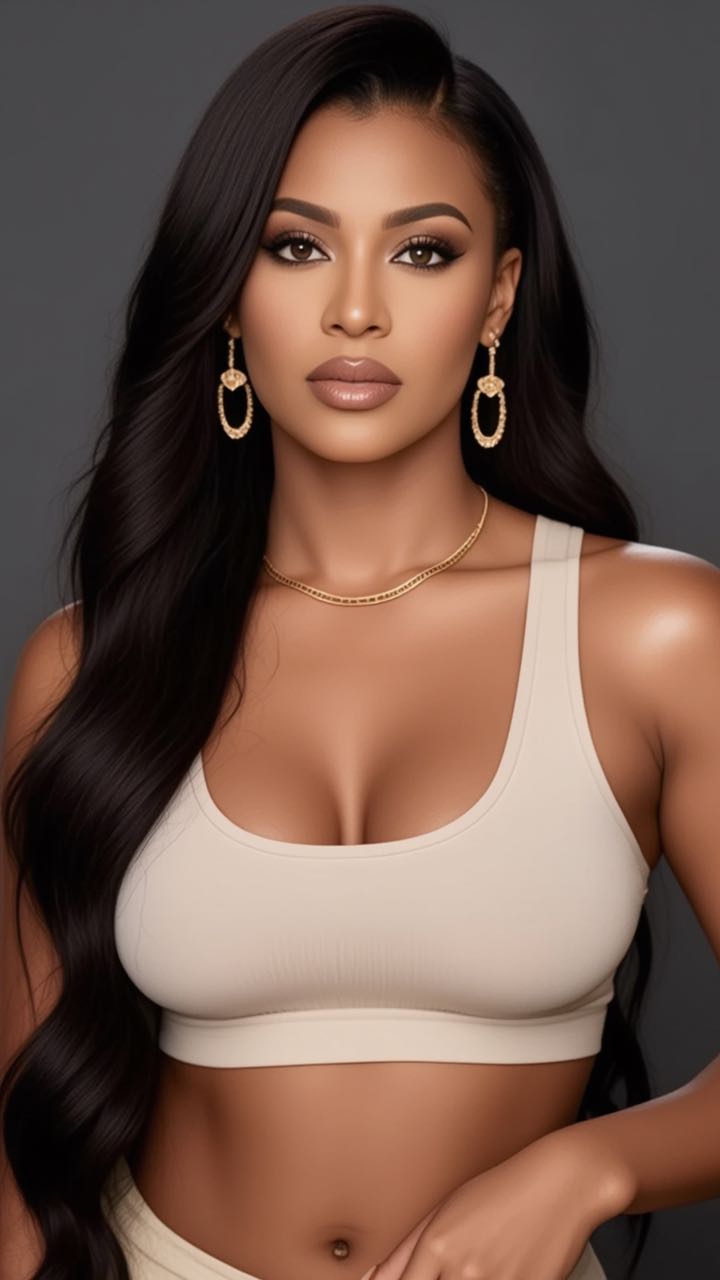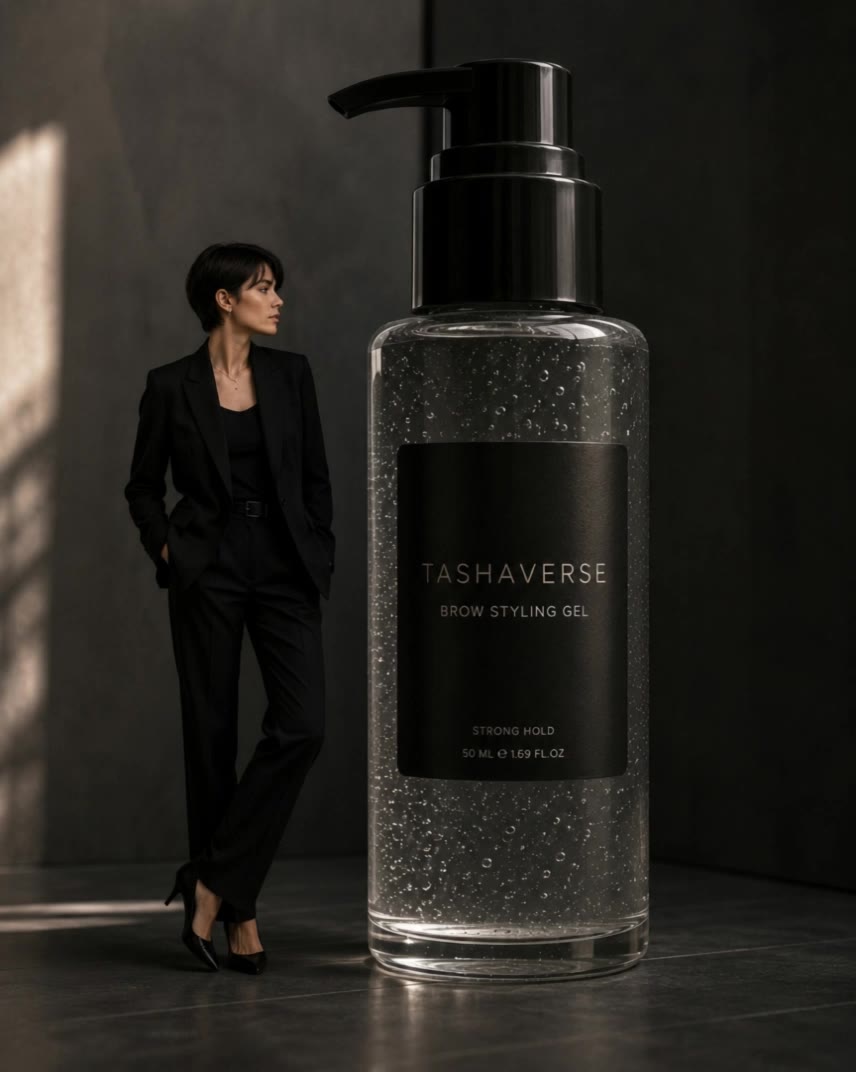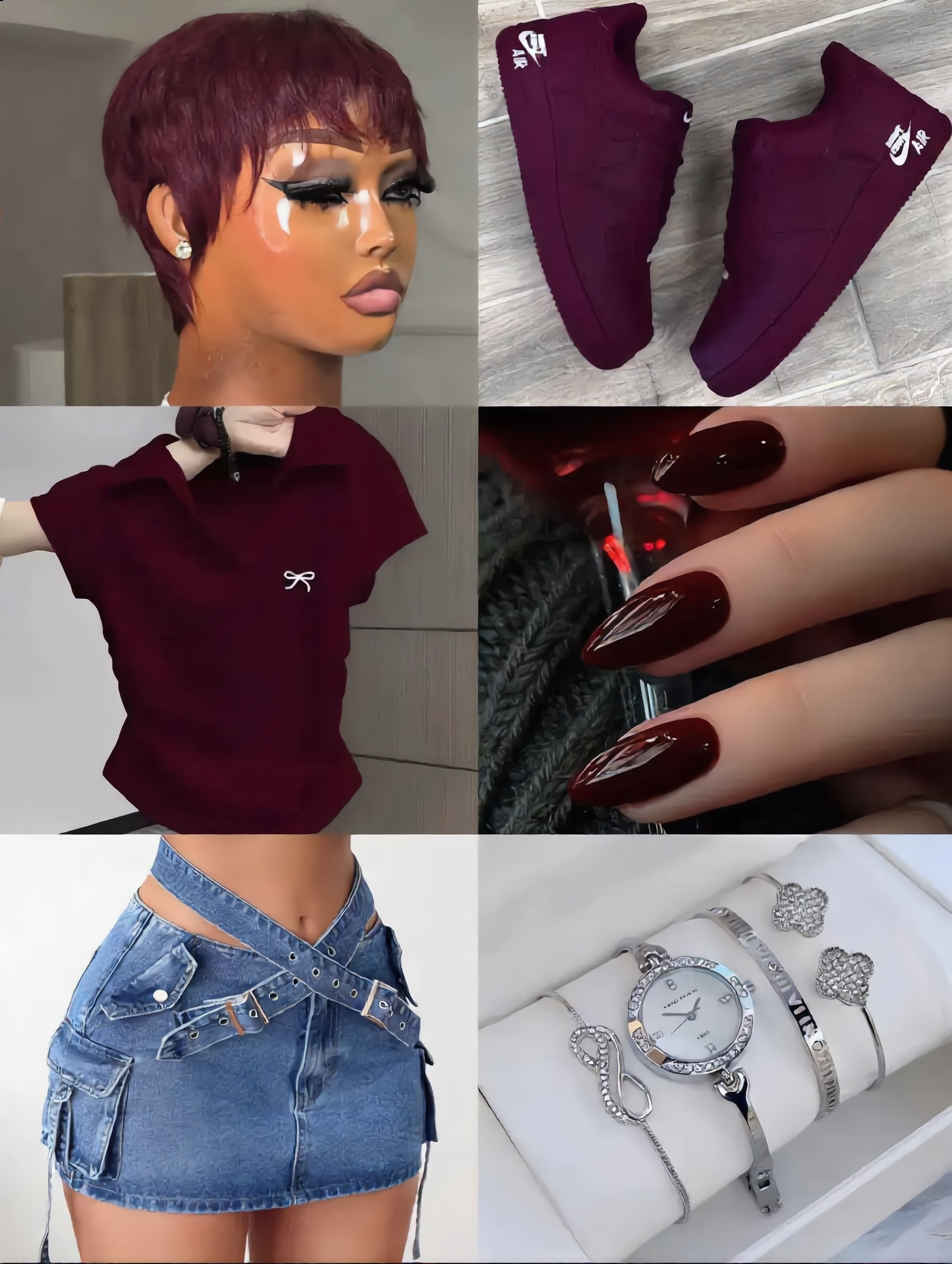

show me pixie haircuts - ice-blonde & gamine cut

Witness the playful charm of pixie haircuts through delightful visuals and ultra-realistic, 8K UHD photography. Get inspired by diverse pixie styles and start exploring show me pixie haircuts ideas and generate your own content with AI.

show me pixie haircuts - ice-blonde & gamine cut

Recommended

Kling AI work 309545073506934 - show me pixie haircuts AI image
BCKOPKZR avatar
BCKOPKZR
Kling AI work 320762537658093 - show me pixie haircuts AI video
Nott.heirworld avatar
Nott.heirworld
Kling AI work 314506658520050 - show me pixie haircuts AI image
Lisa Renee avatar
Lisa Renee
Kling AI work 316059365501946 - show me pixie haircuts AI video
FrancesAustinNZ avatar
FrancesAustinNZ
Kling AI work 314836542617033 - show me pixie haircuts AI image
lisa avatar
lisa
Kling AI work 317696903611327 - show me pixie haircuts AI image
Secret in the city avatar
Secret in the city
Kling AI work 314506658526053 - show me pixie haircuts AI image
Lisa Renee avatar
Lisa Renee
Pixie girl  - show me pixie haircuts AI video
cinnamon arts avatar
cinnamon arts
Nina - show me pixie haircuts AI image
AndoDetodito avatar
AndoDetodito
Kling AI work 314263359505715 - show me pixie haircuts AI video
NlgfuKxY avatar
NlgfuKxY
Kling AI work 316013692527116 - show me pixie haircuts AI image
wsAPUPkf avatar
wsAPUPkf
Kling AI work 315500165617873 - show me pixie haircuts AI image
Dragonst avatar
Dragonst
Kling AI work 315365427503931 - show me pixie haircuts AI video
FrancesAustinNZ avatar
FrancesAustinNZ
Kling AI work 317737057323665 - show me pixie haircuts AI video
SheCreates avatar
SheCreates
Kling AI work 320956886655217 - show me pixie haircuts AI video
KBDWwTBP avatar
KBDWwTBP
Kling AI work 316753471505577 - show me pixie haircuts AI image
ensjyZoG avatar
ensjyZoG
Kling AI work 319528917615215 - show me pixie haircuts AI image
hi im kiana avatar
hi im kiana
Kling AI work 317734034664107 - show me pixie haircuts AI video
Tasha avatar
Tasha

How to Create Images with Kling AI

Write Down You Ideas

Write Down You Ideas

Open the AI Image Generator and choose the model that fits your project. Describe the subject and scene, then add details such as lighting, color, and visual style to shape the result.

Add References Or Not

Add References Or Not

Upload reference images for a character, product, composition, or style. References are optional, but they give Kling AI a clearer visual foundation when specific features, colors, or design details need to carry into the final image.

Generate Your Image

Generate Your Image

Choose your preferred format and output settings, then hit Generate. Once the result is ready, download it directly or open it in the image-to-video workflow to bring it to life with motion.

How Kling AI Sets the Standard for AI Video Creation

Realistic Motion from a Still Image

Realistic Motion from a Still Image

Animate portraits, artwork, and action images with natural character movement and physical interactions. Kling 4.0's dynamic motions improves stability during large movements, fast action, and complex scenes. From subtle facial expressions to sports and fight choreography, create motion that develops naturally from your image while keeping the subject and surrounding scene visually coherent.

Direct the Camera and Every Key Moment

Direct the Camera and Every Key Moment

A single image can lead to a tracking shot, camera orbit, close-up, or wider scene. Kling 4.0 offers stronger camera control, with native video generation up to 30 seconds for longer movements and connected action. Start and end frames help guide a transition, while up to 10 flexible keyframes let you define additional compositions, character poses, and scene changes as the video develops.

Combine References, Keep the Look

Combine References, Keep the Look

Keep recognizable characters, products, and visual styles as your images begin to move. Kling 4.0's Omni Reference supports up to 15 combined assets, including images, videos, and subjects, to guide appearance, actions, camera work, and settings. Use multiple views of a character or product alongside style and motion references. Stronger visual consistency helps preserve familiar details across new shots, with realistic textures.

Apps

Video Generation
Video Generation

Video Generation

Image Generation
Image Generation

Image Generation

Motion Control
Motion Control

Motion Control

Avatar
Avatar

Avatar

AI Portraits
AI Portraits

AI Portraits

Lip Sync
Lip Sync

Lip Sync

60M+
60M+
Users
600M+
600M+
AI Videos Generated
4.7 ★
4.7 ★
App Store
Industry-Leading
Industry-Leading
Cinematic 4K

Reviews

Vincent Smadja

Vincent Smadja

★★★★★

Kling AI seamlessly integrates into my creative workflow, playing a key role in transforming my images. After generating and upscaling an image, Kling becomes a crucial element, bringing my creations to life with movement and depth.

Jyo John Mulloor

Jyo John Mulloor

★★★★★

Kling AI has been instrumental in transforming my creative workflow, unlocking new dimensions of artistic expression that were once unimaginable. I use Kling AI extensively to develop high-concept visuals, animate surreal dreamscapes, and create AI-assisted films that blur the line between reality and fantasy. Kling AI’s deep learning capabilities have not only enhanced my creative efficiency but also inspired me to explore storytelling in ways I never thought possible.

PJ Ace

PJ Ace

★★★★★

Kling AI has made it easy for us to generate world class visuals for Fortune 500 companies, TV shows and music for big artists. We love the easy of use of the platform and the quality of the generations. My first time using Kling AI, I got 22 million views on just one video. It's that good.

FAQ

Q1Can I edit a video with AI using text?
Q2What Is an AI Video Editor?
Q3Is Kling AI only for editing existing videos?

Change the Shot Without Reshooting It

Upload your footage, describe the result, and let Kling rebuild the scene around your direction.

Free tier available | Prompt-Based Editing | Subject Replacement | Creative Recreation