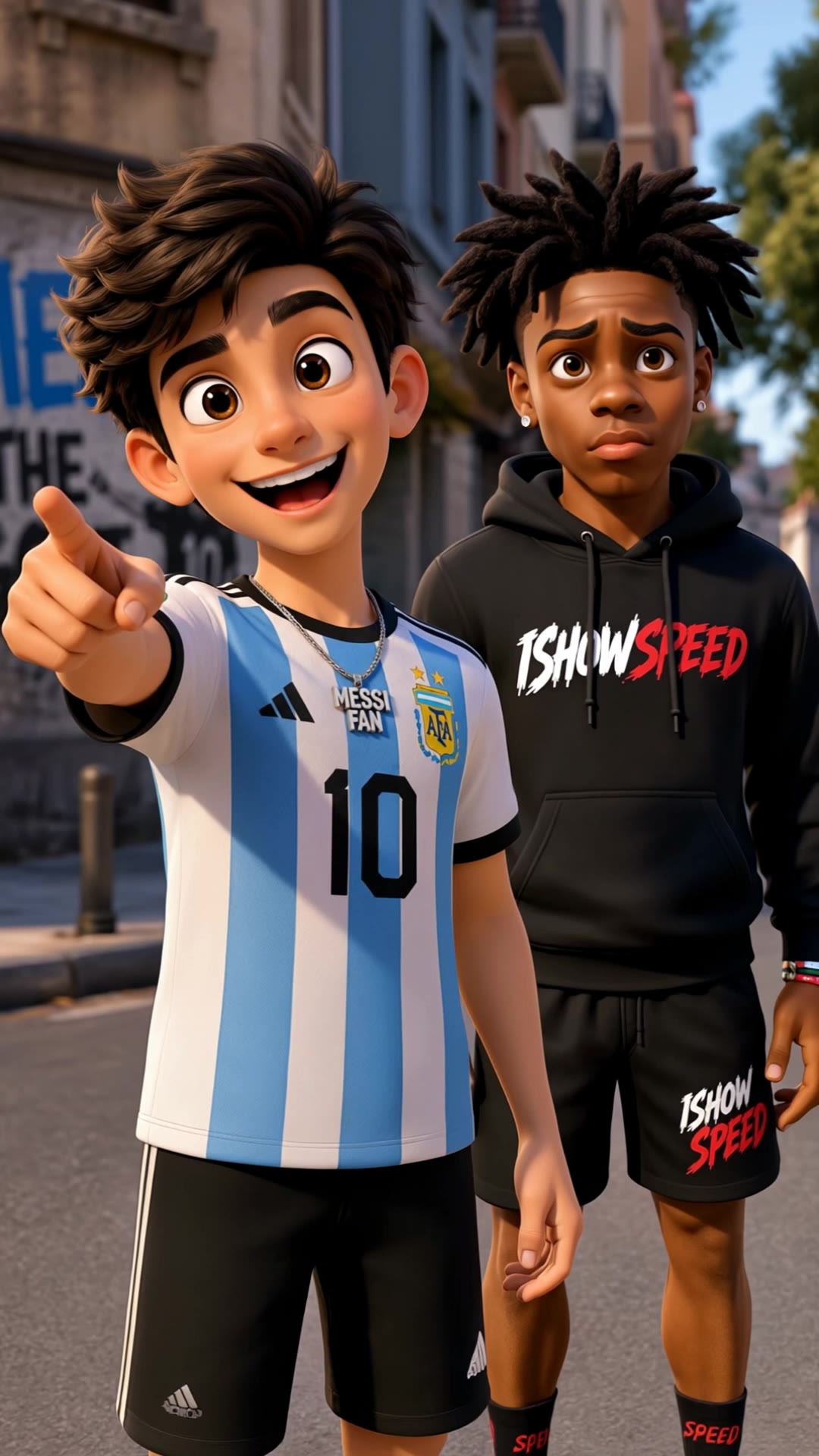

speed fac - CarSpeedRush & NeonTunnel

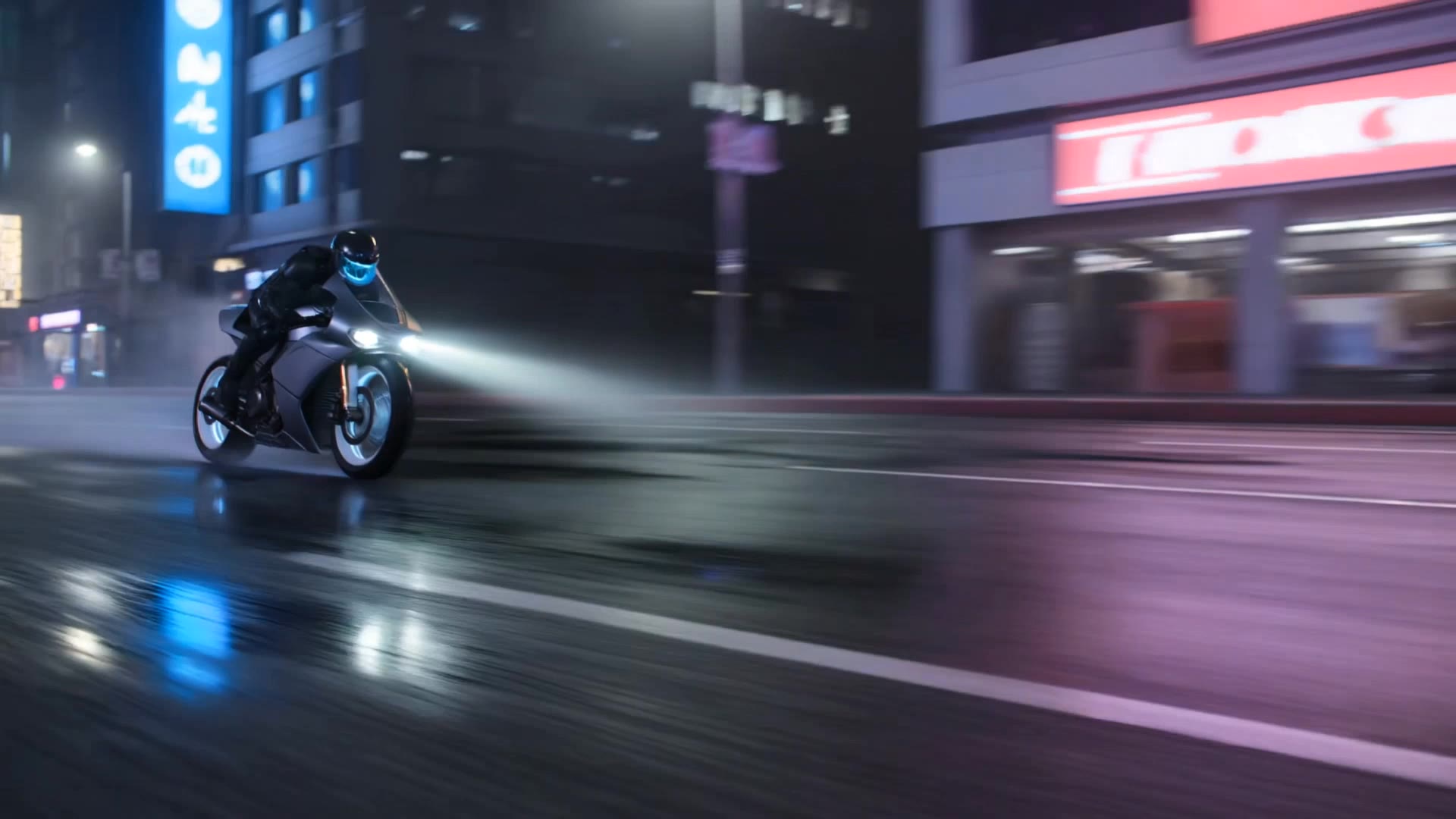
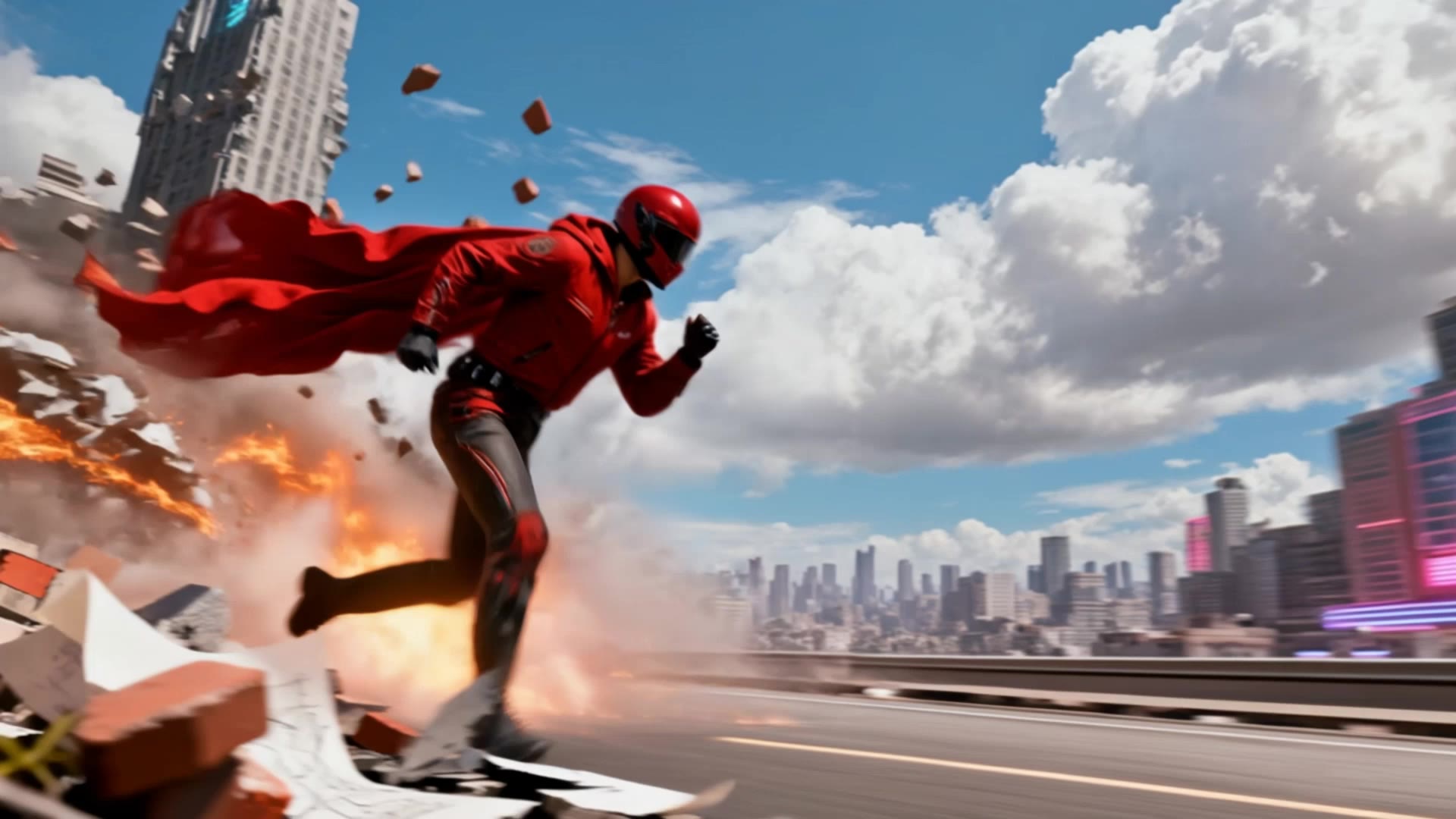
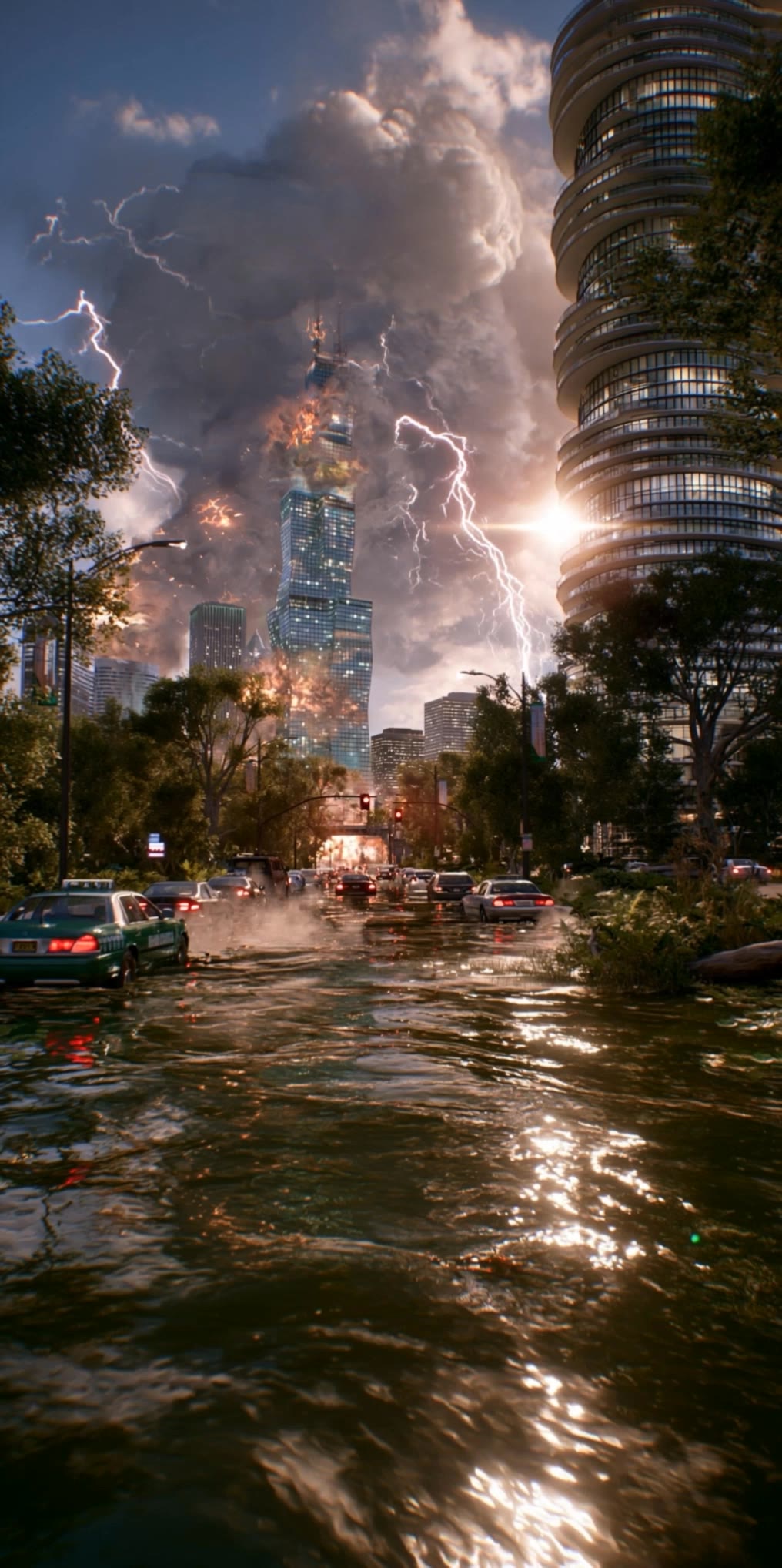
Experience the thrill of high-velocity motion with dynamic light streaks and cinematic speed ramps. Immerse in the adrenaline-pumping rush of extreme sports and futuristic car chases through vibrant neon tunnels. Start exploring speed fac ideas and generate your own content with AI.

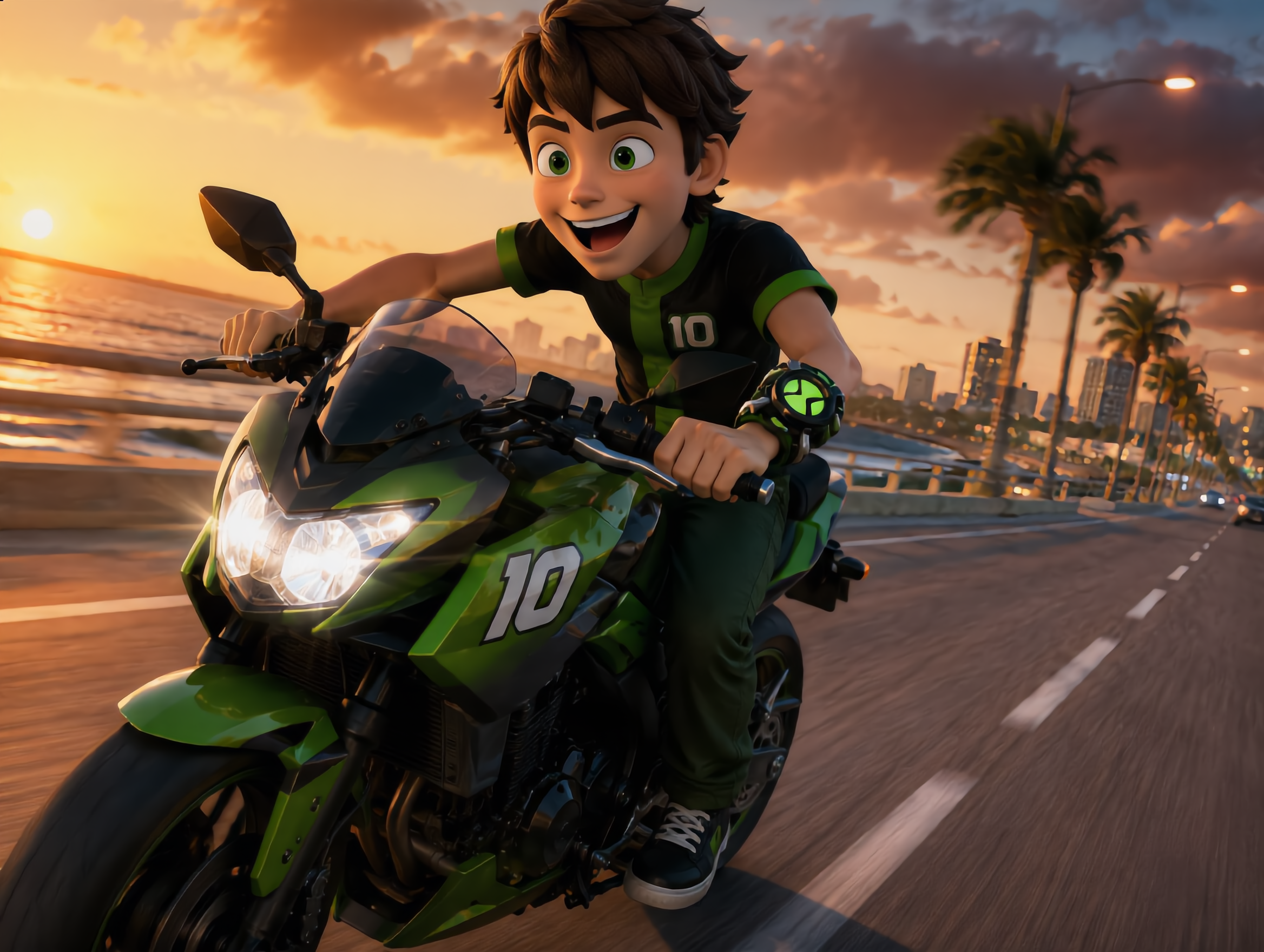
speed fac - CarSpeedRush & NeonTunnel

Recommended

Kling AI work 313644597502860 - speed fac AI video
atBFwqTc avatar
atBFwqTc
Kling AI work 320062910502975 - speed fac AI image
PuUandcN avatar
PuUandcN
Kling AI work 314730550507197 - speed fac AI video
CsozJFBP avatar
CsozJFBP
Beauty biker speed - speed fac AI video
Eman Daman avatar
Eman Daman
Creative Kling Experiment - speed fac AI video
AlonSaranga avatar
AlonSaranga
Kling AI work 313969678525324 - speed fac AI image
ZyhGfGdZ avatar
ZyhGfGdZ
Kling AI work 313022175500828 - speed fac AI image
NOIKiFDf avatar
NOIKiFDf
Motorcycle bike race speed - speed fac AI video
mohamed raafat avatar
mohamed raafat
When Speed Becomes Light - speed fac AI video
yuta avatar
yuta
Supernatural vampire speed  - speed fac AI video
byKs avatar
byKs
Speed super cars 🚗  - speed fac AI video
SirXtrem avatar
SirXtrem
Speed of Light - speed fac AI video
RCP-RaccoonCityProds avatar
RCP-RaccoonCityProds
Kling AI Insane Speed, 2077 Cybe - speed fac AI video
QjePisMs avatar
QjePisMs
Full speed - speed fac AI video
OXKnNtXc avatar
OXKnNtXc
Kling AI work 313269505501036 - speed fac AI image
RhKONpwg avatar
RhKONpwg
Drivin - speed fac AI video
eNfmgNka avatar
eNfmgNka
Fan speed  - speed fac AI video
RamZ avatar
RamZ
Elite Creator
anime run speed - speed fac AI video
DUGAAG STUDIO avatar
DUGAAG STUDIO
FPV flight - speed fac AI video
fttMSuum avatar
fttMSuum

How to Create Images with Kling AI

Write Down You Ideas

Write Down You Ideas

Open the AI Image Generator and choose the model that fits your project. Describe the subject and scene, then add details such as lighting, color, and visual style to shape the result.

Add References Or Not

Add References Or Not

Upload reference images for a character, product, composition, or style. References are optional, but they give Kling AI a clearer visual foundation when specific features, colors, or design details need to carry into the final image.

Generate Your Image

Generate Your Image

Choose your preferred format and output settings, then hit Generate. Once the result is ready, download it directly or open it in the image-to-video workflow to bring it to life with motion.

How Kling AI Sets the Standard for AI Video Creation

Realistic Motion from a Still Image

Realistic Motion from a Still Image

Animate portraits, artwork, and action images with natural character movement and physical interactions. Kling 4.0's dynamic motions improves stability during large movements, fast action, and complex scenes. From subtle facial expressions to sports and fight choreography, create motion that develops naturally from your image while keeping the subject and surrounding scene visually coherent.

Direct the Camera and Every Key Moment

Direct the Camera and Every Key Moment

A single image can lead to a tracking shot, camera orbit, close-up, or wider scene. Kling 4.0 offers stronger camera control, with native video generation up to 30 seconds for longer movements and connected action. Start and end frames help guide a transition, while up to 10 flexible keyframes let you define additional compositions, character poses, and scene changes as the video develops.

Combine References, Keep the Look

Combine References, Keep the Look

Keep recognizable characters, products, and visual styles as your images begin to move. Kling 4.0's Omni Reference supports up to 15 combined assets, including images, videos, and subjects, to guide appearance, actions, camera work, and settings. Use multiple views of a character or product alongside style and motion references. Stronger visual consistency helps preserve familiar details across new shots, with realistic textures.

Apps

Video Generation
Video Generation

Video Generation

Image Generation
Image Generation

Image Generation

Motion Control
Motion Control

Motion Control

Avatar
Avatar

Avatar

AI Portraits
AI Portraits

AI Portraits

Lip Sync
Lip Sync

Lip Sync

60M+
60M+
Users
600M+
600M+
AI Videos Generated
4.7 ★
4.7 ★
App Store
Industry-Leading
Industry-Leading
Cinematic 4K

Reviews

Halim Alrasihi

Halim Alrasihi

★★★★★

I use AI daily and Kling AI is a crucial part of my workflow, whether for client work or personal projects. What I love most about using Kling AI is that it provides all the tools I need in one place, from keyframes to character references, elements and special effects.

Samuele Poggi (@visualsk2)

Samuele Poggi (@visualsk2)

★★★★★

I use Kling AI daily to push the limits of AI filmmaking. It allows me to create highly cinematic content, blending AI and VFX to develop innovative projects. It has significantly impacted my creative process, enabling me to achieve complex animations that would otherwise require high production budgets.

Maria Rubtsova

Maria Rubtsova

★★★★★

I’m Maria Rubtsova, an AIGC digital artist passionate about creating stunning visuals in the worlds of fashion, aesthetics, and fantasy. I use KlingAi to bring imagination to life through video. My work is all about exploring beauty, emotion, and the limitless possibilities of digital art.

FAQ

Q1What can I do with the Kling AI Image Editor?
Q2How do I edit a photo with Kling AI?
Q3Can I turn a photo into a different art style?

Take Your Photo in a New Direction

Start with the image you have and rework it for the look, message, or moment you have in mind.

Object removal | Background changes | Portrait retouching | Photo restyling