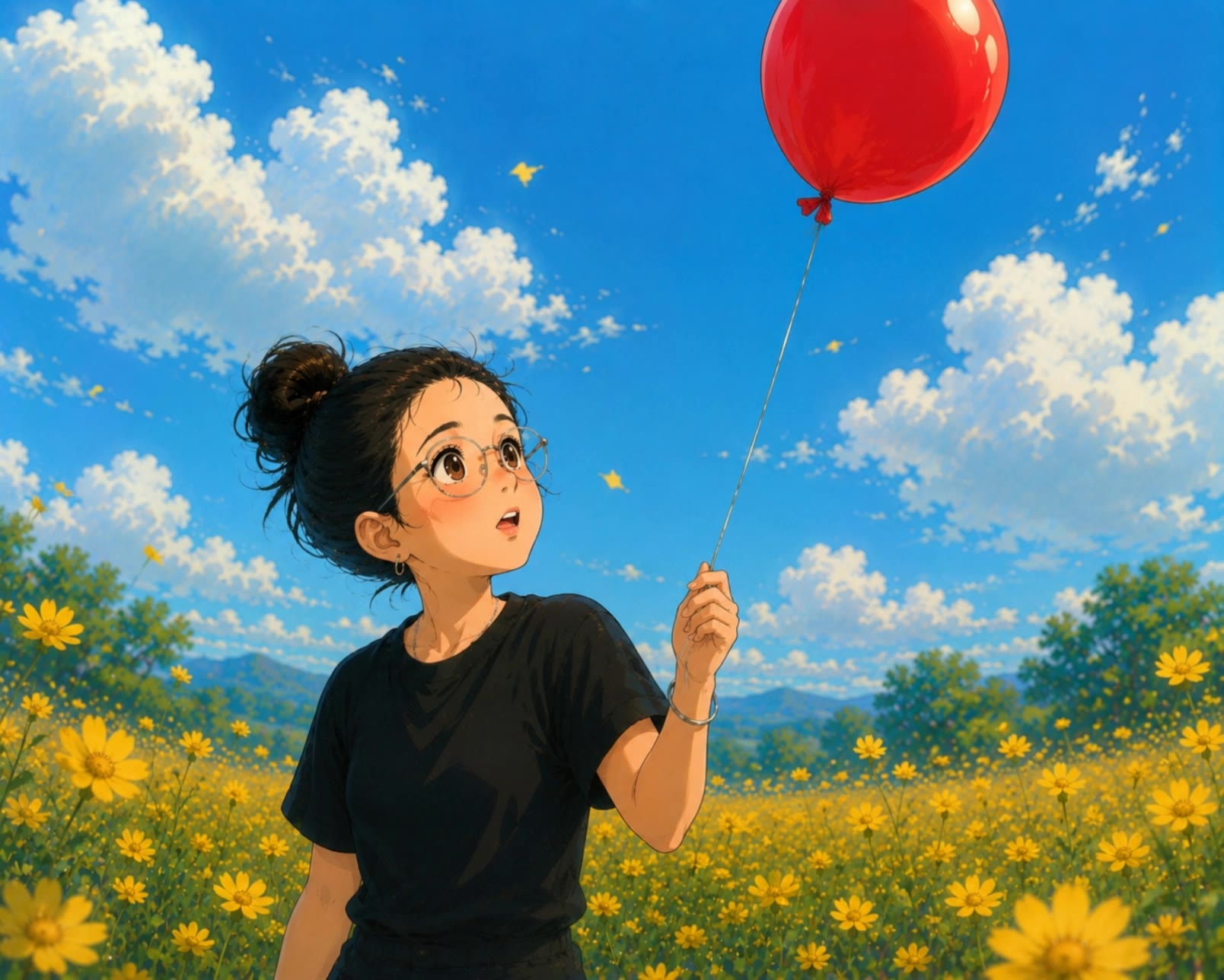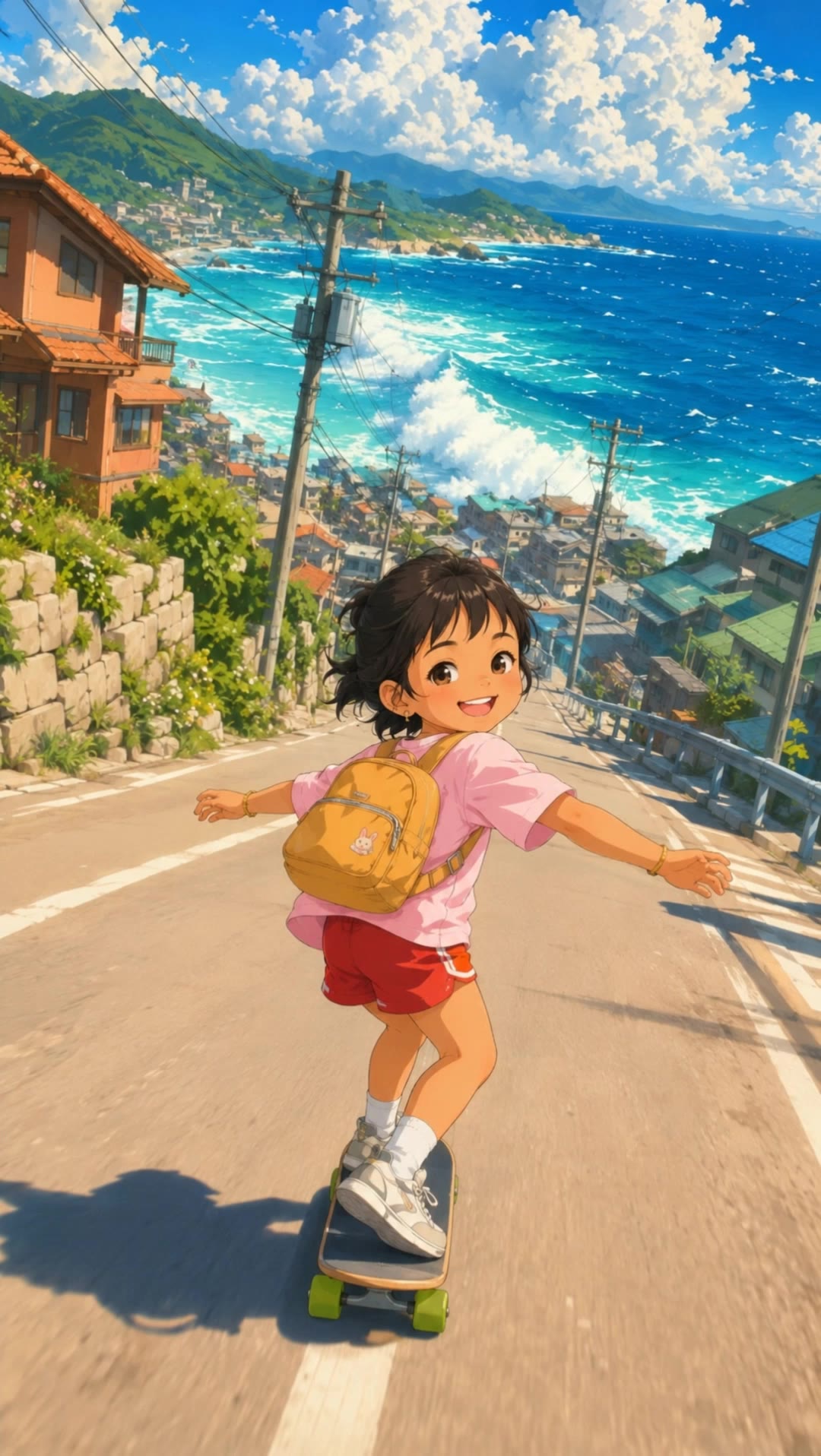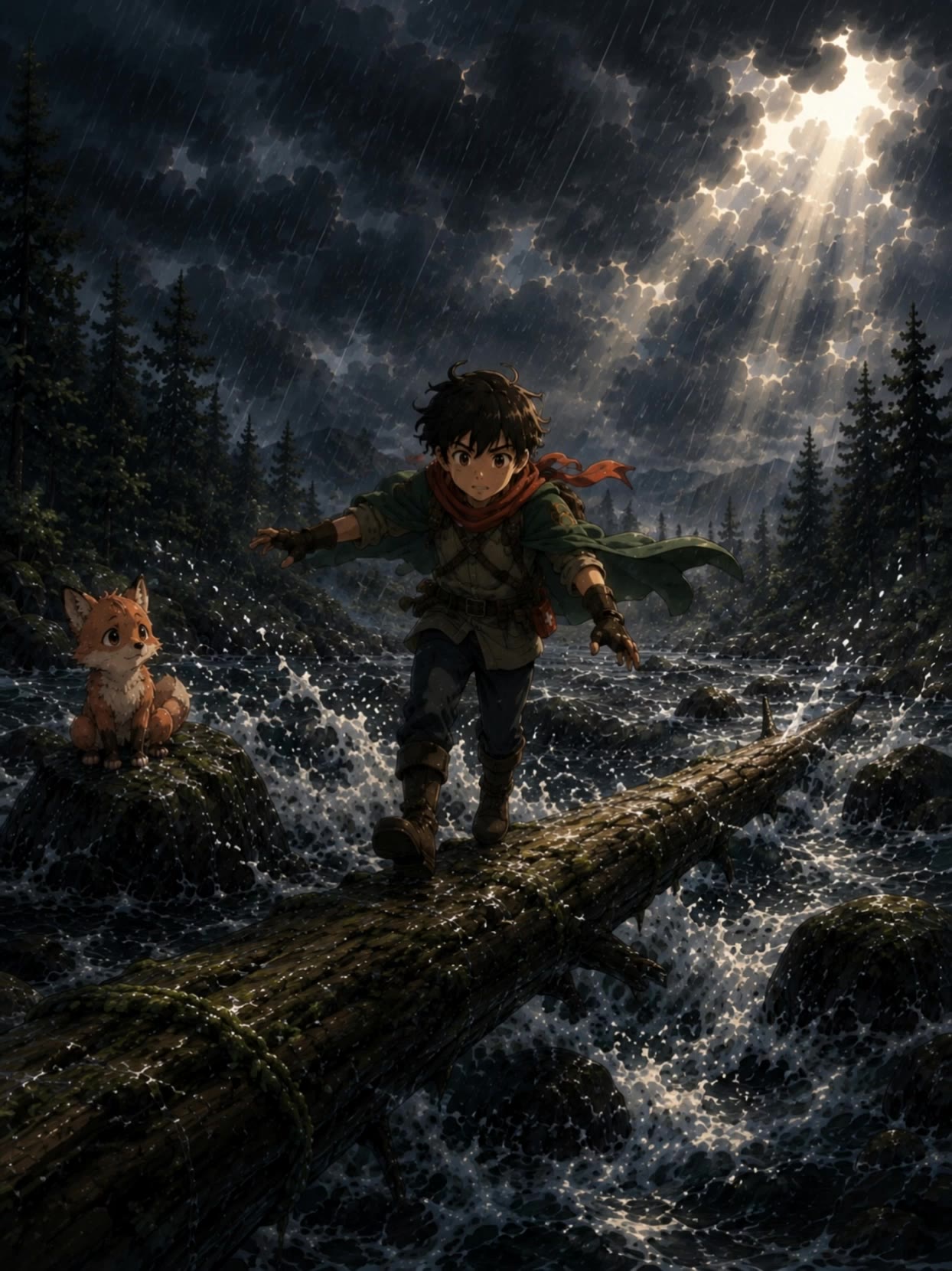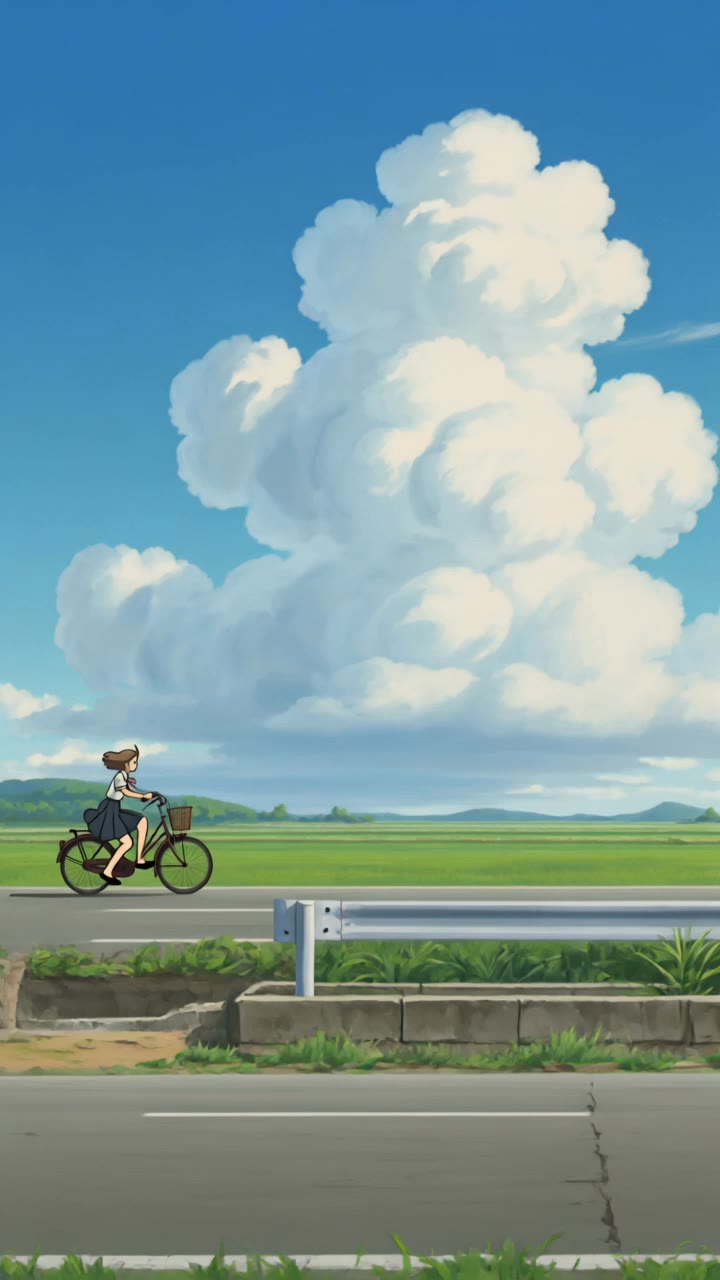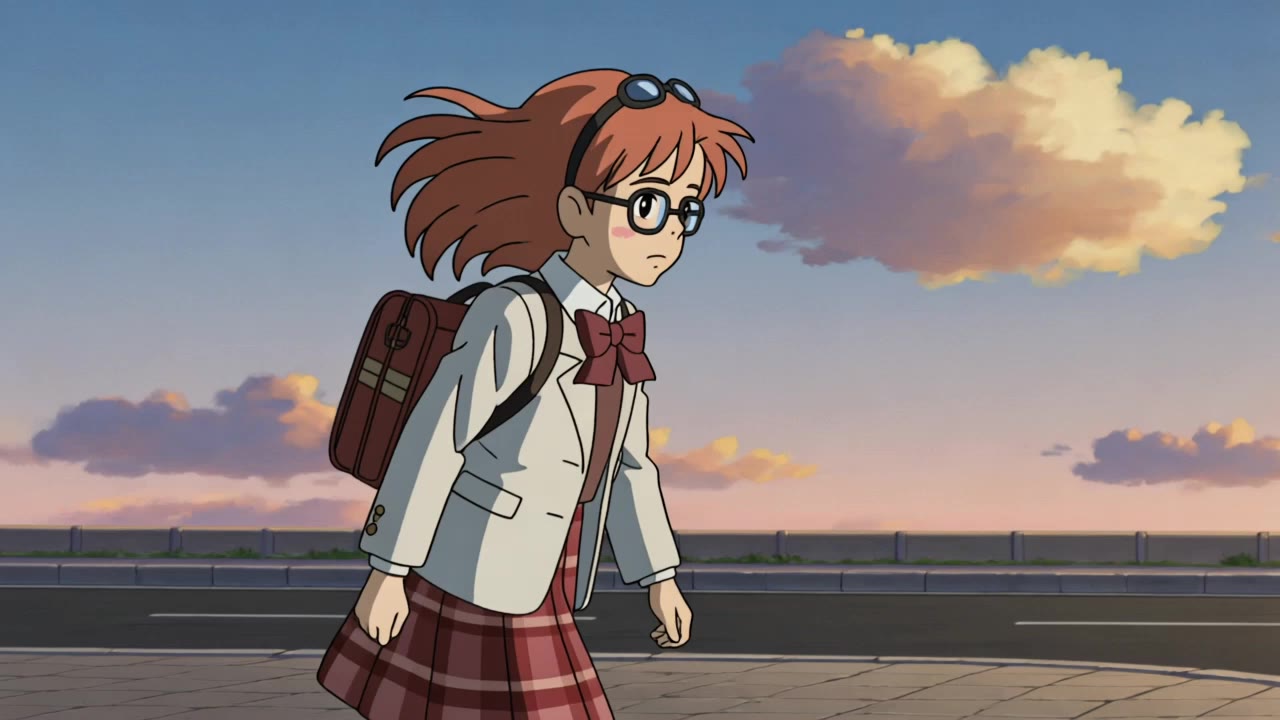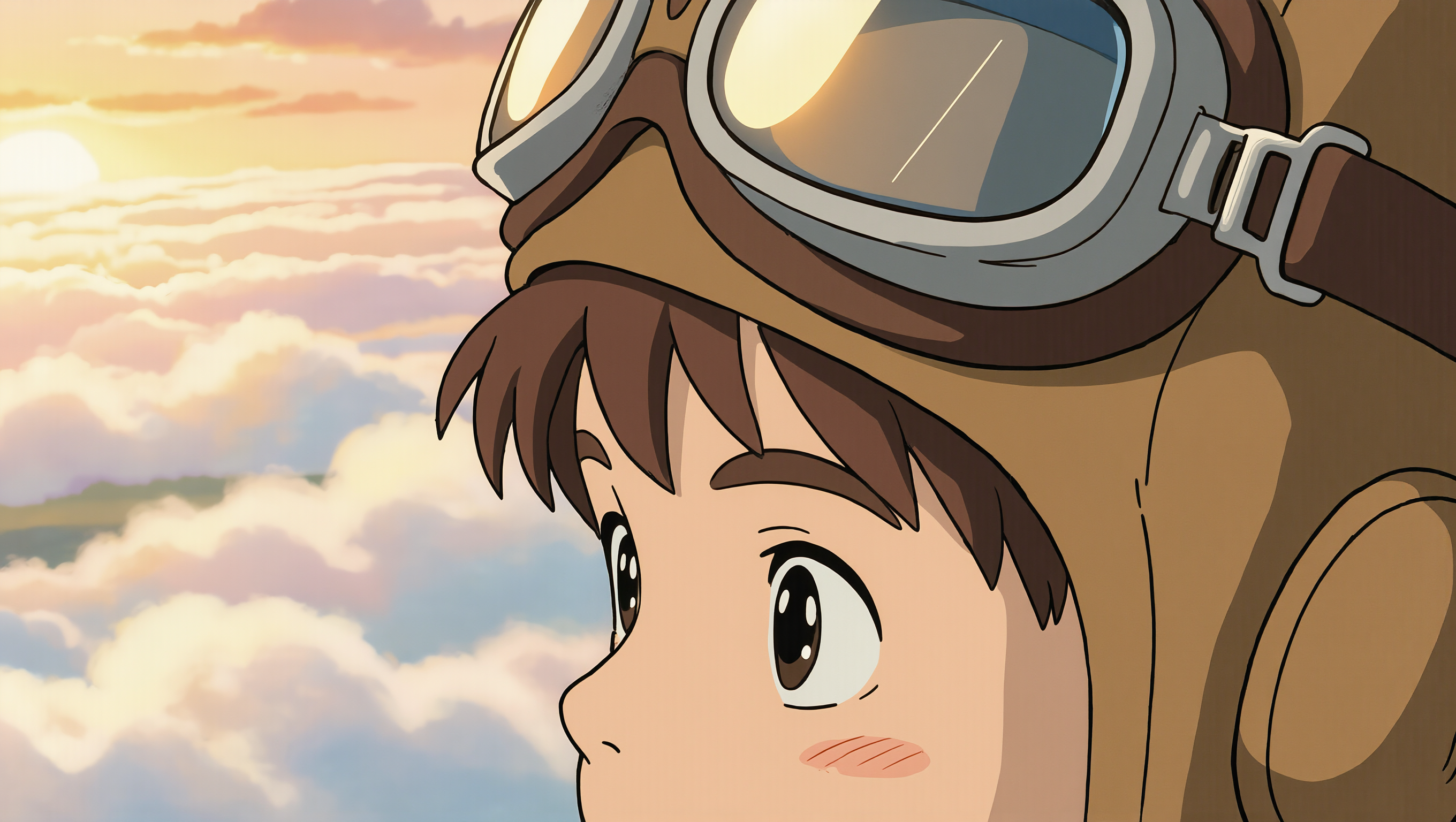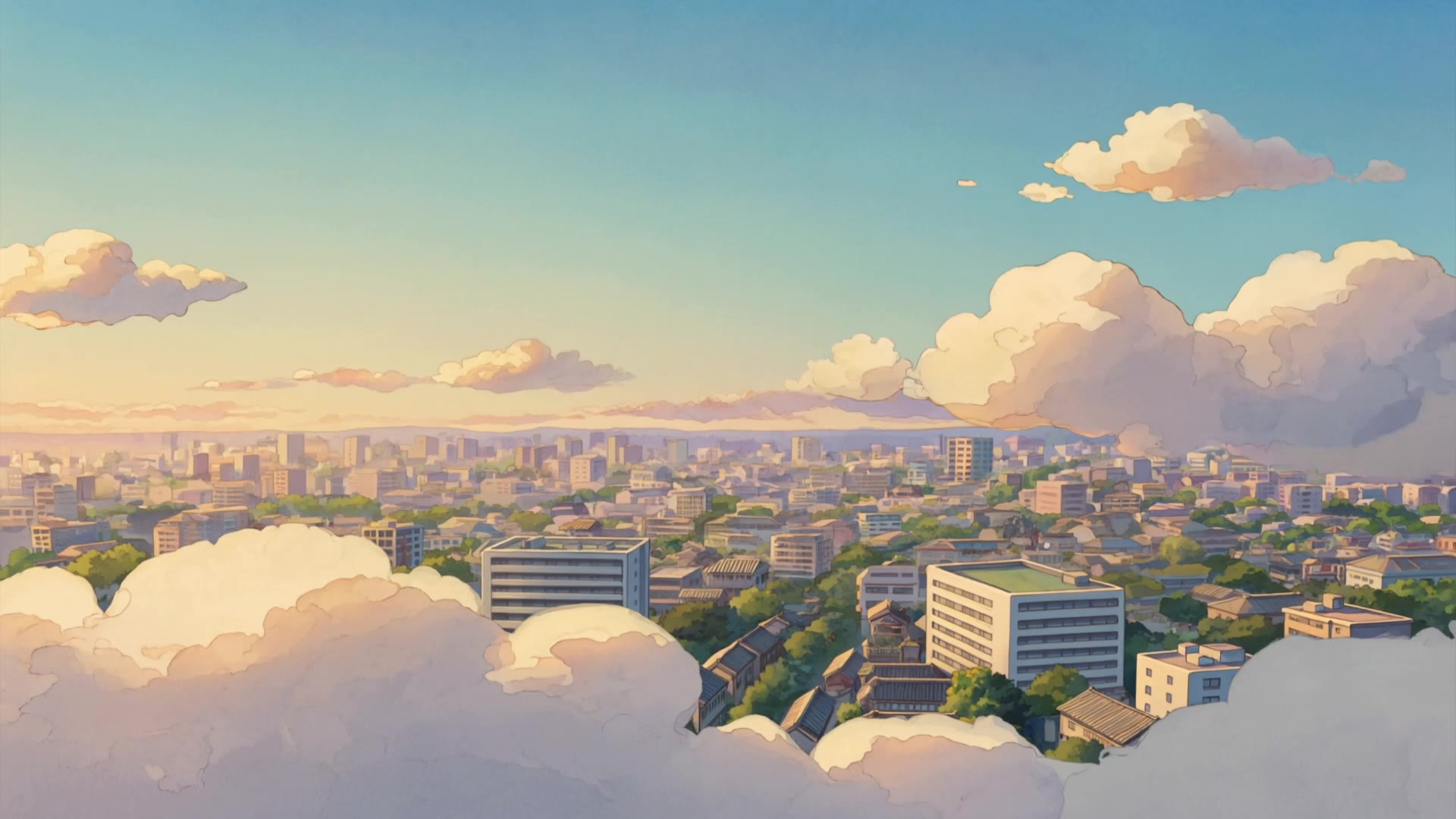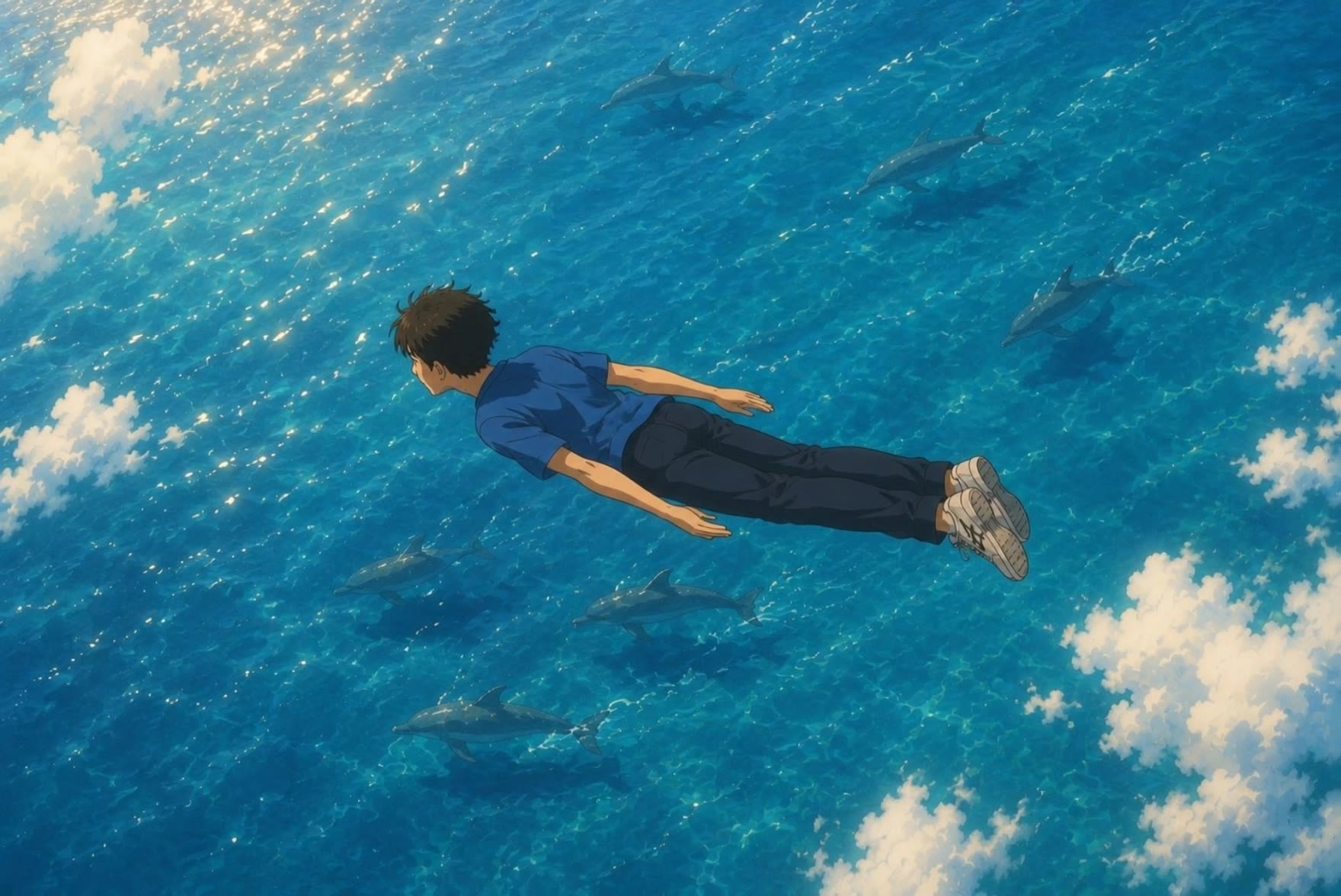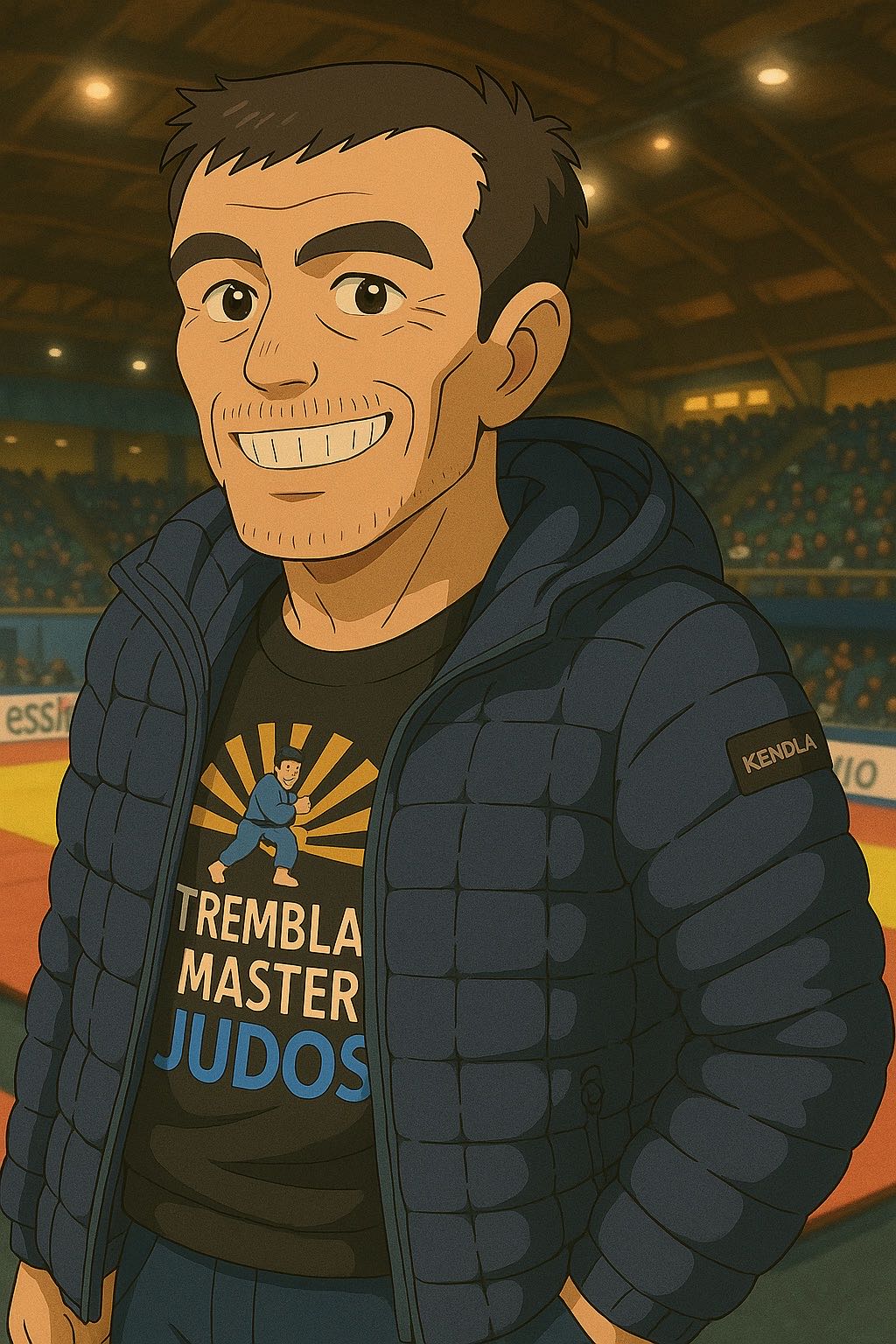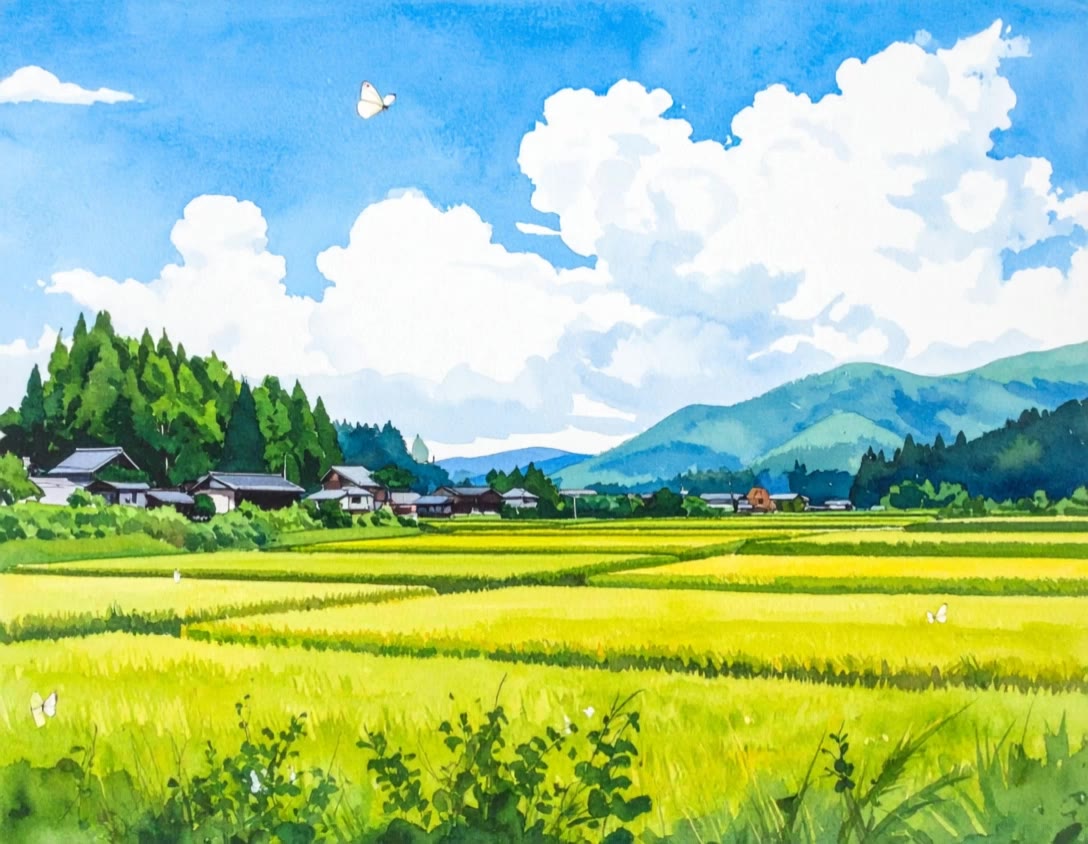

studio ghibli clouds - silent battles & dreamlike spirals

Immerse in the serene, cinematic ascent through Studio Ghibli's iconic cold atmosphere and dreamlike clouds. Unveil the magic of spiralling clouds above fantasy oceans and whimsical scenes above the clouds. Start exploring studio ghibli clouds ideas and generate your own content with AI.

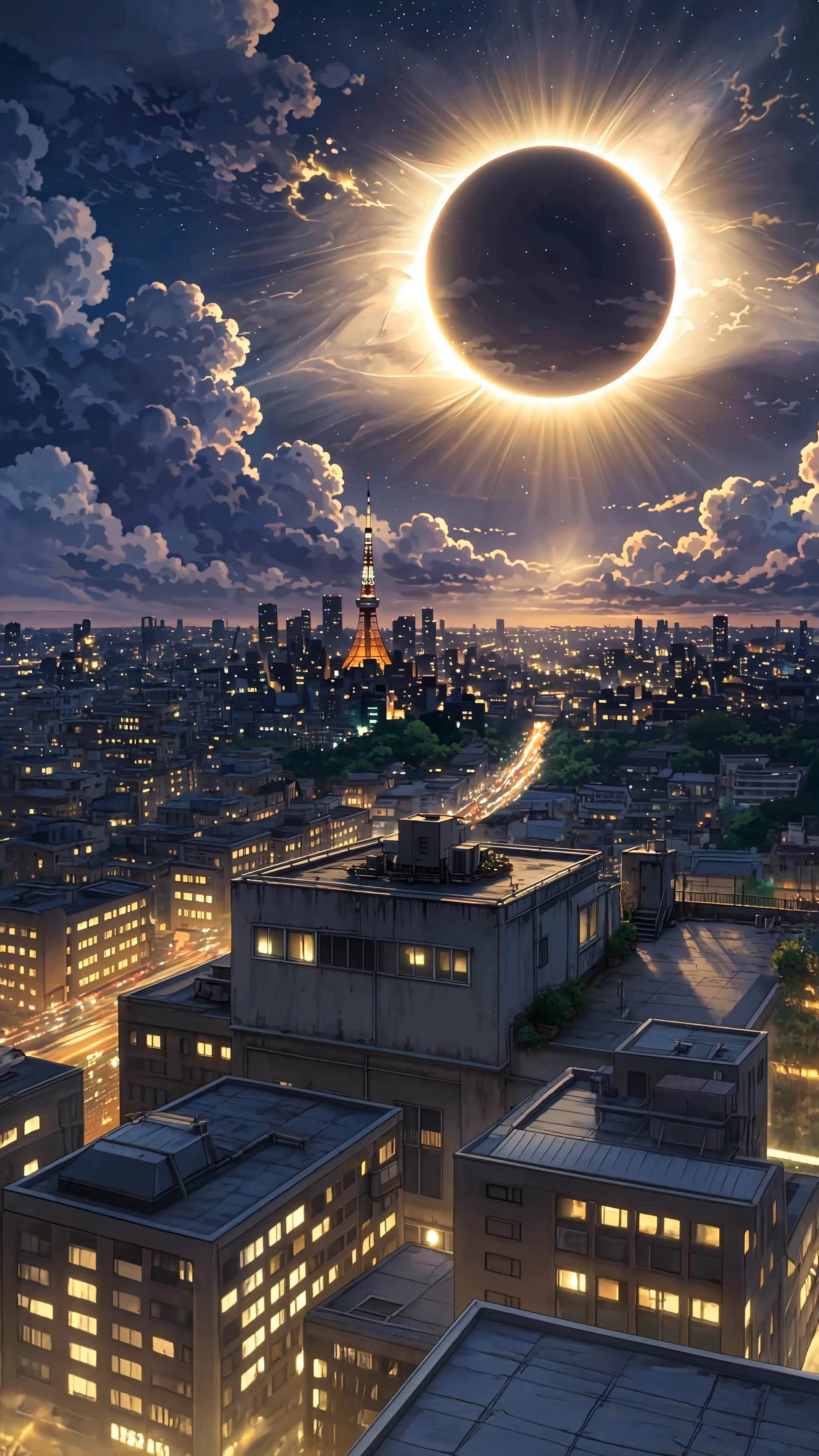
studio ghibli clouds - silent battles & dreamlike spirals

Recommended

Kling AI work 314013527501186 - studio ghibli clouds AI video
XrtVVEsx avatar
XrtVVEsx
Total Solar Eclipse - studio ghibli clouds AI video
7A7PI avatar
7A7PI
Elite Creator
Kling AI work 312878372665616 - studio ghibli clouds AI video
vHfAaVoB avatar
vHfAaVoB
Kling AI work 315583524302303 - studio ghibli clouds AI video
KcfBxLlA avatar
KcfBxLlA
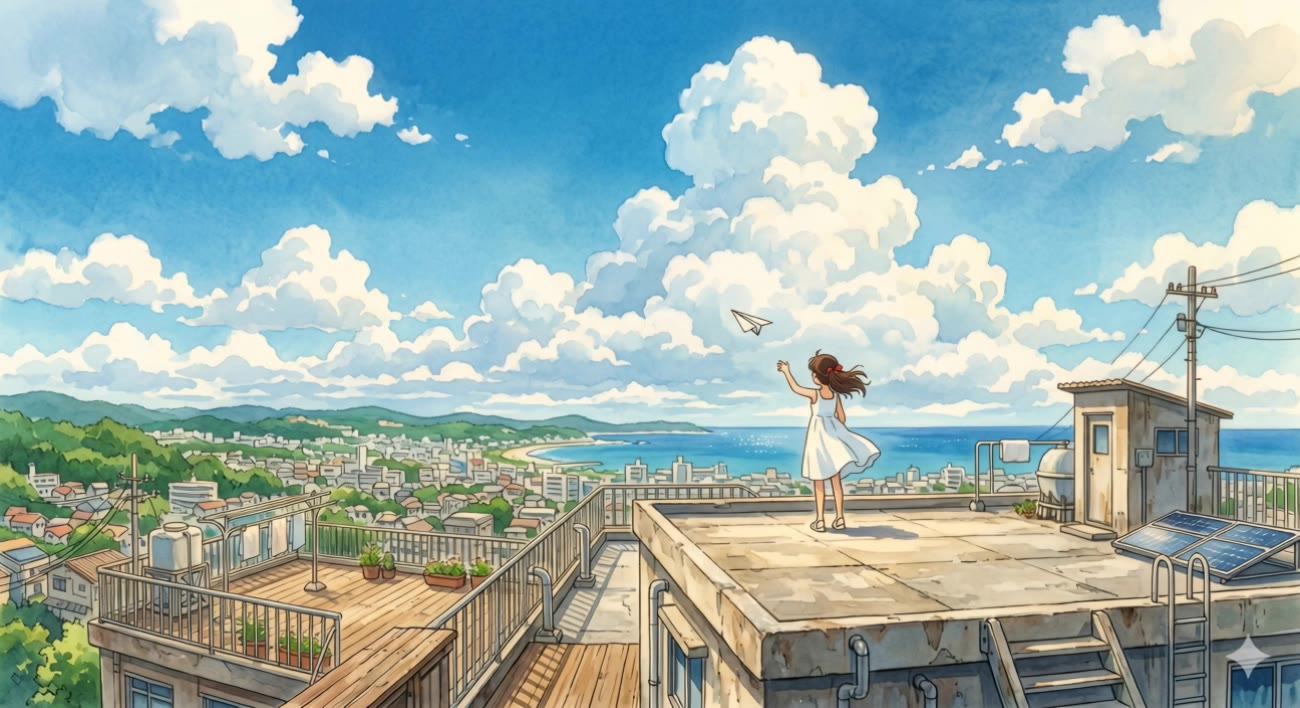
Summer Rooftop Dream - studio ghibli clouds AI video
MomoDra avatar
MomoDra
Kling AI work 312307033612929 - studio ghibli clouds AI video
VazTJDde avatar
VazTJDde
Kling AI work 311254086664303 - studio ghibli clouds AI video
MYSViPsh avatar
MYSViPsh
Kling AI work 315584830526866 - studio ghibli clouds AI video
KcfBxLlA avatar
KcfBxLlA
Kling AI work 321769667503076 - studio ghibli clouds AI video
Bmsujjfx avatar
Bmsujjfx
Kling AI work 314263626526123 - studio ghibli clouds AI video
zlVLeIUr avatar
zlVLeIUr
Kling AI work 311691650660790 - studio ghibli clouds AI image
IRxkjzED avatar
IRxkjzED
Kling AI work 320097586528863 - studio ghibli clouds AI image
NBpHbpaC avatar
NBpHbpaC
Kling AI work 317875739618797 - studio ghibli clouds AI video
ïnno_êyes avatar
ïnno_êyes
Kling AI work 317590533617021 - studio ghibli clouds AI video
HxrpYCFs avatar
HxrpYCFs
Kling AI work 311187476500858 - studio ghibli clouds AI image
BlOJbzEf avatar
BlOJbzEf
Kling AI work 315562941506554 - studio ghibli clouds AI video
KLING3160 avatar
KLING3160
Kling AI work 321165246506508 - studio ghibli clouds AI video
ldqrgjWW avatar
ldqrgjWW
Kling AI work 310619552523512 - studio ghibli clouds AI video
Ahmed On Line avatar
Ahmed On Line
Kling AI work 314470651617079 - studio ghibli clouds AI video
SuzannShark avatar
SuzannShark

How to Create Images with Kling AI

Write Down You Ideas

Write Down You Ideas

Open the AI Image Generator and choose the model that fits your project. Describe the subject and scene, then add details such as lighting, color, and visual style to shape the result.

Add References Or Not

Add References Or Not

Upload reference images for a character, product, composition, or style. References are optional, but they give Kling AI a clearer visual foundation when specific features, colors, or design details need to carry into the final image.

Generate Your Image

Generate Your Image

Choose your preferred format and output settings, then hit Generate. Once the result is ready, download it directly or open it in the image-to-video workflow to bring it to life with motion.

How Kling AI Sets the Standard for AI Video Creation

Realistic Motion from a Still Image

Realistic Motion from a Still Image

Animate portraits, artwork, and action images with natural character movement and physical interactions. Kling 4.0's dynamic motions improves stability during large movements, fast action, and complex scenes. From subtle facial expressions to sports and fight choreography, create motion that develops naturally from your image while keeping the subject and surrounding scene visually coherent.

Direct the Camera and Every Key Moment

Direct the Camera and Every Key Moment

A single image can lead to a tracking shot, camera orbit, close-up, or wider scene. Kling 4.0 offers stronger camera control, with native video generation up to 30 seconds for longer movements and connected action. Start and end frames help guide a transition, while up to 10 flexible keyframes let you define additional compositions, character poses, and scene changes as the video develops.

Combine References, Keep the Look

Combine References, Keep the Look

Keep recognizable characters, products, and visual styles as your images begin to move. Kling 4.0's Omni Reference supports up to 15 combined assets, including images, videos, and subjects, to guide appearance, actions, camera work, and settings. Use multiple views of a character or product alongside style and motion references. Stronger visual consistency helps preserve familiar details across new shots, with realistic textures.

Apps

Video Generation
Video Generation

Video Generation

Image Generation
Image Generation

Image Generation

Motion Control
Motion Control

Motion Control

Avatar
Avatar

Avatar

AI Portraits
AI Portraits

AI Portraits

Lip Sync
Lip Sync

Lip Sync

60M+
60M+
Users
600M+
600M+
AI Videos Generated
4.7 ★
4.7 ★
App Store
Industry-Leading
Industry-Leading
Cinematic 4K

Reviews

Halim Alrasihi

Halim Alrasihi

★★★★★

I use AI daily and Kling AI is a crucial part of my workflow, whether for client work or personal projects. What I love most about using Kling AI is that it provides all the tools I need in one place, from keyframes to character references, elements and special effects.

Vincent Smadja

Vincent Smadja

★★★★★

Kling AI seamlessly integrates into my creative workflow, playing a key role in transforming my images. After generating and upscaling an image, Kling becomes a crucial element, bringing my creations to life with movement and depth.

Ozan Sihay

Ozan Sihay

★★★★★

Kling AI allows me to rapidly prototype ideas, refine storytelling elements, and produce visually compelling content efficiently. It has not only accelerated my creative processes, but also deepened my understanding of how AI can enrich visual storytelling.

FAQ

Q1How can I make a video from photos with AI?
Q2How long can an AI-generated video from a photo be?
Q3Can I use multiple pictures to create an AI video?

Your Photos Have More to Show

A portrait, product image, or illustration can be the starting point for your next video. Add movement, explore different camera shots, and work with the visual details you want to keep in Kling AI.

Dynamic Motions | Multiple Keyframes | Omni Reference | Free tier available