Creative Studio
API
Resources
Features
About Us
Download

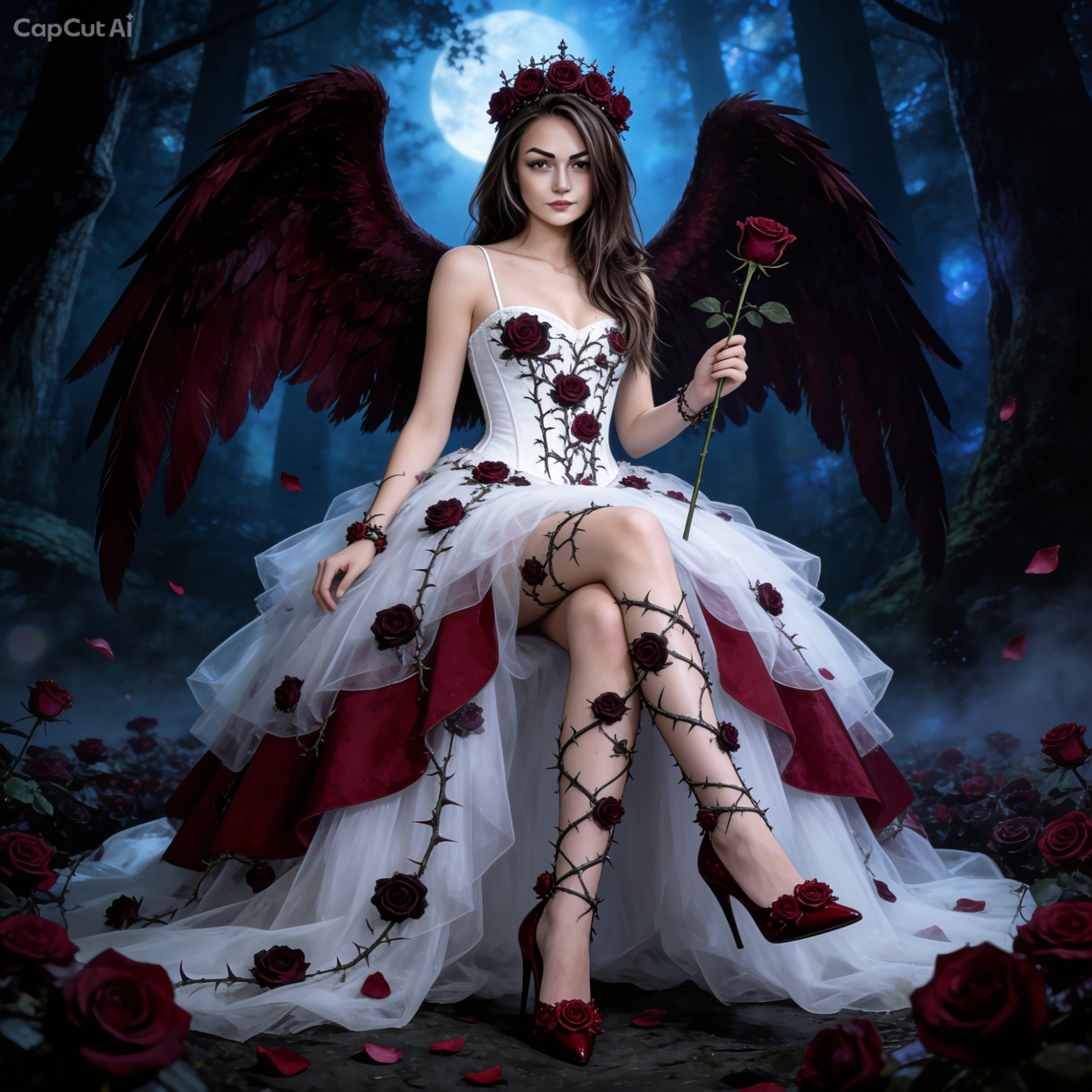
take my image and ai art it - cyber sleuth & medieval fantasy

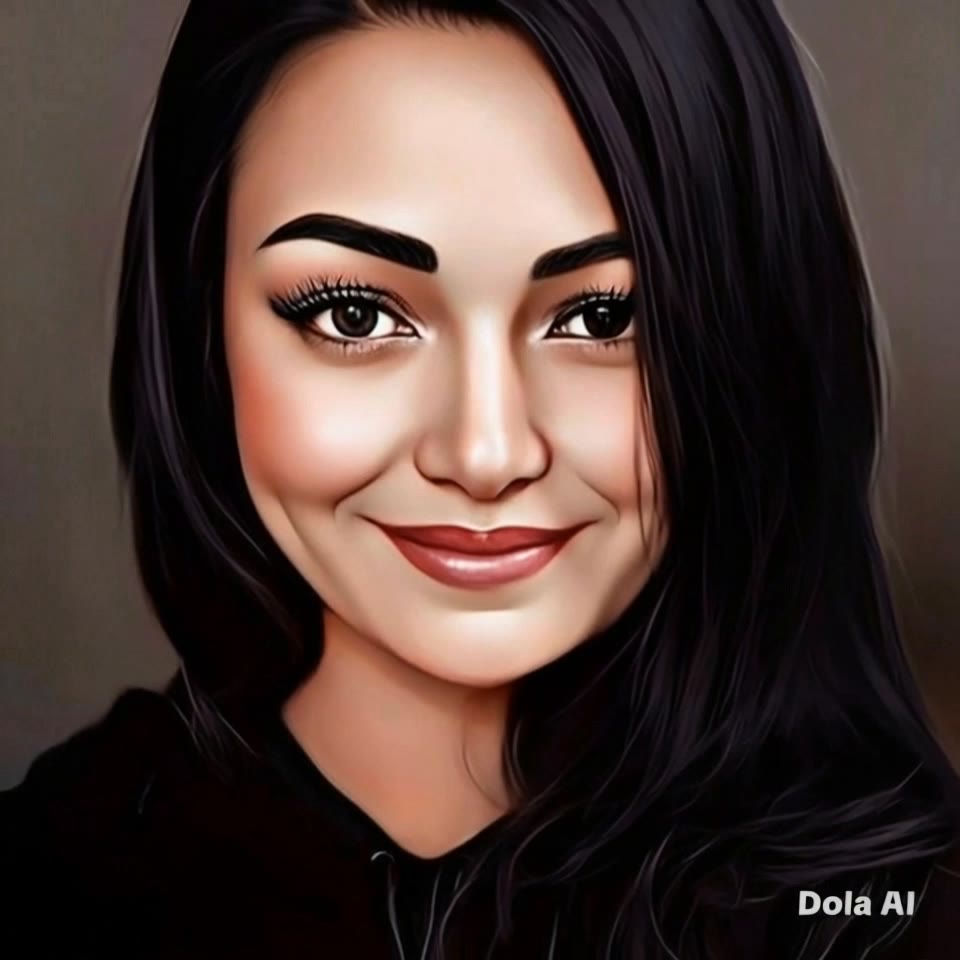
Transform your images with AI-driven cyber sleuth themes and fine art photography styles, bringing futuristic and fervent fever dream elements to life. Start exploring take my image and ai art it ideas and generate your own content with AI.

take my image and ai art it - cyber sleuth & medieval fantasy

Recommended

ai art - take my image and ai art it AI video
00:05
pdGfkdaw avatar
pdGfkdaw
Image to video - take my image and ai art it AI video
jc avatar
jc
image reference - take my image and ai art it AI image
ESYkocAi avatar
ESYkocAi
Leaf Art - take my image and ai art it AI video
jabu mabaya avatar
jabu mabaya
Image to ai image - take my image and ai art it AI image
vbxsWIBJ avatar
vbxsWIBJ
Upload any image - take my image and ai art it AI video
@Tiny Ai Dancers avatar
@Tiny Ai Dancers
Kling IMAGE 3.0 Model User Guide - take my image and ai art it AI image
YxIAgcaB avatar
YxIAgcaB
Conceptual art  - take my image and ai art it AI video
rYeRcdhE avatar
rYeRcdhE
ai digital art  - take my image and ai art it AI video
00:08
Abdul avatar
Abdul
Upload any image  - take my image and ai art it AI video
@Tiny Ai Dancers avatar
@Tiny Ai Dancers
Art Noveau  - take my image and ai art it AI image
EvelinevanHoek avatar
EvelinevanHoek
Art - take my image and ai art it AI video
xSdfiQsG avatar
xSdfiQsG
 image 1 - take my image and ai art it AI image
CXThSvTE avatar
CXThSvTE
Kling IMAGE 3.0 Model User Guide - take my image and ai art it AI image
YxIAgcaB avatar
YxIAgcaB
Upload any image  - take my image and ai art it AI video
@Tiny Ai Dancers avatar
@Tiny Ai Dancers
A work of art - take my image and ai art it AI video
Root and Rise studio avatar
Root and Rise studio
ivvy image - take my image and ai art it AI image
NQHmTVSz avatar
NQHmTVSz
Upload any image  - take my image and ai art it AI video
@Tiny Ai Dancers avatar
@Tiny Ai Dancers
Hugo Simberg art - take my image and ai art it AI video
Antoni Li. avatar
Antoni Li.

How to Create AI Backgrounds in High-Quality

Start with Your Photo

Start with Your Photo

Upload the person, product, or image you want to work with. If you already have a location, mood, composition, or visual style in mind, add reference images to give Kling AI a clearer direction.

Describe the New Scene

Describe the New Scene

Describe what you want behind the subject and what should stay familiar. You might ask for a clean studio, a sunlit kitchen, a city rooftop, or something more imaginative. If you are using references, explain which parts of them you want to follow.

Generate a High-Quality Background

Generate a High-Quality Background

Choose your preferred aspect ratio and output resolution, then generate the image. Kling IMAGE 3.0 supports output up to 2K. For higher-resolution native 4K output, use Kling IMAGE 3.0 Omni.

From Clean Cutouts to Completely New Backgrounds

Clean Cutouts, Ready to Use

Clean Cutouts, Ready to Use

Clear away a distracting background without tracing around the subject by hand. Create transparent product shots, portraits, logos, and graphics for listings, profile images, presentations, and design work. When you need a higher-resolution de-priming effect, IMAGE 3.0 Omni also supports 2K and 4K output.

Go Straight to the Background You Want

Go Straight to the Background You Want

Already know what belongs behind the subject? Skip the extra editing and go straight to the final look. Describe a new setting or add a reference image to guide it, whether you're refreshing a product shot, portrait, social graphic, or campaign visual.

Refresh Video Footage Without Reshooting

Refresh Video Footage Without Reshooting

Keep the clip you already have and change the setting around it. With VIDEO 3.0 Omni, use a prompt or reference image to update backgrounds for ads, product videos, presenter clips, and social content—without another shoot or a green screen.

Apps

Image to Video
Image to Video

Image to Video

Text to Video
Text to Video

Text to Video

Omni
Omni

Omni

Digital Human
Digital Human

Digital Human

Restyle
Restyle

Restyle

Text to Image
Text to Image

Text to Image

60M+
60M+
Users
600M+
600M+
AI Videos Generated
4.7 ★
4.7 ★
App Store
Industry-Leading
Industry-Leading
Cinematic 4K

Reviews

James Phillips

James Phillips

★★★★★

Kling AI has transformed my workflow by collapsing timelines and democratizing production. It’s shifted my mindset from resource-dependent filmmaking to a boundless creative sandbox, where experimentation yields unexpected beauty.

Samuele Poggi (@visualsk2)

Samuele Poggi (@visualsk2)

★★★★★

I use Kling AI daily to push the limits of AI filmmaking. It allows me to create highly cinematic content, blending AI and VFX to develop innovative projects. It has significantly impacted my creative process, enabling me to achieve complex animations that would otherwise require high production budgets.

Huang Lu (Elson)

Huang Lu (Elson)

★★★★★

I’ve been using Kling AI since its initial release, and it’s remained one of the leading AI media generators ever since. With Kling AI, I’ve created hundreds of videos, collectively amassing millions of views.

FAQ

Q1What’s the difference between Video 2.6 and 3.0?
Q2How long can videos be in Video 3.0?
Q3Does Video 3.0 support multiple characters speaking?

Turn Text into Cinematic Videos

Create 4K videos with native audio and consistent characters from a single prompt.

Free tier available | Watermark-free membership | HD to 4K export | Fast generation