Creative Studio
API
Resources
Features
About Us
Download

tan effect photo editor - Avatar set & product photo

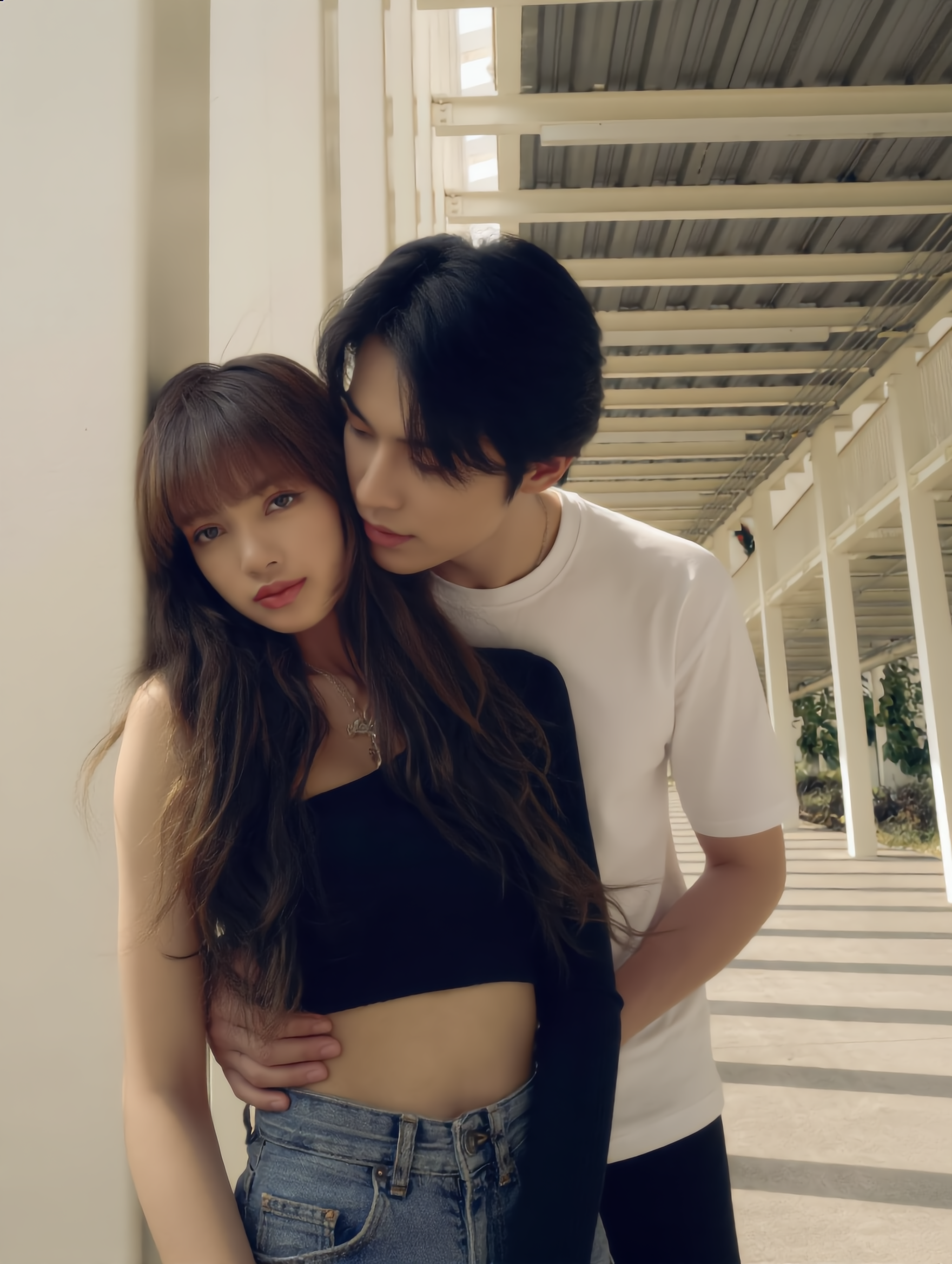
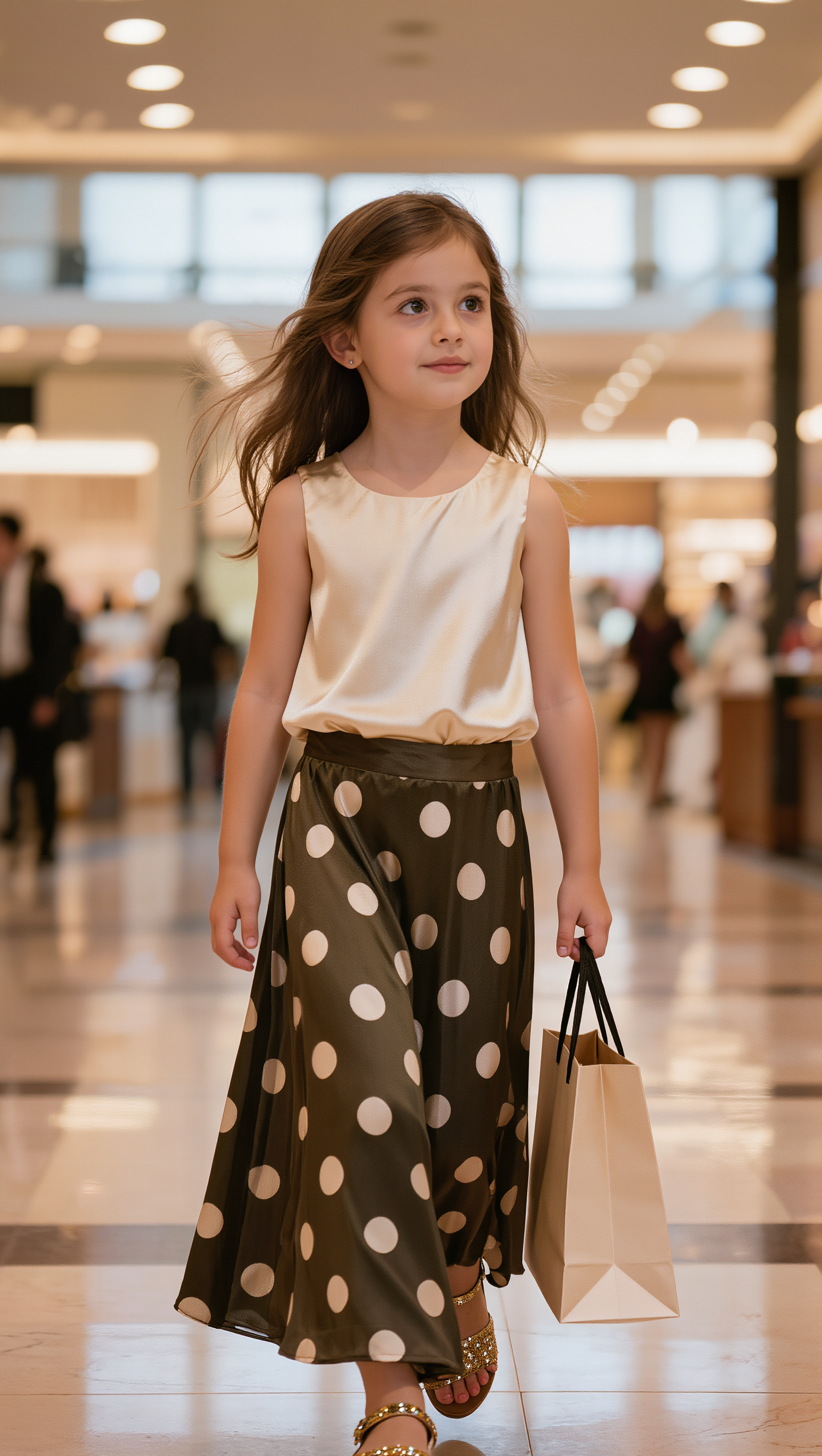
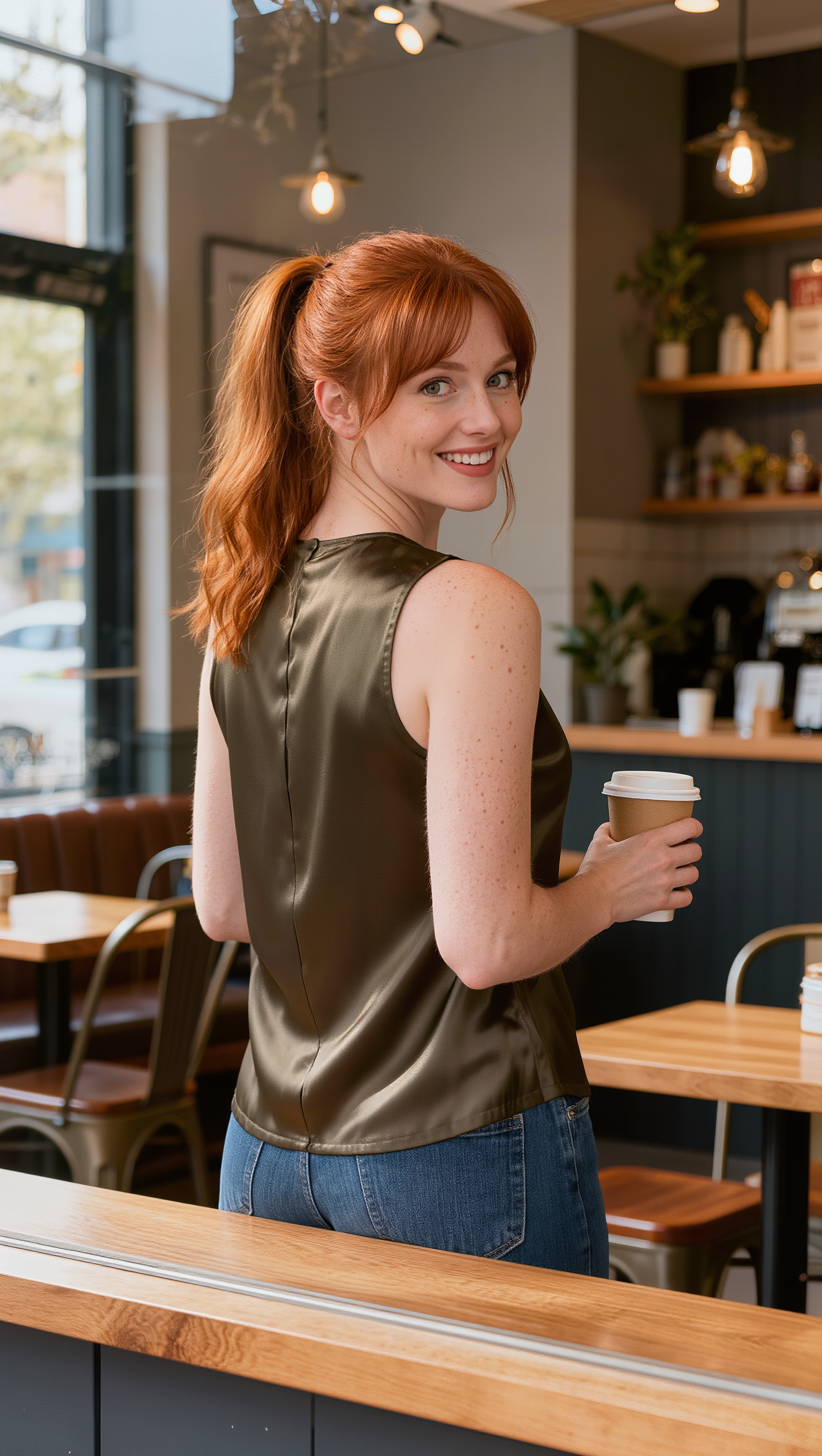
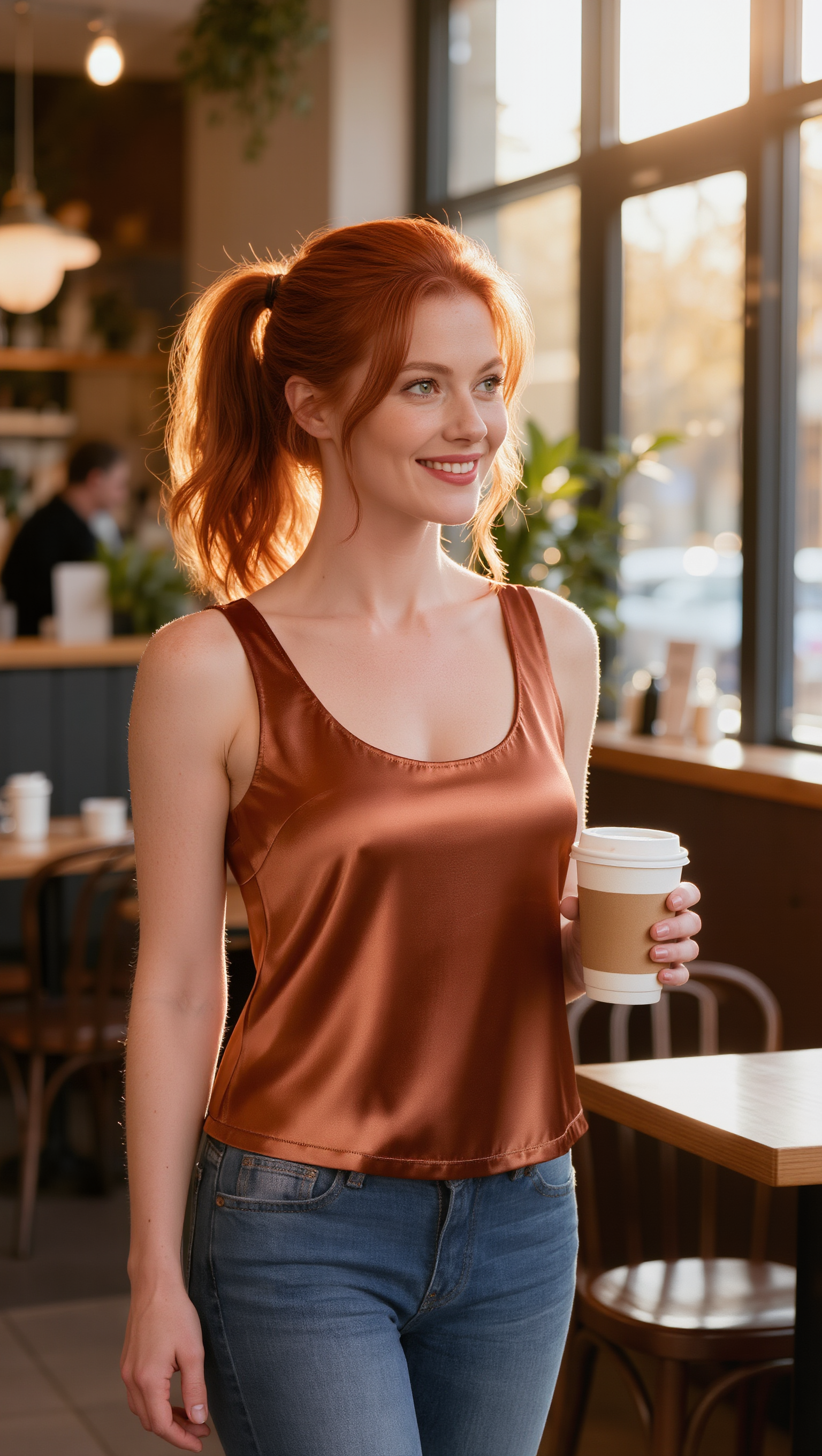
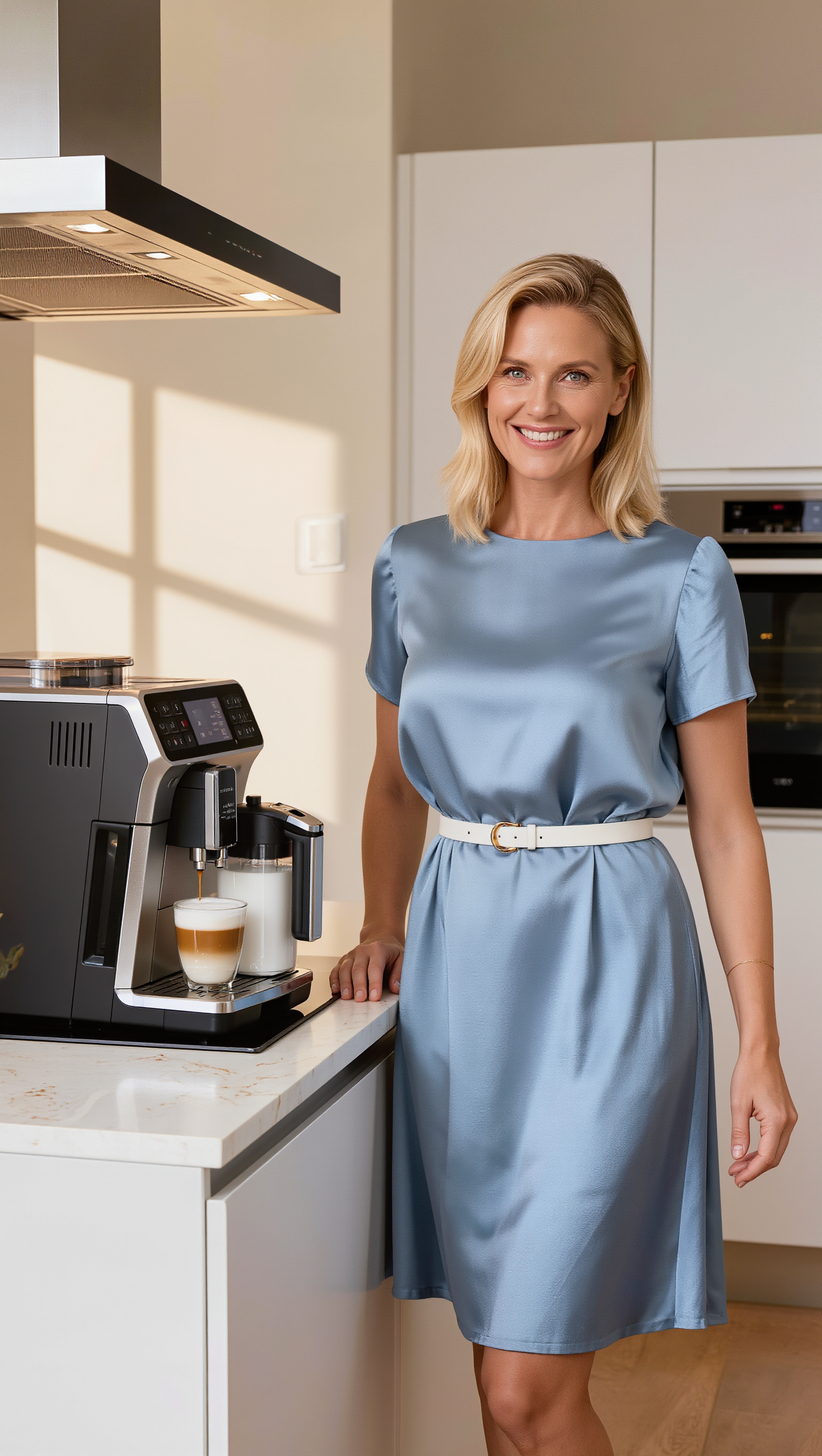
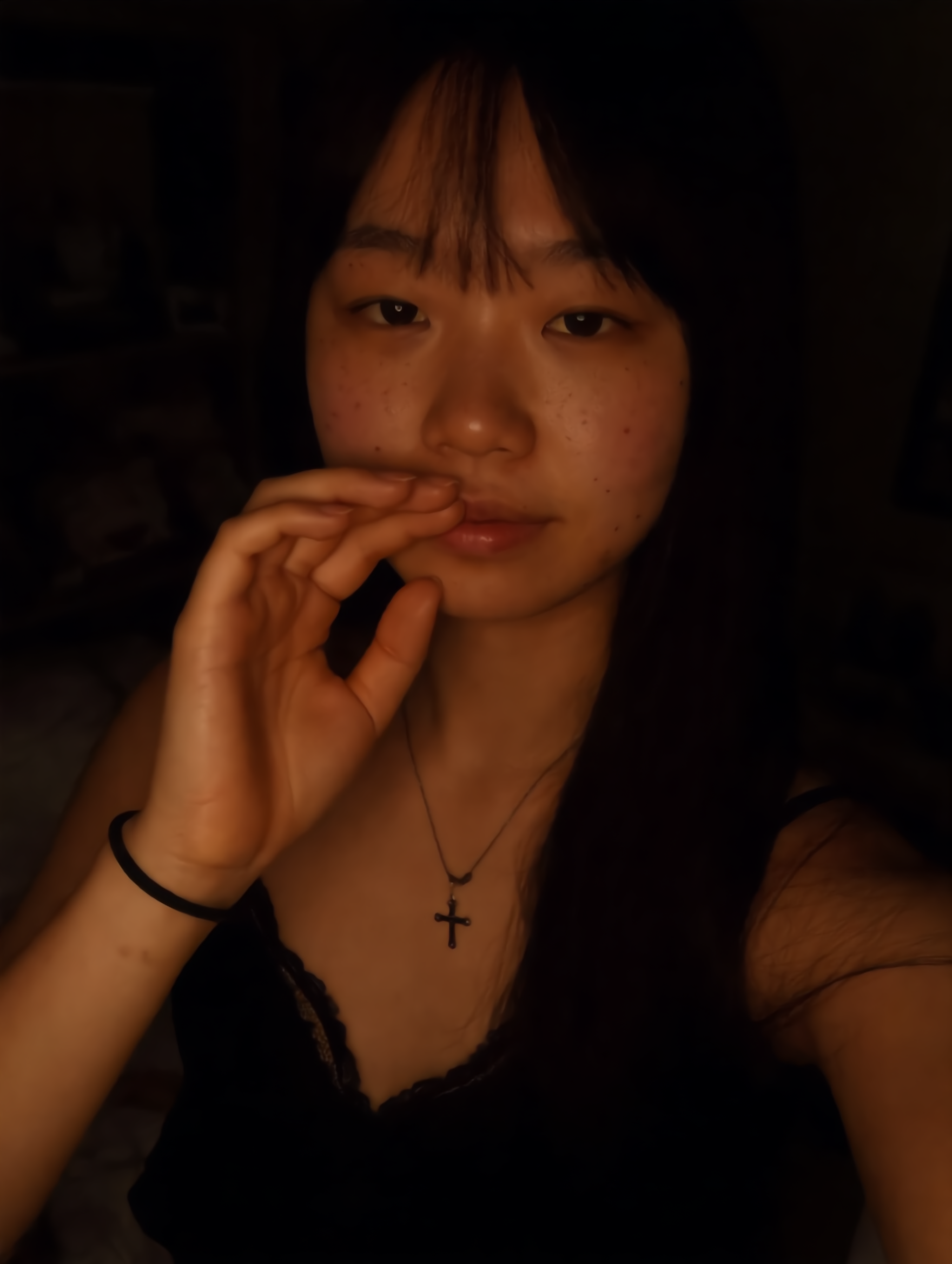
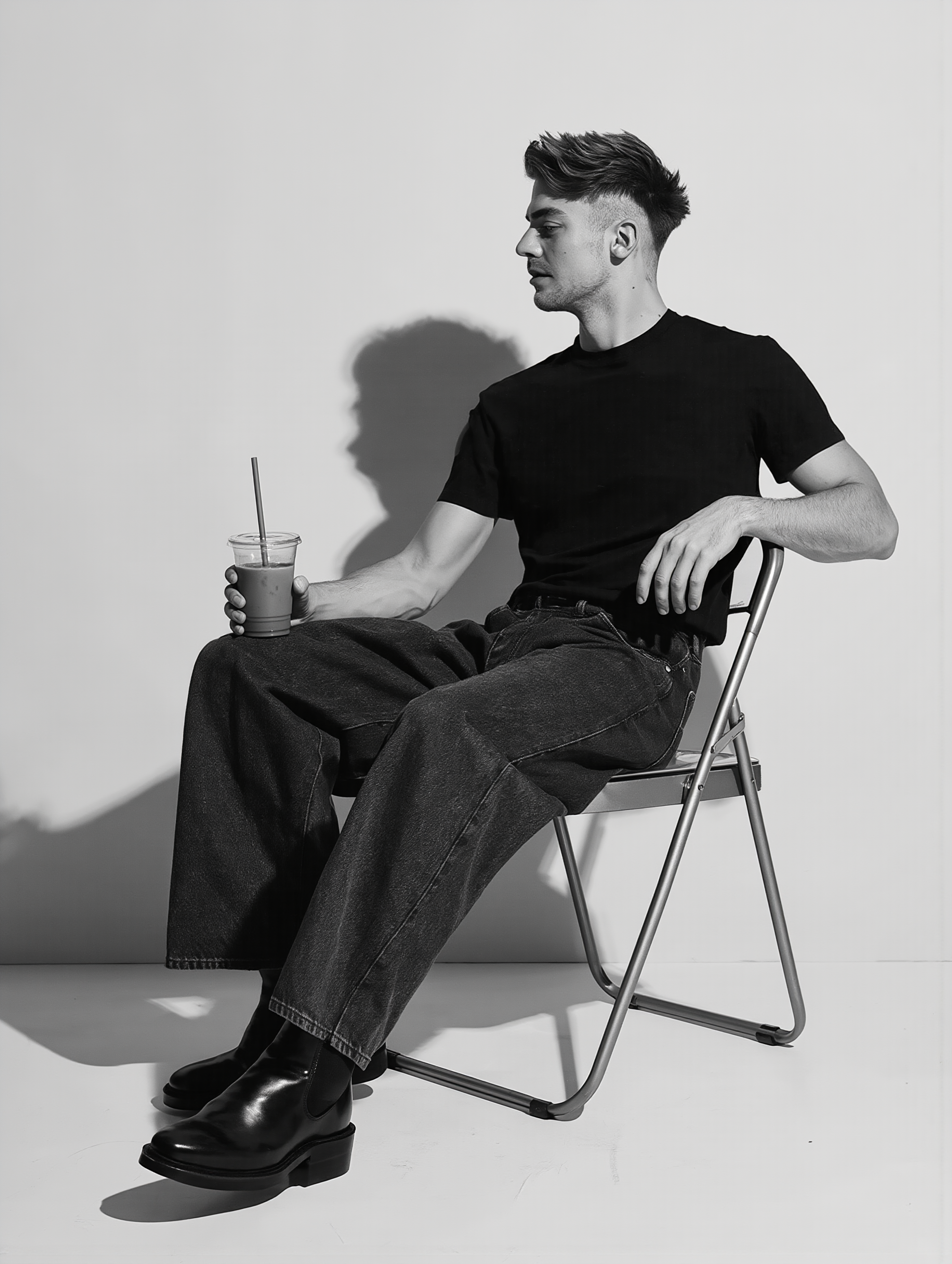
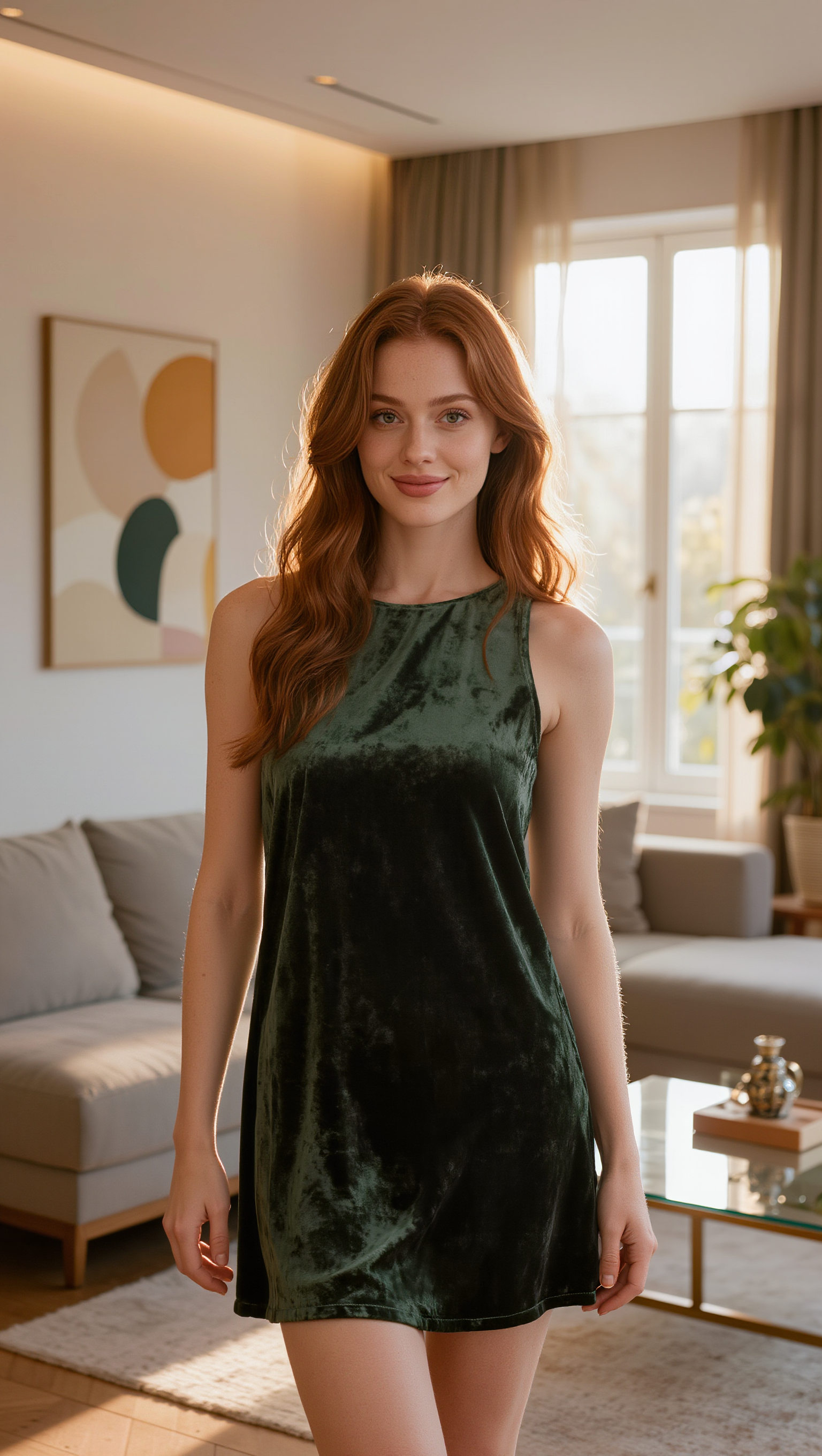
Enhance your photos with cinematic, photorealistic tan effects and vintage old photo styles using our AI-driven editor. Seamlessly transform and upload your pictures to match dynamic themes and professional editorial looks. Start exploring tan effect photo editor ideas and generate your own content with AI.

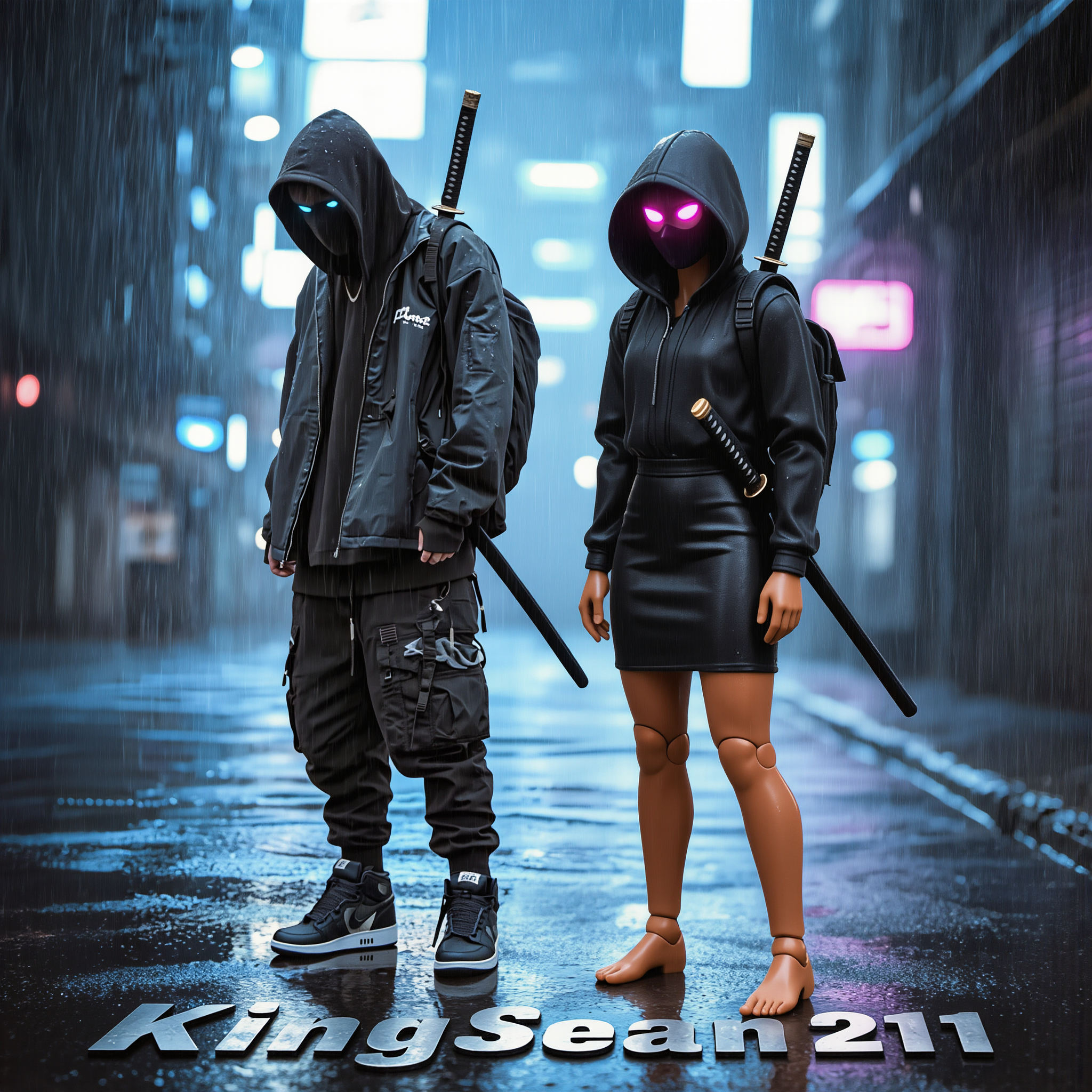
tan effect photo editor - Avatar set & product photo

Recommended

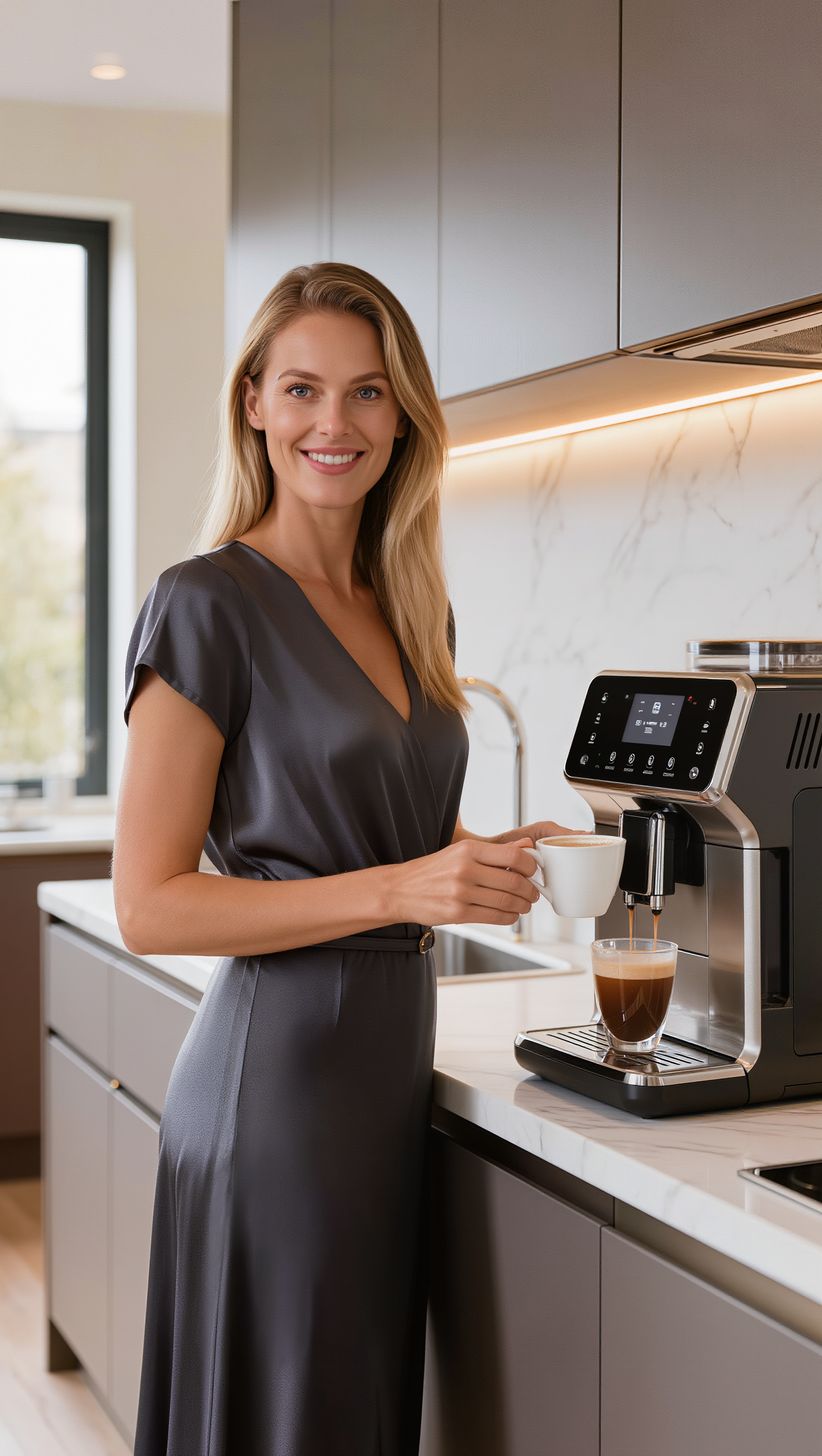
Kling AI work 312200512664590 - tan effect photo editor AI image
jwtOcnFF avatar
jwtOcnFF
Kling AI work 307932047503406 - tan effect photo editor AI image
King℄$ean💯🔥 avatar
King℄$ean💯🔥
ai photo - tan effect photo editor AI image
FvTaeUwD avatar
FvTaeUwD
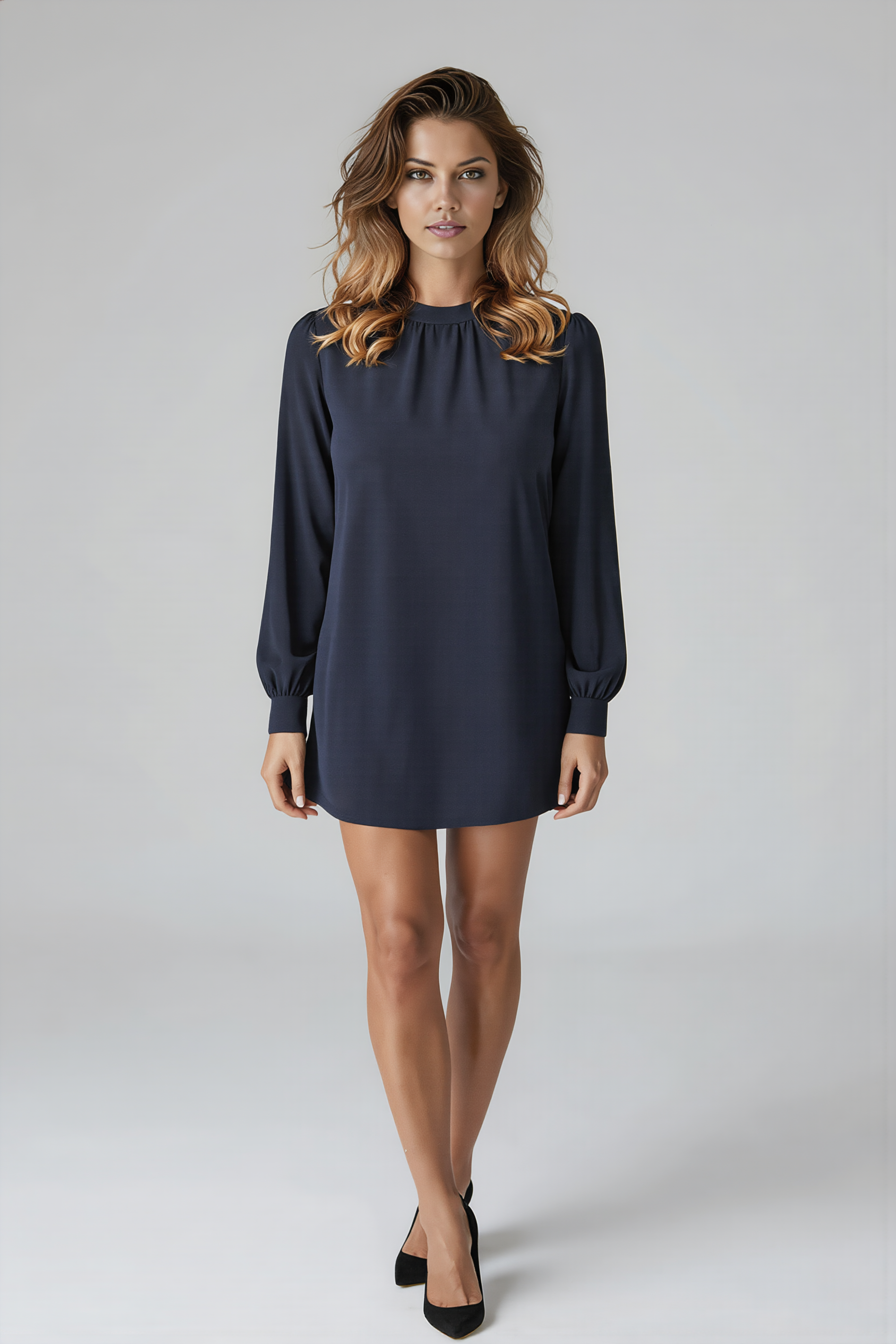
Kling AI work 313647280504523 - tan effect photo editor AI image
frankbella avatar
frankbella
Kling AI work 318649510661031 - tan effect photo editor AI image
upDKmVrv avatar
upDKmVrv
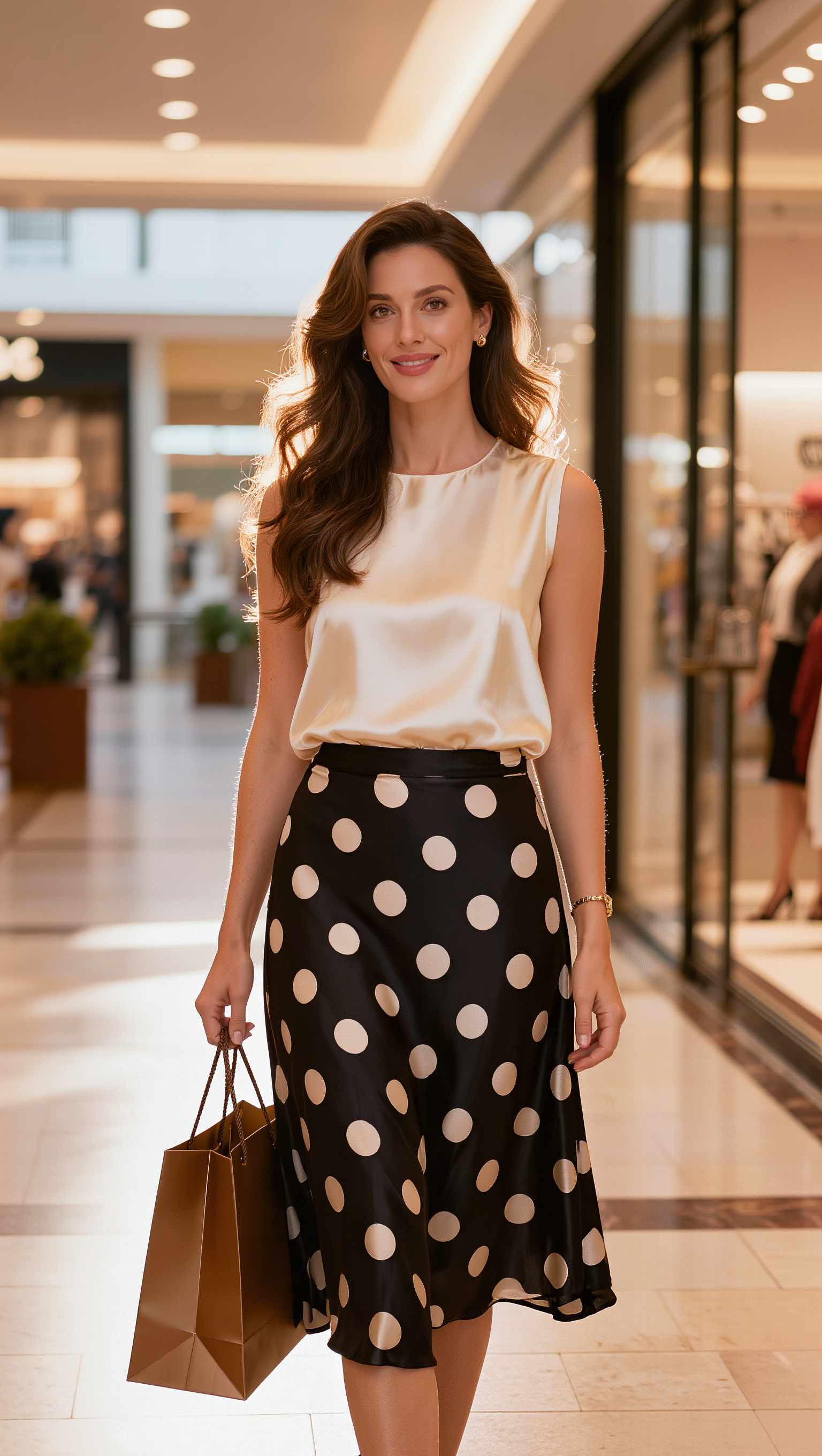
Kling AI work 309034956613971 - tan effect photo editor AI image
Jack ☕️ avatar
Jack ☕️
Kling AI work 309033968504413 - tan effect photo editor AI image
Jack ☕️ avatar
Jack ☕️
Kling AI work 319399409528390 - tan effect photo editor AI image
Jack ☕️ avatar
Jack ☕️
Kling AI work 306763310617904 - tan effect photo editor AI image
mirrorx avatar
mirrorx
Ai photo - tan effect photo editor AI image
souvenir avatar
souvenir
Kling AI work 308401708614520 - tan effect photo editor AI image
Jack ☕️ avatar
Jack ☕️
Kling AI work 308289384662608 - tan effect photo editor AI image
Jack ☕️ avatar
Jack ☕️
Kling AI work 316486555662229 - tan effect photo editor AI image
WVXiinHv avatar
WVXiinHv
take photo with banana😂 - tan effect photo editor AI image
souvenir avatar
souvenir
Kling AI work 319684079665275 - tan effect photo editor AI image
Rave_Midnite avatar
Rave_Midnite
Kling AI work 315705491668803 - tan effect photo editor AI image
QyEYhBKV avatar
QyEYhBKV
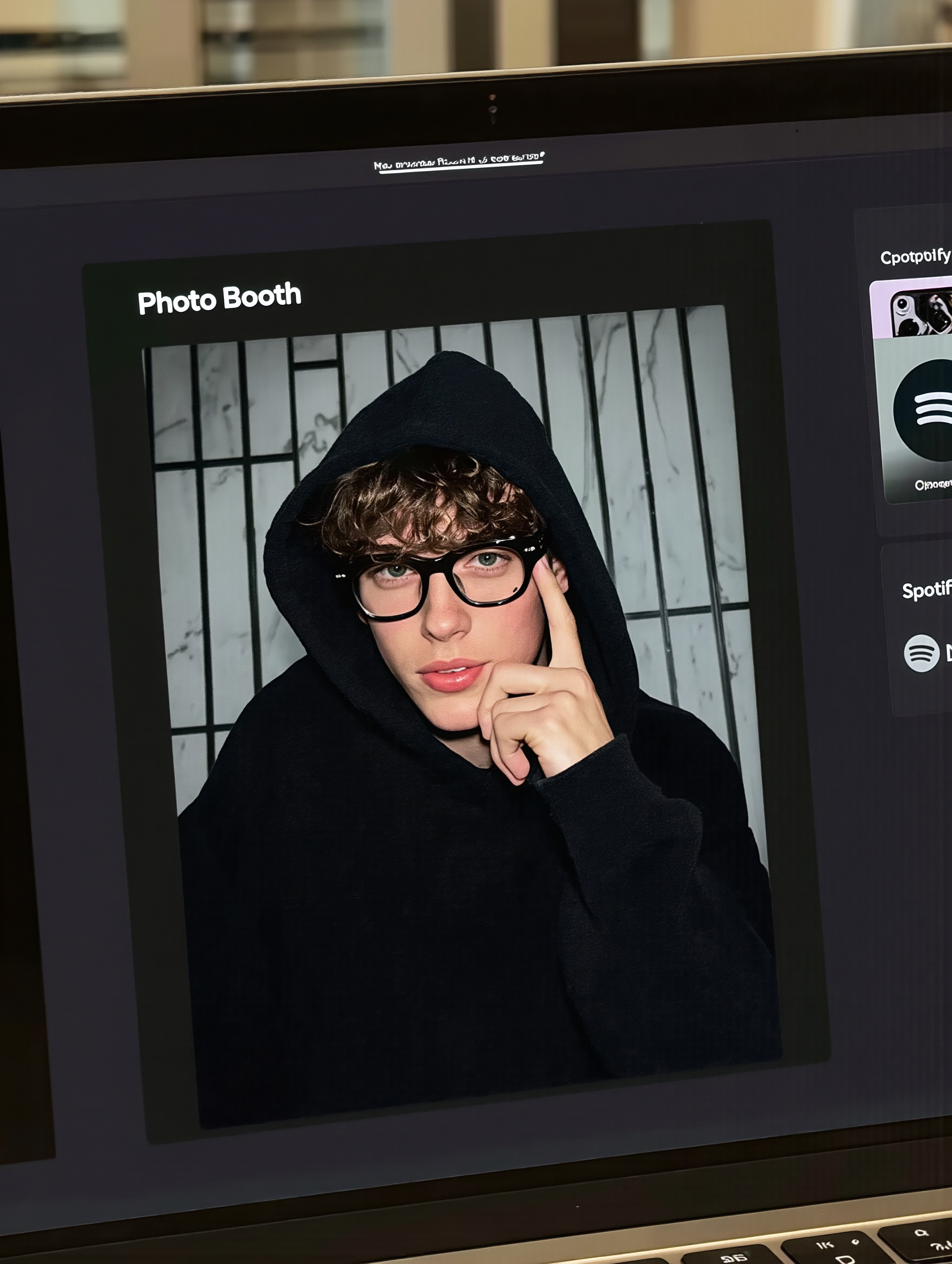
MacBook selfie photo - tan effect photo editor AI image
souvenir avatar
souvenir
Kling AI work 313568140505808 - tan effect photo editor AI image
Jack ☕️ avatar
Jack ☕️

How to Use Kling AI Face Swap

Step 1: Upload Your Target and References

Step 1: Upload Your Target and References

Add the photo or video you want to edit, then add the face reference you want Kling AI to follow. For video, you can also use multiple views or a character element when you need stronger identity consistency across different angles.

Step 2: Describe the Face Swap You Want

Step 2: Describe the Face Swap You Want

Tell Kling AI which face to replace and what reference to use. For example: "Replace the face in [Image 1] with the face from [Image 2] while keeping all other content unchanged."

Step 3: Generate Your Face Swap

Step 3: Generate Your Face Swap

Choose your preferred output settings, such as the generation mode and aspect ratio, then click Generate. Kling AI will apply your instructions and chosen settings to create your face-swapped image or video.

Why Kling Sets the Standard for Video Creation

Flawless Character Consistency

Flawless Character Consistency

Unlike standard tools that distort faces when moving, Kling Video 3.0 lets you strictly lock a character’s appearance. Upload a single photo, or use a short video/multiple angles as a reference to completely eliminate the “AI morphing” effect.

Native Audio & Perfect Lip-Sync

Native Audio & Perfect Lip-Sync

Your image doesn’t just move; it speaks. Generate perfectly matched voices and realistic lip movements in multiple languages or regional accents. Even in multi-character scenes, you can precisely assign who speaks—no third-party tools required.

15s Duration & Motion Control

15s Duration & Motion Control

Go beyond simple loops with up to 15 seconds of smooth narrative. Use advanced Motion Control to direct camera pans, tilts, and zooms, or define exact transitions with start and end frame references.

Apps

Image to Video
Image to Video

Image to Video

Text to Video
Text to Video

Text to Video

Omni
Omni

Omni

Digital Human
Digital Human

Digital Human

Restyle
Restyle

Restyle

Text to Image
Text to Image

Text to Image

60M+
60M+
Users
600M+
600M+
AI Videos Generated
4.7 ★
4.7 ★
App Store
Industry-Leading
Industry-Leading
Cinematic 4K

Reviews

Vincent Smadja

Vincent Smadja

★★★★★

Kling AI seamlessly integrates into my creative workflow, playing a key role in transforming my images. After generating and upscaling an image, Kling becomes a crucial element, bringing my creations to life with movement and depth.

Jyo John Mulloor

Jyo John Mulloor

★★★★★

Kling AI has been instrumental in transforming my creative workflow, unlocking new dimensions of artistic expression that were once unimaginable. I use Kling AI extensively to develop high-concept visuals, animate surreal dreamscapes, and create AI-assisted films that blur the line between reality and fantasy. Kling AI’s deep learning capabilities have not only enhanced my creative efficiency but also inspired me to explore storytelling in ways I never thought possible.

Maria Rubtsova

Maria Rubtsova

★★★★★

I’m Maria Rubtsova, an AIGC digital artist passionate about creating stunning visuals in the worlds of fashion, aesthetics, and fantasy. I use KlingAi to bring imagination to life through video. My work is all about exploring beauty, emotion, and the limitless possibilities of digital art.

FAQ

Q1How does Kling protect user data and privacy?
Q2Are AI-generated voices realistic or robotic?
Q3Can Kling AI Text to Speech handle multiple characters in one video?

Bring Out the Best in Every Image

Transform ordinary images into refined visuals with Kling AI. Enhance details, improve the overall look, and create images that better match your creative direction.

AI image quality enhancement | Prompt-guided refinement | 2K/4K output