text to graffiti converter - Brick Wall & Neon Silhouette

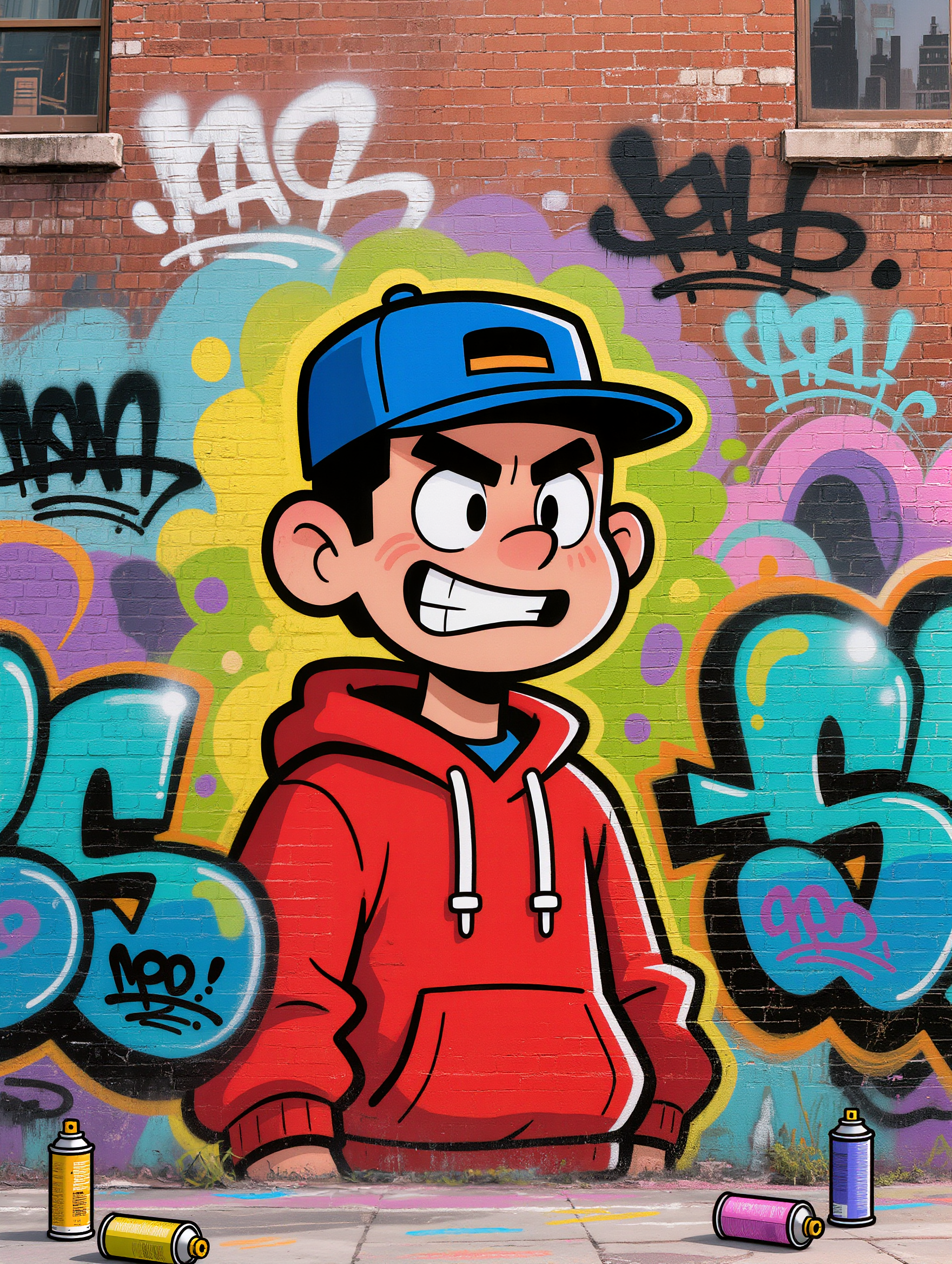
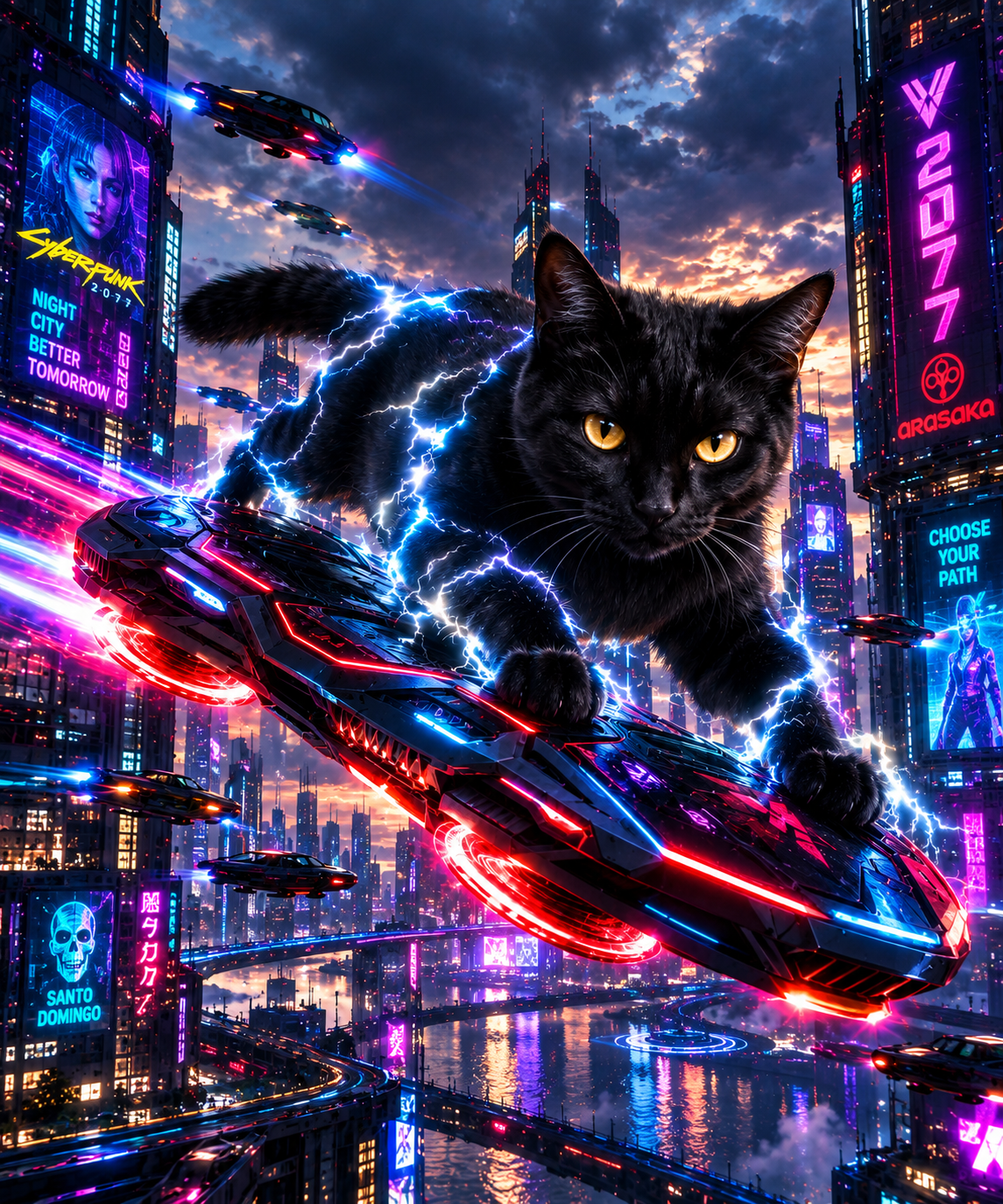
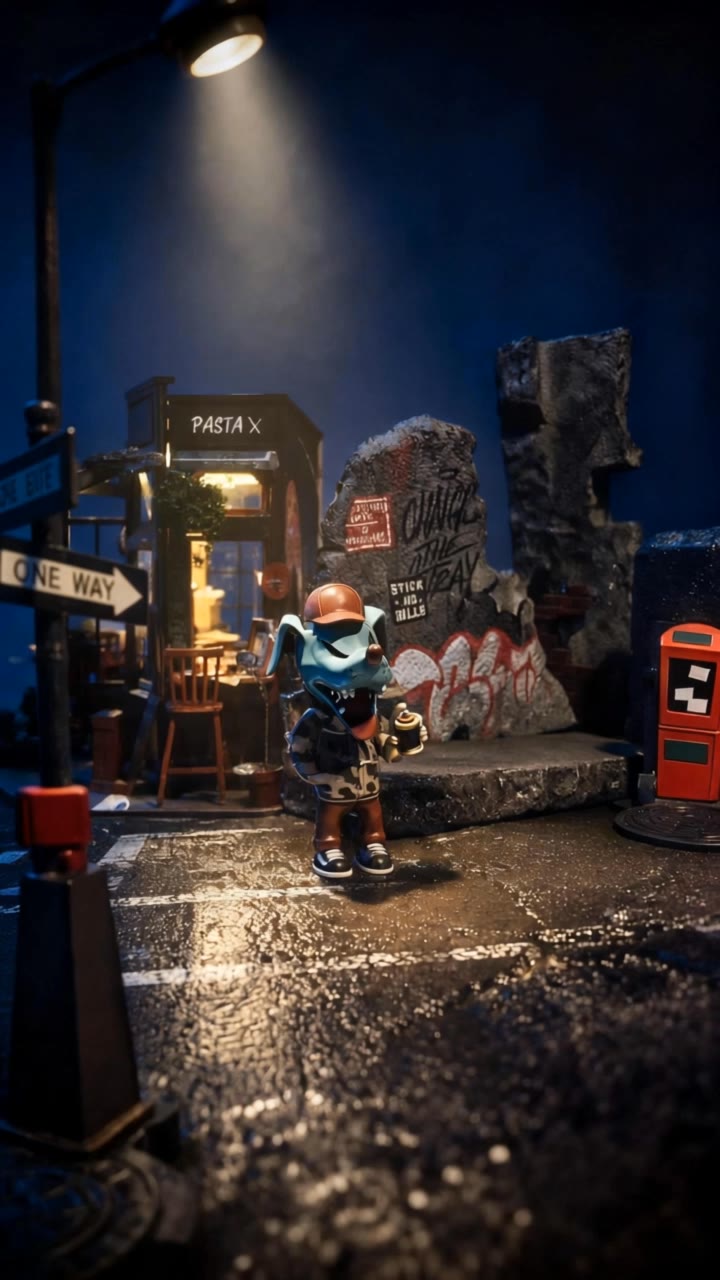
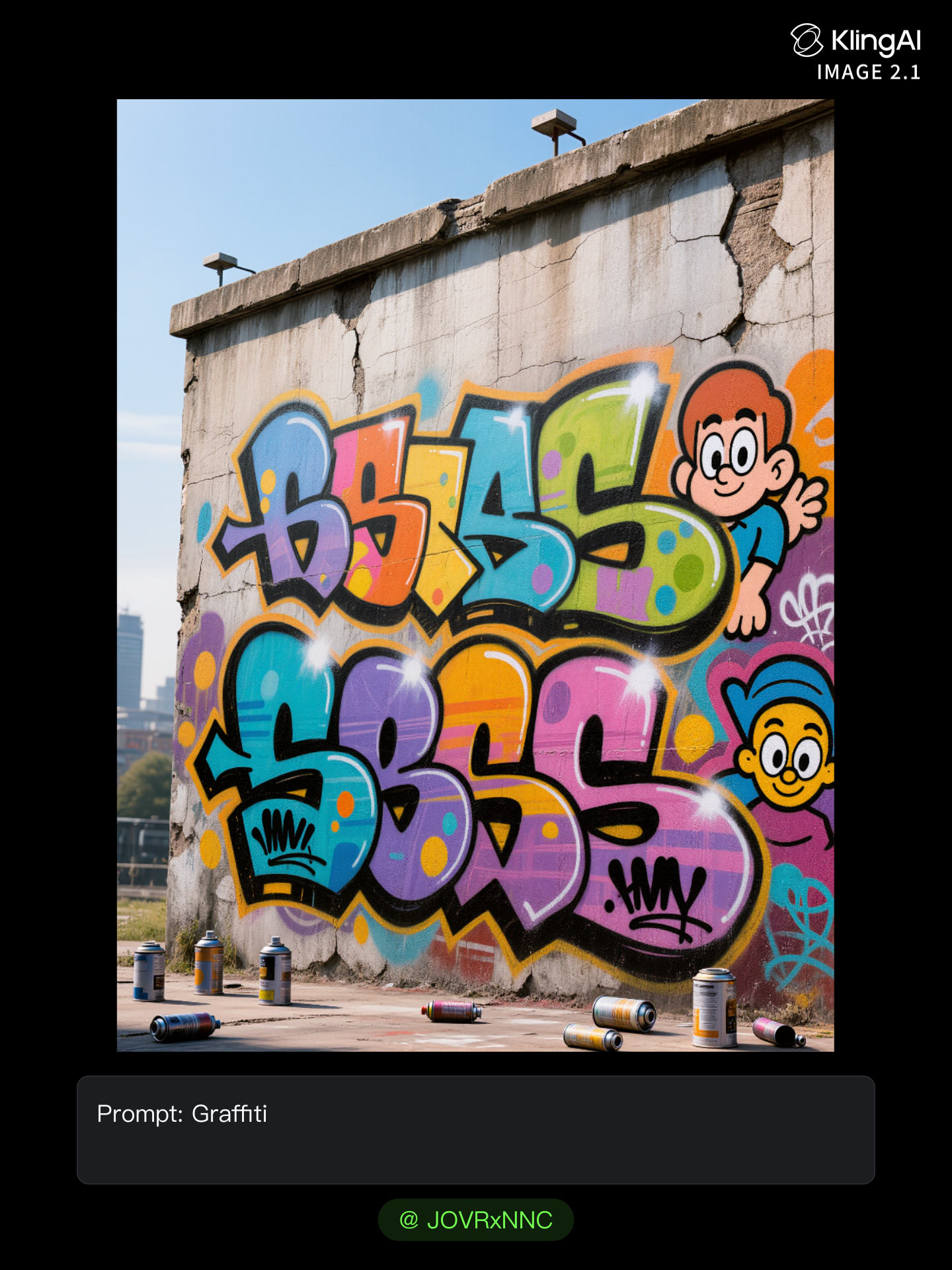
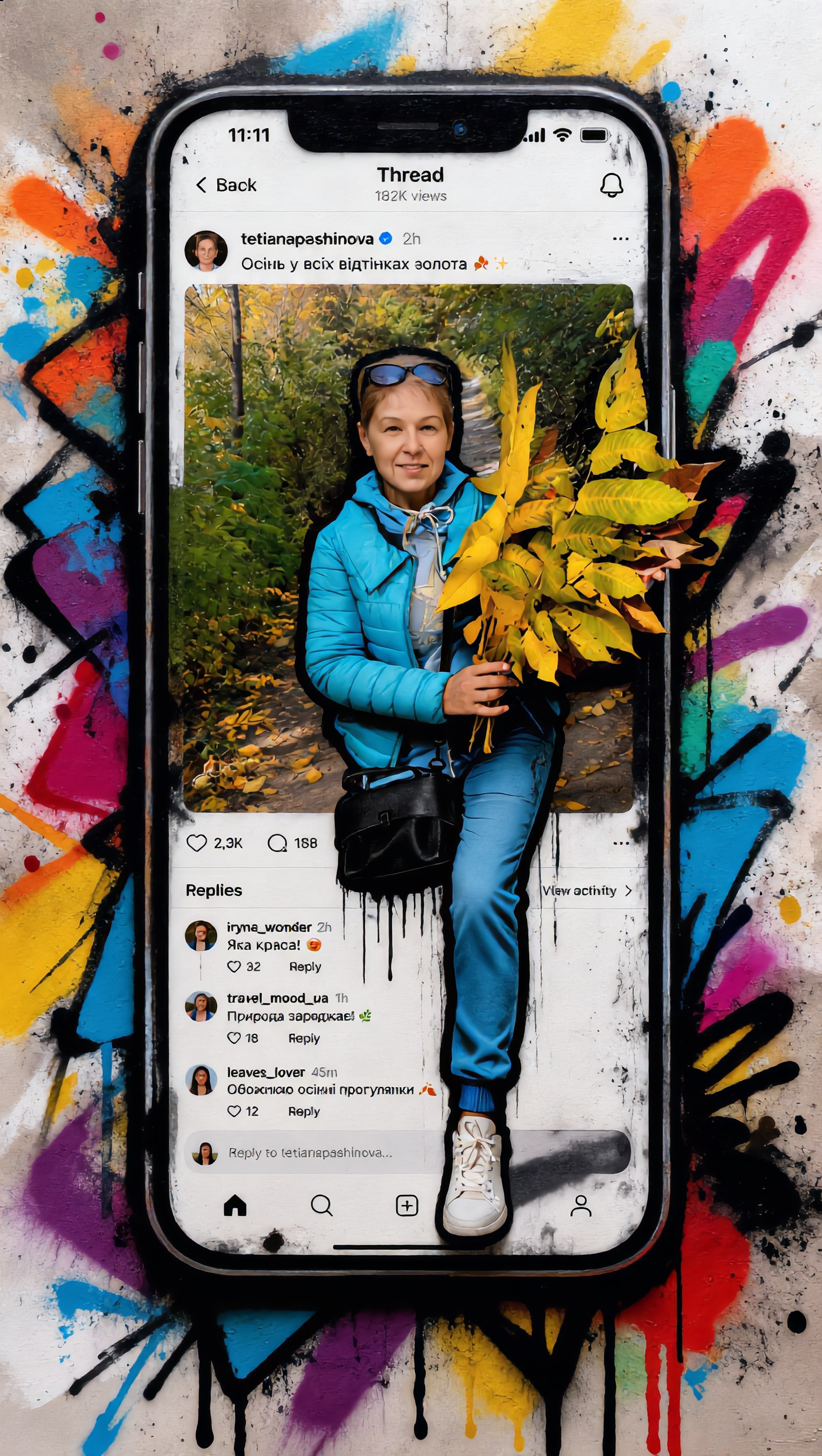
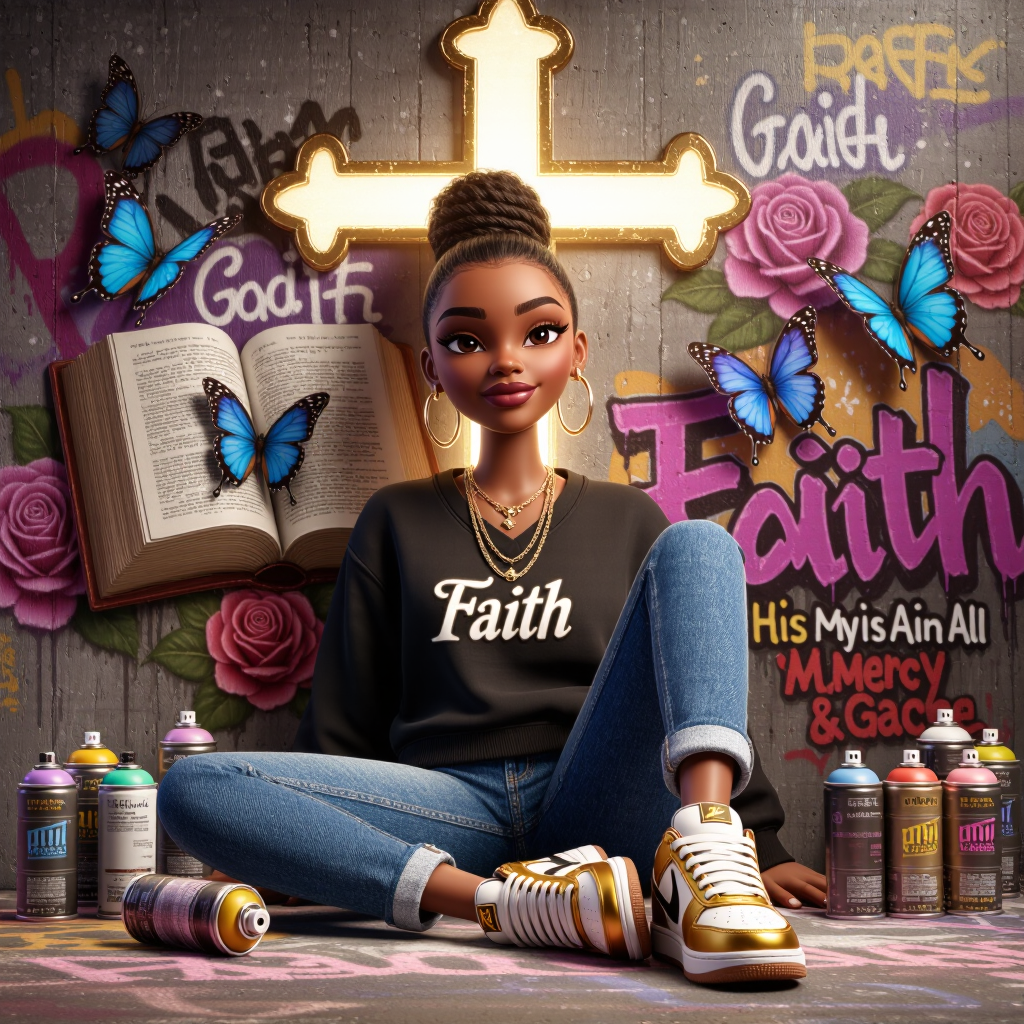
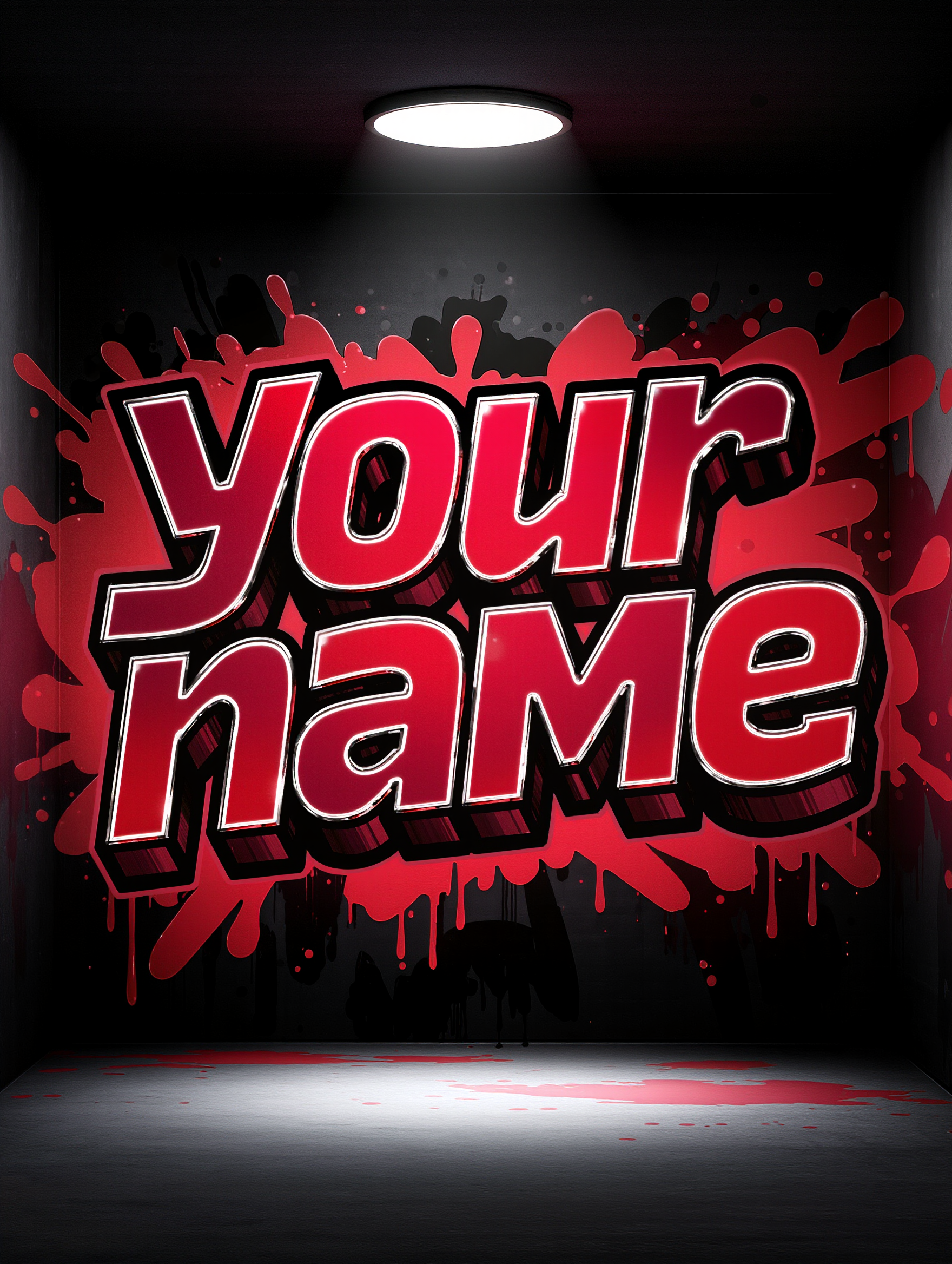
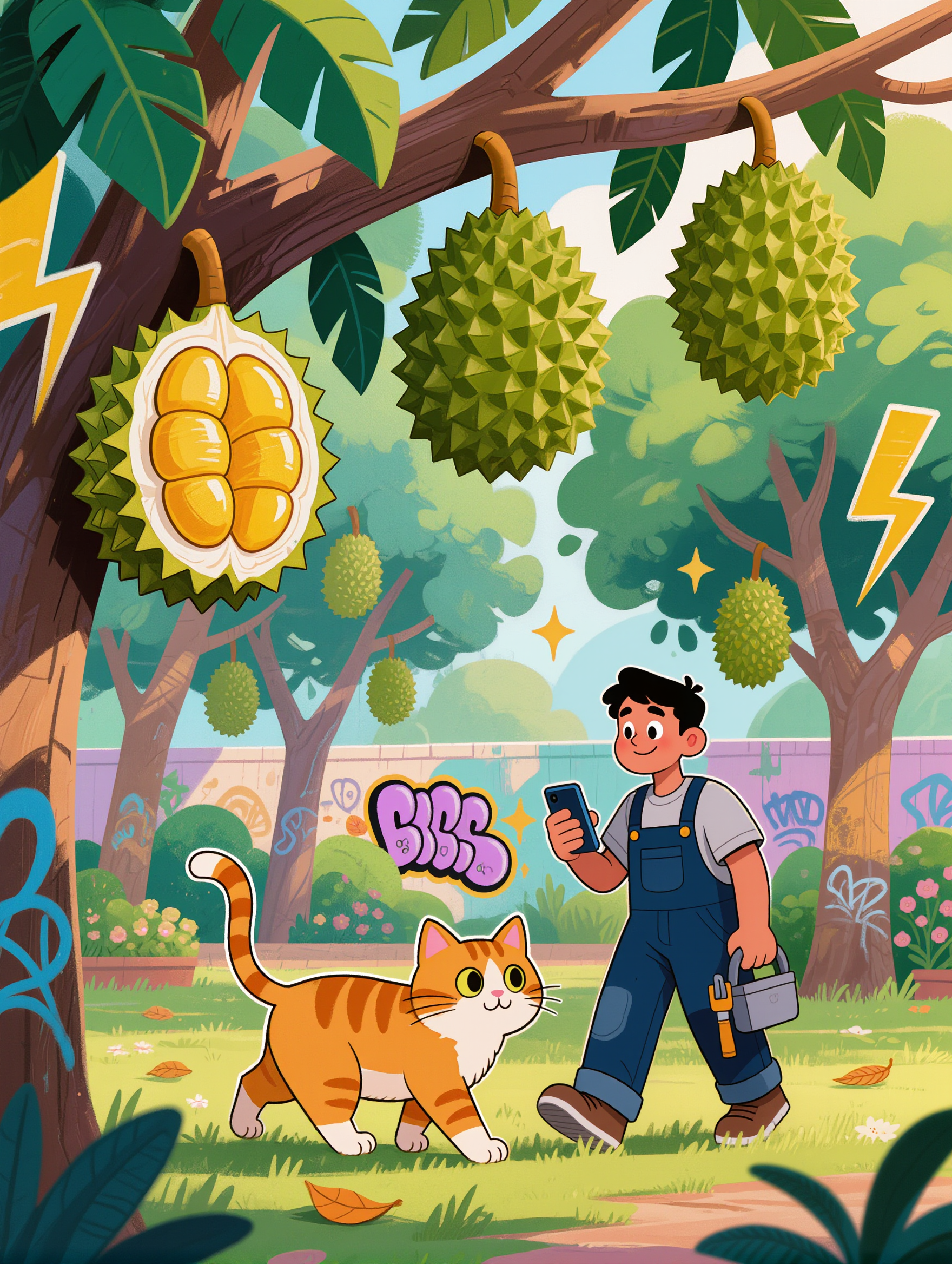
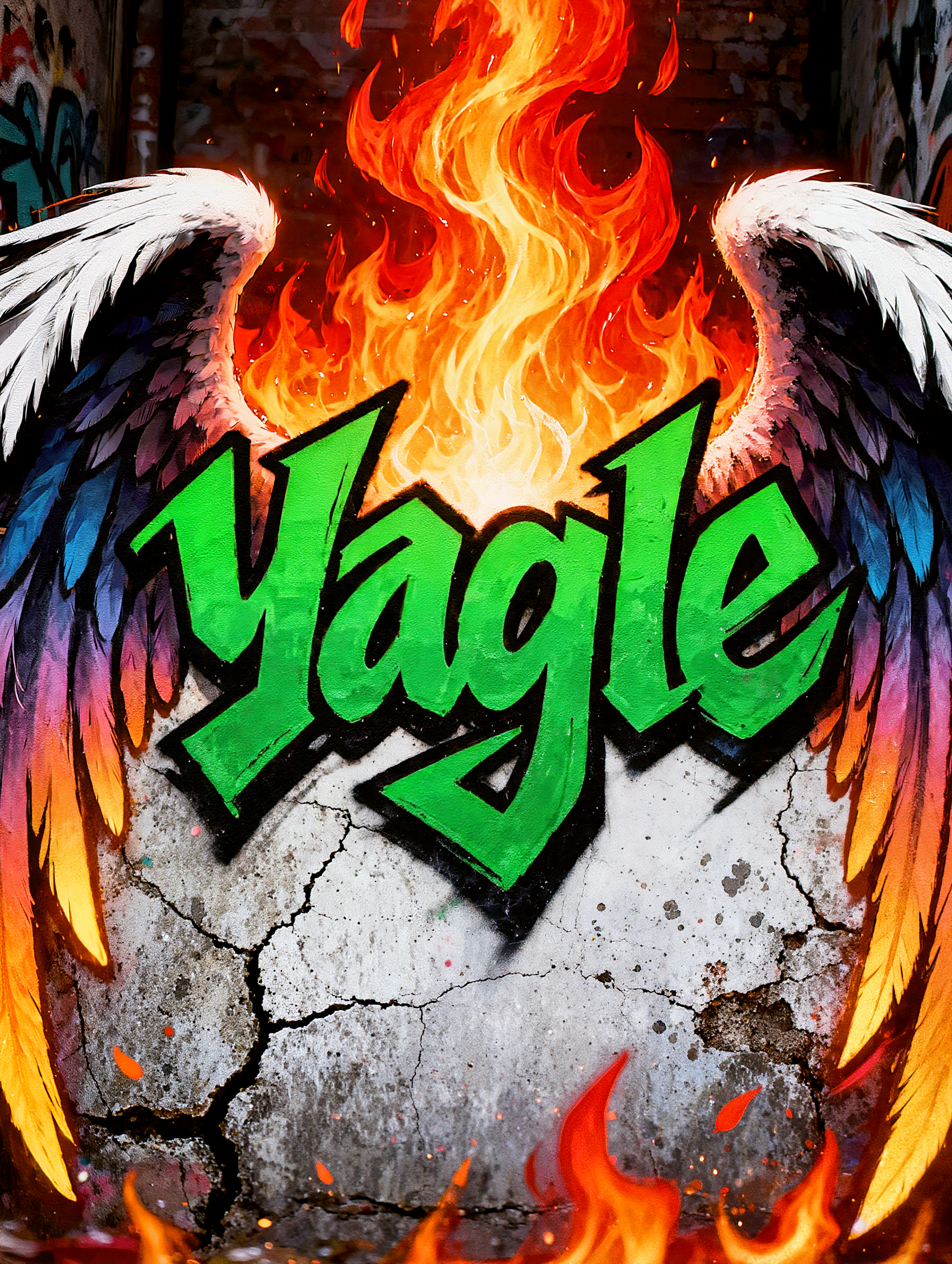
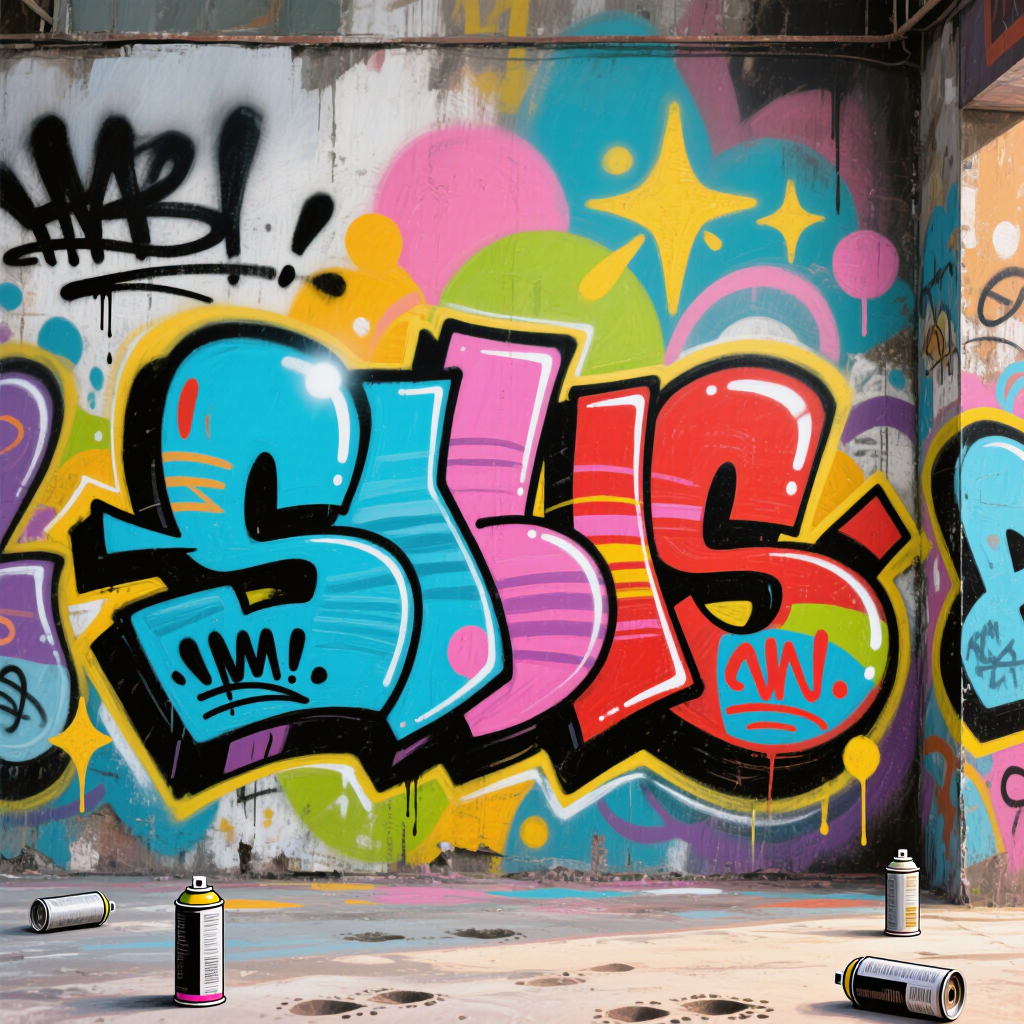
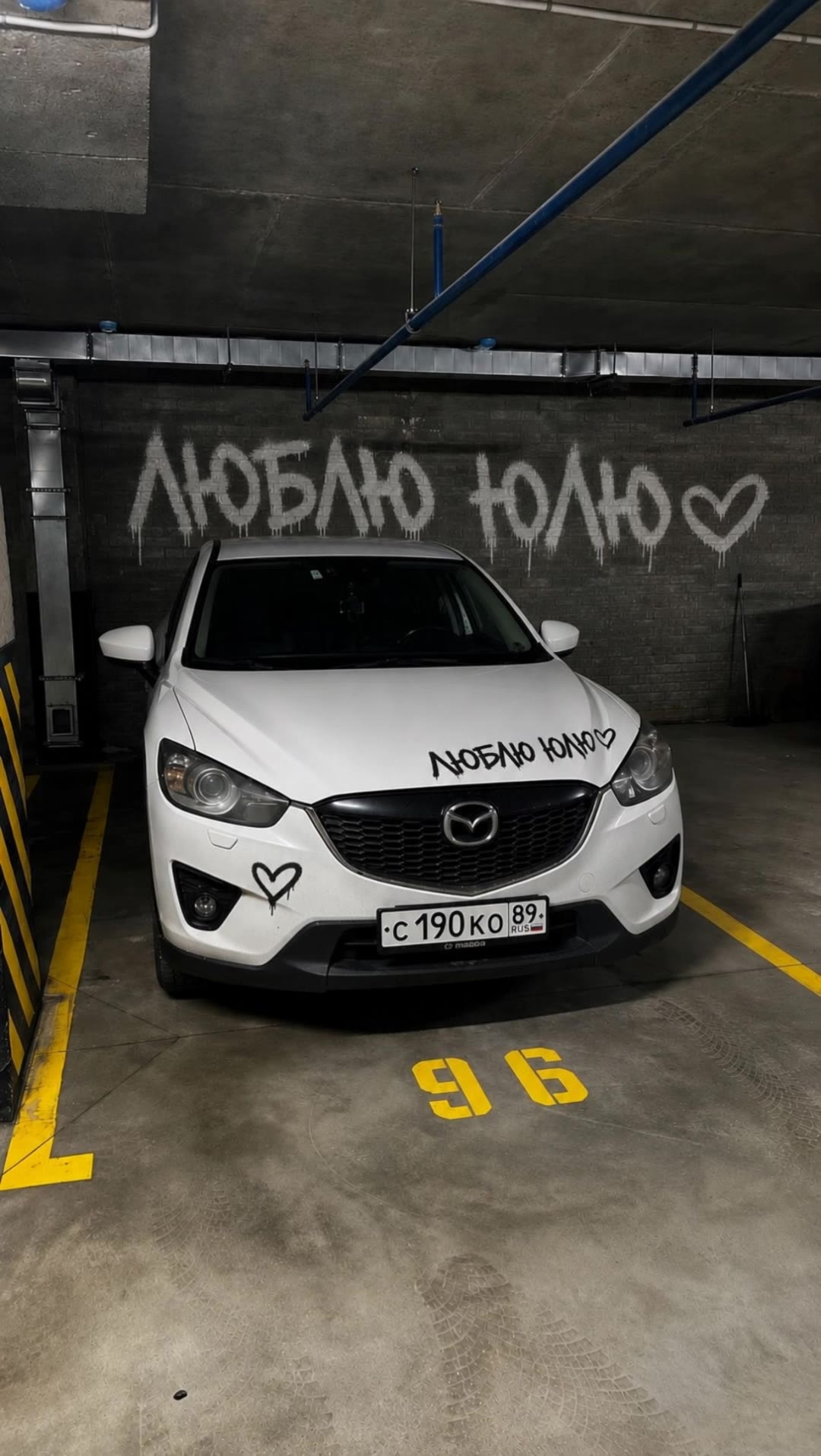
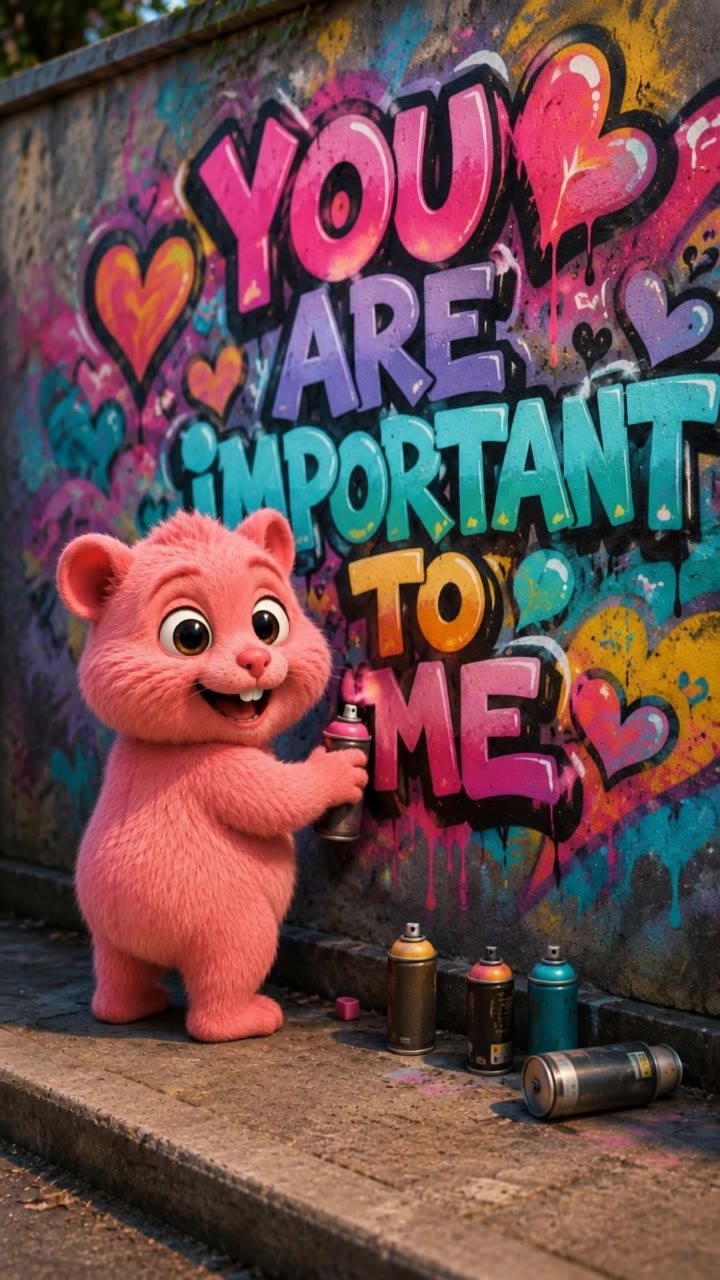
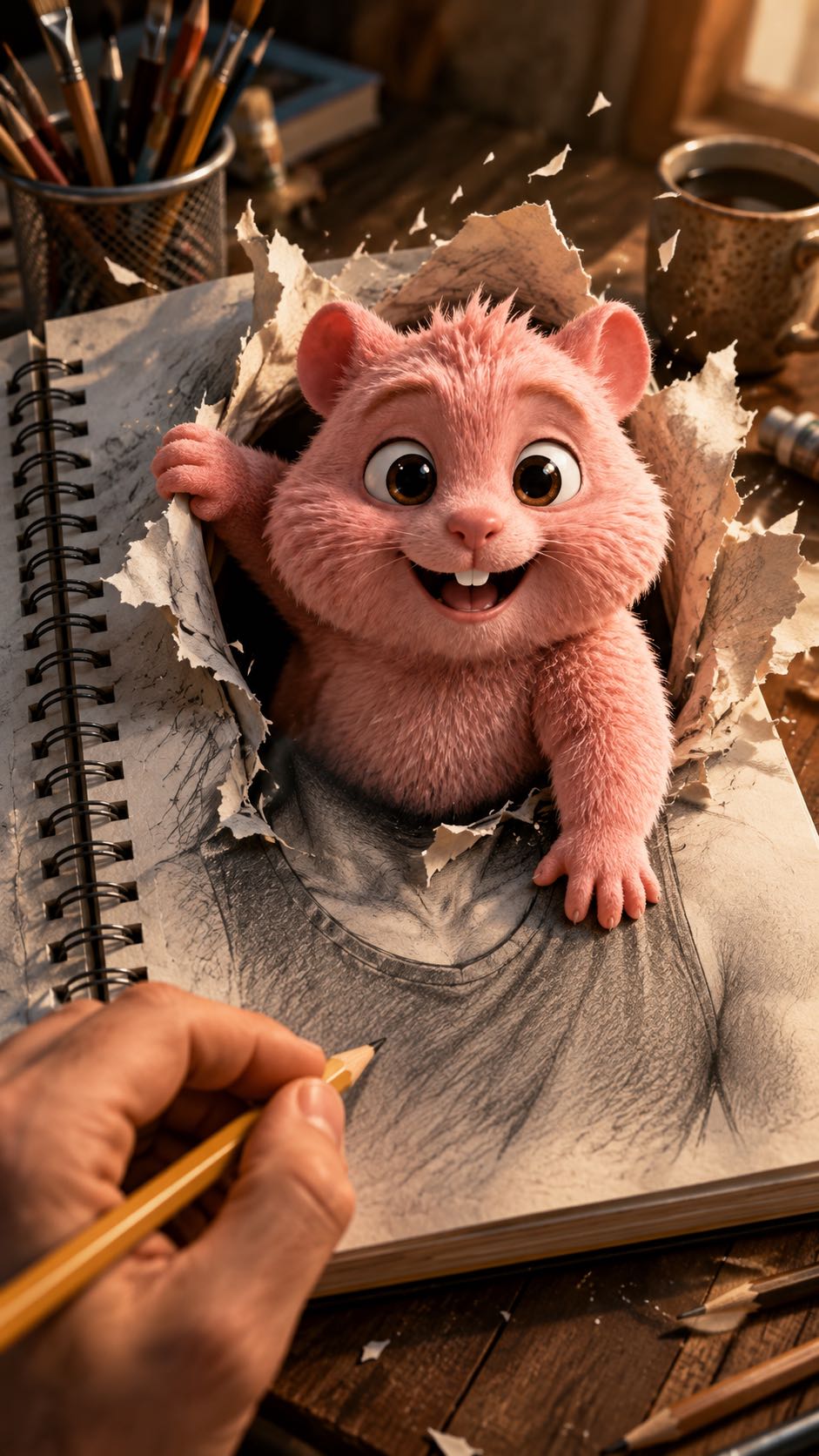
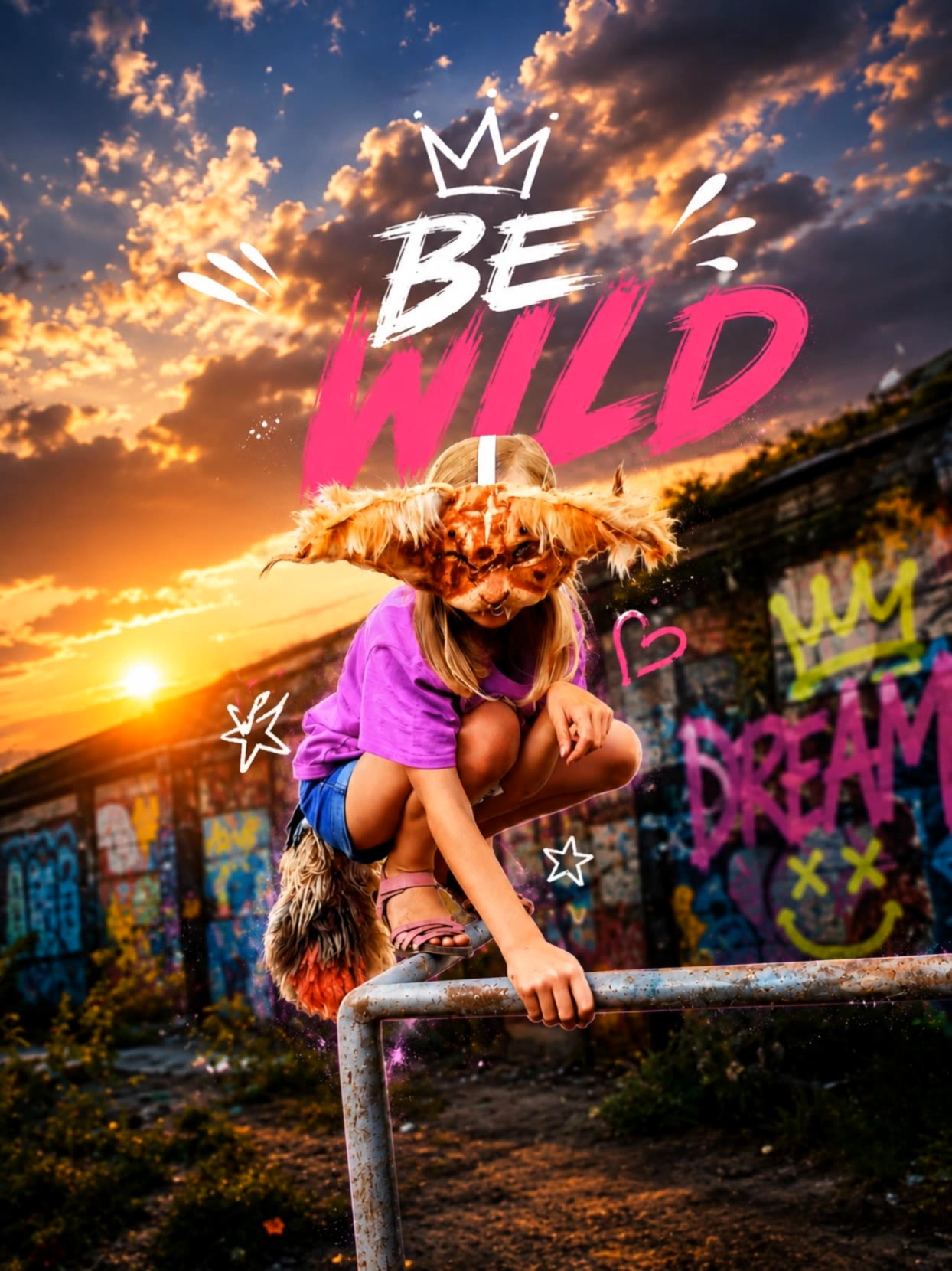
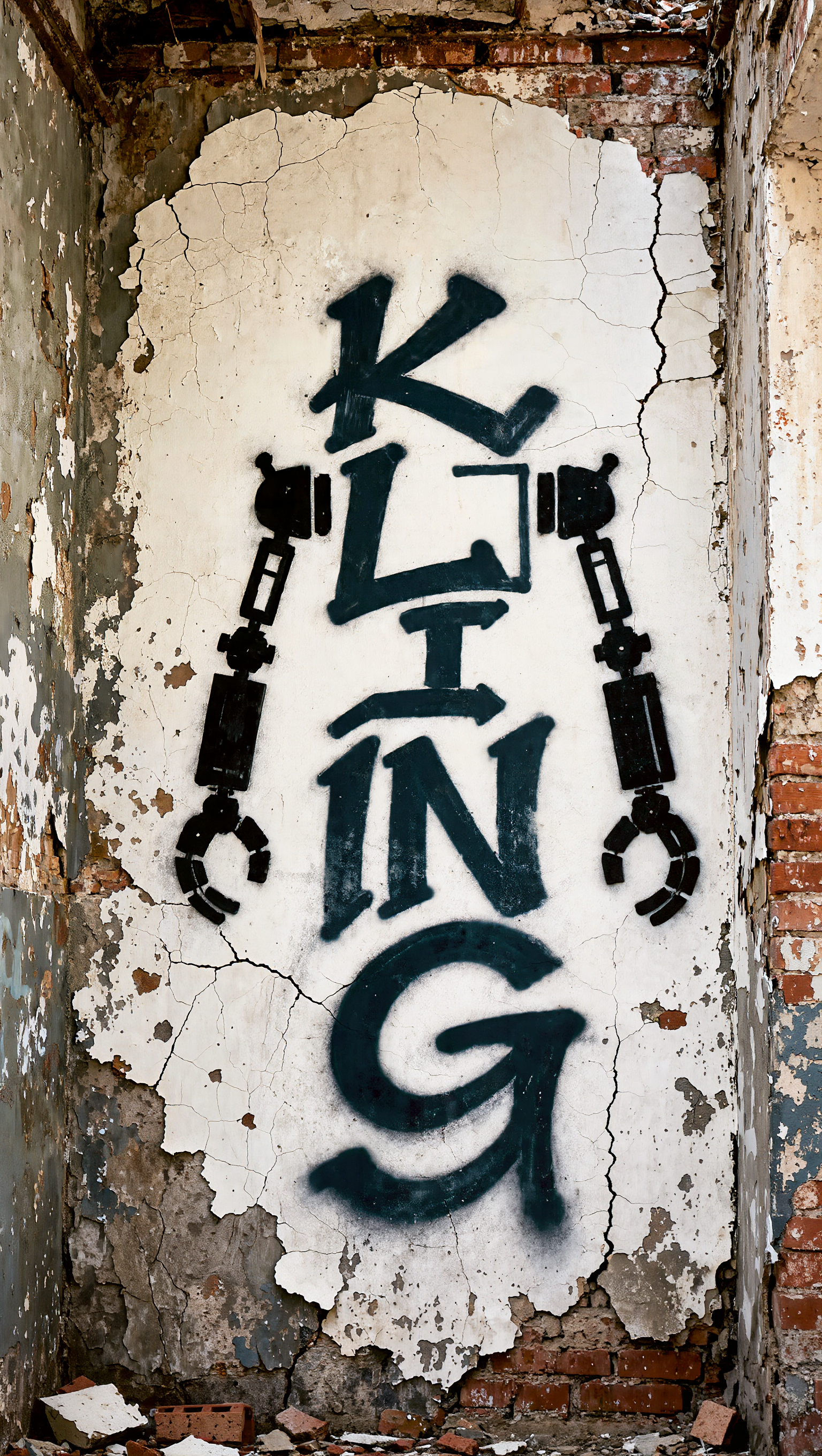
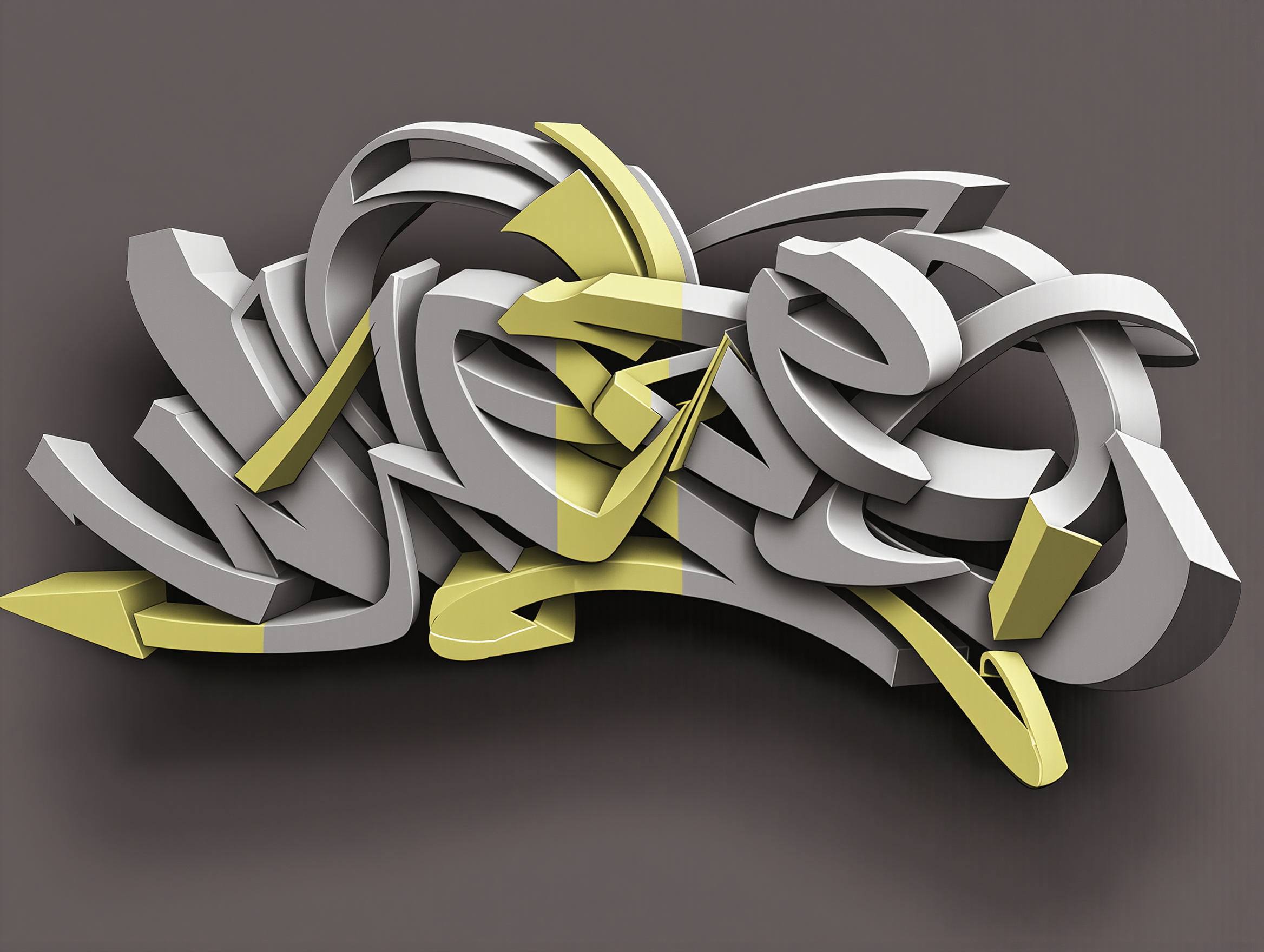
Transform your text into captivating graffiti art with vibrant neon silhouettes and urban anime aesthetics. Unleash creativity on virtual brick walls with unique designs like Neon Faith and bunnyLOVE. Start exploring text to graffiti converter ideas and generate your own content with AI.

text to graffiti converter - Brick Wall & Neon Silhouette

Recommended

Kling AI work 318448182613780 - text to graffiti converter AI image
Twi Light avatar
Twi Light
Kling AI work 310660281618034 - text to graffiti converter AI image
sIewPvDT avatar
sIewPvDT
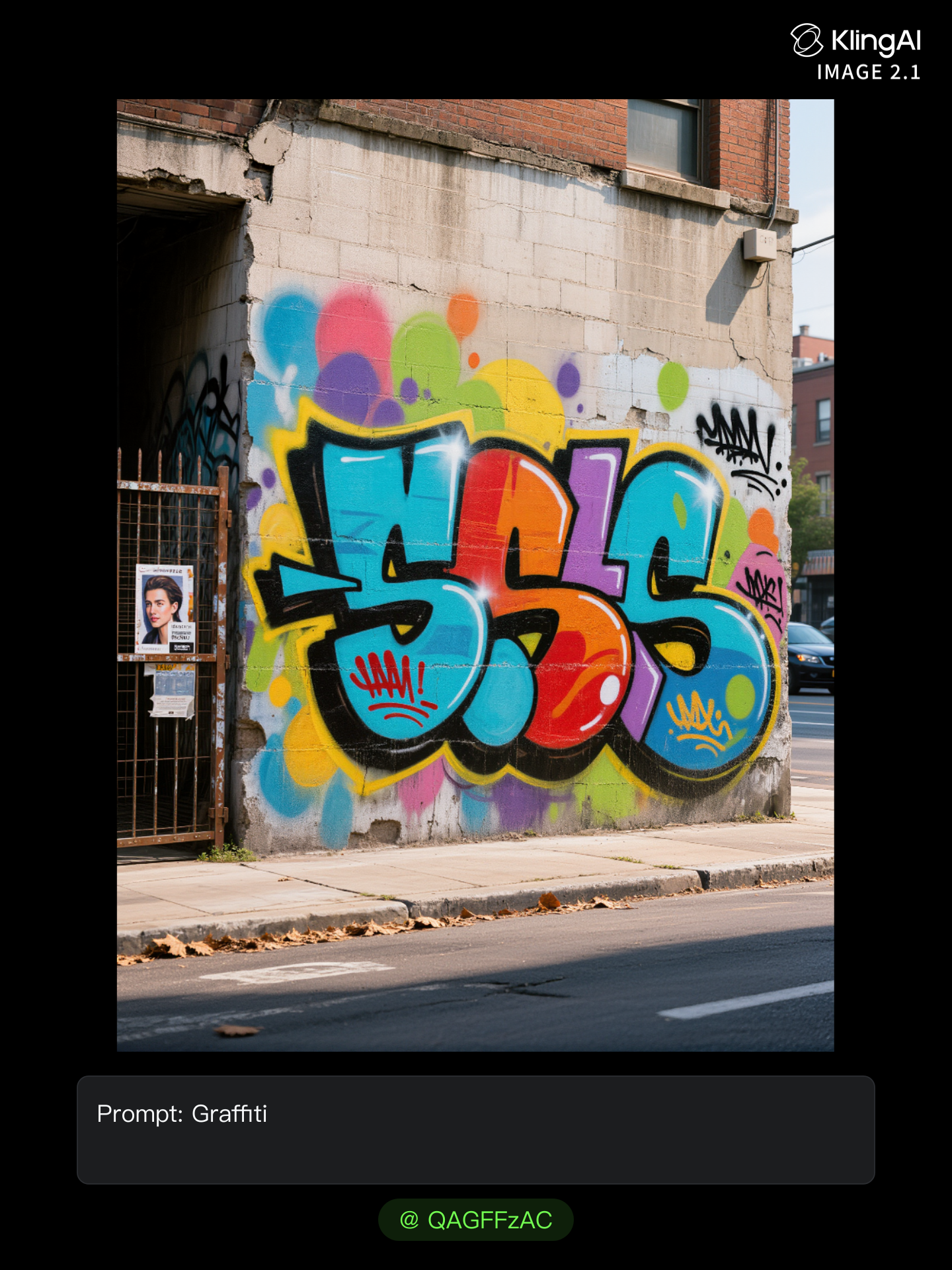
graffiti  - text to graffiti converter AI image
GamerElectra2889 avatar
GamerElectra2889
Hit & Run - text to graffiti converter AI video
rCukFlUm avatar
rCukFlUm
Kling AI work 318447688614378 - text to graffiti converter AI image
Twi Light avatar
Twi Light
Kling AI work 310416145618884 - text to graffiti converter AI video
Cannerz Jamz avatar
Cannerz Jamz
Kling AI work 317351672328206 - text to graffiti converter AI image
JOVRxNNC avatar
JOVRxNNC
Kling AI work 312295887528542 - text to graffiti converter AI image
eZawpLaF avatar
eZawpLaF
Kling AI work 309828779611227 - text to graffiti converter AI image
LaRenea avatar
LaRenea
Kling AI work 317419240667292 - text to graffiti converter AI image
InXkcpzU avatar
InXkcpzU
Kling AI work 312660263507663 - text to graffiti converter AI image
QAGFFzAC avatar
QAGFFzAC
Kling AI work 312381426665341 - text to graffiti converter AI image
RoknlXuw avatar
RoknlXuw
Kling AI work 315939083503229 - text to graffiti converter AI video
NEKiVDqC avatar
NEKiVDqC
Kling AI work 314575140528583 - text to graffiti converter AI image
LuWcCKUA avatar
LuWcCKUA
Kling AI work 317284404520106 - text to graffiti converter AI image
rIyXKXno avatar
rIyXKXno
Kling AI work 314325632526993 - text to graffiti converter AI video
Kwalixwa avatar
Kwalixwa
Kling AI work 317382201505477 - text to graffiti converter AI video
DIQpAeUG avatar
DIQpAeUG
Kling AI work 318303011506431 - text to graffiti converter AI video
tbuSPLzr avatar
tbuSPLzr
BE WILD - text to graffiti converter AI video
IrelZhbd avatar
IrelZhbd

How to Animate an Image with AI

Upload Your Image

Upload Your Image

Upload a portrait, product photo, illustration, or other image. For additional control, Kling 4.0's Omni Reference supports up to 15 combined reference assets, subject to individual input limits.

Describe the Motion

Describe the Motion

Specify how your subject moves and what the camera does. You can also add start and end frames or use up to 10 flexible keyframes to guide important changes with supported Kling 4.0 settings.

Generate and Download

Generate and Download

Choose your video settings and generate a clip up to 30 seconds long with Kling 4.0. Preview the result, make adjustments if needed, and download your video.

Edit the Parts That Matter

Change Subjects, Backgrounds, and Style

Change Subjects, Backgrounds, and Style

A different character, a new product, or a completely different location can change the purpose of a video. Keep the footage you already have and update the elements that need another take. No green screen needed. Kling 4.0 supports adding, removing, and replacing subjects and scene elements using prompts and visual references. Change a product, replace a character, or move the action into a new setting. Reference images help guide the appearance of new elements while keeping the rest of the scene closer to the original.

Recreate Videos with Your Own References

Recreate Videos with Your Own References

Found a camera move, transition, or video concept that would work with your own character or product? You can use the original clip as a creative reference rather than recreating the entire shoot. Kling 4.0 draws on reference footage for pacing, shot composition, and movement while introducing your own subjects and visual style. Omni Reference supports up to 15 combined assets, subject to individual input limits. Combine character images, product photos, and video references to explore new versions while helping recognizable details stay consistent.

Extend Your Video Up to 2 Minutes

Extend Your Video Up to 2 Minutes

Continue an existing video forward or backward, adding footage before the opening or after the ending. Extend actions, camera movements, and storylines while keeping the new footage connected to the original scene. Kling 4.0's Video Extension supports multiple extension passes, reaching a total video length of up to 2 minutes. Build longer sequences with continuity in characters, settings, and movement, without recreating the entire video.

Apps

Video Generation
Video Generation

Video Generation

Image Generation
Image Generation

Image Generation

Motion Control
Motion Control

Motion Control

Avatar
Avatar

Avatar

AI Portraits
AI Portraits

AI Portraits

Lip Sync
Lip Sync

Lip Sync

60M+
60M+
Users
600M+
600M+
AI Videos Generated
4.7 ★
4.7 ★
App Store
Industry-Leading
Industry-Leading
Cinematic 4K

Reviews

Jyo John Mulloor

Jyo John Mulloor

★★★★★

Kling AI has been instrumental in transforming my creative workflow, unlocking new dimensions of artistic expression that were once unimaginable. I use Kling AI extensively to develop high-concept visuals, animate surreal dreamscapes, and create AI-assisted films that blur the line between reality and fantasy. Kling AI’s deep learning capabilities have not only enhanced my creative efficiency but also inspired me to explore storytelling in ways I never thought possible.

KakuDrop

KakuDrop

★★★★★

I have successfully collaborated with world-renowned artists and well-known companies that are recognized globally

Ozan Sihay

Ozan Sihay

★★★★★

Kling AI allows me to rapidly prototype ideas, refine storytelling elements, and produce visually compelling content efficiently. It has not only accelerated my creative processes, but also deepened my understanding of how AI can enrich visual storytelling.

FAQ

Q1Can I use this for global AI video marketing?
Q2What is Kling Video 3.0?
Q3Is it suitable for product demo videos?

Experience Video 3.0 on Kling

Create cinematic, multi-shot videos with native audio and precise control—all in one generation.

Native audio | Multi-shot control | Up to 15s continuous output