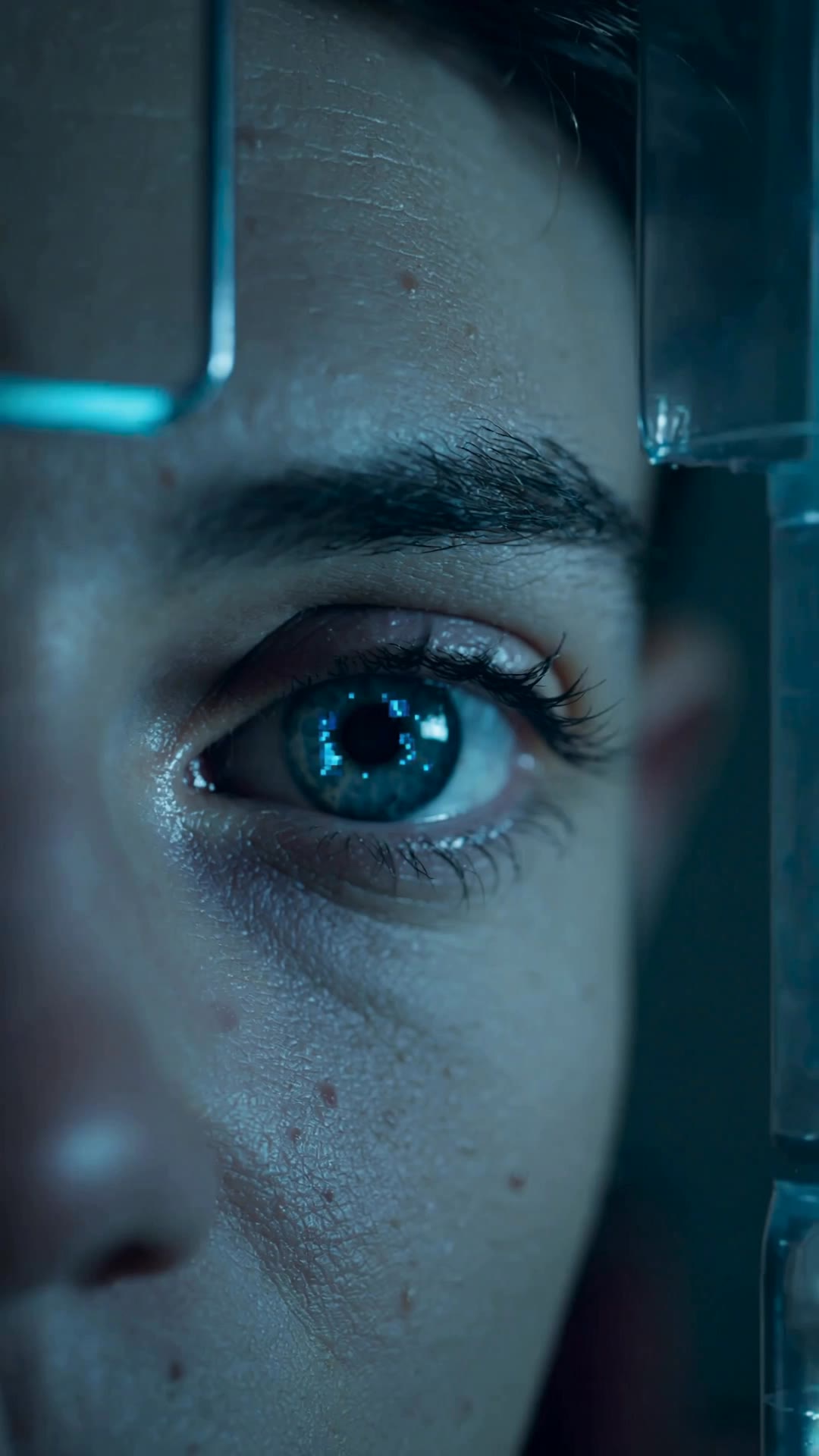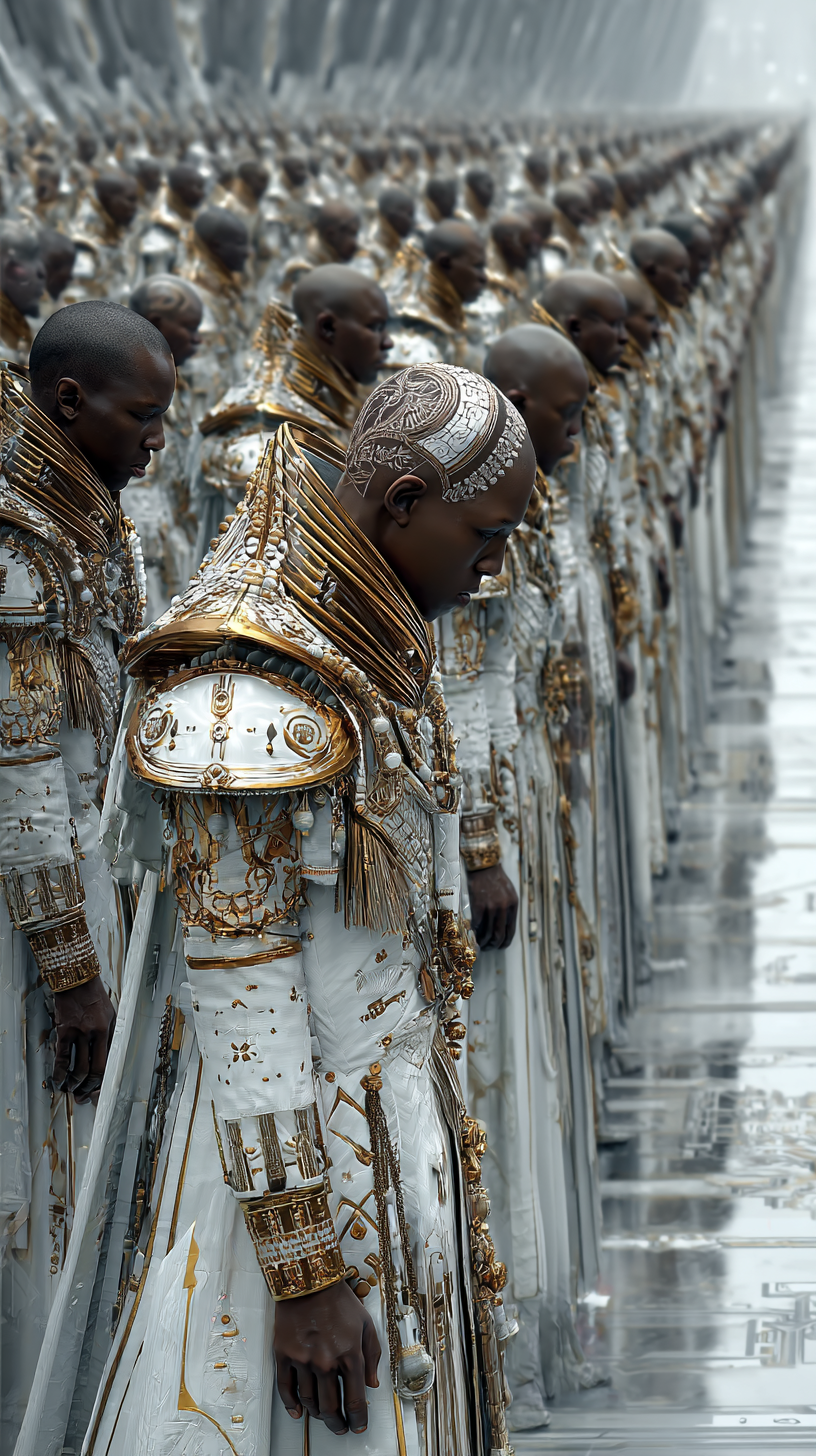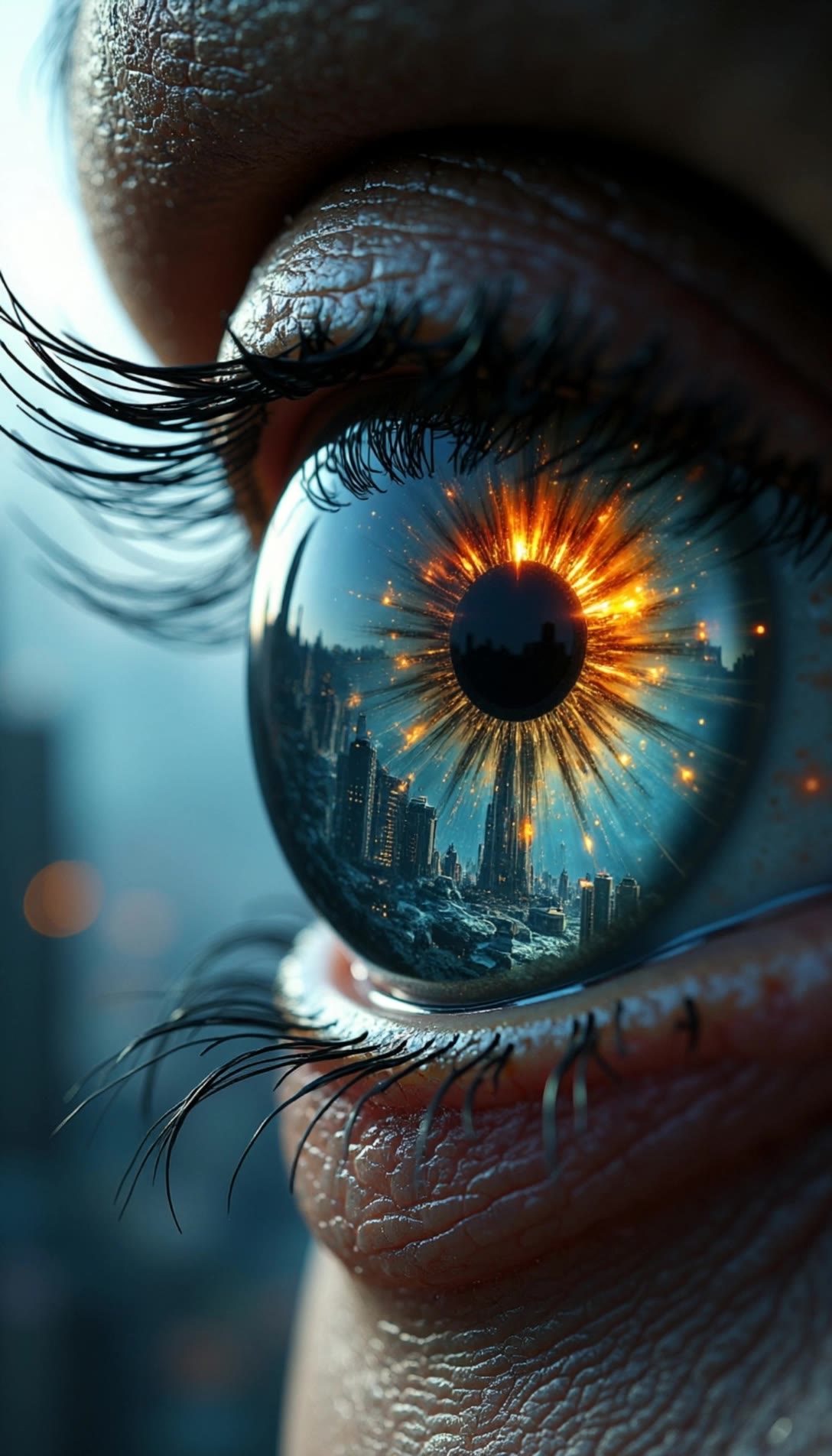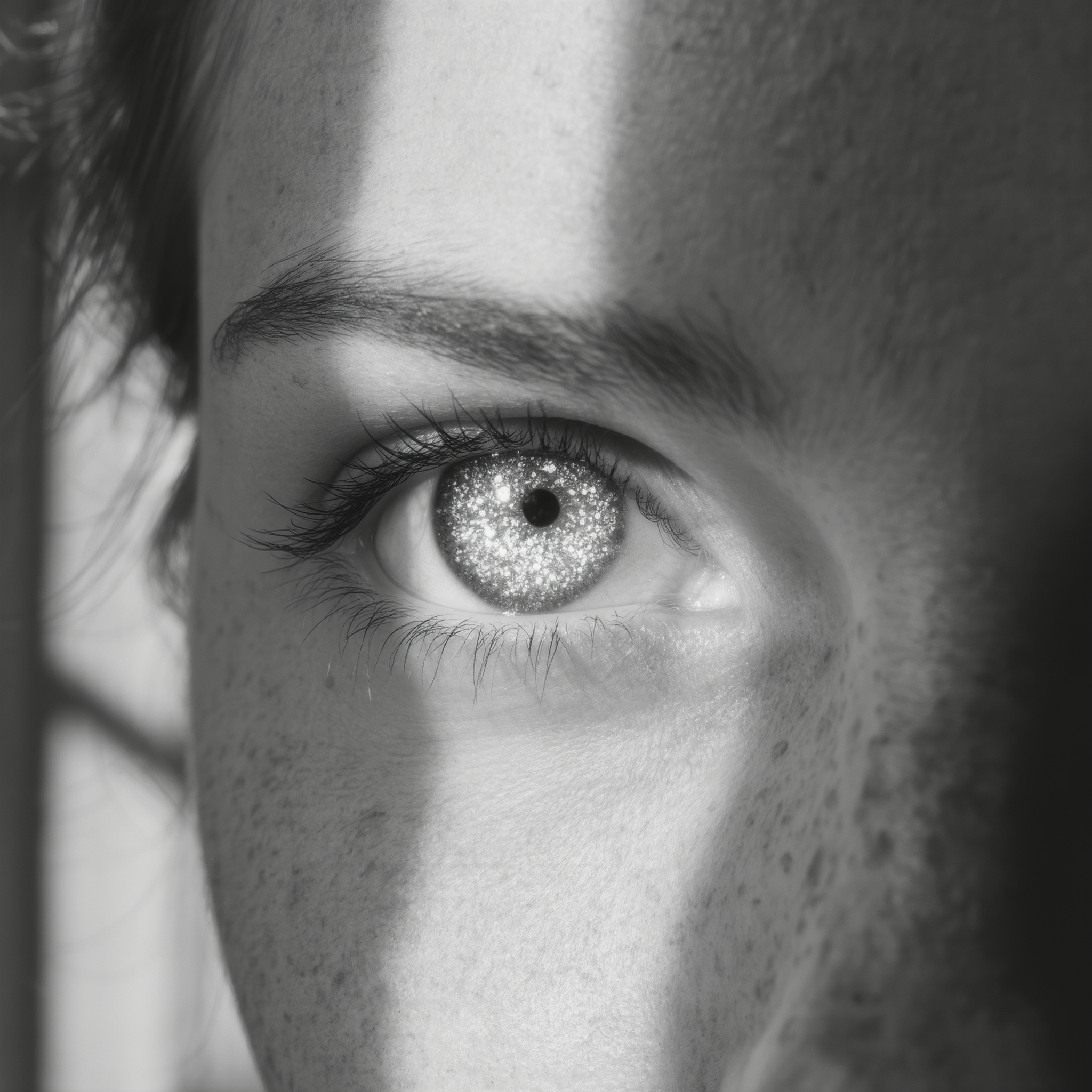

topaz eyes - staredown & surreal light effects

Intense stare-downs and mystical, glowing pupils bring to life the captivating allure and depth of topaz eyes. Start exploring topaz eyes ideas and generate your own content with AI.


topaz eyes - staredown & surreal light effects

Recommended

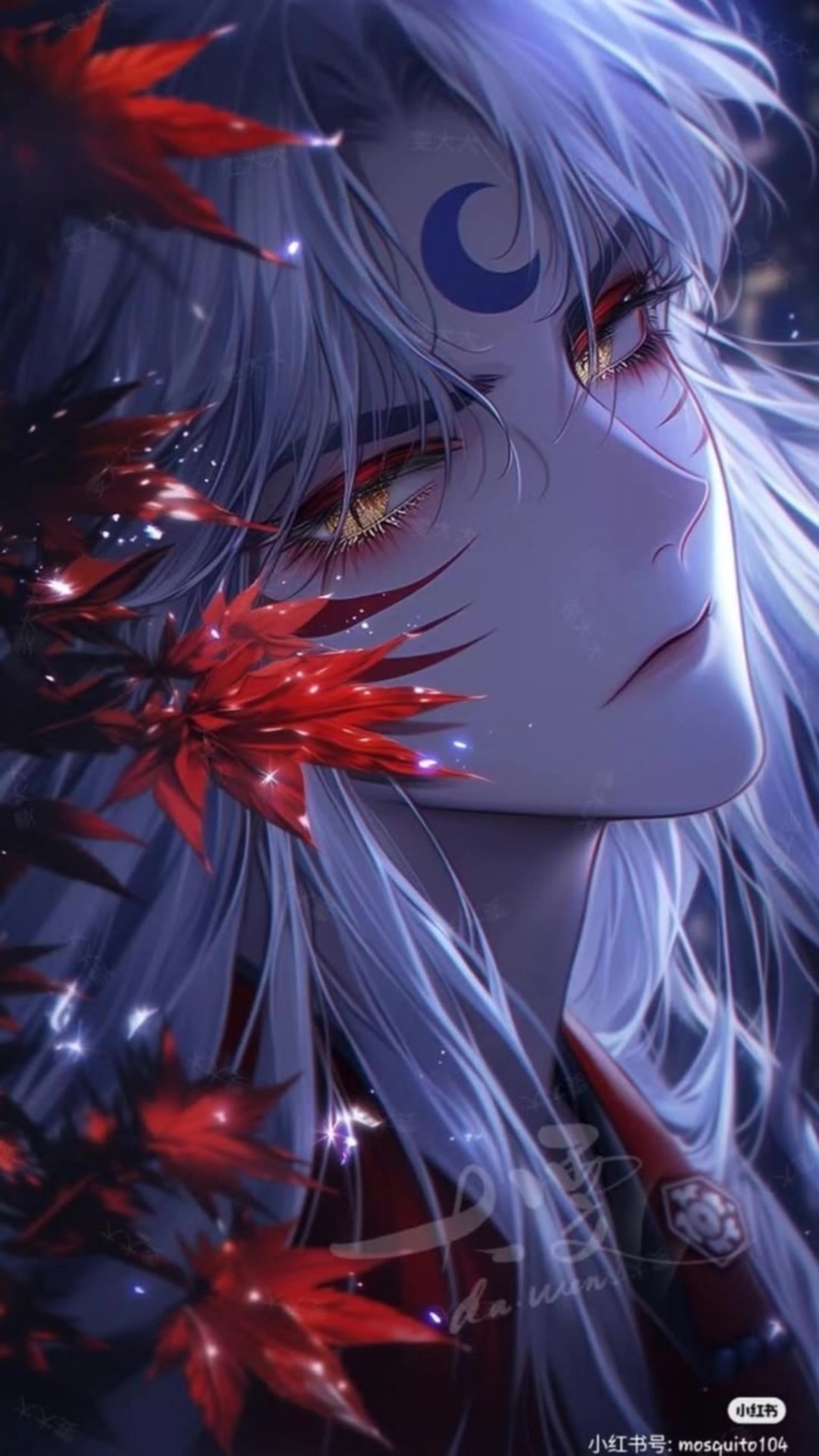
handsome Seshomaru Eyes - topaz eyes AI video
Eyes Lover123 avatar
Eyes Lover123
The red eyes  - topaz eyes AI video
iISDpXyh avatar
iISDpXyh
Tech / Eyes / Consciousness - topaz eyes AI video
JGhtzpCX avatar
JGhtzpCX
Kling AI work 312733825505729 - topaz eyes AI video
dxcwSVob avatar
dxcwSVob
Future eyes - topaz eyes AI video
00:26
aastekk studio avatar
aastekk studio
eyes in the water - topaz eyes AI video
Ai4you avatar
Ai4you
fem<le eyes describe world - topaz eyes AI video
xT4RG3T avatar
xT4RG3T
the red eyes  - topaz eyes AI video
iISDpXyh avatar
iISDpXyh
Through your eyes - topaz eyes AI video
01:19
Buster Kitty avatar
Buster Kitty
The blue eyes  - topaz eyes AI video
yIKAEMse avatar
yIKAEMse
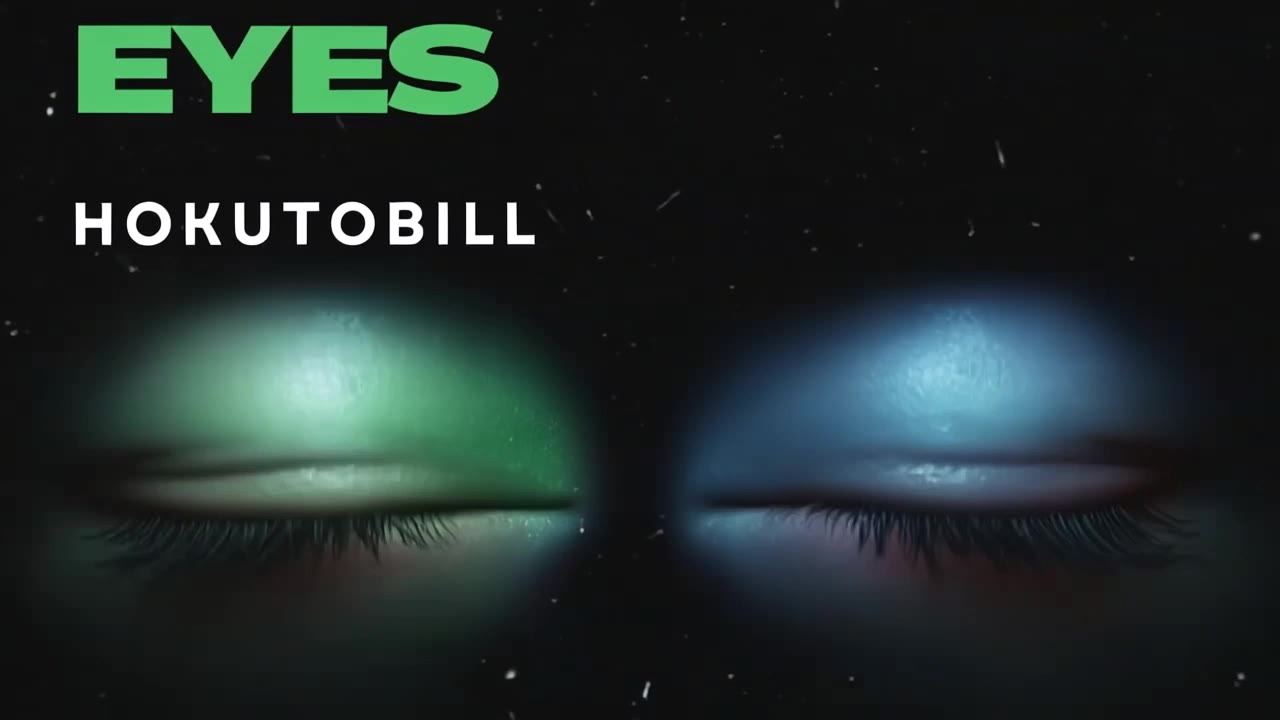
EYES by HOKUTOBILL - topaz eyes AI video
wbpOLjJW avatar
wbpOLjJW
Puppy eyes - topaz eyes AI video
AxEzLXir avatar
AxEzLXir
Blinking of eyes - topaz eyes AI video
uQhYOdsA avatar
uQhYOdsA
all eyes on me!  - topaz eyes AI image
clyhXXjW avatar
clyhXXjW
Kling AI work 311745748502913 - topaz eyes AI image
MelissaABC’s avatar
MelissaABC’s
Woman Haunting Green Eyes - topaz eyes AI image
Ady Media Design avatar
Ady Media Design
Elite Creator
Luminous Eyes Gaze - topaz eyes AI image
Kahkmah Bahm avatar
Kahkmah Bahm
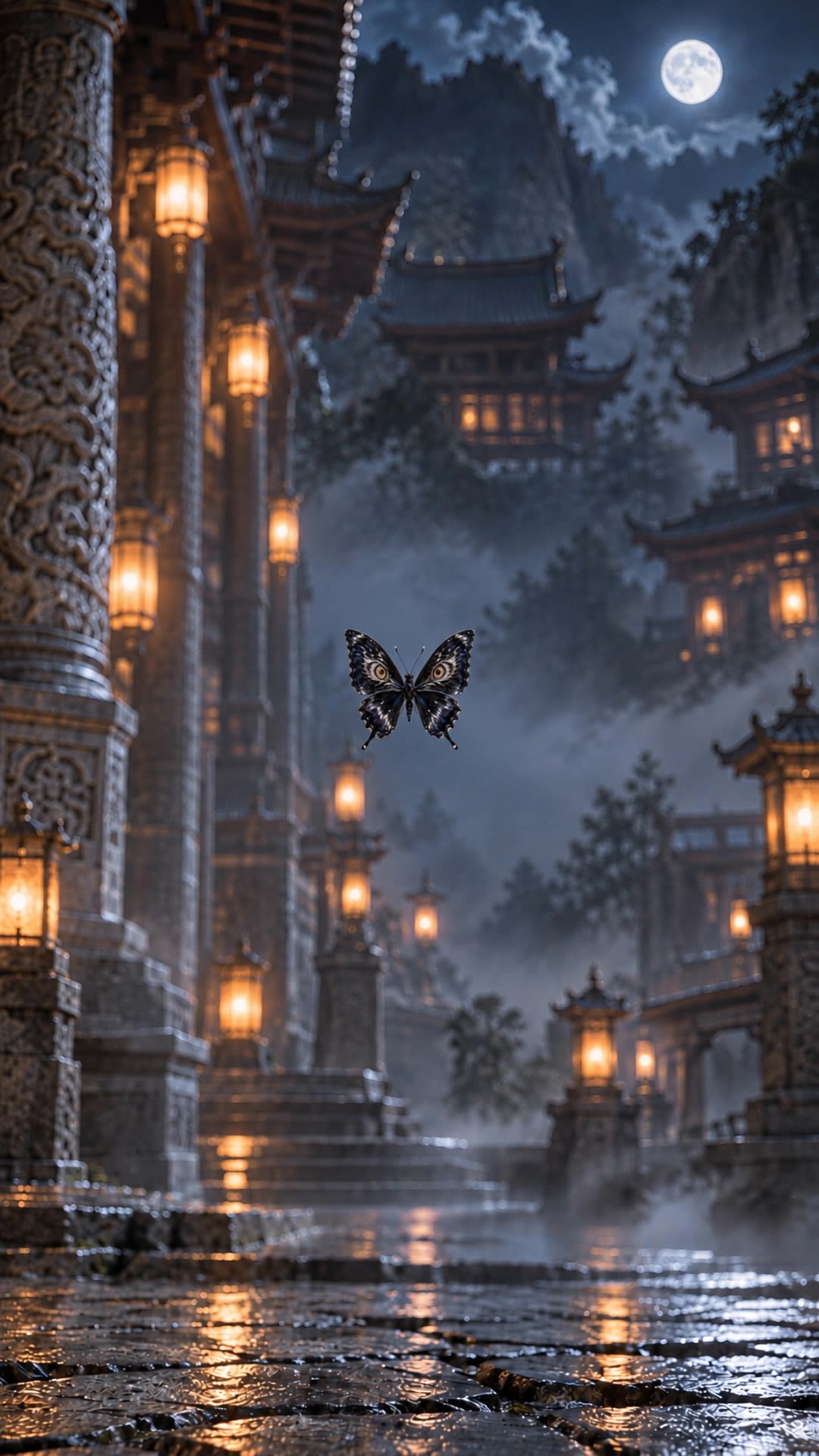
Butterfly eyes - topaz eyes AI video
pMqMxnQv avatar
pMqMxnQv
Kling AI work 311745686527569 - topaz eyes AI image
MelissaABC’s avatar
MelissaABC’s

How to Edit a Photo with Kling AI

Upload Your Photo

Upload Your Photo

Start with a clear photo. Add a reference image when you have a particular replacement, background, or style in mind.

Tell Kling What to Change

Tell Kling What to Change

Enter a clear text prompt, explaining what should change and what should stay the same. Kling applies the edit to the photo with AI directly, without layers or complex manual steps.

Review and Fine-Tune

Review and Fine-Tune

Check the result and the areas that matter most. When one detail needs more work, update the prompt for that area instead of starting over. Download the finished image and share it.

Why Kling Stands Out for Image-to-Video Creation

Realistic Motion, Up to 30s Cinematic Camera Work

Realistic Motion, Up to 30s Cinematic Camera Work

Kling 4.0 delivers more stable, physically convincing action in demanding scenes, from fast-paced fights to sports and large-scale movement. Stronger camera direction supports dynamic tracking, complex camera moves, and more coherent shot composition. With up to 30 seconds of native video generation, create longer takes and connected sequences with greater control over action, pacing, and camera movement.

More References, More Creative Control

More References, More Creative Control

Kling 4.0's Omni Reference supports up to 15 combined reference assets, including images, videos, and subjects. Combine character, scene, motion, and style references to guide different elements within the same generation. Up to 10 flexible keyframes give you additional control over composition, character actions, and scene progression. Experiment with different reference combinations and key moments without rebuilding your entire creative setup.

Recreate, Edit, and Explore New Possibilities

Recreate, Edit, and Explore New Possibilities

Kling 4.0 goes beyond generating new footage. It lets you reference existing videos to explore different characters, products, camera movements, and visual styles while retaining the original shot structure or motion as a guide. It also supports precise video editing, letting you target changes to subjects, backgrounds, actions, and camera angles. Rework existing scenes, try alternate versions, and develop new footage without starting from scratch.

Apps

Video Generation
Video Generation

Video Generation

Image Generation
Image Generation

Image Generation

Motion Control
Motion Control

Motion Control

Avatar
Avatar

Avatar

AI Portraits
AI Portraits

AI Portraits

Lip Sync
Lip Sync

Lip Sync

60M+
60M+
Users
600M+
600M+
AI Videos Generated
4.7 ★
4.7 ★
App Store
Industry-Leading
Industry-Leading
Cinematic 4K

Reviews

KakuDrop

KakuDrop

★★★★★

I have successfully collaborated with world-renowned artists and well-known companies that are recognized globally

Déborah

Déborah

★★★★★

I use Kling AI every day. It's amazing to see the almost daily progress it makes. I used AI for fun at first, and I now find that Kling AI's animations allow me to gain professional visibility, with three times more views on my animated posts than on my static posts.

Vincent Smadja

Vincent Smadja

★★★★★

Kling AI seamlessly integrates into my creative workflow, playing a key role in transforming my images. After generating and upscaling an image, Kling becomes a crucial element, bringing my creations to life with movement and depth.

FAQ

Q1What’s the difference between Video 2.6 and 3.0?
Q2What is Kling Video 3.0?
Q3Does Video 3.0 support multiple characters speaking?

Experience Video 3.0 on Kling

Create cinematic, multi-shot videos with native audio and precise control—all in one generation.

Native audio | Multi-shot control | Up to 15s continuous output