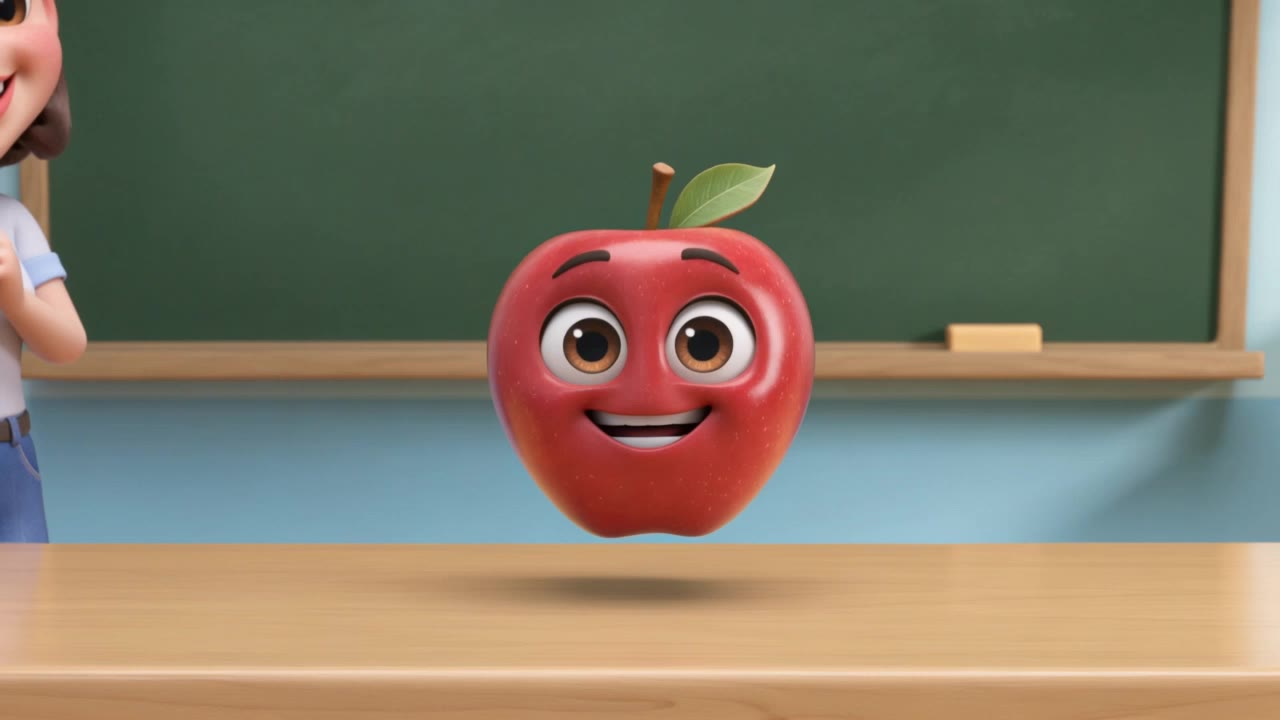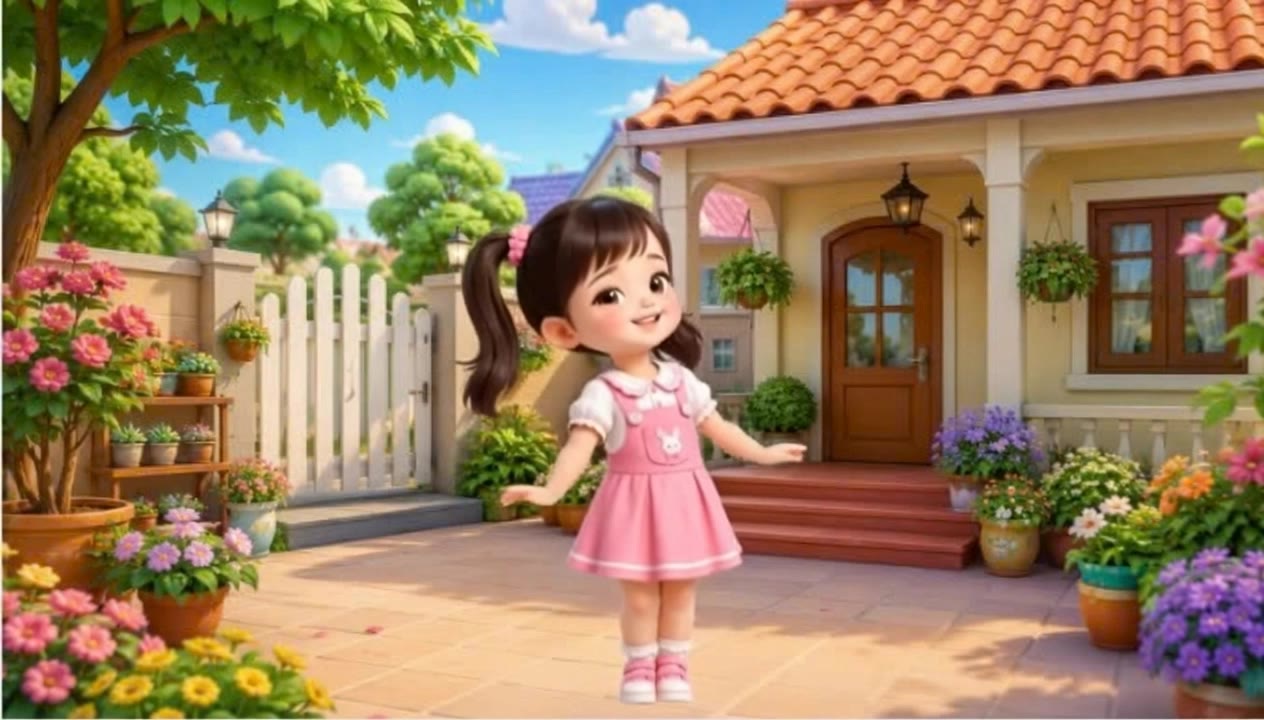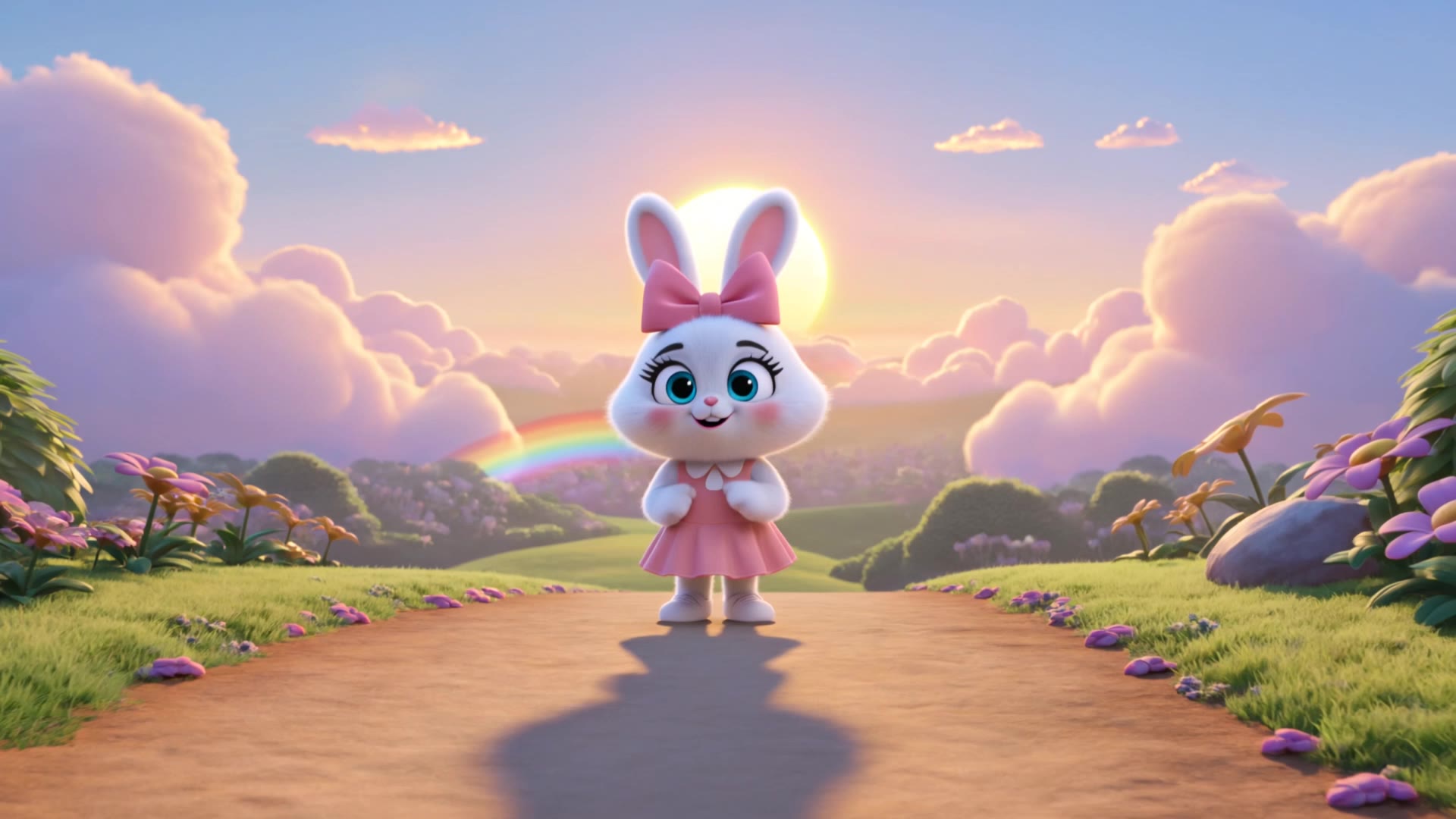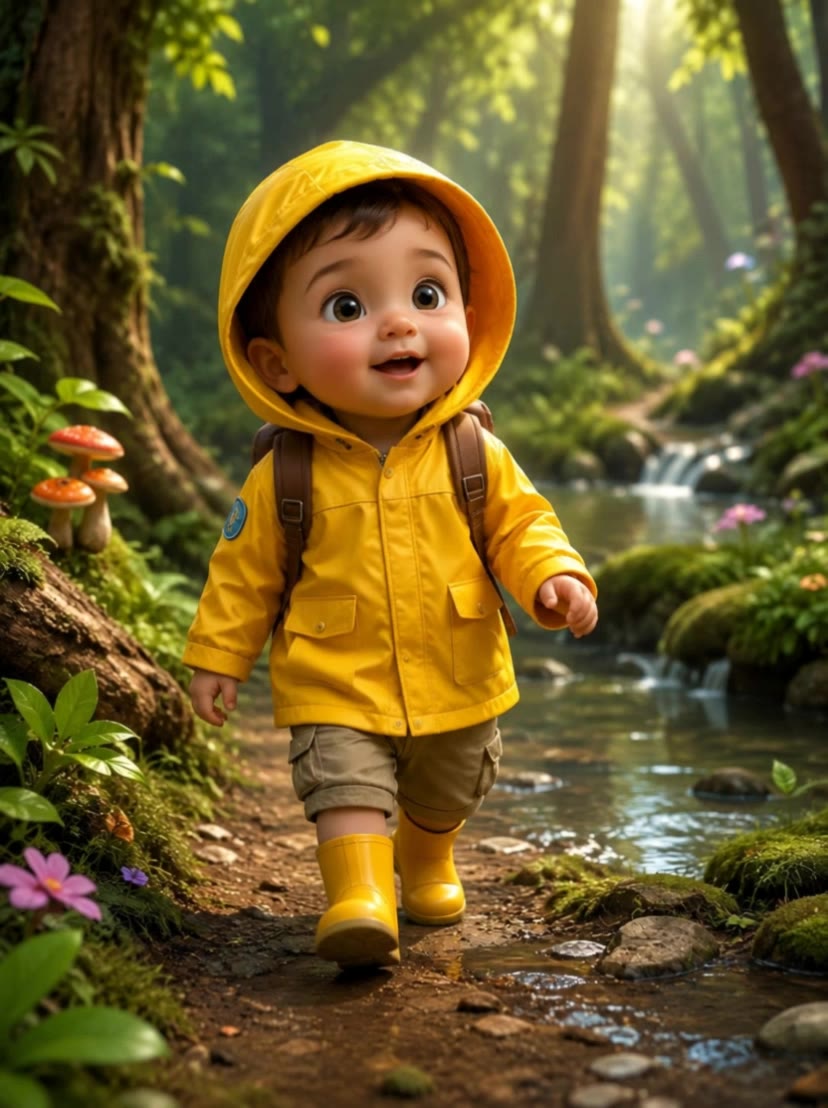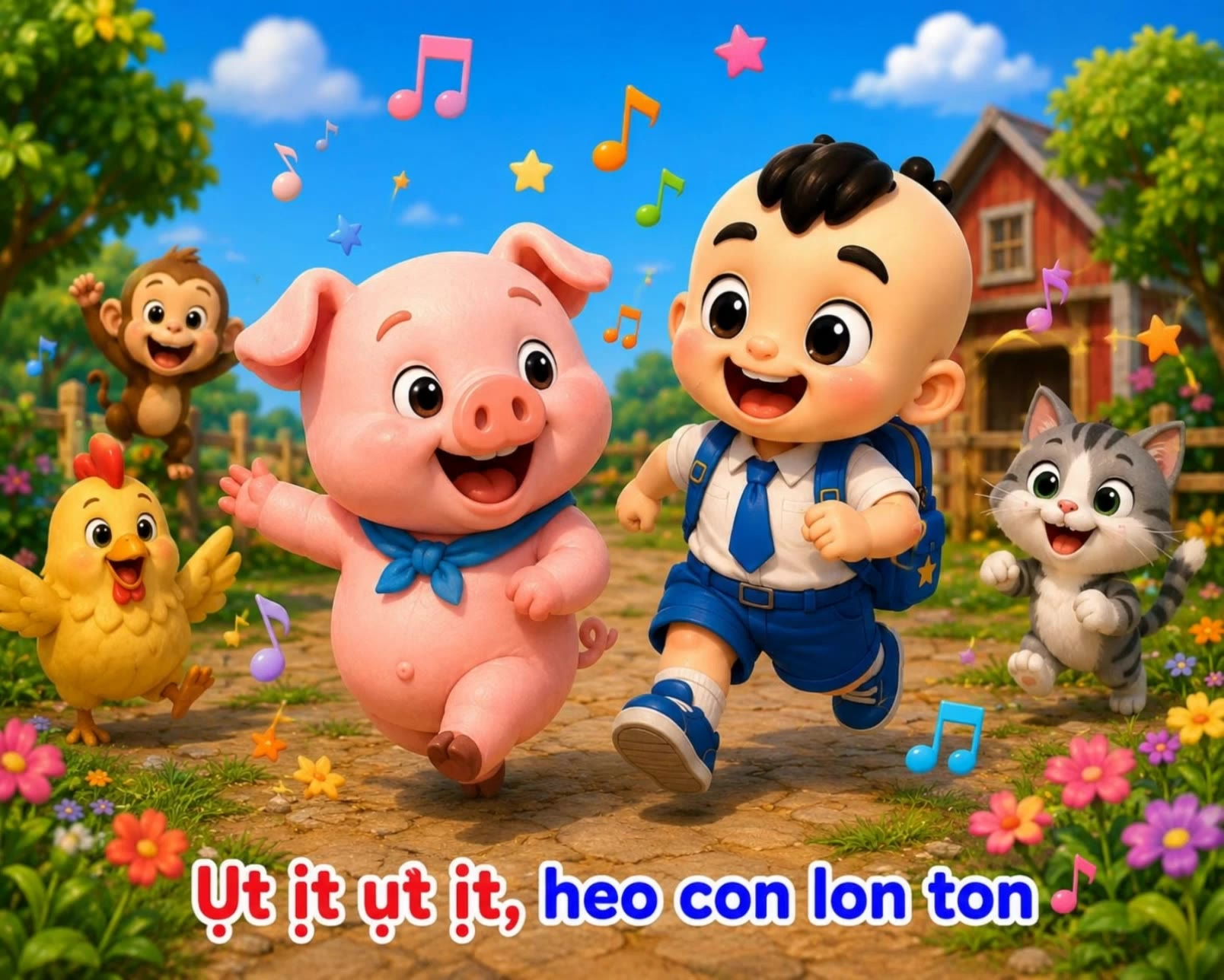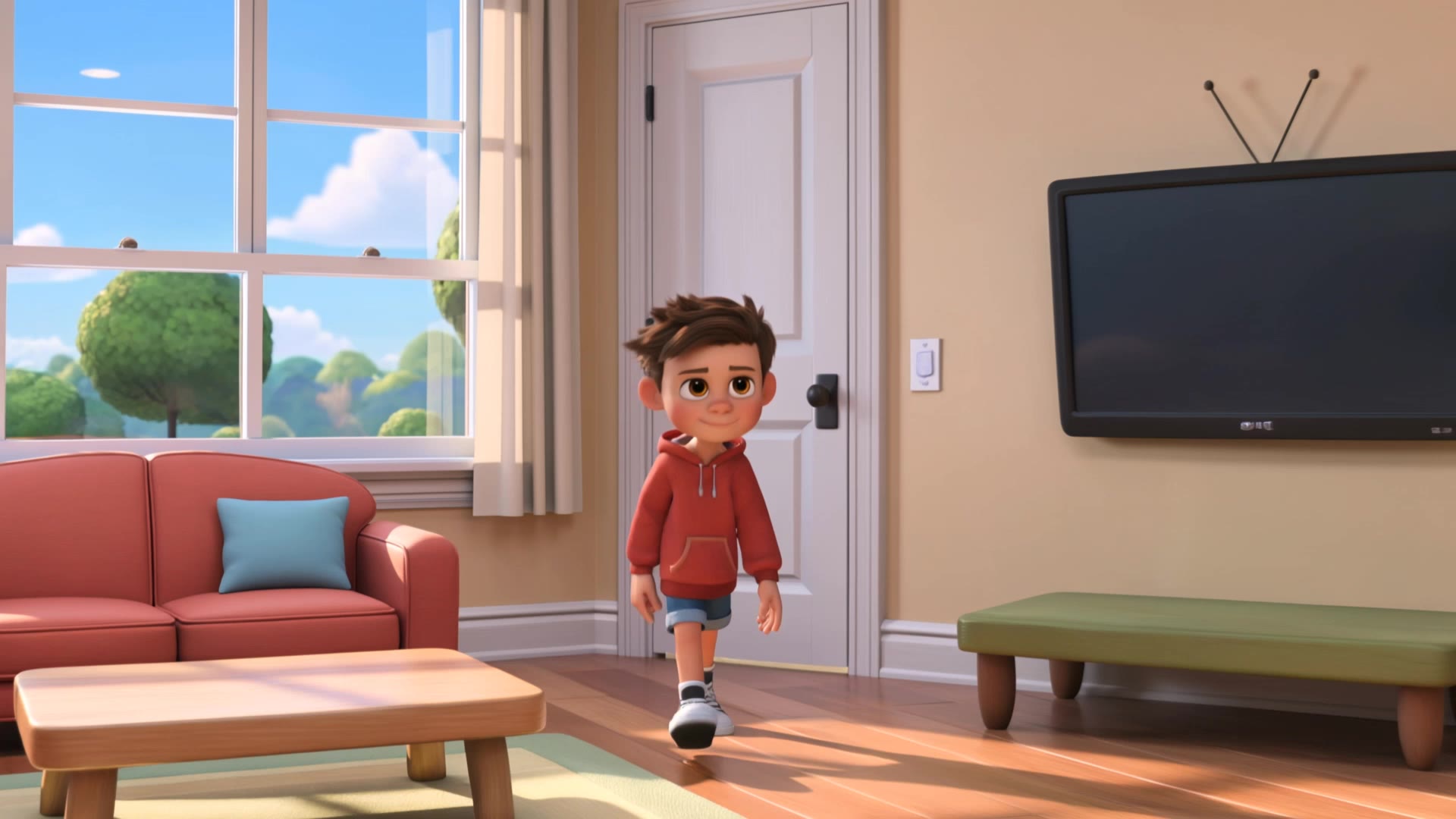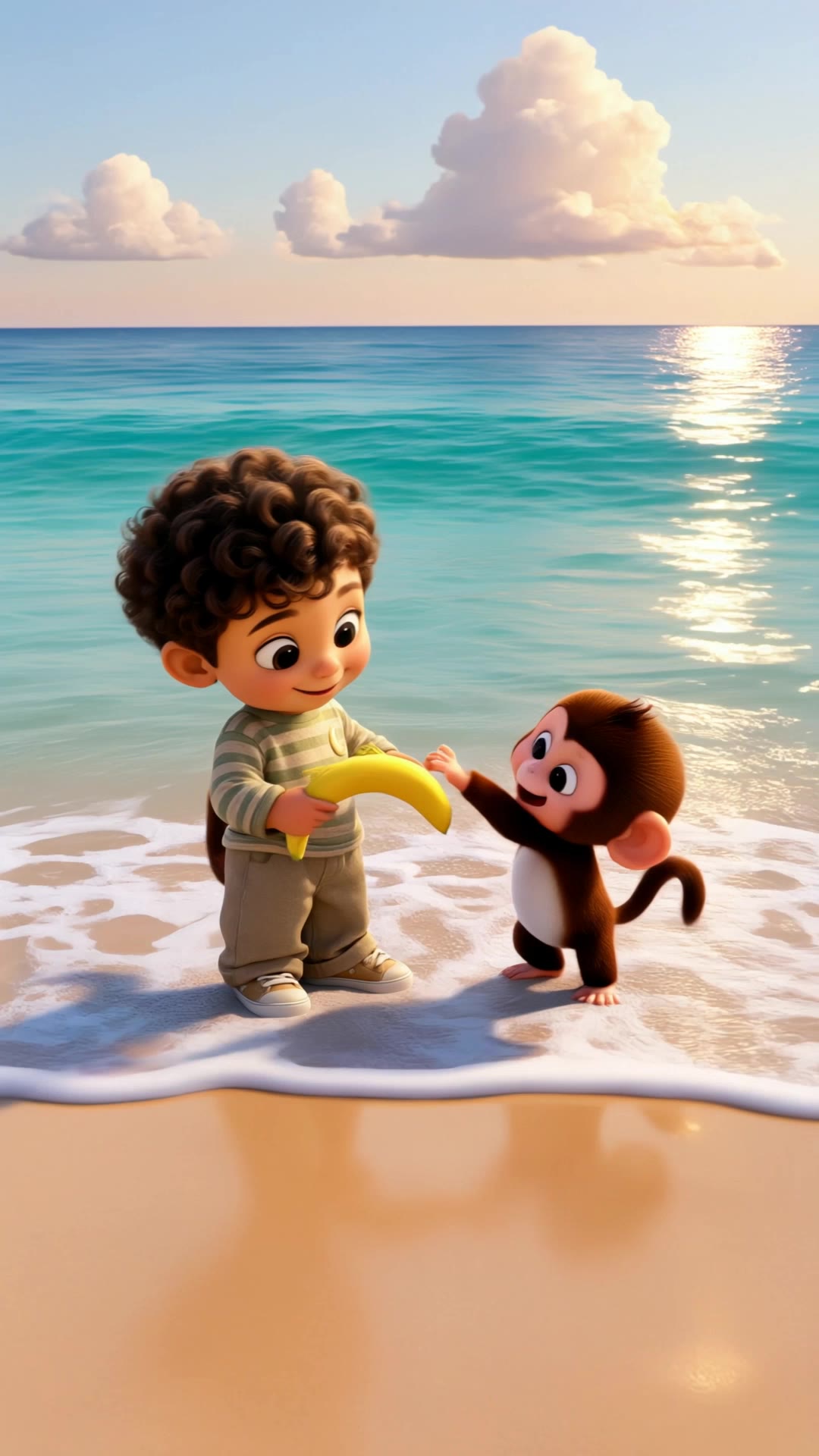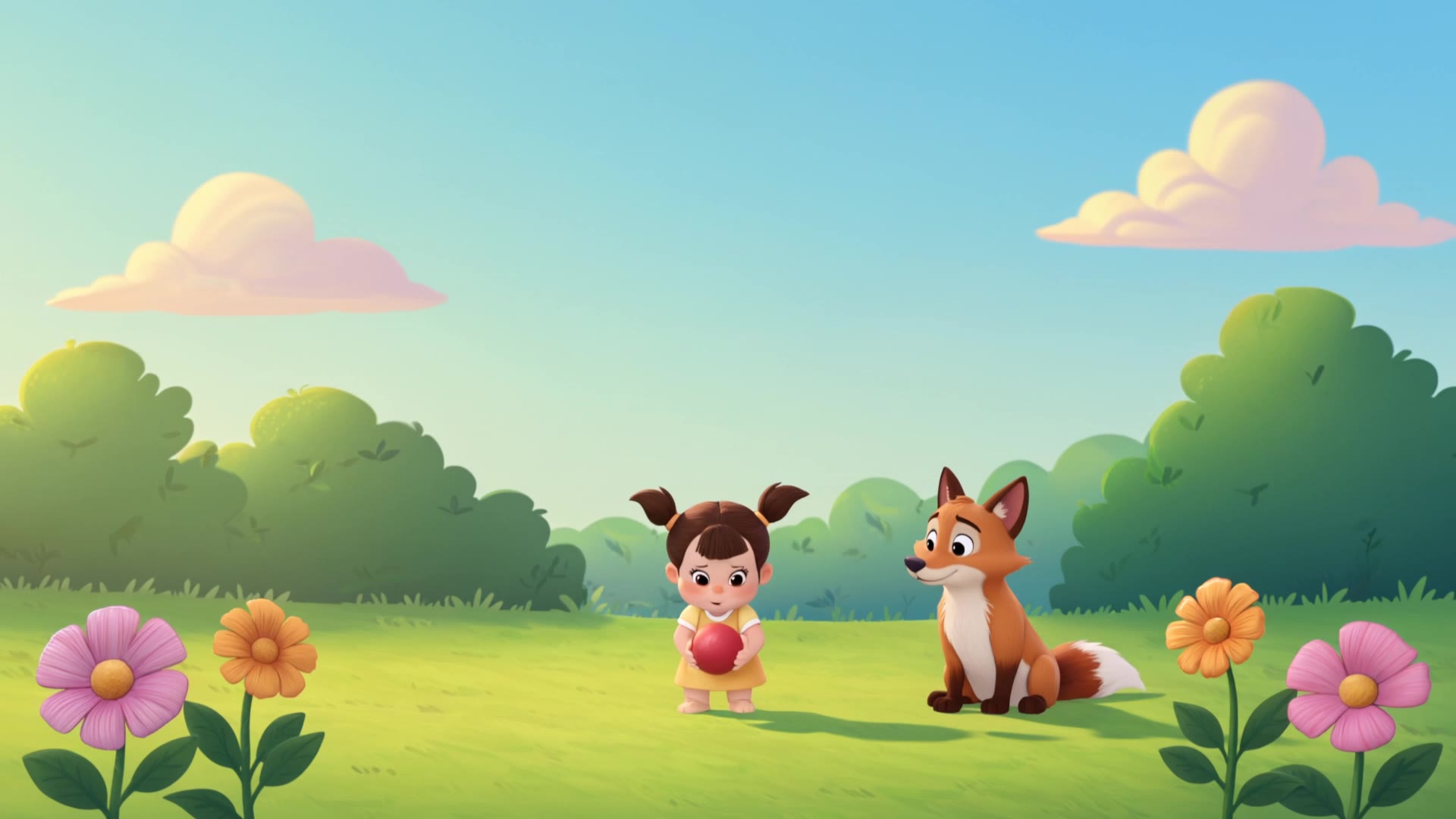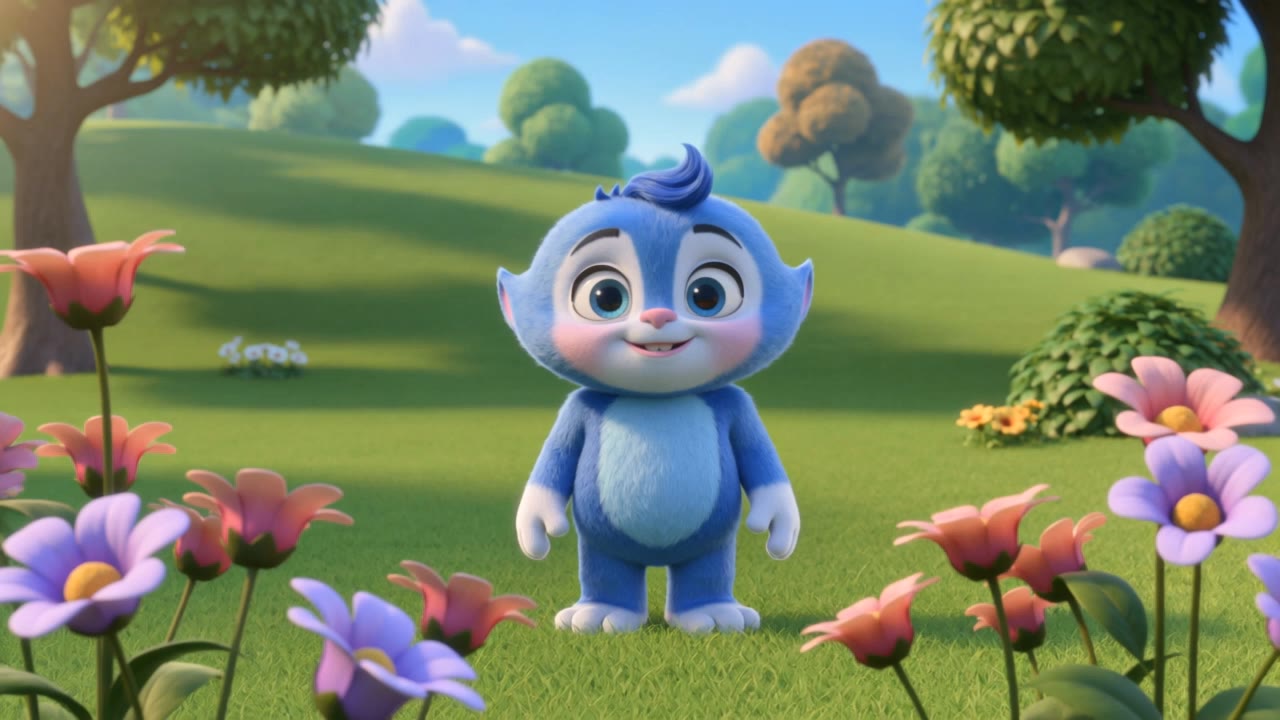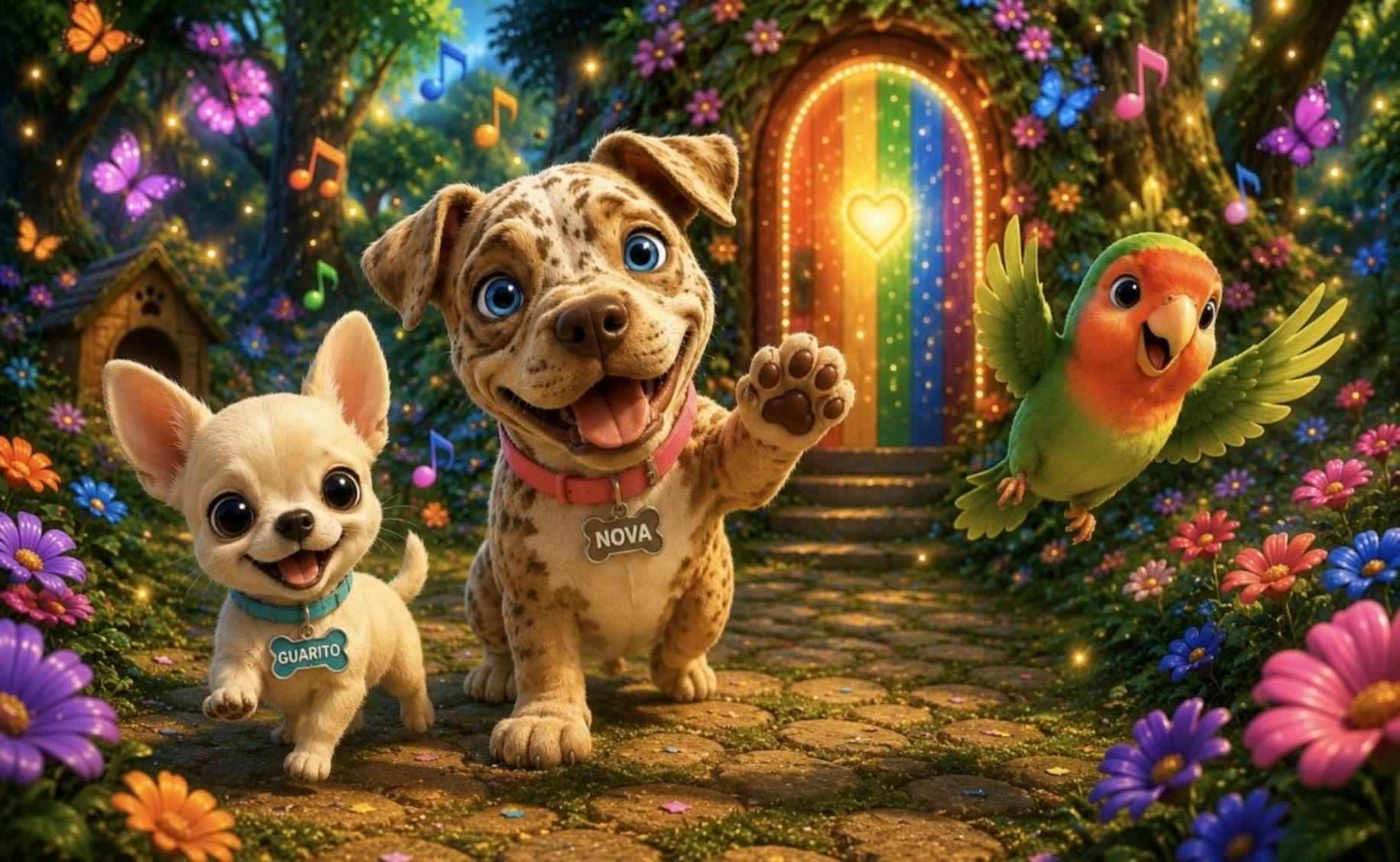

AI-generated children's animations – Fun and educational

Enjoy a collection of AI-generated children's animations. Each animation is fun, educational, and can be tailored to engage young minds.

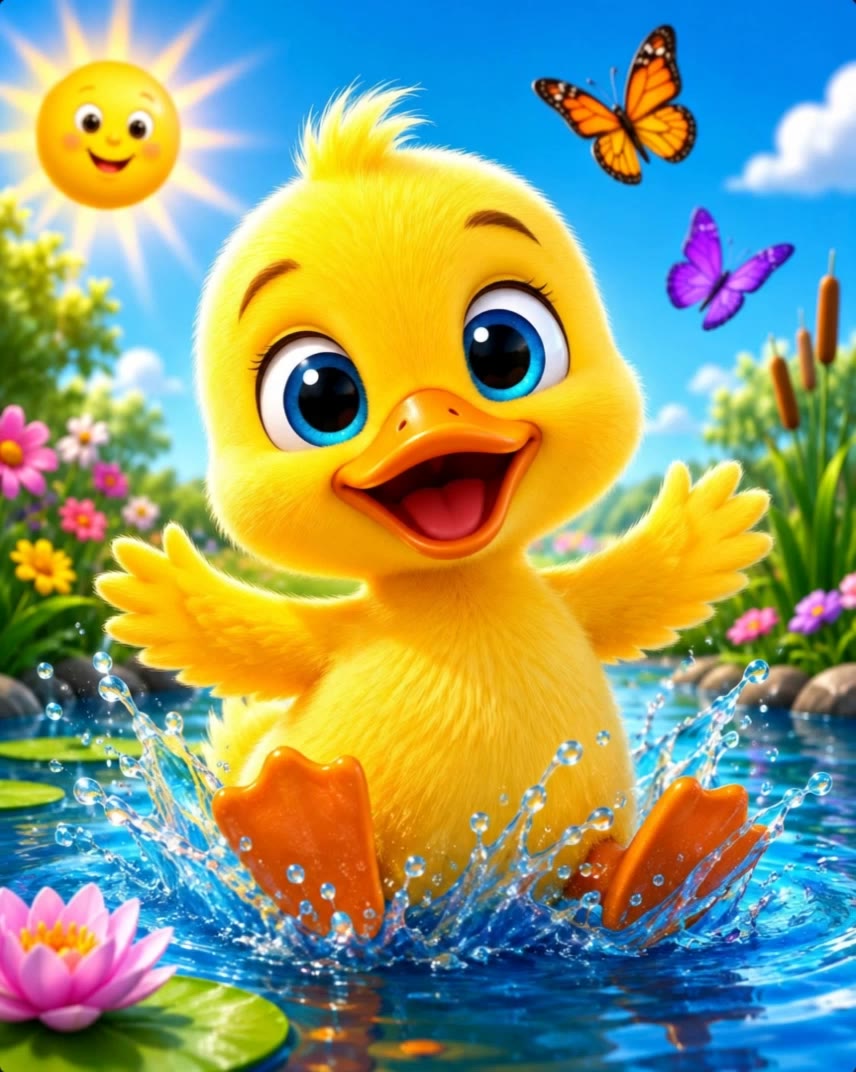
AI-generated children's animations – Fun and educational

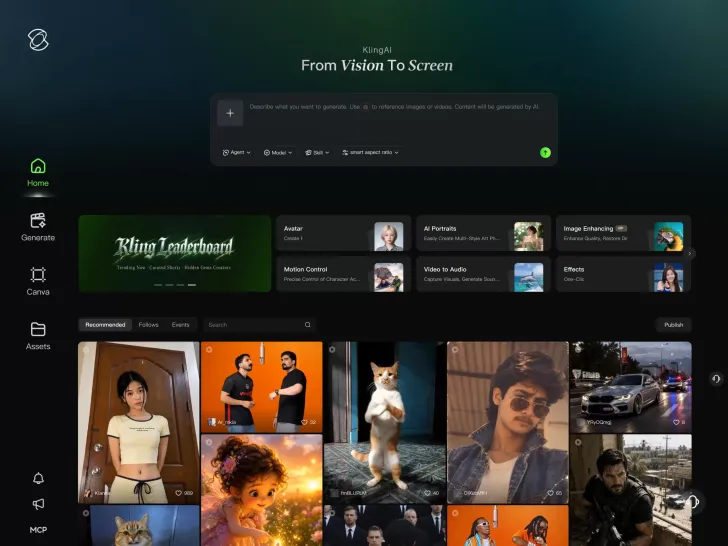
Recommended

Nova kids - trẻ em ai animation AI video
olgYfMgP avatar
olgYfMgP
Kling AI work 318012634664427 - trẻ em ai animation AI video
Matik avatar
Matik
Kling AI work 316288005614636 - trẻ em ai animation AI video
BQksCPWN avatar
BQksCPWN
múa cho mẹ xem - trẻ em ai animation AI video
dJcfICHH avatar
dJcfICHH
Kling AI work 314906582660473 - trẻ em ai animation AI video
yTlTGjqL avatar
yTlTGjqL
Kling AI work 313627701667073 - trẻ em ai animation AI video
Kids Fun World avatar
Kids Fun World
Kling AI work 312126454666567 - trẻ em ai animation AI video
Louis Dang avatar
Louis Dang
3D animation AI - trẻ em ai animation AI video
00:16
Aumentados AI avatar
Aumentados AI
Elite Creator
The Egg That Fell From the Sky  - trẻ em ai animation AI video
PAFKOoyt avatar
PAFKOoyt
Kling AI work 321366325653895 - trẻ em ai animation AI video
wqHQgyrc avatar
wqHQgyrc
educational animation - trẻ em ai animation AI video
RamZ avatar
RamZ
Elite Creator
kids animation - trẻ em ai animation AI video
mahslnd avatar
mahslnd
Kling AI work 317120709523108 - trẻ em ai animation AI video
VPjrCPAO avatar
VPjrCPAO
Animation video - trẻ em ai animation AI video
WzxNKnym avatar
WzxNKnym
ai animation video  - trẻ em ai animation AI video
hldZGzKe avatar
hldZGzKe
Kling AI work 318561798617787 - trẻ em ai animation AI video
TUJgGJxF avatar
TUJgGJxF
Kling AI work 319097250527166 - trẻ em ai animation AI video
shGTAEsH avatar
shGTAEsH
Kling AI work 315439902618018 - trẻ em ai animation AI video
PcwFWSik avatar
PcwFWSik
Pixar Animation Style - trẻ em ai animation AI video
fixdispls avatar
fixdispls

How to Make Cinematic AI Videos with Kling AI

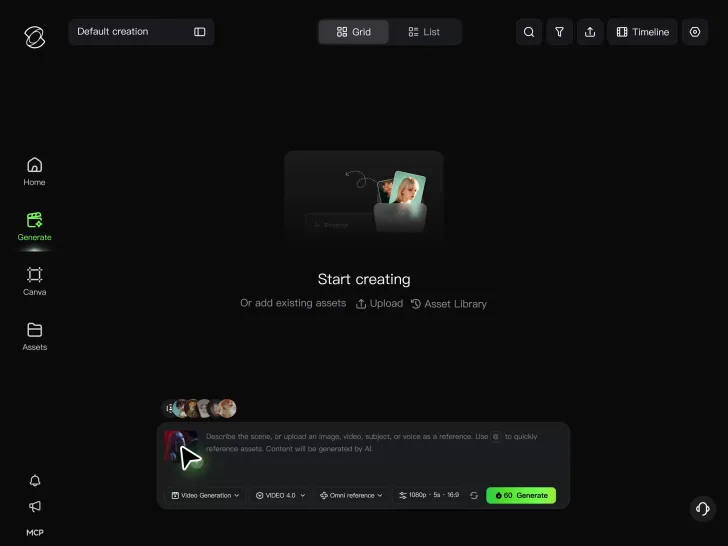
Upload or Describe Your Vision

Upload or Describe Your Vision

With Kling 4.0's Omni Reference, you can write a prompt and add up to 15 combined reference assets to guide your video creation, including images, videos and subject references.

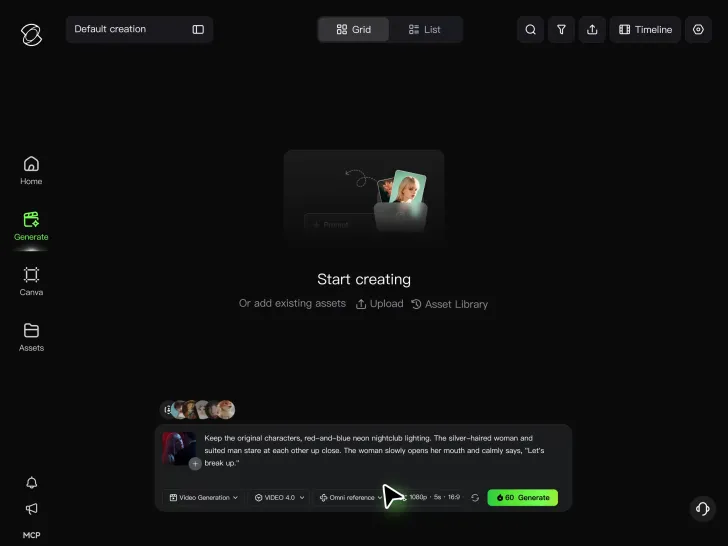
Describe the Action and Sound

Describe the Action and Sound

Set the scene, camera movement, and any dialogue or sound you want. Kling 4.0 supports dialogue in 9 languages.

Generate and Download

Generate and Download

Choose your aspect ratio and video duration, up to 30 seconds per generation with the Kling 4.0. Click Generate, preview your video, and download the result.

How Kling AI Sets the Standard for AI Video Creation

Realistic Motion from a Still Image

Realistic Motion from a Still Image

Animate portraits, artwork, and action images with natural character movement and physical interactions. Kling 4.0's dynamic motions improves stability during large movements, fast action, and complex scenes. From subtle facial expressions to sports and fight choreography, create motion that develops naturally from your image while keeping the subject and surrounding scene visually coherent.

Direct the Camera and Every Key Moment

Direct the Camera and Every Key Moment

A single image can lead to a tracking shot, camera orbit, close-up, or wider scene. Kling 4.0 offers stronger camera control, with native video generation up to 30 seconds for longer movements and connected action. Start and end frames help guide a transition, while up to 10 flexible keyframes let you define additional compositions, character poses, and scene changes as the video develops.

Combine References, Keep the Look

Combine References, Keep the Look

Keep recognizable characters, products, and visual styles as your images begin to move. Kling 4.0's Omni Reference supports up to 15 combined assets, including images, videos, and subjects, to guide appearance, actions, camera work, and settings. Use multiple views of a character or product alongside style and motion references. Stronger visual consistency helps preserve familiar details across new shots, with realistic textures.

Apps

Video Generation
Video Generation

Video Generation

Image Generation
Image Generation

Image Generation

Motion Control
Motion Control

Motion Control

Avatar
Avatar

Avatar

AI Portraits
AI Portraits

AI Portraits

Lip Sync
Lip Sync

Lip Sync

60M+
60M+
Users
600M+
600M+
AI Videos Generated
4.7 ★
4.7 ★
App Store
Industry-Leading
Industry-Leading
Cinematic 4K

Reviews

Halim Alrasihi

Halim Alrasihi

★★★★★

I use AI daily and Kling AI is a crucial part of my workflow, whether for client work or personal projects. What I love most about using Kling AI is that it provides all the tools I need in one place, from keyframes to character references, elements and special effects.

Huang Lu (Elson)

Huang Lu (Elson)

★★★★★

I’ve been using Kling AI since its initial release, and it’s remained one of the leading AI media generators ever since. With Kling AI, I’ve created hundreds of videos, collectively amassing millions of views.

KakuDrop

KakuDrop

★★★★★

I have successfully collaborated with world-renowned artists and well-known companies that are recognized globally

FAQ

Q1Can I edit a video with AI using text?
Q2Do I need professional video editing experience when using AI video editor?
Q3Is Kling AI only for editing existing videos?

Change the Shot Without Reshooting It

Upload your footage, describe the result, and let Kling rebuild the scene around your direction.

Free tier available | Prompt-Based Editing | Subject Replacement | Creative Recreation