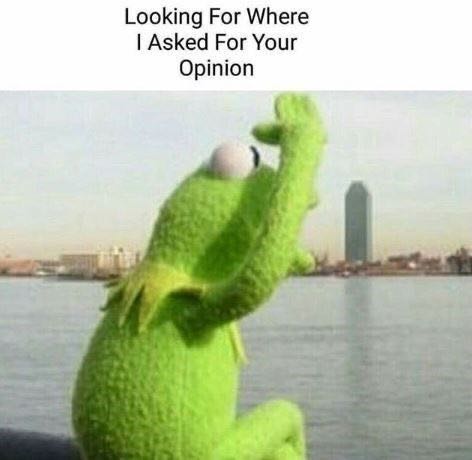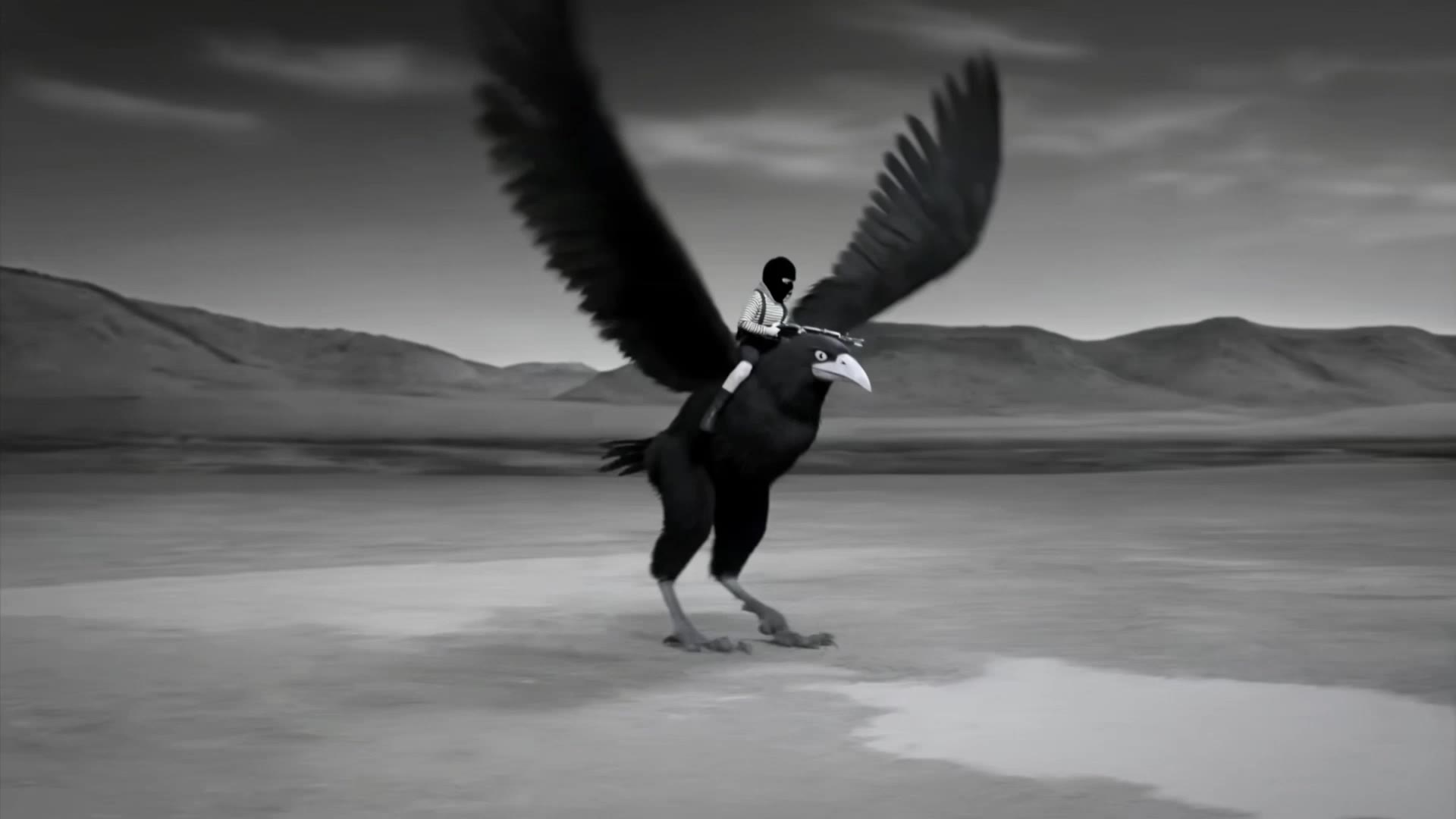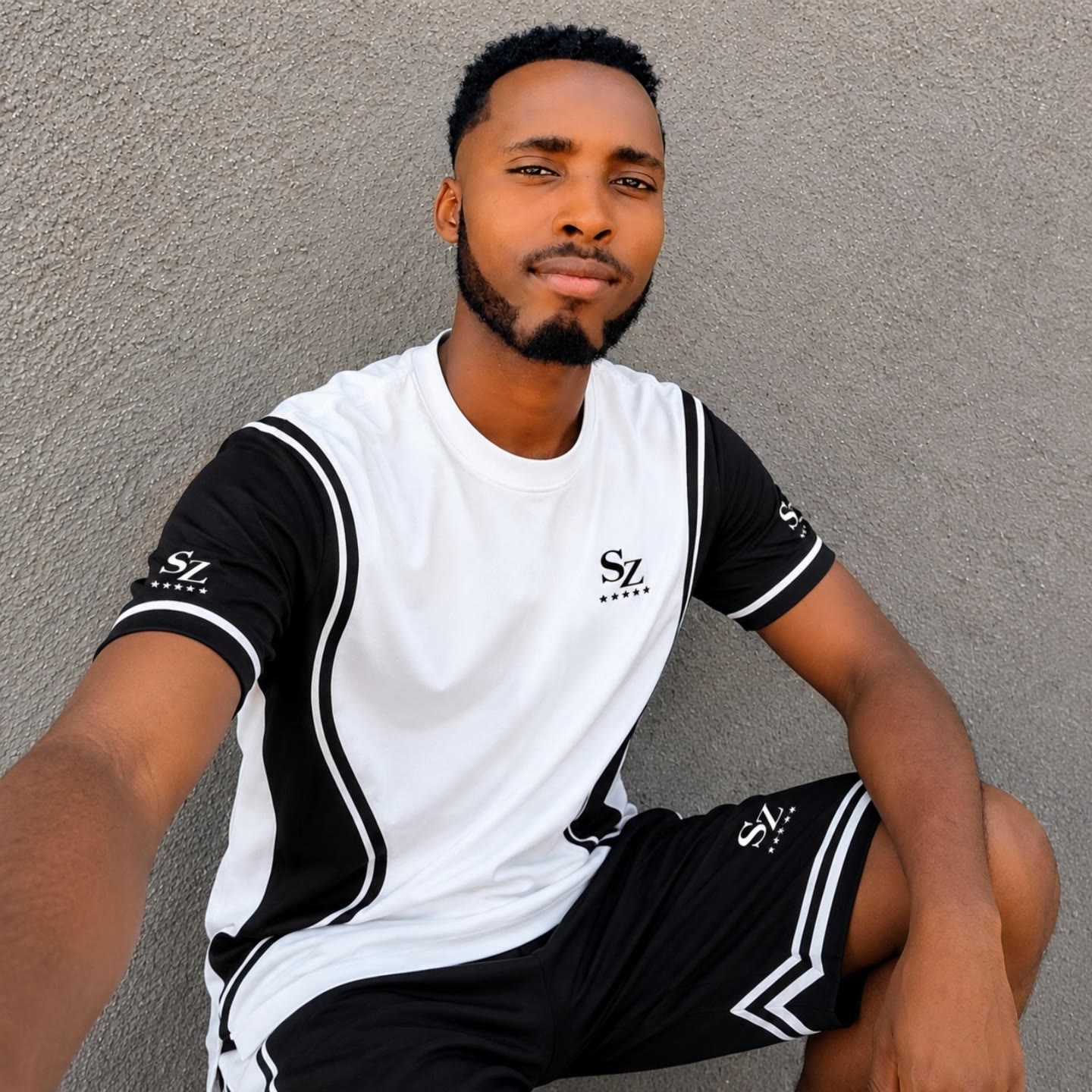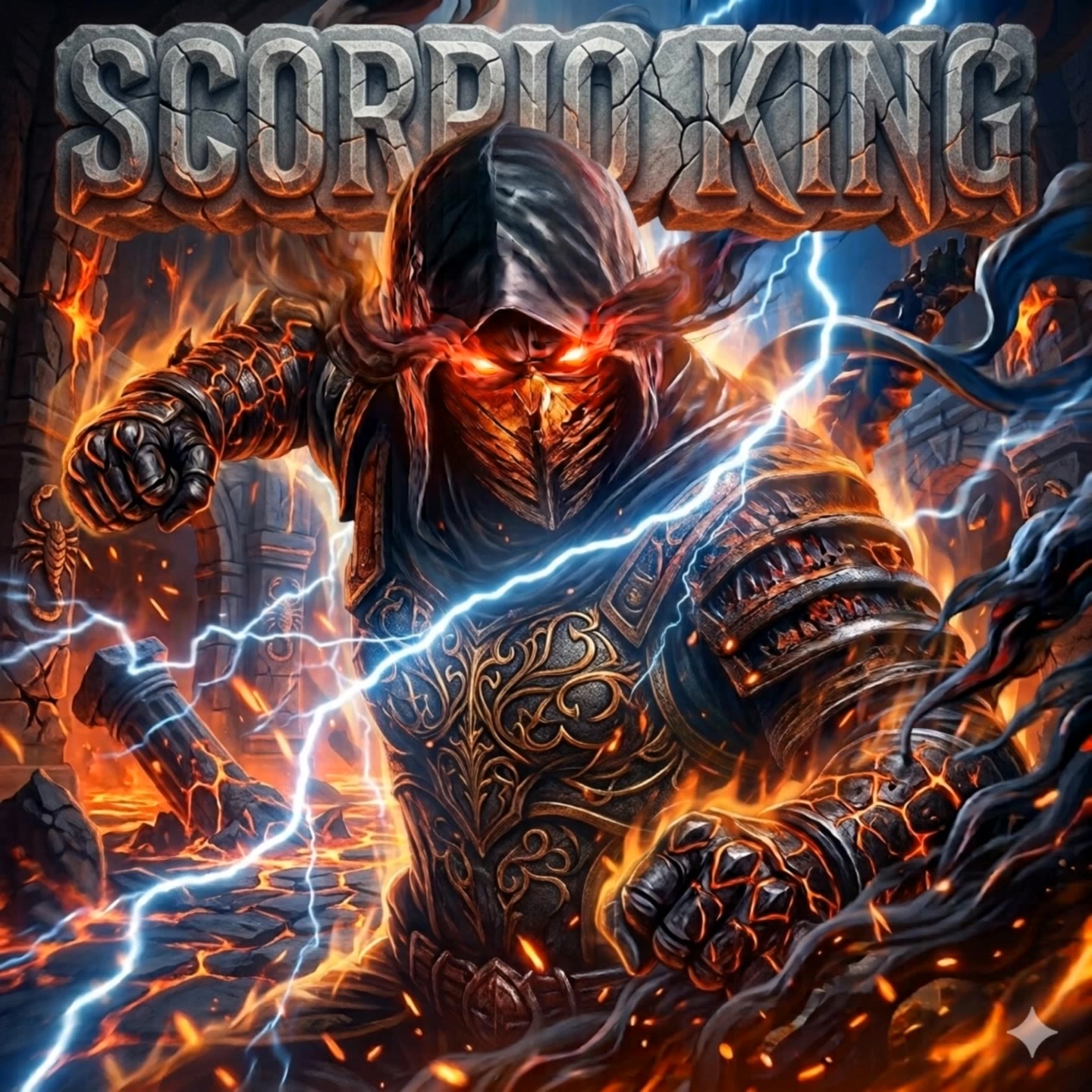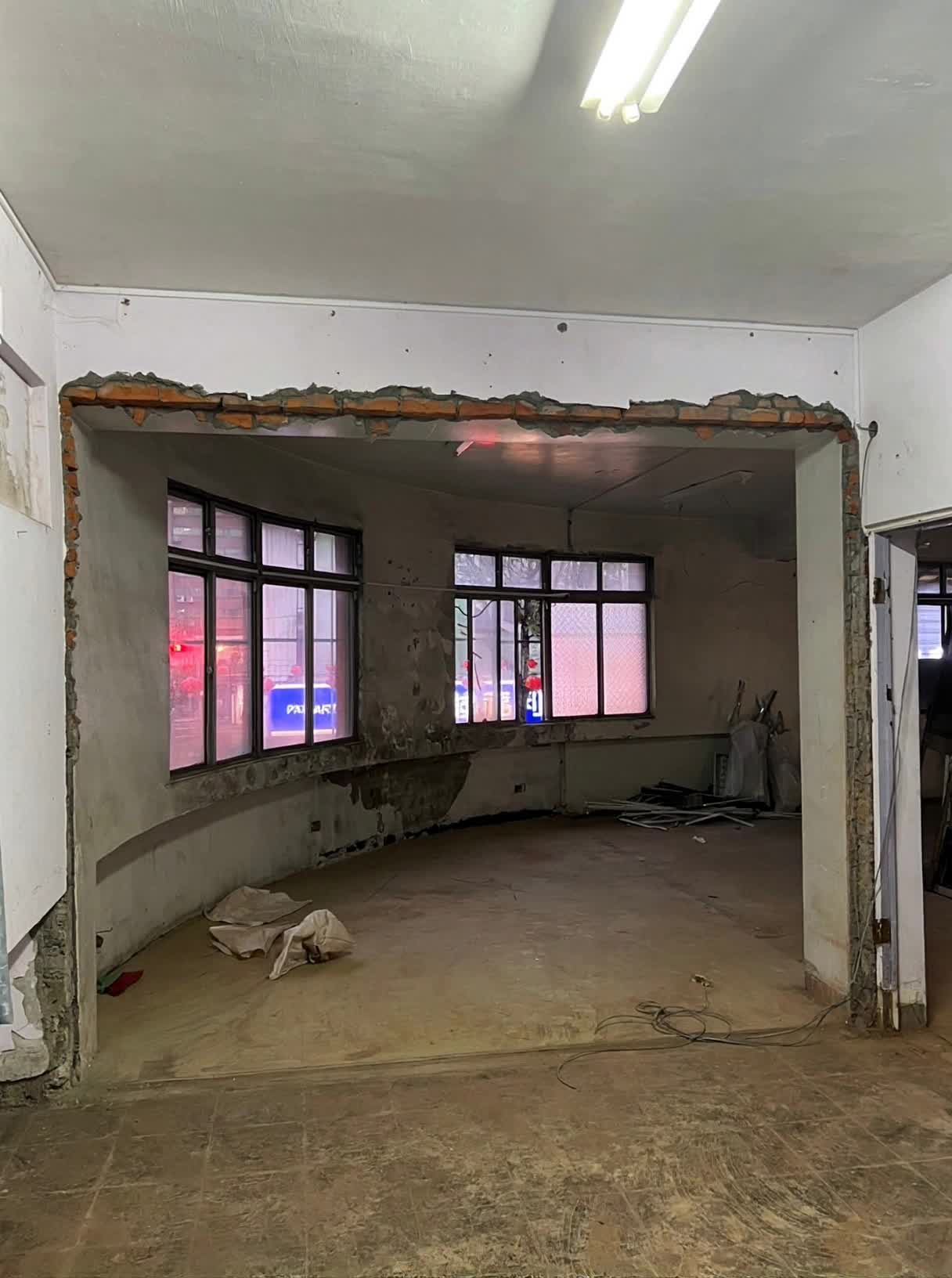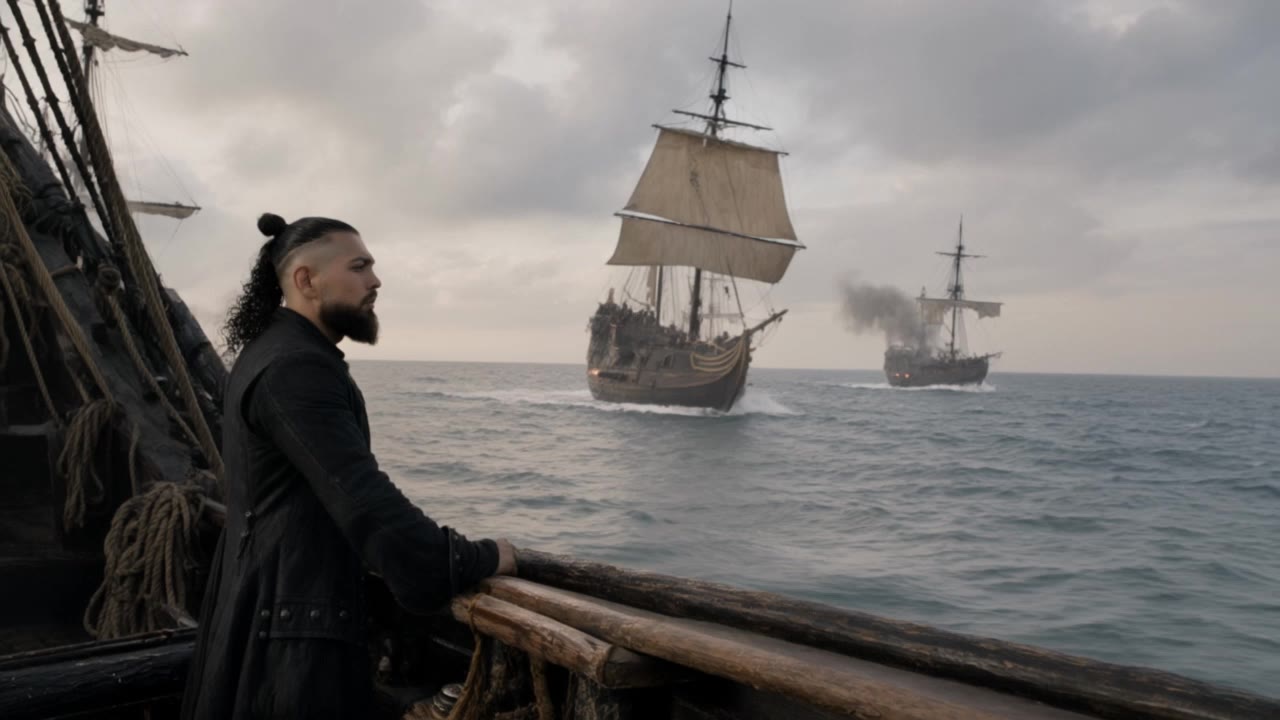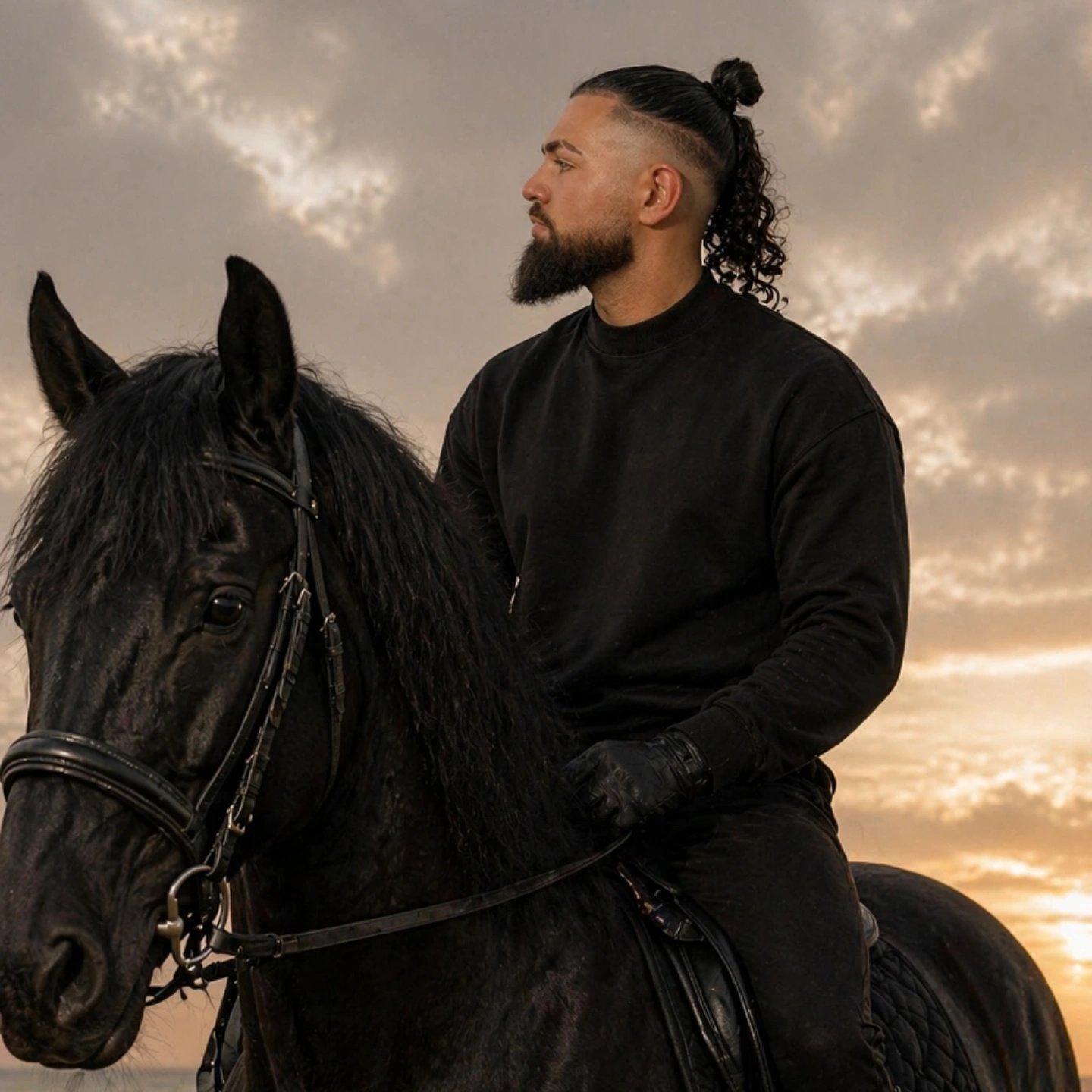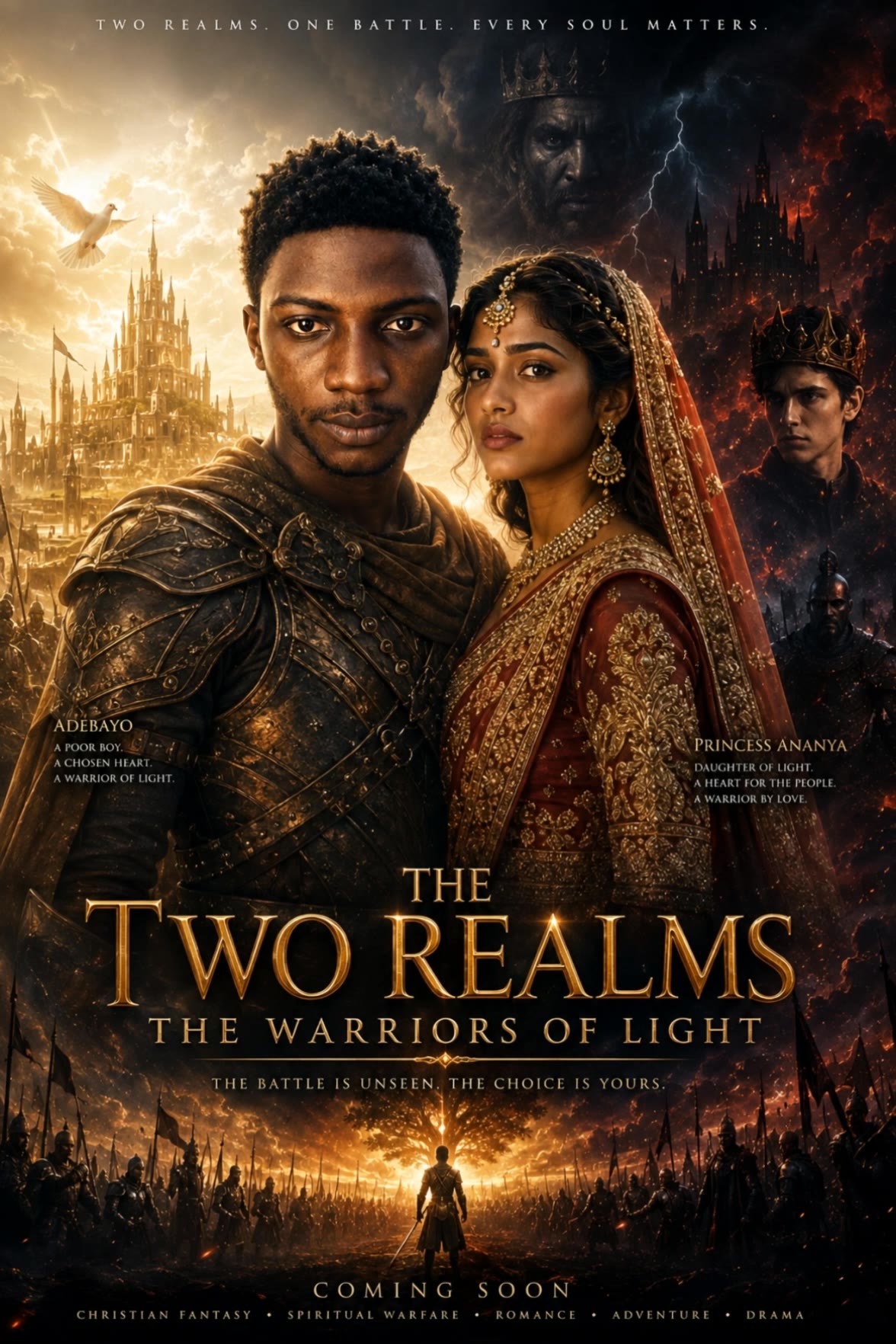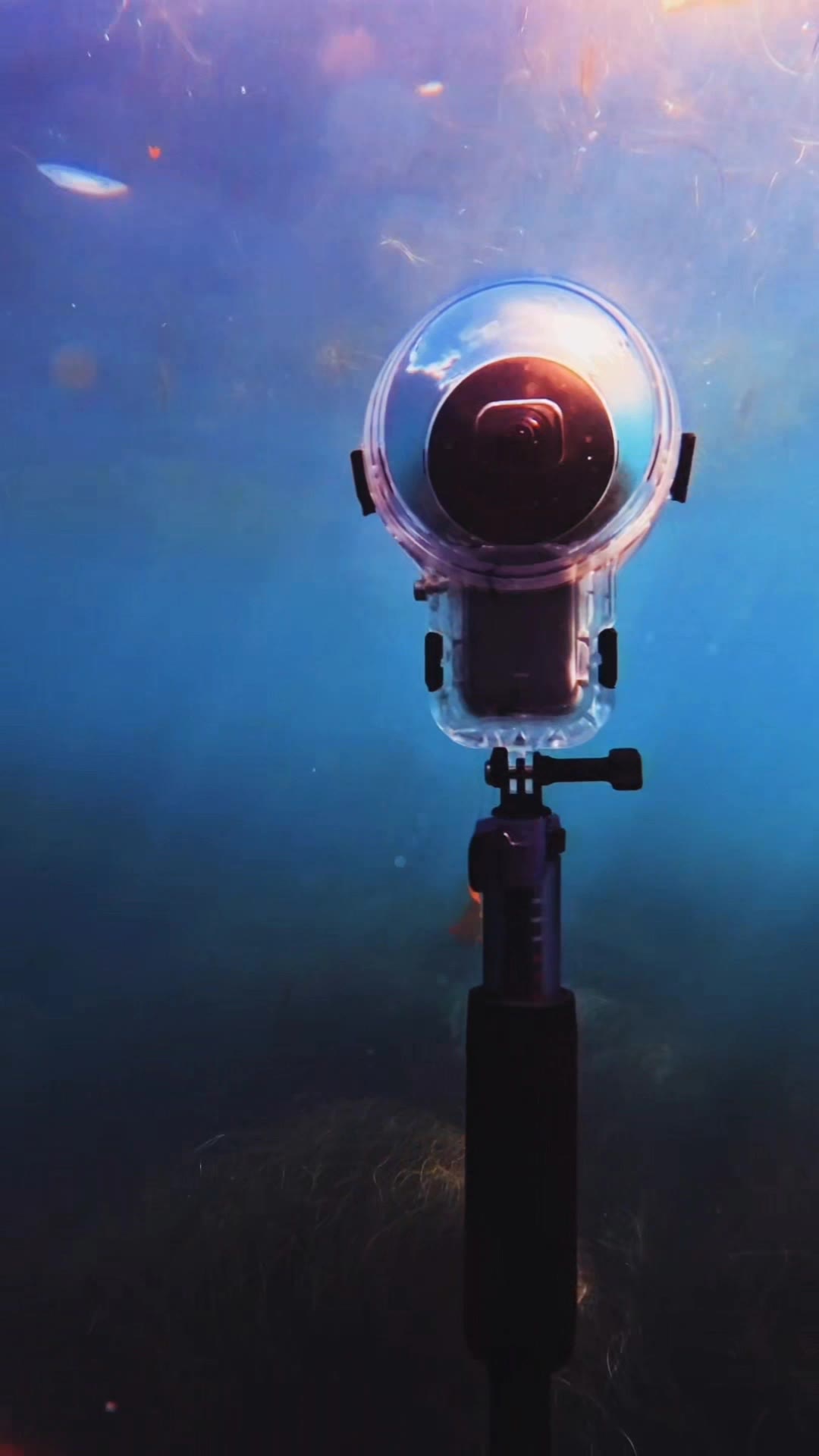

two pictures in one - elderly portraits & orbiting camera angles

Capture the charm of elderly individuals with their dachshunds amidst framed memories, and immerse in transformative journeys from simple pictures to breathtaking 360-degree aesthetic experiences. Start exploring two pictures in one ideas and generate your own content with AI.

two pictures in one - elderly portraits & orbiting camera angles

Recommended

Kling AI work 309742709521847 - two pictures in one AI video
IxWsXfjo avatar
IxWsXfjo
Kling AI work 310643479661027 - two pictures in one AI image
CsknllEc avatar
CsknllEc
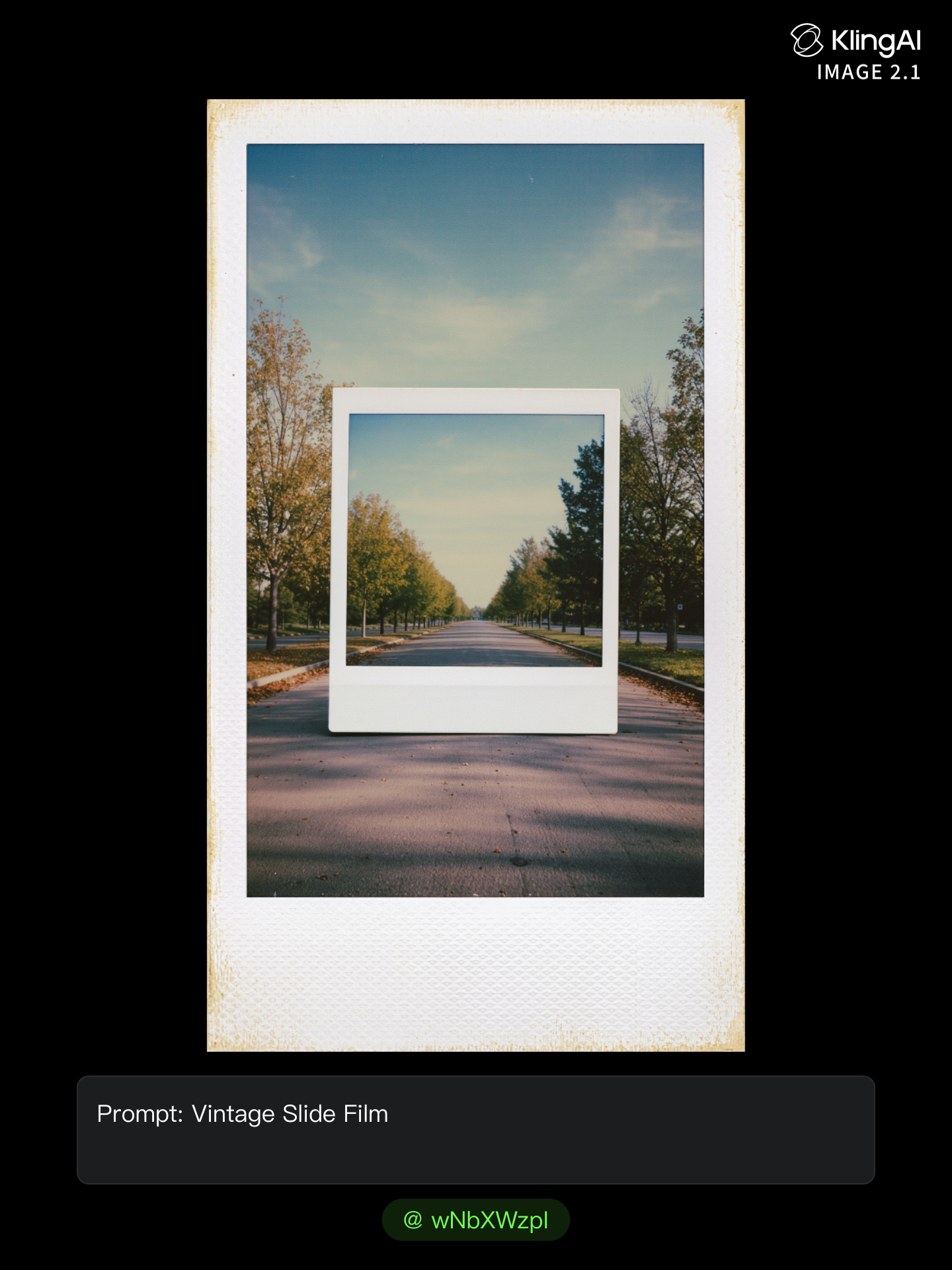
Pictures - two pictures in one AI image
wNbXWzpI avatar
wNbXWzpI
Kling AI work 312079866524616 - two pictures in one AI video
ZSbFilGg avatar
ZSbFilGg
baayyen sii jaladha ani lubbuu  - two pictures in one AI video
gZFlVsPE avatar
gZFlVsPE
Only one movie not 2 pictures - two pictures in one AI video
oQkajHjH avatar
oQkajHjH
Kling AI work 321889640502570 - two pictures in one AI video
RXExKZXY avatar
RXExKZXY
Kling AI work 290699163503624 - two pictures in one AI video
QnGNGdiB avatar
QnGNGdiB
Kling AI work 315642496503708 - two pictures in one AI video
zqtkGuEF avatar
zqtkGuEF
Short Termplat foe two Pictures - two pictures in one AI video
ajnGkRfE avatar
ajnGkRfE
ks - two pictures in one AI video
MOnVPbvf avatar
MOnVPbvf
Kling AI work 321692650664314 - two pictures in one AI video
dOojWGgO avatar
dOojWGgO
Kling AI work 309532524666268 - two pictures in one AI video
AlexMontana avatar
AlexMontana
Kling AI work 320659408525061 - two pictures in one AI video
mFhWxyYf avatar
mFhWxyYf
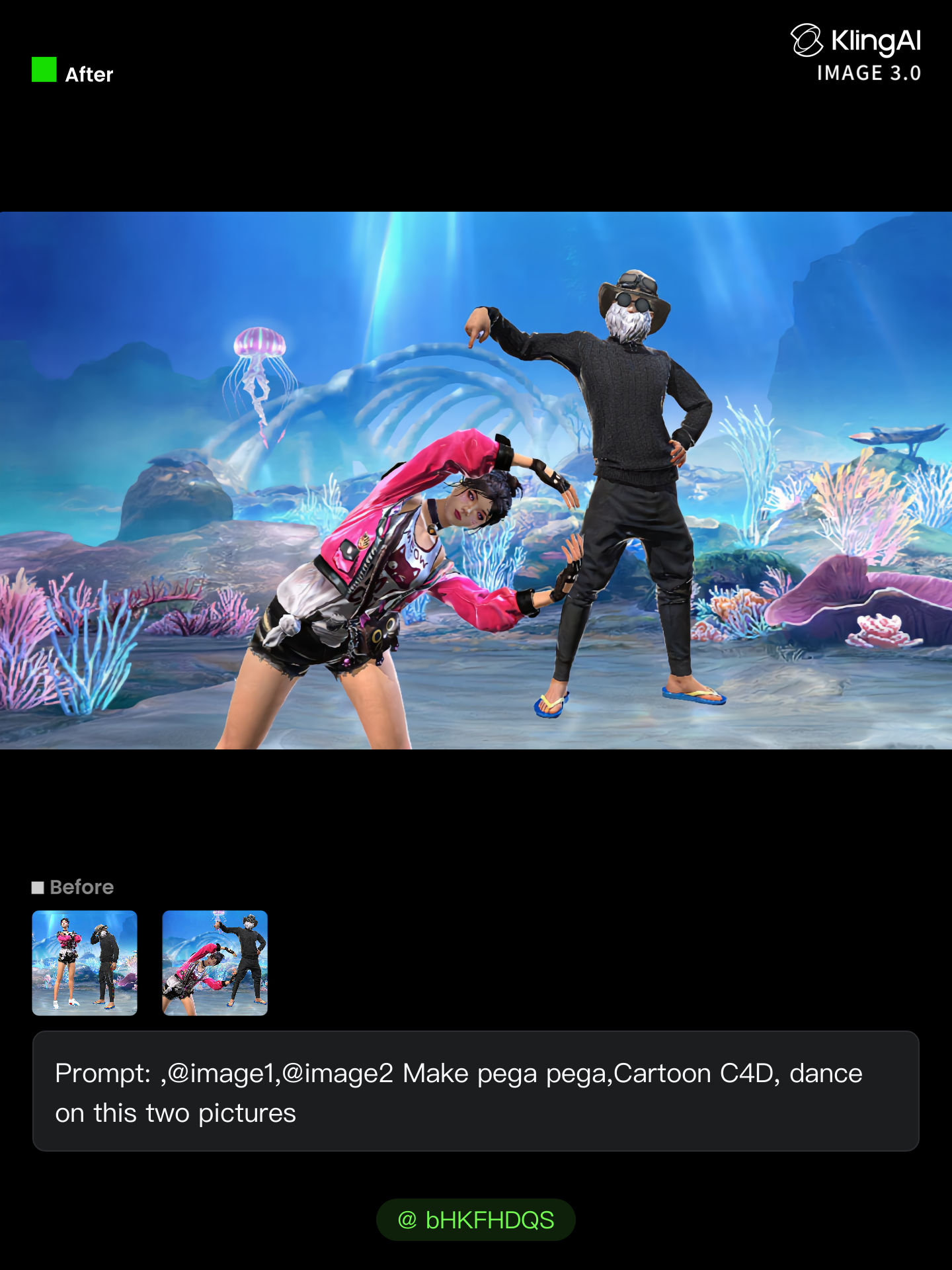
Kling AI work 310129226665086 - two pictures in one AI image
bHKFHDQS avatar
bHKFHDQS
Kling AI work 317591322501592 - two pictures in one AI video
pwTcqDuH avatar
pwTcqDuH
Kling AI work 319068897660133 - two pictures in one AI video
jquTGRFC avatar
jquTGRFC

How to Edit a Photo with Kling AI

Upload Your Photo

Upload Your Photo

Start with a clear photo. Add a reference image when you have a particular replacement, background, or style in mind.

Tell Kling What to Change

Tell Kling What to Change

Enter a clear text prompt, explaining what should change and what should stay the same. Kling applies the edit to the photo with AI directly, without layers or complex manual steps.

Review and Fine-Tune

Review and Fine-Tune

Check the result and the areas that matter most. When one detail needs more work, update the prompt for that area instead of starting over. Download the finished image and share it.

Why Kling Stands Out for Image-to-Video Creation

Realistic Motion, Up to 30s Cinematic Camera Work

Realistic Motion, Up to 30s Cinematic Camera Work

Kling 4.0 delivers more stable, physically convincing action in demanding scenes, from fast-paced fights to sports and large-scale movement. Stronger camera direction supports dynamic tracking, complex camera moves, and more coherent shot composition. With up to 30 seconds of native video generation, create longer takes and connected sequences with greater control over action, pacing, and camera movement.

More References, More Creative Control

More References, More Creative Control

Kling 4.0's Omni Reference supports up to 15 combined reference assets, including images, videos, and subjects. Combine character, scene, motion, and style references to guide different elements within the same generation. Up to 10 flexible keyframes give you additional control over composition, character actions, and scene progression. Experiment with different reference combinations and key moments without rebuilding your entire creative setup.

Recreate, Edit, and Explore New Possibilities

Recreate, Edit, and Explore New Possibilities

Kling 4.0 goes beyond generating new footage. It lets you reference existing videos to explore different characters, products, camera movements, and visual styles while retaining the original shot structure or motion as a guide. It also supports precise video editing, letting you target changes to subjects, backgrounds, actions, and camera angles. Rework existing scenes, try alternate versions, and develop new footage without starting from scratch.

Apps

Image to Video
Image to Video

Image to Video

Text to Video
Text to Video

Text to Video

Omni
Omni

Omni

Digital Human
Digital Human

Digital Human

Restyle
Restyle

Restyle

Text to Image
Text to Image

Text to Image

60M+
60M+
Users
600M+
600M+
AI Videos Generated
4.7 ★
4.7 ★
App Store
Industry-Leading
Industry-Leading
Cinematic 4K

Reviews

Huang Lu (Elson)

Huang Lu (Elson)

★★★★★

I’ve been using Kling AI since its initial release, and it’s remained one of the leading AI media generators ever since. With Kling AI, I’ve created hundreds of videos, collectively amassing millions of views.

PJ Ace

PJ Ace

★★★★★

Kling AI has made it easy for us to generate world class visuals for Fortune 500 companies, TV shows and music for big artists. We love the easy of use of the platform and the quality of the generations. My first time using Kling AI, I got 22 million views on just one video. It's that good.

Ozan Sihay

Ozan Sihay

★★★★★

Kling AI allows me to rapidly prototype ideas, refine storytelling elements, and produce visually compelling content efficiently. It has not only accelerated my creative processes, but also deepened my understanding of how AI can enrich visual storytelling.

FAQ

Q1Is Kling AI a free AI video generator?
Q2Can I use AI-generated videos for commercial purposes?
Q3Can I create an AI video from an image?

Start Creating AI Videos with Kling

Start with text or images and see what's possible with Kling AI. Create the footage, guide the movement, and keep working until the scene feels right. No complicated setup.

Text to Video | Image to Video | Omni Reference | Free tier includes watermark