Creative Studio
API
Resources
Features
About Us
Download

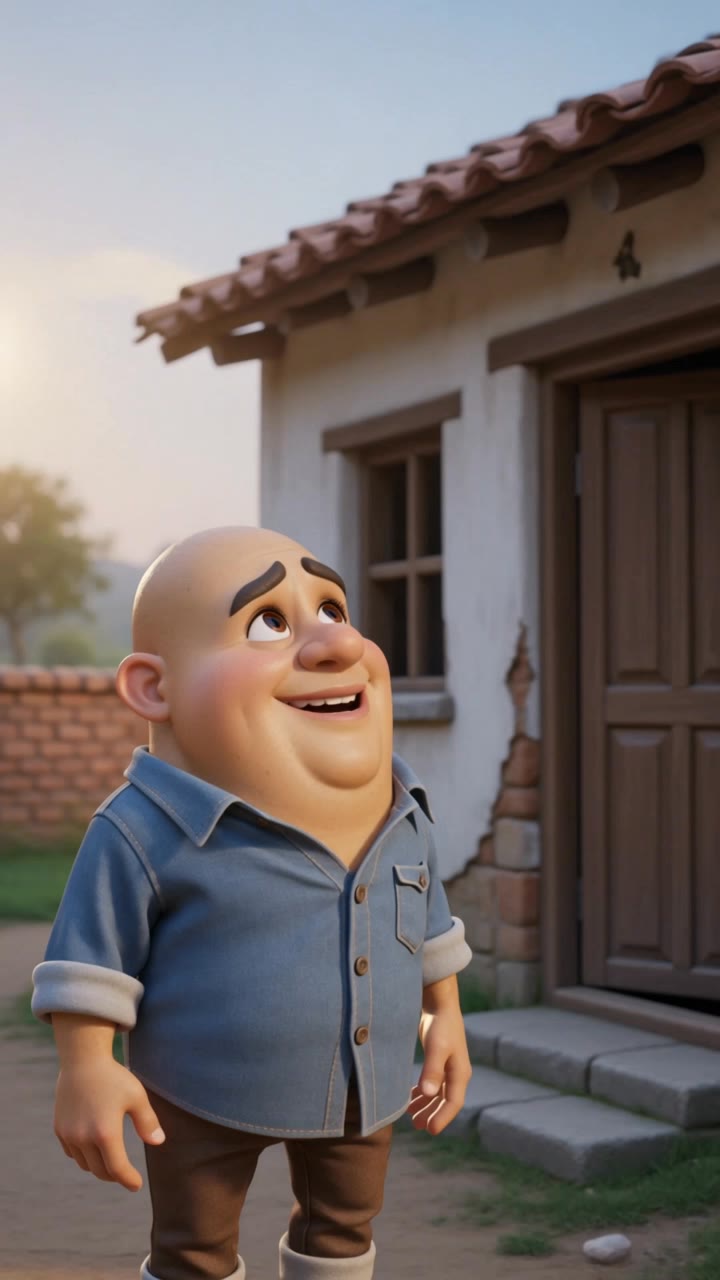
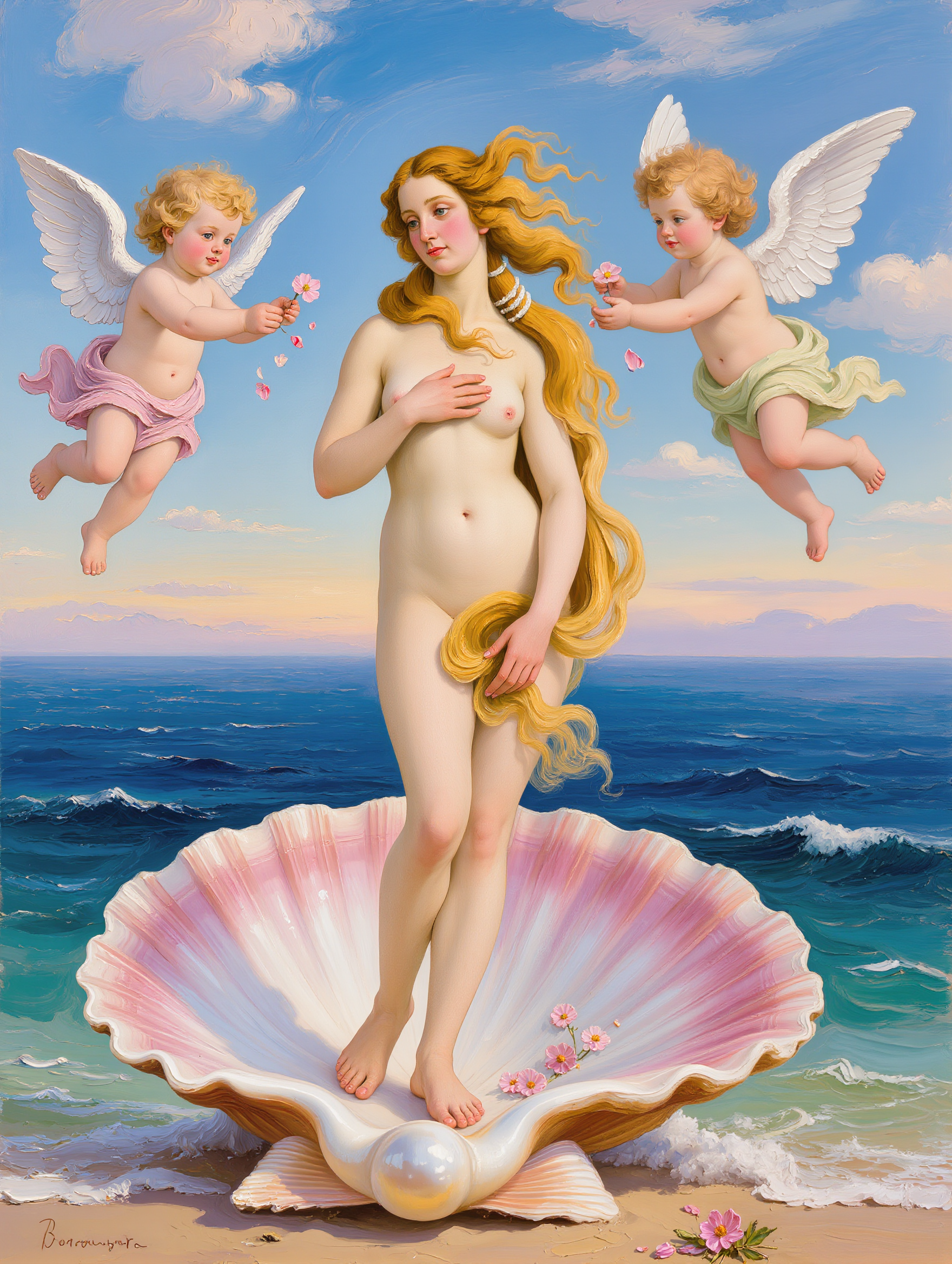
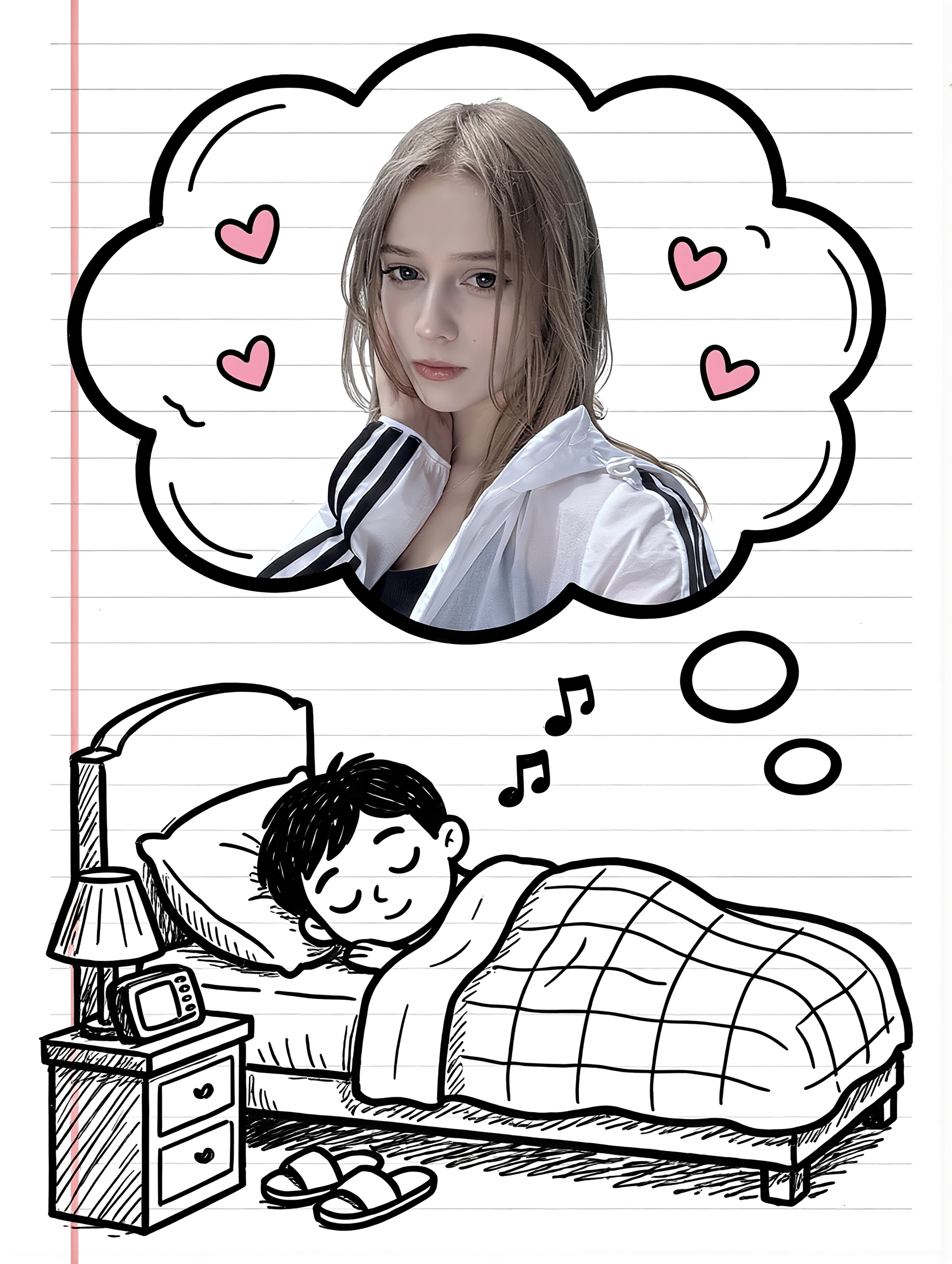
ugly gen ai cartoon portraits - leather outfits & 3D characters

Embrace the quirky charm of unconventional AI-generated cartoon portraits featuring unique themes like Gen Z influencer styles and vintage cartoon loops. Dive into a world where exaggerated expressions and vibrant outfits collide with unexpected ugliness and creativity. Start exploring ugly gen ai cartoon portraits ideas and generate your own content with AI.

ugly gen ai cartoon portraits - leather outfits & 3D characters

Recommended

Kling AI work 311811922613014 - ugly gen ai cartoon portraits AI video
MLvhHDIC avatar
MLvhHDIC
Couple Cartoon Fantasy - ugly gen ai cartoon portraits AI image
331.ヅ avatar
331.ヅ
3rd cartoon - ugly gen ai cartoon portraits AI video
ODlYVRDT avatar
ODlYVRDT
Kling AI work 311998576301233 - ugly gen ai cartoon portraits AI image
amLReQFm avatar
amLReQFm
Kling AI work 310993669502642 - ugly gen ai cartoon portraits AI video
GuiMCQas avatar
GuiMCQas
Ugly Caricature - ugly gen ai cartoon portraits AI image
volaroid.com avatar
volaroid.com
ai cartoon  - ugly gen ai cartoon portraits AI video
00:10
Desi Ai Toons Yt avatar
Desi Ai Toons Yt
my cartoon face - ugly gen ai cartoon portraits AI image
qgLRlzlA avatar
qgLRlzlA
Kling AI work 312469935612658 - ugly gen ai cartoon portraits AI image
venus avatar
venus
My Cartoon Self - ugly gen ai cartoon portraits AI image
331.ヅ avatar
331.ヅ
Kling AI work 312311845610807 - ugly gen ai cartoon portraits AI video
S.m. meraz avatar
S.m. meraz
Kling AI work 313872877666223 - ugly gen ai cartoon portraits AI video
Authormimi avatar
Authormimi
Kling AI work 317621782524135 - ugly gen ai cartoon portraits AI image
vLVQdppL avatar
vLVQdppL
Kling AI work 317954302613297 - ugly gen ai cartoon portraits AI image
BunnyLOVE Studios avatar
BunnyLOVE Studios
Misfitv2 - ugly gen ai cartoon portraits AI image
rRJAXPaD avatar
rRJAXPaD
Kling AI work 308567080302581 - ugly gen ai cartoon portraits AI image
Tyamo avatar
Tyamo
현대차 2탄 - ugly gen ai cartoon portraits AI video
lEkiEAVa avatar
lEkiEAVa

How to Use Kling AI Face Swap

Step 1: Upload Your Target and References

Step 1: Upload Your Target and References

Add the photo or video you want to edit, then add the face reference you want Kling AI to follow. For video, you can also use multiple views or a character element when you need stronger identity consistency across different angles.

Step 2: Describe the Face Swap You Want

Step 2: Describe the Face Swap You Want

Tell Kling AI which face to replace and what reference to use. For example: "Replace the face in [Image 1] with the face from [Image 2] while keeping all other content unchanged."

Step 3: Generate Your Face Swap

Step 3: Generate Your Face Swap

Choose your preferred output settings, such as the generation mode and aspect ratio, then click Generate. Kling AI will apply your instructions and chosen settings to create your face-swapped image or video.

Why Kling Sets the Standard for Video Creation

Flawless Character Consistency

Flawless Character Consistency

Unlike standard tools that distort faces when moving, Kling Video 3.0 lets you strictly lock a character’s appearance. Upload a single photo, or use a short video/multiple angles as a reference to completely eliminate the “AI morphing” effect.

Native Audio & Perfect Lip-Sync

Native Audio & Perfect Lip-Sync

Your image doesn’t just move; it speaks. Generate perfectly matched voices and realistic lip movements in multiple languages or regional accents. Even in multi-character scenes, you can precisely assign who speaks—no third-party tools required.

15s Duration & Motion Control

15s Duration & Motion Control

Go beyond simple loops with up to 15 seconds of smooth narrative. Use advanced Motion Control to direct camera pans, tilts, and zooms, or define exact transitions with start and end frame references.

Apps

Image to Video
Image to Video

Image to Video

Text to Video
Text to Video

Text to Video

Omni
Omni

Omni

Digital Human
Digital Human

Digital Human

Restyle
Restyle

Restyle

Text to Image
Text to Image

Text to Image

60M+
60M+
Users
600M+
600M+
AI Videos Generated
4.7 ★
4.7 ★
App Store
Industry-Leading
Industry-Leading
Cinematic 4K

Reviews

Maria Rubtsova

Maria Rubtsova

★★★★★

I’m Maria Rubtsova, an AIGC digital artist passionate about creating stunning visuals in the worlds of fashion, aesthetics, and fantasy. I use KlingAi to bring imagination to life through video. My work is all about exploring beauty, emotion, and the limitless possibilities of digital art.

KakuDrop

KakuDrop

★★★★★

I have successfully collaborated with world-renowned artists and well-known companies that are recognized globally

Jyo John Mulloor

Jyo John Mulloor

★★★★★

Kling AI has been instrumental in transforming my creative workflow, unlocking new dimensions of artistic expression that were once unimaginable. I use Kling AI extensively to develop high-concept visuals, animate surreal dreamscapes, and create AI-assisted films that blur the line between reality and fantasy. Kling AI’s deep learning capabilities have not only enhanced my creative efficiency but also inspired me to explore storytelling in ways I never thought possible.

FAQ

Q1What is an AI image background remover?
Q2Can I use a reference image for a new background?
Q3Can AI remove backgrounds while preserving hair and fine details?

Create a Whole New Look from One Photo

Swap outfits, mix references, and explore new styles with IMAGE 3.0 Omni. Keep the person recognizable and let new clothing blend naturally into the original photo.