
Creative Studio
API
Resources
Features
About Us
Download

unblur videos - skincare routines & success stories

Unlock the potential of unblur videos featuring skincare routines and inspiring success stories. Leverage AI to transform and enhance your video content seamlessly. Start exploring unblur videos ideas and generate your own content with AI.

unblur videos - skincare routines & success stories

Recommended

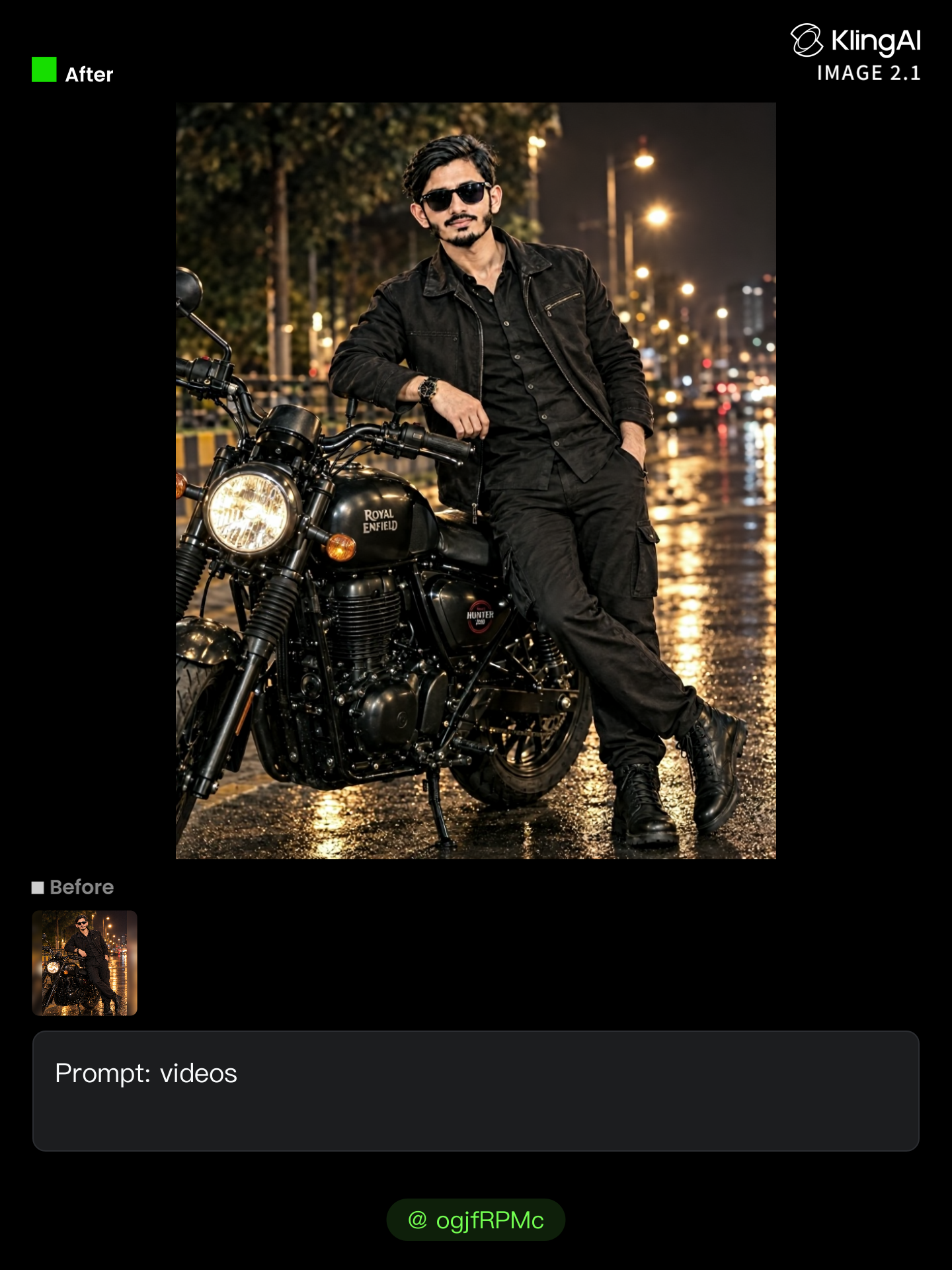
Kling AI work 321372707506997 - unblur videos AI image
ogjfRPMc avatar
ogjfRPMc
Kling AI work 318593745614827 - unblur videos AI video
HrguqMhw avatar
HrguqMhw
Kling AI work 309786671508324 - unblur videos AI image
wWehDtqk avatar
wWehDtqk
Kling AI work 319026303612303 - unblur videos AI image
jqDjiJjz avatar
jqDjiJjz
Kling AI work 318095570503113 - unblur videos AI video
SEHHbpGR avatar
SEHHbpGR
Kling AI work 306729120612501 - unblur videos AI image
LAkvFYhg avatar
LAkvFYhg
Kling AI work 310383014611543 - unblur videos AI image
dRGsLEQH avatar
dRGsLEQH
Kling AI work 310350535668408 - unblur videos AI image
PnswPLEK avatar
PnswPLEK
Kling AI work 321627676503579 - unblur videos AI image
DKAfLuUZ avatar
DKAfLuUZ
Kling AI work 317856593668112 - unblur videos AI video
UhlbBgVM avatar
UhlbBgVM
how to make this videos - unblur videos AI video
Be Direct Ai avatar
Be Direct Ai
Elite Creator
Kling AI work 310920853503828 - unblur videos AI image
vxFEfcCZ avatar
vxFEfcCZ
Kling AI work 306613575612907 - unblur videos AI image
AEcLlFcZ avatar
AEcLlFcZ
Kling AI work 307115455617189 - unblur videos AI image
ZwrbyaWX avatar
ZwrbyaWX
Kling AI work 310733931661880 - unblur videos AI image
IiFJJJto avatar
IiFJJJto
Kling AI work 313202675613185 - unblur videos AI image
LlCibFip avatar
LlCibFip
videos  - unblur videos AI image
LmEwNgAv avatar
LmEwNgAv
Kling AI work 311319524503162 - unblur videos AI image
kVZKcZmo avatar
kVZKcZmo
Kling AI work 310893702611880 - unblur videos AI image
vxFEfcCZ avatar
vxFEfcCZ

How to Enhance Image Quality with Kling

Step 1: Upload Your Image

Step 1: Upload Your Image

Upload the image you want to improve to Kling 3.0 Omni. Start with a portrait, product photo, artwork, social visual, or any other existing image you want to recreate at a higher resolution.

Step 2: Generate Up to 4K

Step 2: Generate Up to 4K

Describe what you want to improve, such as facial details, textures, or other important parts of the image. Choose your preferred resolution, including 2K or 4K, then generate the enhanced result.

Step 3: Upscale Existing AI Images

Step 3: Upscale Existing AI Images

Already generated an image with Kling AI? Hover over the result and select Upscale to increase its resolution without uploading the image again. Choose the available output quality that fits your needs.

Why Kling Sets the Standard for Video Creation

Flawless Character Consistency for High-Quality Videos

Flawless Character Consistency for High-Quality Videos

Unlike standard tools that distort faces when moving, Kling Video 3.0 lets you strictly lock a character’s appearance. Upload a single photo, or use a short video/multiple angles as a reference to completely eliminate the “AI morphing” effect.

All-in-One Native Audio & Lip-Sync

All-in-One Native Audio & Lip-Sync

Your video isn’t just silent footage; it speaks. Generate perfectly matched voices and realistic lip movements in multiple languages or regional accents. Even in multi-character scenes, you can precisely assign who speaks—no third-party tools required.

Up to 15s Multi-Shot Cinematic Output

Up to 15s Multi-Shot Cinematic Output

Go beyond a basic 3-second clip. Kling 3.0 extends generation to 15 seconds of smooth, uninterrupted narrative. You can even use native storyboard controls to direct multi-shot sequences in a single click—outputting in crystal-clear 4K for professional use.

Apps

Image to Video
Image to Video

Image to Video

Text to Video
Text to Video

Text to Video

Omni
Omni

Omni

Digital Human
Digital Human

Digital Human

Restyle
Restyle

Restyle

Text to Image
Text to Image

Text to Image

60M+
60M+
Users
600M+
600M+
AI Videos Generated
4.7 ★
4.7 ★
App Store
Industry-Leading
Industry-Leading
Cinematic 4K

Reviews

PJ Ace

PJ Ace

★★★★★

Kling AI has made it easy for us to generate world class visuals for Fortune 500 companies, TV shows and music for big artists. We love the easy of use of the platform and the quality of the generations. My first time using Kling AI, I got 22 million views on just one video. It's that good.

Huang Lu (Elson)

Huang Lu (Elson)

★★★★★

I’ve been using Kling AI since its initial release, and it’s remained one of the leading AI media generators ever since. With Kling AI, I’ve created hundreds of videos, collectively amassing millions of views.

Halim Alrasihi

Halim Alrasihi

★★★★★

I use AI daily and Kling AI is a crucial part of my workflow, whether for client work or personal projects. What I love most about using Kling AI is that it provides all the tools I need in one place, from keyframes to character references, elements and special effects.

FAQ

Q1How can I customize my AI character?
Q2Can I keep the same character consistent across different images?
Q3What character styles can I create with Kling AI?

Bring Your Characters to Life with AI Voices

Create natural voices from text with Kling AI. Turn character dialogue into expressive speech to create realistic character videos.

Native Audio | Multilingual Dialogue | Character Voice Control