Creative Studio
API
Resources
Features
About Us
Download

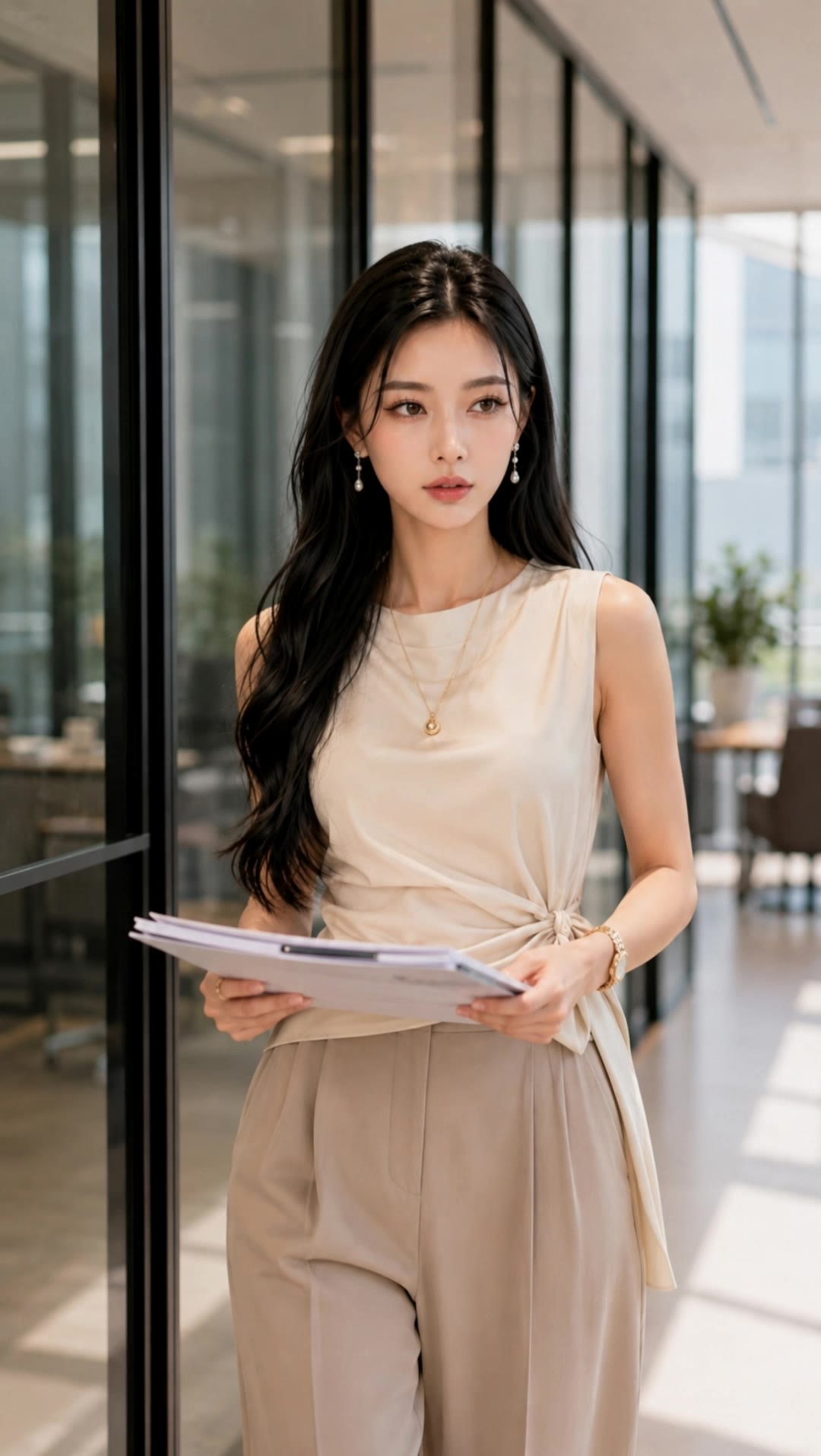
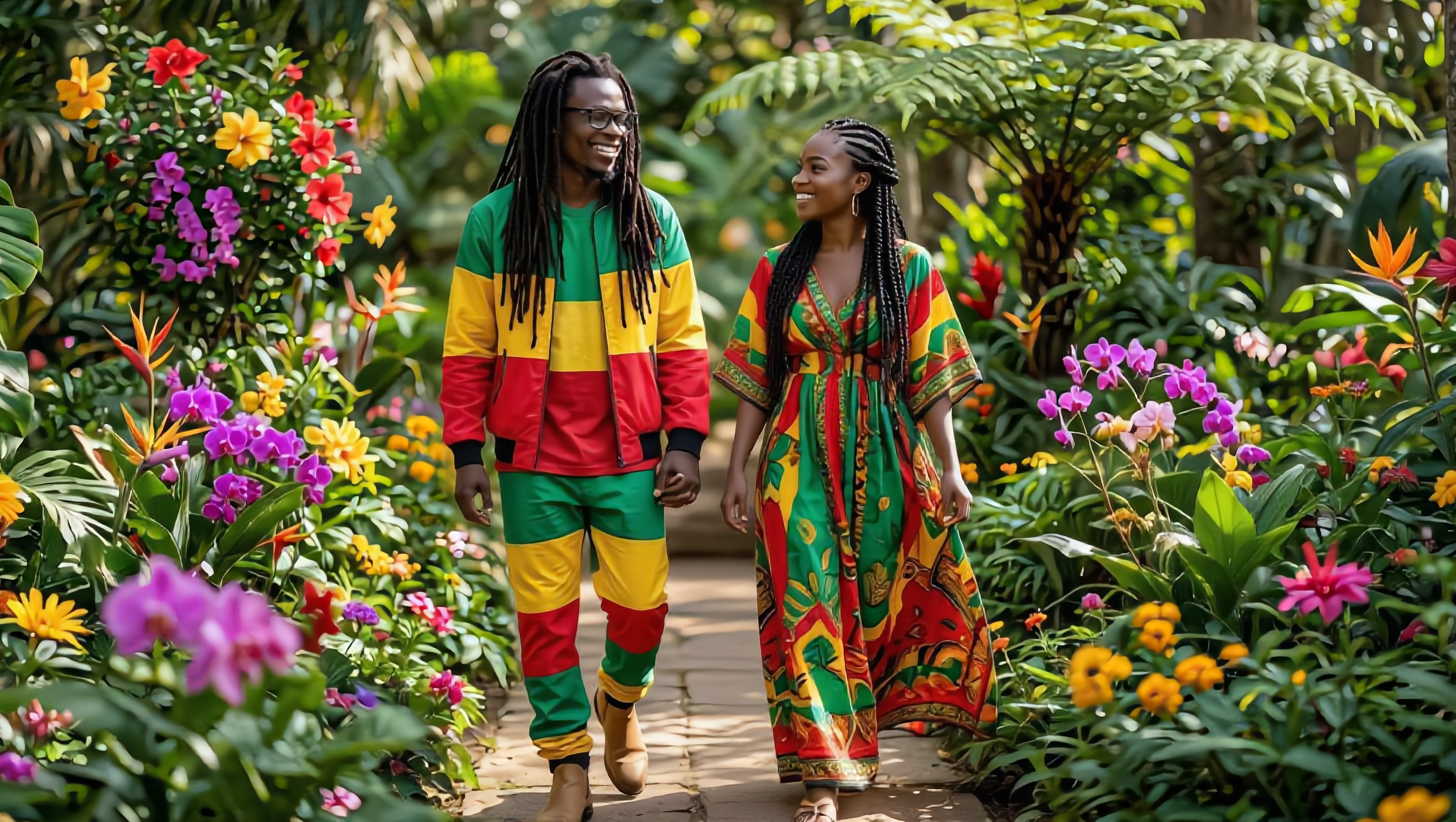
walking animate - office settings & character interactions

Unveil charming and diverse walking animations featuring elegant strides, office scenarios, and captivating character interactions. Start exploring walking animate ideas and generate your own content with AI.

walking animate - office settings & character interactions

Recommended

Kling AI work 312706924618168 - walking animate AI video
tgtwICpn avatar
tgtwICpn
Strawberry walking at school - walking animate AI video
Rzymbzeu avatar
Rzymbzeu
walking along office carridor - walking animate AI video
gxynRkKF avatar
gxynRkKF
Kling AI work 309724983668601 - walking animate AI video
vxHadxiS avatar
vxHadxiS
Kling AI work 318242075664098 - walking animate AI image
RbwdAPPD avatar
RbwdAPPD
Kling AI work 308778146508153 - walking animate AI image
RGpOqQTJ avatar
RGpOqQTJ
a couple walking on road - walking animate AI video
Squidy avatar
Squidy
reze walking - walking animate AI video
ASQ avatar
ASQ
Kling AI work 318242150615051 - walking animate AI image
RbwdAPPD avatar
RbwdAPPD
A  little brocollii walking - walking animate AI image
epkFixDi avatar
epkFixDi
walking in the office - walking animate AI video
gxynRkKF avatar
gxynRkKF
India lady walking in a market  - walking animate AI video
QgxGsjGl avatar
QgxGsjGl
My daughter and I are walking to - walking animate AI image
vTIqzLhP avatar
vTIqzLhP
Woman walking - walking animate AI video
bGuHeAma avatar
bGuHeAma
walking in the office - walking animate AI video
gxynRkKF avatar
gxynRkKF
Kling AI work 309444242660539 - walking animate AI video
IRTYRegU avatar
IRTYRegU
Kling AI work 314402395525922 - walking animate AI image
kMFTymEb avatar
kMFTymEb
couple walking - walking animate AI video
gxynRkKF avatar
gxynRkKF
Kling AI work 316859898322303 - walking animate AI video
OTYcCeka avatar
OTYcCeka

How to Restore Old Photos with Kling AI

Upload Your Old Photo

Upload Your Old Photo

Upload a scanned photo, faded print, damaged portrait, or black-and-white image. Your original photo gives Kling the visual reference for the people, objects, composition, and details you want to keep.

Describe the Restoration You Want

Describe the Restoration You Want

Use a prompt to describe the improvements you want, such as removing scratches, reducing stains, restoring faded colors, enhancing facial details, or repairing damaged areas. You can also mention what should stay consistent, like expressions, clothing, or the overall look of the original photo.

Generate Your Restored Photo

Generate Your Restored Photo

Generate your restored version and compare it with the original. If an important detail changes, update your prompt or add another reference and try again.

Make Images Clearer, Sharper, and More Detailed

Make Soft or Blurry-Looking Images Clearer

Make Soft or Blurry-Looking Images Clearer

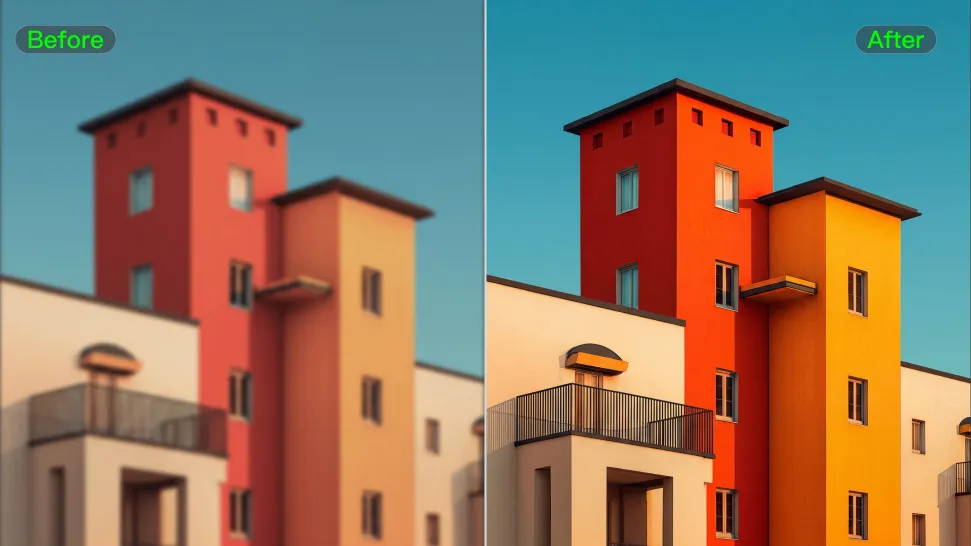
Improve images that look soft, blurry, or short on detail so important subjects appear clearer and easier to recognize. Kling IMAGE 3.0 Omni can refine facial features, object edges, textures, and other key areas while preserving the overall look and character of the original image.
Enhance Low-Resolution Images in 2K/4K

Enhance Low-Resolution Images in 2K/4K

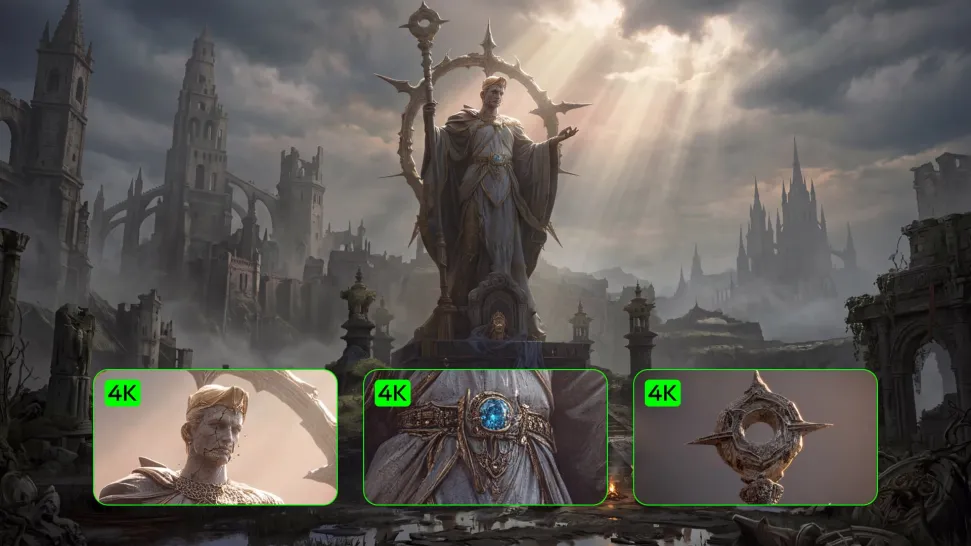
Need more resolution for a larger screen, campaign visual, product image, or creative project? Use your existing image as the starting point and generate a higher-resolution version in native 2K or 4K. You get more room for fine textures and visual detail to come through, making your result better suited to larger displays, print, presentations, and other high-resolution uses.

Improve Color and Lighting Your Way

Improve Color and Lighting Your Way

If your image feels too dark, flat, or visually uneven, describe the look you want and guide changes to lighting, shadows, contrast, color tone, or saturation. You can create softer light, richer color, or a more balanced finish while keeping control over the overall visual direction.

Apps

Image to Video
Image to Video

Image to Video

Text to Video
Text to Video

Text to Video

Omni
Omni

Omni

Digital Human
Digital Human

Digital Human

Restyle
Restyle

Restyle

Text to Image
Text to Image

Text to Image

60M+
60M+
Users
600M+
600M+
AI Videos Generated
4.7 ★
4.7 ★
App Store
Industry-Leading
Industry-Leading
Cinematic 4K

Reviews

Samuele Poggi (@visualsk2)

Samuele Poggi (@visualsk2)

★★★★★

I use Kling AI daily to push the limits of AI filmmaking. It allows me to create highly cinematic content, blending AI and VFX to develop innovative projects. It has significantly impacted my creative process, enabling me to achieve complex animations that would otherwise require high production budgets.

Vincent Smadja

Vincent Smadja

★★★★★

Kling AI seamlessly integrates into my creative workflow, playing a key role in transforming my images. After generating and upscaling an image, Kling becomes a crucial element, bringing my creations to life with movement and depth.

Huang Lu (Elson)

Huang Lu (Elson)

★★★★★

I’ve been using Kling AI since its initial release, and it’s remained one of the leading AI media generators ever since. With Kling AI, I’ve created hundreds of videos, collectively amassing millions of views.

FAQ

Q1Is Kling AI Video Editor free?
Q2Does Kling support AI lip sync?
Q3Do I need professional video editing experience when using AI video editor?

Take Your Photo in a New Direction

Start with the image you have and rework it for the look, message, or moment you have in mind.

Object removal | Background changes | Portrait retouching | Photo restyling