Creative Studio
API
Resources
Features
About Us
Download

wanted photo generator - retro film & professional office environment

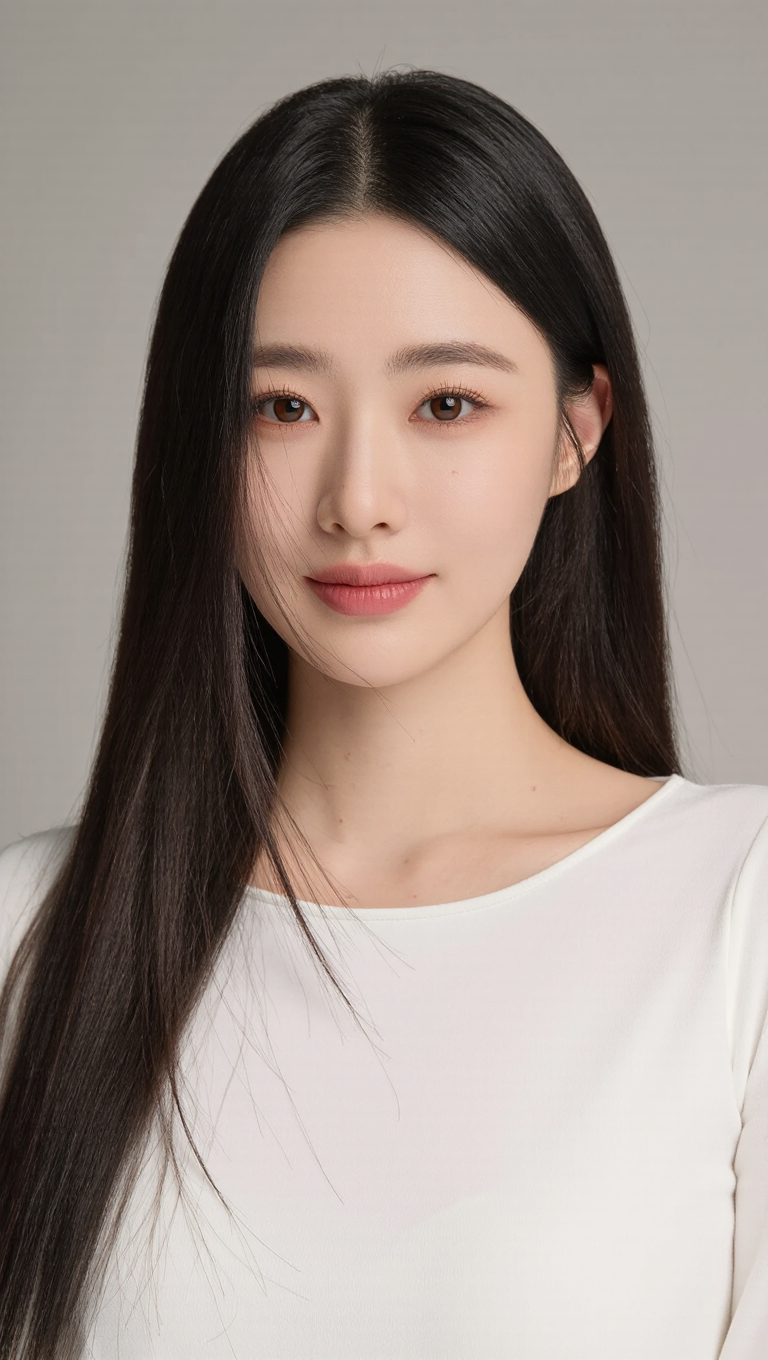
Create captivating, photorealistic wanted posters with unique AI-generated visuals featuring dynamic poses and cinematic aesthetics. Transform your photos into stunning retro film-style artwork with consistent character representation. Start exploring wanted photo generator ideas and generate your own content with AI.

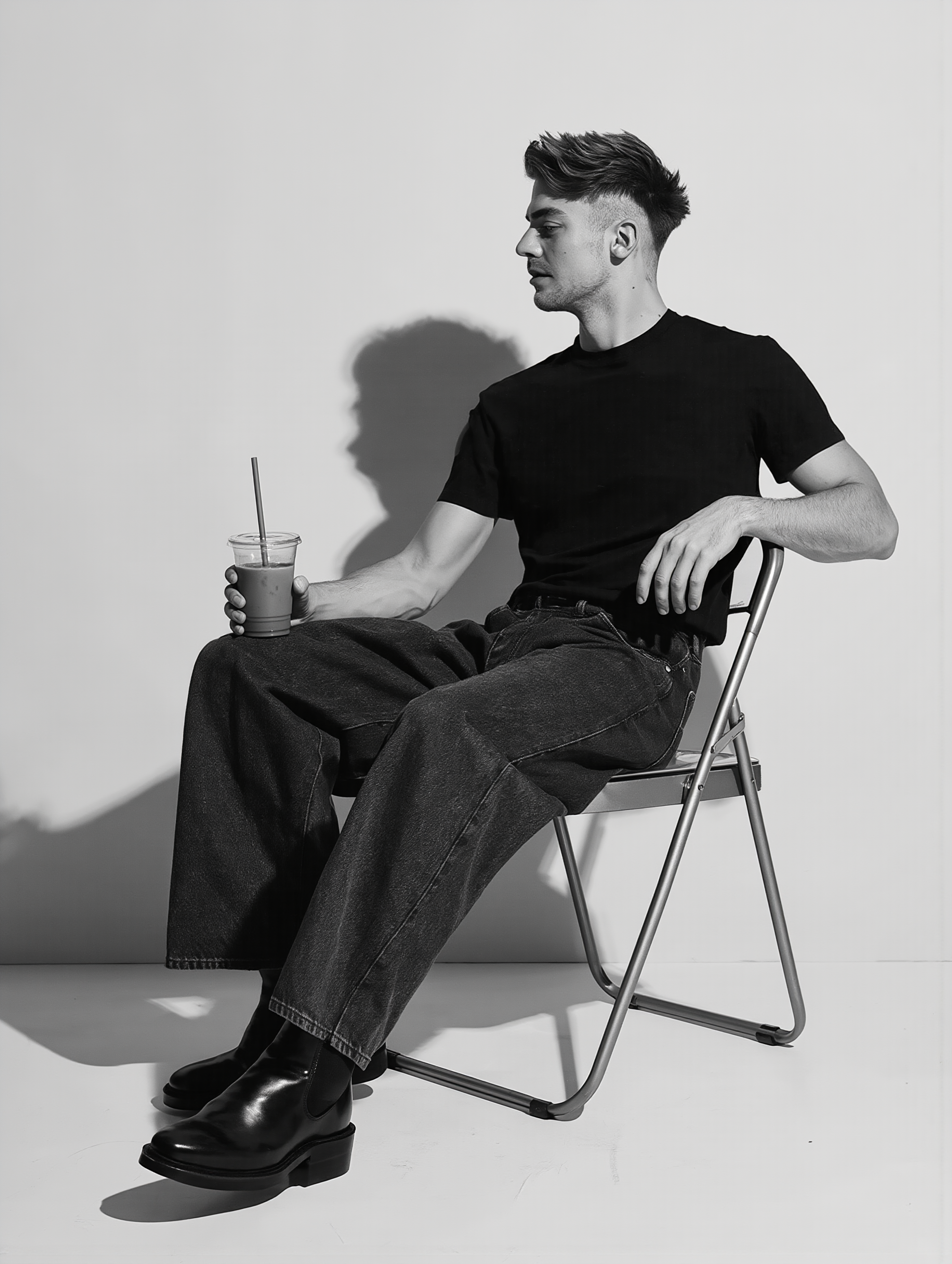
wanted photo generator - retro film & professional office environment

Recommended

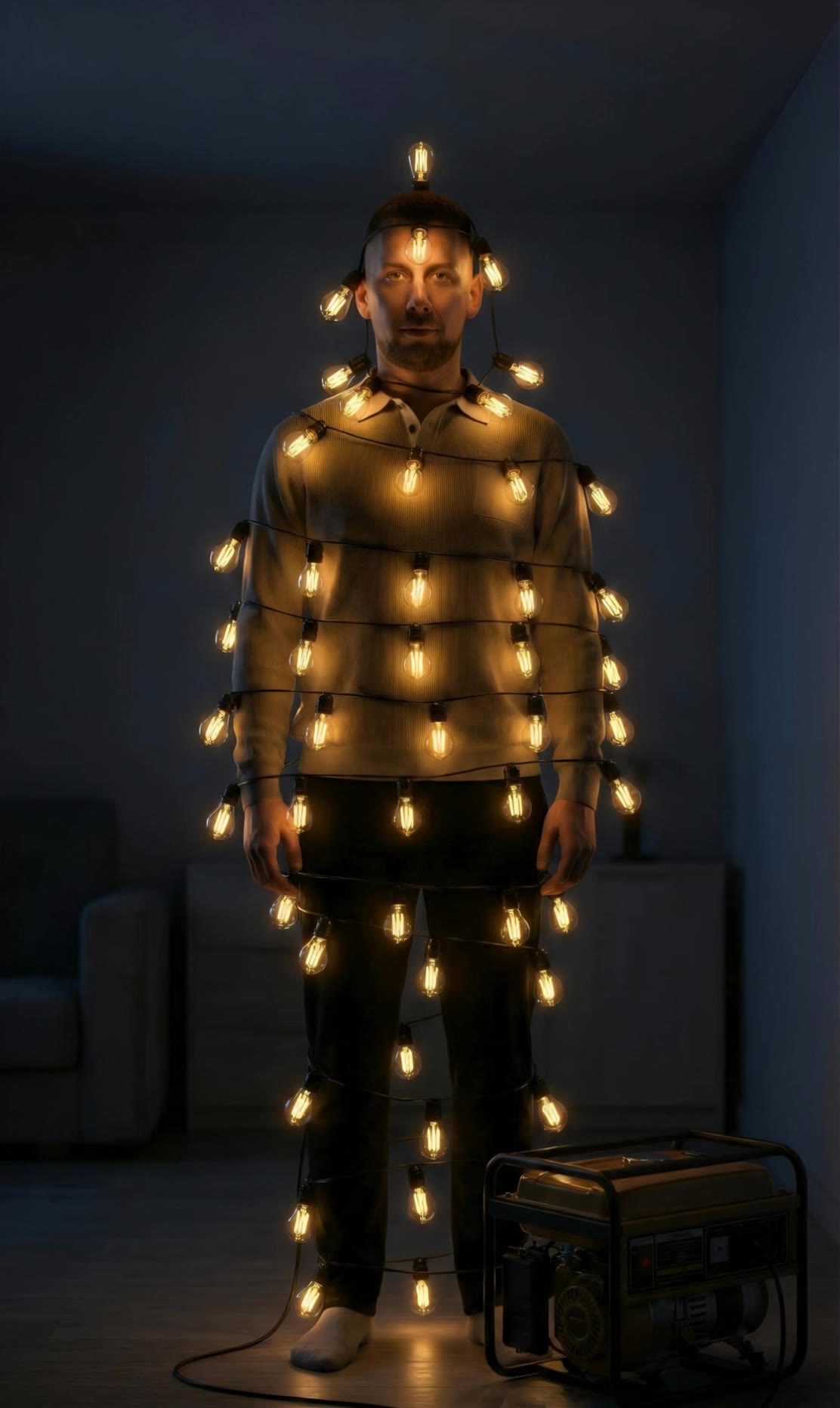
Kling AI work 318748569617222 - wanted photo generator AI image
yNfQTDmO avatar
yNfQTDmO
Ai photo - wanted photo generator AI image
souvenir avatar
souvenir
Kling AI work 309053528611267 - wanted photo generator AI video
sfuWbDKg avatar
sfuWbDKg
Reate a video in this photo - wanted photo generator AI image
rs avatar
rs
Kling AI work 310739389500669 - wanted photo generator AI image
UURTuGBi avatar
UURTuGBi
Pretty Manola🥰 - wanted photo generator AI image
silenceboy🥺 avatar
silenceboy🥺
take photo with banana😂 - wanted photo generator AI image
souvenir avatar
souvenir
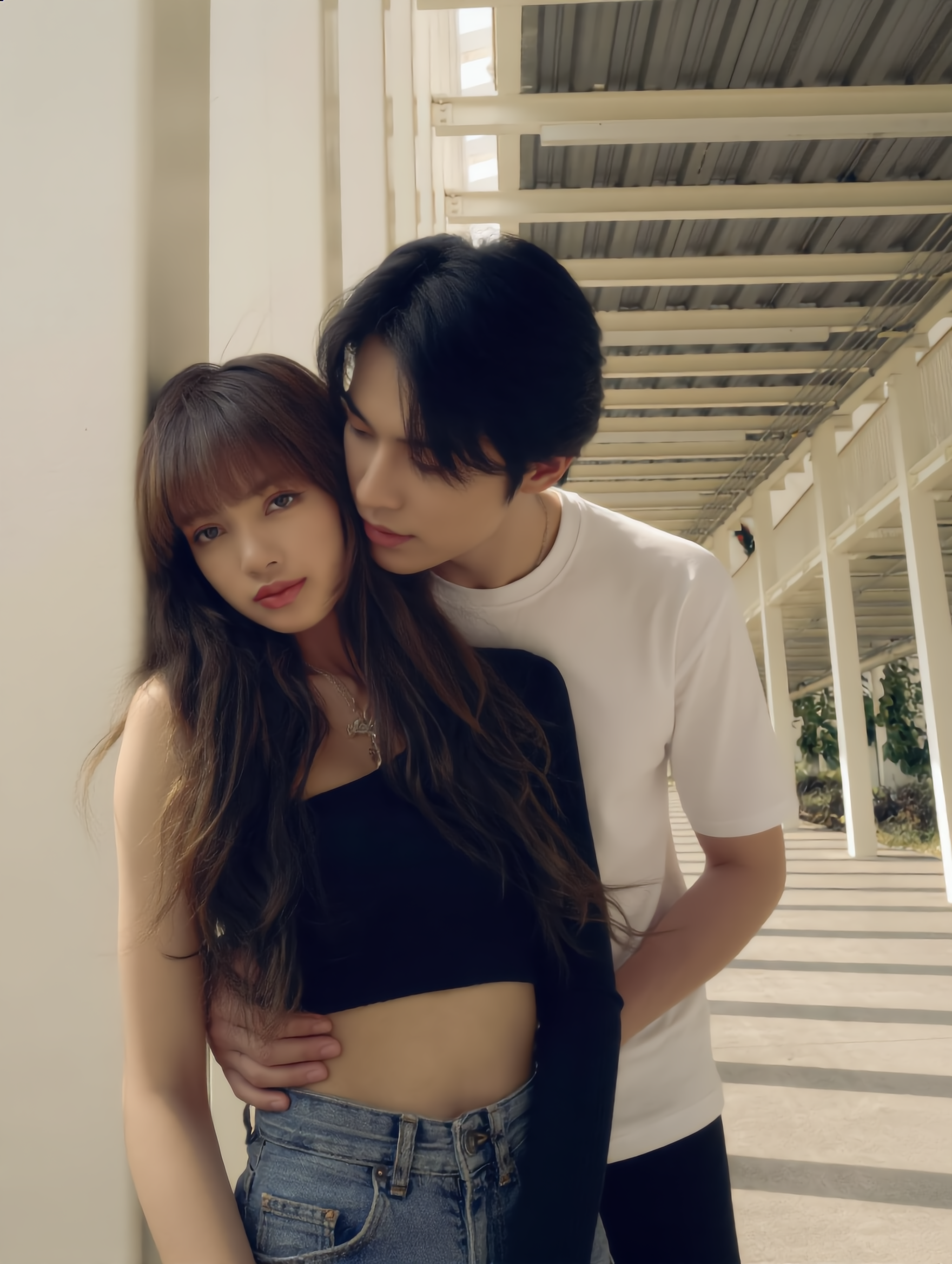
The love we almost missed  - wanted photo generator AI image
hbwZGFVP avatar
hbwZGFVP
Kling AI work 309073593616374 - wanted photo generator AI image
yLIXScPO avatar
yLIXScPO
MacBook selfie photo - wanted photo generator AI image
souvenir avatar
souvenir
Good morning  - wanted photo generator AI image
silenceboy🥺 avatar
silenceboy🥺
Kling AI work 297936468528146 - wanted photo generator AI video
KLING5274 avatar
KLING5274
Kling AI work 315733447660596 - wanted photo generator AI image
ayyNalpT avatar
ayyNalpT
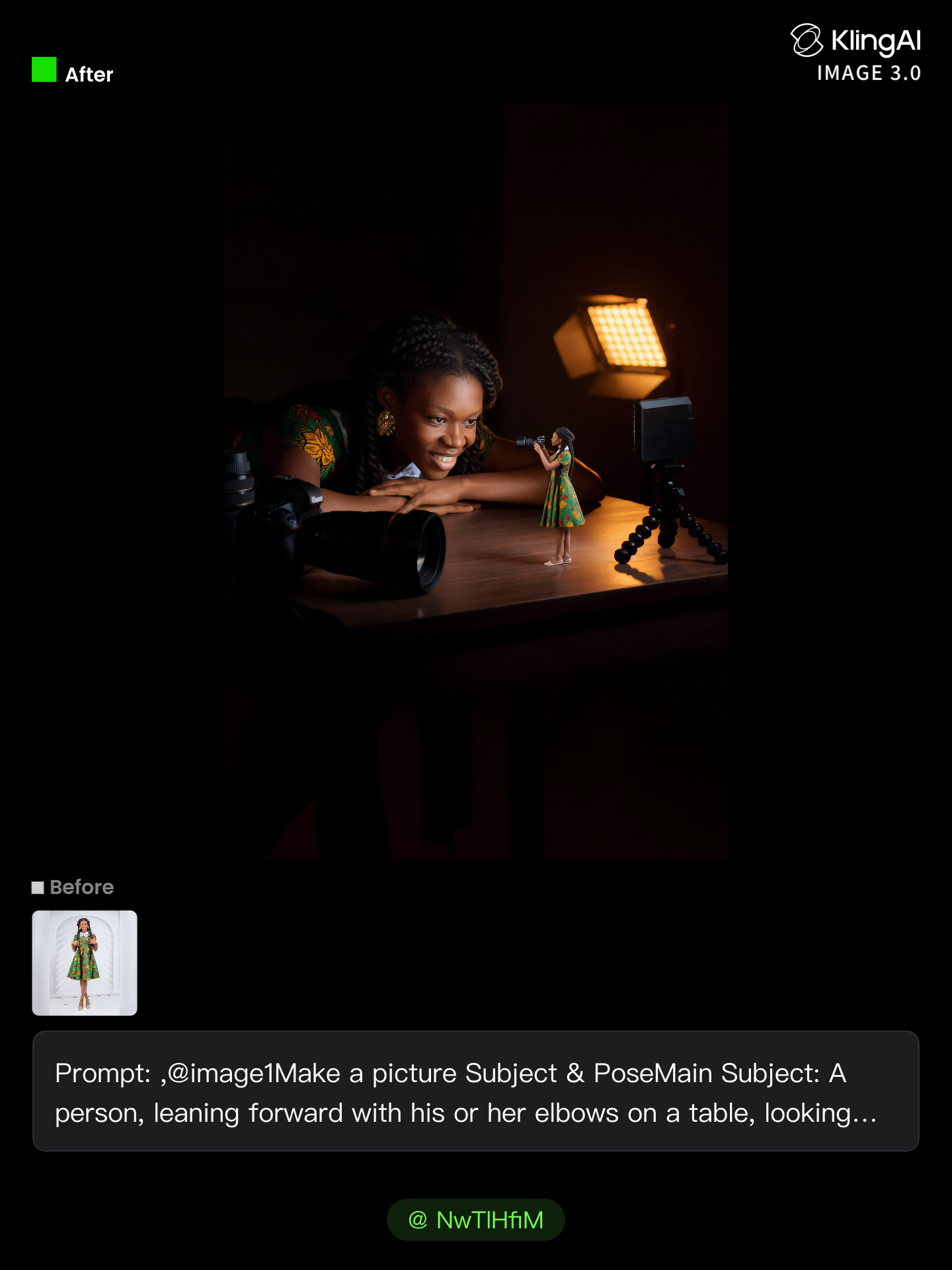
no need to pay for photo shoot  - wanted photo generator AI image
NwTlHfiM avatar
NwTlHfiM
Vintage 1980s photo style - wanted photo generator AI image
yXkoyhXH avatar
yXkoyhXH
Prompt generator gambar AI mahak - wanted photo generator AI image
ℹ️MissKAKADU🌼 avatar
ℹ️MissKAKADU🌼
ai photo - wanted photo generator AI image
FvTaeUwD avatar
FvTaeUwD
Kling AI work 307978710664107 - wanted photo generator AI image
LXMJeLYx avatar
LXMJeLYx

How to Use Kling AI Image to Image

Upload Your Images

Upload Your Images

Open Image Generation, select IMAGE 3.0 Omni, and upload the image you want to transform and add reference images to carry into the result.

Set the Creative Direction

Set the Creative Direction

You can combine elements from several references, change the style, adjust the camera angle, or enable Image Series mode to create multiple connected visuals in one generation.

Generate and Create More

Generate and Create More

Select the aspect ratio, number of images, and 2K or 4K resolution, then generate and review your results. Download or share the finished image, or use it for your new AI video.

Expand Images Beyond the Frame with More Control

Extend the Scene Naturally Beyond the Frame

Extend the Scene Naturally Beyond the Frame

Add new visual space around your existing image while keeping the expansion connected to the original scene. Kling IMAGE 3.0 can follow visual details such as scenery, color, lighting, and texture, helping newly generated content feel consistent with the source image.

Keep Key Subjects Consistent as the Scene Expands

Keep Key Subjects Consistent as the Scene Expands

Expanding the frame should not change the subject that anchors the image. Kling IMAGE 3.0 automatically preserves your key subjects during extension. Simply specify the person, product, or central element in your prompt to keep them consistent with the original image.

Choose What Appears in the Expanded Area

Choose What Appears in the Expanded Area

The new space does not have to be left entirely to the model. Describe what you want outside the original frame, from a wider room or distant landscape to more sky, architecture, plants, or decorative details, and let Kling IMAGE 3.0 continue the scene around your idea.

Apps

Image to Video
Image to Video

Image to Video

Text to Video
Text to Video

Text to Video

Omni
Omni

Omni

Digital Human
Digital Human

Digital Human

Restyle
Restyle

Restyle

Text to Image
Text to Image

Text to Image

60M+
60M+
Users
600M+
600M+
AI Videos Generated
4.7 ★
4.7 ★
App Store
Industry-Leading
Industry-Leading
Cinematic 4K

Reviews

Samuele Poggi (@visualsk2)

Samuele Poggi (@visualsk2)

★★★★★

I use Kling AI daily to push the limits of AI filmmaking. It allows me to create highly cinematic content, blending AI and VFX to develop innovative projects. It has significantly impacted my creative process, enabling me to achieve complex animations that would otherwise require high production budgets.

Ozan Sihay

Ozan Sihay

★★★★★

Kling AI allows me to rapidly prototype ideas, refine storytelling elements, and produce visually compelling content efficiently. It has not only accelerated my creative processes, but also deepened my understanding of how AI can enrich visual storytelling.

Huang Lu (Elson)

Huang Lu (Elson)

★★★★★

I’ve been using Kling AI since its initial release, and it’s remained one of the leading AI media generators ever since. With Kling AI, I’ve created hundreds of videos, collectively amassing millions of views.

FAQ

Q1Can Kling AI dub an existing video?
Q2What is AI dubbing?
Q3What languages does Kling AI Dubbing support?

Remove Distractions. Make Every Image Count.

Clean up portraits, product shots, travel photos, social content, and other images by removing the elements that pull attention away from what matters.