
Creative Studio
API
Resources
Features
About Us
Download

wind burst 255 - Hair in Wind & Nature's Rhythm

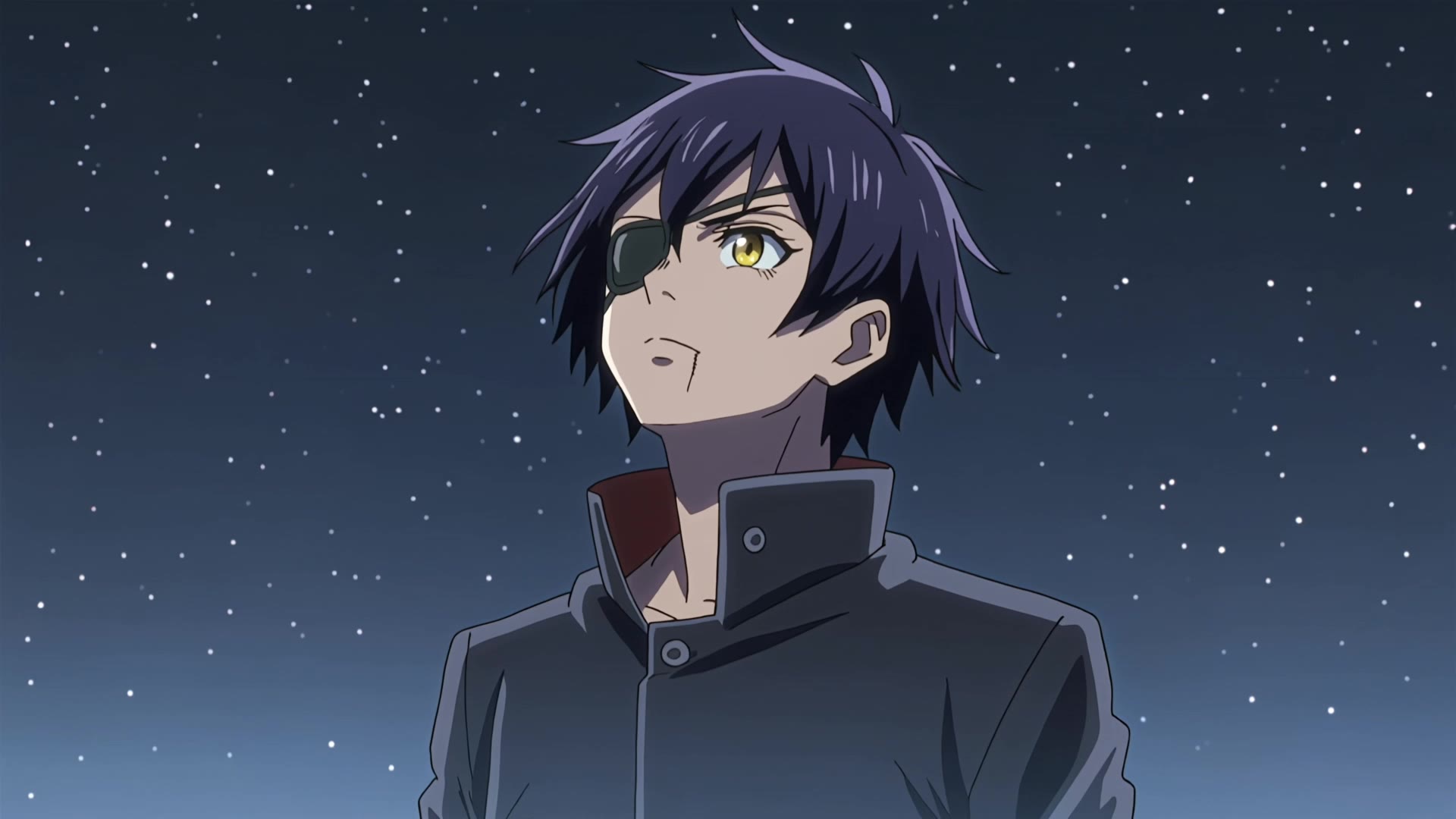
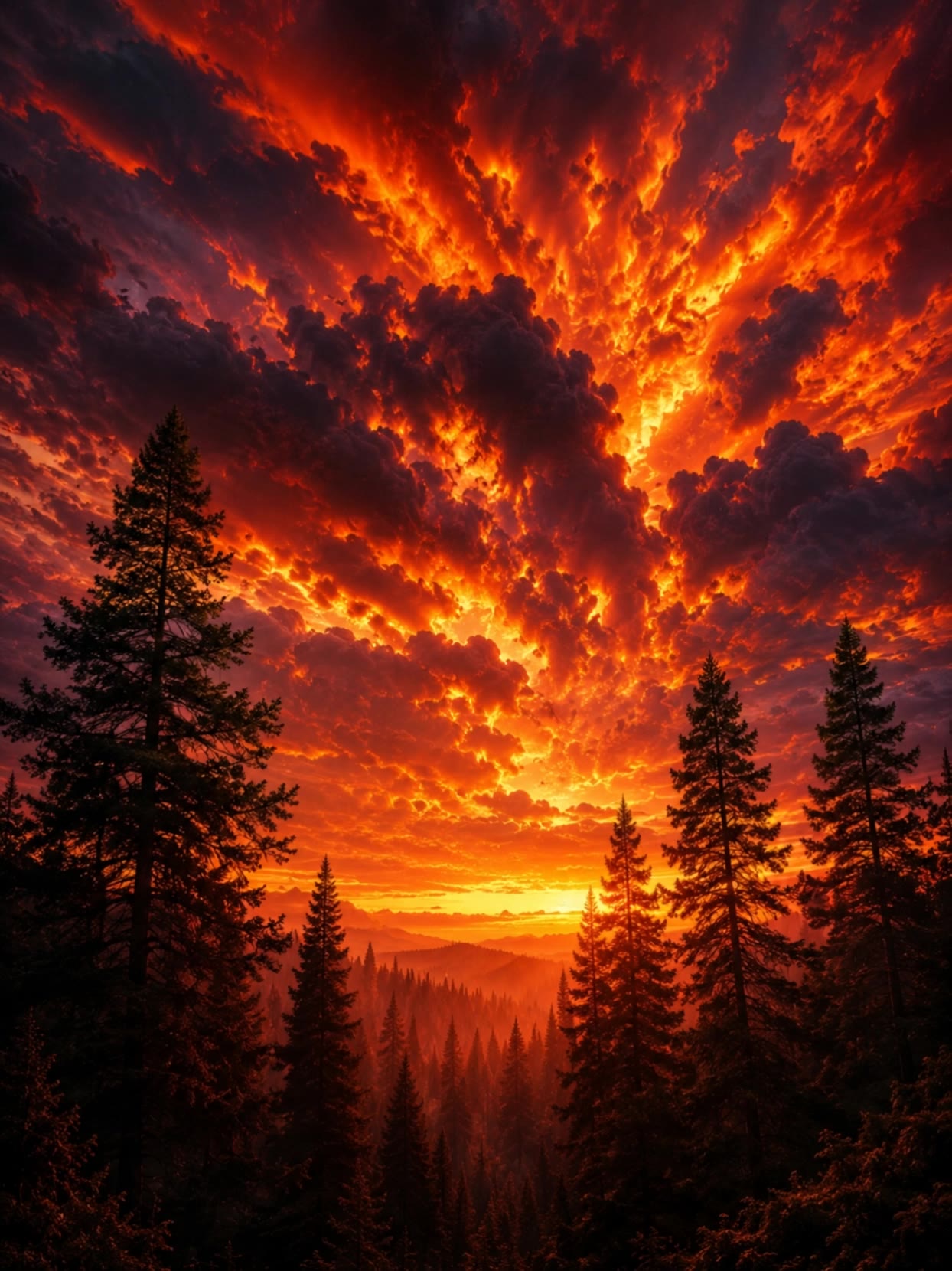
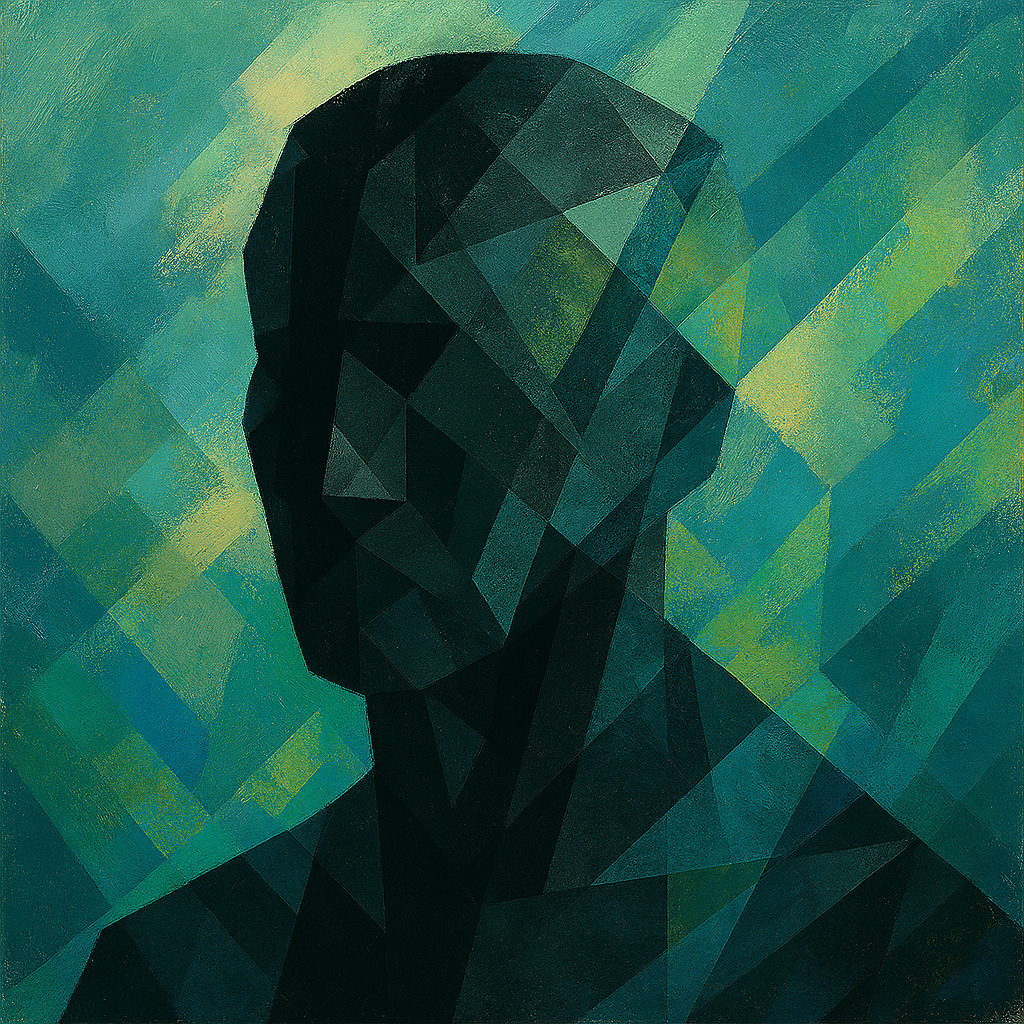
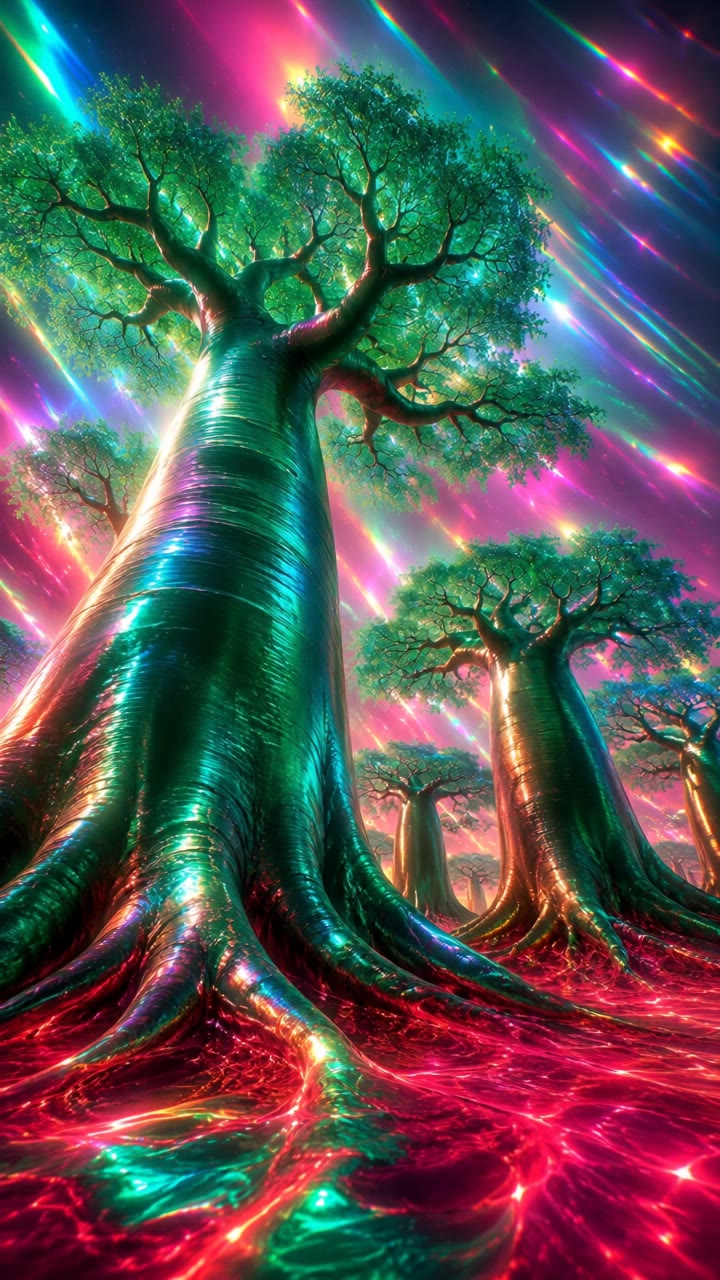
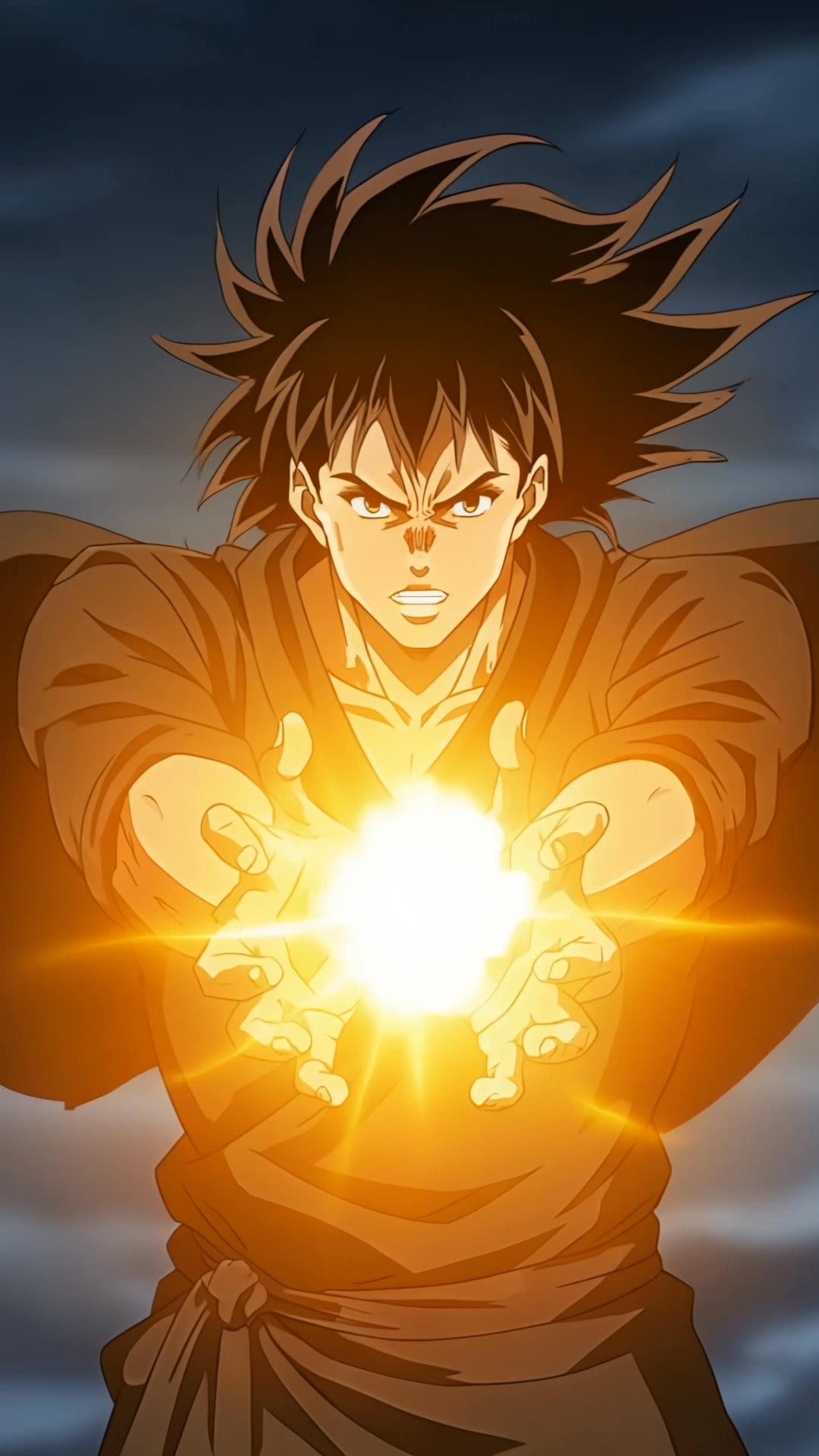
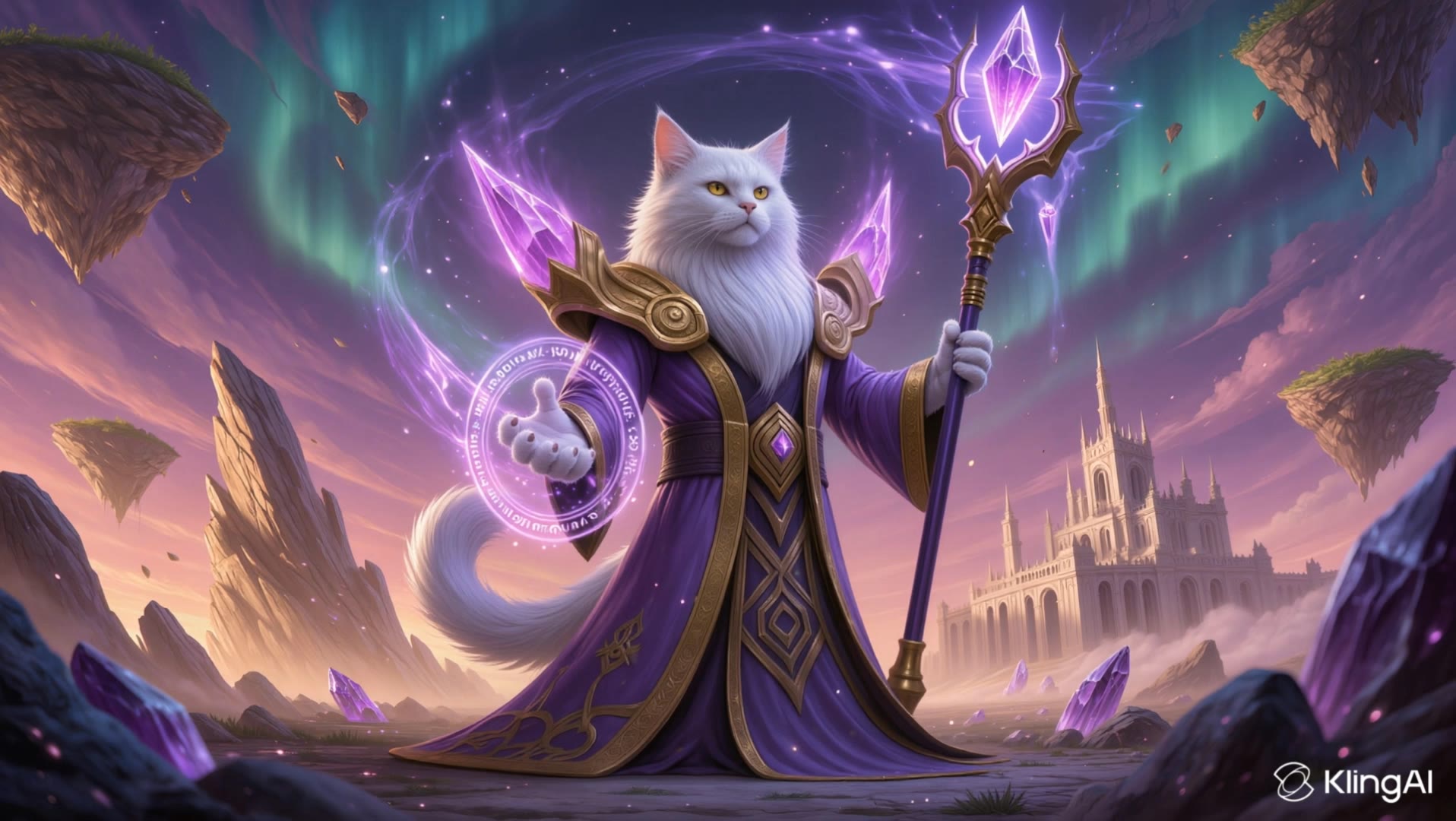
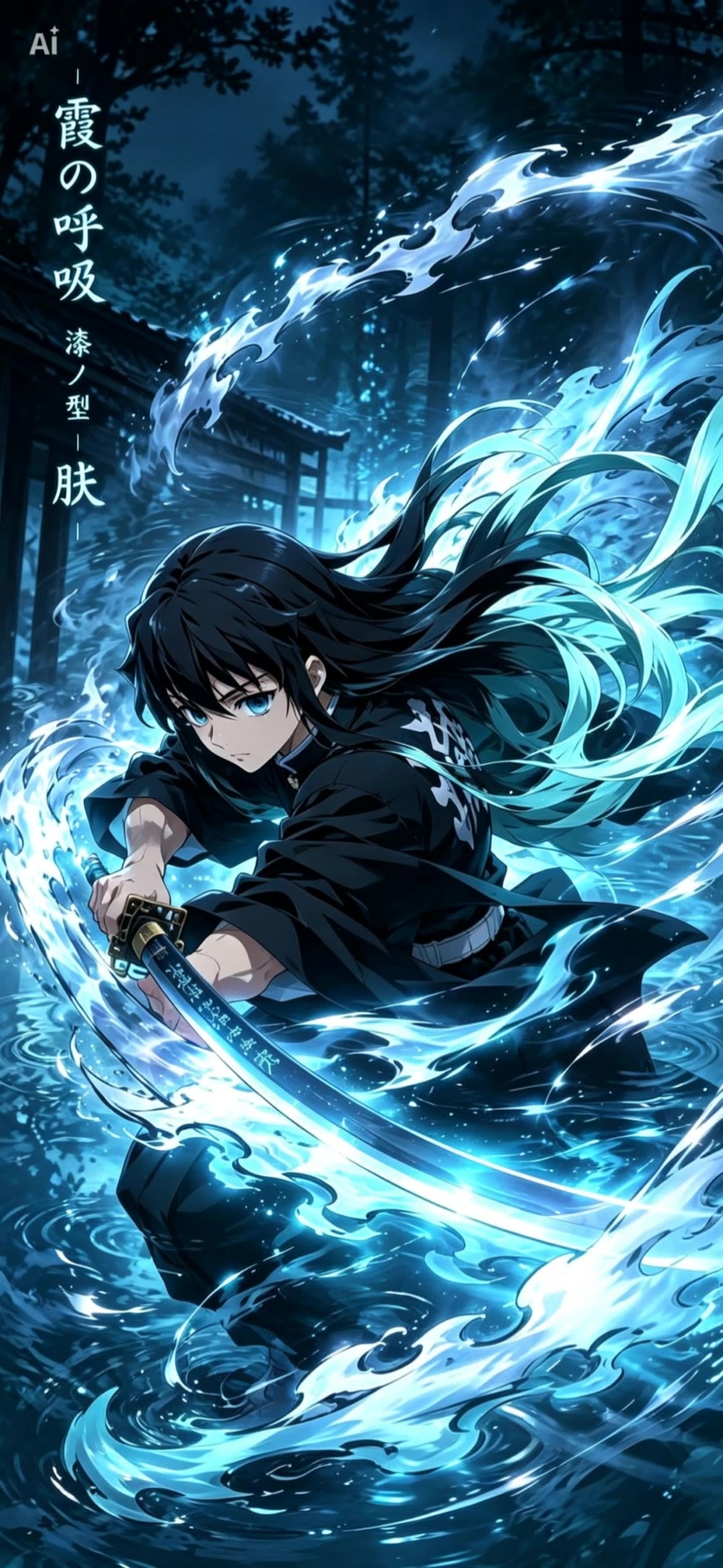
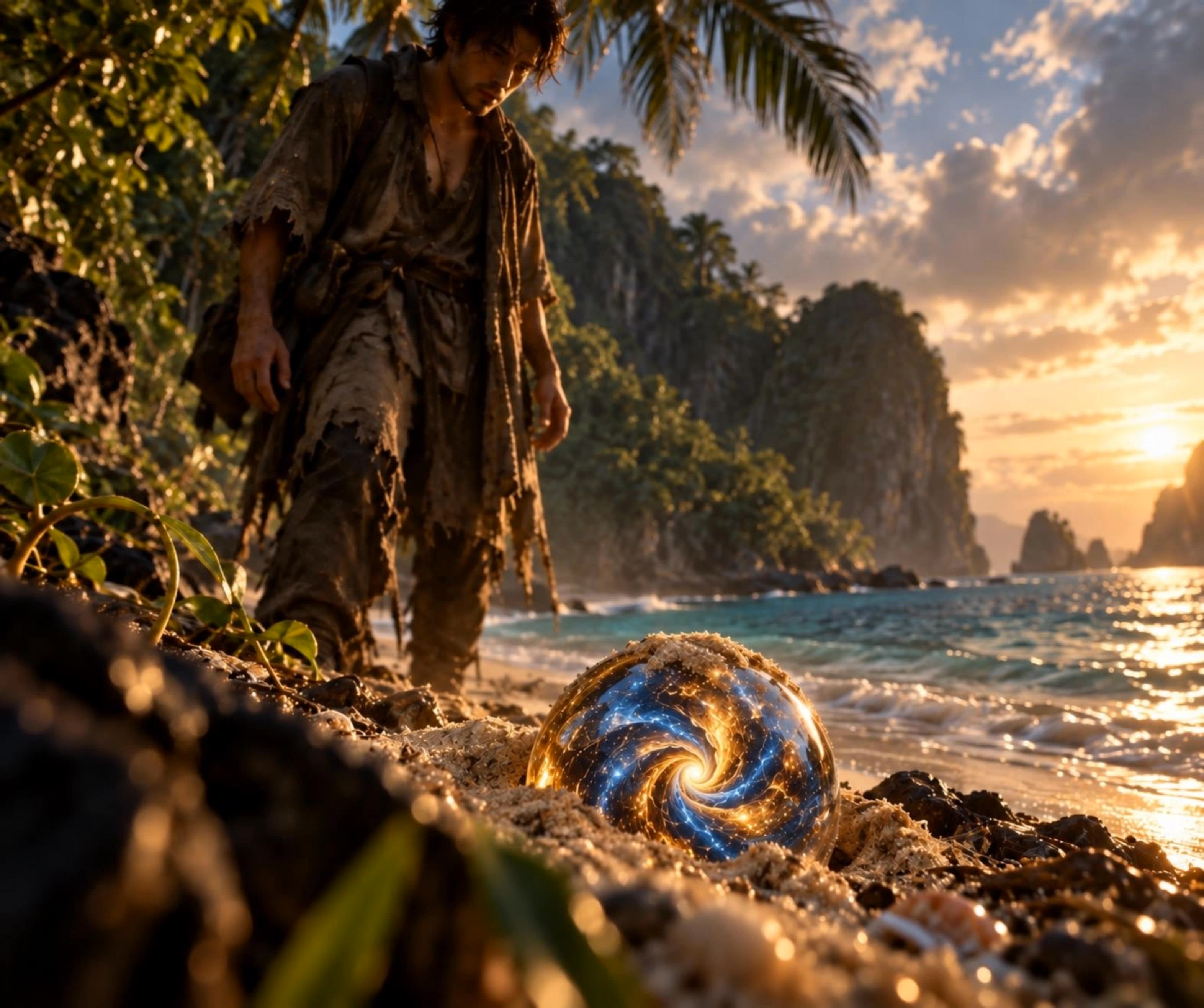
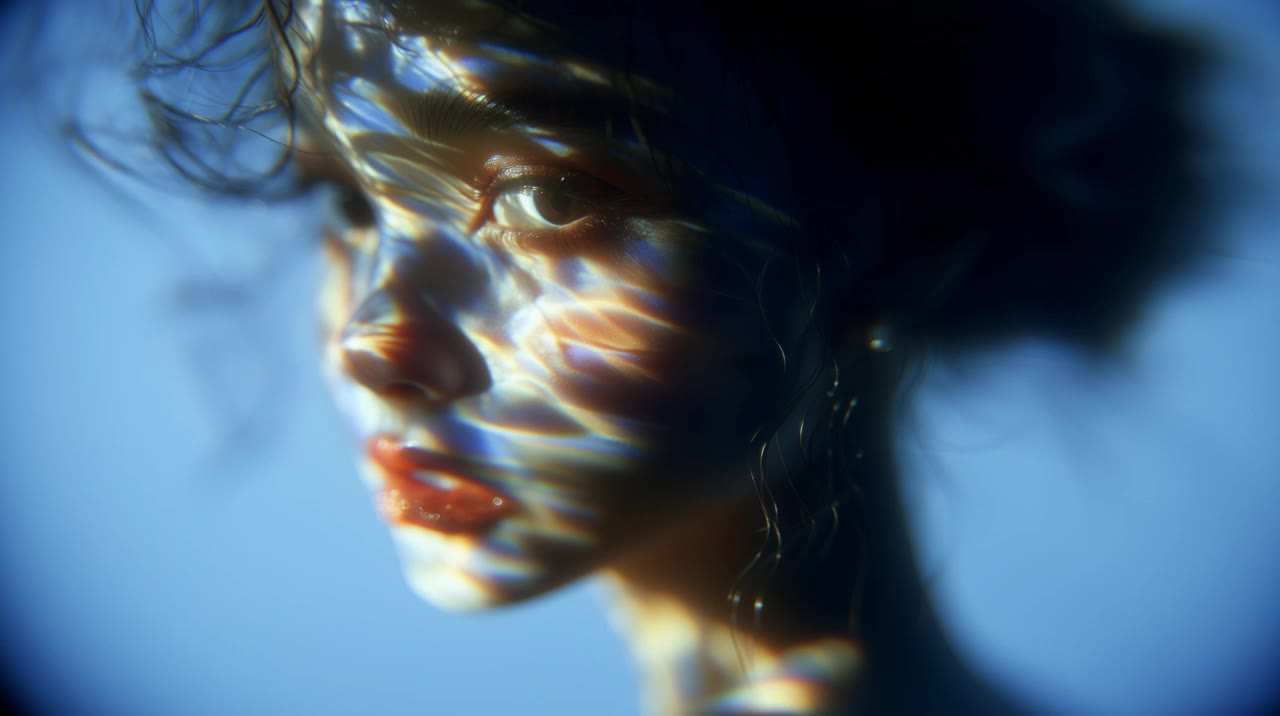
Embrace the serene beauty of nature with flowing grass and dynamic wind-swept hair, alongside the enigmatic presence of faceless figures and whispered winds. Start exploring wind burst 255 ideas and generate your own content with AI.

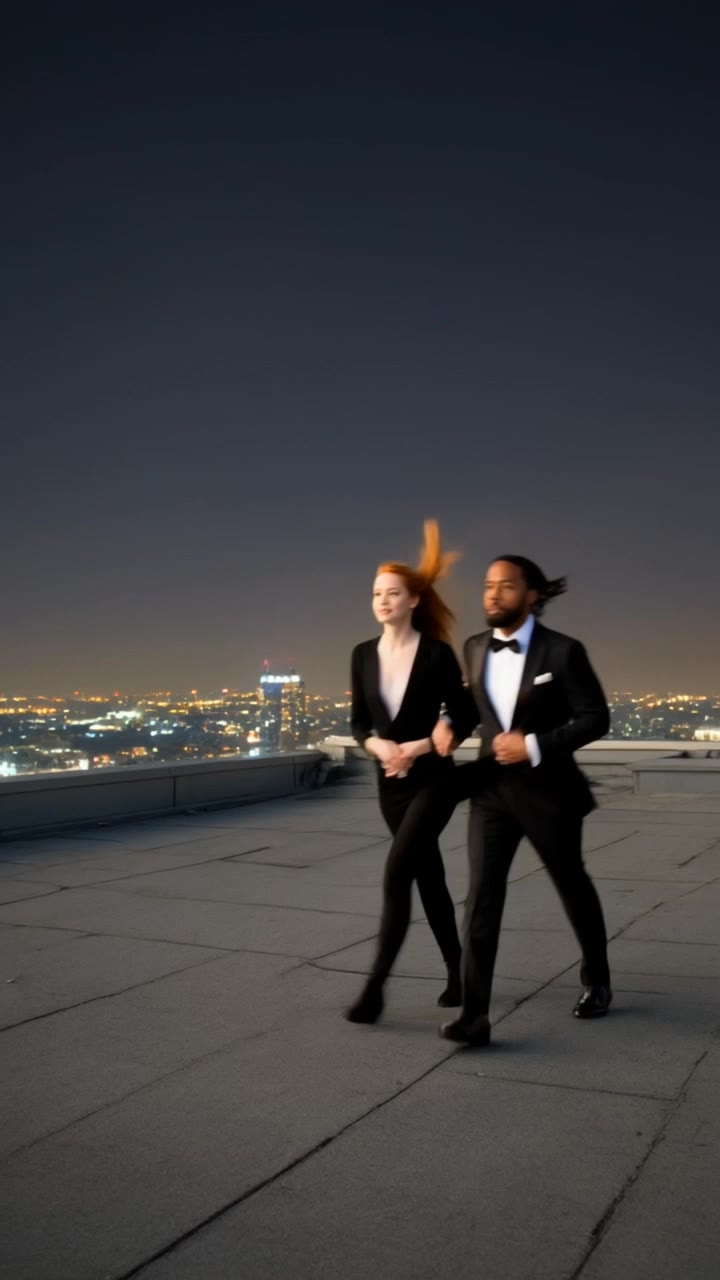
wind burst 255 - Hair in Wind & Nature's Rhythm

Recommended

Kling AI work 314086408306233 - wind burst 255 AI video
MPrRQpUj avatar
MPrRQpUj
Biker - wind burst 255 AI video
DOSKHAN avatar
DOSKHAN
Kling AI work 310238810666454 - wind burst 255 AI video
levACmGV avatar
levACmGV
Wow artwork  - wind burst 255 AI video
Ric avatar
Ric
Kling AI work 298511986617321 - wind burst 255 AI video
FkkrPQaA avatar
FkkrPQaA
Kling AI work 314093125614807 - wind burst 255 AI video
CFQqdgQO avatar
CFQqdgQO
Kling AI work 314167514528189 - wind burst 255 AI video
RDoOHMMc avatar
RDoOHMMc
A Gentle Smile in the Wind - wind burst 255 AI video
Zhilamotion avatar
Zhilamotion
Kling AI work 315112893523624 - wind burst 255 AI video
LneEhJJB avatar
LneEhJJB
Power Walk + Wind - wind burst 255 AI video
pmEnpJRr avatar
pmEnpJRr
Natural woman on a beach - wind burst 255 AI video
KLING3740 avatar
KLING3740
Kling AI work 310597092618119 - wind burst 255 AI video
KLING4196 avatar
KLING4196
Kling AI work 318593428661267 - wind burst 255 AI video
yYlIvMjd avatar
yYlIvMjd
Kling AI work 297854355522092 - wind burst 255 AI video
a_vika_a avatar
a_vika_a
Kling AI work 319378869668231 - wind burst 255 AI video
SPrkVVje avatar
SPrkVVje
Kling AI work 300370566504674 - wind burst 255 AI video
KLING8416 avatar
KLING8416
Kling AI work 315737549663297 - wind burst 255 AI video
Blue 💙 avatar
Blue 💙
Kling AI work 319648019528158 - wind burst 255 AI video
CnektRWF avatar
CnektRWF
Kling AI work 321156686654744 - wind burst 255 AI video
Quantum Amber avatar
Quantum Amber

How to Edit a Photo with Kling AI

Upload Your Photo

Upload Your Photo

Start with a clear photo. Add a reference image when you have a particular replacement, background, or style in mind.

Tell Kling What to Change

Tell Kling What to Change

Enter a clear text prompt, explaining what should change and what should stay the same. Kling applies the edit to the photo with AI directly, without layers or complex manual steps.

Review and Fine-Tune

Review and Fine-Tune

Check the result and the areas that matter most. When one detail needs more work, update the prompt for that area instead of starting over. Download the finished image and share it.

Edit Any Part with Kling AI

Add, Remove, or Replace Image Content

Add, Remove, or Replace Image Content

Tell Kling what you want to change in text prompts. Replace a person, remove an object, or fine-tune details such as color, material, pose, and expression. Even detailed edits take fewer and easier steps because you can change the photo with AI instead of with traditional photo editing tools. IMAGE 3.0 follows your instruction while keeping the photo’s original style, lighting, and texture in place, so the edited area still belongs in the same shot.

Change the Color, Lighting, or Style

Change the Color, Lighting, or Style

Give an existing photo a different mood effortlessly. Lift a dim scene, soften harsh light, warm or cool the colors, or bring color to a black-and-white photo or line drawing. A short prompt replaces the usual round of manual adjustments. Looking for a bigger shift? Add a style reference or spell out the visual direction. IMAGE 3.0 carries the palette, texture, and atmosphere across the whole image, so the new look feels cohesive rather than pasted on. Use it for studio-style professional headshots, distinctive portrait treatments, cinematic scene design, or a visual style that feels entirely your own.

Rework the Shot or Camera Angle

Rework the Shot or Camera Angle

Tell Kling how you want the shot to look in a text prompt. Turn a front-facing photo into a side view, move the camera higher or lower, or change a wide shot into a close-up. You can explore a new composition around the same subject without setting up another shoot. IMAGE 3.0 rebuilds the scene from the angle you request, adjusting the perspective, camera height, shot size, focal length, and depth of field along with it. The result is a newly generated view based on the source photo, rather than hidden details recovered from outside the original frame.

Apps

Image to Video
Image to Video

Image to Video

Text to Video
Text to Video

Text to Video

Omni
Omni

Omni

Digital Human
Digital Human

Digital Human

Restyle
Restyle

Restyle

Text to Image
Text to Image

Text to Image

60M+
60M+
Users
600M+
600M+
AI Videos Generated
4.7 ★
4.7 ★
App Store
Industry-Leading
Industry-Leading
Cinematic 4K

Reviews

Maria Rubtsova

Maria Rubtsova

★★★★★

I’m Maria Rubtsova, an AIGC digital artist passionate about creating stunning visuals in the worlds of fashion, aesthetics, and fantasy. I use KlingAi to bring imagination to life through video. My work is all about exploring beauty, emotion, and the limitless possibilities of digital art.

KakuDrop

KakuDrop

★★★★★

I have successfully collaborated with world-renowned artists and well-known companies that are recognized globally

Ozan Sihay

Ozan Sihay

★★★★★

Kling AI allows me to rapidly prototype ideas, refine storytelling elements, and produce visually compelling content efficiently. It has not only accelerated my creative processes, but also deepened my understanding of how AI can enrich visual storytelling.

FAQ

Q1How do I create an AI image with Kling AI?
Q2How do I write a good AI image prompt?
Q3Can Kling AI keep characters consistent across multiple images?

Your Next Visual Starts Here

Start with a sentence, a sketch, or a reference photo. Shape the composition, dial in the details, and keep iterating in Kling AI.

Free tier available | Text-to-image | Image-to-image | Fast generation