
Creative Studio
API
Resources
Features
About Us
Download

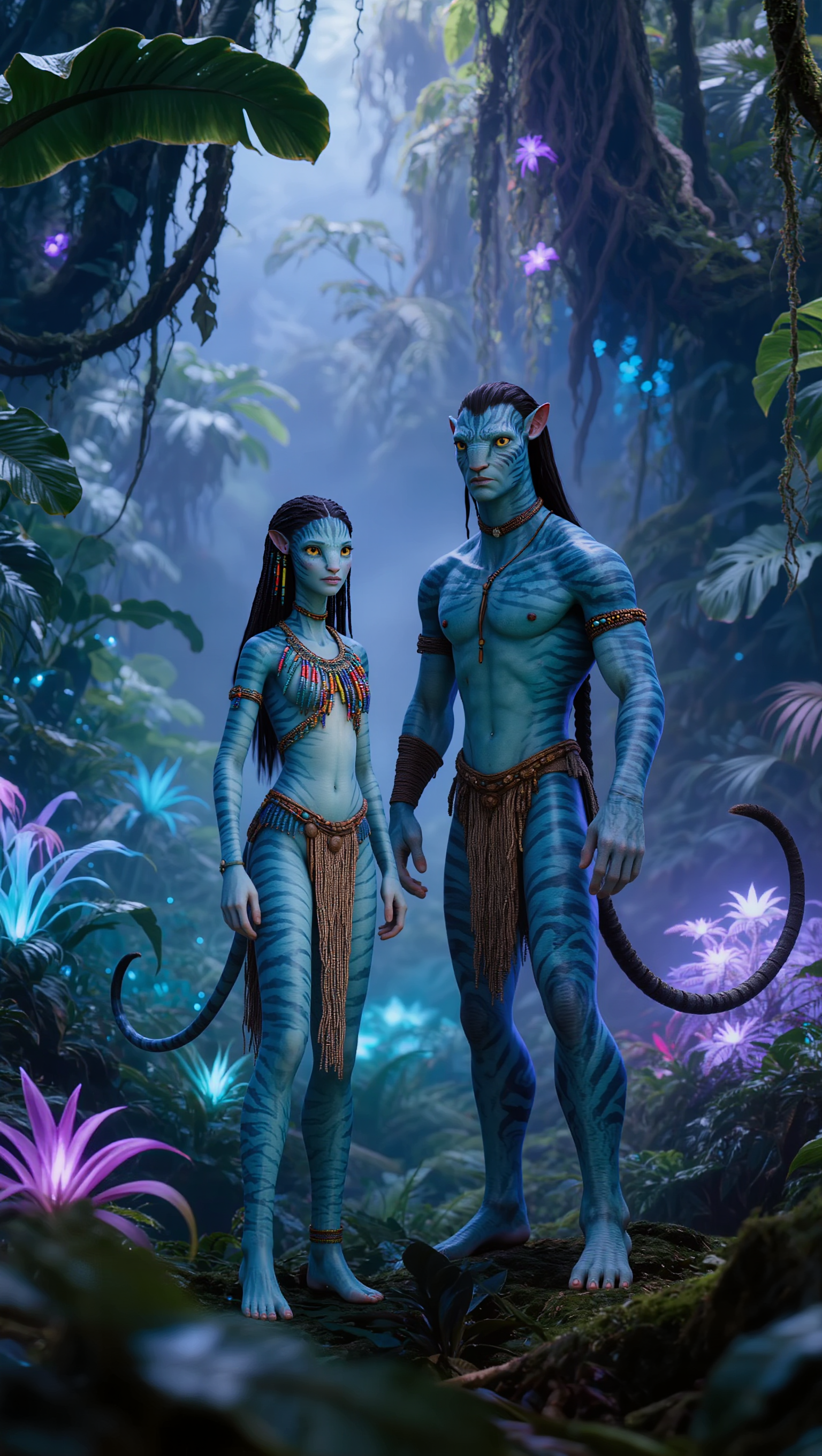
zoom ai avatar - Digital Twin & realistic talking avatar

Unleash the potential of AI with dynamic digital twin avatars and captivating avatar influencers designed for maximal social media engagement. Transform static portraits into vibrant, realistic talking avatars or energetic 3D animations that dance and celebrate. Start exploring zoom ai avatar ideas and generate your own content with AI.

zoom ai avatar - Digital Twin & realistic talking avatar

Recommended

thinking deeply - zoom ai avatar AI video
eEvCPZNi avatar
eEvCPZNi
Kling AI work 299859727615277 - zoom ai avatar AI image
Logolumos avatar
Logolumos
Elite Creator
KPOP 아이돌 신인 - zoom ai avatar AI video
minimini avatar
minimini
zoom on face  - zoom ai avatar AI image
YPzekCDX avatar
YPzekCDX
Avatar - zoom ai avatar AI video
Viktor_Fox avatar
Viktor_Fox
AI avatar - zoom ai avatar AI video
designbyarif avatar
designbyarif
Elite Creator
AI Avatar - zoom ai avatar AI video
Korean Baseball
designbyarif avatar
designbyarif
Elite Creator
❥🌷⃟⃪⃙⃜⎯ᷞ͢⎯ͥ⎯ⷦ͢⎯ꙴ✤֟ؖ۬🧿⃟⃪⃘⃜⎯ⷭ⎯ͦ͢ - zoom ai avatar AI video
DzkiRkra avatar
DzkiRkra
Avatar AI - zoom ai avatar AI video
00:14
PvWqZoPW avatar
PvWqZoPW
zoom - zoom ai avatar AI video
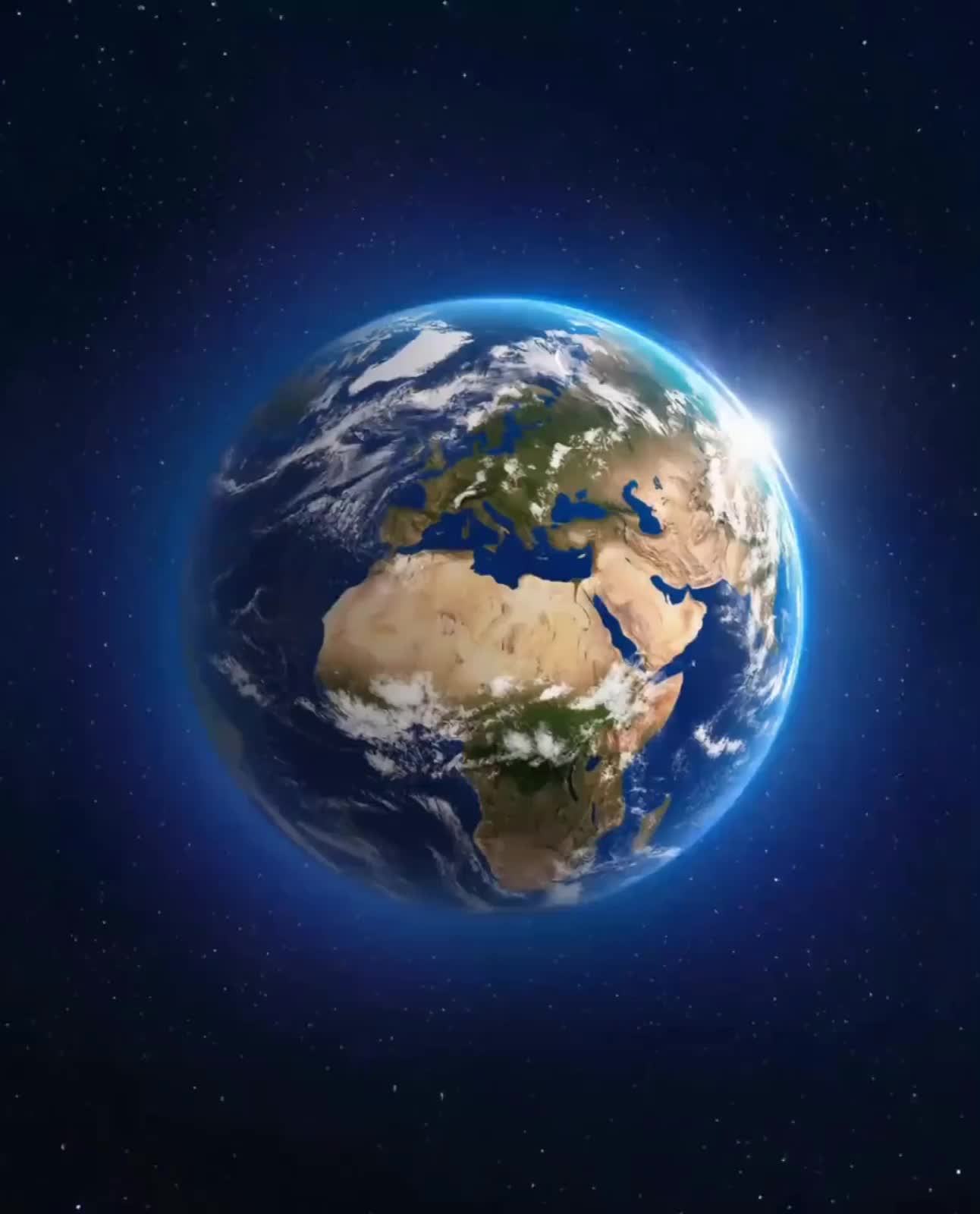
Earth Zoom In
tbUMiXxy avatar
tbUMiXxy
Kling AI work 318696110524535 - zoom ai avatar AI video
LQdVSLQv avatar
LQdVSLQv
Kling AI work 316871894307438 - zoom ai avatar AI video
DzkiRkra avatar
DzkiRkra
Kling AI work 313675578667762 - zoom ai avatar AI video
LgpSuBCP avatar
LgpSuBCP
Avatar - zoom ai avatar AI video
mcTdziOJ avatar
mcTdziOJ
AI avatar - zoom ai avatar AI video
Viktor_Fox avatar
Viktor_Fox
Kling AI work 317214969663722 - zoom ai avatar AI video
Robyn avatar
Robyn
AI avatar - zoom ai avatar AI video
SUUmGxyJ avatar
SUUmGxyJ
Kling AI work 297428421520684 - zoom ai avatar AI video
WqQXLhis avatar
WqQXLhis
Kling AI work 316871268502240 - zoom ai avatar AI video
DzkiRkra avatar
DzkiRkra

How to Use Kling AI Text to Speech

Step 1: Enter the Video Generation Workspace

Step 1: Enter the Video Generation Workspace

Edit your prompt to set the scene, characters, and style, or upload a reference image to shape the look of your video.

Step 2: Add Dialogue and Speech Instructions

Step 2: Add Dialogue and Speech Instructions

Add dialogue to your prompt and clearly specify which character speaks each line. You can also describe the language or dialect, speaking pace, tone, and delivery style in the prompt to guide how each character sounds.

Step 3: Choose Your Settings and Generate

Step 3: Choose Your Settings and Generate

Choose your resolution (720p, 1080p, or 4K), video length (3–15 seconds), and aspect ratio (16:9, 9:16, or 1:1). Then click Generate to create your video.

Repair, Refine, and Restore Old Photos

Restore Multiple Types of Photo Damage with AI

Restore Multiple Types of Photo Damage with AI

Kling AI helps restore old photos affected by scratches, dust, stains, creases, faded areas, and other visible signs of aging. Describe the restoration you want with natural language prompts and improve multiple types of damage in one workflow while keeping the original image structure consistent.

Preserve Faces and Original Visual Identity

Preserve Faces and Original Visual Identity

When restoring old portrait photos, keeping people recognizable is essential. Kling AI uses your uploaded photo as a visual reference to help preserve facial features, expressions, clothing details, and original composition, keeping the restored result closely connected to the original image.

Generate a Higher-Resolution Restored Version

Generate a Higher-Resolution Restored Version

Use IMAGE 3.0 Omni to generate restored photos with 2K or 4K high-resolution output. Higher-resolution images provide clearer details, smoother total transitions, and richer textures for family archives, photo books, digital collections, large displays, and high-quality printing.

Apps

Image to Video
Image to Video

Image to Video

Text to Video
Text to Video

Text to Video

Omni
Omni

Omni

Digital Human
Digital Human

Digital Human

Restyle
Restyle

Restyle

Text to Image
Text to Image

Text to Image

60M+
60M+
Users
600M+
600M+
AI Videos Generated
4.7 ★
4.7 ★
App Store
Industry-Leading
Industry-Leading
Cinematic 4K

Reviews

Halim Alrasihi

Halim Alrasihi

★★★★★

I use AI daily and Kling AI is a crucial part of my workflow, whether for client work or personal projects. What I love most about using Kling AI is that it provides all the tools I need in one place, from keyframes to character references, elements and special effects.

Déborah

Déborah

★★★★★

I use Kling AI every day. It's amazing to see the almost daily progress it makes. I used AI for fun at first, and I now find that Kling AI's animations allow me to gain professional visibility, with three times more views on my animated posts than on my static posts.

Maria Rubtsova

Maria Rubtsova

★★★★★

I’m Maria Rubtsova, an AIGC digital artist passionate about creating stunning visuals in the worlds of fashion, aesthetics, and fantasy. I use KlingAi to bring imagination to life through video. My work is all about exploring beauty, emotion, and the limitless possibilities of digital art.

FAQ

Q1Is Kling AI text-to-image free to use?
Q2How does Kling AI text-to-image work?
Q3Can I use reference images with Kling AI?

Your Next Visual Starts Here

Start with a sentence, a sketch, or a reference photo. Shape the composition, dial in the details, and keep iterating in Kling AI.

Free tier available | Text-to-image | Image-to-image | Fast generation