









Make 2D Animation With AI

Create 2D cartoons, animated explainers, and short stories from text or images. Try hand-drawn, anime-inspired, or flat illustration styles, guide character movement, and build your scenes into a complete video with Kling 4.0

Make 2D Animation With AI

How to Make 2D Animation Online

Step 1: Start with Your 2D Artwork or Idea

Step 1: Start with Your 2D Artwork or Idea

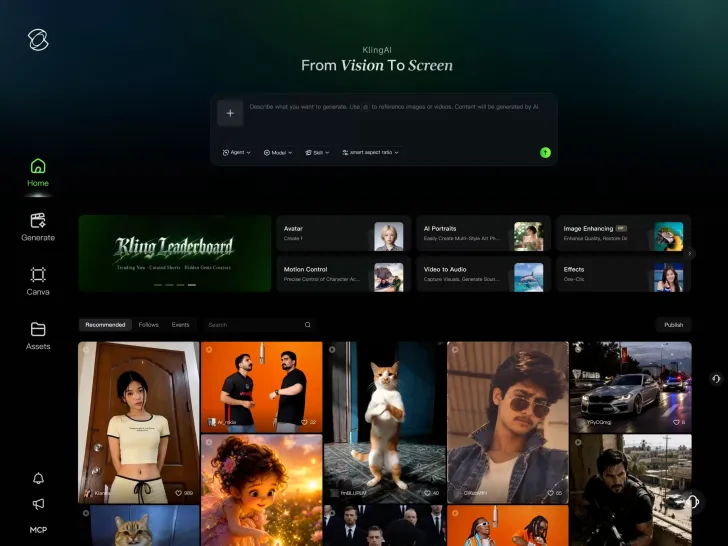
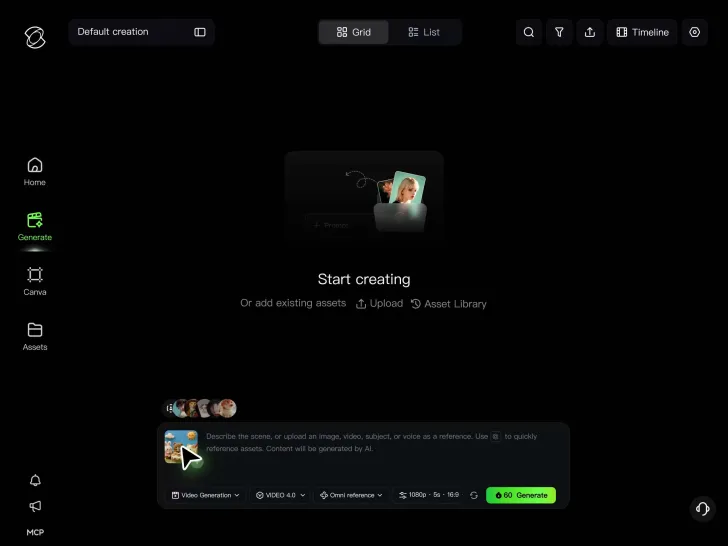
Describe your animation idea or upload character drawings, illustrations, and other visual references to Kling 4.0. Use existing artwork to guide the look, or start from text alone.

Step 2: Describe Your 2D Style and Movement

Step 2: Describe Your 2D Style and Movement

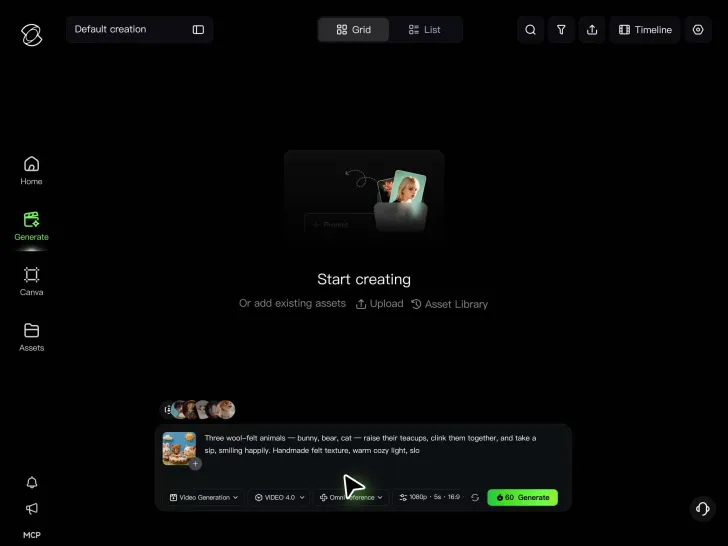
Enter instructions for the animation style, character actions, expressions, and camera movement. Add dialogue, sound, or keyframes to guide important moments.

Step 3: Generate and Edit Your Animation

Step 3: Generate and Edit Your Animation

Generate your 2D animation and review the result. Refine individual scenes, add more clips on the continuous timeline, and download your video when it's ready.

Make 2D Animation with Bigger Moves and Better Visuals

Keep Big Character Movements Smooth and Steady

Keep Big Character Movements Smooth and Steady

Fast action can make a 2D scene exciting, but it can also make characters harder to follow. Create quick turns, full-body jumps, energetic action sequences, and sweeping camera moves with greater stability.

Kling 4.0's dynamic motions handles large movements and complex camera work with improved continuity. From fast character action to tracking and orbit shots, create smoother motion that helps viewers follow what's happening on screen.

Find the Right 2D Style for Your Animation

Find the Right 2D Style for Your Animation

A playful cartoon, a hand-drawn short, and an animated explainer each need a different visual treatment. Experiment with clean flat colors, expressive anime-inspired artwork, textured illustrations, or cel-shaded characters.

Start with a prompt or upload reference artwork to guide the outlines, colors, shading, and overall appearance. Try different looks for the same idea, then reuse your visual references to help keep the chosen style familiar across scenes.

Give Key Character Poses More Direction

Give Key Character Poses More Direction

A change in pose or expression can turn a simple action into a memorable moment. Guide when a character reaches for an object, changes direction, reacts to a surprise, or settles into the final shot.

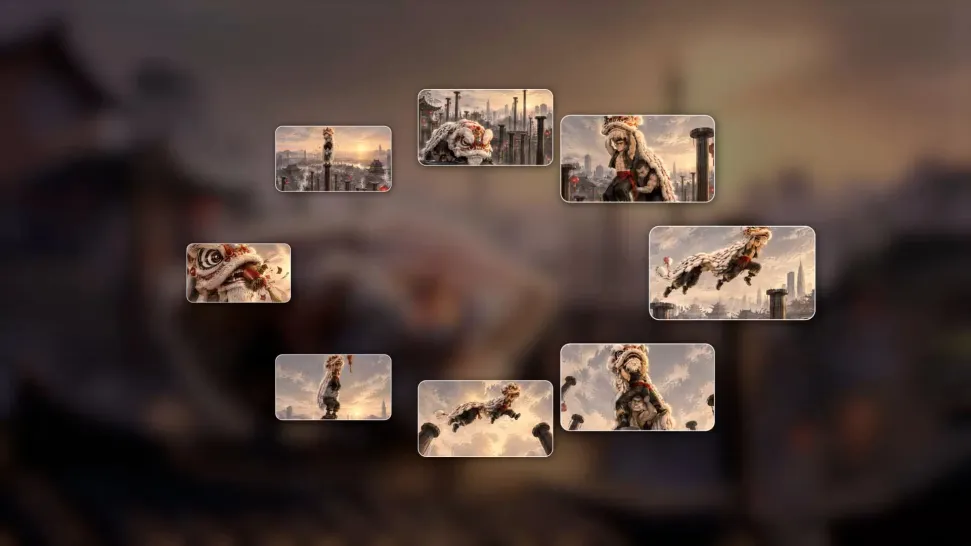
Kling 4.0 supports up to 10 flexible keyframes within a single generation. Use keyframe images to guide important poses, compositions, and scene changes while the model generates the movement between them. Shape your 2D animation around the moments that matter most.

Apps

60M+
60M+
Users
600M+
600M+
AI Videos Generated
4.7 ★
4.7 ★
App Store
Industry-Leading
Industry-Leading
Cinematic 4K

Reviews

Déborah

Déborah

I use Kling AI every day. It's amazing to see the almost daily progress it makes. I used AI for fun at first, and I now find that Kling AI's animations allow me to gain professional visibility, with three times more views on my animated posts than on my static posts.


KakuDrop

KakuDrop

I have successfully collaborated with world-renowned artists and well-known companies that are recognized globally

Jyo John Mulloor

Jyo John Mulloor

Kling AI has been instrumental in transforming my creative workflow, unlocking new dimensions of artistic expression that were once unimaginable. I use Kling AI extensively to develop high-concept visuals, animate surreal dreamscapes, and create AI-assisted films that blur the line between reality and fantasy. Kling AI's deep learning capabilities have not only enhanced my creative efficiency but also inspired me to explore storytelling in ways I never thought possible.

FAQ

Q1What is 2D animation?
Q2How can I make animated videos online?
Q3Is 2D animation easier than 3D animation?
Q4Can I create 2D animation without drawing?
Q5What 2D animation software should I use?
Q6Can I create longer 2D animated videos or movies?
Q7What types of 2D animation can I create?
Q8Can I add dialogue and sound to 2D animation?

Your Characters Have More Stories to Tell

A sketch can become a playful chase, a surprising discovery, or a conversation full of personality. With Kling 4.0, bring your illustrated world into motion and shape the moments that make your next animated story worth watching.

Dynamic Motions | Omni Reference | Up to 30 Seconds | Multiple Keyframes