AI Ad Generator: Create High-Converting Ads
Create scroll-stopping product ads and UGC-style videos for TikTok, Instagram, Facebook, and YouTube. Make every shot count with Kling 4.0's dynamic motion and consistent product visuals.
Create scroll-stopping product ads and UGC-style videos for TikTok, Instagram, Facebook, and YouTube. Make every shot count with Kling 4.0's dynamic motion and consistent product visuals.
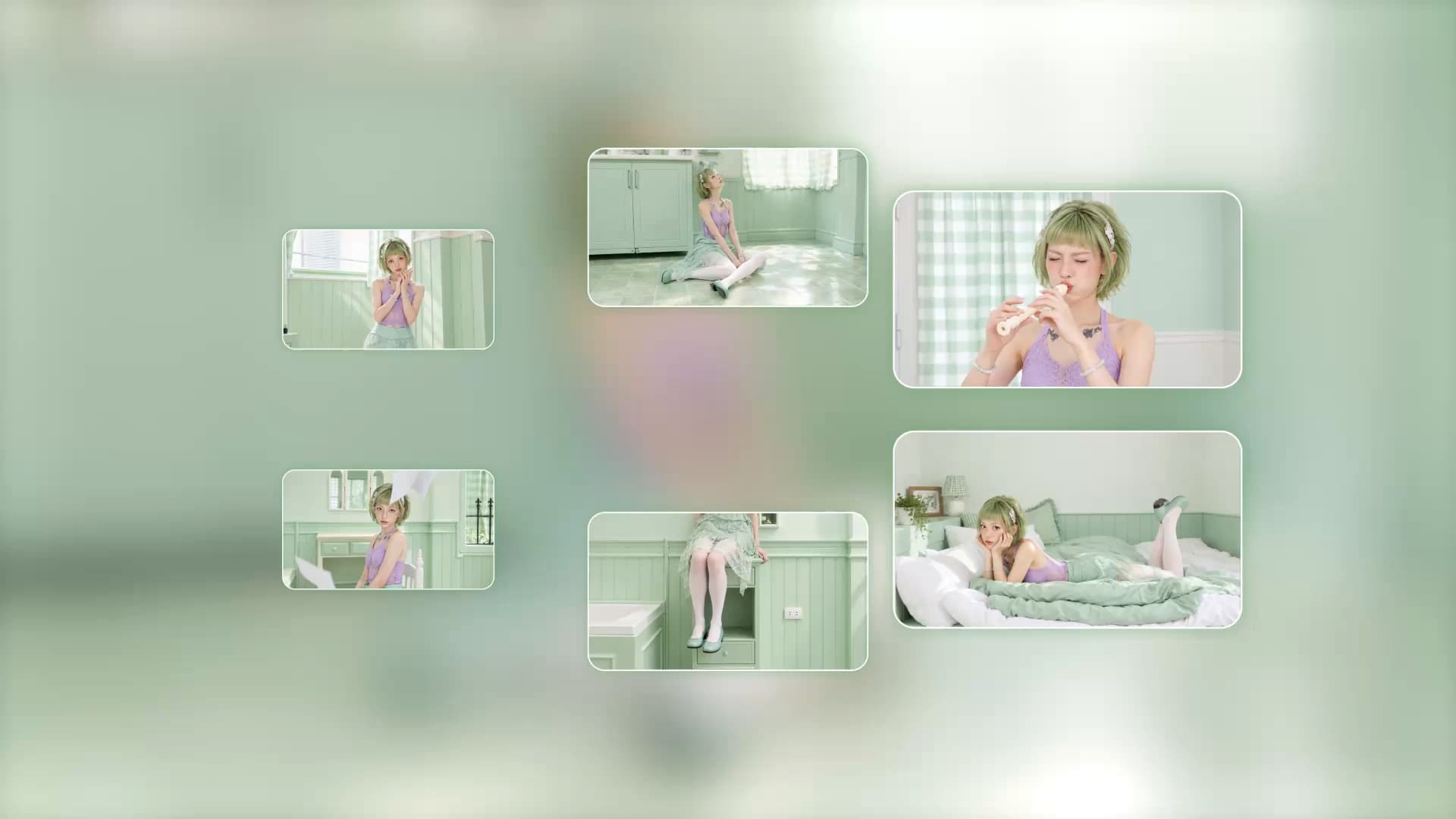
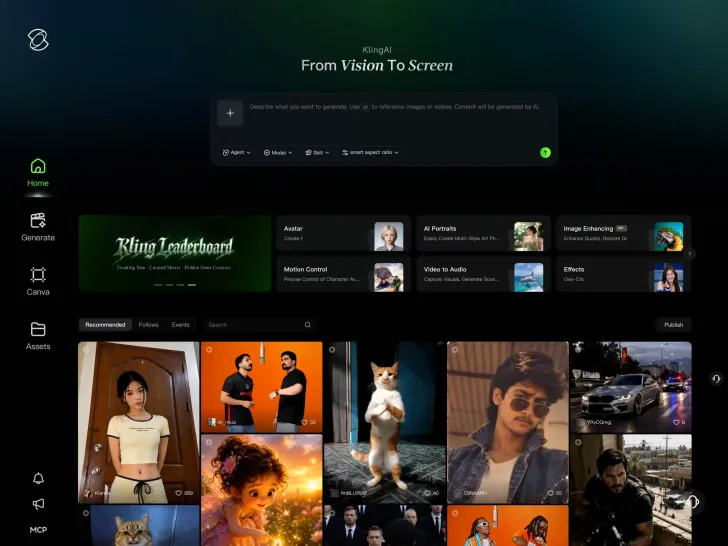
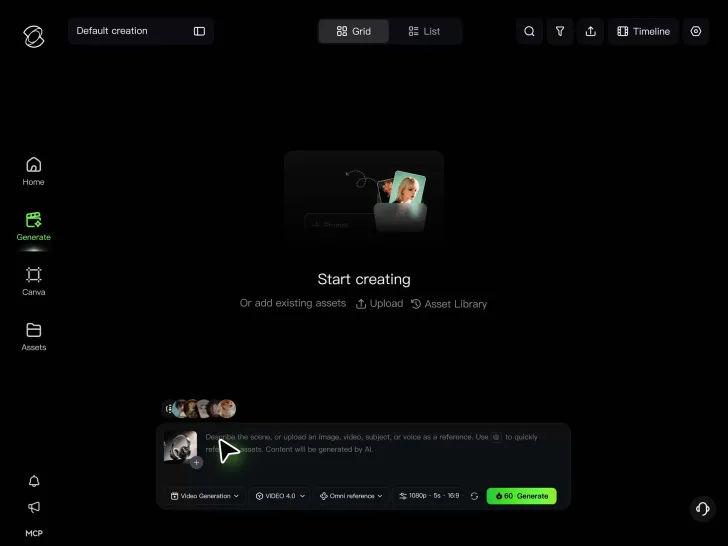
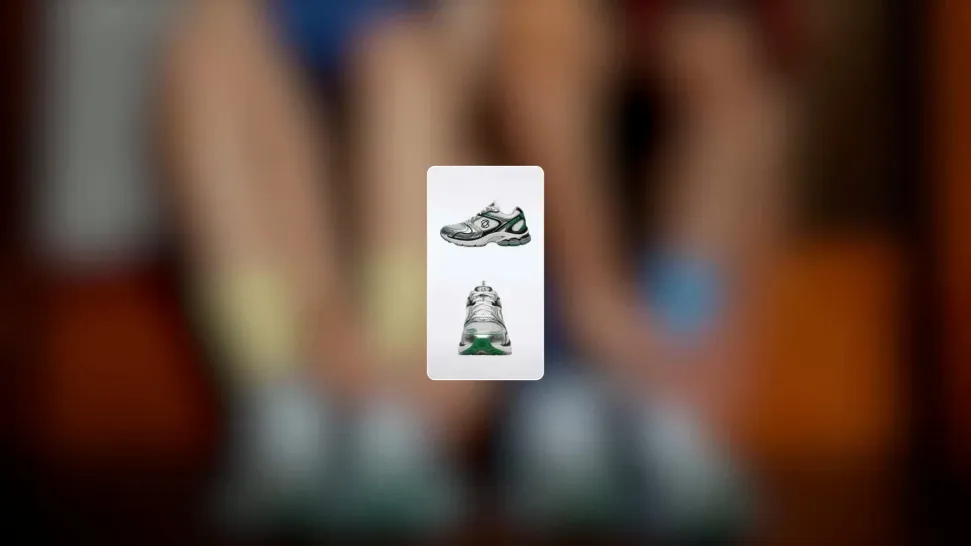
A great product deserves more than one angle. Turn a simple product photo into a striking close-up, a lifestyle demonstration, or a creator-led video that shows what makes your product worth noticing. Kling 4.0's Omni Reference supports up to 15 combined reference assets, including up to 10 images and 5 reference videos. Guide product appearance, packaging, materials, and character details while exploring new scenes and ad concepts without starting with a new photoshoot.
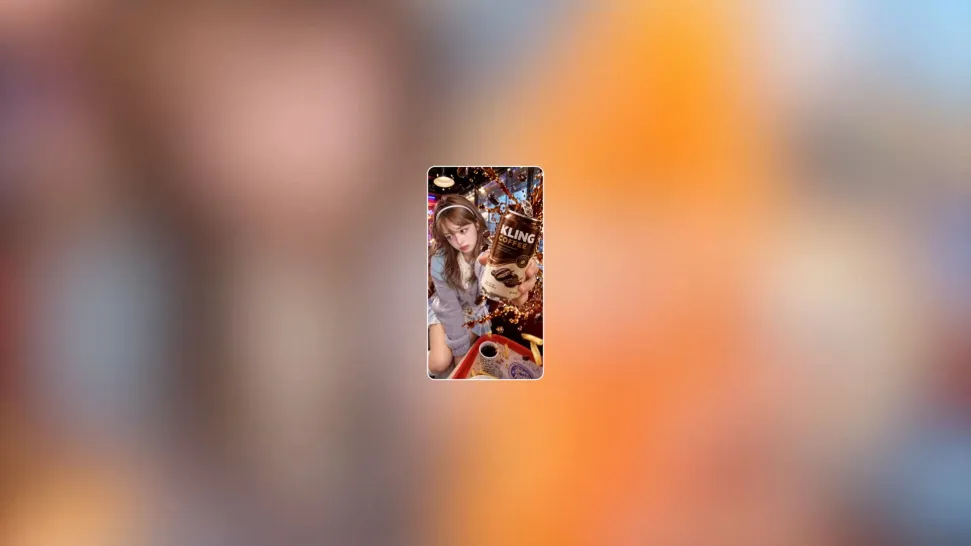
The opening moments can make all the difference. Reveal your product with a striking camera move, show it in action, or start with an unexpected visual that makes viewers curious about what comes next. Kling 4.0's dynamic motions deliver greater stability through large-scale movement and complex camera work. Create energetic product reveals, fast-moving scenes, and dramatic transitions that give your video ads more visual impact.
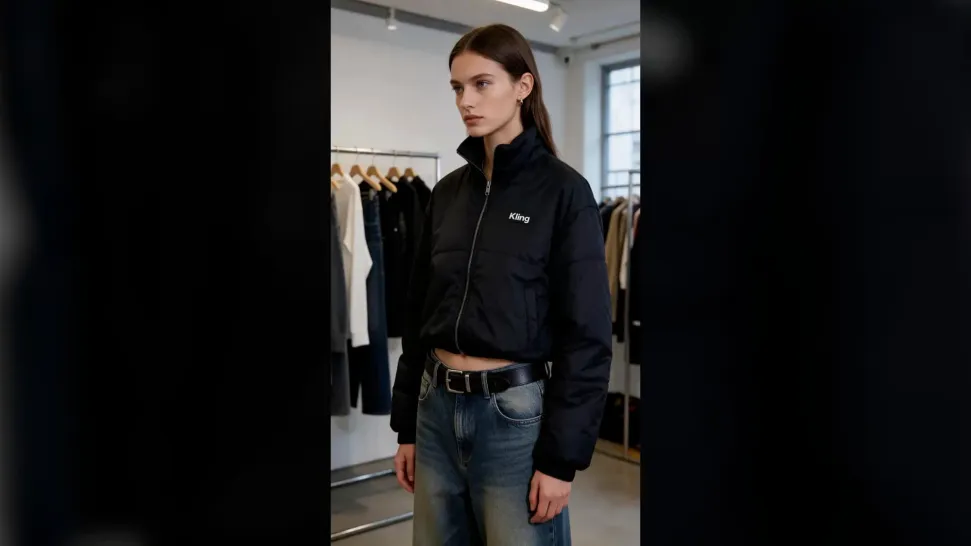
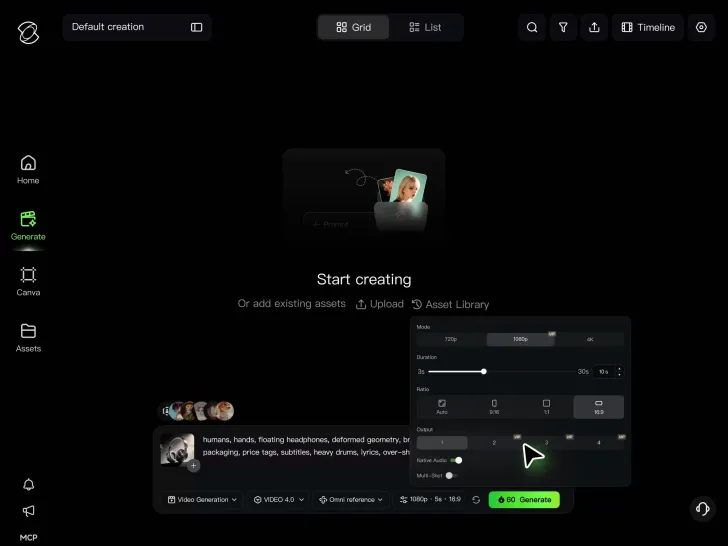
A compelling ad does more than grab attention. Show why your product matters, highlight its benefits, and finish with a clear message that gives viewers a reason to take the next step. With Kling 4.0, generate up to 30 seconds of native video in a single sequence. Use up to 10 Multiple Keyframes to guide the opening hook, product demonstrations, selling moments, and closing shot. Give your ad a more deliberate flow from the first impression to the final call to action.

















I use Kling AI every day. It's amazing to see the almost daily progress it makes. I used AI for fun at first, and I now find that Kling AI's animations allow me to gain professional visibility, with three times more views on my animated posts than on my static posts.

Kling AI allows me to rapidly prototype ideas, refine storytelling elements, and produce visually compelling content efficiently. It has not only accelerated my creative processes, but also deepened my understanding of how AI can enrich visual storytelling.

Kling AI seamlessly integrates into my creative workflow, playing a key role in transforming my images. After generating and upscaling an image, Kling becomes a crucial element, bringing my creations to life with movement and depth.
Start with the product photos and creative ideas you already have. Make eye-catching video ads, put your own spin on trending formats, and explore more ways to showcase what makes your brand different - all with Kling 4.0.
Omni Reference | 30s Generation | Multiple Keyframes | Creative Recreation