Creative Studio
API
Resources
Features
About Us
Download

AI Character Generator for Creating Consistent Characters

Create AI characters from prompts or visual references, then bring them into new images, videos, and stories while keeping their defining features consistent across new scenes, poses, and movements.
AI Character Generator for Creating Consistent Characters

How to Create AI Characters with Kling AI

Step 1: Describe Your Character

Step 1: Describe Your Character

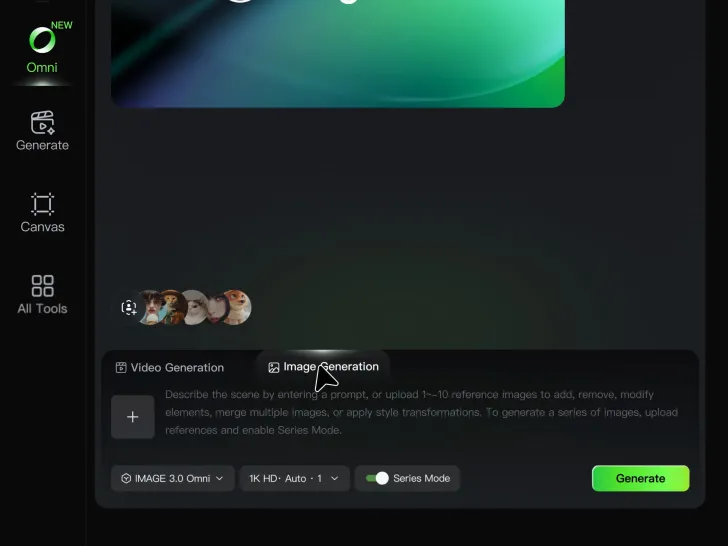
Start with a text prompt describing the character you want to create. Define key details such as appearance, hairstyle, clothing, visual style, expression, pose, or setting to help Kling AI generate a character that matches your description.

Step 2: Add Reference Images if Available

Step 2: Add Reference Images if Available

Already have a character design or visual direction in mind? Add one or more reference images to guide the character's appearance and key visual traits. Multiple views can help Kling AI maintain consistency across different angles.

Step 3: Generate and Develop Your Character

Step 3: Generate and Develop Your Character

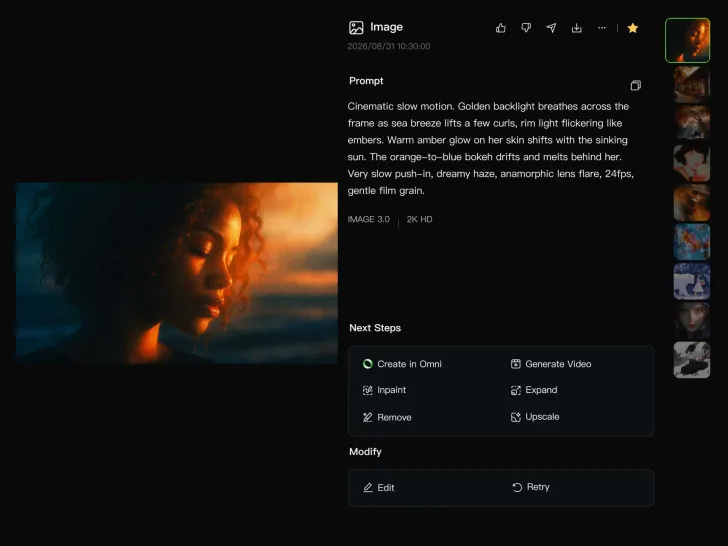
Generate your character, review the result, and continue refining the design. Explore new poses, scenes, styles, and related images, or reuse the character in later creative workflows.

Shape AI Characters, Build Creative Worlds

Create Characters from Prompts or References

Create Characters from Prompts or References

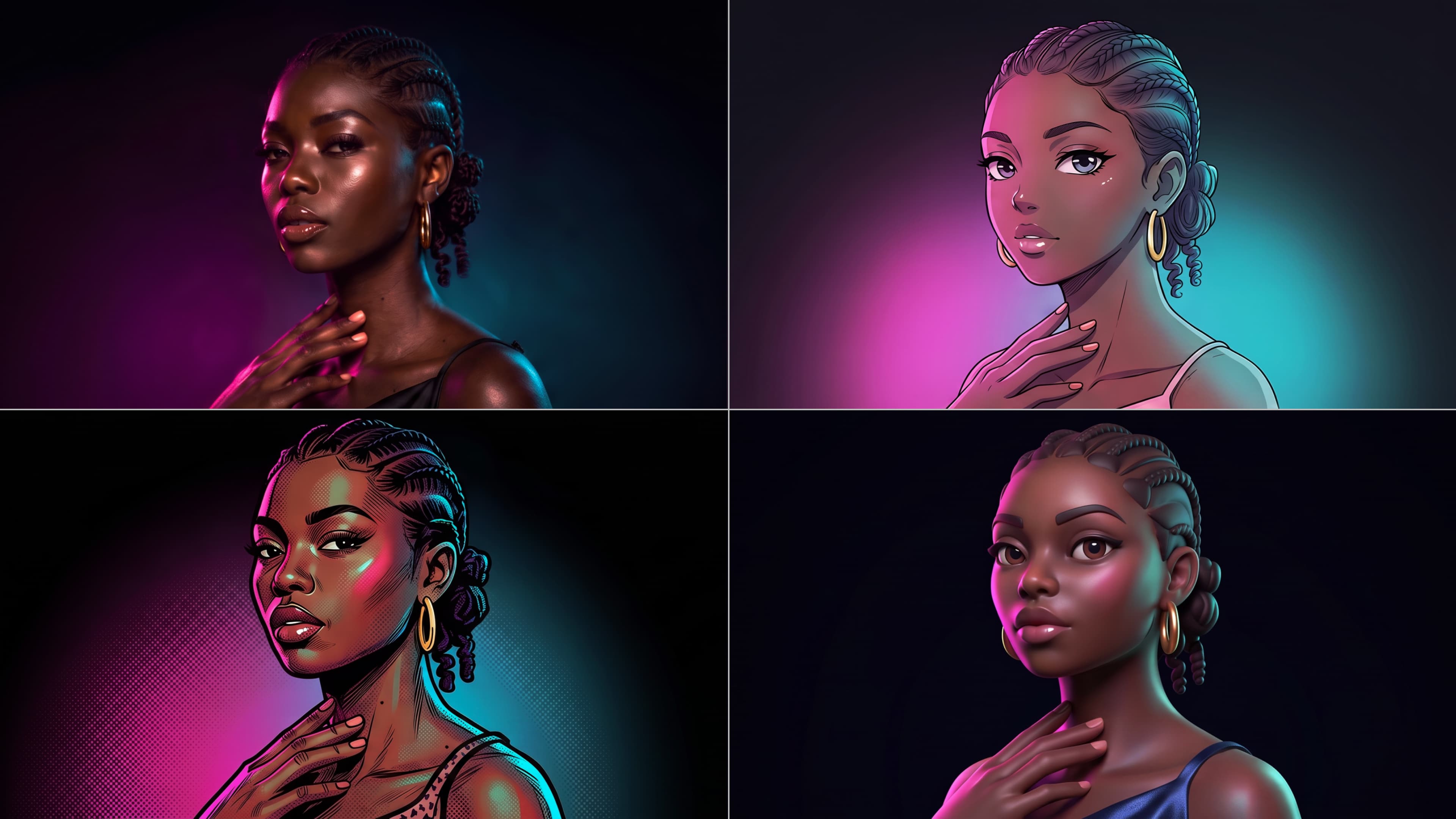
Start with a text prompt to shape an original character, from facial features and hairstyle to clothing, expression, pose, and visual style. If you already have a specific look in mind, add reference images to guide the result more closely. Kling IMAGE 3.0 Omni supports creative directions ranging from realistic and cinematic characters to anime-inspired, fantasy, and CG-style designs.

Turn One Character into a Visual Series

Turn One Character into a Visual Series

Once you have a character you like, use Kling IMAGE 3.0 Omni Series Mode to build a connected set of images around it. Explore new expressions, viewpoints, scenes, and story moments while keeping the character and overall visual direction consistent across the series. It's well suited for storyboards, comics, campaign concepts, social content, and ongoing character development.

Build a Reusable Character Element

Build a Reusable Character Element

Create a reusable Character Element from a reference image, multiple views, or a supported character video. You can start with one main image and let Kling AI generate additional views, add your own reference angles for more visual information, or use a video to capture richer character details. Once saved, the Element can be called up again in supported image and video workflows without redefining the character from scratch.

Apps

Image to Video
Image to Video

Image to Video

Text to Video
Text to Video

Text to Video

Omni
Omni

Omni

Digital Human
Digital Human

Digital Human

Restyle
Restyle

Restyle

Text to Image
Text to Image

Text to Image

60M+
60M+
Users
600M+
600M+
AI Videos Generated
4.7 ★
4.7 ★
App Store
Industry-Leading
Industry-Leading
Cinematic 4K

Reviews

Maria Rubtsova

Maria Rubtsova

★★★★★

I’m Maria Rubtsova, an AIGC digital artist passionate about creating stunning visuals in the worlds of fashion, aesthetics, and fantasy. I use KlingAi to bring imagination to life through video. My work is all about exploring beauty, emotion, and the limitless possibilities of digital art.

Samuele Poggi (@visualsk2)

Samuele Poggi (@visualsk2)

★★★★★

I use Kling AI daily to push the limits of AI filmmaking. It allows me to create highly cinematic content, blending AI and VFX to develop innovative projects. It has significantly impacted my creative process, enabling me to achieve complex animations that would otherwise require high production budgets.

Halim Alrasihi

Halim Alrasihi

★★★★★

I use AI daily and Kling AI is a crucial part of my workflow, whether for client work or personal projects. What I love most about using Kling AI is that it provides all the tools I need in one place, from keyframes to character references, elements and special effects.

FAQ

Q1What is an AI Character Generator?
Q2How does an AI Character Generator work?
Q3Can I keep the same character consistent across different images?
Q4What character styles can I create with Kling AI?
Q5How can I customize my AI character?
Q6What can I use AI-generated characters for?

Create Characters That Inspire New Stories

Turn your ideas into distinctive AI characters with Kling AI. Create unique designs, explore different styles, and develop consistent characters for stories, games, and creative projects.

Free tier available | 2K/4K output | Reference-Based Creation