AI Clip Maker

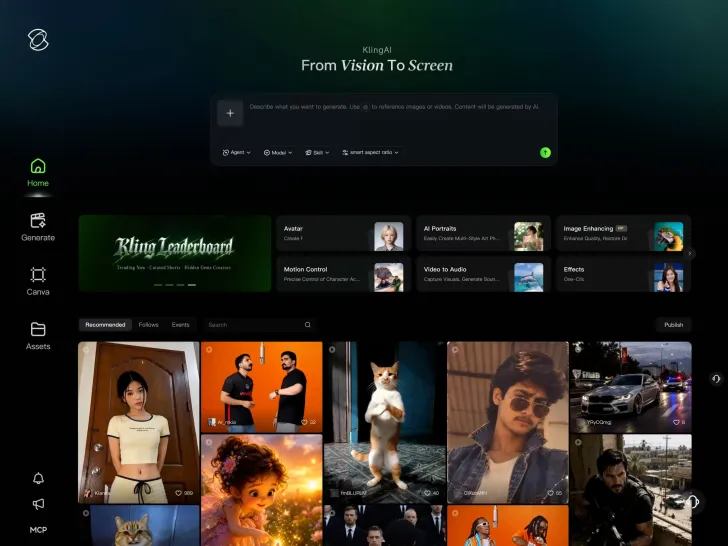
Turn a new shot or existing footage into a clip worth sharing. Kling AI generator brings creation and timeline editing into one workspace, so you can trim the moment you want or combine selected shots before downloading.

AI Clip Maker

How to Make Video Clips with Kling AI

Step 1: Use Existing Footage or Start Fresh

Step 1: Use Existing Footage or Start Fresh

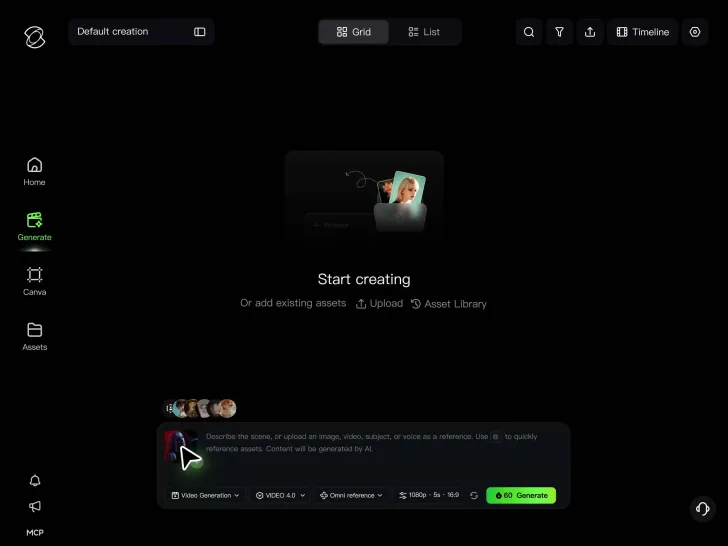
Upload a video you want to work with, add images as references, or begin with a text prompt. Choose the starting point that suits your project.

Step 2: Describe the Clip You Want

Step 2: Describe the Clip You Want

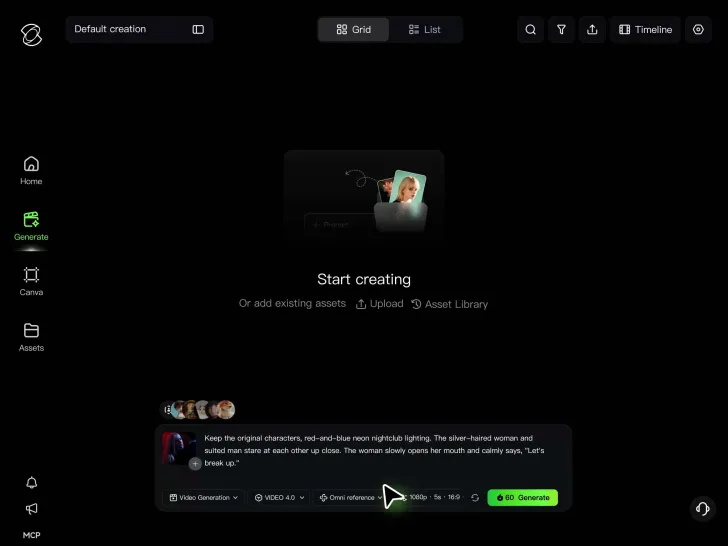
Describe the shot you need or the changes you want to make. Guide the action, camera movement, and visual style with prompts, references, or keyframes.

Step 3: Review Your Clips

Step 3: Review Your Clips

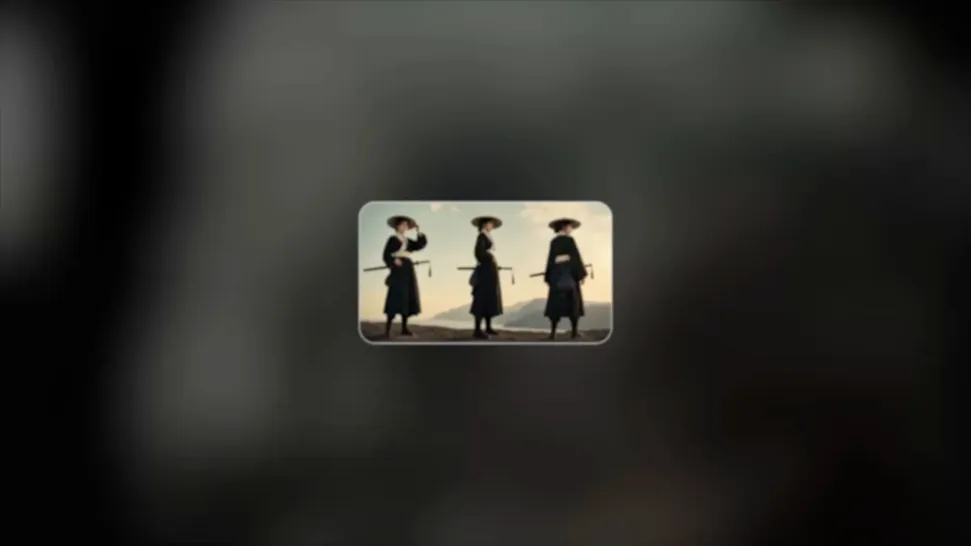
Generate your clips and preview the results. Refine the footage if needed, then download your finished clips to save or use in your projects.

Create the Shots Your Story Needs with AI Clip Maker

Give Every Clip a Hook and Payoff

Give Every Clip a Hook and Payoff

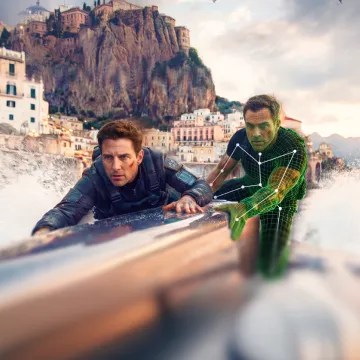
A great short clip needs a reason to keep watching. Open with an unexpected detail, build anticipation around a product reveal, or turn a simple character reaction into a memorable payoff. Give your viewers something to discover before the clip ends.

Kling 4.0 supports native generation from 3 to 30 seconds and up to 10 keyframe images. Define the opening state, a turning point, and the final composition, then describe the action between them. Choose a duration that fits what needs to happen, giving your clip a clear progression from the first image to the last.

Keep the Clip, Change What Holds It Back

Keep the Clip, Change What Holds It Back

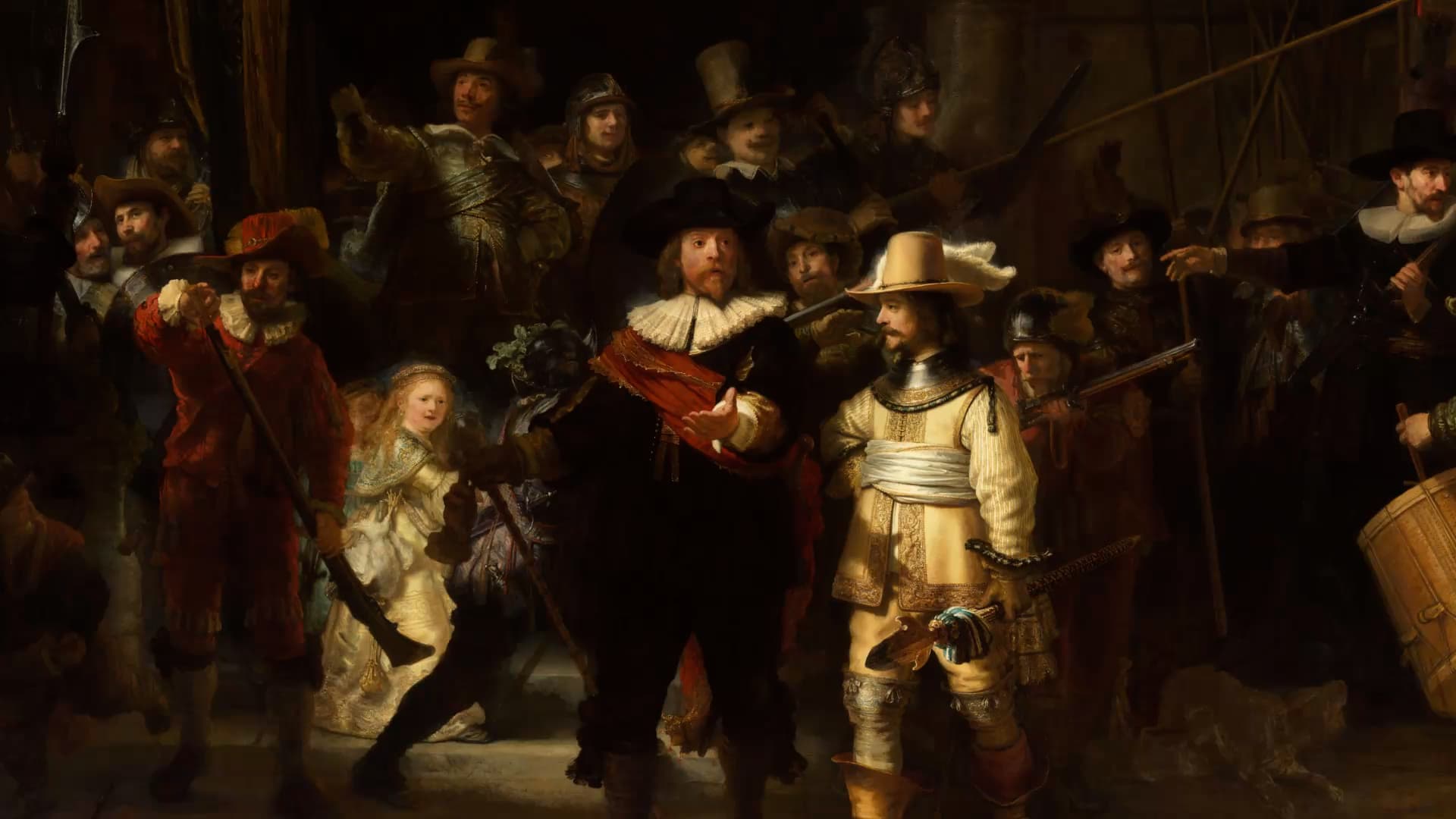
The performance works, but the background distracts from it. The product looks right, but the camera angle draws too little attention to it. Keep building on the clip you like by changing the details that limit its usefulness. Turn a promising result into something that better fits your project.

Kling 4.0 uses text instructions and visual references to help you make targeted changes to existing video clips. Add, modify, or remove subjects and background elements, and guide changes to visual style, weather, color, materials, shot size, and viewing angle. Describe what should change and what should remain, using references to make the intended result clearer.
Make Each Version Fit Where It Will Be Seen

Make Each Version Fit Where It Will Be Seen

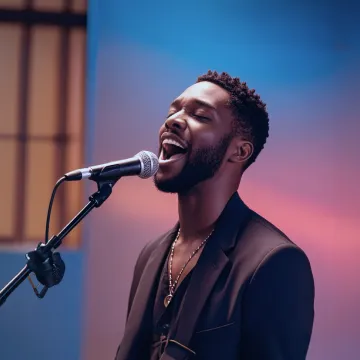
A vertical social post may need the product close to the viewer, while a website clip can show more of the surrounding scene. A speaking character may need a different script for another market. Adapt the presentation while keeping the idea recognizable across the versions you share.

With Kling 4.0, create different versions of your clip in formats such as 9:16, 1:1, and 16:9. Adjust the composition and subject position for each version, and use dialogue in supported languages to reach different audiences. Reuse relevant references to develop coordinated clips for different screens, audiences, and publishing needs.

Apps

60M+
60M+
Users
600M+
600M+
AI Videos Generated
4.7 ★
4.7 ★
App Store
Industry-Leading
Industry-Leading
Cinematic 4K

Reviews

Déborah

Déborah

I use Kling AI every day. It's amazing to see the almost daily progress it makes. I used AI for fun at first, and I now find that Kling AI's animations allow me to gain professional visibility, with three times more views on my animated posts than on my static posts.

KakuDrop

KakuDrop

I have successfully collaborated with world-renowned artists and well-known companies that are recognized globally

Jyo John Mulloor

Jyo John Mulloor

Kling AI has been instrumental in transforming my creative workflow, unlocking new dimensions of artistic expression that were once unimaginable. I use Kling AI extensively to develop high-concept visuals, animate surreal dreamscapes, and create AI-assisted films that blur the line between reality and fantasy. Kling AI's deep learning capabilities have not only enhanced my creative efficiency but also inspired me to explore storytelling in ways I never thought possible.

FAQ

Q1What is an AI clip maker?
Q2How do I use AI to make video clips?
Q3What's the best AI clip maker?
Q4Can I create AI shorts for YouTube and TikTok?
Q5Can I edit an existing video clip with Kling AI?
Q6Is there a free AI clip generator available?
Q7How long can AI-generated clips be with Kling 4.0?

Your Next Clip Has a Part to Play

Keep the clips that work, change what doesn't, and create the footage your project still needs. Kling AI brings video generation, editing, and timeline-based creation together, so you have more ways to finish what you started.

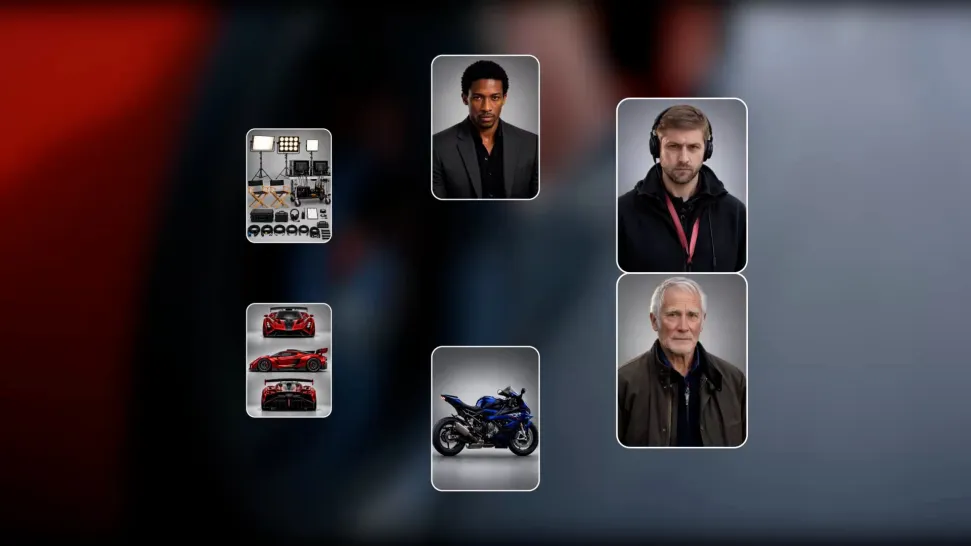
Omni Reference | Up to 10 Keyframes | Video Editing